
MailWizard
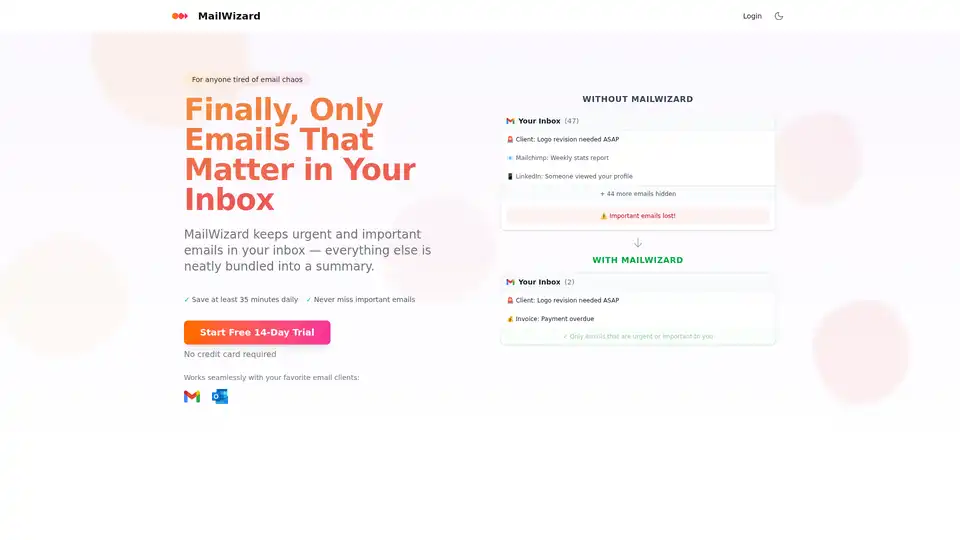
Overview of MailWizard
What is MailWizard?
MailWizard is an AI-powered email management tool designed to streamline your inbox and enhance productivity. It intelligently filters, summarizes, and automates your email, ensuring you focus only on what truly matters. By leveraging smart workflows and AI-driven summaries, MailWizard helps you reclaim valuable time and eliminate the chaos of a cluttered inbox.
How does MailWizard work?
MailWizard employs a multi-faceted approach to email management:
- Intelligent Filtering: You define what's important using plain English. For instance, "Emails from my boss" or "Urgent client messages." MailWizard then creates smart workflows to filter emails according to your specifications.
- One-Click Email Cleanup: Workflows operate automatically in Gmail or Outlook. Create a "Newsletter emails" workflow, and MailWizard can skip the inbox, add labels, or move the emails to specific folders.
- Custom Rule Engine: Fine-tune your filtering system with custom rules. Specify exactly what should be filtered, what should stay, and how each email should be handled.
- Smart Summaries: MailWizard provides summaries of filtered emails. For example, "12 client emails - 2 urgent, 3 updates, 7 follow-ups." Each email gets an AI-generated summary, allowing you to understand the content without opening individual messages.
- Scheduled Digests: Choose when you receive your summaries – daily, weekly, or on specific days. MailWizard adapts to your schedule, ensuring you stay focused without missing important information.
- Audio Summaries: Listen to your email summaries as audio, ideal for commutes or other situations where reading isn't convenient.
Why choose MailWizard?
MailWizard offers several key benefits:
- Time Savings: Users can save at least 35 minutes daily by eliminating the need to sort through numerous irrelevant emails.
- Improved Focus: By filtering out distractions, MailWizard allows you to concentrate on critical tasks.
- Reduced Stress: Manage your inbox more efficiently and avoid the overwhelm of constant interruptions and information overload.
- Customization: Tailor the system to your specific needs and preferences using custom rules and workflows.
- Seamless Integration: Works flawlessly with popular email clients like Gmail and Outlook.
Who is MailWizard for?
MailWizard is designed for:
- Professionals overwhelmed by email: Anyone struggling to keep up with a constant influx of messages.
- Individuals seeking increased productivity: Those looking to streamline their workflow and focus on impactful tasks.
- Teams requiring efficient communication: Groups aiming to improve email management and reduce distractions.
What You Gain with MailWizard
- The Old Way: Dealing with 50+ emails every morning, endless CC threads, marketing emails, and important emails buried in the noise, leading to a fried brain and 45+ minutes wasted daily.
- The New Way: Your inbox only shows what YOU care about. Handle what matters in minutes. Get summaries in scheduled digests. Listen to mini email podcasts on the go. You run email - not the other way around, investing only 5-10 minutes daily.
Security Features of MailWizard
MailWizard takes security and privacy seriously, implementing robust measures to protect your data:
- Complete European Data Sovereignty: Your data stays in Europe, with infrastructure operating within the EU and enterprise-grade data centers, ensuring GDPR protection at every step.
- Advanced Data Anonymization: Personal data is anonymized on secure EU servers before processing. European AI partners only access anonymized patterns.
- Advanced Security Architecture: Data uses AES-256 encryption in transit and at rest, with multi-factor authentication and secure access controls.
- Compliance Frameworks: Follows frameworks aligned with SOC 2 and ISO 27001 standards.
How to use MailWizard?
- Start a Free Trial: Visit the MailWizard website and begin your 14-day free trial. No credit card is required.
- Connect Your Email Account: Integrate MailWizard with your Gmail or Outlook account.
- Create Smart Workflows: Define filters based on senders, keywords, or other criteria. Use plain English to specify what's important.
- Customize Rules: Fine-tune workflows by setting rules for how emails should be handled (e.g., skip inbox, add labels, move to folders).
- Enjoy Smart Summaries: Receive AI-generated summaries of filtered emails, either in text or audio format.
- Schedule Digests: Choose when you want to receive your email summaries.
Pricing of MailWizard
MailWizard offers different pricing plans to fit your needs, including a 14-day free trial. Plans vary based on the number of emails processed, email accounts, and included features.
FAQ
How does MailWizard get access to my emails?
MailWizard requires access to your emails to filter and summarize them. However, it uses secure protocols and anonymization techniques to protect your privacy.
Will MailWizard activate workflows automatically without my consent?
No, you have full control over the workflows and rules that MailWizard uses.
If only important emails stay in my inbox, what happens to the rest? Could I lose emails?
Filtered emails are moved to designated folders or labels, so you won't lose any messages.
How long does setup take?
Setup is typically quick and easy, taking only a few minutes to connect your email account and create initial workflows.
What happens after I reach my email limit?
You can upgrade to a higher-tier plan or adjust your workflows to reduce the number of emails processed.
What happens to my emails if I cancel?
Your emails remain in your email account. MailWizard simply stops filtering and summarizing them.
By using MailWizard, you can transform your email experience and focus on the work that truly matters.
Best Alternative Tools to "MailWizard"

Superhuman is an AI-powered email app that boosts productivity by letting users fly through emails twice as fast, with features like instant replies, snoozing, and smart integrations for Gmail and Outlook.
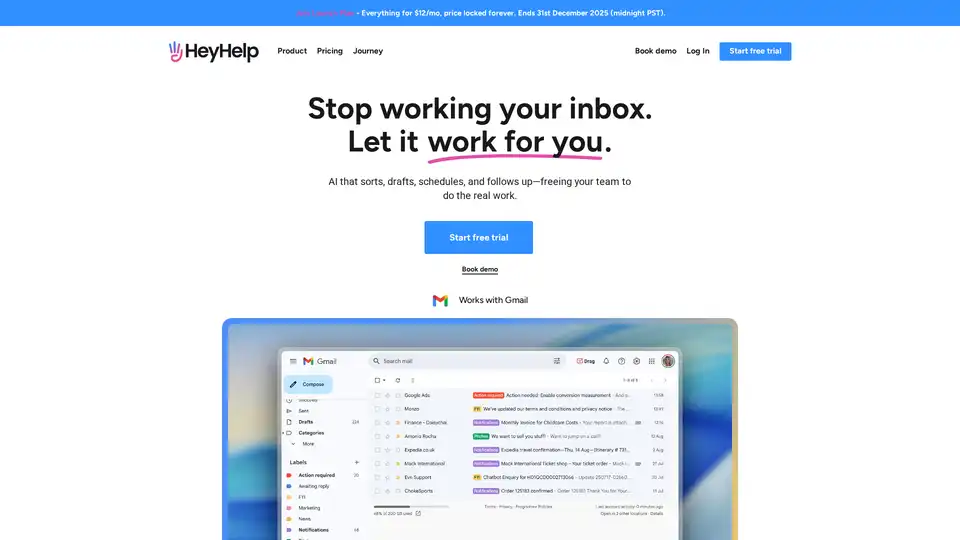
HeyHelp is an AI email assistant that works within Gmail to sort, draft, schedule, and follow up on emails, freeing up your time for more important tasks. It helps you manage your inbox efficiently and stay on top of your communications.

Stamp is an AI-native email client that acts as your personal AI secretary. It automates email replies, prioritizes your inbox, and intelligently categorizes emails to help you manage your time effectively.
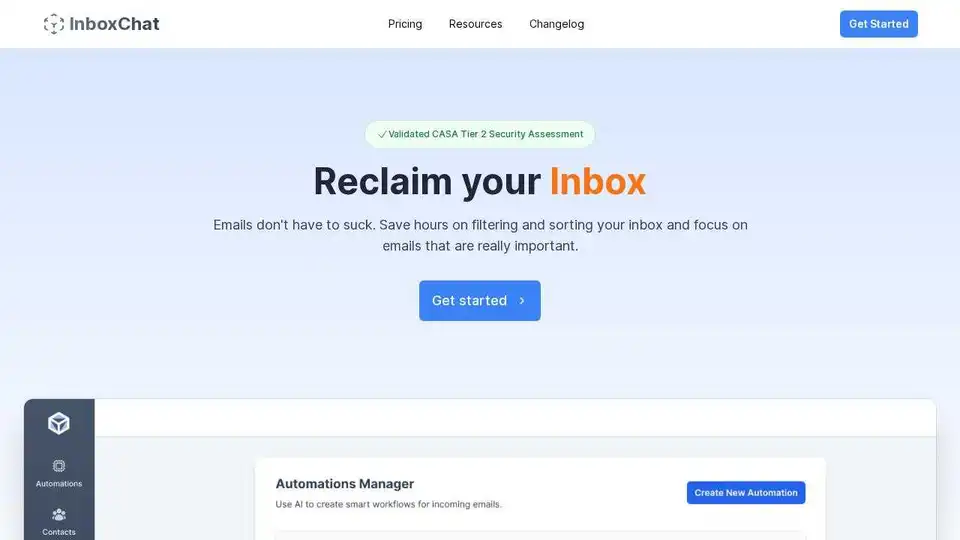
Automate your Gmail inbox with InboxChat's AI-powered automations. Organize emails, extract data, manage contacts, and save time. Try it free today!

SkimAI is an AI-powered email copilot that automates your inbox, saving you up to 4 hours a week. Experience smart labels, automatic drafts, and seamless integration with Gmail, Outlook, and iCloud.
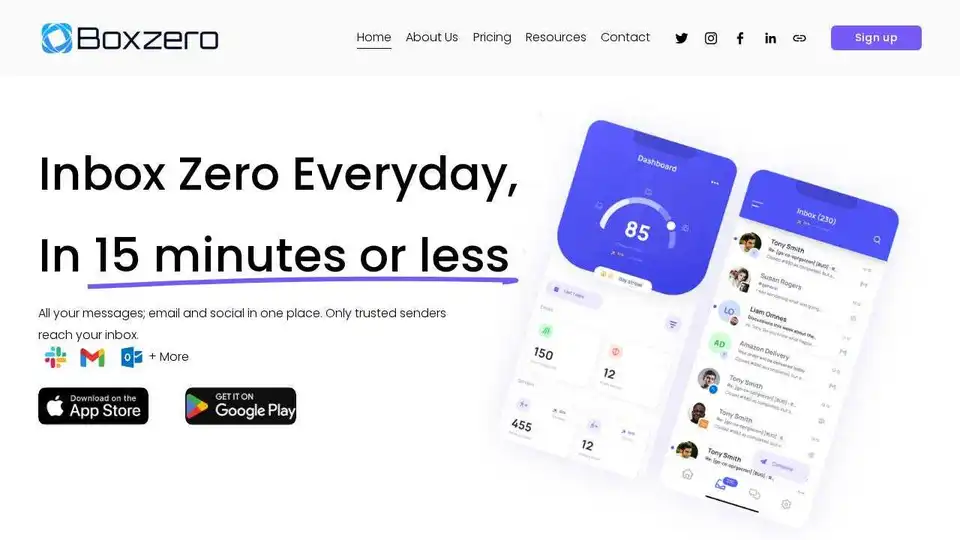
Boxzero uses AI to help you achieve inbox zero in 15 minutes or less. Manage all your email and social messages in one place, automate email, and use smart replies.
Mail Hugs is an AI-powered email assistant that helps you manage your emails efficiently with features like AI email drafting, prioritization, and summarization. Start your free trial today!

Stop wasting time on tasks AI can easily handle and get back to what really matters. Sixty highlights what needs your attention and magically manages the rest.
Clean Inbox for Gmail™ is a browser extension addon powered by GPT (ChatGPT) that filters spam, labels email categories, creates custom filters, and manages unwanted senders without reading email contents. Privacy-first, rated 4.8/5 by 150+ reviews and 20k+ users.
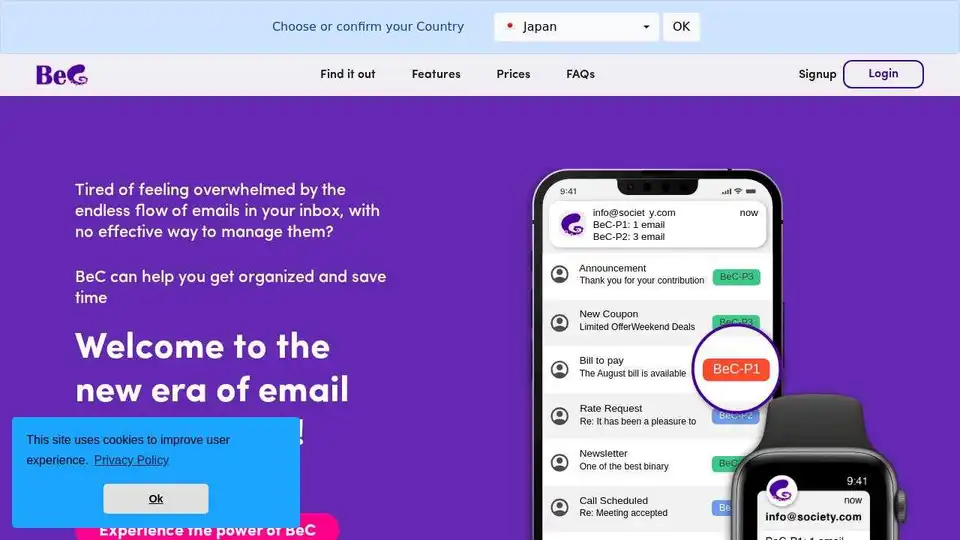
BeC uses AI to automatically classify and organize emails by priority, notifying you only of important ones. Reclaim your time and focus with BeC's smart email management.
Unspam.io: Streamline Your Inbox. AI-powered solution for filtering unsolicited emails. Connect to Gmail/Workspace. Privacy-focused.
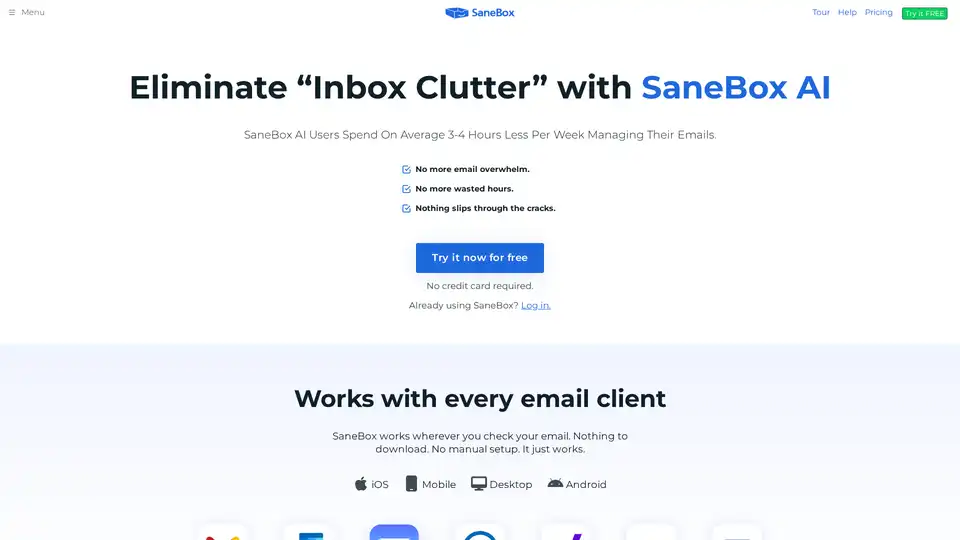
SaneBox is an AI-powered email management tool that automatically filters unimportant emails, unsubscribes from unwanted senders, and reminds you to follow up, saving users 3-4 hours per week.
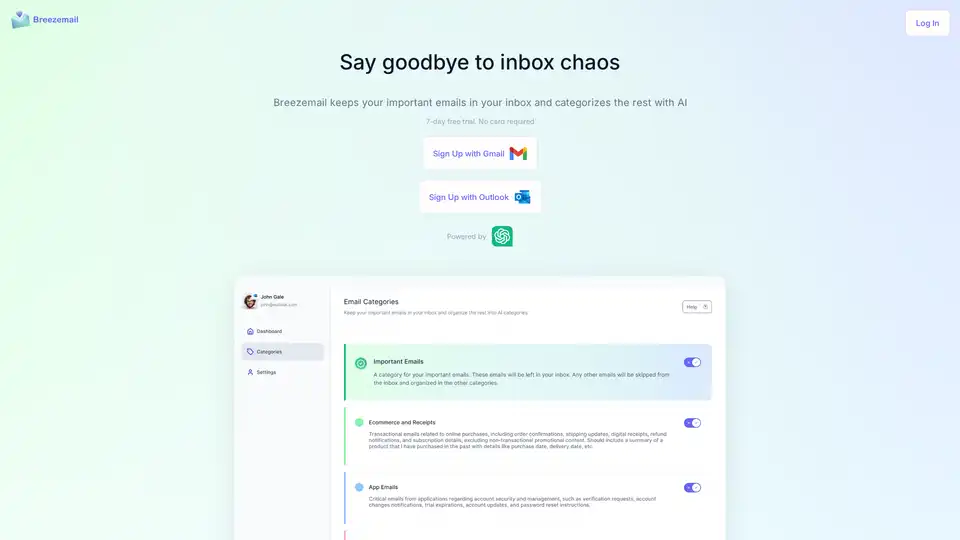
Breezemail is an AI-powered browser extension that organizes your inbox by keeping important emails and categorizing the rest using custom or pre-defined AI categories powered by ChatGPT.

Inboxly is an AI-powered mailbox that organizes, prioritizes, and responds to messages from all platforms. Stop missing valuable opportunities and transform your communication today!