
ProtoText
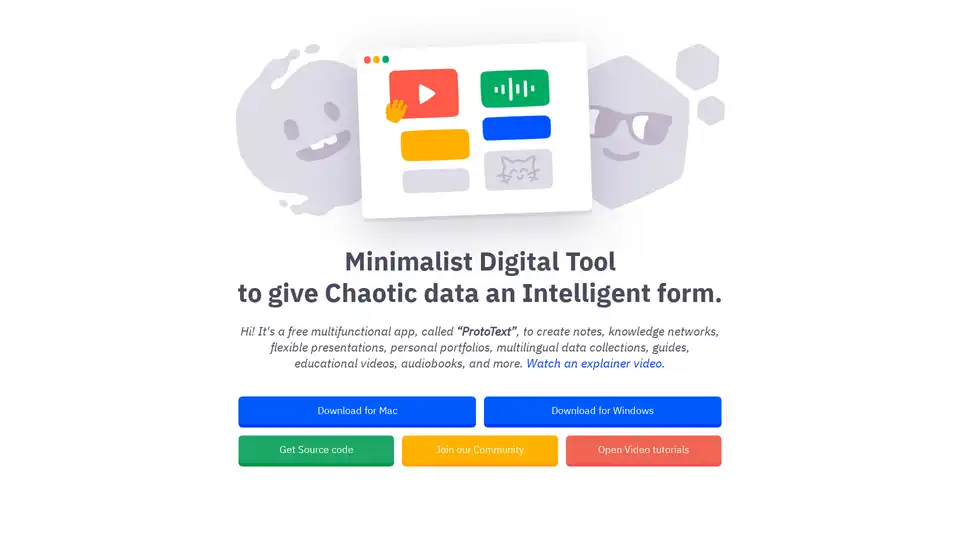
Overview of ProtoText
ProtoText: Your Minimalist Digital Tool for Intelligent Data Management
What is ProtoText? ProtoText is a free, multi-functional application designed to transform chaotic data into an intelligent and organized format. It's more than just a note-taking app; it's a versatile tool for creating knowledge networks, flexible presentations, personal portfolios, multilingual data collections, guides, educational videos, audiobooks, and much more.
How does ProtoText Work?
ProtoText empowers users to structure their information effectively through a card-based system. Here’s how it works:
- Capture Your Chaotic Information: Dump all your ideas, tasks, and files into the app.
- Organize with Cards: Place everything into tiny, manageable cards.
- Find the Ideal Order: Arrange the cards in a way that makes sense to you.
- Markup the Data: Use color and significance to highlight key information.
- Connect the Dots: Link cards together to easily navigate the information.
Key Features and Benefits
- Versatile Content Creation: Create notes, knowledge networks, presentations, portfolios, and more.
- AI Integration: Integrate modern AI/API services to enrich your content. This allows for dynamic content generation and analysis directly within the app.
- Secure Encryption: Protect all confidential details with secure encryption, ensuring your data remains private.
- Flexible Presentation: Present your final result directly in the app or render it as a media file.
- Various Export Formats: Export your data in various formats to suit your needs.
- No-Nonsense Approach: No registration, no ads, no clouds, and no tracking, ensuring a clean and focused user experience.
Who is ProtoText for?
ProtoText is designed for a wide range of users, including:
- Students and Researchers: For organizing notes, research data, and creating study guides.
- Creative Professionals: For building portfolios, managing projects, and presenting ideas.
- Educators: For creating educational videos, audiobooks, and interactive guides.
- Knowledge Workers: For building knowledge networks and managing complex information.
- Anyone who wants to organize their digital life and ideas more efficiently.
Use Cases
Here are some inspiring use cases for ProtoText:
- Encrypted Taxes Guide for Home Owner: Organize and secure your tax information.
- Documentation for Modern CSA Farmer: Manage farming documentation efficiently.
- Portfolio for Digital Artist & Photographer: Showcase your work in a dynamic portfolio.
- Audio Library for Voiceover Artist: Organize and manage your audio library.
- Knowledge Network for Zettelkasten Enthusiast: Build a comprehensive knowledge network.
- Recipe Book for Home Chef: Create and manage your favorite recipes.
- Scenario & Source File for Educational Video Maker: Organize resources for video creation.
- TRIZ Methodology Guide for Engineer: Implement and guide the TRIZ methodology effectively.
Why Choose ProtoText?
ProtoText offers a unique blend of simplicity and power. It's a tool that respects your privacy, offers robust features, and adapts to your workflow. Whether you're a student, a professional, or just someone who wants to stay organized, ProtoText is a valuable asset. The ability to integrate AI services, combined with its secure encryption and versatile export options, makes it a standout choice for intelligent data management.
How to Use ProtoText?
- Download and install ProtoText for Mac or Windows.
- Start creating cards with your ideas, notes, and files.
- Organize the cards in a way that makes sense to you.
- Use color and significance to markup the data.
- Connect the dots to easily navigate the information.
- Integrate AI services to enrich your content.
- Present or export your final result in various formats.
Unlock the power of organized information with ProtoText. Download now and transform your chaotic data into intelligent knowledge!
Best Alternative Tools to "ProtoText"
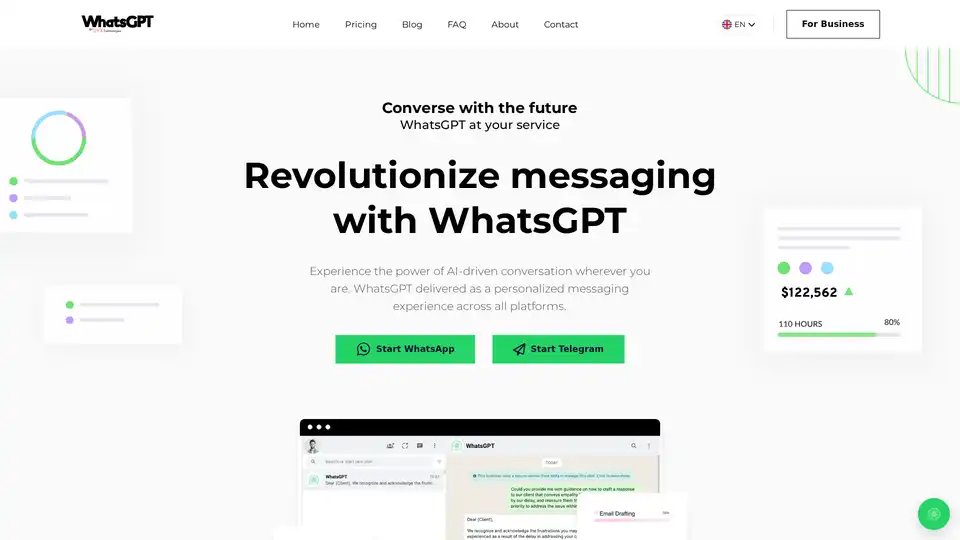
WhatsGPT is an AI-powered companion that integrates with messaging apps like WhatsApp and Telegram, offering intelligent conversations, access to vast information, and productivity tools, including voice and image support, to streamline communication and tasks for personal and professional use.
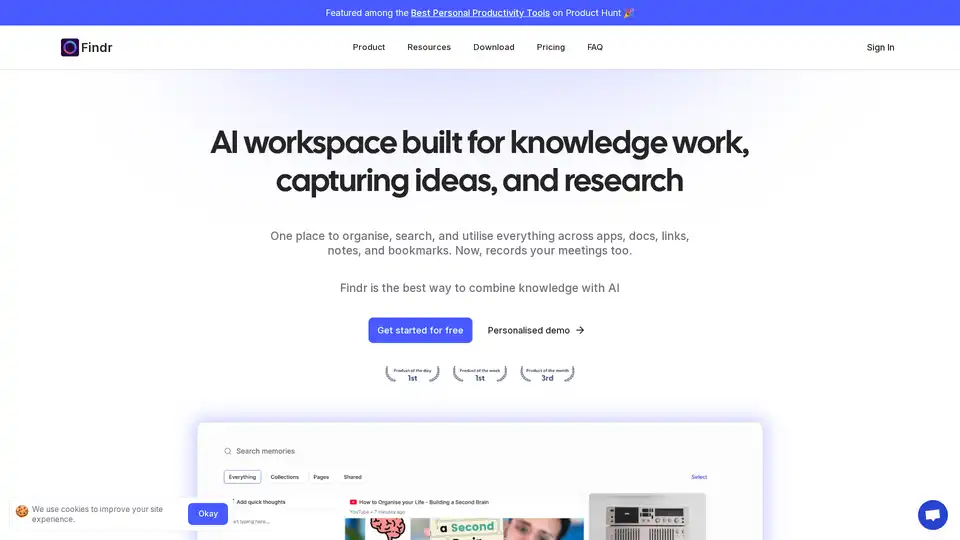
Findr is an AI-powered workspace that helps you organize, search, and utilize your knowledge across apps, docs, links, and notes. It serves as a second brain, capturing ideas and enabling instant recall through AI search and personalized organization.
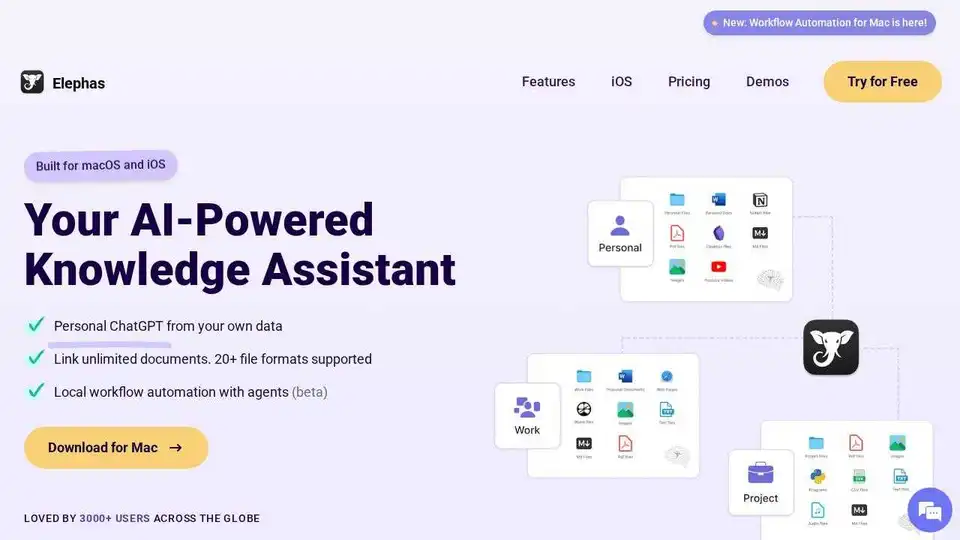
Elephas is an AI-powered personal knowledge assistant for Mac, iPhone & iPad. Search, summarize, and reason over your files, notes, and docs. Personal ChatGPT from your own documents and notes.
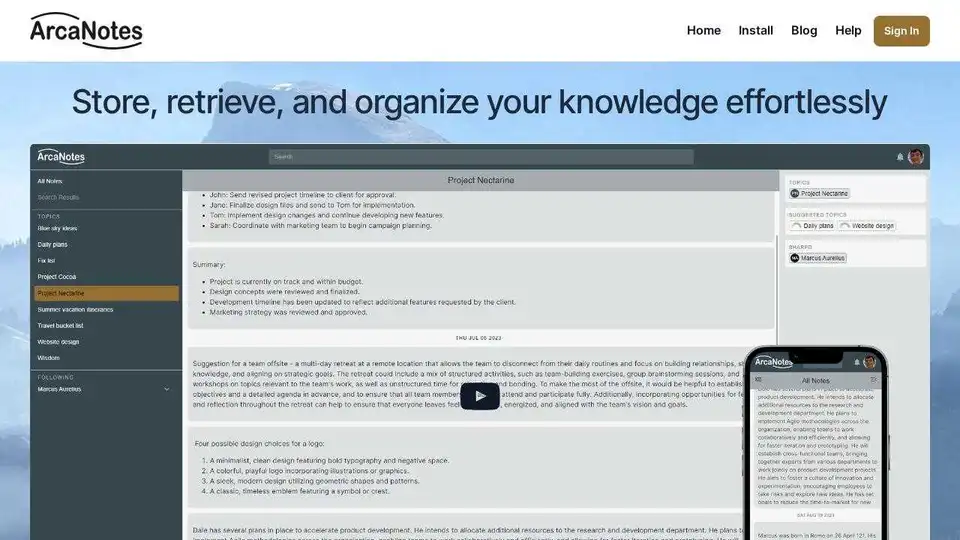
ArcaNotes is an AI-enhanced micro-note app designed to boost productivity and knowledge management. Capture, organize, and retrieve your knowledge effortlessly with AI-powered features.