
skills.ai
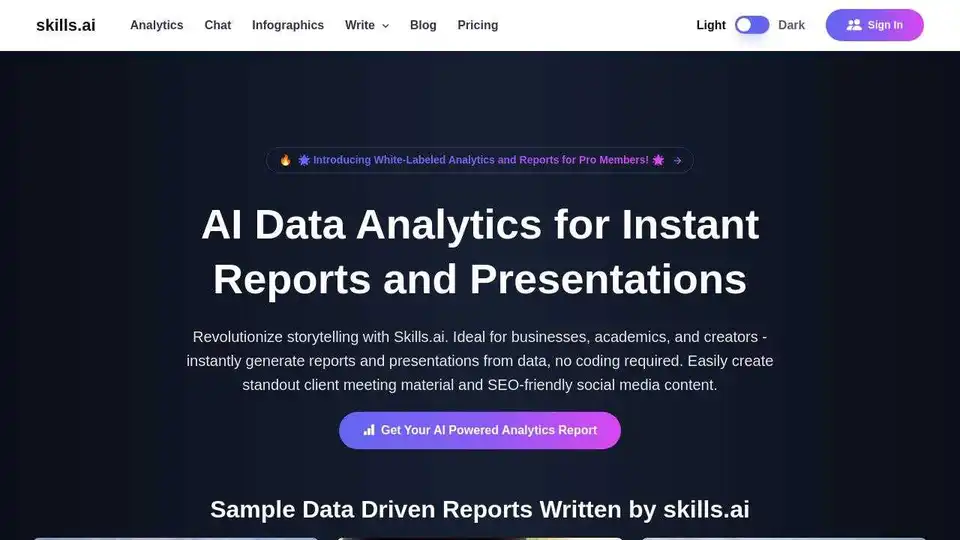
Overview of skills.ai
Skills.ai: AI Data Analytics for Instant Reports and Presentations
Skills.ai is an AI-powered, no-code data analytics engine designed for business leaders, academics, and content creators. It helps users generate reports and presentations from data instantly, without requiring any coding knowledge. This is particularly useful for creating client meeting materials and SEO-friendly social media content.
What is Skills.ai?
Skills.ai leverages generative AI to unlock no-code data analysis, enabling users to become more productive data scientists. It provides a user-friendly interface that simplifies the journey from data preparation to insights.
How does Skills.ai work?
Skills.ai uses the latest GPT-4 AI model to craft code, uncover insights, and deliver presentations quickly. It can handle complex data analysis and create visualizations in minutes. The platform also features an AI Data Chat Q&A bot for immediate answers to data-related questions.
Key Features and Benefits:
- AI Data Analytics: Generates metrics, tables, charts, and Python code for in-depth analysis.
- AI Data Chat Q&A Bot: Provides instant answers to data questions, eliminating the need for data science team support.
- Online Keynote Presentation: Offers Apple Keynote-style presentations with hosting and PowerPoint export.
- Assisted Data Onboarding: Free onboarding for Pro or Team plans.
- AI-Powered Infographics: Creates infographics, timelines, and bar charts.
- Integration with Marketing Vendors: Integrates with Google Analytics, Search Console, and more.
Why Choose Skills.ai?
Several users and experts recommend Skills.ai for its efficiency and capabilities:
- Ram Ravichandran, Google Data Science Manager & Ex-Visa Director of Data Science, recommends skills.ai as a smart & efficient analytics co-pilot and highlights the significant reduction of analyst hours from prepared data to insights stage.
- Chen Zhao, Tableau Director of Marketing Analytics and Insights, notes that Skills.ai can free analysts from repetitive tasks.
- Dr. Ricardo Valls, President of Geoconsulting Company, praises the user-friendly interface and customer support.
How to Use Skills.ai
- Upload Your Data: Skills.ai supports Excel files (.xlsx, .xls, .csv, .tsv, .txt), Google Sheets, database connections, Google Search Console, and Google Analytics 4.
- Analyze Your Data: Use AI Analytics for in-depth data analysis or AI Data Chat for quick answers.
- Generate Reports and Presentations: Create professional reports and Keynote-style presentations.
Use Cases:
- Real Estate: Market research, home prices, and inventory updates.
- Marketing: Market research, data visualization, survey analysis, user testing.
- Society: Tech layoffs, breaking news, stock prices.
- Academia: College seminars, research papers, survey analysis, research presentations.
Skills.ai vs. Other Analytics Tools
| Feature | Skills.ai | Other Tools |
|---|---|---|
| Use of Latest AI Model (GPT-4) | Always | Limited (GPT-3.5 or older) |
| Comprehensive Analytics Reporting | Included (Metrics, Tables, Charts, Python Code) | Limited (May lack Python Analytics Code) |
| Online Keynote Presentation | Unique Offering | Not Available |
| Assisted Data Onboarding | Free Onboarding | Limited |
| Usage Limits in Pro+ Plans | Unlimited | Limited (Based on Credits) |
| Chatting with Data through Slack | Convenient Integration | Not Available |
| AI-Powered Infographics | Advanced Visualization | Limited |
| Integration with Marketing Vendors | Extensive Integration | Limited |
Pricing:
Skills.ai offers a free plan, with paid plans starting at $19 per month.
FAQ:
- Can I import data from Excel? Yes, supports .xlsx, .xls, .csv, .tsv.
- How do you manage my data? Retained for 30 days for abuse monitoring; privacy is a top priority.
- What data sources do you support? Excel, Google Sheets, Database Connection, Google Search Console, Google Analytics 4.
- Do I need to know coding? No, Skills.ai is a no-code tool.
- What is the difference between AI Analytics and AI Data Chat? AI Analytics is for in-depth analysis; AI Data Chat is for quick data queries.
- Is It Possible for Me to Learn and Improve My Data Analysis Skills with Skills.ai? Yes, it helps with coding, problem-solving, and strategy.
Conclusion:
Skills.ai empowers users to leverage the power of AI for data analysis, creating reports, and presentations without needing to code. Whether you're a business professional seeking quick insights or a data scientist requiring advanced analytics, Skills.ai offers a range of tools to streamline your workflow and enhance your data analysis capabilities. Its integration with GPT-4 ensures advanced analytics, while the no-code interface makes it accessible to all skill levels. The platform also provides online Keynote presentation, Assisted Data Onboarding, AI-Powered Infographics and integration with marketing vendors.
AI Article Generation AI Text Polishing AI Writing Assistance Paper and Report Generation News and Blog Generation Email and Business Writing
Best Alternative Tools to "skills.ai"
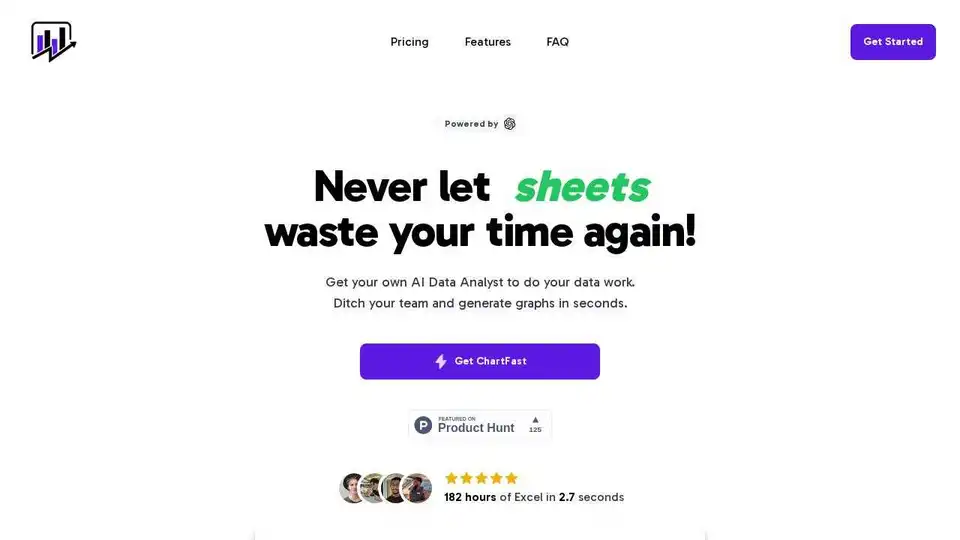
ChartFast is an AI data analyst tool designed to streamline data visualization and analysis tasks. Generate precise graphs in seconds and automate repetitive data work.
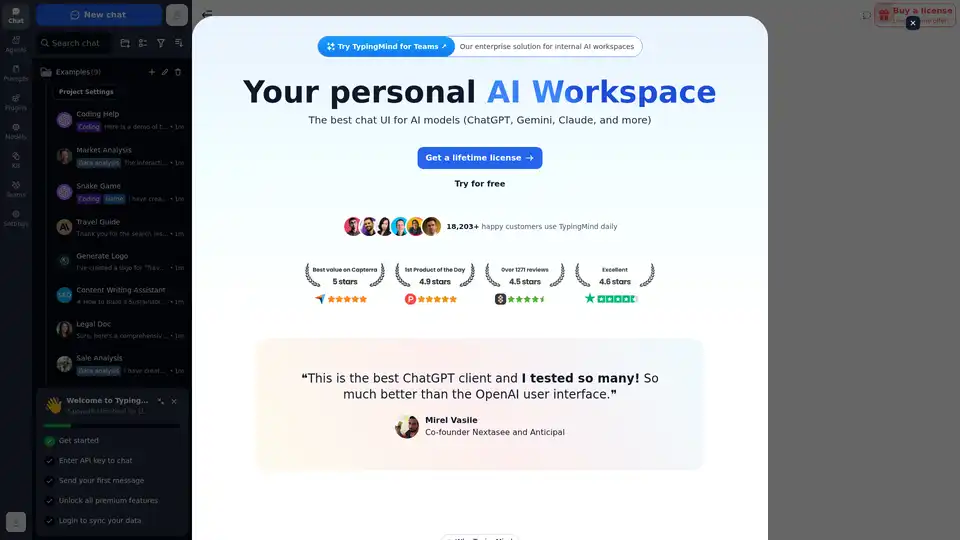
Chat with AI using your API keys. Pay only for what you use. GPT-4, Gemini, Claude, and other LLMs supported. The best chat LLM frontend UI for all AI models.
ChartFast is an AI data analyst tool that automates data visualization and analysis. It generates precise graphs in seconds, saving time and resources for data professionals.
Mochii AI is an all-in-one AI assistant that integrates GPT-4o, Claude 4.0, and Gemini 2.5. Create custom AI characters and build chatbots. Available as a free browser extension and web app.