
SlickGPT
Overview of SlickGPT
SlickGPT: Your Lightweight ChatGPT Client
SlickGPT is a streamlined and efficient ChatGPT client built with Svelte, designed to provide users with a seamless AI interaction experience. It stands out by offering GPT-4 integration, a userless share feature, and flexible API key options, catering to both casual users and power users who require advanced capabilities.
What is SlickGPT?
SlickGPT is a web application that acts as a client for interacting with large language models (LLMs) like those from OpenAI. It simplifies the process of sending prompts and receiving responses from these models, making it more accessible and user-friendly. Unlike some other ChatGPT clients, SlickGPT is designed to be lightweight and efficient, providing a fast and responsive experience.
Key Features of SlickGPT
- GPT-4 Integration: SlickGPT offers seamless integration with GPT-4, OpenAI's most advanced language model. This allows users to leverage the cutting-edge capabilities of GPT-4 for a wide range of tasks, from creative writing to complex problem-solving.
- Userless Share Feature: A unique feature of SlickGPT is its userless sharing capability. This allows users to share their conversations with others without requiring them to create an account or log in. This can be useful for collaboration, feedback, or simply sharing interesting interactions with AI.
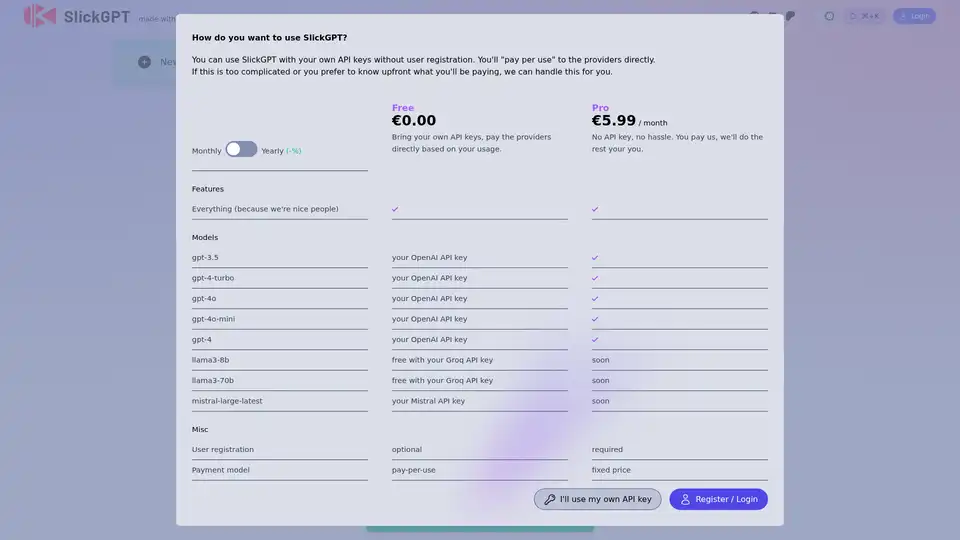
- Flexible API Key Options: SlickGPT offers users the flexibility to use their own API keys, providing greater control over usage and cost. Users can either bring their own OpenAI API key or opt for SlickGPT Pro, which handles API management on their behalf.
- GPT-4o-mini Support: SlickGPT now supports the GPT-4o-mini model, a smaller and more efficient version of GPT-4, allowing for faster and more cost-effective AI interactions.
- Vision Support: SlickGPT supports vision capabilities for OpenAI models, allowing users to send images and receive AI-generated descriptions or analyses.
How Does SlickGPT Work?
SlickGPT works by providing a user interface for interacting with LLMs. Users can enter prompts, select the desired model (e.g., GPT-4, GPT-3.5), and send the prompt to the model via the API. The model then generates a response, which is displayed in the SlickGPT interface.
For users who choose to use their own API keys, SlickGPT simply acts as a conduit for sending prompts and receiving responses. For users who opt for SlickGPT Pro, SlickGPT handles the API management, billing, and infrastructure, providing a hassle-free experience.
Who is SlickGPT For?
SlickGPT is suitable for a wide range of users, including:
- Casual users: Who want to experiment with AI and explore the capabilities of LLMs.
- Power users: Who require advanced features and greater control over their AI interactions.
- Developers: Who want to integrate AI into their own applications or workflows.
- Businesses: Who want to leverage AI for tasks such as customer service, content creation, and data analysis.
Why Choose SlickGPT?
- Lightweight and Efficient: SlickGPT is designed to be fast and responsive, providing a smooth user experience.
- Easy to Use: SlickGPT is user-friendly and intuitive, making it easy for anyone to get started with AI.
- Flexible: SlickGPT offers a range of options for API key management, allowing users to choose the approach that best suits their needs.
- Powerful: With GPT-4 integration, SlickGPT provides access to the most advanced language model available.
SlickGPT Pricing
SlickGPT offers two pricing options:
- Free: Users can use SlickGPT for free by bringing their own API keys and paying the providers directly based on usage.
- Pro: For a monthly fee, users can access SlickGPT Pro, which handles API management and provides access to additional features.
How to Use SlickGPT
- Choose your API key option: Decide whether you want to use your own API key or opt for SlickGPT Pro.
- Enter your API key (if applicable): If you choose to use your own API key, enter it into the SlickGPT interface.
- Start a new chat: Click the "New Chat" button to start a new conversation.
- Enter your prompt: Type your prompt into the text box and press Enter.
- View the response: The AI-generated response will be displayed in the chat window.
- Share your conversation (optional): Use the userless share feature to share your conversation with others.
Best Ways to Leverage SlickGPT
- Brainstorming: Use SlickGPT to generate new ideas and explore different perspectives.
- Content Creation: Use SlickGPT to write articles, blog posts, and other types of content.
- Problem Solving: Use SlickGPT to find solutions to complex problems.
- Learning: Use SlickGPT to learn new things and expand your knowledge.
- Customer Service: Use SlickGPT to provide instant answers to customer inquiries.
By offering a user-friendly interface, flexible API key options, and integration with state-of-the-art language models, SlickGPT empowers users to harness the full potential of AI for a wide variety of applications.
Best Alternative Tools to "SlickGPT"
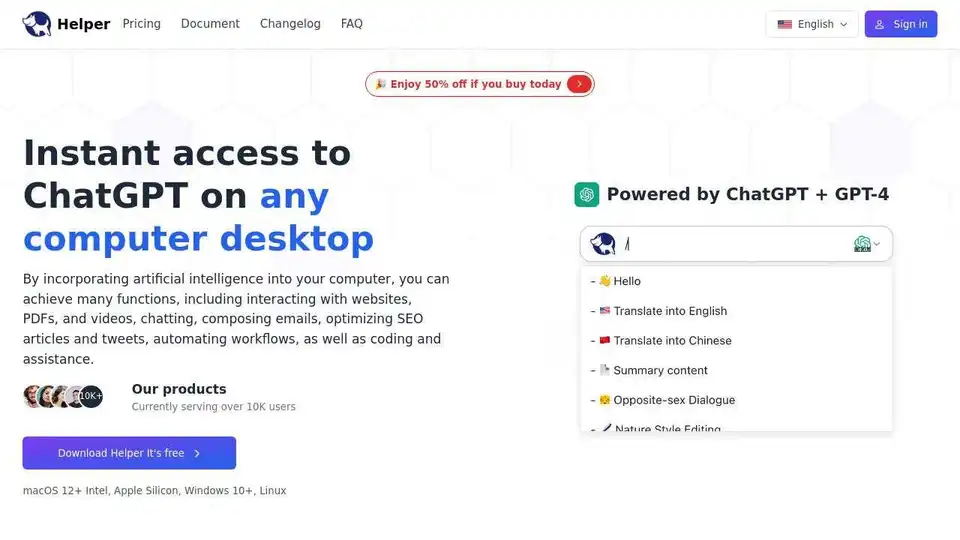
Ai Helper is a desktop ChatGPT client for entrepreneurs, developers, and marketers. Integrate AI into daily tasks for writing, coding, and more.
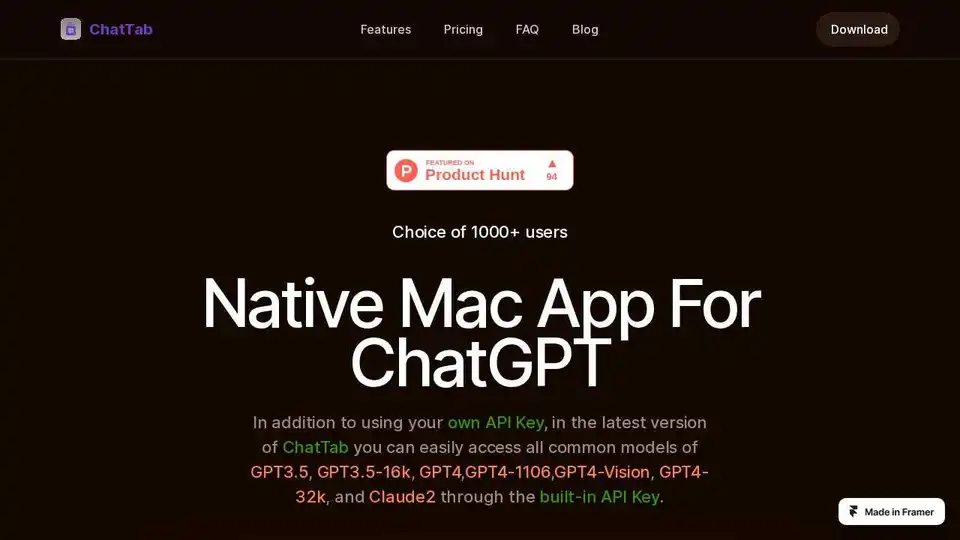
ChatTab is a native Mac app for ChatGPT, offering fast performance and support for GPT-4 and Assistant API. Access common models without ChatGPT login.
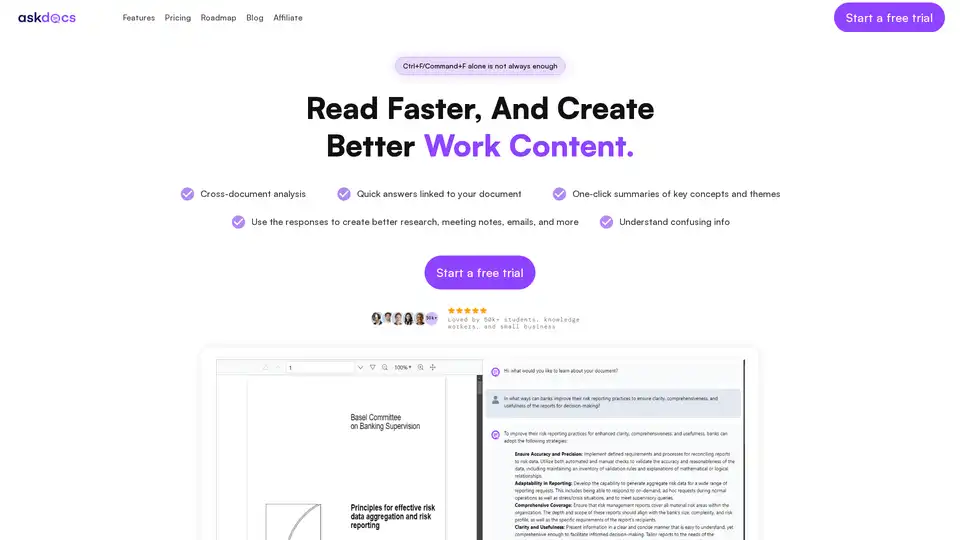
AskDocs is a trusted generative AI tool for PDF and document research. Upload files, ask questions, and get instant answers with citations plus one-click summaries. Ideal for students, researchers, and professionals to enhance productivity.
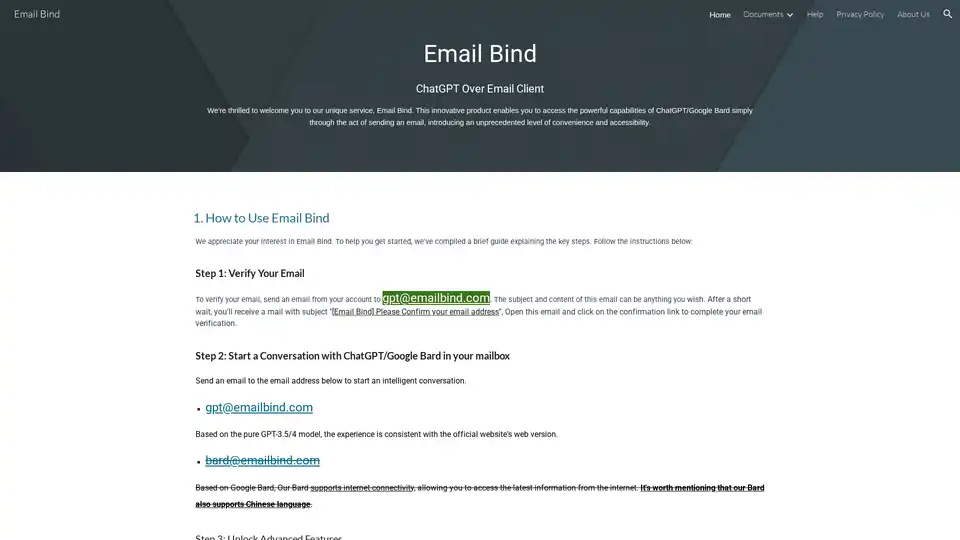
Email Bind lets you access ChatGPT/Google Bard by sending emails. Verify your email, then start conversations with AI directly from your inbox. Unlock advanced features with the iPhone app.
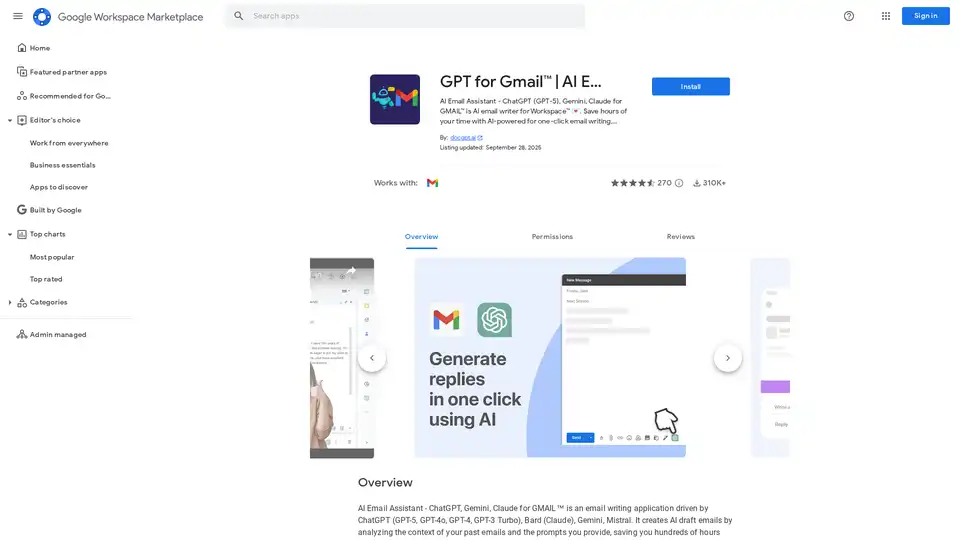
Discover GPT for Gmail, an AI email assistant powered by ChatGPT, Gemini, and Claude. Effortlessly write, translate, and rephrase emails to save hours on Workspace tasks.
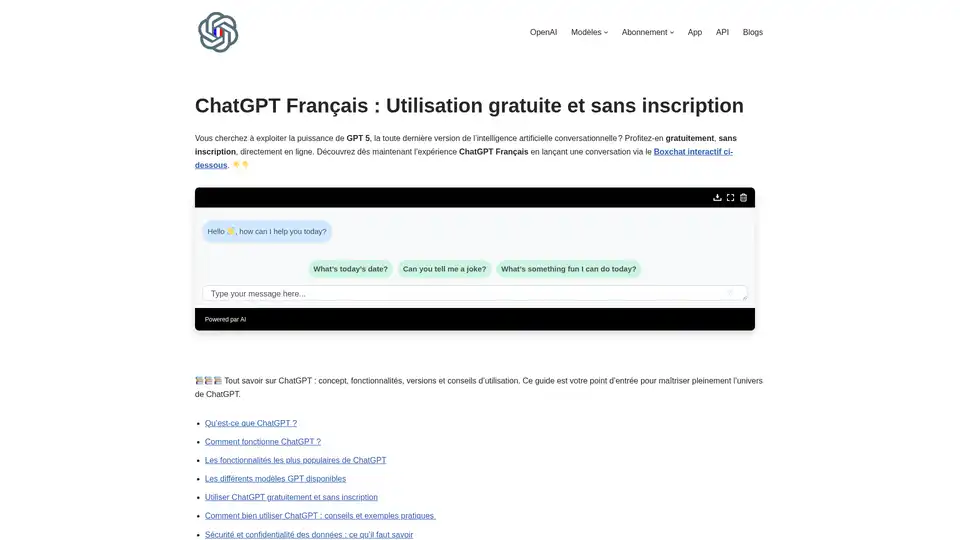
Access ChatGPT in French using GPT-4.5 for free without an account. Enjoy instant, secure, and rapid AI conversations via gptopenai.fr—no signup required.
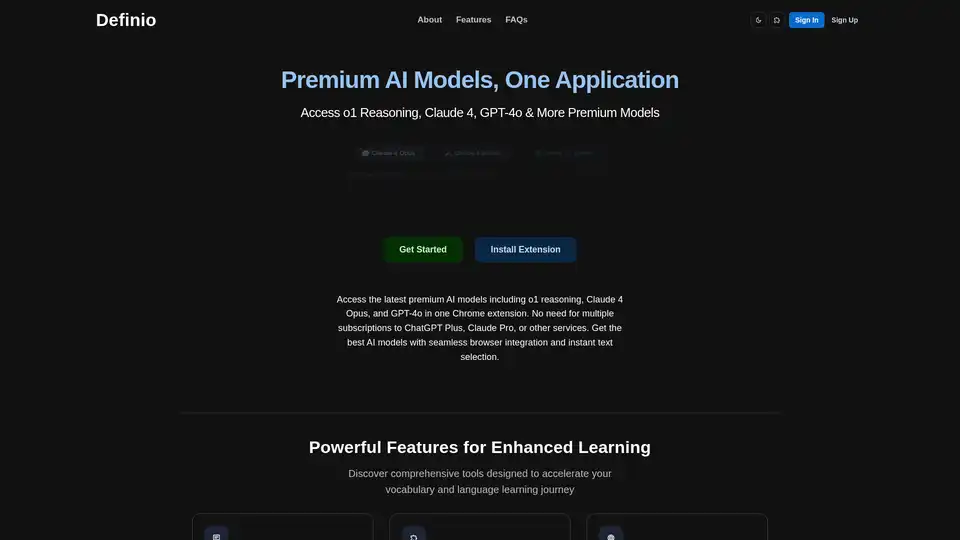
Definio is a Chrome extension providing access to premium AI models like o1 reasoning, Claude 4, and GPT-4o in one place. It offers seamless browser integration with text selection and a sidepanel for instant AI assistance, eliminating the need for multiple subscriptions.
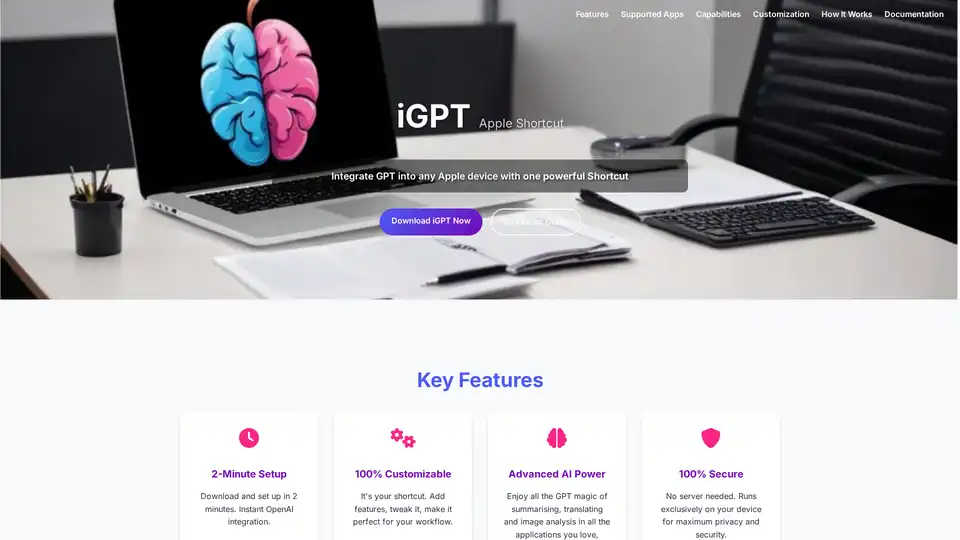
iGPT is a versatile Apple Shortcut that seamlessly integrates OpenAI's GPT capabilities into your Apple devices. Enjoy quick text summarization, translation, image analysis, and more with full customization and top security—no plugins required.
Create a Chatbot Like ChatGPT Powered by Your Data. Coconaut lets you build custom AI chatbots quickly by training on your website, PDFs, or knowledge base for seamless customer engagement.
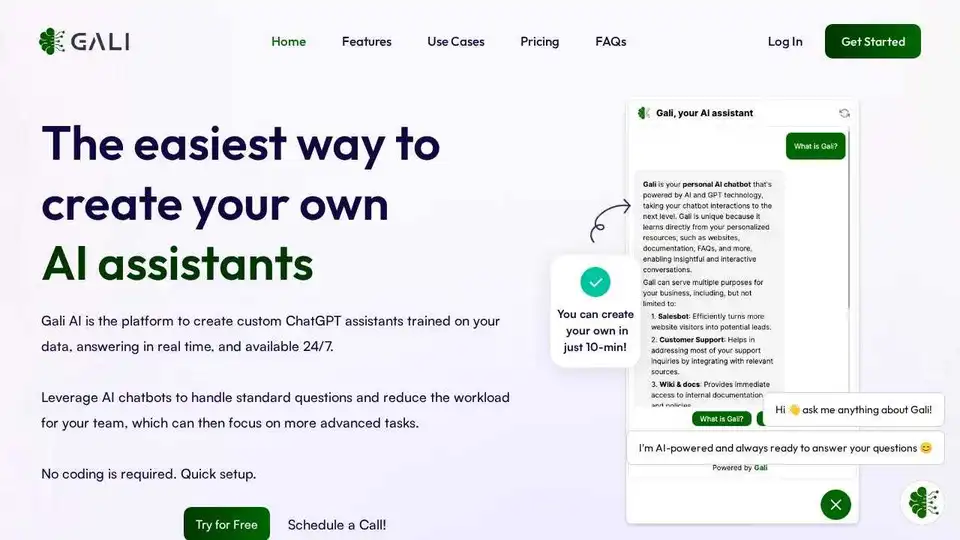
Create custom AI chatbots with Gali AI, trained on your data to improve website conversion, support customers, and interact with documents 24/7. Quick setup, no coding required.
Experience ChatGPT Deutsch for free without registration. Use the latest AI models for German language tasks on GPTDeutsch.com. Intelligent, fast, and data-secure AI experience.
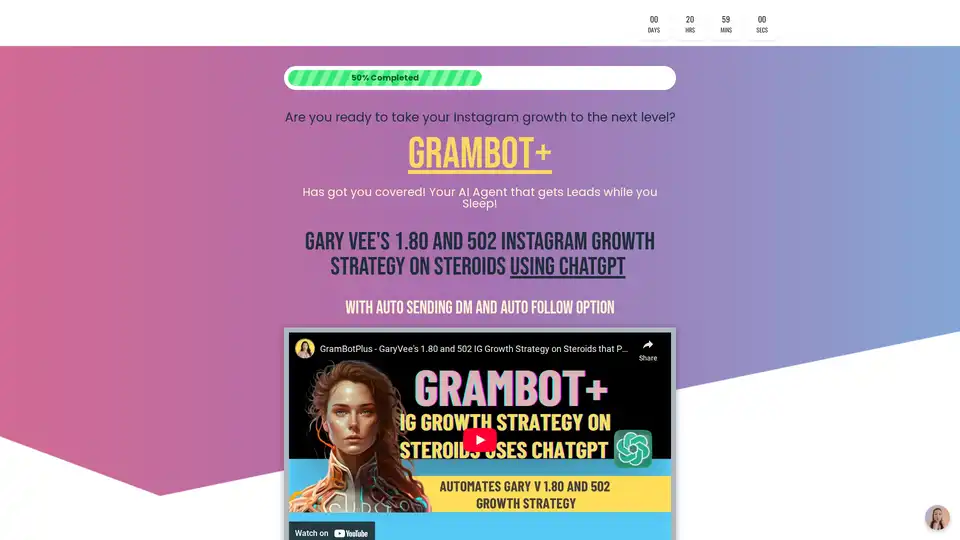
GramBot+ leverages ChatGPT to automate Gary Vee's 1.80 Instagram strategy, enabling personalized likes, comments, DMs, and follows for effortless audience growth and lead generation.
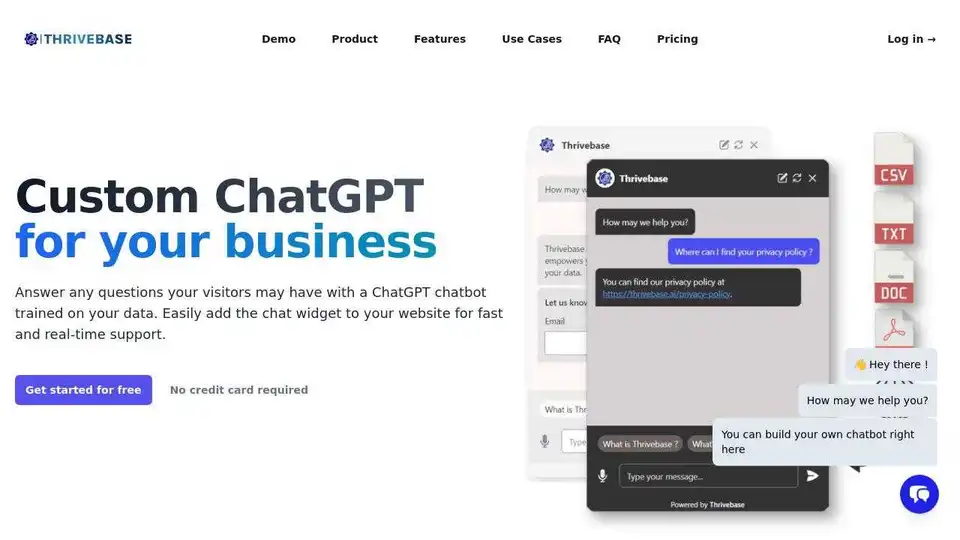
Automate your customer support with Thrivebase's AI-powered chatbots. Train chatbots on your data to answer questions, collect leads, and improve website engagement. Start free!

CharmIQ is an AI workspace for better human/AI collaboration. Access 100+ AI assistants, integrate files, and boost productivity. Try CharmIQ for free!