
TechSmith
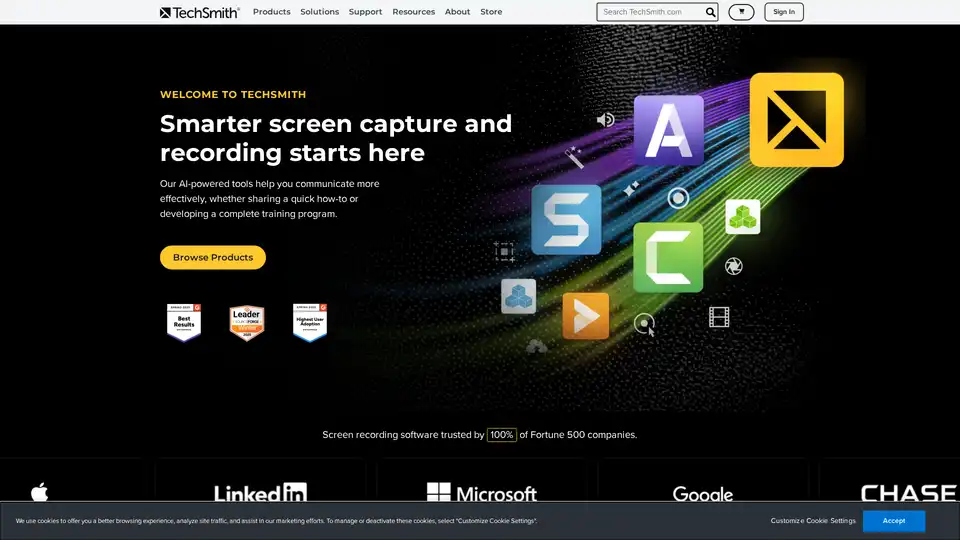
Overview of TechSmith
TechSmith: The Leader in Visual Communication
TechSmith is a global leader in screen recording and screen capture software, empowering users to create and share visuals for better training, tutorials, lessons, and everyday communication. With products like Snagit and Camtasia, TechSmith caters to a wide range of needs, from quick screen grabs to professional-quality video editing.
What is TechSmith?
TechSmith is a software company specializing in visual communication tools. Their flagship products, Snagit and Camtasia, are designed to help users easily create and share images and videos for various purposes, from education and training to marketing and communication.
How does TechSmith work?
TechSmith's tools leverage a user-friendly interface and powerful features to simplify the process of creating impactful visual content. Snagit excels in quick screen captures and annotations, while Camtasia offers more advanced video recording and editing capabilities. Recently, TechSmith has integrated AI features into its products to further enhance user workflow and content creation.
Key Products
Snagit
Snagit is a versatile screen capture and recording tool that enables users to quickly capture their screen, add annotations, and share visuals. It's perfect for:
- Creating step-by-step guides
- Providing visual feedback
- Improving team communication
- Technical Documentation: Easily create visual documentation that makes technical content easier to understand. Snagit enhances clarity and speed of creation.
- Team Communication: Replace lengthy emails and recurring meetings with quick, visual updates, ensuring team alignment.
Key Features:
- Capture full screen or selected areas
- Record microphone audio
- Record system audio
- Instantly Turn Clicks Into Step-by-Step Guides
- Instantly Redact Sensitive Information from Screenshots
Camtasia
Camtasia is a professional-grade video editing and screen recording software that allows users to create compelling videos for training, marketing, and education. It’s ideal for:
- Creating engaging training videos
- Developing marketing demos
- Producing online courses
- Corporate Training: Streamline onboarding, process updates, and systems training with content that's easy to grasp and quick to produce. Camtasia transforms complex topics into engaging videos your team will love.
Key Features:
- Record screen, webcam, mic, and system audio
- Edit with drag-and-drop, AI-assisted tools
- Add annotations, transitions, and effects
- Rev Media Now Editable on Timeline (Beta)
- Single Window or Application Recording
- Eliminate Distractions with AI Background Noise Removal
- Make Cursor Movements Look Cinematic with New Effects
- Sync Generate Avatar Updates from Audiate
- Easily Stitch Multiple Videos Together
AI-Powered Features
TechSmith is integrating AI into its products to improve user workflows and enhance content creation. These features include:
- AI Background Noise Removal: Automatically eliminate distracting background noise from audio recordings.
- AI-assisted editing: Tools that help users quickly and easily edit videos.
Who is TechSmith for?
TechSmith is designed for:
- Educators: Create engaging and informative training videos.
- Businesses: Improve internal communication and create effective marketing materials.
- Trainers: Develop professional-quality training courses.
- Anyone who needs to communicate visually: From creating quick tutorials to producing polished video presentations, TechSmith provides the tools you need to get your message across clearly and effectively.
Why Choose TechSmith?
- Ease of Use: TechSmith's products are known for their intuitive interfaces and user-friendly workflows.
- Powerful Features: From screen recording to video editing, TechSmith offers a comprehensive suite of tools for creating visual content.
- AI Integration: The inclusion of AI-powered features enhances productivity and simplifies content creation.
- Trusted by 100% of Fortune 500 companies.
Best way to create effective visual communication?
The best way to create effective visual communication is to:
- Plan your content: Clearly define your message and target audience.
- Use visuals to enhance your message: Incorporate images, videos, and annotations to make your content more engaging.
- Keep it concise: Get straight to the point and avoid unnecessary clutter.
- Make it accessible: Ensure your content is easy to understand and accessible to everyone.
TechSmith's Snagit and Camtasia are powerful tools that can help you create effective visual communication for a wide range of purposes.
This information is based on the provided website content and is intended for informational purposes only.
Best Alternative Tools to "TechSmith"
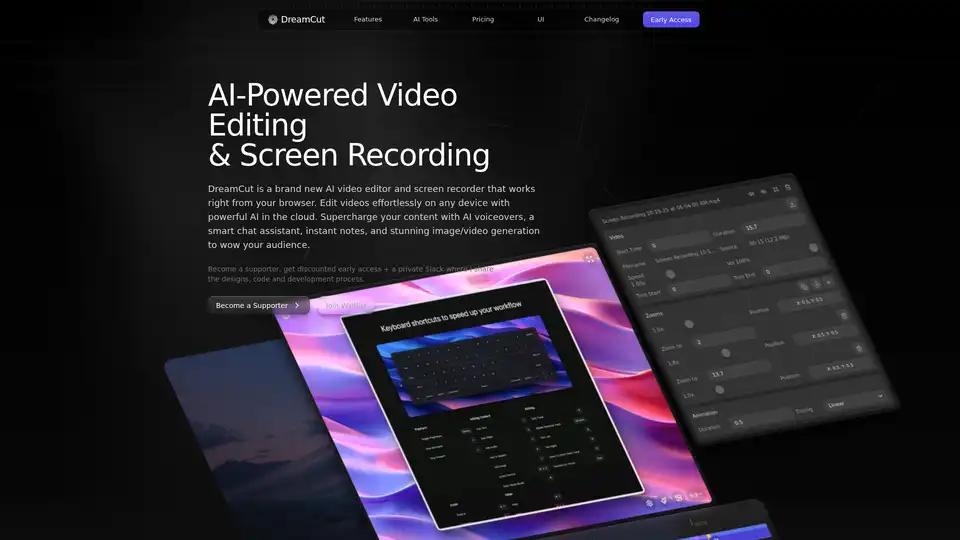
DreamCut is an AI-powered video editor and screen recorder that works in your browser. It offers AI voiceovers, image generation, a smart chat assistant, and more to supercharge your video content creation.
Vmaker AI is an AI-powered video creation and editing platform. Generate videos from text, voice, or documents, and edit them with AI. Create engaging content in minutes.
Create and edit videos easily with Animoto, the free video maker. Perfect for social media, marketing, and more. Start creating high-quality videos today!
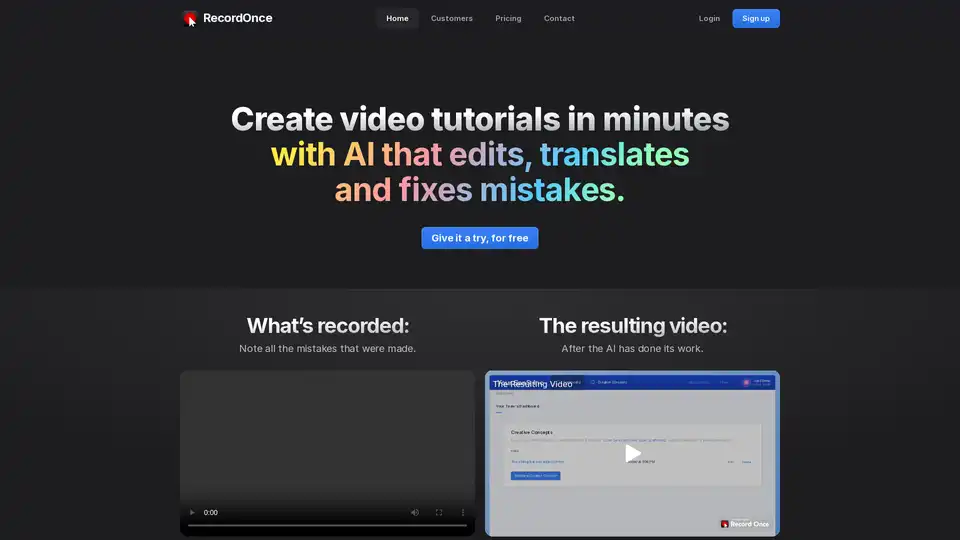
RecordOnce uses AI to create video tutorials in minutes. It edits, translates, and fixes mistakes automatically. Record your screen once and let AI handle the rest, from editing to translation.
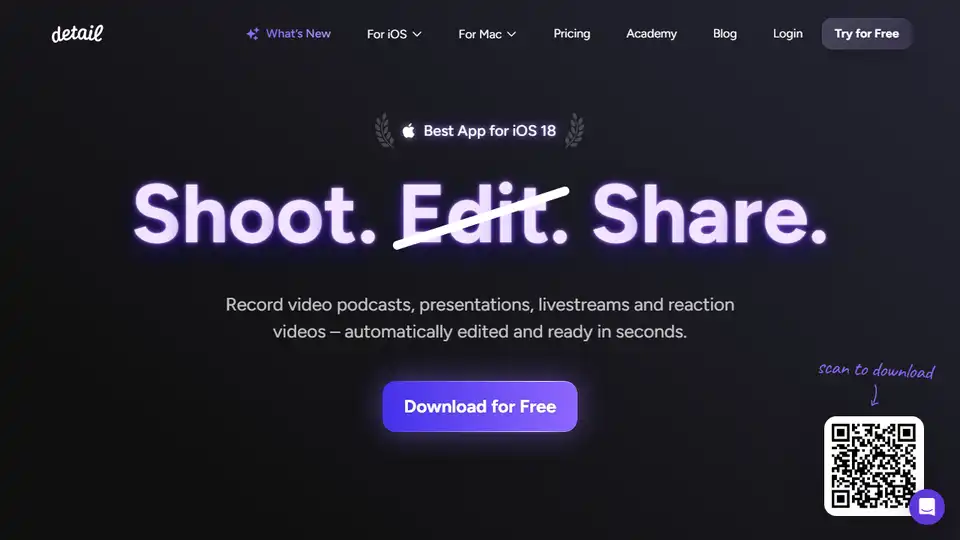
Detail is an AI-powered iOS & macOS app for recording and editing videos & podcasts. Features include auto editing, teleprompter, and live streaming. Download for free!
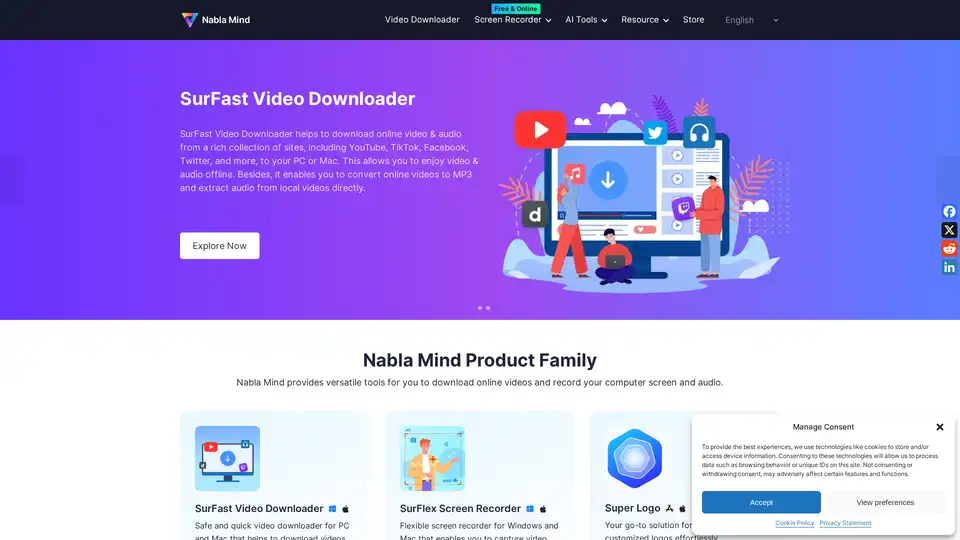
Nabla Mind provides SurFast Video Downloader and SurFlex Screen Recorder for downloading online videos and recording screens. AI tools enhance productivity. Download from YouTube, TikTok, and more.
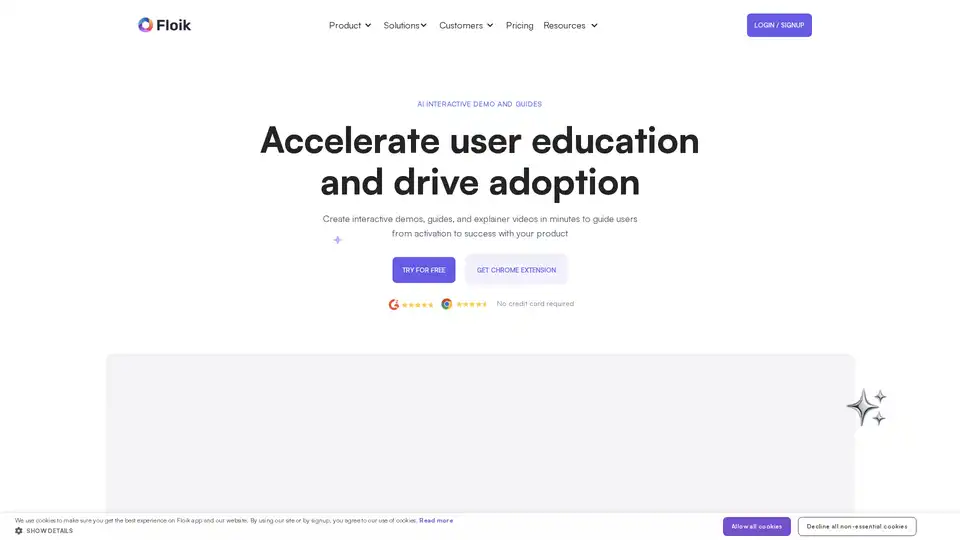
Floik is an AI-powered platform for creating interactive demos, explainer videos, and step-by-step guides to improve user education and product adoption. It offers a Chrome extension for easy recording and customization.
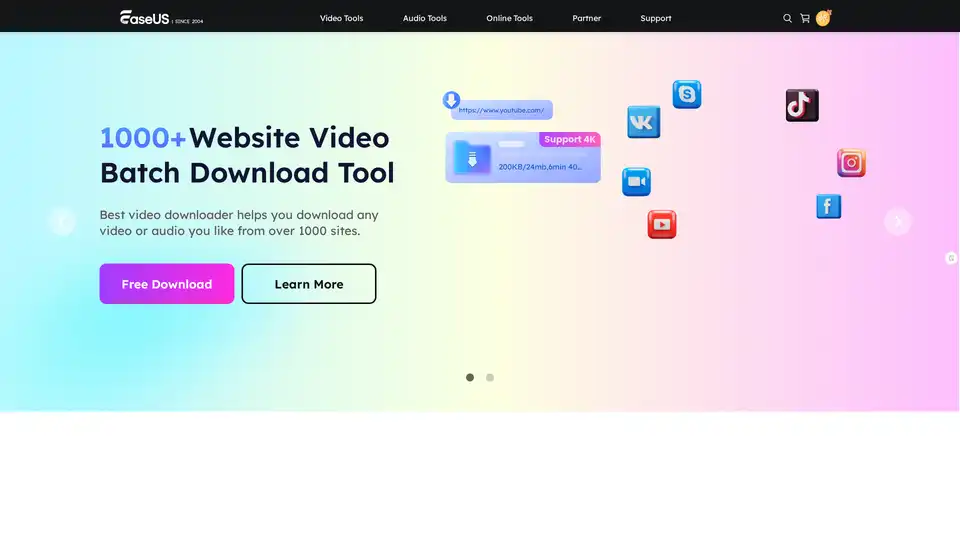
EaseUS Multimedia offers a range of video and audio tools, including video downloader, editor, converter, AI voice changer, and online utilities for various multimedia tasks.
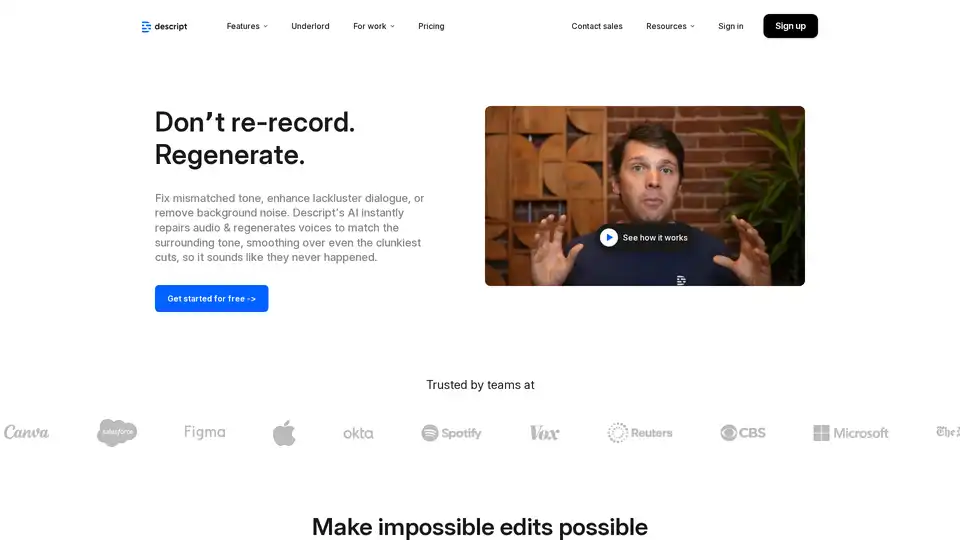
Regenerate by Descript uses AI to fix mismatched tone, enhance speaker voices, and remove background noise from audio recordings. Perfect for podcasters, video creators, and content producers.
Guidde lets you capture instant step-by-step videos and documents for anyone to create.Use AI to generate video documentation 11x faster.
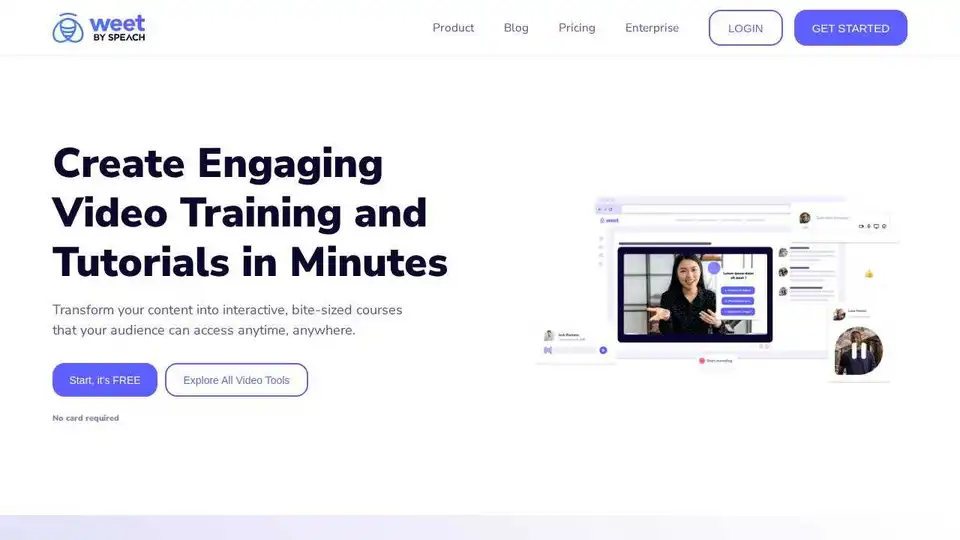
Use Weet to instantly record, create and edit interactive training videos. Build your organization’s knowledge videos library for clients & employees!
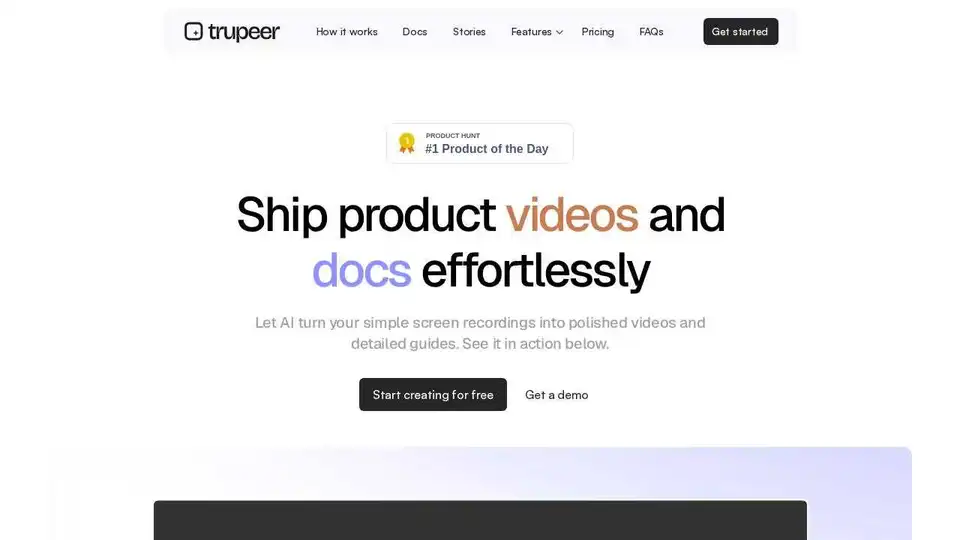
Trupeer transforms screen recordings into polished videos and detailed guides with AI. Trusted by 10,000+ teams. No editing skills required.
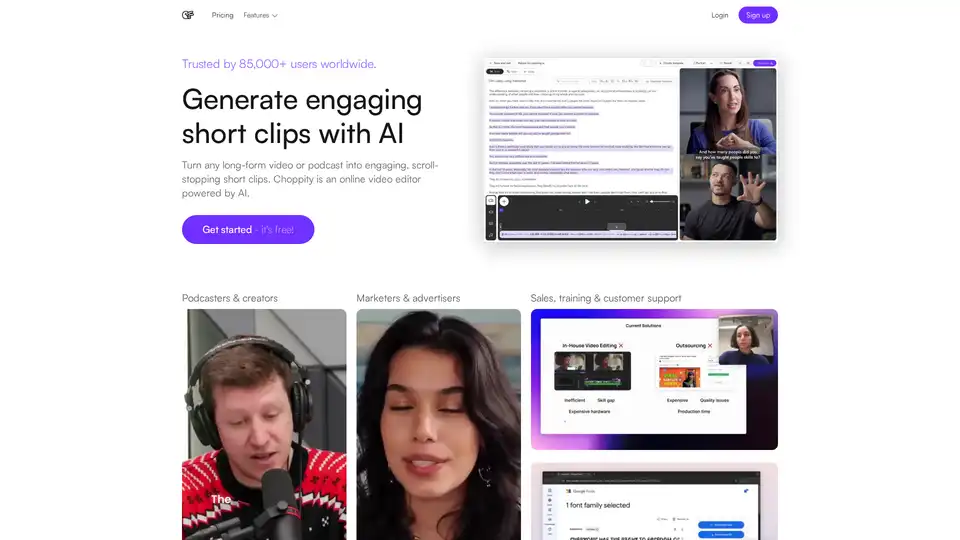
Choppity is an AI-powered online video editor that creates engaging short clips from long-form videos for social media, sales, and training. Try it for free!
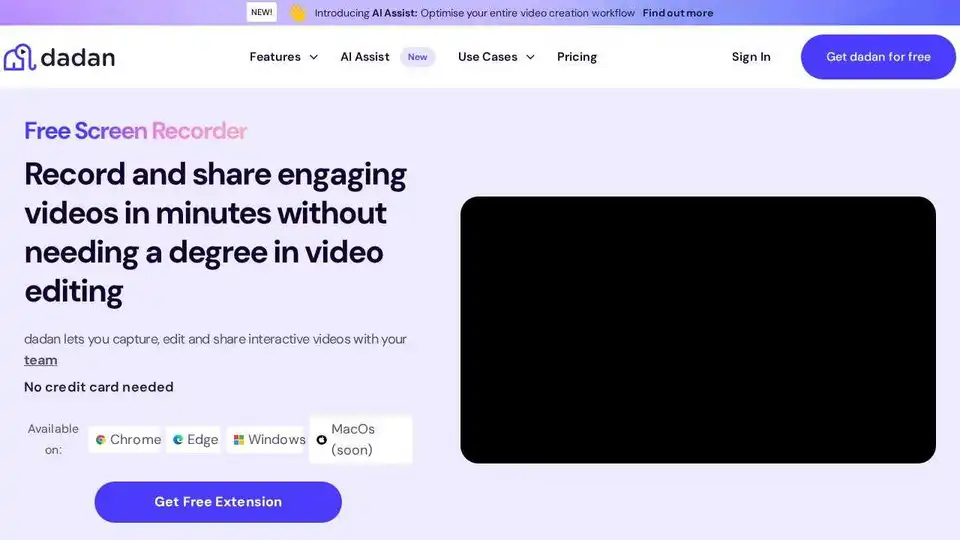
Dadan is an AI-powered video creation platform to record, edit, host, and collaborate on videos for effective communication, training, and sales. Boost your content and productivity with Dadan's online video platform.