
Tight Studio
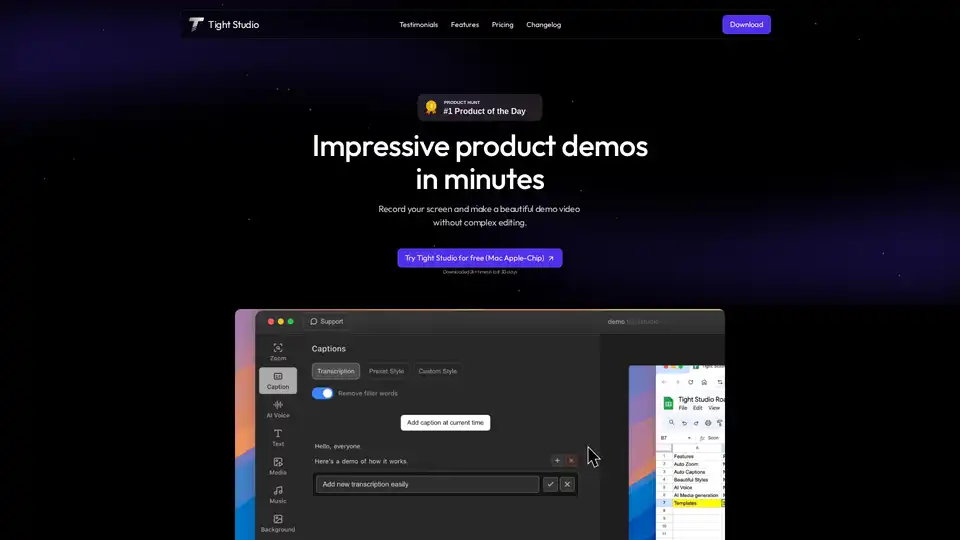
Overview of Tight Studio
Tight Studio: Create Impressive Product Demos in Minutes
Tight Studio is a screen recording and video editing tool designed to help you quickly create engaging and professional product demos. It simplifies the video creation process with features like smart auto zooms, AI narration, and dynamic text overlays, making it accessible even for users without video editing experience.
What is Tight Studio?
Tight Studio is a software solution focused on streamlining the creation of product demonstration videos. It allows users to record their screen, automatically highlight key actions, and enhance the video with features like AI-powered narration and background music. The goal is to enable users to produce high-quality demos in minutes, without the complexities of traditional video editing software.
What are the key features of Tight Studio?
- Smart Zoom: Automatically highlights key actions with intelligent zooms, ensuring viewers focus on the most important details.
- AI Narration: Transforms screen recordings with natural-sounding AI narration, ideal for overcoming suboptimal audio conditions or accent concerns.
- Professional Captions: Quickly adds professional captions with pre-designed styles, enhancing accessibility and engagement.
- Dynamic Text Overlays: Enhances videos with animated text overlays, perfect for emphasizing key points and adding context.
- Background Music: Allows users to set the perfect tone with background music from a curated library or their own sources.
- Media Import: Enrich recordings with other video clips, images, or AI-generated visuals.
How does Tight Studio work?
- Record Your Screen: Capture your screen using Tight Studio's recording tool.
- Smart Zoom and Highlighting: The software automatically identifies and zooms in on key actions.
- AI Narration: Add AI-generated narration to explain the demo clearly.
- Customize: Enhance the video with captions, text overlays, and background music.
- Export: Export the final product demo without watermarks (depending on the pricing plan).
How to use Tight Studio?
- Download and Install: Download Tight Studio from the official website and install it on your Mac (Apple Silicon).
- Start Recording: Launch the application and begin recording your screen.
- Utilize Features: Make use of the smart zoom, AI narration, and other tools to enhance your demo.
- Edit and Customize: Fine-tune your demo with captions, text overlays, and background music.
- Export and Share: Export your demo and share it with your audience.
Why choose Tight Studio?
Tight Studio simplifies the creation of product demos with its AI-driven features and user-friendly interface. Unlike complex video editing software, Tight Studio is designed for speed and efficiency, allowing users to create professional-looking demos in minutes. It addresses common issues like poor audio quality and the need for manual zooming, making it ideal for marketers, educators, and anyone who needs to quickly create engaging video content.
Who is Tight Studio for?
Tight Studio is ideal for:
- Marketers: Creating product demo videos for marketing campaigns.
- Educators: Developing tutorials and walkthroughs.
- Software Engineers: Preparing presentations and sharing demos with colleagues.
- Anyone: Who wants to create professional-looking video content quickly and easily.
Tight Studio Pricing
Tight Studio offers a range of pricing options:
- Free: $0/month, includes all features with 100 AI credits for trial and Tight Studio watermark on exports.
- Starter: $3.75/month, removes the watermark and includes all free plan features. It is suitable for users who don't need AI voice and media.
- Pro: $15/month, includes all features, 1000 AI credits per month, and no watermark. It is suitable for users who need AI voice/media.
Testimonials
- Sinyoung Lee, Growth Lead at Klarity: "Tight Studio combines simplicity with impact. It’s effortless to use, yet the videos I create in minutes consistently help attract new users to our latest product features."
- Ivy Chen, Data Scientist at Yahoo: "I’ve been using Tight Studio recently to prep presentations and share demos with my colleagues, and it’s been a huge time saver. The whole flow feels really smooth, even for someone with no video editing skills."
- Shivam Misra, Software Engineer at Quanta: "Awesome tool - I've used it to seamlessly edit my video recordings to show it to peers and for presentations and guides for software usage! The auto-zoom feature is amazing and setup is super easy."
Common Use Cases for Tight Studio
- Software Demos: Demonstrate the functionality of software applications.
- Tutorials: Create how-to videos for various tasks.
- Presentations: Prepare engaging presentations with dynamic visuals.
- Marketing Videos: Produce marketing videos to promote products and services.
What is the best way to create a product demo with Tight Studio?
- Plan Your Demo: Plan what you want to demonstrate and write a script.
- Record Your Screen: Use Tight Studio to record your screen while performing the actions.
- Add AI Narration: Use AI narration to describe the actions and explain the features.
- Customize with Text and Music: Add captions, text overlays, and background music.
- Review and Export: Review the demo and export it without a watermark (depending on your plan).
Conclusion
Tight Studio offers a streamlined solution for creating product demo videos quickly and efficiently. With its AI-powered features, user-friendly interface, and flexible pricing, Tight Studio is an excellent choice for anyone looking to create professional-looking demos without the complexity of traditional video editing software. Whether you're a marketer, educator, or software engineer, Tight Studio can help you create engaging video content in minutes.
Best Alternative Tools to "Tight Studio"
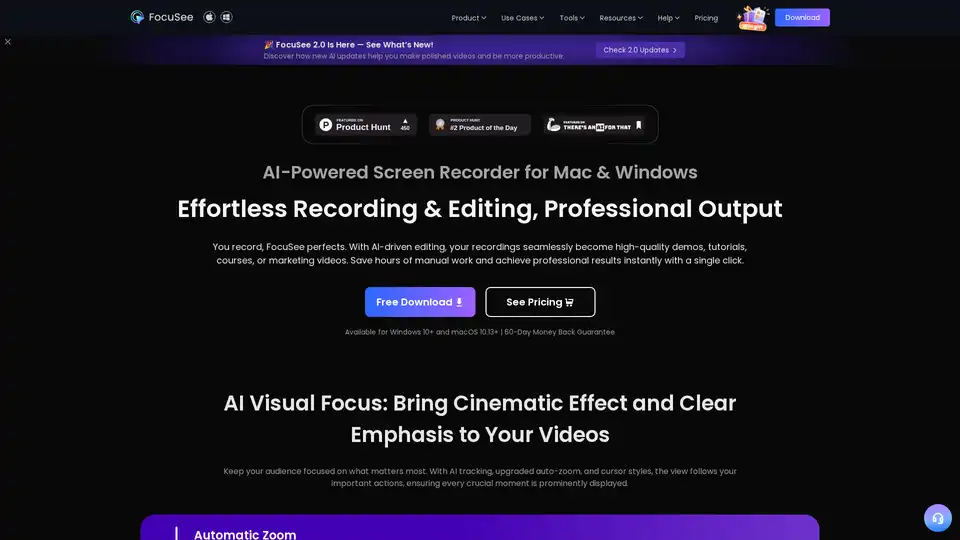
FocuSee is an AI-powered screen recorder for Mac & Windows that simplifies video creation. It automatically zooms, tracks cursor movements, and enhances audio, perfect for demos, tutorials, and marketing videos.
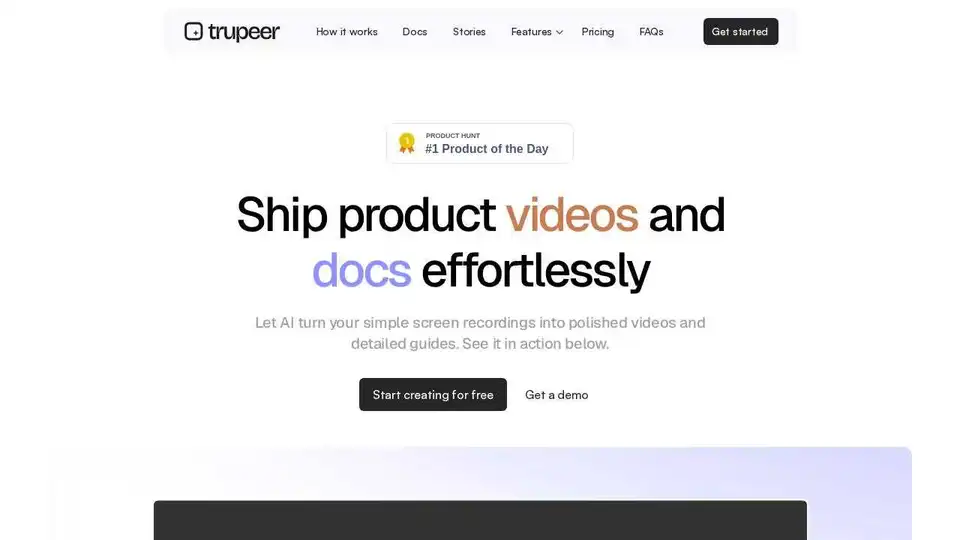
Trupeer transforms screen recordings into polished videos and detailed guides with AI. Trusted by 10,000+ teams. No editing skills required.

CANVID is an AI-powered screen recorder for Windows and Mac that adds automatic zooms, AI voice clarity, webcam background magic, and instant captions to create polished screen recordings in minutes.
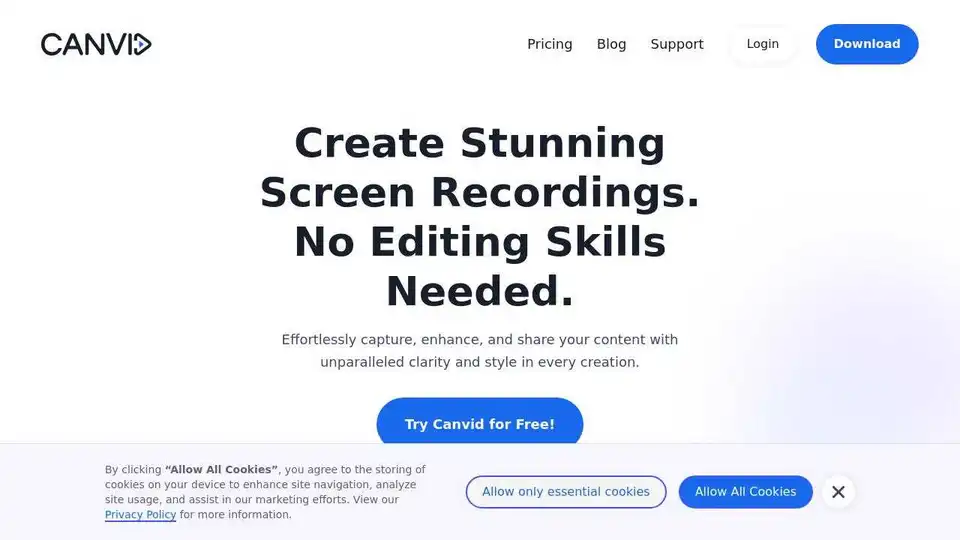
Canvid is the smart screen recording app that adds zooms, captions and AI webcam effects for you. Record and share polished videos in minutes.
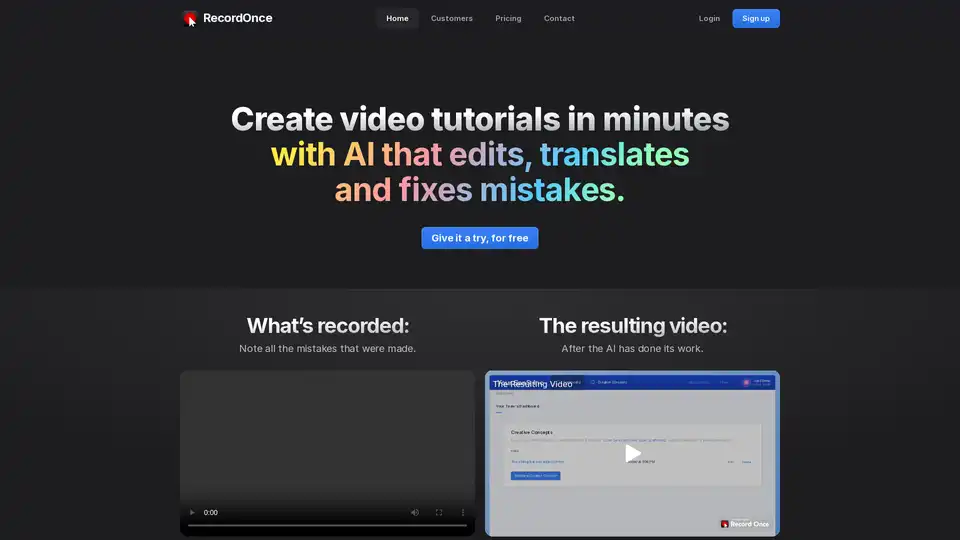
RecordOnce uses AI to create video tutorials in minutes. It edits, translates, and fixes mistakes automatically. Record your screen once and let AI handle the rest, from editing to translation.
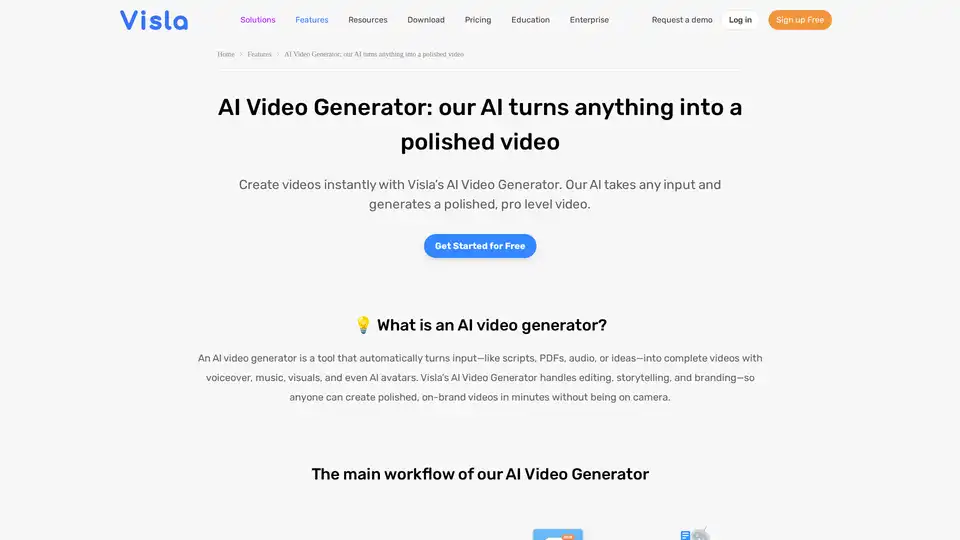
Turn PDFs, scripts, or audio into polished videos with Visla’s AI Video Generator—complete with voiceover, stock footage, and optional AI Avatar. Create professional videos instantly without editing skills.
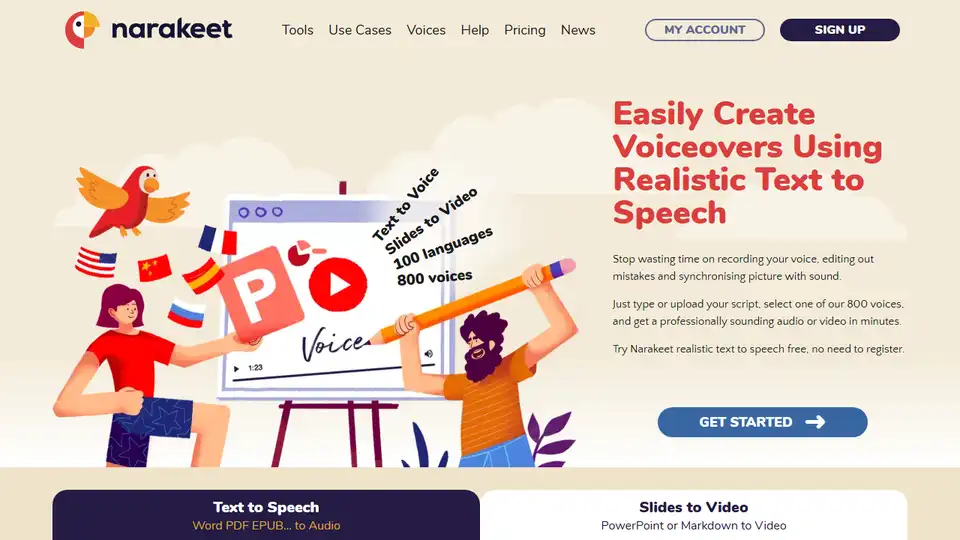
Narakeet is a text-to-speech and video creation tool that helps you easily create voiceovers and narrated videos using realistic AI voices. Convert text, documents, and presentations into engaging audio and video content.
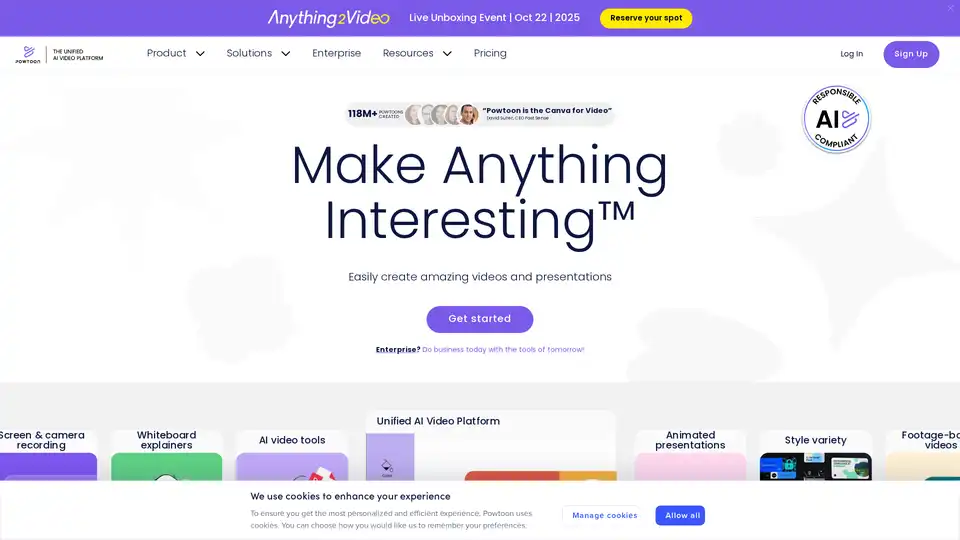
Powtoon is an AI-powered video creation platform offering tools for animated presentations, whiteboard explainers, AI avatars, and text-to-video conversion. Ideal for businesses and educators.
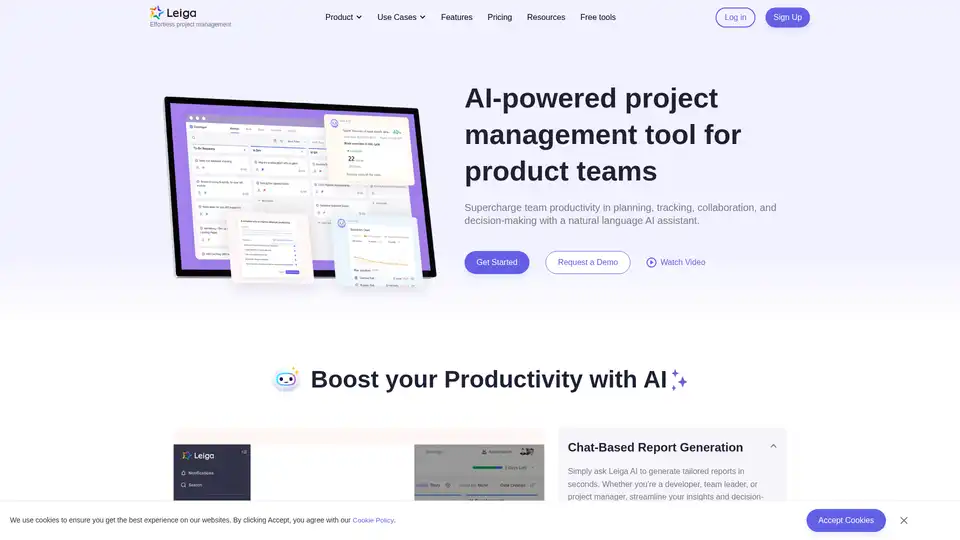
Leiga is an AI-powered project management tool that automates updates, enhances team collaboration, and ensures projects stay on track. Ideal for product teams, it offers chat-based reports, sprint tracking, and workflow automation. Start with 50 free AI credits.
Transform product storytelling with Hexus AI. Create demos, videos, and guides instantly from one platform.
Layerpath offers AI-powered demo agents and interactive software to qualify leads, personalize demos, and convert website visitors into revenue. Turn product exploration into pipeline.
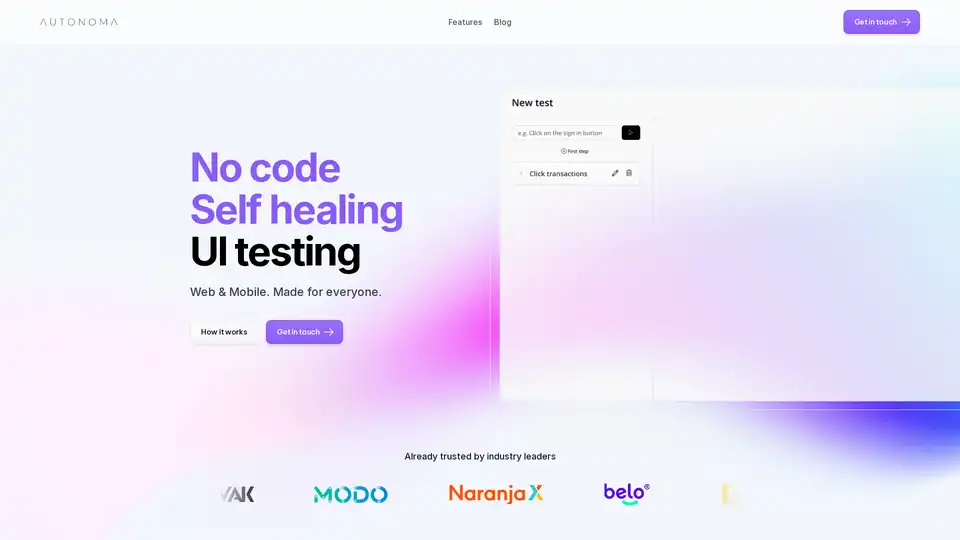
Autonoma AI is an AI-powered platform for no-code, self-healing end-to-end UI testing on web and mobile. Automate tests effortlessly, reduce maintenance, and ensure reliable app performance for teams of all sizes.
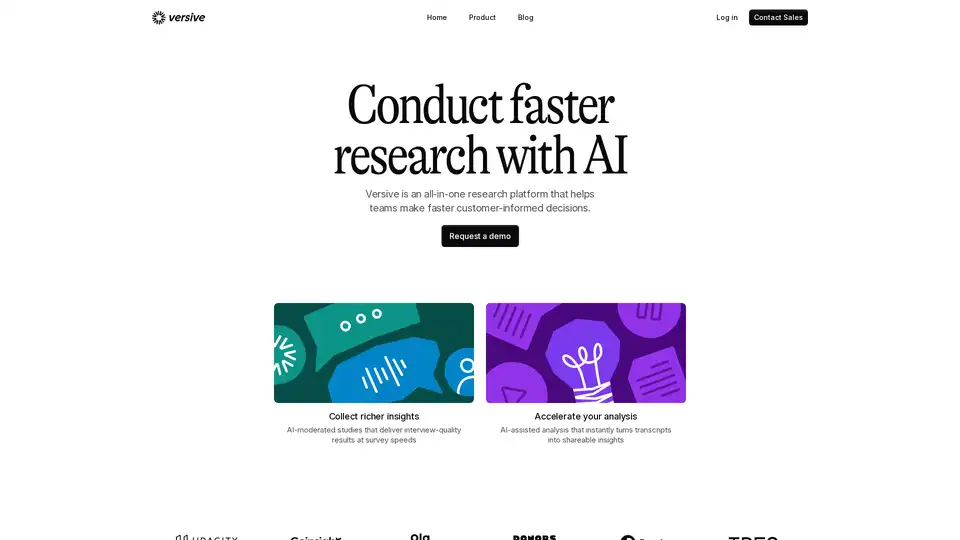
Versive is an AI-powered customer research platform that helps teams conduct faster research, collect richer insights, and accelerate analysis. Turn user feedback into actionable decisions.
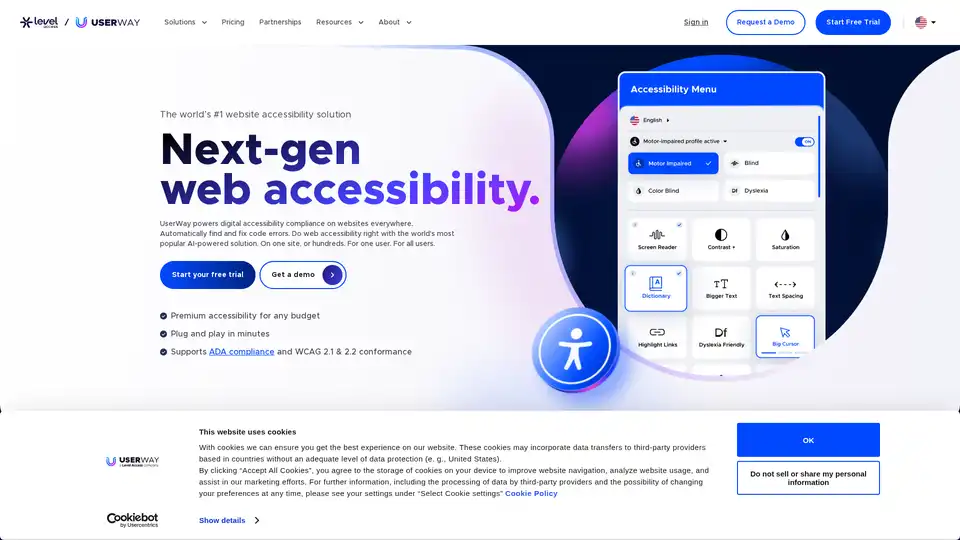
Ensure ADA & WCAG compliance with UserWay’s web accessibility solutions, including Widget, Scanner, Audit & PDF Remediation. Making the web accessible to all with AI-powered tools.