
Topaz Labs
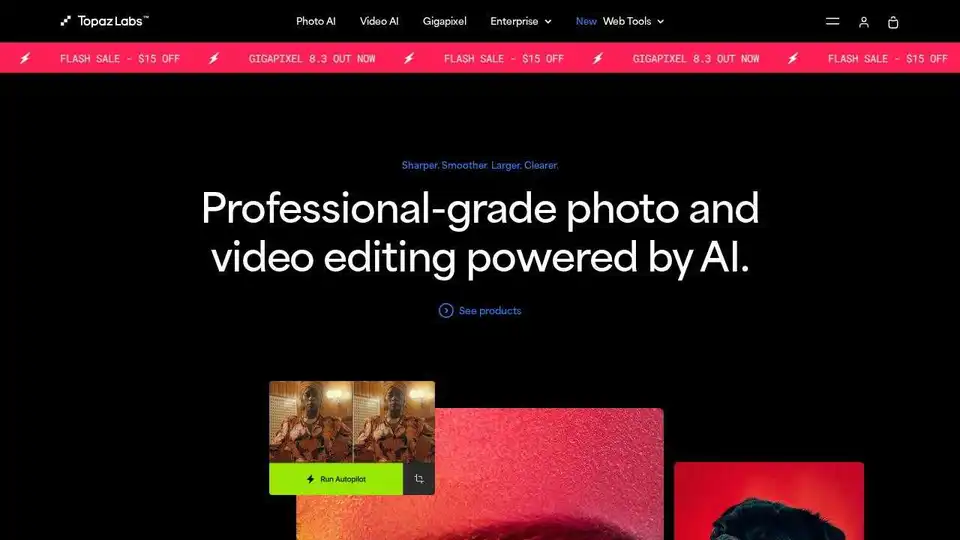
Overview of Topaz Labs
Topaz Labs: AI-Powered Photo and Video Editing Software
Topaz Labs leverages the power of artificial intelligence to provide professional-grade photo and video editing tools. Trusted by over 3 million customers, their software aims to maximize image and video quality through AI-driven enhancements.
What is Topaz Labs?
Topaz Labs develops software that uses deep learning to enhance photos and videos. Their tools are designed for noise reduction, sharpening, upscaling, and more, offering users the best possible image quality.
Key Products:
- Video AI: Enhance and upscale videos up to 8K with ultra-smooth stabilization and sharpening.
- Photo AI: Fine-tune details in photos to upscale, de-noise, sharpen, and de-blur with AI.
- Gigapixel AI: Super-scale images to almost any size with AI-powered upscaling, ideal for printing and display.
- Bloom: Add detail and creative upscaling to images through your web browser.
- Video Upscale: Enhance video footage up to 4K.
- Denoise: Remove grain and noise from images and videos.
- Image Upscale: Add resolution and scale to your images.
- Starlight: Enhance low-resolution or degraded video.
- Sharpen: Define intricate details in images and videos.
How to use Topaz Labs?
Topaz Labs products can be used as standalone applications or as plugins for Adobe Photoshop, After Effects, and DaVinci Resolve, providing seamless integration into existing workflows.
Why is Topaz Labs Important?
Topaz Labs is essential for anyone looking to improve the quality of their photos and videos. Whether you're a professional photographer, videographer, or hobbyist, their AI-powered tools can help you achieve stunning results. The software can be used to enhance old photos, improve the quality of video footage, and create stunning visuals.
Where can I use Topaz Labs?
Topaz Labs software can be used in a variety of industries, including photography, videography, film, television, and advertising. It's suitable for enhancing images and videos for print, display, and sharing online.
Customer Reviews:
- Bryan Wyatt: "Must have for video editors. Improves the quality of your video no matter how well it was shot."
- Brian Bezanson: "Great software for photographers. Helps fix a multitude of photo issues. A 'must-have'."
- Mico: "Topaz AI will allow me to upscale my almost great photos into masterpieces."
Topaz Labs ensures that your work remains secure, while making for lightning-fast processing, too. You can either use a standalone app to batch process jobs in sequence or use it as a plugin for tight workflow integration.
Best Alternative Tools to "Topaz Labs"
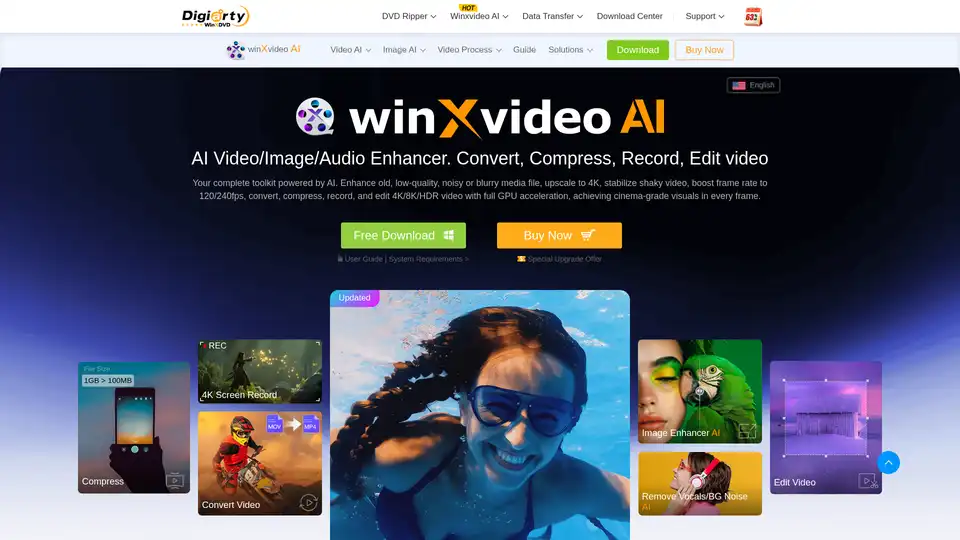
Winxvideo AI is a comprehensive AI video toolkit to upscale video/image to 4K, stabilize shaky video, boost fps, convert, compress, edit video, and record screen with GPU acceleration.

PICOAI.app offers cutting-edge AI tools to generate stunning images and videos. Create professional content effortlessly using the latest generative AI models.
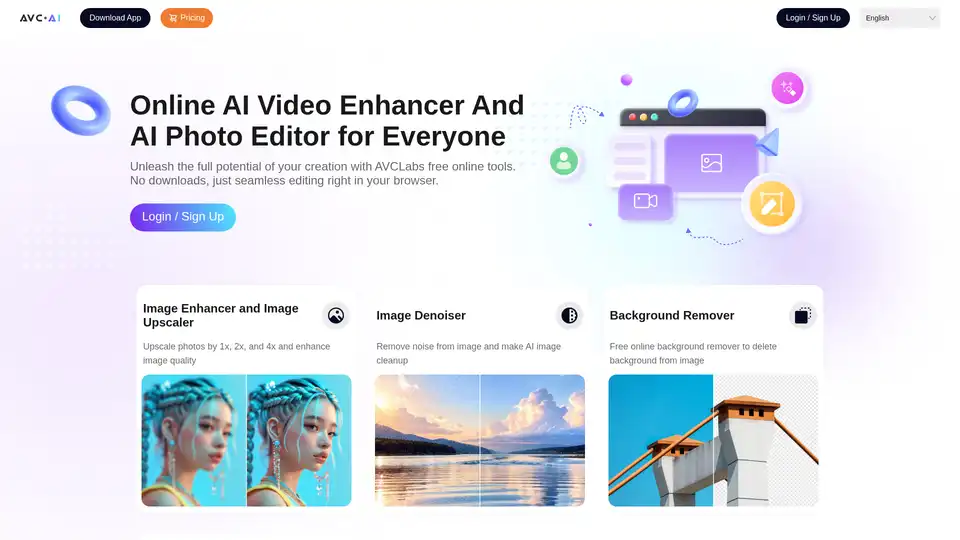
AVCLabs offers free online AI tools to enhance images and videos effortlessly in your browser. Upscale photos up to 4x, denoise, remove backgrounds and objects, stabilize videos, and colorize black-and-white photos for professional results without downloads.
cre8tiveAI is an AI-powered platform offering a suite of tools for photo, illustration, and video editing, including image upscaling, face refinement, and anime-style background generation.