
Tube Transcripts
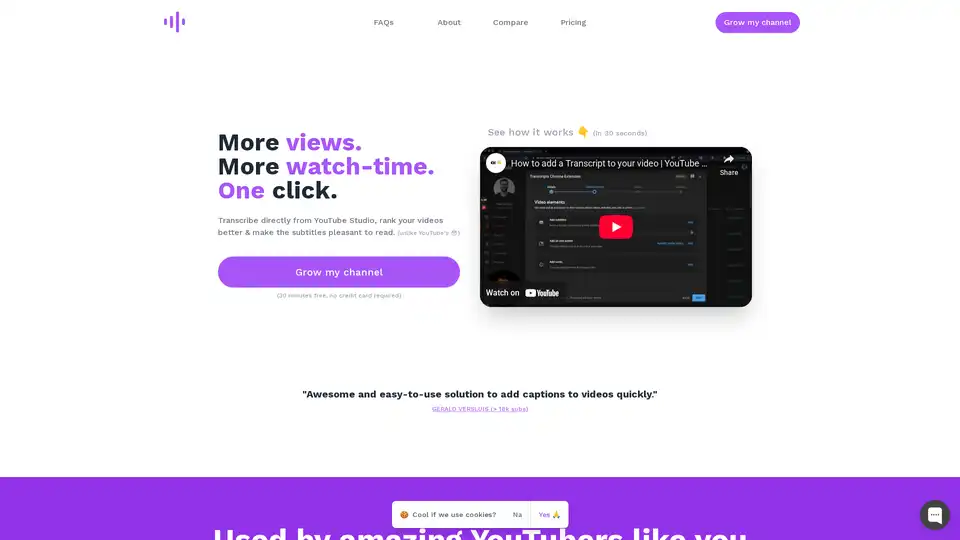
Overview of Tube Transcripts
Tube Transcripts: Enhance Your YouTube Videos with Fast, Accurate Transcripts
What is Tube Transcripts? Tube Transcripts is a browser extension designed to provide fast, accurate, and affordable transcriptions for YouTube videos. It integrates directly into YouTube Studio, making it easy for content creators to generate transcripts, improve SEO, and enhance accessibility for their audience.
How does Tube Transcripts work?
Tube Transcripts leverages AI to transcribe your videos with approximately 90% accuracy right out of the box. The extension offers tools to refine the remaining 10% with minimal effort, ensuring high-quality transcripts. It provides options to:
- Add Niche Keywords: Help the AI make more accurate guesses by providing relevant keywords.
- Add Custom Mappings: Correct unusual terms or names unique to your content.
- Fix Low Confidence Words: Quickly identify and correct words the AI is unsure about directly within the Subtitles Editor in YouTube Studio.
Why choose Tube Transcripts?
According to the creators of Tube Transcripts, the tool was developed because of dissatisfaction with existing YouTube transcription solutions, which were often clunky, inaccurate, or too expensive. Tube Transcripts offers a streamlined and cost-effective alternative.
Key Benefits:
- SEO Boost: Improve your video's search ranking on YouTube.
- Increased Watch Time: Transcripts can increase watch time by an average of 12%.
- Wider Reach: Reach the 80% of US viewers who watch videos without sound.
- Enhanced Accessibility: Make your content accessible to the 15% of the US and 5% of the world population with hearing problems.
Who is Tube Transcripts for?
Tube Transcripts is ideal for YouTube creators who:
- Are serious about YouTube SEO.
- Care about accessibility.
- Target a specific niche.
- Understand that SEO is a long-term strategy.
Key Features of Tube Transcripts
- AI-Powered Transcription: Utilizes AI for fast and accurate transcript generation.
- Direct Integration: Works seamlessly within YouTube Creator Studio.
- Customization Tools: Allows users to add keywords and custom mappings for improved accuracy.
- Cost-Effective: Priced at approximately 5% of the cost of human transcription services.
- Time-Saving: Provides transcripts in minutes instead of hours.
How to use Tube Transcripts?
- Install the Tube Transcripts browser extension.
- Open your video in YouTube Studio.
- Use the extension to generate a transcript.
- Review and edit the transcript using the provided tools.
- Publish the transcript with your video.
Compare Tube Transcripts to YouTube's Auto-Transcripts
| Feature | Tube Transcripts | YouTube Auto-Transcripts |
|---|---|---|
| Accuracy | More accurate, especially with niche keywords and custom mappings | Less accurate, struggles with technical terms and accents |
| Punctuation & Capitalization | Includes proper punctuation and capitalization for readability | Often mashes sentences together without proper punctuation |
| SEO Impact | Transcripts count towards SEO, improving search rankings | Does not significantly contribute to SEO |
| Ease of Use | Easy to get 99.9% accuracy with built-in tools | Requires manual editing and may be time-consuming |
Pricing Plans
Tube Transcripts offers various pricing plans to suit different needs:
- Weekly Uploaders: $9.99/month for 90 minutes of transcripts.
- Every 2nd Day Uploaders: $19.99/month for 360 minutes of transcripts.
- Unlimited Uploaders: $49.99/month for unlimited minutes.
All plans include a 30-minute free trial without requiring a credit card.
In conclusion, Tube Transcripts is a powerful tool for YouTube creators looking to enhance their video content, improve SEO, and reach a broader audience. By providing fast, accurate, and affordable transcriptions, Tube Transcripts simplifies the process of making videos more accessible and discoverable. If you are serious about growing your YouTube channel, Tube Transcripts is worth considering.
Best Alternative Tools to "Tube Transcripts"
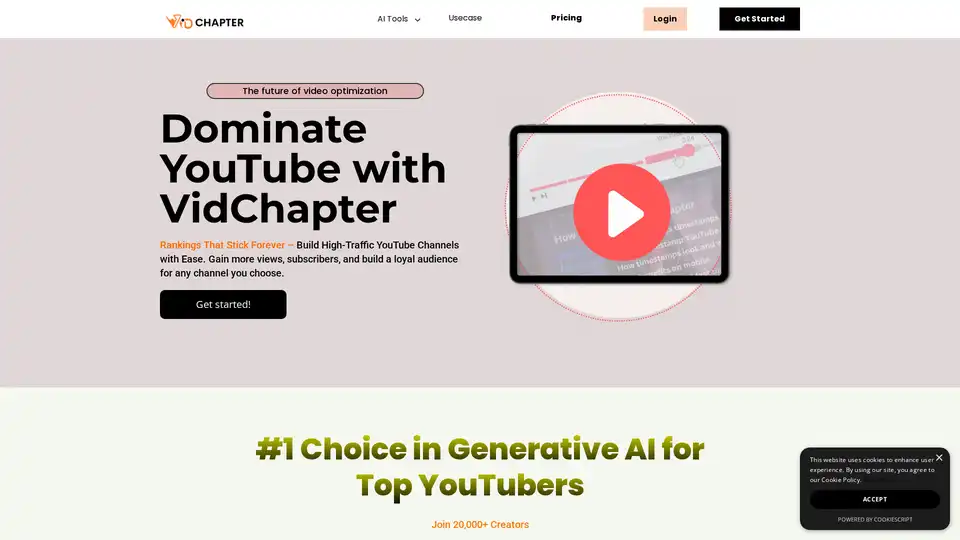
VidChapter is an AI-powered tool that generates timestamped chapters, descriptions, tags, and titles for YouTube and Vimeo videos to boost rankings, engagement, and viewer retention effortlessly.
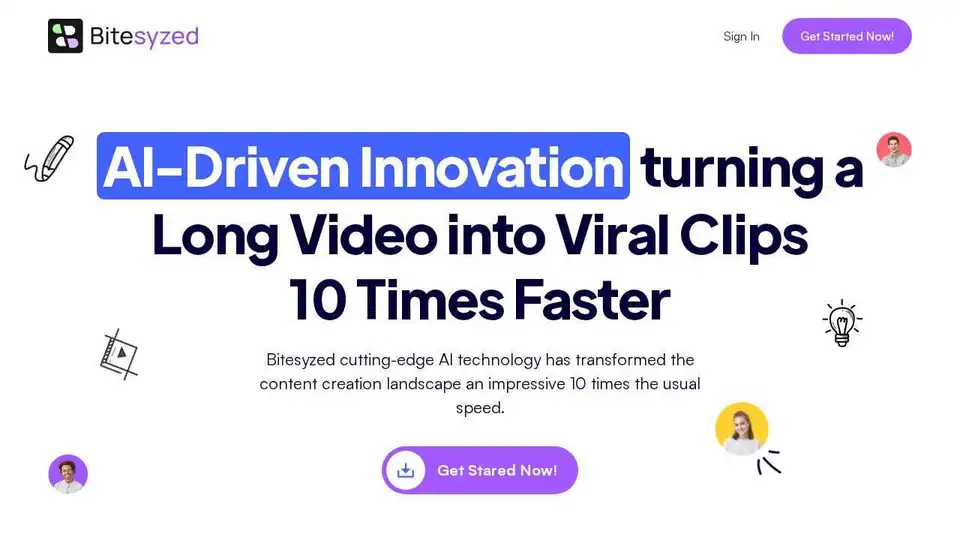
Bitesyzed is an AI-powered video repurposing tool that turns long videos into engaging viral clips 10x faster, featuring automatic editing, subtitles in multiple languages, and AI-generated descriptions with hashtags for easy social media sharing.

CaptionCue is an AI tool that instantly generates SEO-ready captions, transcripts, and assets from YouTube videos or uploads. It boosts views by 13.5%, watch time by 12%, and captures 85% silent viewers with multi-language support.

Clipwing is a video editing tool that turns long videos into short, engaging clips for social media. It offers features like text highlighting for clip creation, subtitle addition, AI-powered clip generation, and team collaboration.
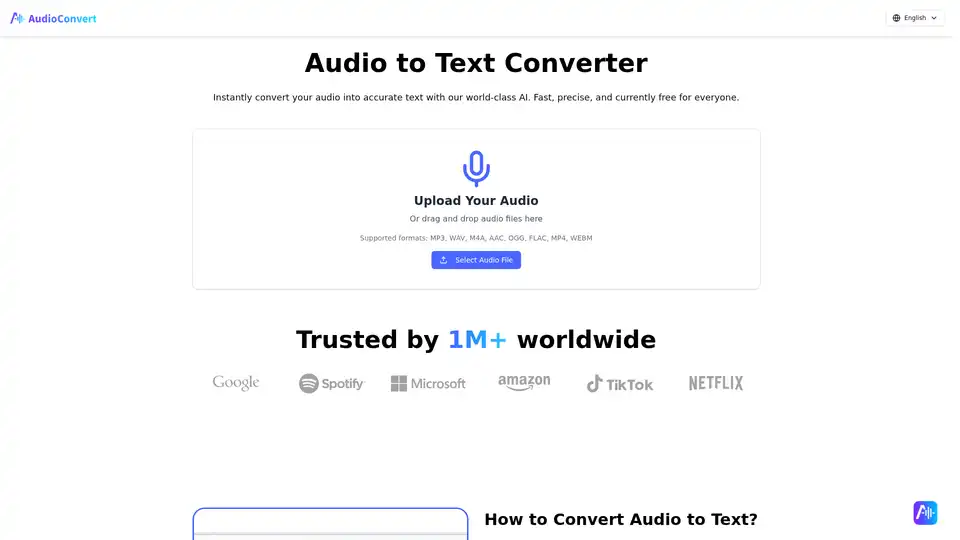
Free Audio to Text Converter uses AI to quickly and accurately transcribe audio files. Supports multiple formats and offers speaker detection, timestamps, and various export options like TXT, DOCX, and SRT.
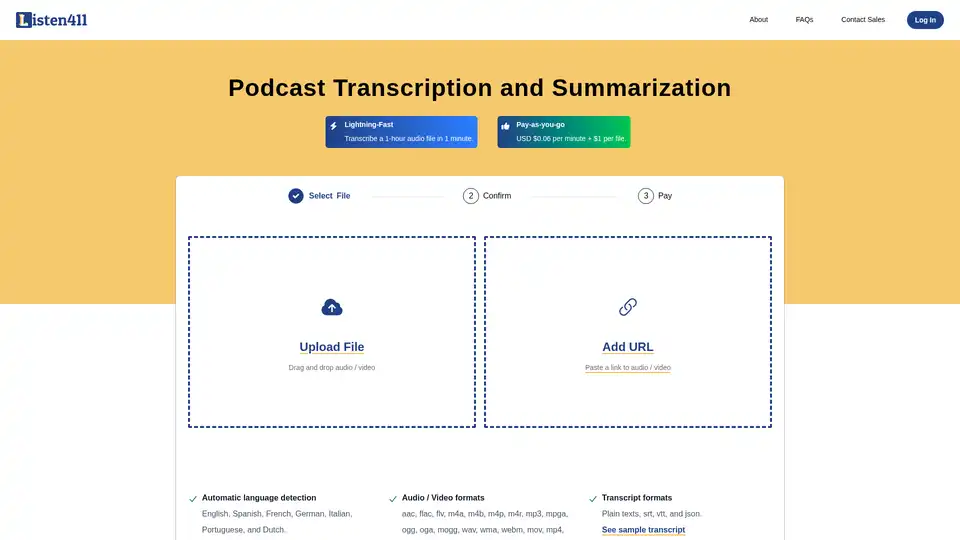
Fast and affordable podcast transcription and summarization. Get 1-hour audio transcribed in 1 minute. Pay-as-you-go. No subscription required.
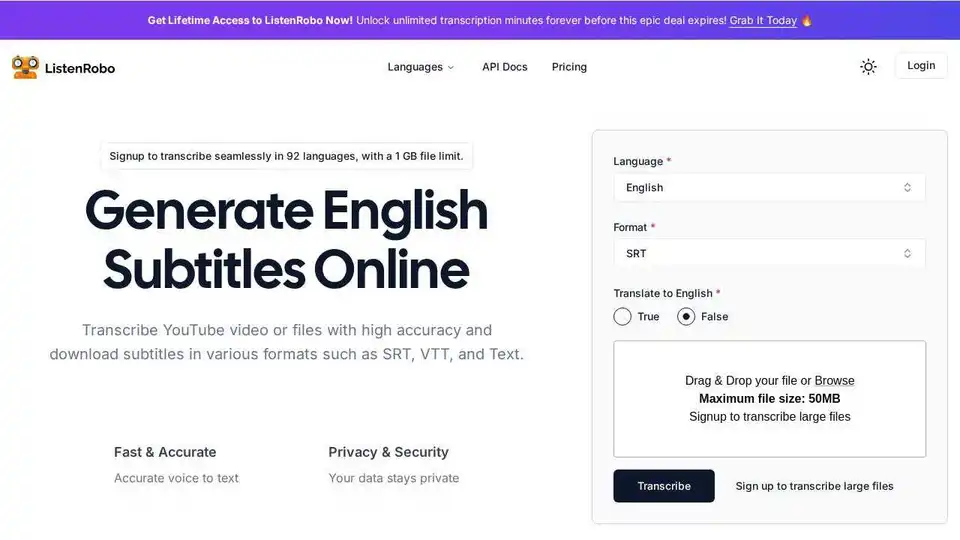
ListenRobo is an AI-powered tool that accurately transcribes audio and video to text. Generate subtitles in multiple formats, supports 92 languages. Enhance SEO, accessibility, and engagement with ease.
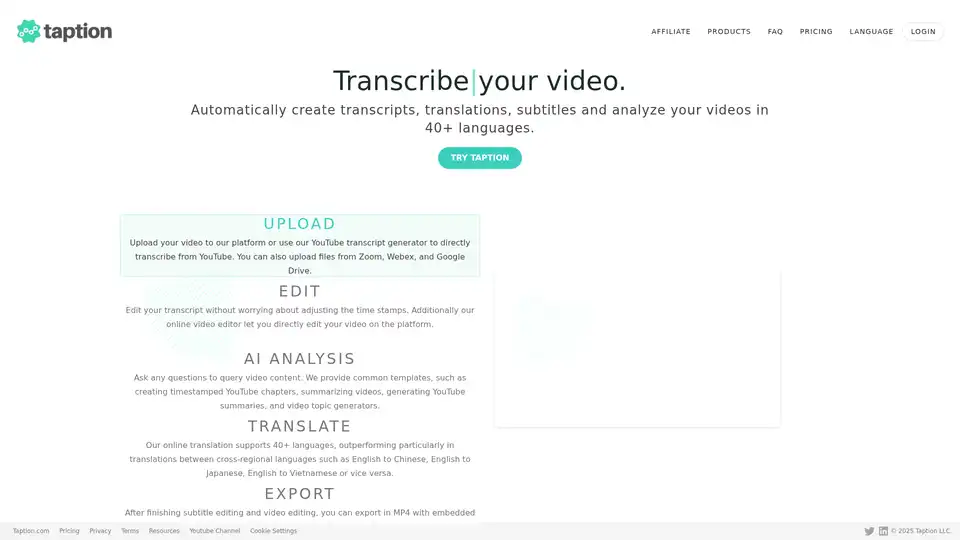
Taption automatically generates transcripts, translations, and subtitles for videos in 40+ languages. It offers AI analysis, video editing, and collaboration tools for streamlined content creation.
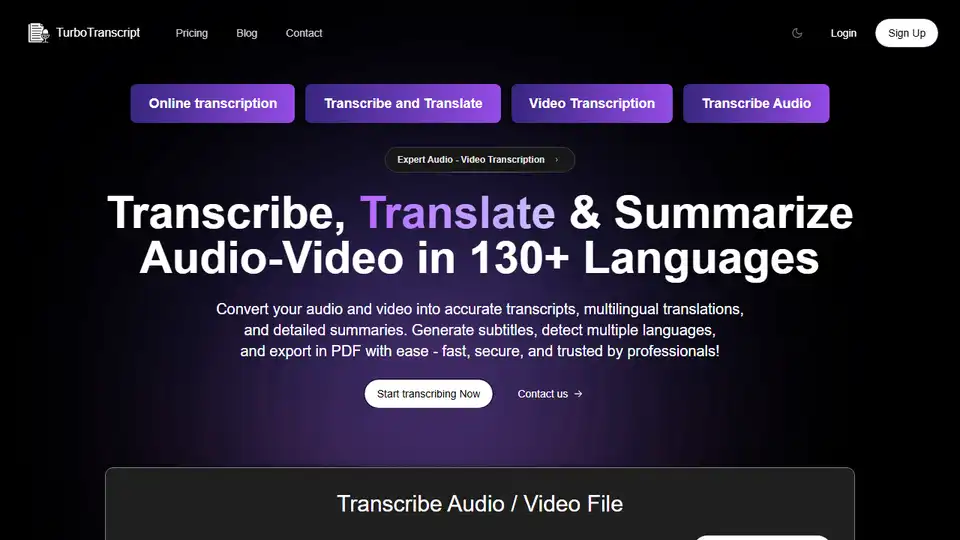
TurboTranscript accurately transcribes audio and video to text in 130+ languages. Generate speaker-wise transcripts, subtitles & export in PDF/SRT format. Fast, secure, and trusted by professionals.
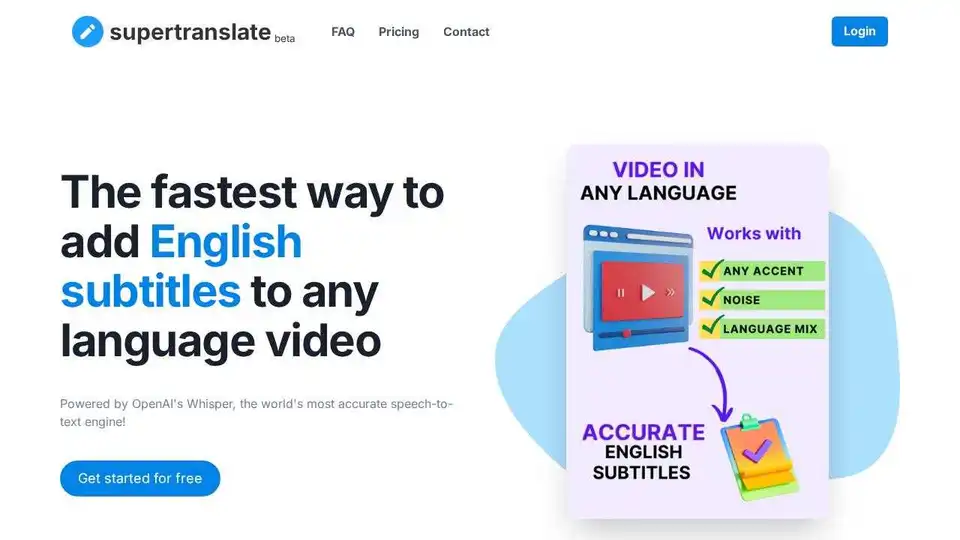
Supertranslate is an AI-powered platform that converts speech to text, generates subtitles, and translates audio/video content into 125+ languages, making it perfect for reaching global audiences.
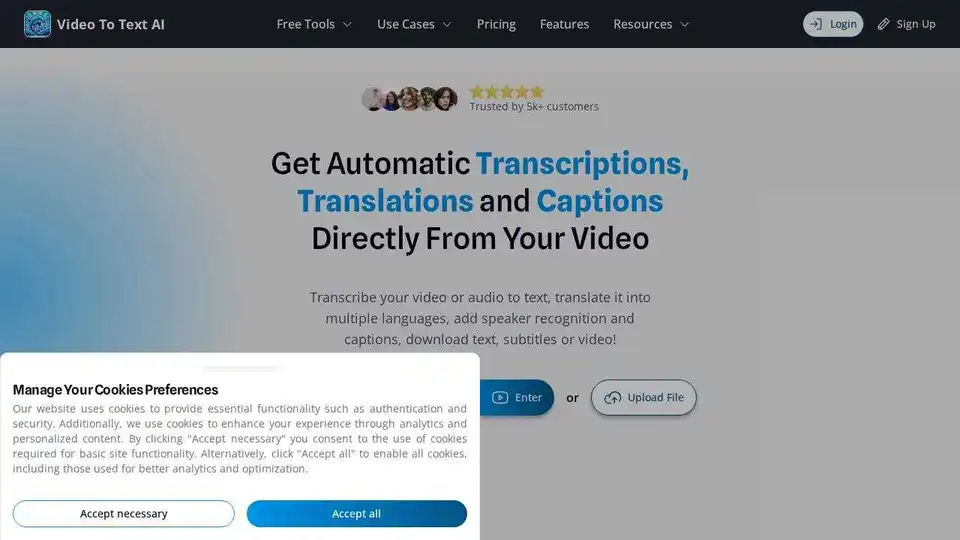
VideoToTextAI uses AI to automatically transcribe, translate, and caption your video or audio. Edit text and subtitles, and download as video, SRT, VTT or plain text.
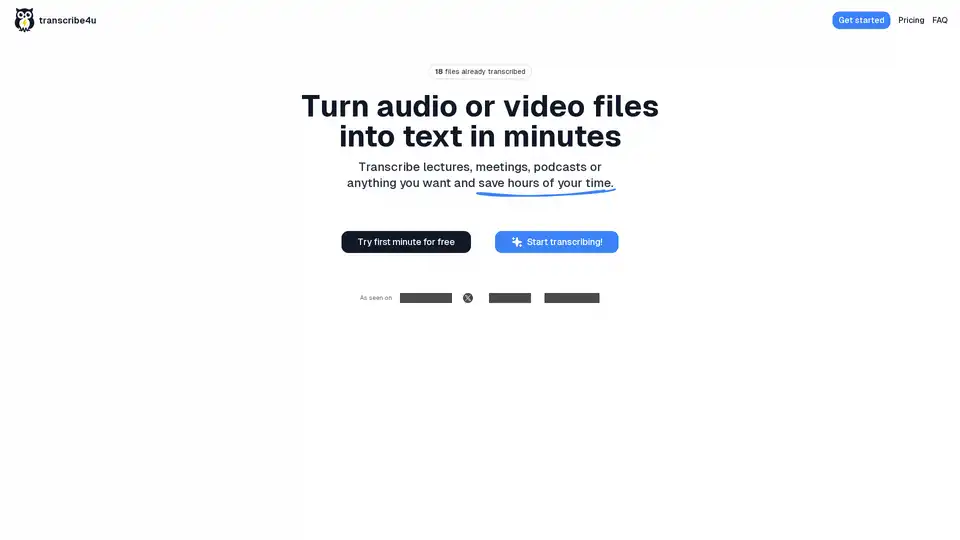
Convert large audio and video files to text instantly with transcribe4u. No subscriptions, no accounts, no credits—just fast, accurate, and affordable AI-powered speech-to-text transcription.
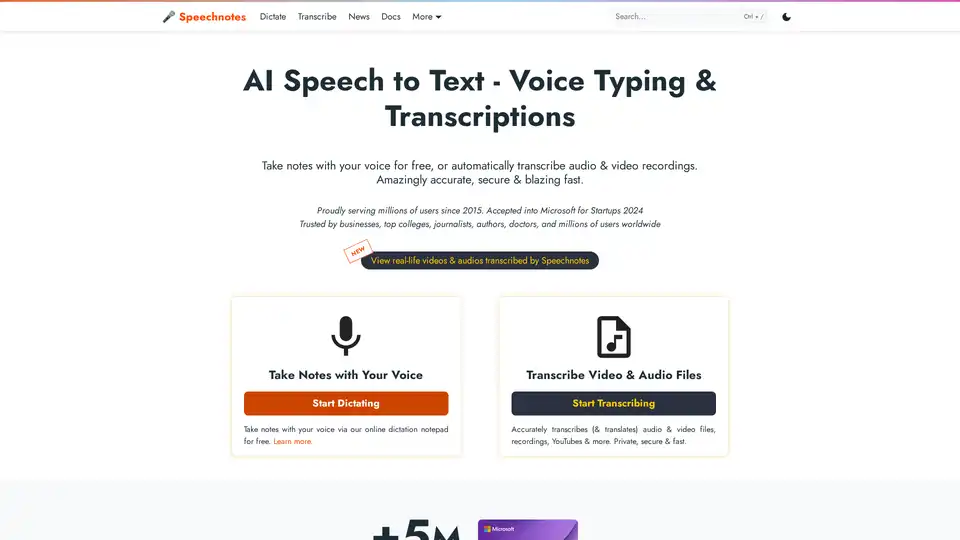
Speechnotes is a free AI-powered speech-to-text tool for real-time voice typing and fast audio/video transcription. Accurate, private, and easy to use for notes, interviews, and more.
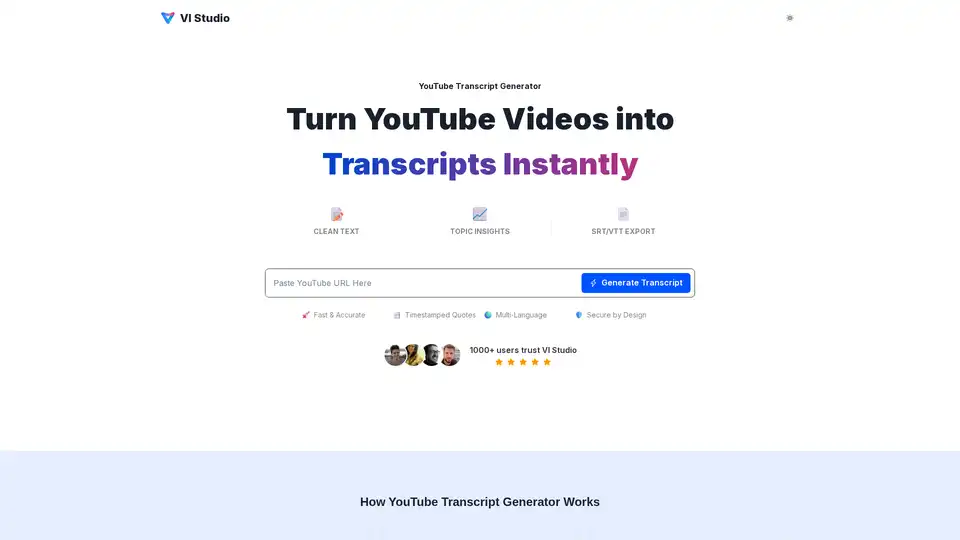
VI Studio's YouTube Transcript Generator turns videos into text instantly. Extract topics, keywords, and timestamped quotes. Export to TXT, DOCX, PDF, SRT, or VTT for easy repurposing and enhanced accessibility.