
Voicemod
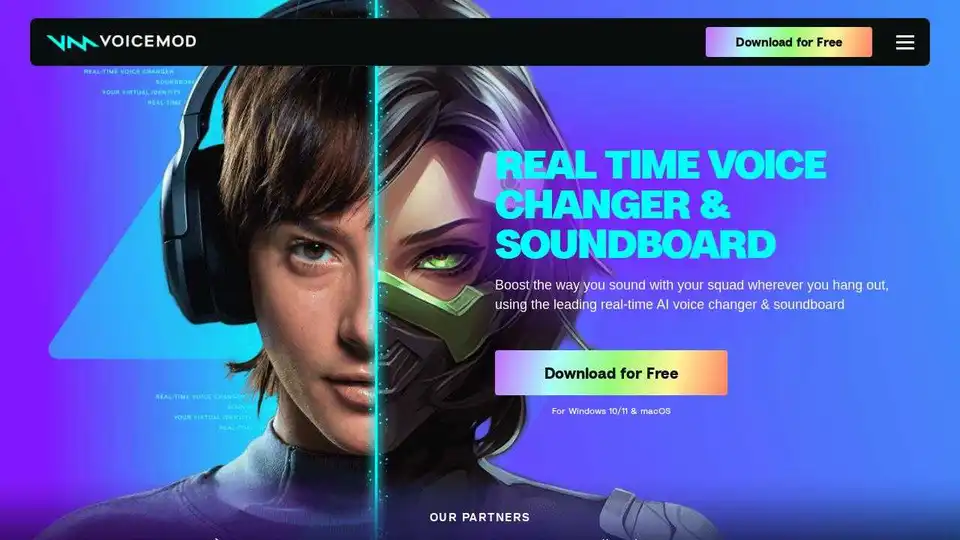
Overview of Voicemod
Voicemod: The Leading Real-Time AI Voice Changer & Soundboard
What is Voicemod?
Voicemod is a free real-time AI voice changer and soundboard software for PC and Mac, designed to enhance the way you sound in various online environments. It allows users to modify their voice with a wide range of effects and add sound effects to voice chats and streams.
How does Voicemod work?
Voicemod works by installing a 'virtual microphone' on your computer. This virtual microphone supercharges your sound, allowing you to select it as the input device in any app or game where you use your voice. The software then processes your voice in real-time, applying the selected voice effects or soundboard sounds before sending the audio to the application you are using.
Key Features
- Real-Time Voice Changing: Choose from over 200 different voices, ranging from AI anime characters to Battlefield-style radio voices.
- Soundboard: Add hilarious sound effects and memes to your group chats and streams.
- Voicelab: Create and customize your own unique voice effects by mixing various effects such as Reverb, Delay, and Robotifier.
- Community Loot: Access a vast library of voices and sounds created by the Voicemod community.
- Voicemod Recorder: Capture sound clips from any source, including YouTube and in-game audio, and add them to your soundboards.
- Console Compatibility: Use Voicemod Key to unlock voice changers and soundboards on your gaming consoles.
- Noise Suppression and Voice Enhancement: Built-in features to improve your microphone quality.
- Low Latency and Resource Usage: Optimized for gamers and streamers to ensure minimal performance impact.
- Keybinds: Assign sounds to specific keys for instant access.
- AI-Trained Voices: AI voices trained with professional voice actors for high-quality results.
- Remote Control: Use the Voicemod Soundboard App on your phone to control Voicemod remotely.
How to Get Started with Voicemod
- Download and Install: Download the Voicemod software and install it on your PC or Mac.
- Set Up: Select ‘Voicemod Virtual Microphone’ as the input device in the app or game you’ll be speaking on.
- Choose a Voice or Sound: Pick a voice from the available options or select a sound from the soundboard.
- Start Using Voicemod: Begin speaking and enjoy the altered voice or sound effects in real-time.
Why Choose Voicemod?
Voicemod is optimized for gamers and streamers, providing ultra-low latency and minimal resource usage. It enhances your microphone quality with built-in noise suppression and voice enhancement features. The ability to assign sounds to keybinds allows for instant access to sound effects during gameplay or streaming. Furthermore, the AI voices are trained with professional voice actors, ensuring high-quality and realistic voice transformations.
Use Cases
- Gaming: Change your voice to match your character or add sound effects for comedic effect.
- Streaming: Engage your audience with unique voices and sound effects.
- Online Chat: Have fun with friends by using different voices and sound memes.
- Content Creation: Create unique audio content for videos and podcasts.
FAQ
- Is Voicemod free? Voicemod offers a free version with a limited selection of voices and sounds. A paid version is available for access to all features and content.
- Where can I use Voicemod? Voicemod works with various applications and games, including Discord, TeamSpeak, Skype, and popular online games.
- Can I create my own voices? Yes, Voicemod's Voicelab feature allows you to create and customize your own voice effects.
Voicemod empowers you to boost the way you sound, whether you're gaming, streaming, or just hanging out with friends online. With its easy-to-use interface and extensive features, Voicemod is the perfect tool to transform your voice and add excitement to your online interactions. Download Voicemod today and experience the power of real-time voice changing!
Best Alternative Tools to "Voicemod"
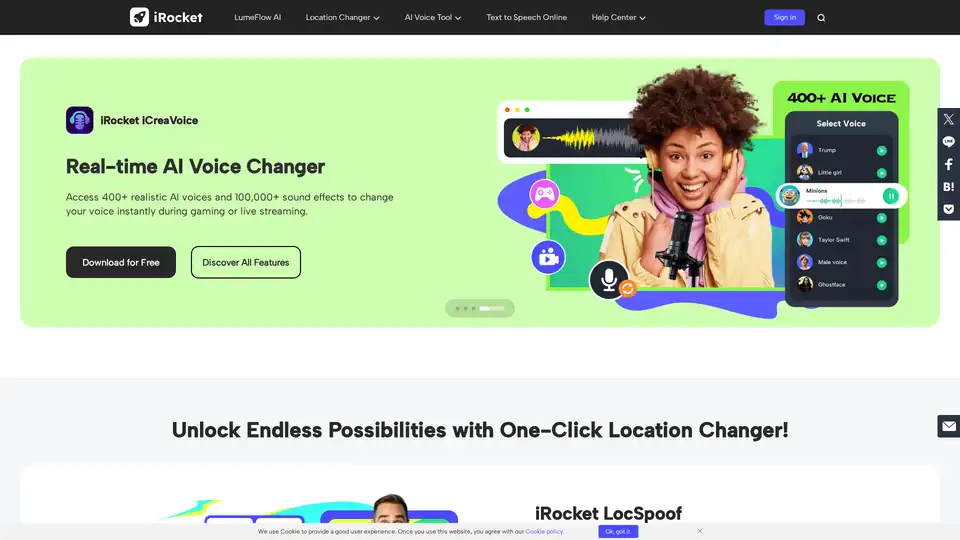
iRocket offers tools like LocSpoof (location changer), VoxTalker (text-to-speech & AI voice generator), and iCreaVoice (real-time AI voice changer) to enhance digital privacy, online experience, and voice modification capabilities.
Voice.ai offers a free real-time AI voice changer for PC, voice cloning, text to speech and AI voice agents for gaming, streaming, content creation, and business. Explore AI voices and audio tools.
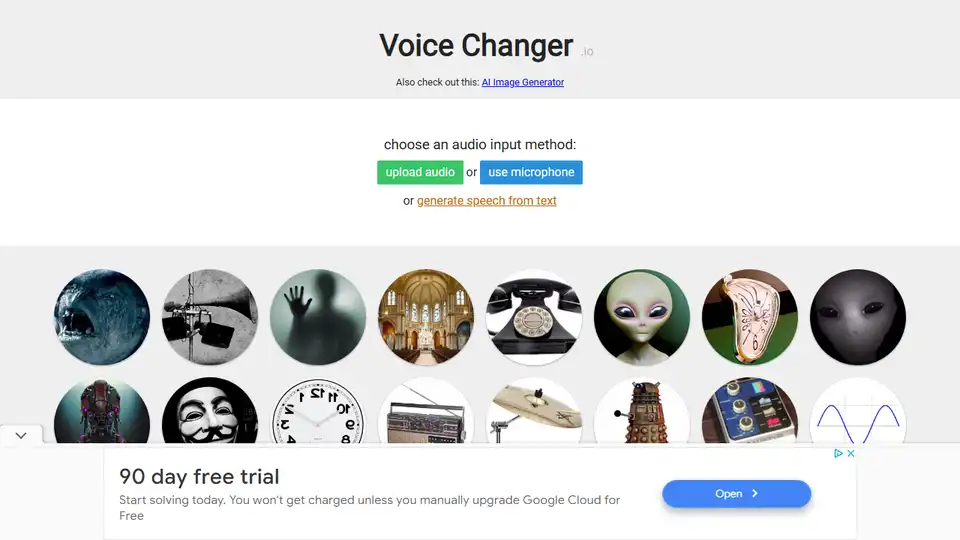
Voice Changer .io is a simple online voice changer app to transform your voice with various effects, including robot, monster, and more, all for free.

Generate video, images, music & sound with AI. Fast, realistic, fully controllable. Designed for creators, marketers, filmmakers, designers and teams.
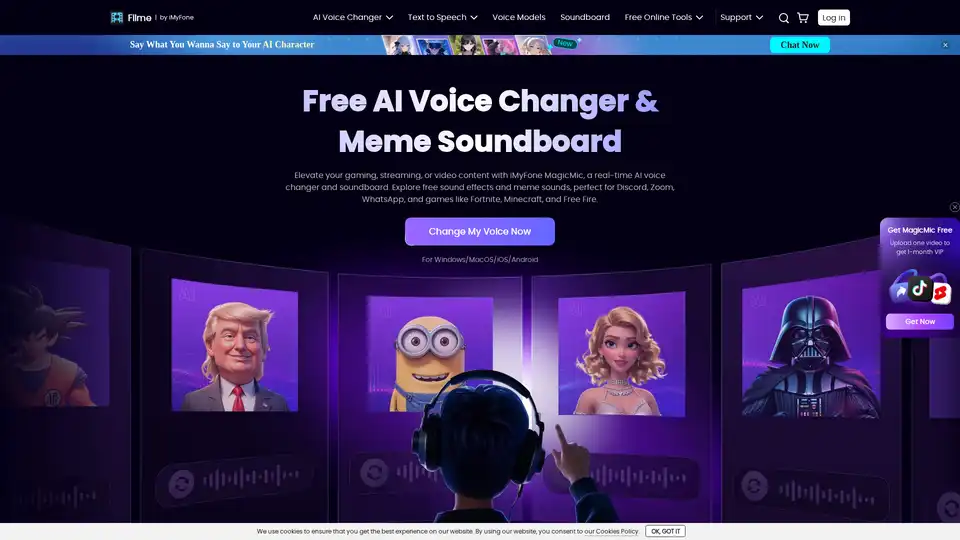
MagicMic is a real-time AI voice changer & soundboard with 500+ voices and 100K+ sound effects. Perfect for gaming, streaming, and content creation on Discord, Zoom, WhatsApp, and more.
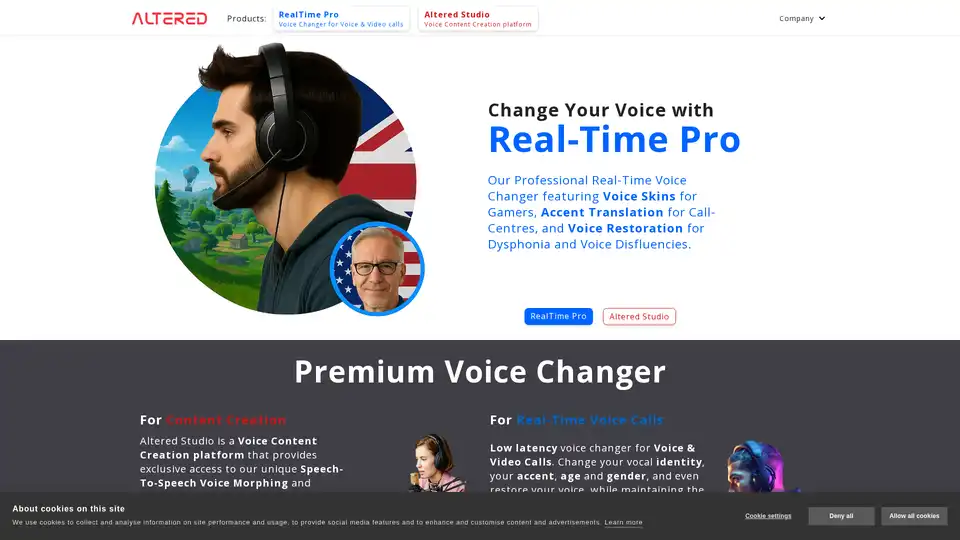
Altered Studio provides AI-powered voice changer software and services for professional voice performances, voice cloning, and real-time voice modification.

FliFlik offers AI-powered multimedia solutions for photo & video enhancement, voice changing, and watermark removal on Windows, macOS, iOS, and Android. Enhance your digital life!
Transform your voice with AI voice changer at voicechanger.im. Upload recordings or text to change your voice with effects, including girl voice changer and free options.
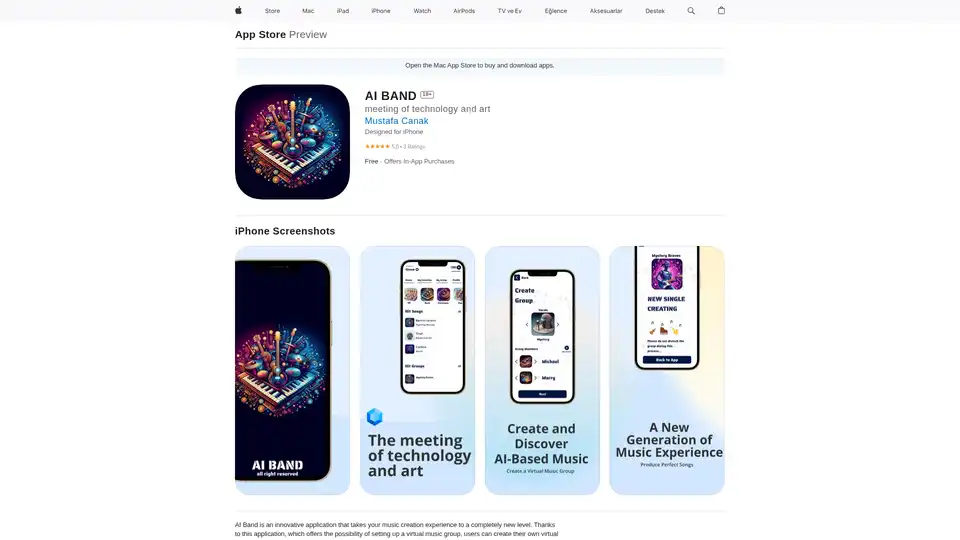
AI Band revolutionizes music creation on iOS with virtual AI bands. Build custom groups, generate tracks using AI, interact with members, and explore community music for endless inspiration.

Better Speech provides online speech therapy for all ages, addressing speech delays, voice disorders, and more. Get convenient, effective, and affordable therapy from licensed therapists, with no waitlists. Start with a free evaluation.

Earn while playing poker with Poker Bot AI+, the best poker bot powered by AI. Get a premium poker cheat sheet with artificial intelligence.
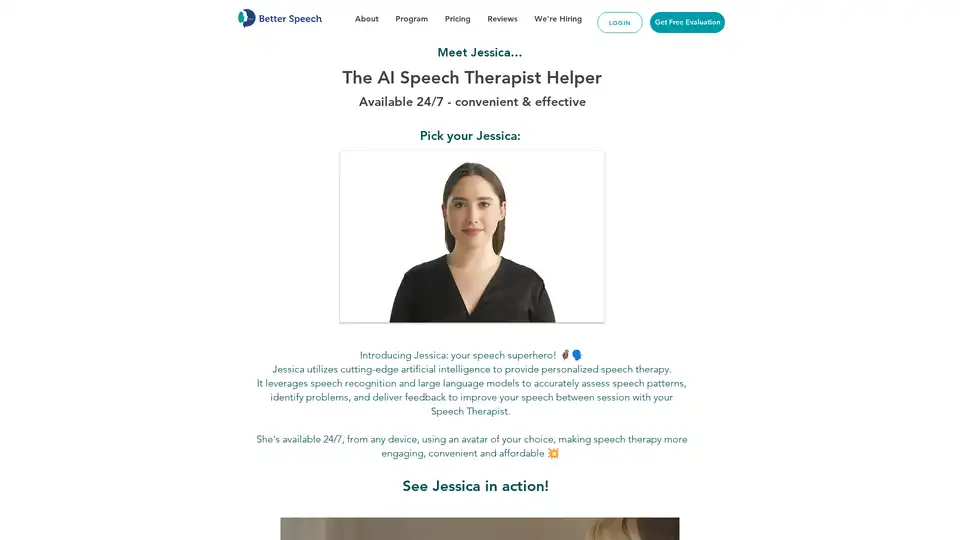
Meet Jessica, an AI speech therapist from Better Speech. Jessica uses AI to provide personalized speech therapy, assess speech patterns, and deliver feedback for speech improvement 24/7.
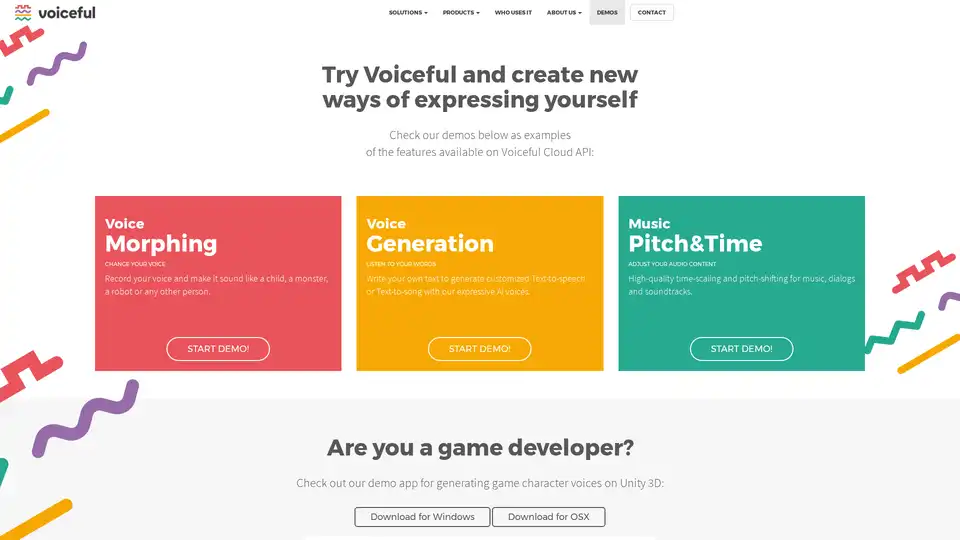
Explore Voiceful's AI-powered voice morphing, text-to-speech generation, and music pitch & time adjustment tools. Ideal for game developers and audio enthusiasts.
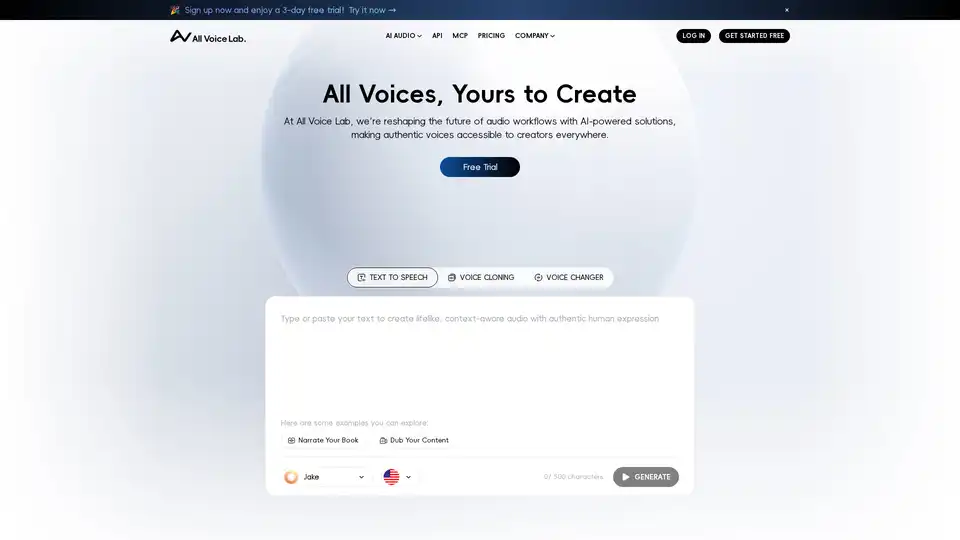
All Voice Lab offers advanced AI text-to-speech, voice cloning, and voice changer tools for realistic, multilingual audio. Create engaging voiceovers with emotional expressiveness—start your free trial today.