
DesignCode UI
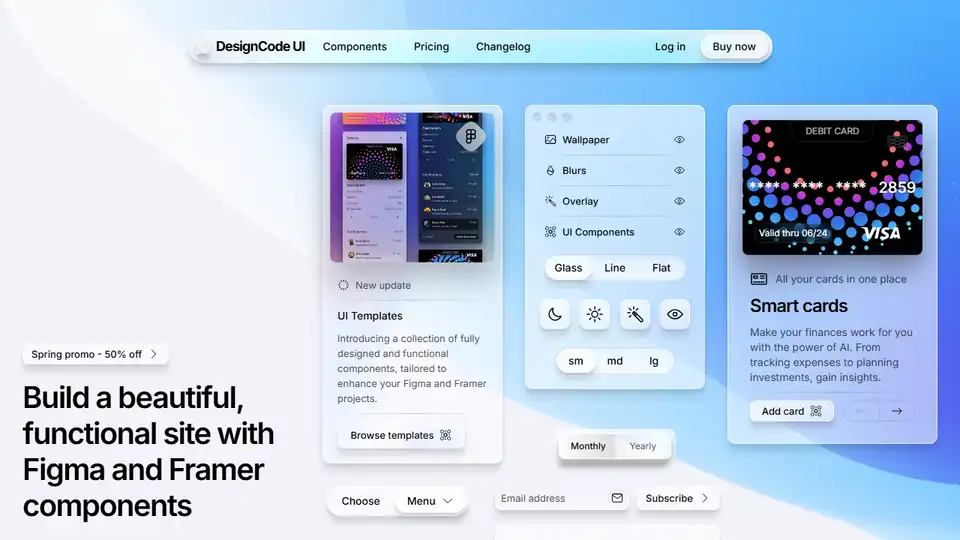
Overview of DesignCode UI
DesignCode UI: The Ultimate Figma and Framer Component Library
What is DesignCode UI?
DesignCode UI is a comprehensive design system offering hundreds of meticulously crafted Figma UI components and templates ready for seamless Framer integration. Built upon decades of UI/UX design expertise, it's designed to streamline your workflow and elevate your design projects.
How does DesignCode UI work?
DesignCode UI works by providing you with a vast library of pre-designed, fully customizable components. These components are meticulously organized with variables, variants, and adaptive layouts, ensuring consistency and flexibility across your projects. The system leverages the full spectrum of Figma features, such as Variables and Variants, and transitions seamlessly into Framer's rich interactive environment.
Key Features:
- Expansive Design System: Access a wide range of components and templates to build beautiful, functional sites.
- Figma and Framer Integration: Designed for seamless compatibility between Figma and Framer.
- Customizable Components: Tailor layouts, styles, patterns, breakpoints, and icons to match your brand.
- Theming: Unique theming options including glass, line, and flat styles, with dark and light modes.
- Auto Layout and Variables: Built with Figma's Auto Layout and Variables for responsive and consistent designs.
- Comprehensive Guides: Provides detailed guides to help you navigate every step of the way.
- 2,116 Unique Icons: Includes a vast library of icons to enhance your designs.
UI Components Included:
- Buttons: Crucial elements for user interaction, with various sizes, styles, and states.
- Controls: Segmented controls, toggles, and search bars for enhanced user experience.
- Menus & Content: Menus, popovers, navigation, and sidebars for improved UX/UI design.
Pricing:
DesignCode UI offers different pricing plans to cater to various needs:
- Basic (Free): Includes 50 components, 200+ Figma variants, and 1,000 unique icons. Ideal for personal projects and community use.
- All-Access (One-time $49): Includes all 300+ components, 2,000+ Figma variants, 2,116 unique icons, and Framer components. Perfect for single users.
- Team (One-time $149): Includes all features from All-Access, with a license for up to 5 users.
What problems does DesignCode UI solve?
- Design Inconsistency: Ensures consistent design language across all your projects.
- Time-Consuming Design Process: Speeds up the design process with pre-designed components.
- Lack of Flexibility: Offers customizable components to match your brand and project needs.
- Difficulty in Implementing Interactions: Seamless integration with Framer allows for rich interactive designs.
User Testimonials & Reviews:
- Panda Network: "DesignCode UI is an amazing tool for designers... The components are easy to use and help in creating unique modern designs."
- LottieFiles: "DesignCode UI has broadened my horizons in design systems... transitions seamlessly into Framer's rich interactive and state-driven environment."
- Ultra.cc: "I have bought ~7-8 Design systems so far and none of them has delivered what this design system has."
- Mobbin: "DesignCode UI unquestionably stands out among the design system component libraries available out there."
How to get started with DesignCode UI?
- Visit the DesignCode UI website.
- Explore the available components and templates.
- Choose a pricing plan that suits your needs.
- Download the Figma and Framer files after purchase.
- Start building your designs using the pre-designed components.
Why is DesignCode UI important?
DesignCode UI is important because it offers a comprehensive solution for designers looking to create stunning, functional designs quickly and efficiently. Its seamless integration with Figma and Framer, along with its customizable components and unique theming options, make it a valuable asset for any design project.
Where can I use DesignCode UI?
DesignCode UI can be used in a variety of design projects, including:
- Websites: Build beautiful and functional websites with pre-designed components.
- Mobile Apps: Create consistent and engaging mobile app interfaces.
- Landing Pages: Design high-converting landing pages with ease.
- Dashboards: Develop user-friendly dashboards with customizable controls and components.
Conclusion:
DesignCode UI is a powerful design system that empowers designers to create stunning and functional designs with ease. Whether you're a seasoned designer or just starting, DesignCode UI provides the tools and resources you need to elevate your design projects.
Best Alternative Tools to "DesignCode UI"
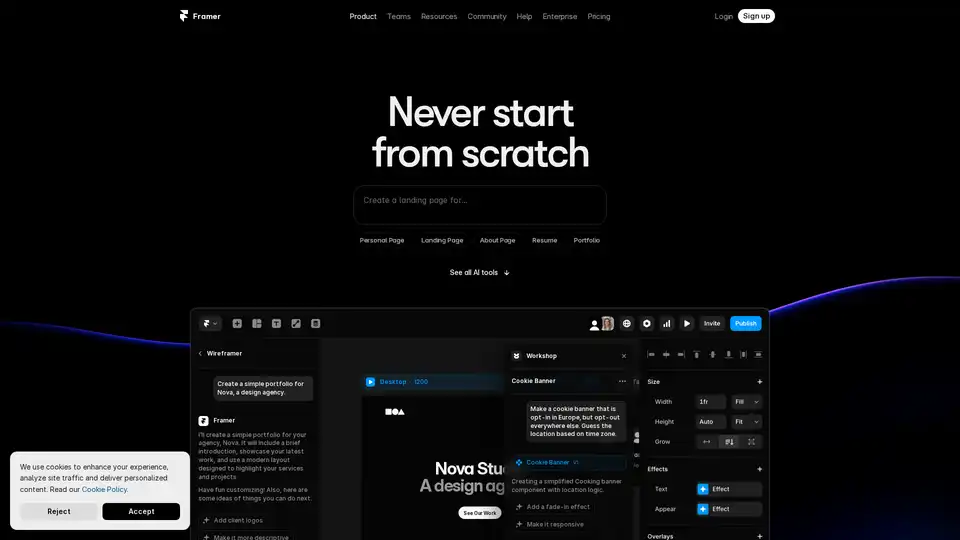
Framer revolutionizes web design with AI tools like Wireframer for instant page generation, Workshop for no-code components, and AI Translate for seamless localization. Build responsive sites effortlessly without starting from scratch.

Avatar AI is an AI Photo Editor App UI Kit available on UI Ants. Preview it in Figma.

LanguageGUI is an open-source UI Kit for giving LLMs flexibility in formatting text outputs into rich GUIs.
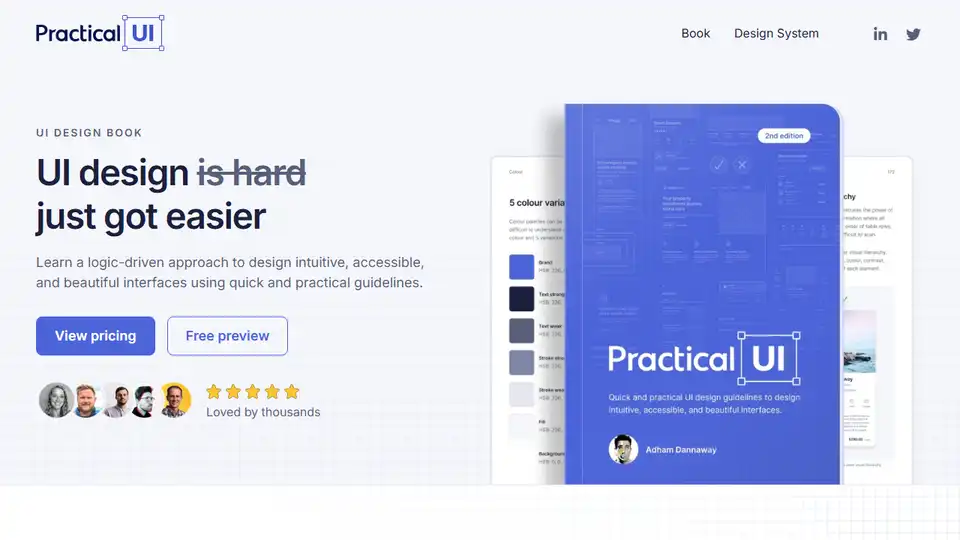
Learn UI design with Practical UI, a logic-driven approach to creating intuitive, accessible, and beautiful interfaces. Get actionable guidelines, examples, and a Figma design system starter kit.
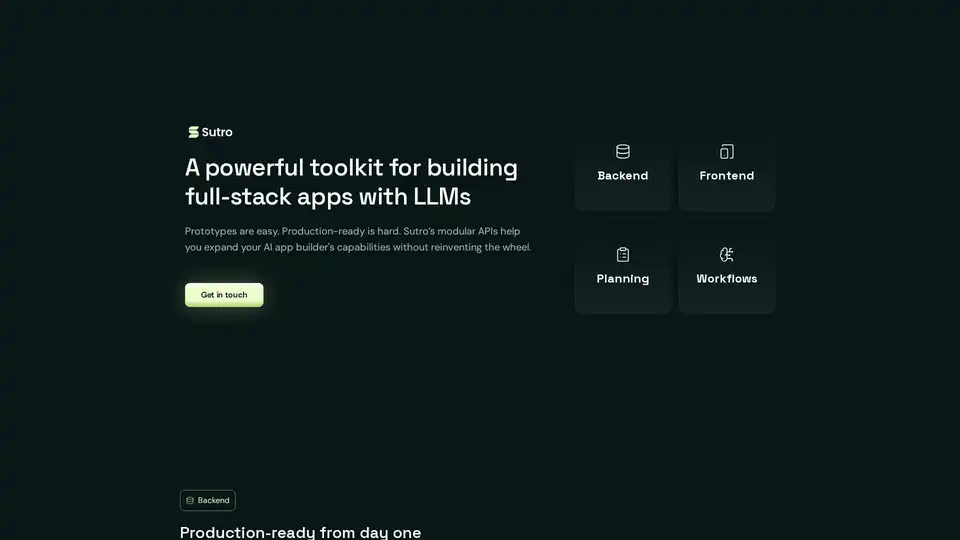
Sutro is a toolkit for building full-stack AI apps using LLMs. It provides modular APIs for backend, frontend, planning, and workflows, enabling the creation of enterprise-grade AI applications with ease.
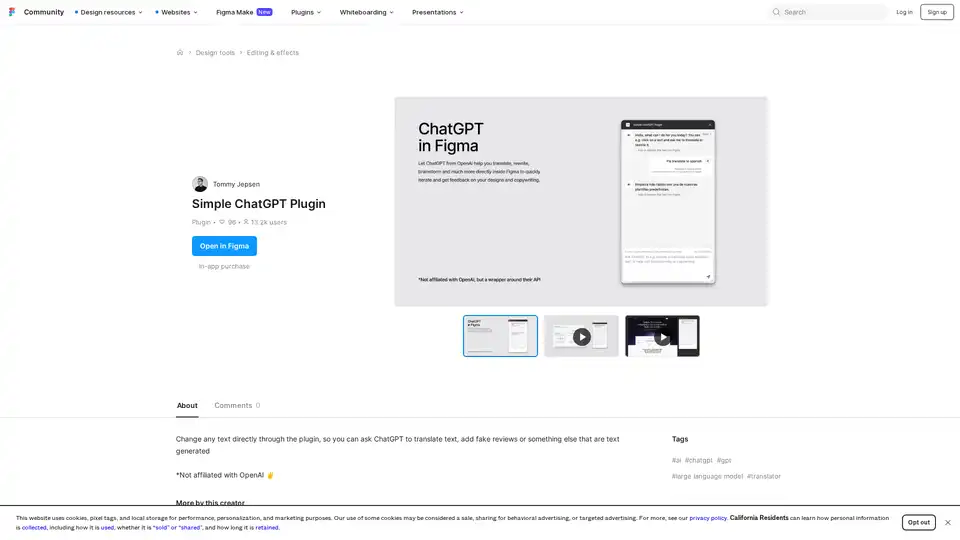
Discover the Simple ChatGPT Plugin for Figma, an AI-powered tool that lets you edit text directly by generating translations, fake reviews, or custom content using ChatGPT—streamline your design workflow effortlessly.

The world's first tool for prototypes that look exactly like your product. Capture your product from the browser instantly and build lifelike, interactive prototypes to share with your team and customers.

Motiff is an AI-powered interface design tool integrating AI into UI/UX workflows. It generates UIs from text/images, iterates designs, offers styling presets, and converts websites to editable designs. Currently under development as a Figma plugin.
Figma is a collaborative interface design tool that allows teams to brainstorm, design, and build products together. It offers features like design systems, templates, and AI capabilities to streamline the design process.
UiHub is an AI-powered platform for generating and managing TailwindCSS UI components. Create custom libraries or use AI to speed up your frontend development workflow.
Elevate your workflow with Superflex, the ultimate Figma-to-code solution. Our AI instantly converts Figma and Image designs into pixel-perfect, production-ready code that meets your standards and boosts team efficiency.
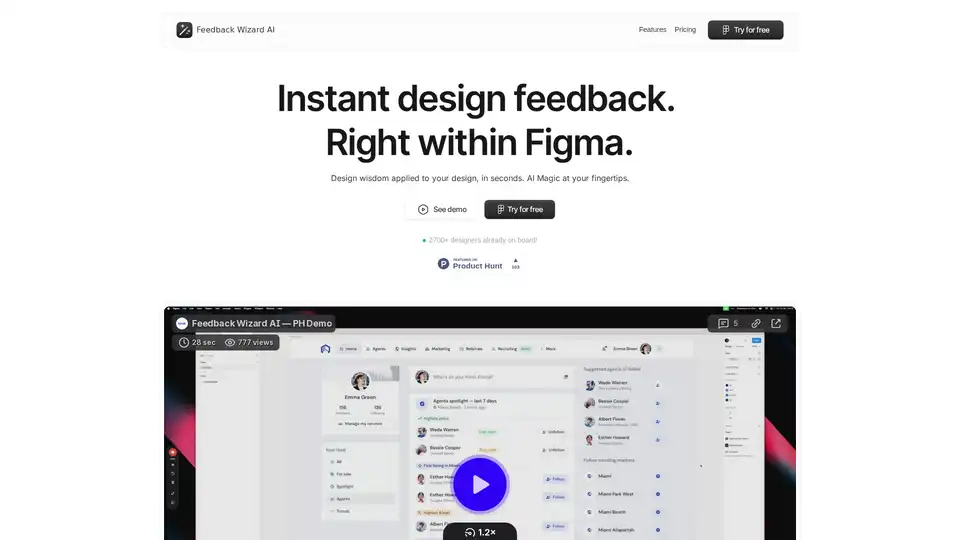
Feedback Wizard is a Figma plugin that provides instant AI-powered design feedback to improve UX/UI. Get actionable suggestions and streamline your design workflow effortlessly.
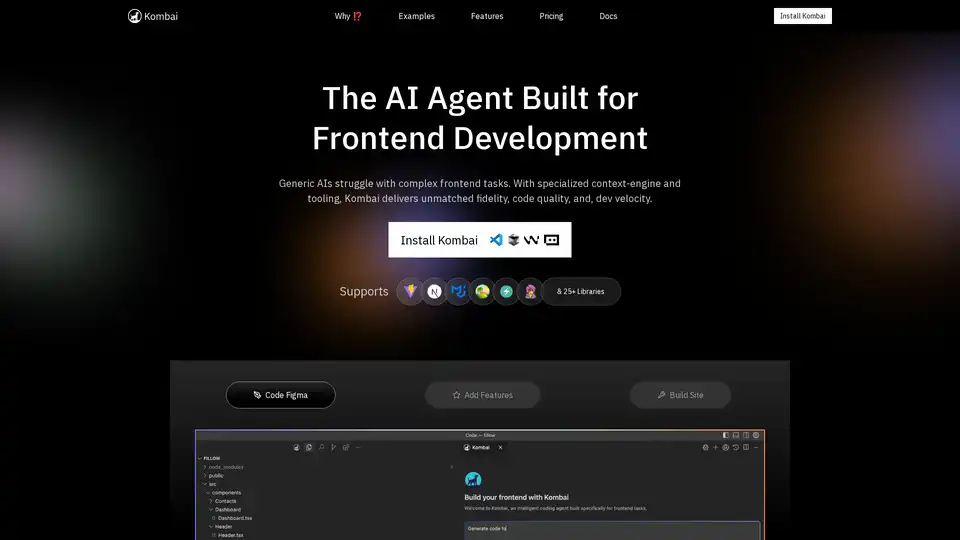
Kombai is a specialized AI agent for frontend development, excelling in converting Figma designs, images, and text prompts into high-fidelity code with superior speed and accuracy for React and more.

Unlock the potential of AI with our curated list of the best free AI websites and software. Explore top-rated tools for writing, design, coding, and boosting productivity.