
AI Runner
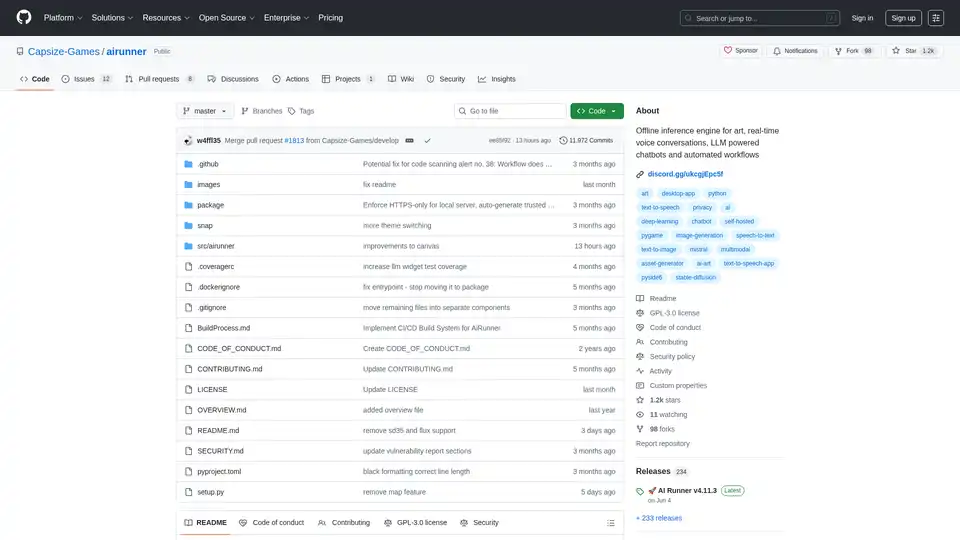
Overview of AI Runner
AI Runner: Your Local AI Powerhouse
AI Runner is an open-source, offline inference engine designed to bring the power of AI to your local machine. It supports a wide range of functionalities, including art generation, real-time voice conversations, LLM-powered chatbots, and automated workflows, all while prioritizing privacy and security.
What is AI Runner?
AI Runner is a versatile tool that allows you to run AI models directly on your computer without relying on external APIs or cloud services. This means you can enjoy the benefits of AI without compromising your data privacy or incurring additional costs.
How does AI Runner work?
AI Runner leverages your local hardware, including your CPU and GPU, to perform AI computations. It supports various AI models and frameworks, allowing you to customize and extend its capabilities to suit your specific needs. By running models locally, AI Runner eliminates the need for constant internet connectivity and reduces latency, providing a faster and more responsive AI experience.
Key Features of AI Runner
- Real-time Conversations:
- Supports three speech engines: espeak, SpeechT5, and OpenVoice.
- Offers auto language detection using OpenVoice.
- Enables real-time voice chat with LLMs.
- Customizable AI Agents:
- Allows you to create custom agent names, moods, and personalities.
- Supports Retrieval-Augmented Generation (RAG) for enhanced knowledge retrieval.
- Enables the creation of AI personalities and moods.
- Enhanced Knowledge Retrieval:
- Utilizes RAG for documents and websites, allowing you to use local data to enrich chat interactions.
- Image Generation & Manipulation:
- Supports text-to-image generation using Stable Diffusion 1.5, SDXL, and Turbo.
- Provides drawing tools and ControlNet support for advanced image manipulation.
- Offers LoRA & Embeddings support.
- Includes inpainting, outpainting, and filter functionalities.
- Multi-lingual Capabilities:
- Provides partial multi-lingual TTS/STT/interface support.
- Supports English and Japanese GUI.
- Privacy and Security:
- Runs locally, ensuring no external API dependencies by default.
- Offers customizable LLM guardrails & image safety features.
- Disables HuggingFace telemetry.
- Restricts network access.
- Performance & Utility:
- Offers fast generation speeds (approximately 2 seconds on RTX 2080s).
- Provides Docker-based setup & GPU acceleration.
- Supports theming (Light/Dark/System).
- Includes NSFW toggles.
- Offers an Extension API and Python library & API support.
- Language Support:
- Supports various languages for TTS, LLM, STT, and GUI, including English, Japanese, Spanish, French, Chinese, and Korean.
How to use AI Runner?
- Installation: Follow the detailed installation instructions provided in the Installation Wiki. The quick start involves installing system requirements, creating an airunner directory, and installing AI Runner using pip.
- Basic Usage:
- Run AI Runner:
airunner - Run the downloader:
airunner-setup - Build templates:
airunner-build-ui
- Run AI Runner:
- Models: Download the necessary models for text-to-speech, speech-to-text, text generation, and image generation. Organize them under the local AI Runner data directory (
~/.local/share/airunner). - Configuration: Set up API keys for optional third-party services like Google Custom Search, Bing Web Search, and NewsAPI, if desired.
- Slash Tools: Use slash commands in the chat prompt to quickly trigger actions like image generation (
/a), code execution (/c), and web search (/s).
Why choose AI Runner?
- Privacy: Keep your data secure by running AI models locally.
- Customization: Tailor AI agents and workflows to your specific needs.
- Performance: Enjoy fast generation speeds and responsive interactions.
- Extensibility: Expand AI Runner's functionality with extensions and custom tools.
Who is AI Runner for?
AI Runner is suitable for:
- AI enthusiasts: Individuals interested in exploring and experimenting with AI technologies.
- Developers: Professionals looking to integrate AI into their applications and workflows.
- Creatives: Artists and designers seeking to generate and manipulate images using AI.
- Researchers: Academics and researchers studying AI and related fields.
Regulatory Compliance & Disclosures
AI Runner includes features to help users comply with emerging AI regulations. For example, it provides information regarding the Colorado AI Act (SB 24-205), informing users about their responsibilities as deployers of high-risk AI systems.
Command Line Tools
AI Runner provides several command-line tools for development, testing, and maintenance. These include commands for launching the GUI, downloading models, building UI files, running tests, and generating SSL certificates.
Additional Resources
- GitHub Repository: https://github.com/Capsize-Games/airunner
- Wiki: Consult the AI Runner Wiki for detailed documentation and advanced topics.
- Contributing: Contribute to the project by submitting pull requests for new features, bug fixes, or documentation improvements.
AI Runner empowers you to harness the potential of AI while maintaining control over your data and workflow. Dive in and explore the possibilities!
Best Alternative Tools to "AI Runner"
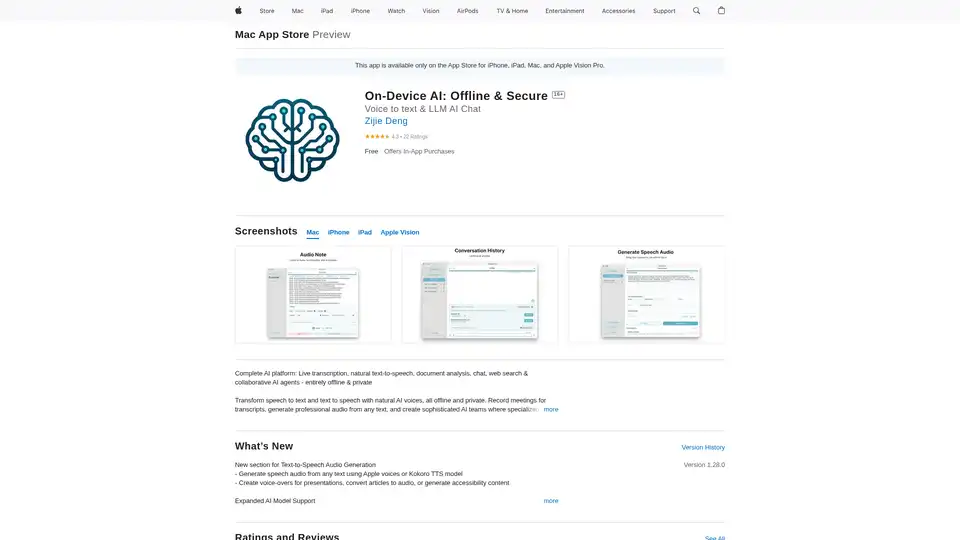
On-Device AI: Transform speech to text, natural text-to-speech, and chat with LLMs offline and securely on your iPhone, iPad, and Mac. Private and powerful!
Flibbo AI is an innovative app that empowers content creators to generate viral social media posts, realistic images, and original music using advanced AI. Ideal for influencers and businesses seeking effortless engagement boosts.
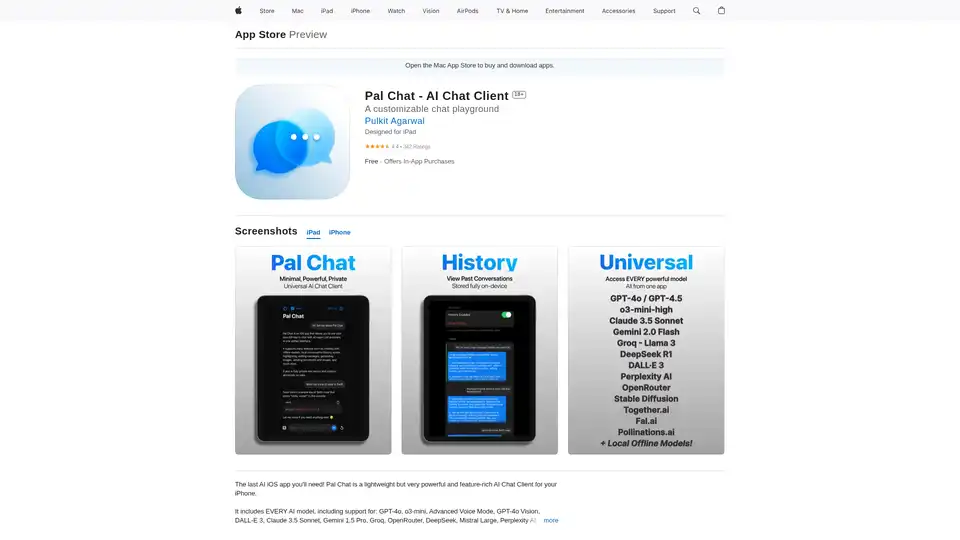
Discover Pal Chat, the lightweight yet powerful AI chat client for iOS. Access GPT-4o, Claude 3.5, and more models with full privacy—no data collected. Generate images, edit prompts, and enjoy seamless AI interactions on your iPhone or iPad.

FutureTools Collects & Organizes All The Best AI Tools So YOU Too Can Become Superhuman!
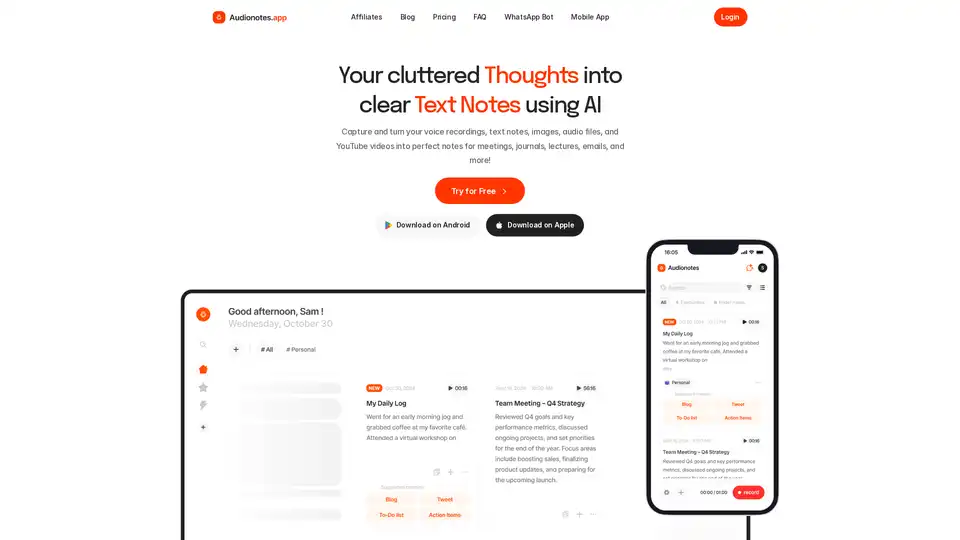
AI note taking app that transforms voice recordings, text, images, audio files and videos into clear, summarized notes for meetings, lectures, journals, and more.
The complete AI Course Creator that converts PDFs into structured courses while supporting you at every step of your course creation process.
Cloodot is a powerful AI Employee that improves communication and drives sales with 24/7 support, lead generation, and automated workflows. Start a free trial today!
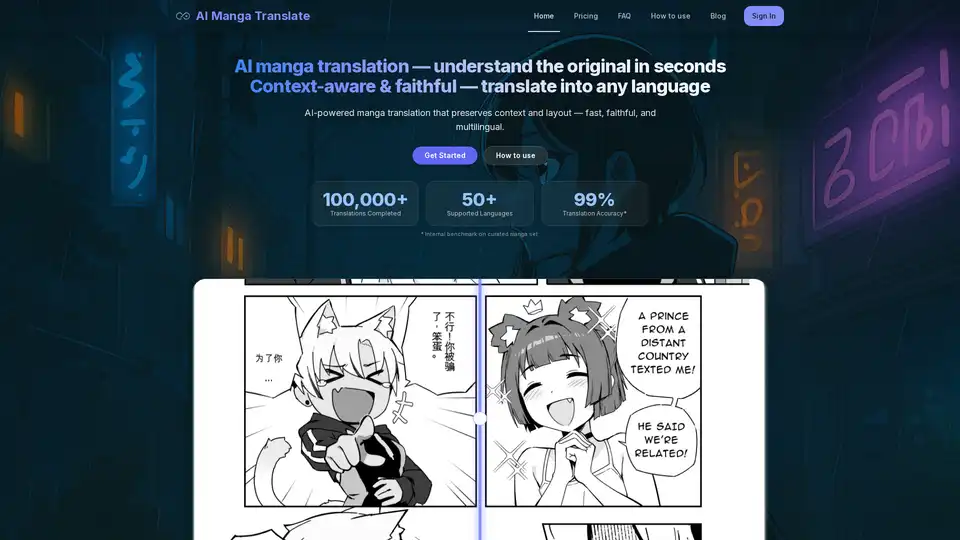
Online AI manga translator with OCR for vertical/horizontal text. Batch processing and layout-preserving typesetting for manga and doujin.
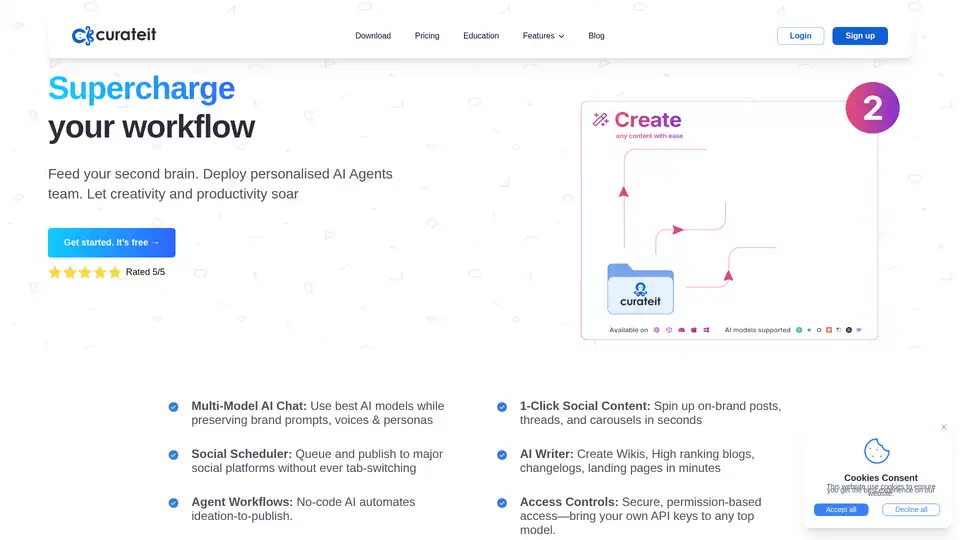
CurateIt is an AI-powered productivity tool that acts as your second brain, helping you curate, organize, and showcase your work. It offers AI-driven search, summarization, and content creation, along with robust bookmarking and organization features.
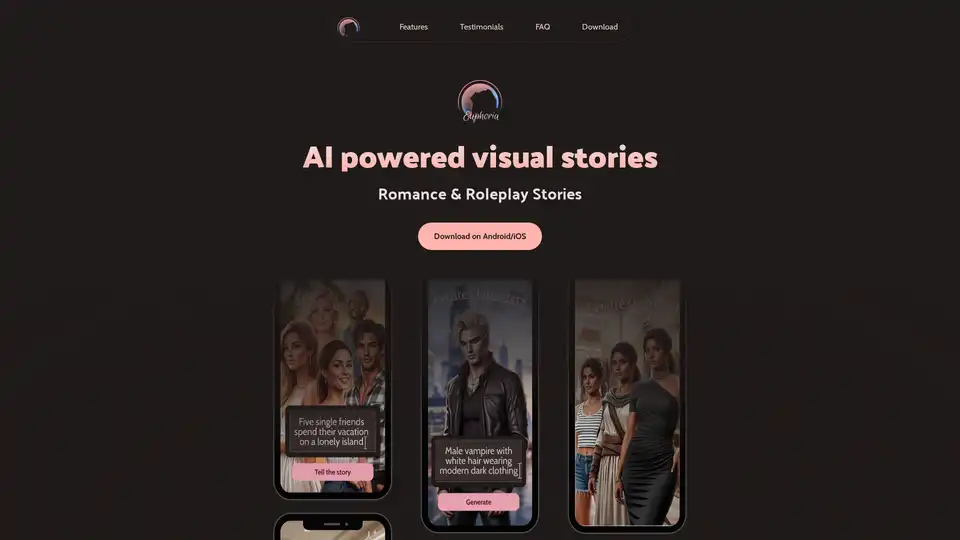
Euphoria: AI Choices is a free mobile app for Android/iOS delivering AI-powered interactive visual stories in romance and roleplay genres. Input any action for seamless AI-generated continuations with matching visuals. Join Discord for community.
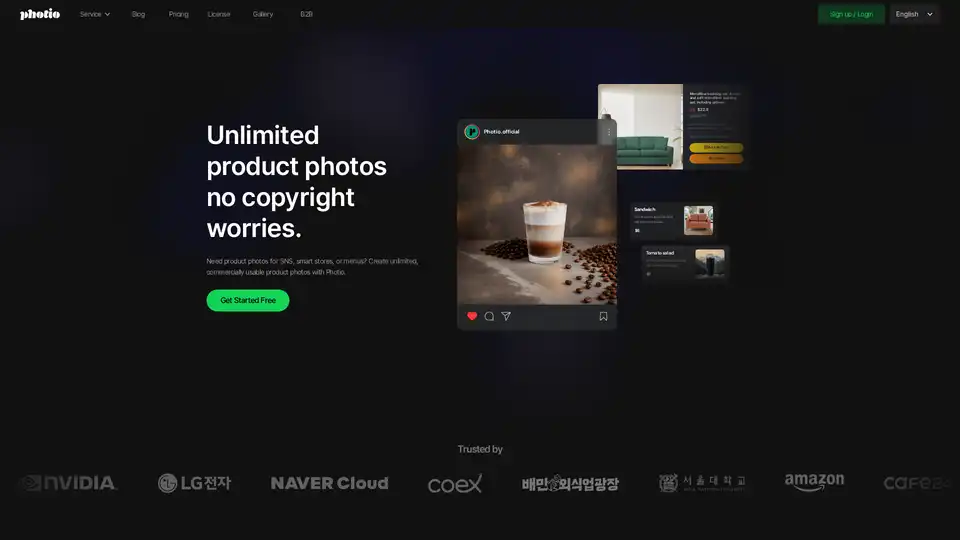
Photio is an AI-powered product photography studio that allows users to create unlimited, commercially usable product photos. It offers various tools like AI Photographer, background removal, and image enhancement.
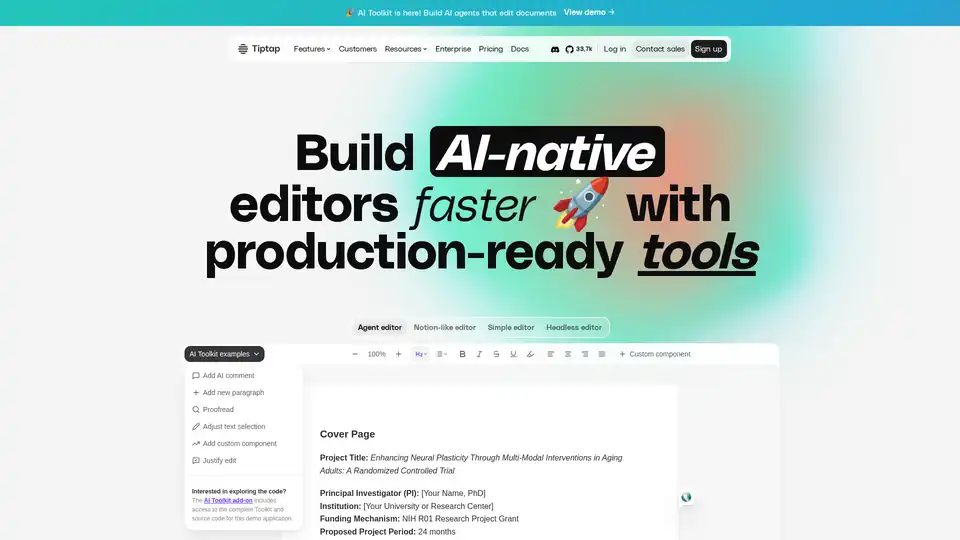
Tiptap is an open-source headless editor framework for creating custom, Notion-like content editors. It includes over 100 extensions, AI Toolkit for document-editing agents, AI generation for grammar and tone adjustments, real-time collaboration, and more. Ideal for developers building scalable editing UIs.
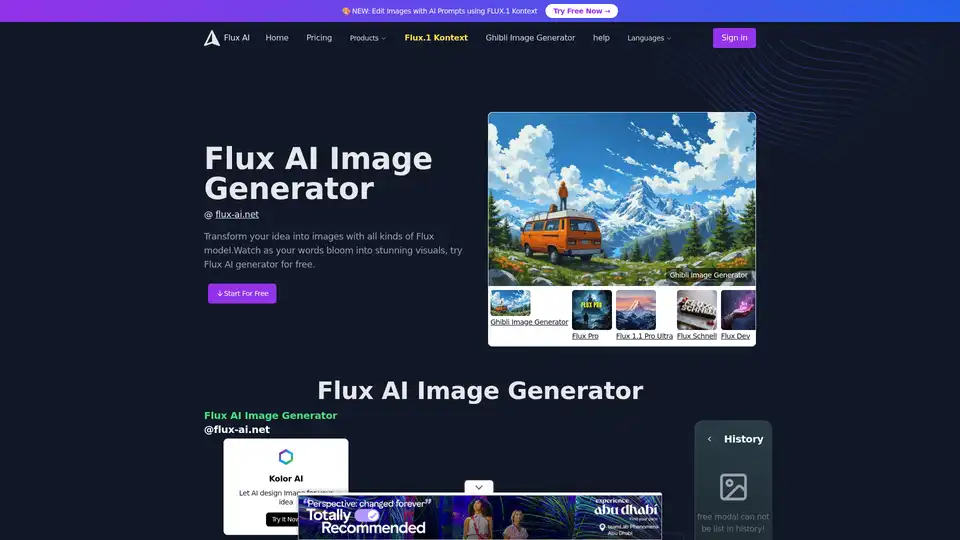
Flux AI Image Generator is a cutting-edge text-to-image AI tool that turns your prompts into high-quality visuals using advanced Flux models. Try it free online for creative art, designs, and more.
Discover FLUX.1 AI, a revolutionary AI image generator by Black Forest Labs. Transform text prompts into high-quality images with exceptional detail and style diversity.