
Collabwriting
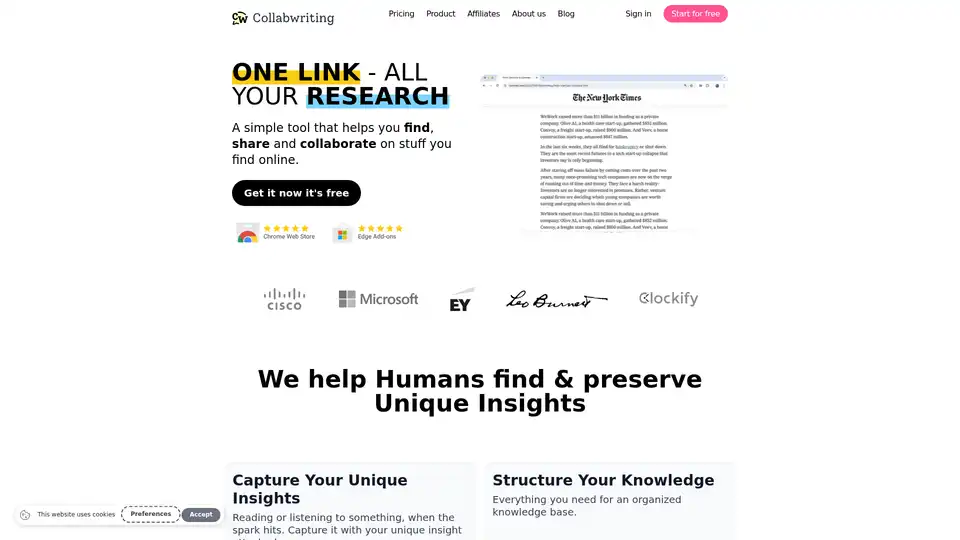
Overview of Collabwriting
Collabwriting: Streamline Your Online Research and Collaboration
What is Collabwriting? Collabwriting is a simple browser extension designed to help users capture, share, and collaborate on content they find online. This powerful tool is perfect for anyone who needs to manage and organize information efficiently, from content creators to legal professionals.
Key Features of Collabwriting
- Capture Unique Insights: Easily capture insights while reading or listening to online content. Attach your unique thoughts and ideas directly to the source material.
- Structure Your Knowledge: Organize your research with a comprehensive knowledge base, ensuring that everything is easily accessible.
- Collaborative PDFs: Collaborate on multiple documents simultaneously with topic-specific collaboration tools.
- Fast AI Search: Quickly access your insights with fast AI search, history, and archive features. Never lose important information again.
Collabwriting supports a variety of popular tools, including:
- Kindle
- YouTube
- Google Docs
- Notion
- Gmail
- Outlook
Suggest more integrations based on your need to Collabwriting team.
How does Collabwriting work?
- Collect from Any Source: Gather information from online sources, PDFs, and Kindle documents.
- Export to Multiple Formats: Export your collected insights to CSV, PDF, Google Docs, Notion, Gmail, and more.
Benefits of Using Collabwriting
- Human-Centric AI: AI-powered suggestions that enhance your genius without getting in the way.
- Knowledge Triggers: Resurface relevant knowledge when you need it most.
- Fact-Checked Graphs: Help eradicate misinformation with fact-checked graphs.
Who is Collabwriting for?
Collabwriting is designed for a wide range of users, including:
- Content Creators: Streamline guest research and content creation processes.
- Legal Professionals: Efficiently gather and manage information from various sources.
- Marketing Teams: Streamline knowledge sharing and feedback processes.
- Researchers: Organize and access research materials quickly.
- Students: Simplify research paper writing and code snippet collection.
Why Choose Collabwriting?
- Time-Saving: Many users report saving at least 2 hours a day by streamlining their research workflows.
- Easy to Use: Collabwriting is praised for its intuitive UI/UX design.
- Collaborative: Simplifies collaboration with team members, even those without an account.
- Comprehensive: Supports a wide range of tools and export options.
Pricing
Collabwriting offers both free and paid plans:
- Personal (Free):
- Unlimited topics
- Unlimited highlights
- Unlimited hashtags
- 5 collections
- 5 guests
- 5MB uploads
- 50 AI searches
- Team ($15/seat/month):
- Removes all limits
- Branded topics
- AI copilot
- Restricted collections
- Knowledge triggers
- Single sign-on
- Private graph
- Fact-checking
- Multi-agent research
User Reviews
- Chris Cownden (Podcast Host): "Collabwriting has been the biggest time saver for me as a podcast host because it's streamlined my guest research process."
- Paul Dumbravanu (Lawyer): "As a lawyer, I require reliable tools to gather information regardless of where I find it. I wholeheartedly recommend this tool for its efficiency, simplicity, and the promising features on its roadmap."
- Alefiya Khorakiwala (Head of Marketing): "I was drowning in a sea of Google Docs, Google Spreadsheets, Notebooks and now I'm streamlining everything to Collabwriting and Notion. I save at least 2 hours a day."
How to use Collabwriting? Simply install the browser extension and start capturing insights from any online source. Organize your research, collaborate with your team, and export your findings to your favorite tools.
Collabwriting is a valuable tool for anyone who wants to streamline their online research and collaboration processes. With its intuitive interface, powerful features, and support for a wide range of tools, Collabwriting is the perfect solution for managing and organizing your knowledge effectively.
Best Alternative Tools to "Collabwriting"
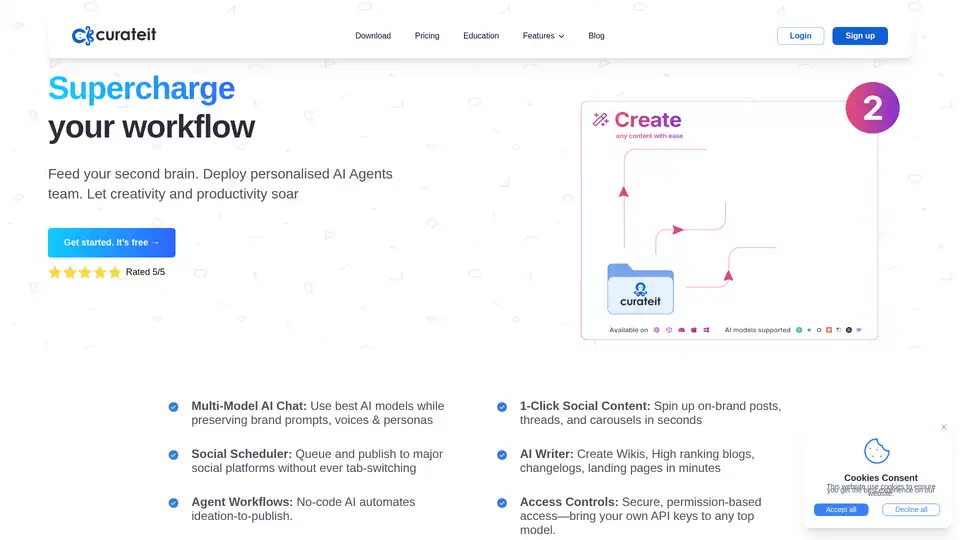
CurateIt is an AI-powered productivity tool that acts as your second brain, helping you curate, organize, and showcase your work. It offers AI-driven search, summarization, and content creation, along with robust bookmarking and organization features.
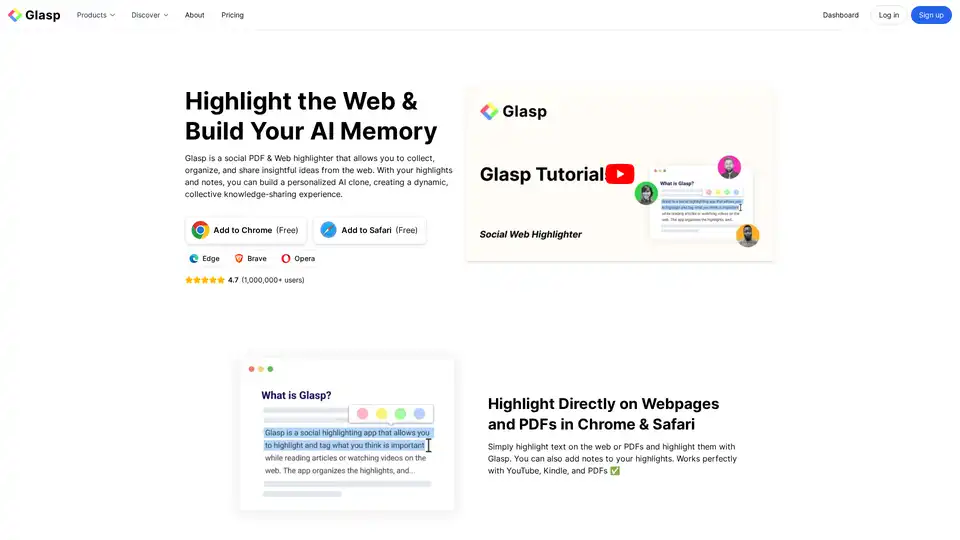
Glasp is a social web and PDF highlighter that lets you collect, organize, and share insights. Highlight on webpages and PDFs, create notes, and build your personal AI clone for knowledge sharing.
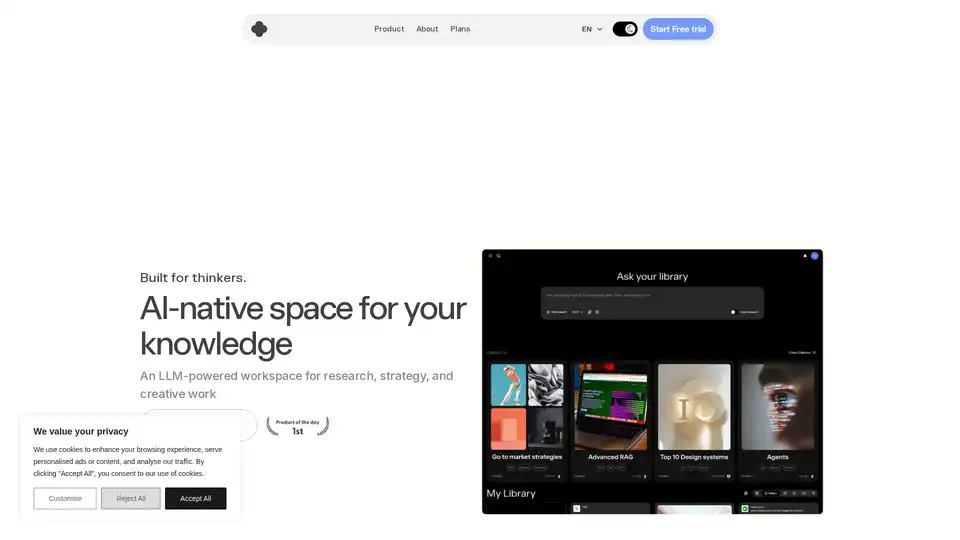
IKI AI is an AI-native workspace for research, strategy, and creative work. It features an AI assistant, editor, and team spaces. It helps summarize, highlight, and connect the dots in your content.
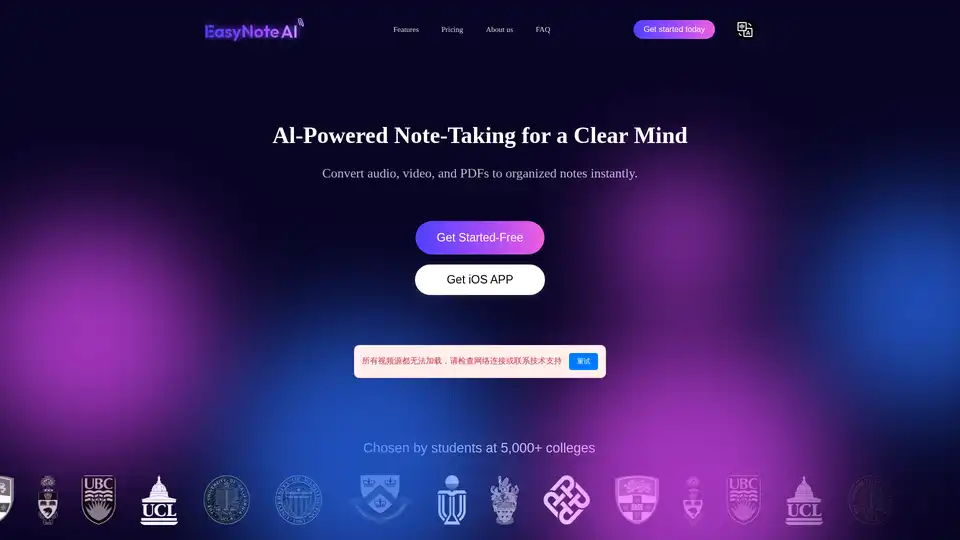
EasyNoteAI is a powerful AI note-taking assistant that converts audio, online videos, and PDFs into organized notes, outlines, flashcards, quizzes, summaries, and chatbots for efficient learning and productivity.
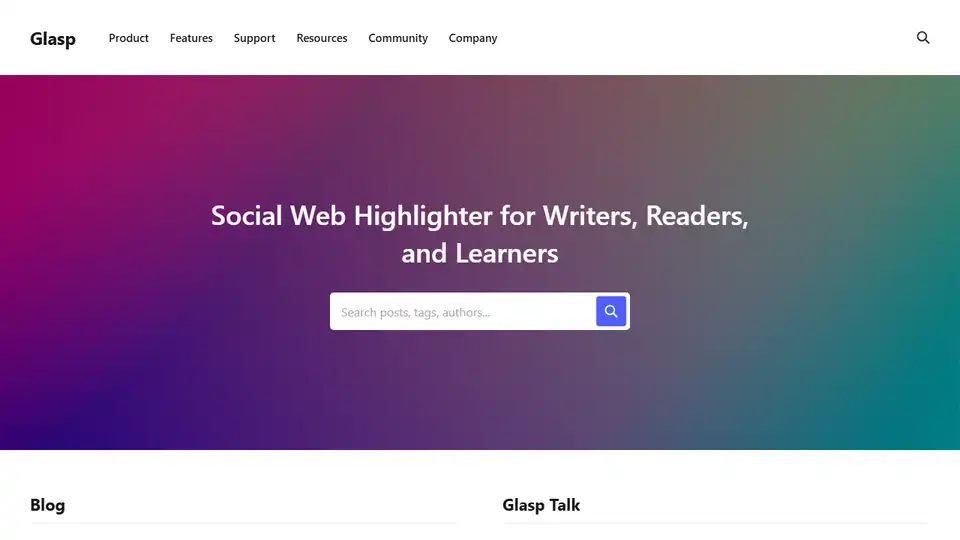
Glasp is a social web highlighter that allows users to highlight and organize quotes and thoughts from the web, connecting them with like-minded learners. Enhance your online reading and learning experience with Glasp.
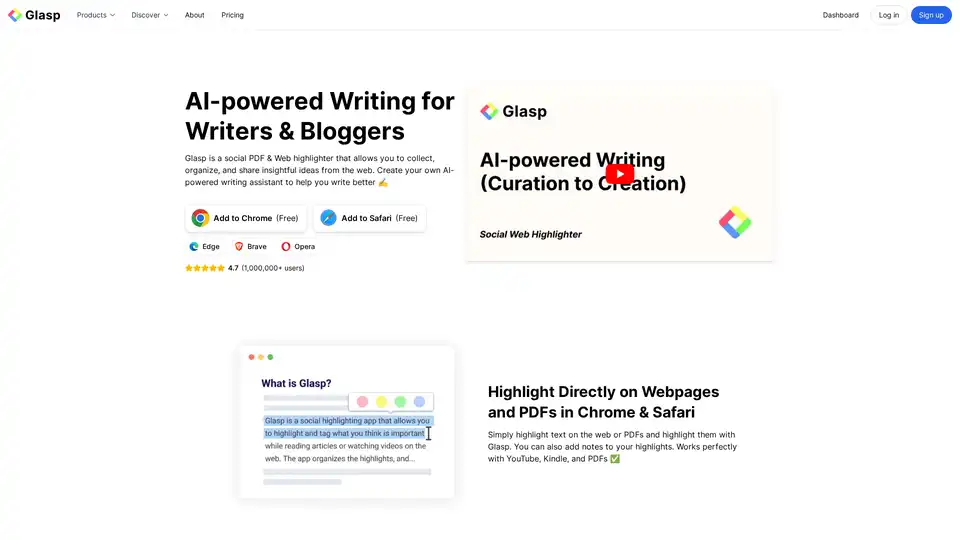
Glasp is an AI-powered social web highlighter that enables users to collect, organize, and share insights from the web, enhancing research, learning, and writing with AI assistance.

Use TubeMemo to extract, enhance, and summarize YouTube transcripts with AI. Turn videos into smart, searchable notes in seconds.
Discover iMean AI Builder, a browser extension that records and automates your online tasks into personalized AI workflows. Effortlessly create, customize, and optimize intelligent assistants for daily efficiency.
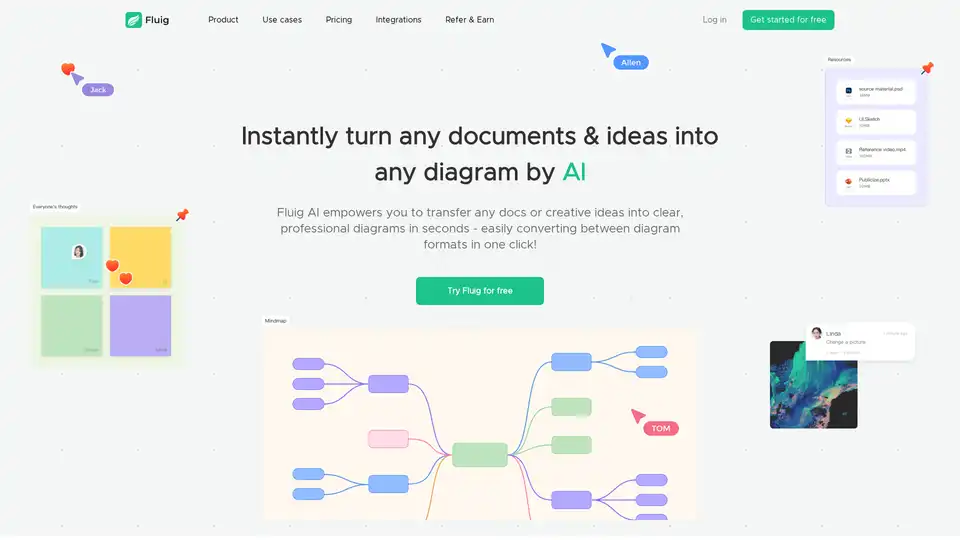
Fluig is a free native AI diagramming platform that turns docs or ideas into clear, professional mind maps, flowcharts, tables, cards and more diagrams with just chats. Ideal for teams and creatives seeking efficient visual communication.
Discover Heights AI Coach, an autonomous AI mentor for creators that provides personalized, step-by-step guidance for course creation and business growth, included free with Heights Pro Plan.
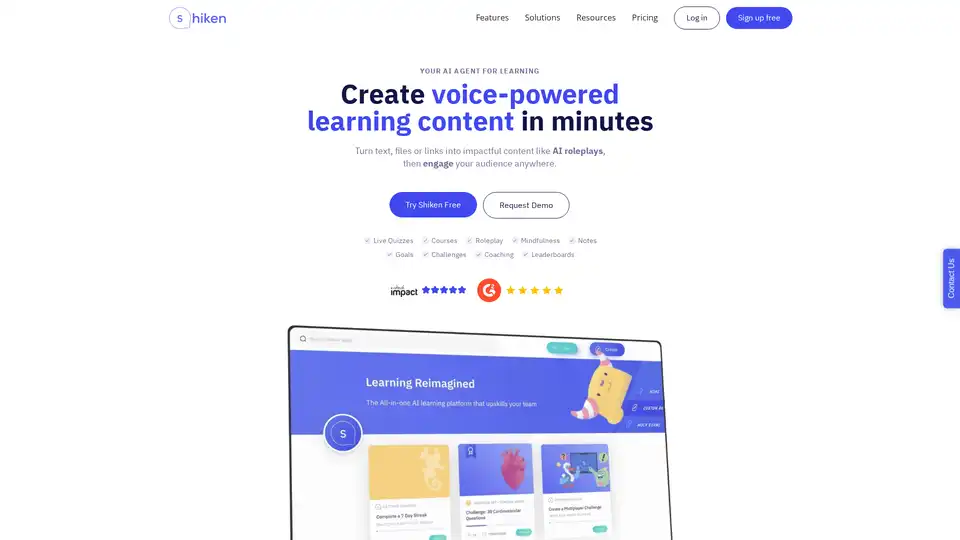
Build AI agents that help upskill you and your team. From microlearning quizzes, to courses and roleplay and coaching Shiken saves you time and helps you perform better.
Craft is your personal space for notes, tasks, and big ideas. Write, plan, and organize everything in one beautiful place with on-device AI and instant sync.
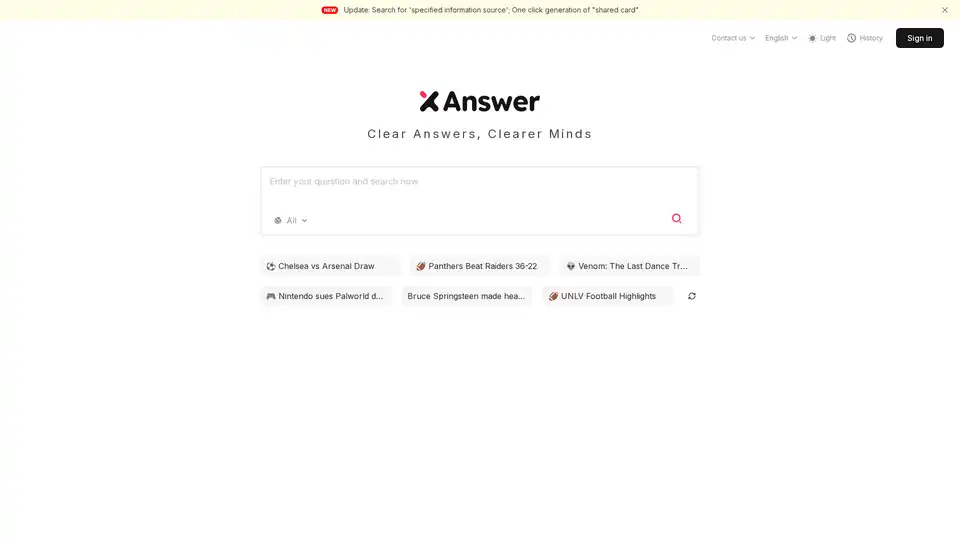
XAnswer is a free AI search engine that delivers instant answers, cites clear sources, and generates unique mind maps for efficient information processing and sharing.
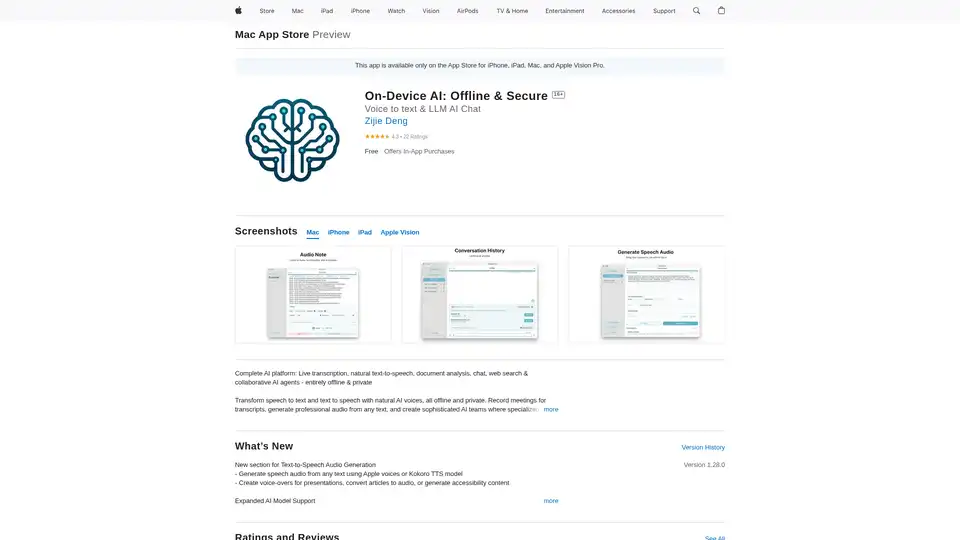
On-Device AI: Transform speech to text, natural text-to-speech, and chat with LLMs offline and securely on your iPhone, iPad, and Mac. Private and powerful!