
DJ.Studio
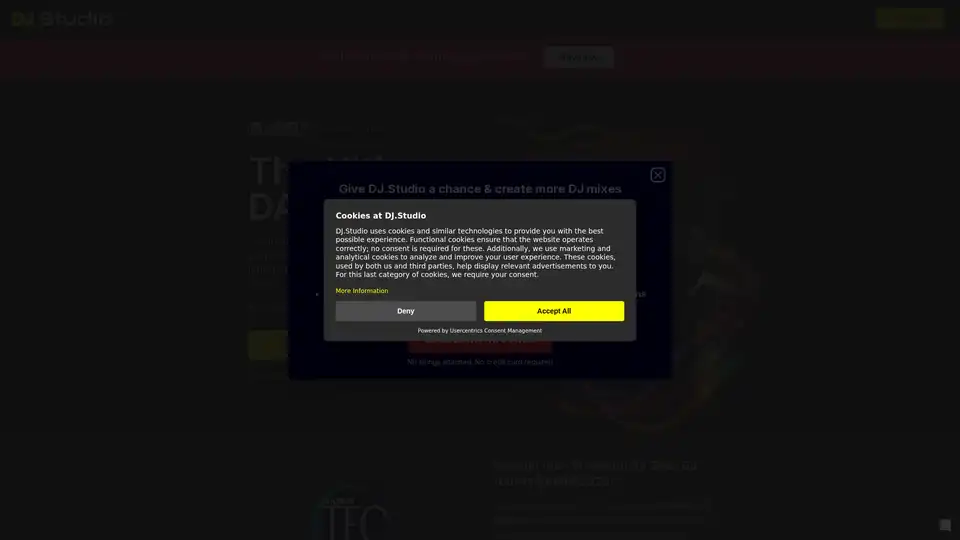
Overview of DJ.Studio
DJ.Studio: The Ultimate DAW for DJs
What is DJ.Studio? DJ.Studio is a revolutionary DAW (Digital Audio Workstation) designed specifically for DJs, producers, and performing artists. It simplifies and accelerates the process of creating mashups, DJ mixes, radio shows, and live sets. Unlike traditional DAWs, DJ.Studio focuses on transitions and provides a timeline-based editor that allows you to craft perfect mixes with ease.
Key Features:
- Timeline-Based Editor: Craft seamless mixes with a user-friendly timeline interface.
- Automatic Track Harmonization: The Harmonize feature uses millions of calculations to order your playlist perfectly based on tempo and harmonic matching.
- Precision Transitions: Implement the best transitions and blend your tracks with easily applied effects and automations.
- Seamless Integration: Works with Mixed In Key, rekordbox, Serato, VirtualDJ, Engine DJ, TRAKTOR, and iTunes.
- Direct Export to Mixcloud and YouTube: Export your mix with an auto-generated track list, saving time and effort.
- Music Visualizer: Add visualizations to your mix and export as an MP4 for YouTube.
How does DJ.Studio work?
DJ.Studio streamlines the DJing process by offering a production-style workflow. Here’s how it works:
- Track Selection: Choose your tracks from your computer library or integrated platforms like rekordbox, Serato, or Virtual DJ.
- Automatic Harmonization: Use the Harmonize feature to automatically order your playlist based on BPM and key, ensuring a perfect mix every time.
- Transition Editing: Implement creative effects and precise settings to blend your tracks seamlessly.
- Export and Share: Export your mix directly to Mixcloud or YouTube with an auto-generated track list.
Why choose DJ.Studio?
- Time-Saving: DJ.Studio significantly reduces the time it takes to create professional-quality mixes.
- Ease of Use: The intuitive timeline-based editor makes it easy for both beginners and seasoned DJs to create stunning mixes.
- Professional Results: Achieve seamless transitions and harmonic mixing with precision tools and automatic features.
- Versatile Integration: DJ.Studio integrates with popular DJ software and hardware, ensuring a smooth workflow.
Who is DJ.Studio for?
DJ.Studio is perfect for:
- Bedroom DJs: Create professional-sounding mixes from the comfort of your home.
- Producers: Enhance your music production workflow with intuitive mixing tools.
- Performing Artists: Prepare live sets quickly and efficiently.
- Radio Show Hosts: Produce high-quality radio shows with seamless transitions.
Recognized by the Industry
DJ.Studio has garnered recognition from leading figures in the music industry. Mick Wilson, Tech Editor at DJ Mag, notes that DJ.Studio brings production-style workflows to DJs. MusicTech Magazine praises it as the best software for creating DJ mixes, and Mixed In Key highlights its speed and efficiency.
How to use DJ.Studio?
- Download and Install: Start by downloading DJ.Studio from the official website and installing it on your computer.
- Import Your Music: Connect DJ.Studio to your music library or integrate with platforms like rekordbox or Serato.
- Create Your Mix: Use the timeline-based editor to arrange your tracks, apply transitions, and add effects.
- Export and Share: Export your completed mix directly to Mixcloud, YouTube, or save it as a WAV or MP3 file.
Customer Reviews:
Users have praised DJ.Studio for its intuitive interface, time-saving features, and professional-quality results. Many have noted its seamless integration with other DJ software and its ability to simplify the mixing process.
Mix on Your Laptop
DJ.Studio empowers you to create DJ mixes online without the need for a controller or downloads. You can DJ with Spotify, Beatport, and more directly from this DJ app. All you need is an internet connection and your creativity.
From Bedroom DJ to Performing Artist
DJ.Studio enables you to focus on the creative aspects of DJ mixing, making the process faster and more enjoyable. Whether you're just starting out or are a seasoned performer, DJ.Studio provides the tools you need to elevate your mixes.
Try DJ.Studio now for free and experience the future of DJing!
Best Alternative Tools to "DJ.Studio"
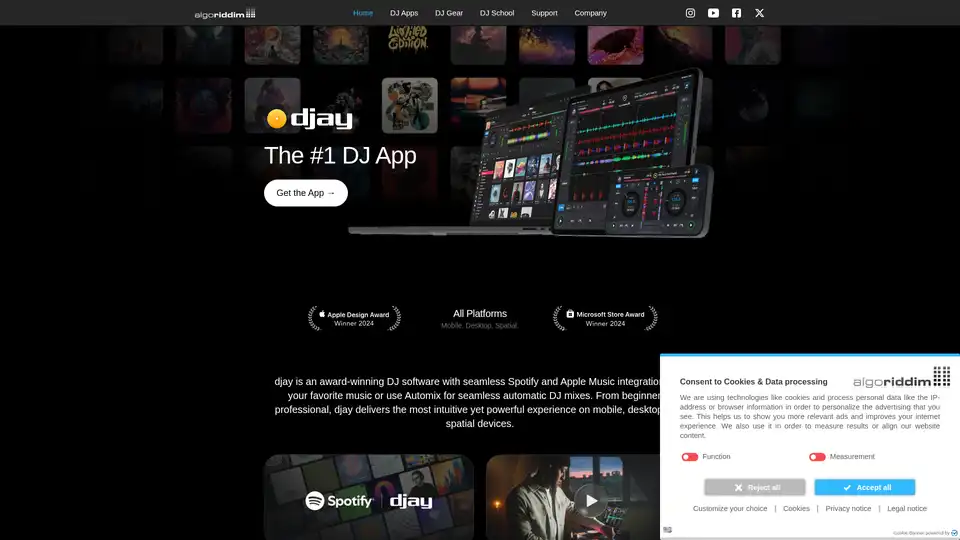
Discover djay, the #1 AI-powered DJ app for iOS, Android, Mac, and Windows. Mix over 100 million songs with Apple Music integration, Neural Mix for stem separation, and Automix for seamless transitions.
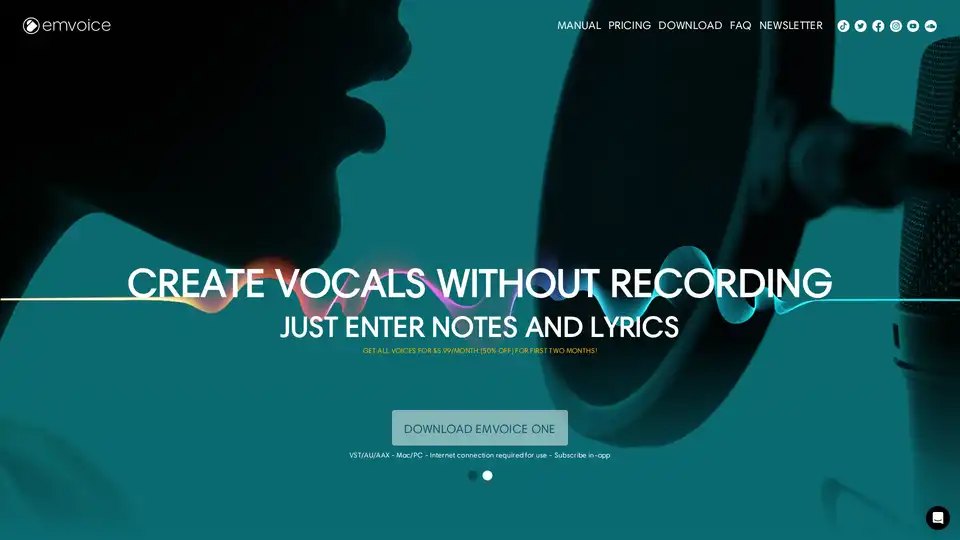
Meet Lucy: Download the demo and discover Emvoice One, the vocal synthesizer plugin (VST/AU/AAX) with realism at its heart.
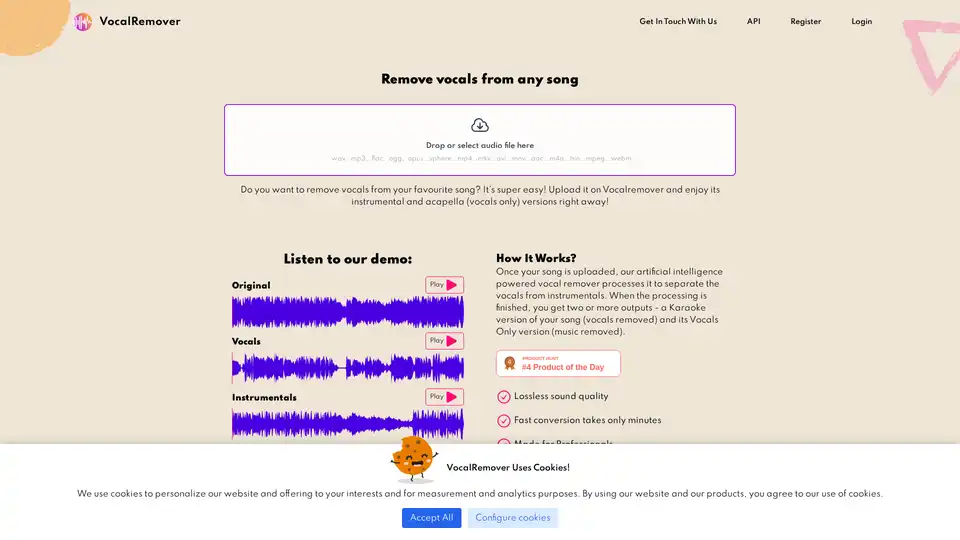
VocalRemover uses AI to remove vocals from songs, creating high-quality instrumentals and acapellas for karaoke, backing tracks, and music production. Fast, lossless processing with flexible pricing plans.
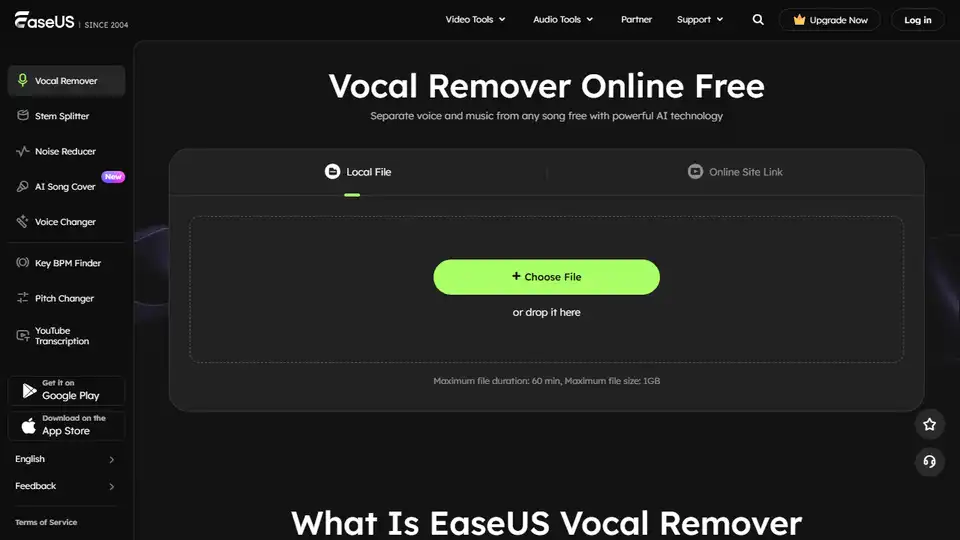
Effortlessly remove vocals from any song with EaseUS Vocal Remover - a free AI-powered online tool. Extract Karaoke, background music, or instrument tracks.