
GPTPLUS
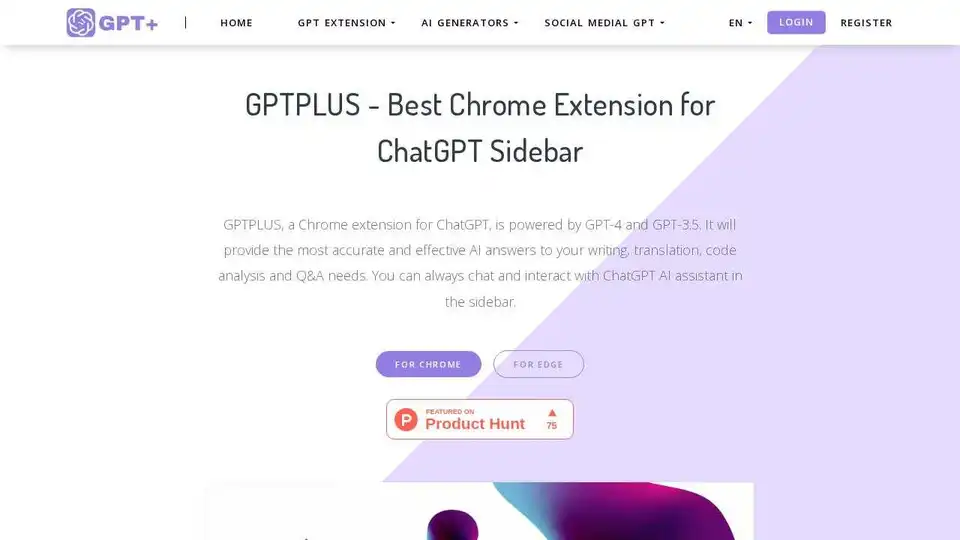
Overview of GPTPLUS
GPTPLUS: The Ultimate ChatGPT Sidebar Extension for Chrome and Edge
What is GPTPLUS?
GPTPLUS is a cutting-edge Chrome and Edge extension that seamlessly integrates ChatGPT into your browser's sidebar. Powered by advanced AI models like GPT-4 and GPT-3.5, this tool provides instant access to AI-powered assistance for writing, translation, code analysis, and Q&A needs. Whether you're a professional, student, or casual user, GPTPLUS enhances your browsing experience by offering intelligent solutions right at your fingertips.
Key Features of GPTPLUS
1. AI-Powered Writing Assistant
GPTPLUS helps optimize your content for SEO, improve headings and outlines, and refine your writing style. It's perfect for bloggers, content creators, and anyone looking to enhance their written communication.
2. Accurate Translation Assistant
With support for multiple languages, GPTPLUS ensures that translations maintain a natural tone, making it ideal for global communication and content localization.
3. Code Analysis and Optimization
Developers can leverage GPTPLUS to analyze and optimize code snippets, making it a valuable tool for debugging and improving code quality.
4. Instant Q&A Support
Get quick and accurate answers to your questions with the help of ChatGPT's advanced AI capabilities. This feature is particularly useful for research and learning purposes.
5. Custom Prompts and Templates
Explore a library of creative templates or add your own custom prompts to tailor the AI's responses to your specific needs.
6. One-Click Text Processing
Select any text on a webpage and process it with a single click. This feature allows for quick optimization, translation, and interpretation of text.
7. Free to Use
GPTPLUS offers a certain number of free uses per day, making it accessible to everyone. For more advanced features, users can subscribe to premium plans.
How Does GPTPLUS Work?
Step 1: Install the Extension
Go to the Chrome Web Store or Edge Add-ons and install the AI Assistant - OpenAI ChatGPT Sidebar extension.
Step 2: Use Prompts to Ask Questions
Choose from a variety of popular prompts provided by GPTPLUS to improve the accuracy of your question answers. You can also add your own custom prompts.
Step 3: One-Click Text Processing
Select any text on a webpage and process it with a single click. This feature allows for quick optimization, translation, and interpretation of text.
Step 4: Chat with ChatGPT Anytime
Chat with ChatGPT in the sidebar at any time. You can keep a record of your chats and start any conversation at any time.
Why Choose GPTPLUS?
1. Enhanced Productivity
GPTPLUS saves time and effort by providing quick and accurate AI-powered assistance. It's perfect for professionals who need to handle complex tasks efficiently.
2. User-Friendly Interface
The interface is simple and easy to use, making it accessible to users of all skill levels.
3. Versatile Applications
From writing and translation to code analysis and Q&A, GPTPLUS offers a wide range of applications that cater to various needs.
4. High User Satisfaction
With tens of thousands of users, GPTPLUS has received high praise for its accuracy, reliability, and ease of use.
Who is GPTPLUS For?
1. Professionals
Professionals who need to handle complex tasks efficiently will find GPTPLUS invaluable. It's perfect for content creators, developers, and researchers.
2. Students
Students can leverage GPTPLUS for research, writing, and learning purposes. It's a great tool for improving academic performance.
3. Casual Users
Casual users who want to enhance their browsing experience will find GPTPLUS useful for quick translations, writing assistance, and more.
Customer Reviews
Meroy Clapham
"GPTPLUS is fantastic! It has saved me a lot of time and effort, and I can now do a lot of complex work quickly. The interface is simple and easy to use, and I would highly recommend it to my colleagues."
Hugh Hansom
"I just tried GPTPLUS and I am simply amazed! It can answer my questions quickly, and the answers are accurate and reliable, which greatly improves my work efficiency. And there are so many interesting features, it's really a great tool!"
Benjamin Maggie
"I use ChatGPT a lot, but am tired of having to open the page every time I query. With GPTPLUS, I can always use ChatGPT in a browser page, thanks to the developers!"
Additional Products by GPTPLUS
ChatAI Translator
A Chrome and Edge browser extension for ChatGPT, it's AI translation system based on ChatGPT, which uses the most powerful OpenAI to help you translate text more quickly and accurately.
ChatGPT for LinkedIn
Transform your LinkedIn chats with ChatGPT - the ultimate text generator! Revolutionize your conversations and boost your profile with ChatGPT prompts, hooks, and learning.
ChatGPT for Search Engines
ChatGPT Assistant is a ChatGPT for Google, Bing, and other search engines which is helpful for those who want to improve their search experience.
Frequently Asked Questions
What is GPTPLUS?
GPTPLUS is a Chrome and Edge extension that integrates ChatGPT into your browser's sidebar, providing AI-powered assistance for writing, translation, code analysis, and Q&A needs.
Why is GPTPLUS the best ChatGPT Sidebar?
GPTPLUS offers a wide range of features, including AI-powered writing assistance, accurate translation, code analysis, and instant Q&A support. Its user-friendly interface and high user satisfaction make it the best choice for a ChatGPT sidebar.
What languages does GPTPLUS support for translation?
GPTPLUS supports multiple languages for translation, ensuring that translations maintain a natural tone.
Is GPTPLUS free?
Yes, GPTPLUS offers a certain number of free uses per day. For more advanced features, users can subscribe to premium plans.
Which browsers does AI assistant support installation?
GPTPLUS supports installation on Chrome and Edge browsers.
How to use GPTPLUS?
Install the extension from the Chrome Web Store or Edge Add-ons, use prompts to ask questions, process text with a single click, and chat with ChatGPT in the sidebar anytime.
What functions does GPTPLUS have?
GPTPLUS offers AI-powered writing assistance, accurate translation, code analysis, instant Q&A support, custom prompts and templates, and one-click text processing.
Does GPTPLUS support GPT-3.5?
Yes, GPTPLUS supports GPT-3.5.
Does GPTPLUS support GPT-4?
Yes, GPTPLUS supports GPT-4.
If I encounter any problems, who should I contact?
You can contact the GPTPLUS support team for any issues or questions.
Does GPTPLUS guarantee the protection of user privacy?
Yes, GPTPLUS guarantees the protection of user privacy.
Conclusion
GPTPLUS is a powerful and versatile tool that enhances your browsing experience by providing AI-powered assistance for writing, translation, code analysis, and Q&A needs. With its user-friendly interface, high user satisfaction, and a wide range of features, GPTPLUS is the ultimate ChatGPT sidebar extension for Chrome and Edge.
AI Article Generation AI Text Polishing AI Writing Assistance Paper and Report Generation News and Blog Generation Email and Business Writing
Best Alternative Tools to "GPTPLUS"
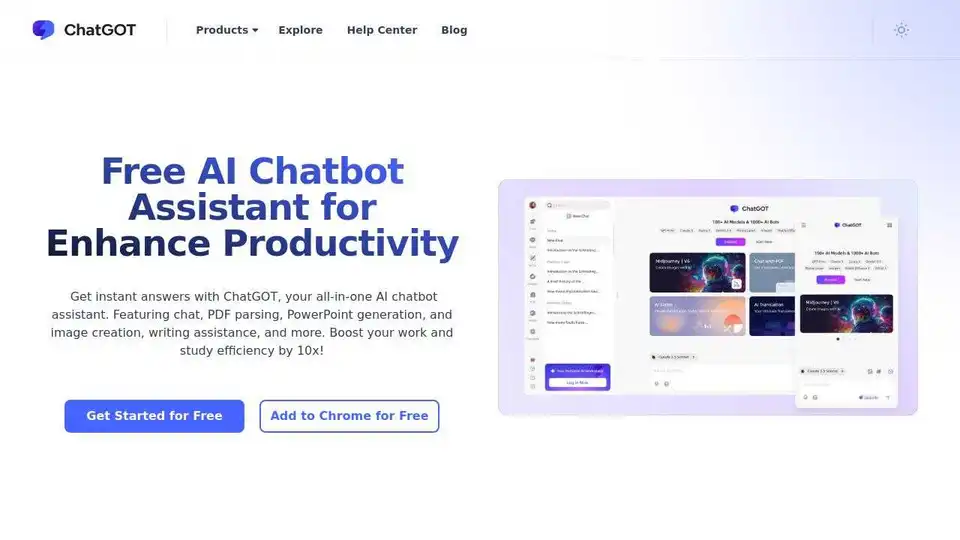
ChatGOT is a free AI chatbot assistant integrating AI models like GPT-4, Claude 3.5, Gemini 2.0. Enhance your writing, coding, summarizing, and more. Instant answers, PDF parsing, PPT generation, and image creation, all in one place.
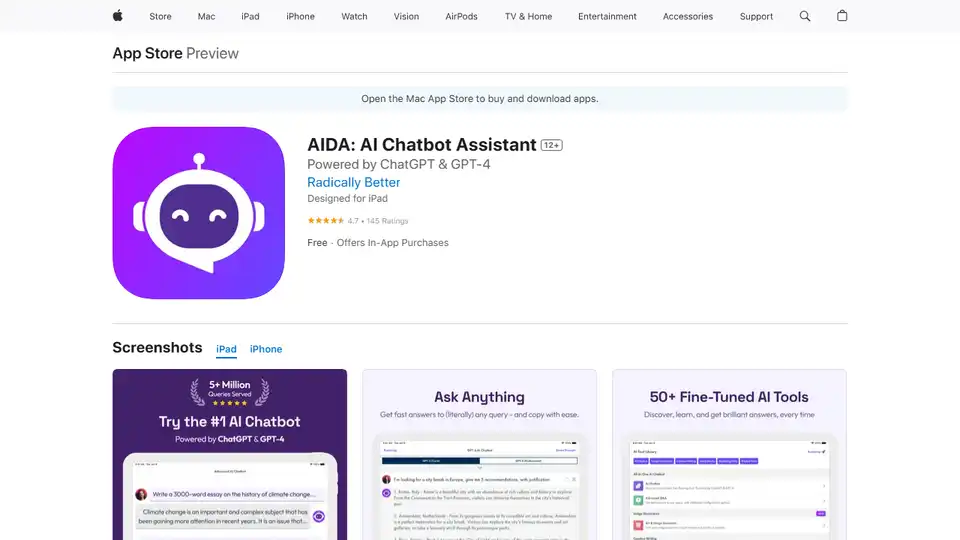
AIDA is a GPT-4 AI chatbot assistant app that generates unique, human-like content for social media, emails, blogs, and more. It offers 40+ templates and AI image generation.
Google Gemini is a multimodal AI assistant that integrates with Google's ecosystem to provide advanced writing assistance, planning, brainstorming, and productivity tools through text, voice, and visual interactions.
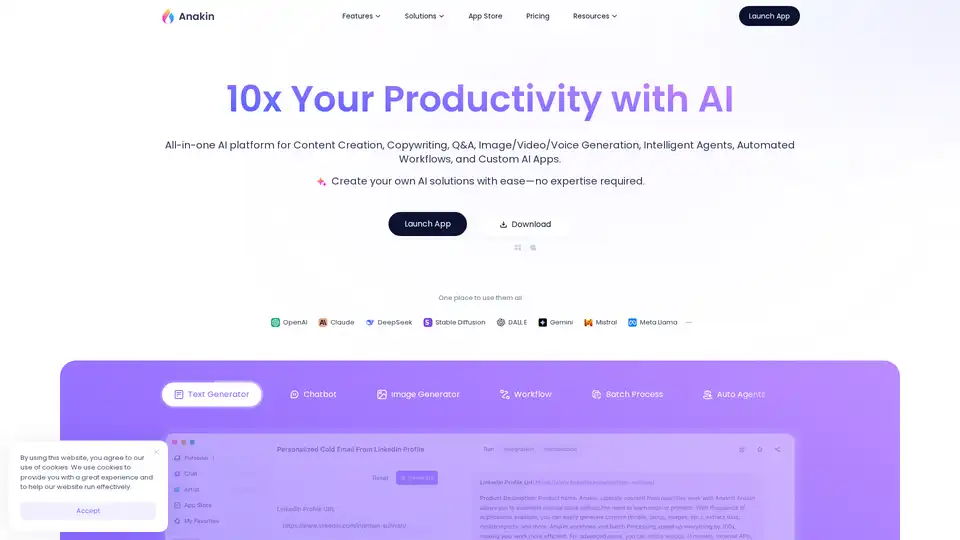
Generate Content, Images, Videos, and Voice; Craft Automated Workflows, Custom AI Apps, and Intelligent Agents. Your exclusive AI app customization workstation.