
HitPaw
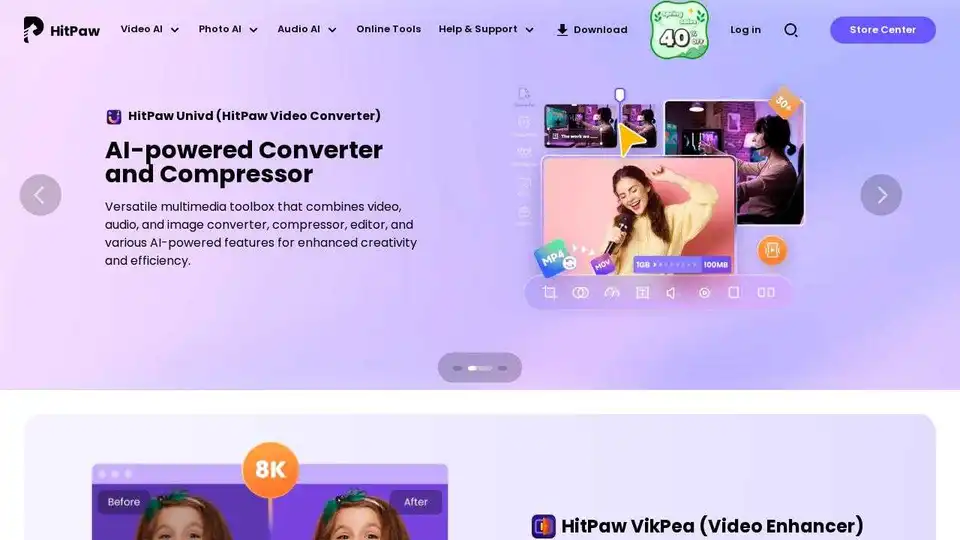
Overview of HitPaw
HitPaw: AI-Powered Media Enhancement Solutions
What is HitPaw? HitPaw is a suite of AI-driven tools designed to enhance video, photo, and audio quality. It caters to a wide range of users, including photographers, video editors, content creators, e-commerce sellers, and film enthusiasts.
Key Features:
- AI Video Enhancement: Automatically improve video quality up to 8K, remove watermarks, eliminate backgrounds, and repair damaged videos.
- AI Photo Enhancement: Enhance image quality, remove blur, restore old photos, and batch-process images quickly.
- AI Audio Enhancement: Remove background noise, hiss, and unwanted sounds for crystal-clear audio.
- Video Translation: Translate videos, generate auto subtitles, and dub in 130+ languages.
- Video Conversion: Convert videos 170X faster and compress videos without losing quality.
- Voice Changer: Real-time AI voice changer with 200+ unique character voices.
How does HitPaw work?
HitPaw leverages advanced AI algorithms to analyze and process media files. For example, the AI Video Enhancer uses complex processing technologies like anti-aliasing, noise reduction, and detail retention to enhance low-resolution and blurry videos. Similarly, the AI Photo Enhancer uses AI models to improve image quality, restore details, and remove blur.
How to use HitPaw?
- Download and Install: Download the appropriate HitPaw software from the official website.
- Import Media: Import the video, photo, or audio file you want to enhance.
- Select AI Feature: Choose the relevant AI enhancement feature (e.g., video enhancement, photo enhancement, noise removal).
- Customize Settings: Adjust settings as needed, or use the default settings for one-click enhancement.
- Process and Export: Process the file and export the enhanced version.
Why is HitPaw important?
HitPaw addresses common issues faced by media creators, such as low-quality footage, blurry images, and background noise. It streamlines the enhancement process, saving users time and effort while delivering professional-quality results. It reduces the time spent on restoration from weeks to hours, boost earnings from high-definition content by 80%, and increase customer satisfaction by 50%.
Who is HitPaw for?
- Photographers: Instantly enhance low-light, shaky, or old photos, perfect for weddings, events, and outdoor shoots.
- Content Creators: Optimize content for TikTok, YouTube, Instagram, and more, regardless of editing skills.
- Video Editors: Upscale and clean footage, batch-convert formats, and create polished videos without advanced skills.
- E-commerce Sellers: Transform dull product photos into eye-catching visuals to increase clicks and boost sales.
- Film Enthusiasts: Upgrade old films to 4K HDR and convert formats for smooth streaming.
- Educators: Bridge language gaps with smooth translations for lessons, making content accessible to students globally.
Customer Reviews and Testimonials:
- Rudolf Strutz (Photographer): "HitPaw offers automatic features when uploading images, allowing easy comparison of original and edited versions. It enhances image quality, resizes, and restores old or damaged photos, cutting restoration time from two weeks to three hours."
- John May (Video Lover): "I tried it on old 8-track home movies converted into poor digital files. The denoise, facial enhancement, and SDR-to-HDR functions improved them greatly."
- Daniel Ferebee (Photographer): "I had been searching for software to restore old photos and upscale low-resolution images. I'm thrilled with what HitPaw can do. Its AI functionality brings unusable photos back to life."
- finewein101 (Reseller of Handbags and Jewelry): "After 4 years with HitPaw, I’m still amazed at how well it works. I create 10-20 videos a day, which are essential for my sales."
Pricing and Plans:
HitPaw offers various plans to suit different needs. Check the official website for the most up-to-date pricing information and available plans.
In conclusion, HitPaw provides a suite of powerful AI tools that streamline media enhancement, making it accessible to a wide range of users. Whether you are a professional photographer, a content creator, or a film enthusiast, HitPaw can help you transform your media into high-quality masterpieces. It addresses common problems like enhancing blurry or low-quality content, remove background noises, and translation for product video to break language barriers.
Best Alternative Tools to "HitPaw"
HitPaw Online offers free AI-powered photo, video, and audio editing tools. Enhance resolution, remove backgrounds, translate videos, and more. Trusted by thousands for efficient media editing.
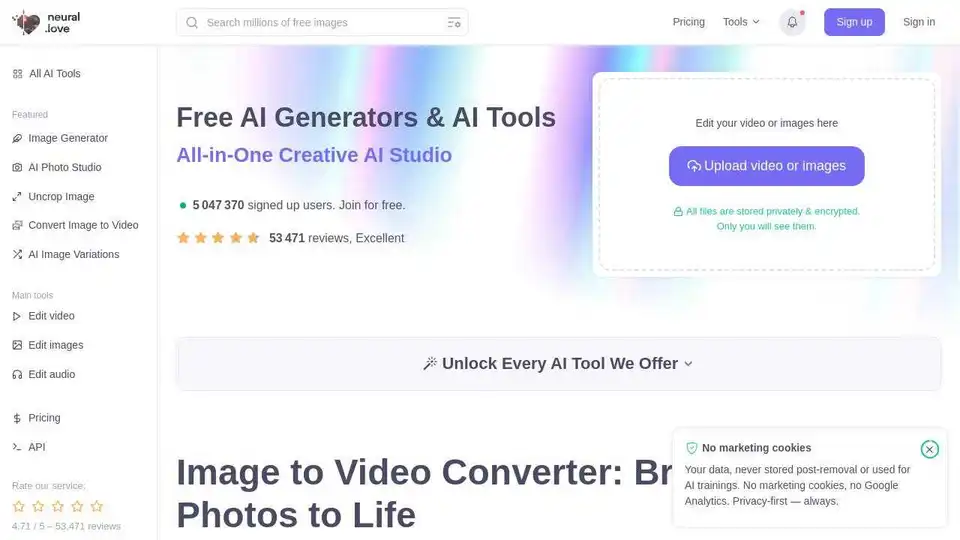
neural.love provides free AI image and video enhancement and generation tools. Enhance image & video quality, convert image to video, and generate AI art easily.
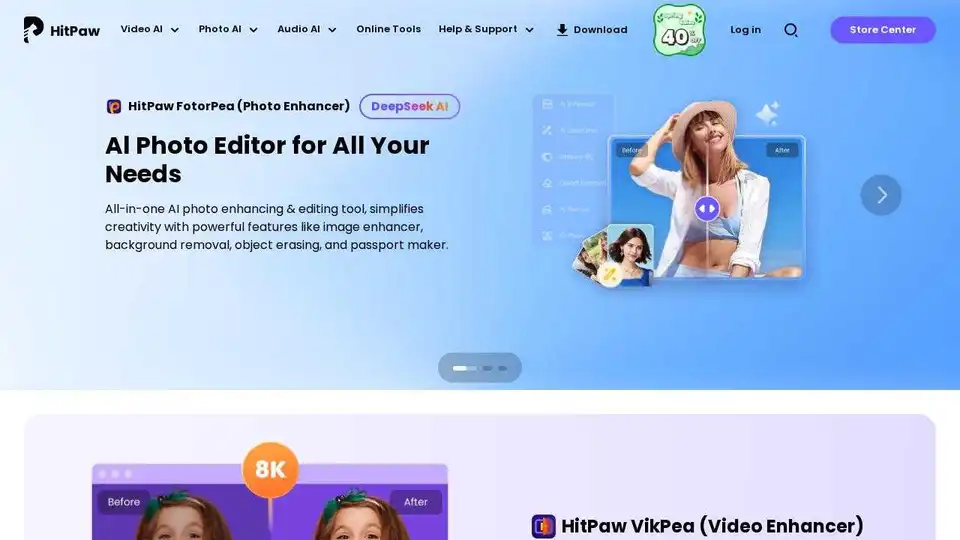
HitPaw offers AI-powered video, photo & audio enhancer solutions. Instantly transform blurry videos and photos into brilliant quality with AI. Trusted by millions of creators.

Edit videos and photos smartly with GStory's free AI tools. AI photo enhancer, background & watermark remover, auto-generate subtitles and more!
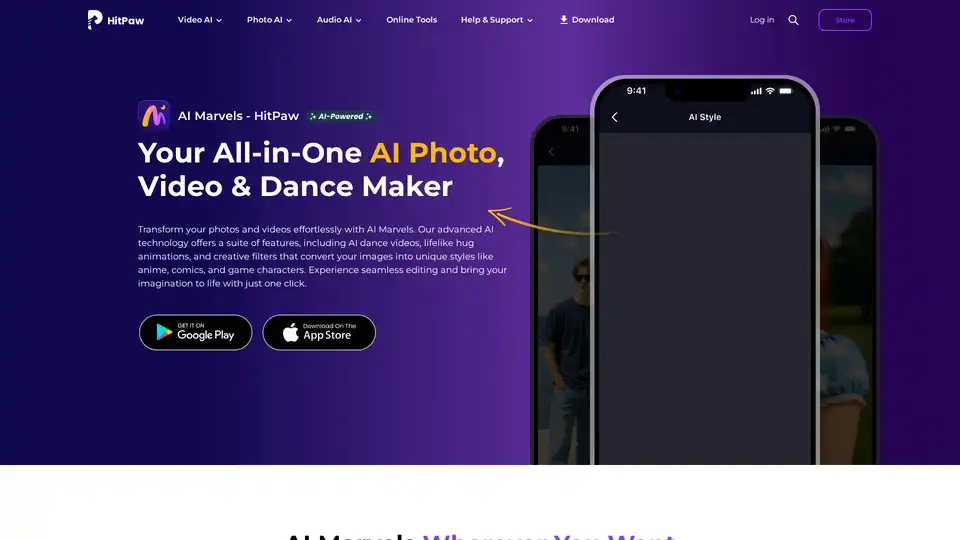
HitPaw AI Marvels is an all-in-one mobile app that transforms photos and videos using advanced AI technology. Features include AI dance videos, anime filters, object removal, photo restoration, and style conversion with one-click editing.
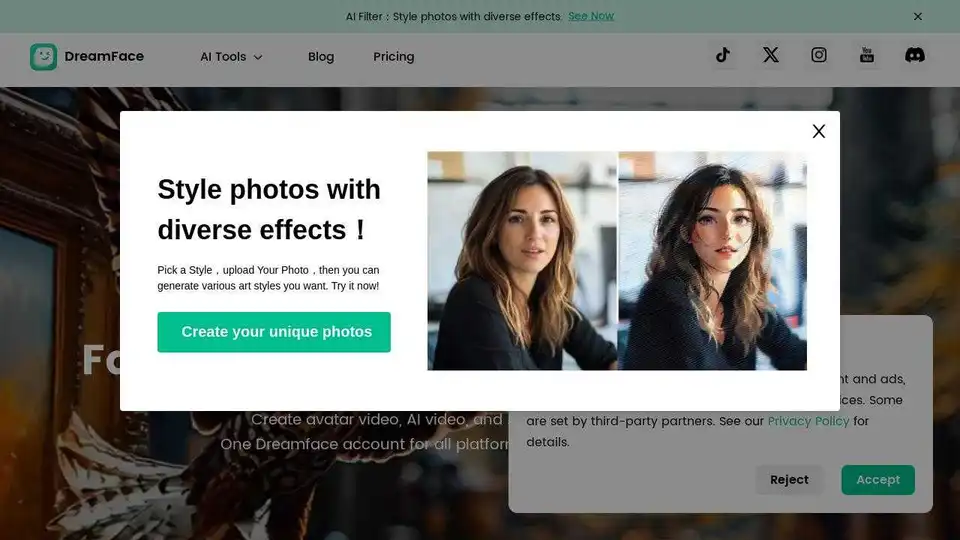
Dreamface is a fast AI video and photo generator. Create AI videos, avatar videos, and enhance photos with realistic avatars and voices. Try it now on iOS, Android, and web!
All-in-One AI Creator Tools: Your One-Stop AI Platform for Text, Image, Video, and Digital Human Creation. Transform ideas into stunning visuals quickly with advanced AI features.
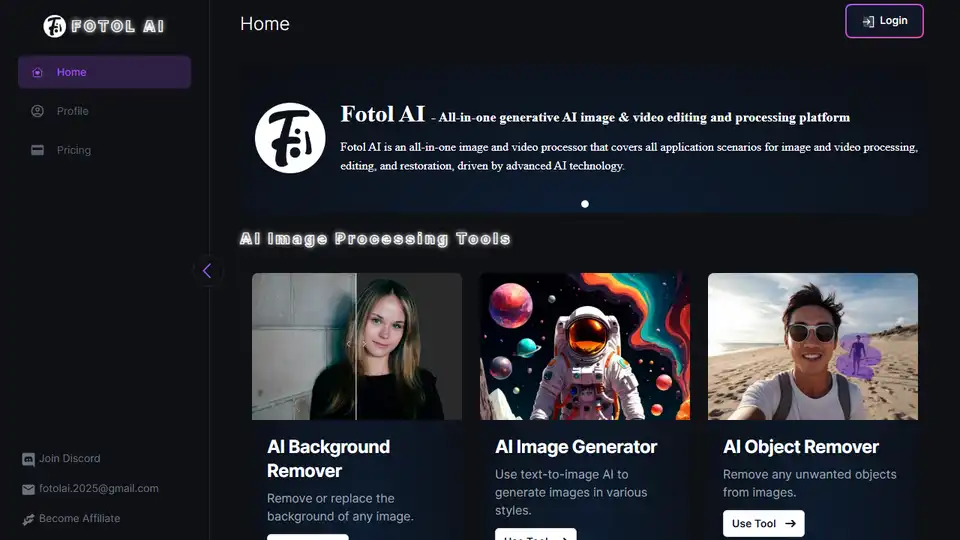
Fotol AI provides a gateway to AGI, offering powerful AI solutions for video, image, speech, music, 3D asset generation, and conversation. Dream it, make it!
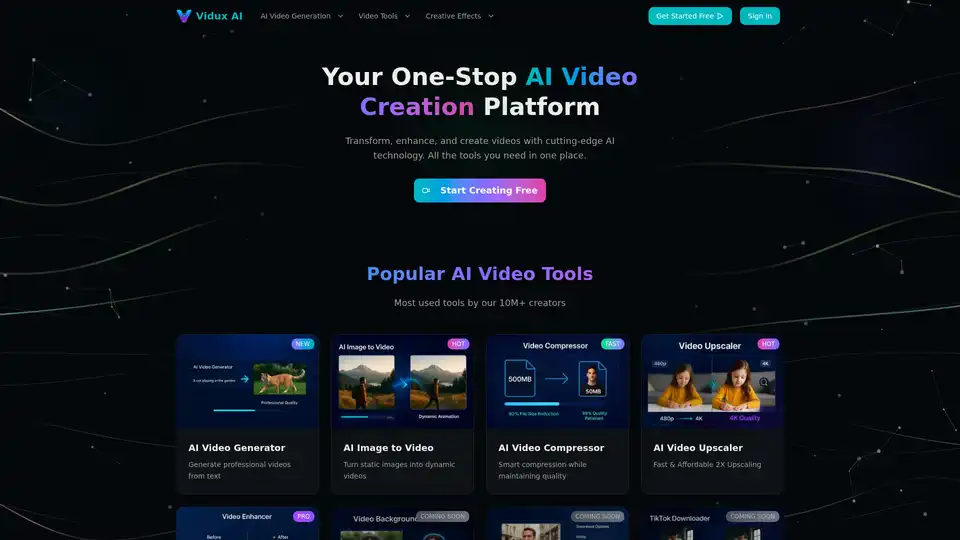
Vidux AI is an all-in-one AI video creation platform offering tools for generating videos from text or images, enhancing video quality with upscaling and noise reduction, compressing, and converting formats. It caters to creators and businesses looking for professional-grade video production with advanced AI technology.
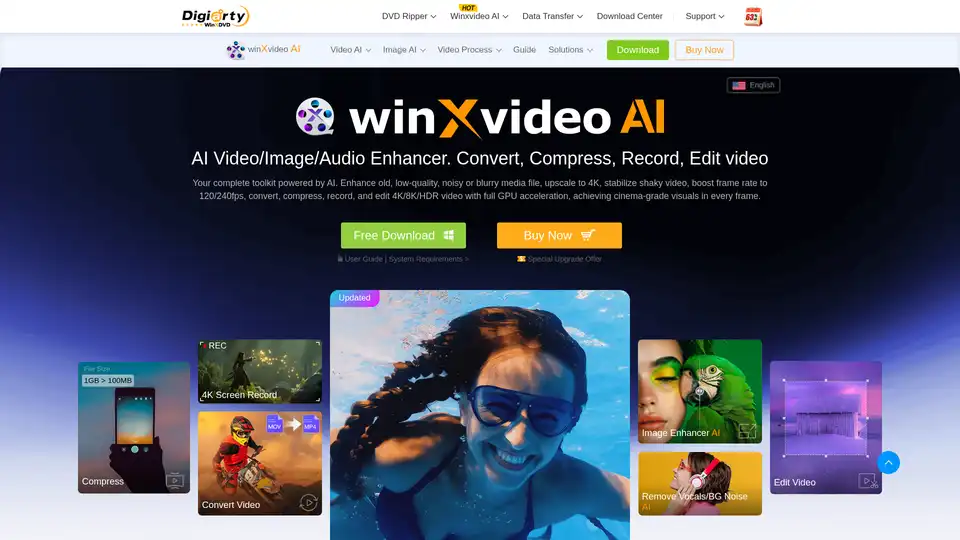
Winxvideo AI is a comprehensive AI video toolkit to upscale video/image to 4K, stabilize shaky video, boost fps, convert, compress, edit video, and record screen with GPU acceleration.
DeepAI is a comprehensive creative AI platform offering text-to-image generation, AI video creation, music composition, photo editing, and voice chat capabilities. Available instantly in browser with free access and Pro options.

Klyra AI is the ultimate all-in-one platform for creating videos, voiceovers, images, blogs, music, and more using advanced AI tools. Boost productivity with seamless content automation and powerful features.
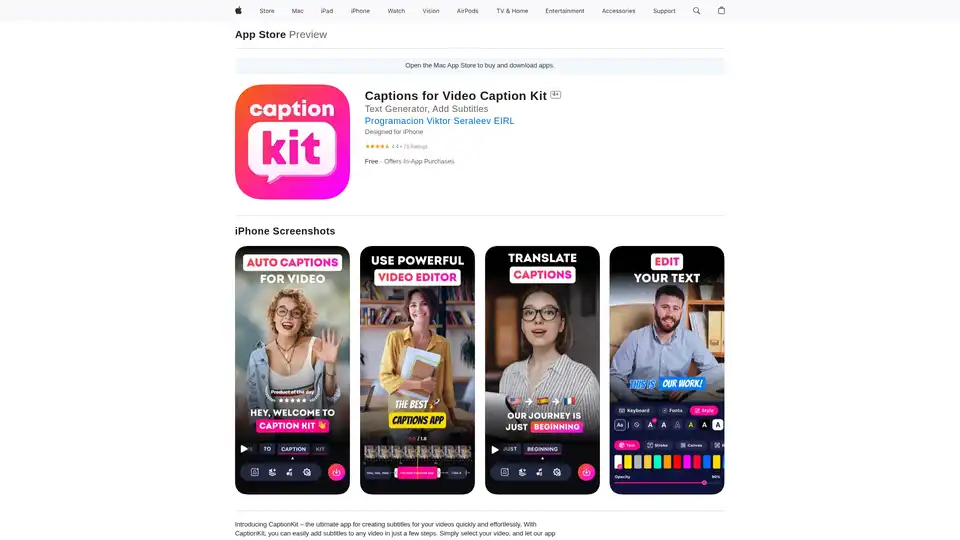
CaptionKit is an AI-powered iOS app that simplifies adding accurate subtitles to videos. Supporting over 100 languages, it uses proprietary AI for text recognition, offers customizable templates, translations, and social media previews for creators.
VisionFX is an all-in-one AI creative studio that generates images, videos, music, and voice content using advanced AI technology. Perfect for content creators, designers, and marketers.