
Mister Keyboard
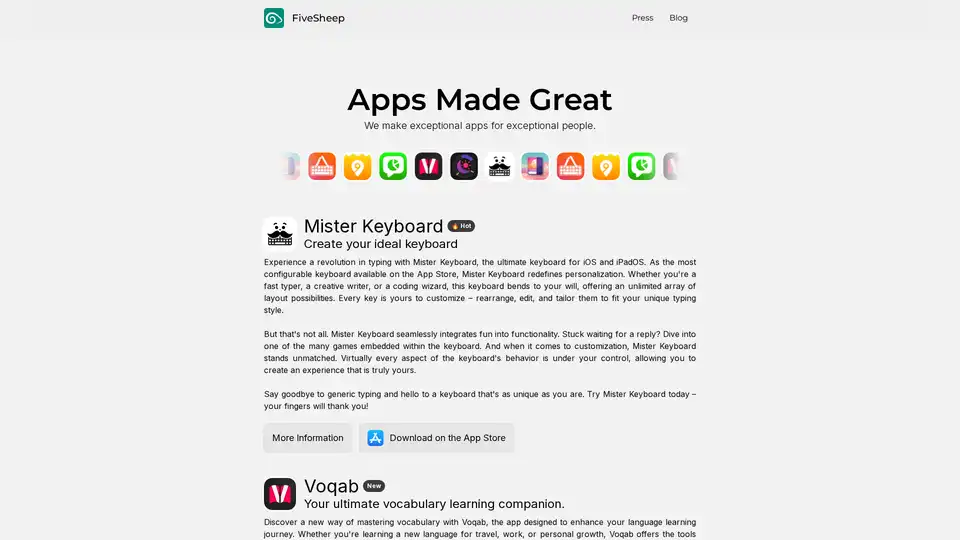
Overview of Mister Keyboard
Mister Keyboard: The Ultimate Customizable Keyboard for iOS and iPadOS
What is Mister Keyboard?
Mister Keyboard is a revolutionary keyboard app designed for iOS and iPadOS, offering unparalleled personalization and customization options. It allows users to create their ideal keyboard layout and typing experience.
Key Features of Mister Keyboard:
- Highly Configurable: As the most configurable keyboard on the App Store, Mister Keyboard offers unlimited layout possibilities.
- Customizable Keys: Rearrange, edit, and tailor every key to fit your unique typing style.
- Embedded Games: Enjoy built-in games while waiting for replies or during breaks.
- Extensive Customization: Control virtually every aspect of the keyboard's behavior.
How does Mister Keyboard work?
Mister Keyboard works by providing users with a platform to design and customize their keyboard layout. It allows users to:
- Rearrange keys to match their typing preferences.
- Edit keys to add custom functions or symbols.
- Customize the keyboard's appearance with different themes and colors.
- Configure the keyboard's behavior, such as auto-correction and suggestions.
How to use Mister Keyboard?
- Download Mister Keyboard from the App Store.
- Enable the keyboard in your device's settings.
- Open the app and start customizing your keyboard layout.
- Adjust the keyboard's behavior and appearance to your liking.
Why choose Mister Keyboard?
Mister Keyboard stands out from other keyboard apps due to its extensive customization options and user-friendly interface. It allows users to create a keyboard that truly reflects their unique typing style and preferences.
Who is Mister Keyboard for?
Mister Keyboard is for anyone who wants a more personalized and efficient typing experience. It is particularly useful for:
- Fast typers who want to optimize their keyboard layout.
- Creative writers who need quick access to special characters and symbols.
- Coders who require a keyboard layout tailored to their coding language.
Best way to customize your Mister Keyboard?
To get the most out of Mister Keyboard, consider the following tips:
- Start by rearranging the keys to match your typing style.
- Experiment with different themes and colors to find a look that you like.
- Customize the keyboard's behavior to improve your typing speed and accuracy.
- Take advantage of the embedded games to keep yourself entertained during breaks.
Customer Reviews:
While the provided text doesn't include customer reviews, typical positive feedback for customizable keyboard apps highlights increased typing speed, reduced errors, and a more comfortable typing experience. Users often appreciate the ability to tailor the keyboard to their specific needs and preferences.
Potential Use Cases:
- Software Developers: Can create custom layouts with frequently used symbols and commands.
- Writers and Editors: Can optimize the keyboard for efficient writing and editing.
- Language Learners: Can add special characters and accents for different languages.
Conclusion:
Mister Keyboard redefines keyboard personalization on iOS and iPadOS. With its unparalleled customization options, embedded games, and user-friendly interface, it is the ultimate keyboard app for anyone who wants a more personalized and efficient typing experience. Say goodbye to generic typing and hello to a keyboard that's as unique as you are. Download Mister Keyboard today and experience the future of typing!
Best Alternative Tools to "Mister Keyboard"
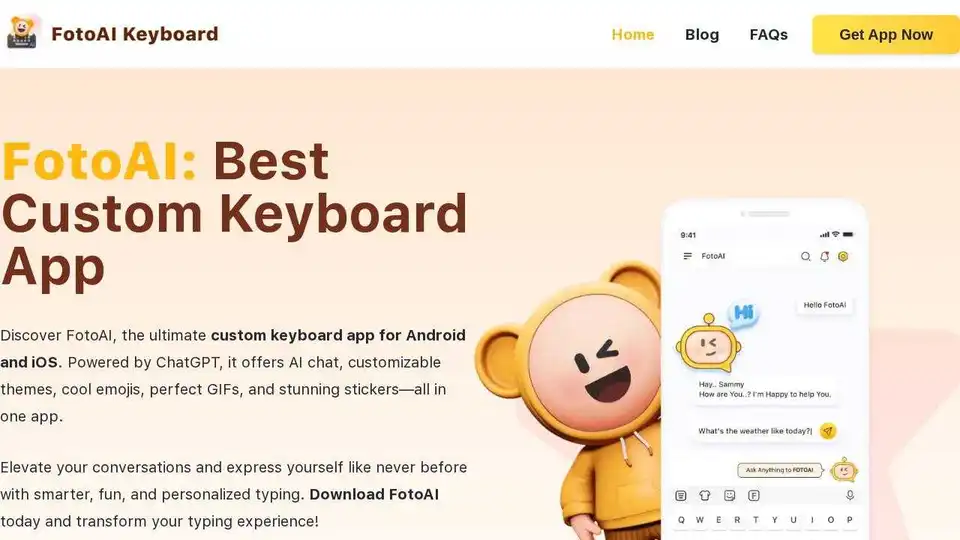
Download FotoAI, a free AI-powered custom keyboard app for Android & iOS. Enjoy AI chat, themes, emojis, GIFs, and more for smarter, fun typing!
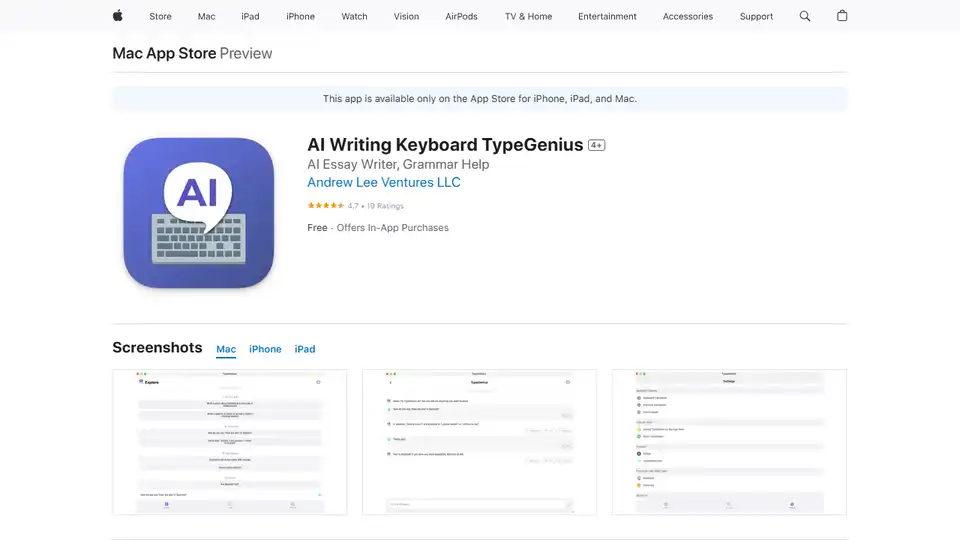
TypeGenius is an AI writing keyboard for iPhone, iPad, and Mac. Fix grammar, translate languages, paraphrase text, and improve your writing in any app.

Mirror AI: Create personalized cartoon emojis and AI avatars with advanced face recognition. Make messaging fun with custom stickers for WhatsApp, Telegram, and more!
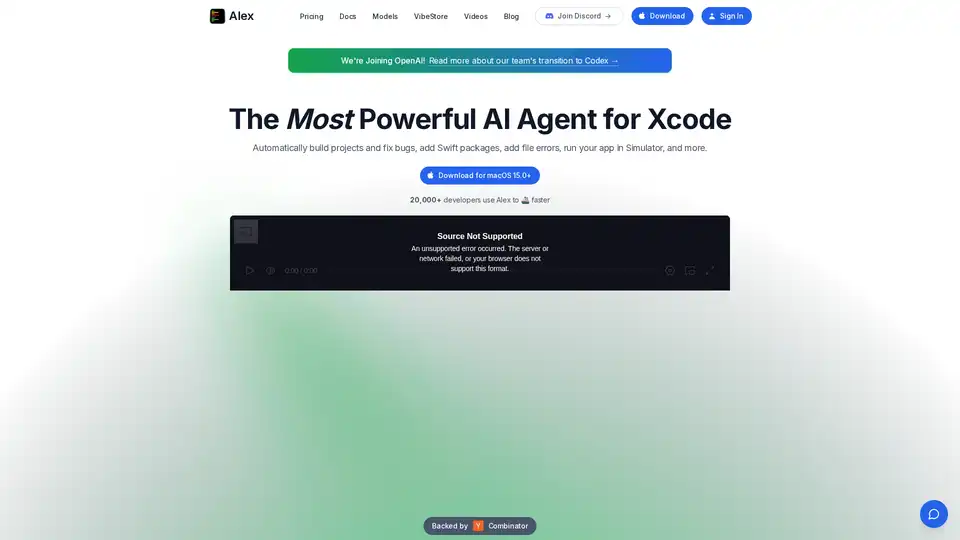
Alex is the ultimate tool for iOS and Swift app development, empowering developers with AI for Xcode to streamline workflows, tackle complex coding challenges, and boost productivity. Discover what makes it an essential asset for modern app creation.
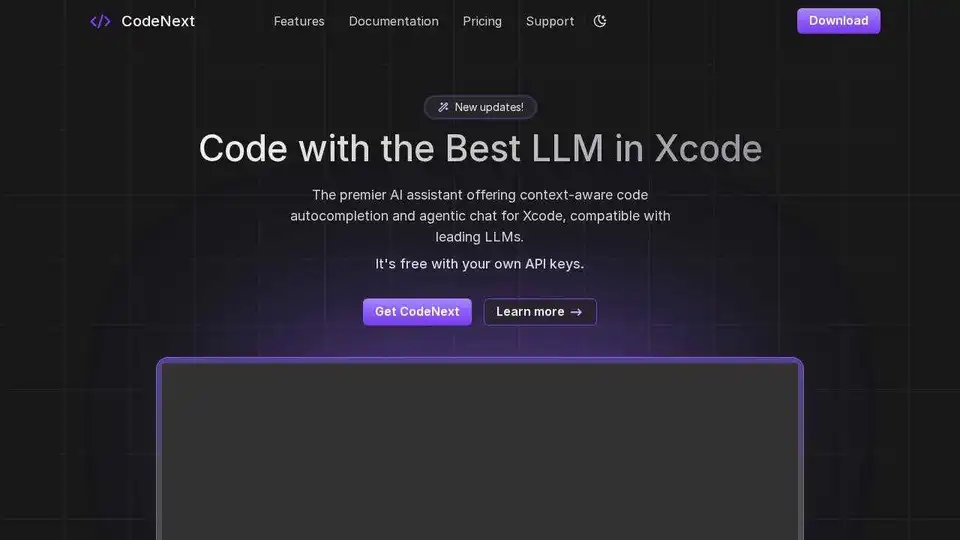
CodeNext.ai is an AI assistant for Xcode that helps you build iOS and Mac apps 10x faster. Get context-aware code completion, natural language coding with Chat agents, and more.
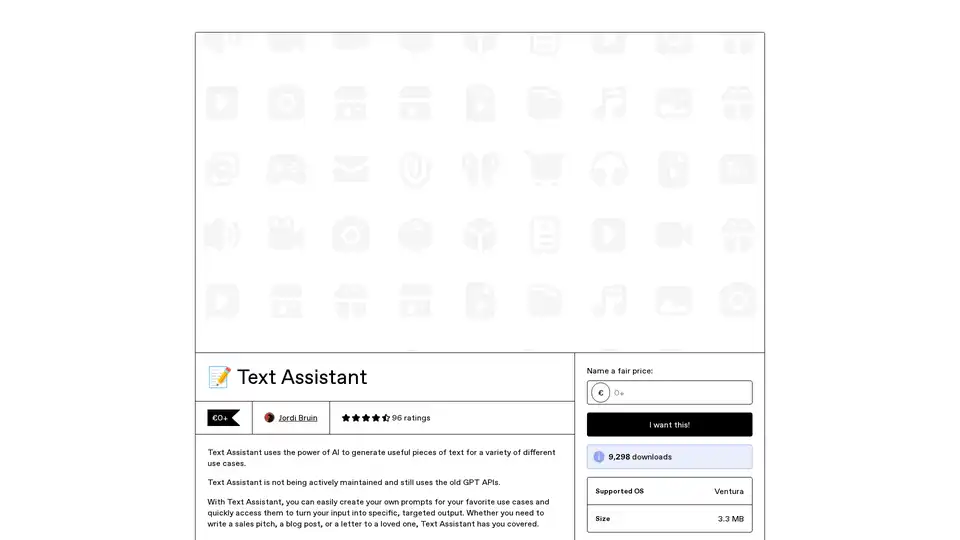
Text Assistant is an AI-powered app that lets you create and reuse custom prompts for generating targeted text outputs, like sales pitches or blog posts. Connect directly to OpenAI for cost-effective use, with features for easy sharing and Safari integration.
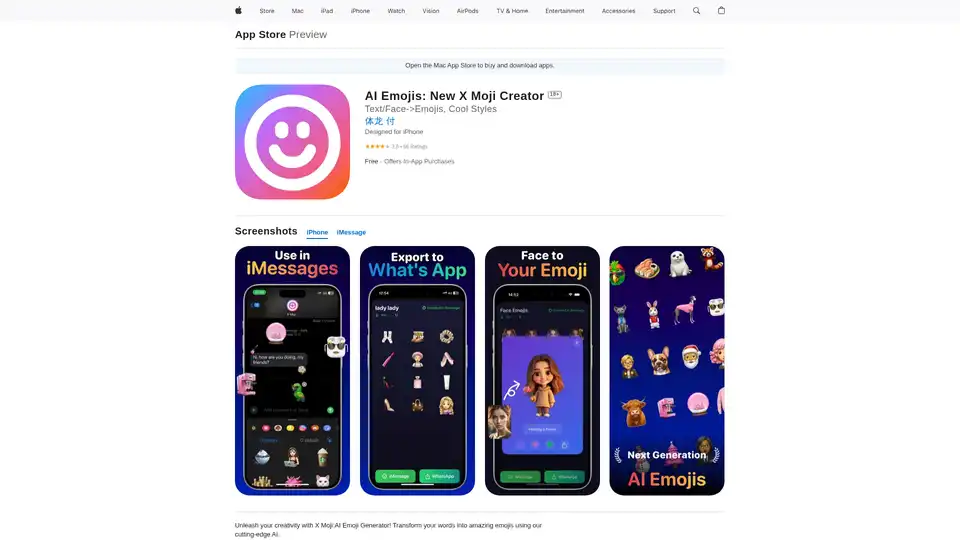
X Moji is a powerful AI Emoji Generator app for iPhone that turns text and selfies into unique custom emojis. Explore creative modes, build emoji packs, and share effortlessly as a top Genmoji alternative.
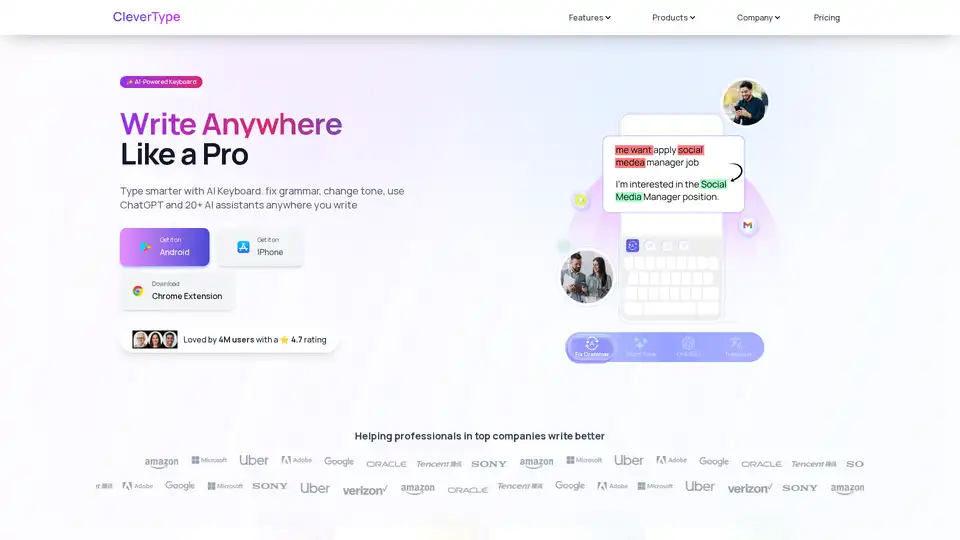
CleverType is an AI-powered keyboard that helps you write better anywhere. It offers grammar correction, tone adjustment, AI replies, and translation features. Available on Android, iOS, and as a Chrome extension.
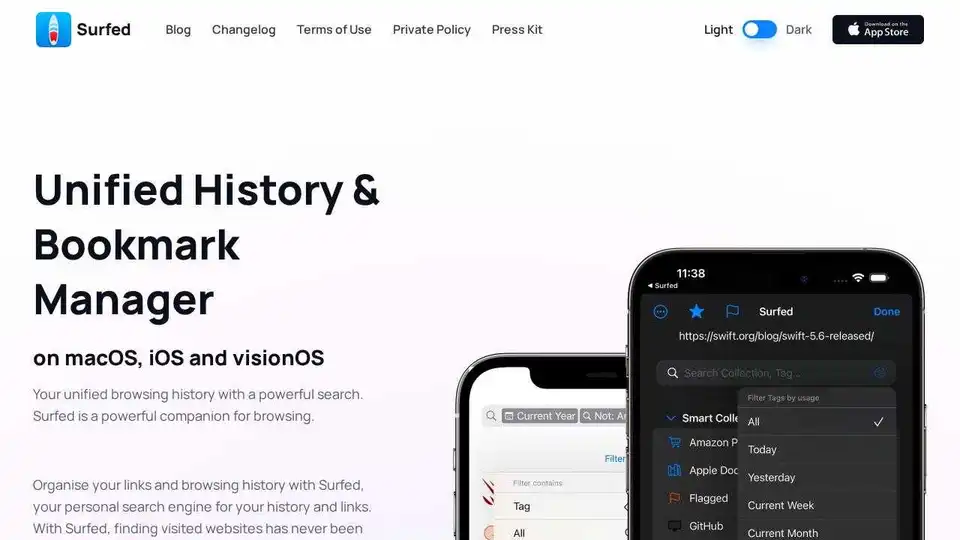
Surfed is a unified history & bookmark manager for macOS, iOS, and visionOS. Organize browsing history, manage bookmarks, and automate web tasks. Private and secure.

ScreenHelp is an AI-powered browser extension that provides instant help by analyzing screenshots of your screen. Get real-time guidance and solve problems on any online task.

SwytchAI allows seamless switching between AI models like ChatGPT and Claude without losing context. Bypass rate limits and save time with conversation history.

Pismo is a native AI writing assistant for Mac and Windows that integrates with email, documents, messengers, and browsers to improve your writing with AI-powered suggestions and translations.

Speechly is a Mac-exclusive smart speech-to-text app that converts voice to formatted text in seconds across 5 modes: Voice-to-Text, Email, Message, Prompt, To-Do. 4x faster than typing, supports 150+ languages, custom jargon, and works seamlessly in apps like Gmail and Slack.
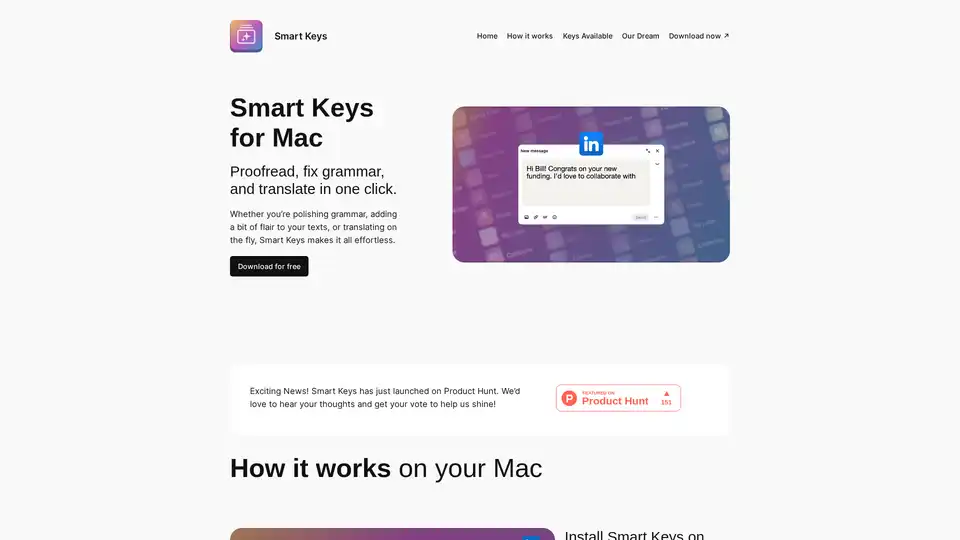
Smart Keys for MacOS is an AI-powered keyboard that proofreads, fixes grammar, and translates in one click. It helps you polish your writing and communicate effectively across languages.