
NeuralPix
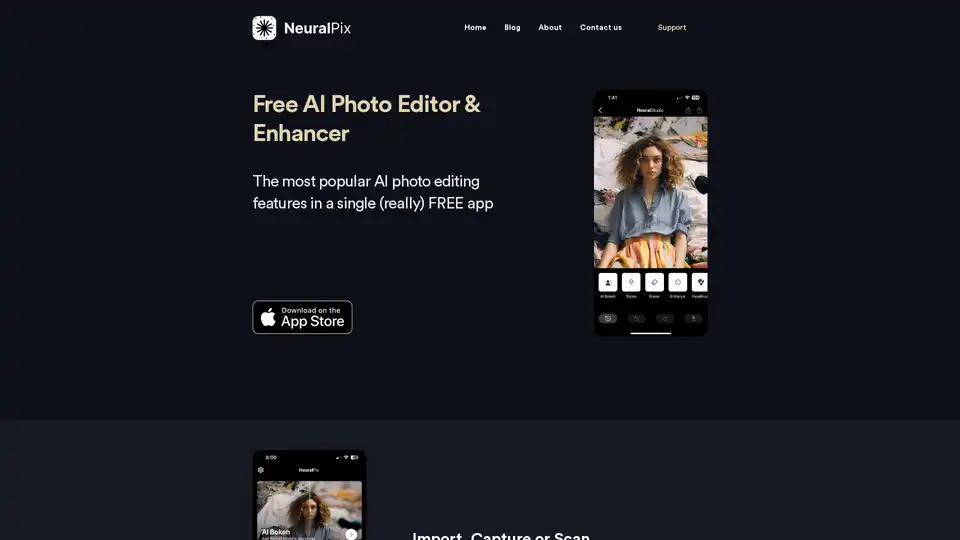
Overview of NeuralPix
NeuralPix: Free AI Photo Editor & Enhancer
NeuralPix is a free AI photo editor and enhancer app designed to bring professional-grade photo editing tools to everyone. Available for iOS, this app provides a range of AI-powered features to enhance, restore, and stylize your photos. Whether you're looking to add a DSLR-like bokeh effect, remove unwanted objects, or upscale your images, NeuralPix offers a suite of tools to meet your needs.
Key Features of NeuralPix
- AI Bokeh: Create a depth map using a state-of-the-art depth generation model and blur the background for a professional DSLR feel. Ideal for portraits and product photos.
- Magic Eraser: Easily remove unwanted elements such as people, blemishes, or scratches with a simple brush.
- Photo Enhancer: Enhance faces, remove noise, and deblur backgrounds in a single tap using advanced face restoration and noise reduction models.
- Unblur: Sharpen blurry images taken in low light or with movement, using the latest image deblurring models.
- AI Styles: Apply professionally trained styling models to give your photos a pro look, with options similar to popular Instagram presets.
- White Background: Add a clean white background to your product or portrait photos with one tap.
- Colorization: Bring old black and white photos to life with a fast and accurate colorization model.
- Brightening: Adjust the brightness of underexposed areas or achieve a brighter look.
- Upscaling: Scale up your photos 2x using proprietary and efficient photo upscaling models.
How to Use NeuralPix
- Import, Capture, or Scan: Start by capturing a new photo, importing an existing one from your gallery, or scanning an old physical photo.
- Select a Feature: Choose from the various AI-powered features like AI Bokeh, Magic Eraser, or Photo Enhancer.
- Apply the Effect: With a single tap or brush, apply the selected effect to your photo.
- Fine-Tune (if needed): Use the Eraser tool or other fine-tuning options to perfect the result.
- Save and Share: Save your enhanced photo to your gallery or share it directly on social media.
Who is NeuralPix for?
NeuralPix is perfect for:
- Casual Users: Anyone looking to quickly and easily enhance their photos.
- Social Media Enthusiasts: Users who want to create professional-looking photos for Instagram and other platforms.
- Product Photographers: Ideal for creating clean and appealing product photos with white backgrounds and bokeh effects.
- Those Restoring Old Photos: The colorization and unblur features make it great for restoring and enhancing old memories.
Why Choose NeuralPix?
- Free to Use: Download and use all features for free with no subscriptions or ads.
- User-Friendly: Simple and intuitive interface makes it easy for anyone to use.
- Powerful AI: Utilizes state-of-the-art AI models to deliver professional-quality results.
The Value of NeuralPix
NeuralPix offers a convenient and cost-effective solution for achieving professional-quality photo edits. By leveraging advanced AI technology, NeuralPix simplifies complex editing tasks, making them accessible to everyone. Its comprehensive feature set, combined with its free availability, makes it a valuable tool for both casual users and professionals.
What is NeuralPix? NeuralPix is a free AI-powered photo editing app that offers a range of features to enhance, restore, and stylize your photos. It's designed to be user-friendly and accessible to everyone.
How does NeuralPix work? NeuralPix utilizes advanced AI models to perform tasks such as blurring backgrounds, removing unwanted objects, enhancing faces, and colorizing old photos. These models have been trained on large datasets to produce high-quality results with minimal user input.
How to use NeuralPix? Simply import a photo, select the desired feature, and apply the effect with a tap or brush. Fine-tune as needed and save your enhanced photo.
Why choose NeuralPix? Choose NeuralPix for its free availability, user-friendly interface, and powerful AI-driven features that deliver professional-quality results.
Best way to enhance photos? The best way to enhance photos is to use AI-powered tools like NeuralPix that can automatically improve image quality and apply professional-grade effects.
Best Alternative Tools to "NeuralPix"

Transform your photos with Lensa, the ultimate AI photo editor. Powerful photo enhancement tools and effortless edits.
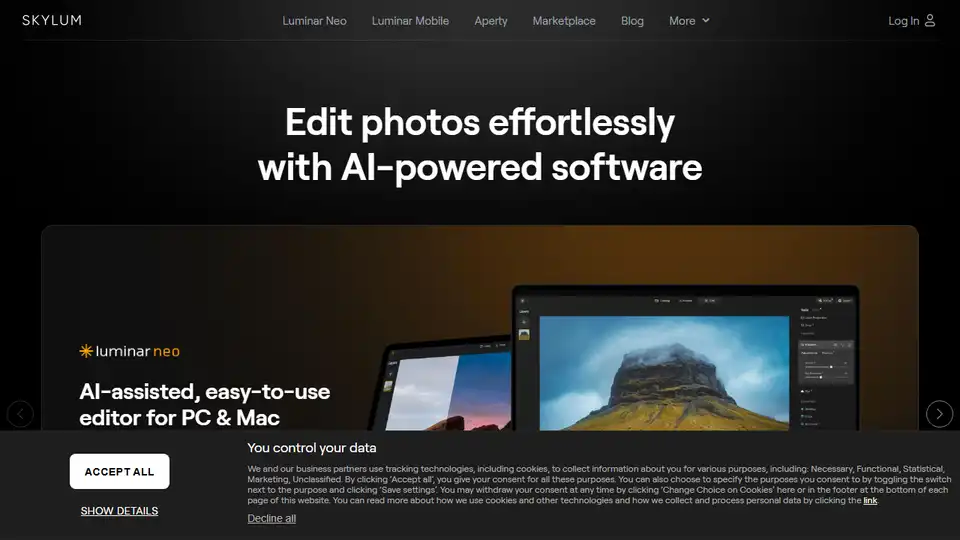
Skylum offers AI-powered photo editing software like Luminar Neo, Aperty, and Luminar Mobile for effortless photo enhancement on PC, Mac, and mobile devices. Explore innovative tools for professional and amateur photographers.
Lensa is an all-in-one image editing app that takes your photos to the next level with AI-powered tools for facial retouching, background editing, and creative filters. Perfect for enhancing everyday snapshots effortlessly.
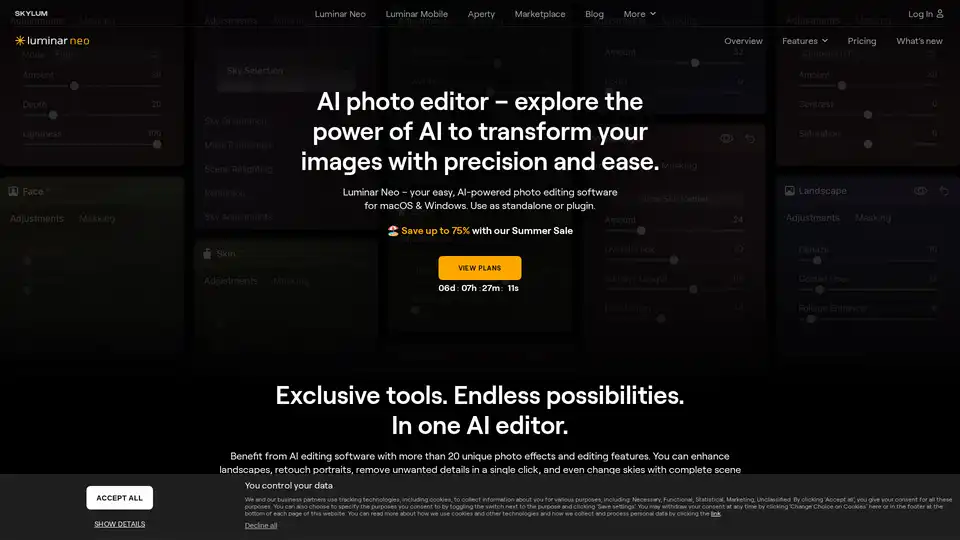
Luminar Neo is an AI-powered photo editing software featuring Sky AI, Relight AI, and Portrait Bokeh AI tools for effortless professional photo enhancement.
NeuralCam AI Camera uses AI for composition guidance, smart capturing, and intelligent editing to enhance your photos. Download now for free!
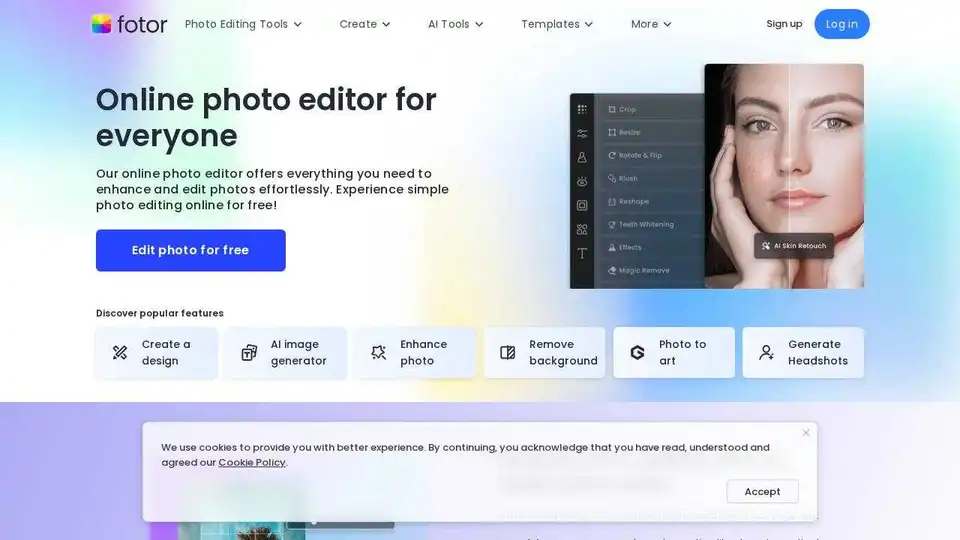
Enhance and edit photos with Fotor’s free online photo editor. Crop, add text & effects, retouch images, and more using powerful photo editing and AI tools.
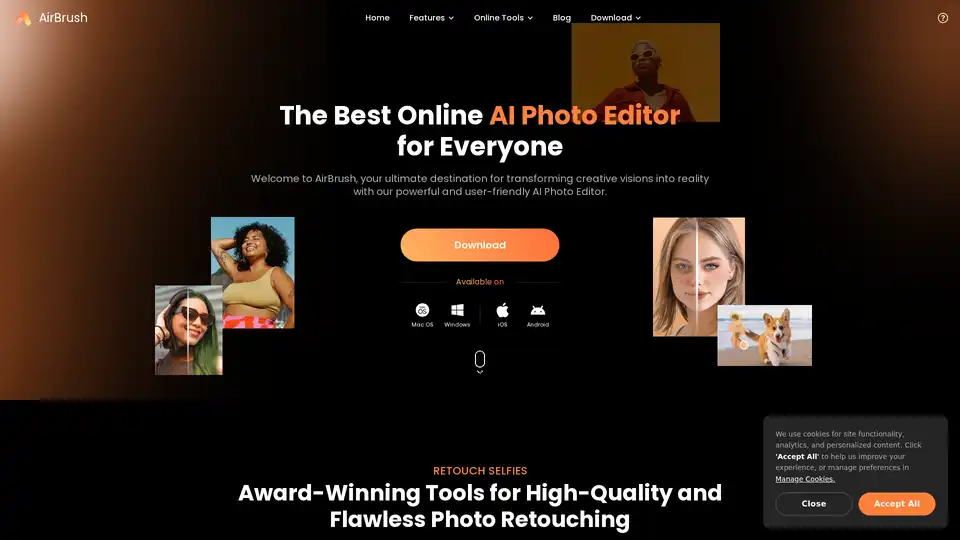
AirBrush is a powerful AI-powered photo and video editor offering instant enhancement, retouching, and transformation tools. Perfect for creators seeking professional-quality results with effortless editing.
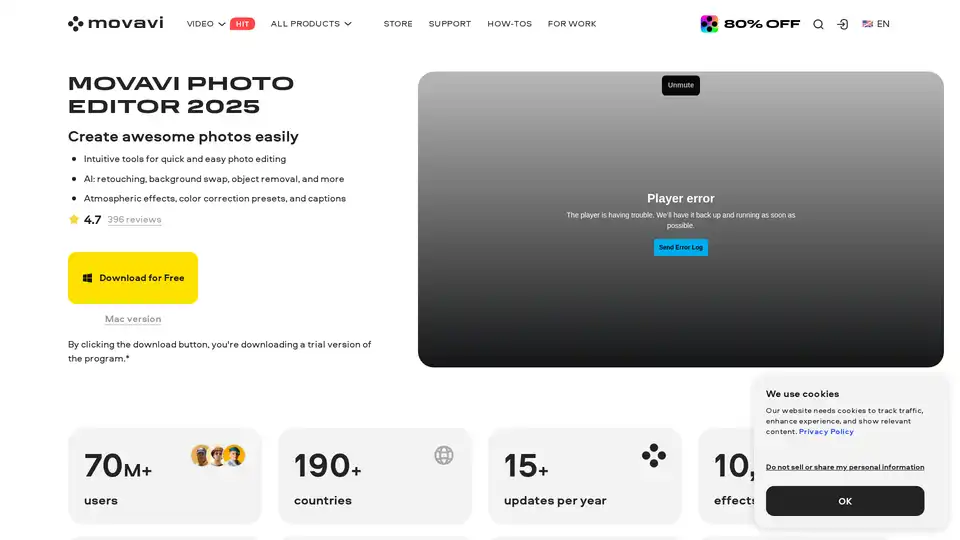
Movavi Photo Editor is an AI-powered software for PC & Mac that offers intuitive tools for quick photo editing, including background swap, object removal, retouching, and more.
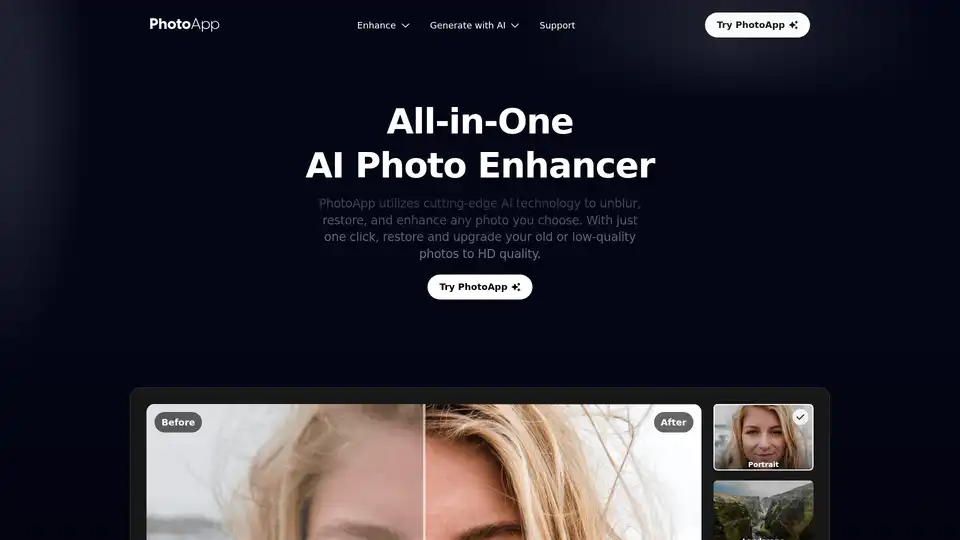
PhotoApp is an AI-powered photo editor available on iOS and Android, offering features like unblurring, restoration, enhancement, and AI-generated photos and avatars to elevate your visuals.
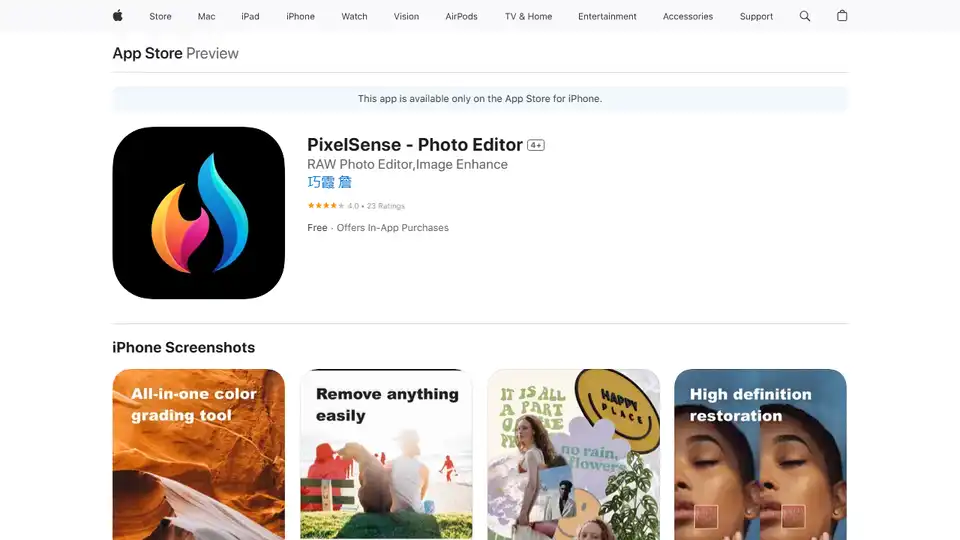
PixelSense is a professional AI photo editor for iPhone, supporting RAW image editing, AI enhancement, local adjustments, and layer editing. Perfect for unleashing your creativity on the go.

PxBee is a free AI-powered photo editor that lets you create studio-quality images in seconds. Effortlessly remove and change backgrounds, enhance resolution with AI.
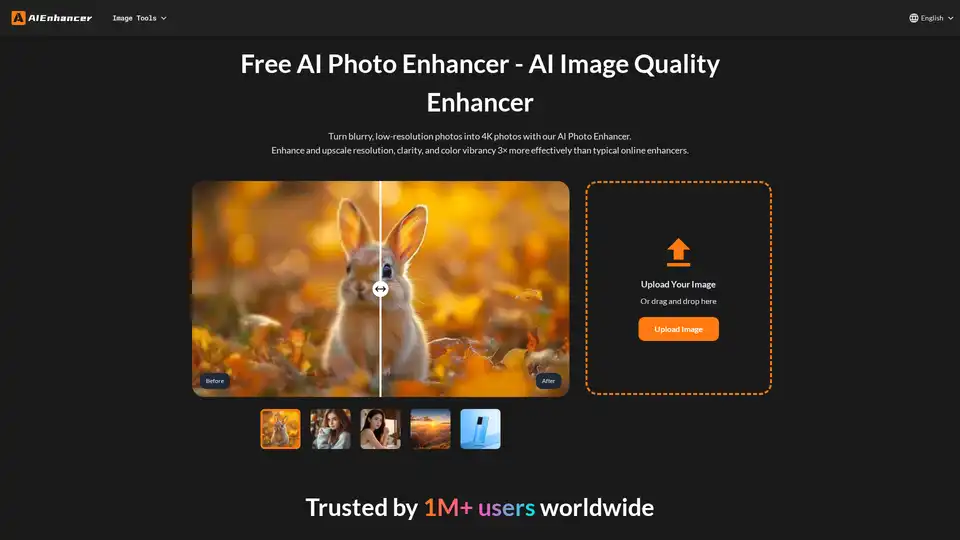
Enhance your photos with our AI Photo Enhancer. Restore colors, sharpen details, remove noise, and upscale low-resolution images to stunning 4K quality.

Unlock the power of Nero AI PC Software to enhance photos and videos. AI upscaling to 4K and video editing with object blurring. Try Nero AI today!
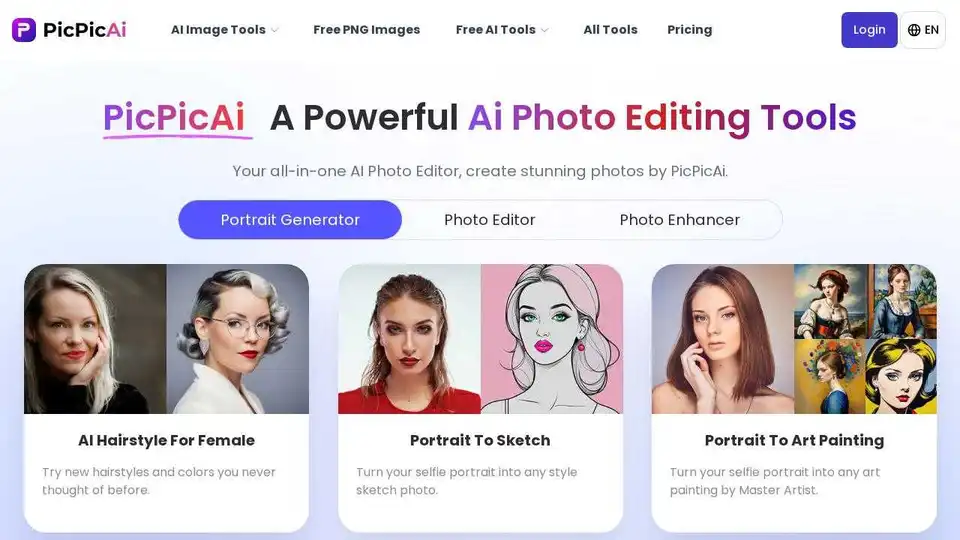
PicPicAI offers AI photo enhancement, background removal, portrait editing, and AI art generation. Edit photos online quickly with high-quality results.