
ONEIMG
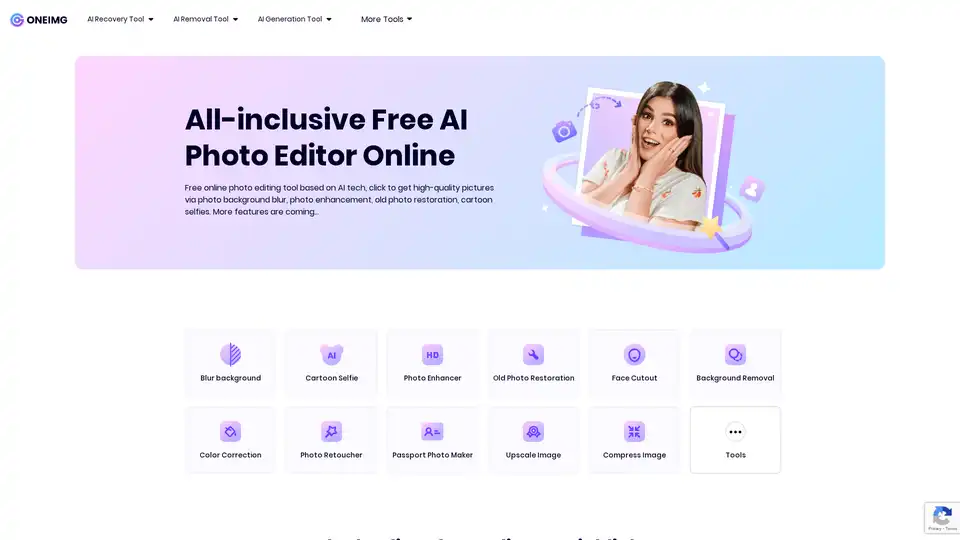
Overview of ONEIMG
ONEIMG: Free AI Photo Editor Online
ONEIMG is an all-inclusive free AI photo editor online that leverages AI technology to provide a wide range of image editing tools. It allows users to enhance, modify, and optimize their photos with just a simple click. This tool is designed for both personal and business use, offering features such as background removal, photo enhancement, old photo restoration, and cartoon selfies.
What is ONEIMG?
ONEIMG is a free online photo editing tool based on AI tech. It offers a variety of features including photo background blur, photo enhancement, old photo restoration, and cartoon selfies, enabling users to obtain high-quality pictures effortlessly.
How does ONEIMG work?
ONEIMG utilizes advanced AI technology to automatically process photo editing tasks efficiently. The intuitive web interface contains easy-to-use photo online editing features, allowing users to upscale their photo processing with AI power. Key functionalities include:
- AI Recovery Tools:
- Blur background
- Photo Enhancer
- Old Photo Restoration
- Photo Retoucher
- AI Removal Tools:
- Background Removal
- Face Cutout
- Color Correction
- AI Generation Tools:
- Cartoon Selfie
- Passport Photo Maker
Additionally, users can optimize images by compressing and upscaling them, create memes, resize, crop, rotate, and convert image formats. Security features include watermarking and face blurring.
How to use ONEIMG?
Using ONEIMG is straightforward:
- Visit the ONEIMG website.
- Choose the desired feature (e.g., Blur Background, Photo Enhancement).
- Upload your photo.
- Let ONEIMG automatically process the image.
- Download the optimized photo.
Why choose ONEIMG?
- Free Access: ONEIMG offers a wide range of practical features without any cost.
- AI-Powered: Advanced AI tech ensures effortless and efficient photo editing.
- User-Friendly: The intuitive web surface is designed for ease of use, even without Photoshop experience.
- Versatile: Suitable for both personal and business use, with a variety of tools to optimize images.
- Privacy-Focused: Ensures the privacy and protection of user data with self-service data deletion options.
Who is ONEIMG for?
ONEIMG is designed for a broad audience, including:
- Creative Designers: Professionals who need to quickly enhance images.
- HR Professionals: Individuals who create appealing recruitment ads.
- E-commerce Sellers: Individuals who want to make product photos stand out.
- Social Media Managers: Individuals who need to improve the quality of their images.
- Individuals: Anyone looking to easily edit and optimize their photos.
Best way to enhance your photos?
The best way to enhance your photos using ONEIMG involves leveraging its AI-powered features. For instance, the Photo Enhancement tool can improve image clarity and detail, while the Background Removal tool can downplay distracting backgrounds. The Old Photo Restoration tool is particularly useful for bringing back detail and color to damaged photos.
What Users Say About ONEIMG
Users have praised ONEIMG for its ease of use and effectiveness. Here are some testimonials:
- Mary J. Luton, Creative Design: "It has helped a lot in my workflow… The background blur feature works well."
- Frank L. Allison, HR: "ONEIMG's Cartoon Selfie and Photo Enhancement features are great for making my ads more appealing."
- Carlos D. Stevens, POD Manager: "All features in one website are really good for some kinds of people like me, who hate trouble."
- Kenneth S. Young, Social Media Manager: "This online image background blurring feature surprised me, how well it worked!"
- Lily S., Magazine Writer: "The cartoonize photo feature on this site is so much fun!"
- Lisa H. Crumbley, Family Member: "I stumbled upon ONEIMG while trying to restore some old family photos, and I couldn't be happier with the results!"
- Henry Moyes, E-commerce: "I was looking for a way to make my product stand out… and the photo background blurring tool is just what I needed!"
- Maria L., Individual User: "The image restoration feature on this website really works wonders."
Frequently Asked Questions
What Can ONEIMG Do?
ONEIMG offers a variety of functions such as blurring photo backgrounds, restoring old photos, enhancing image results, and cartoonizing selfies.
Can I Use This Online Photo Editor on iPhone?
Yes, you can access ONEIMG on any device without needing to download an app.
Do I Need to Pay for Each Photo Editing Feature?
No, ONEIMG is absolutely free.
Can Someone Steal or Copy My Data?
ONEIMG prioritizes data security and offers self-service data deletion options.
Is ONEIMG an Easy Photo Editor for People Without Photoshop Experience?
Yes, it is designed to be user-friendly, even without prior Photoshop experience.
Conclusion
ONEIMG is a comprehensive and free AI-powered online photo editor that simplifies image editing tasks. With its user-friendly interface and a wide array of features, it caters to both personal and business needs. Whether you need to enhance photos, remove backgrounds, or restore old images, ONEIMG provides the tools to achieve professional-quality results effortlessly. Its AI-driven capabilities make it a standout choice for anyone looking to optimize their photos with ease.
Best Alternative Tools to "ONEIMG"
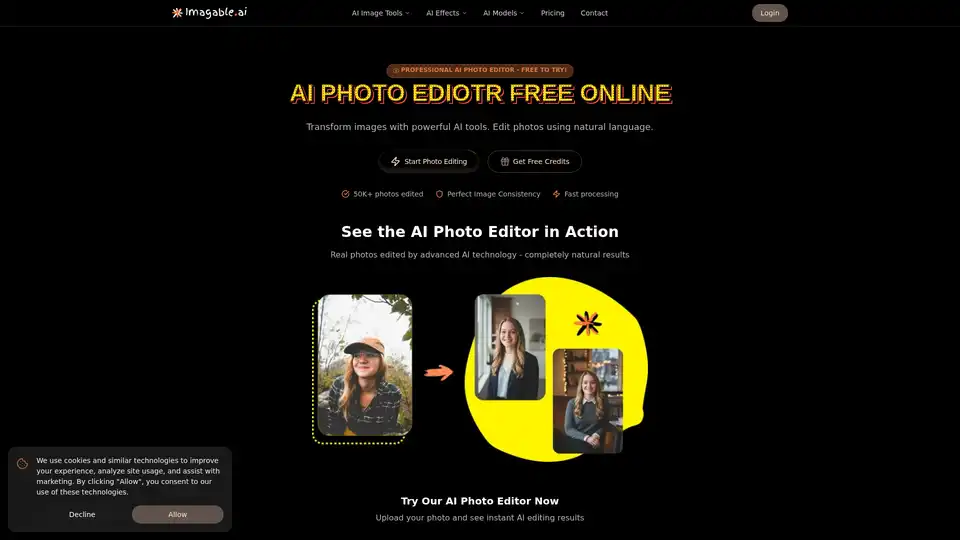
Imagable is a free online AI photo editor that transforms images using natural language commands. It offers professional editing features including character consistency, precision editing, text integration, and style transfer.
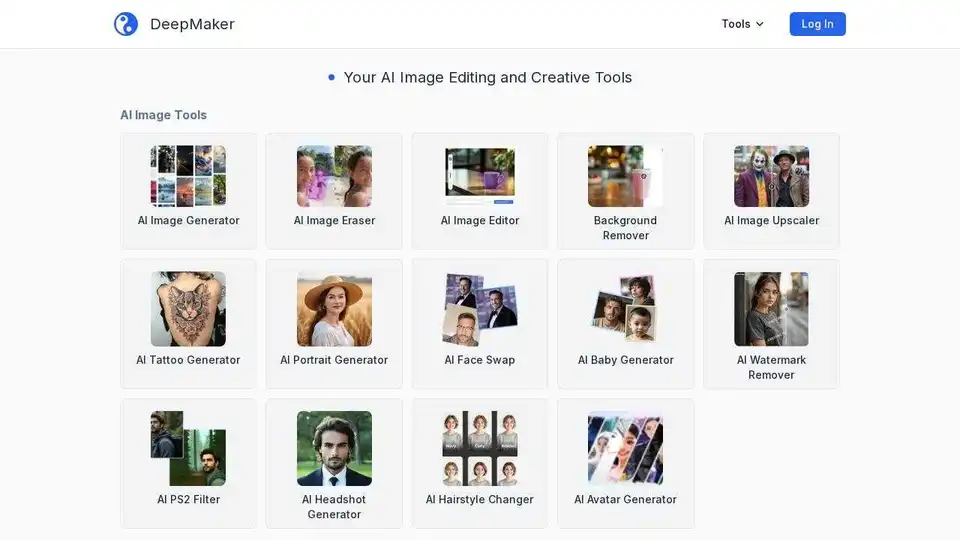
DeepMaker offers advanced AI image tools: background remover, image enhancer, object eraser, image editor, image generator, avatar creator, face swapper, and more. Pay as you go, no subscription required.
Fix blurry photos online for free with AI-powered tools. Enhance sharpness, restore old images, and remove blur in seconds—no registration needed. Ideal for portraits, text, and low-res photos.
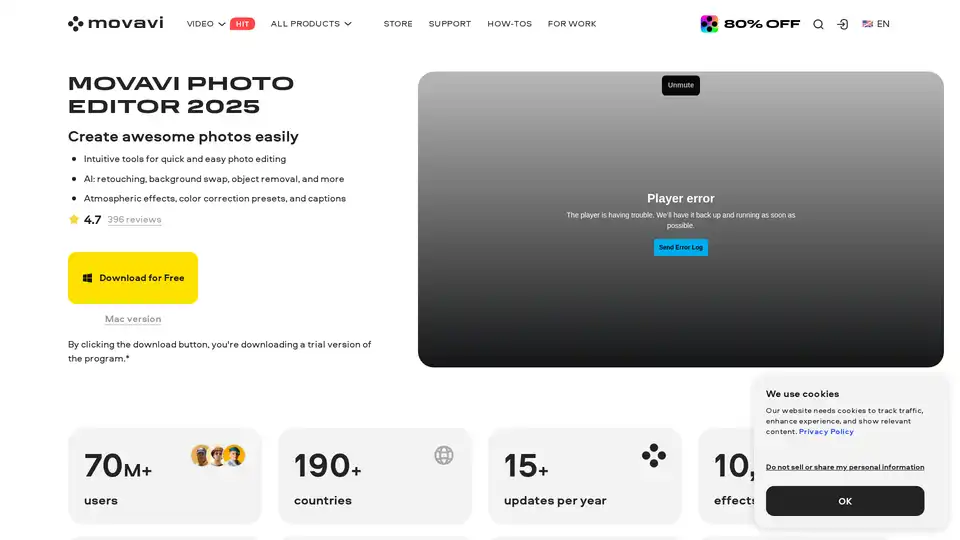
Movavi Photo Editor is an AI-powered software for PC & Mac that offers intuitive tools for quick photo editing, including background swap, object removal, retouching, and more.
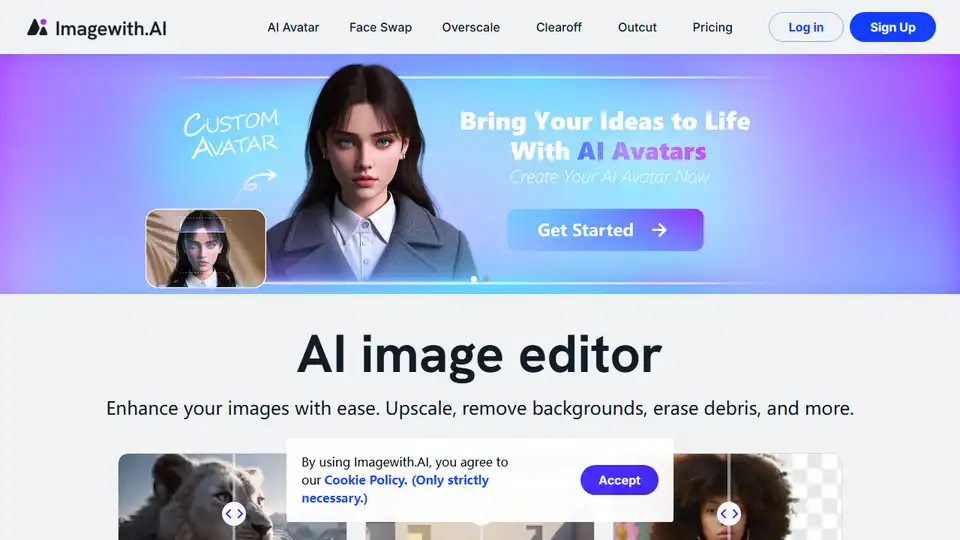
Imagewith.AI is an AI image editor that enhances images, removes backgrounds, and more. Try it now and witness the magic.
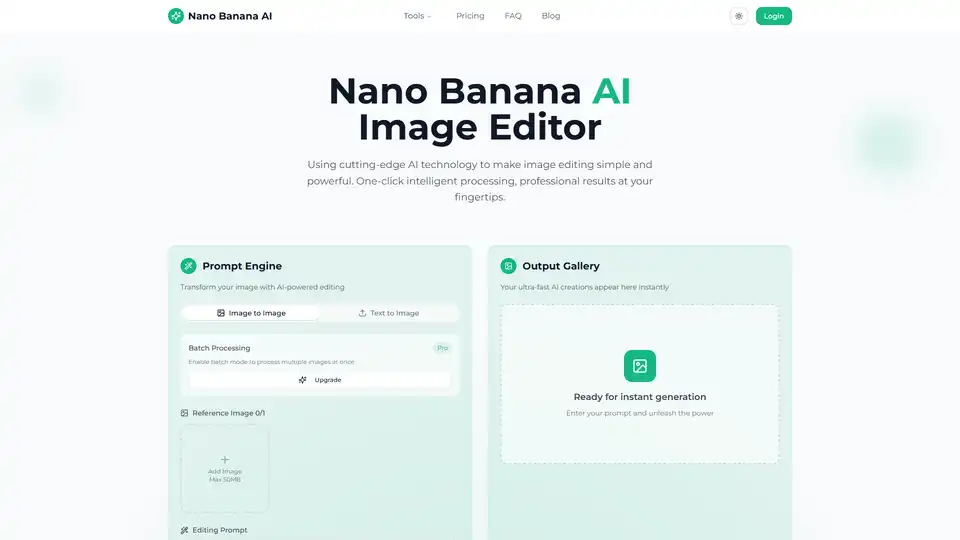
Transform your photos with Nano Banana AI Image Editor. Free AI-powered background removal, smart enhancement, style conversion, and batch processing.
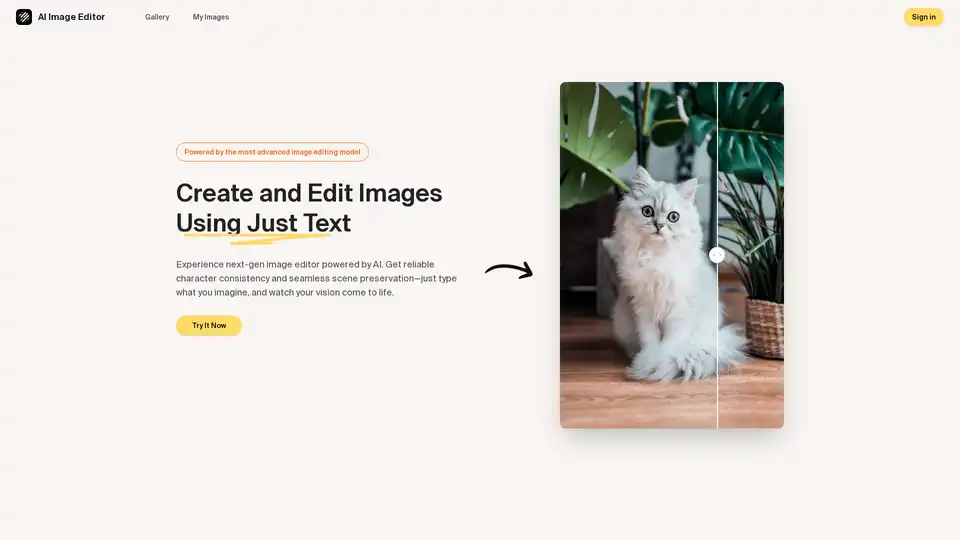
Discover the AI Image Editor: transform photos effortlessly with text prompts. Edit, enhance, and blend images while maintaining consistency—ideal for creative and professional workflows.
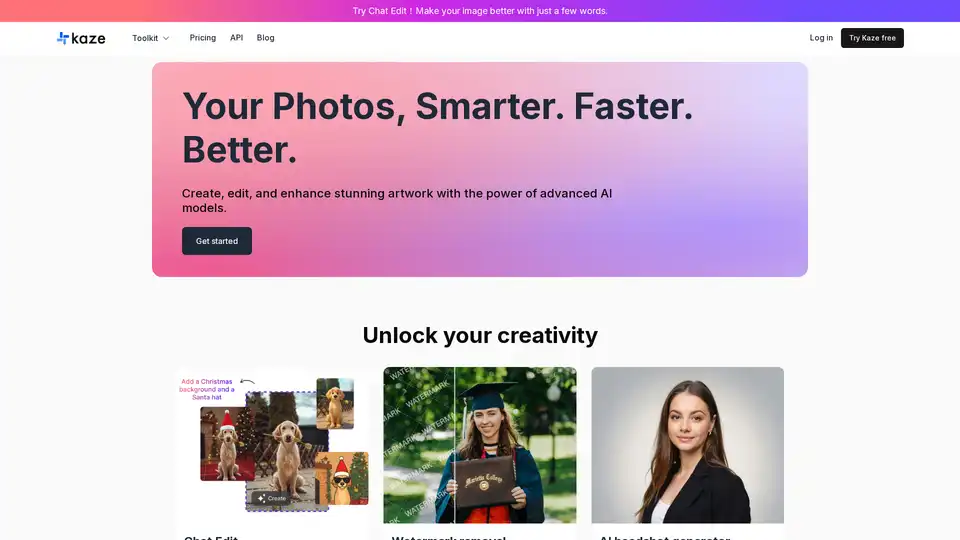
Remove watermarks, restore photos, and generate AI headshots with Kaze AI. This online AI image editor offers quick image cleanup and professional portraits.
Gemini-powered AI image editor excelling in character consistency, text-based editing & multi-image fusion with world knowledge understanding.
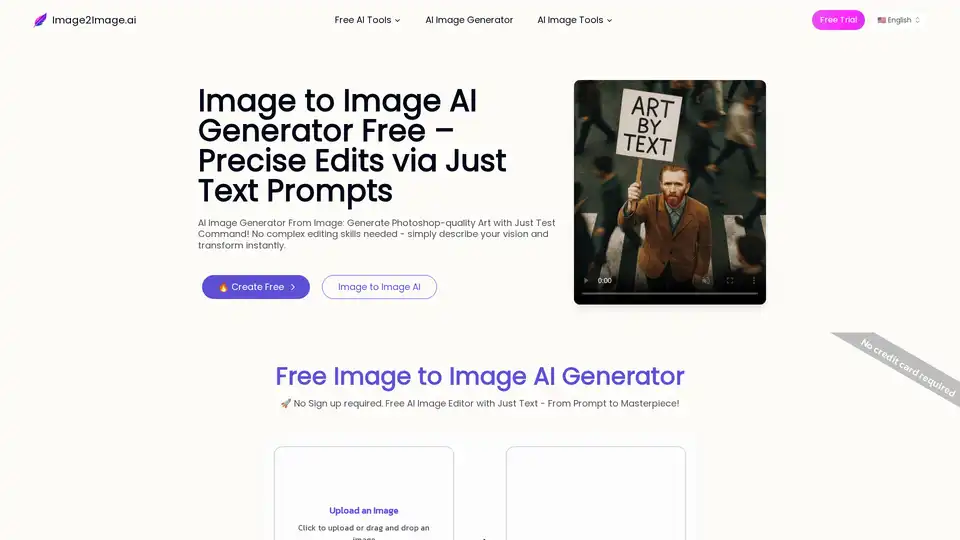
Generate images from existing ones for free using AI Image to Image tech. Just edit any photo with a prompt to transform instantly.
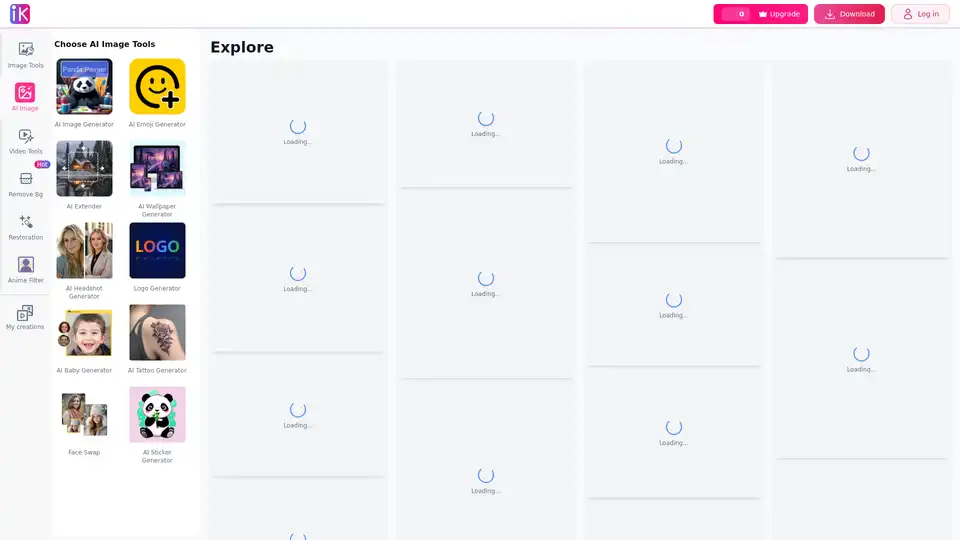
ImgKits is a free online AI-powered photo editor offering advanced tools for image enhancement, background removal, AI image generation, and creative editing solutions.
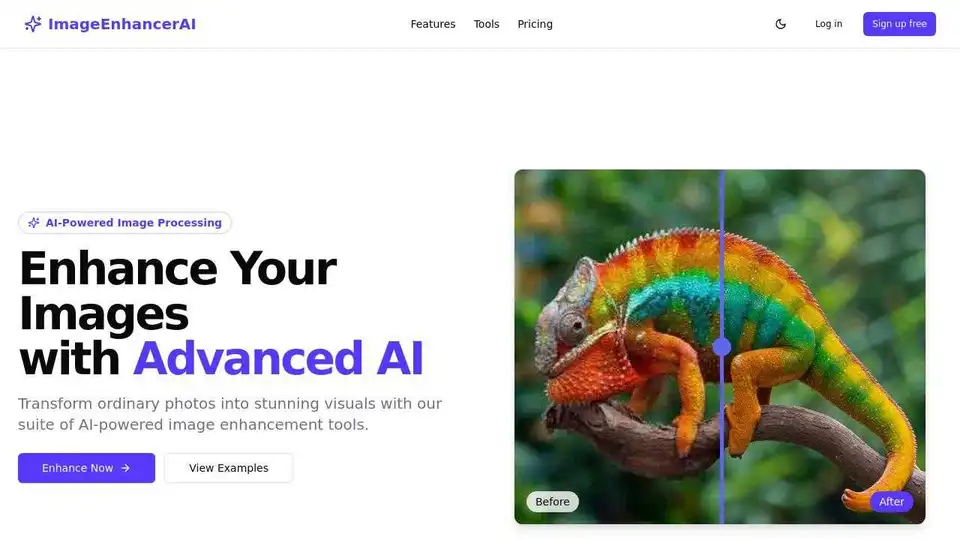
Enhance and upscale your images with Image Enhancer AI. Sharpen blurry photos, increase resolution, and bring your images to life with AI-powered tools for stunning visuals.
Magickimg: AI-powered image tools for restoration, editing, and enhancement. Enhance photos, remove backgrounds, and upscale images effortlessly.
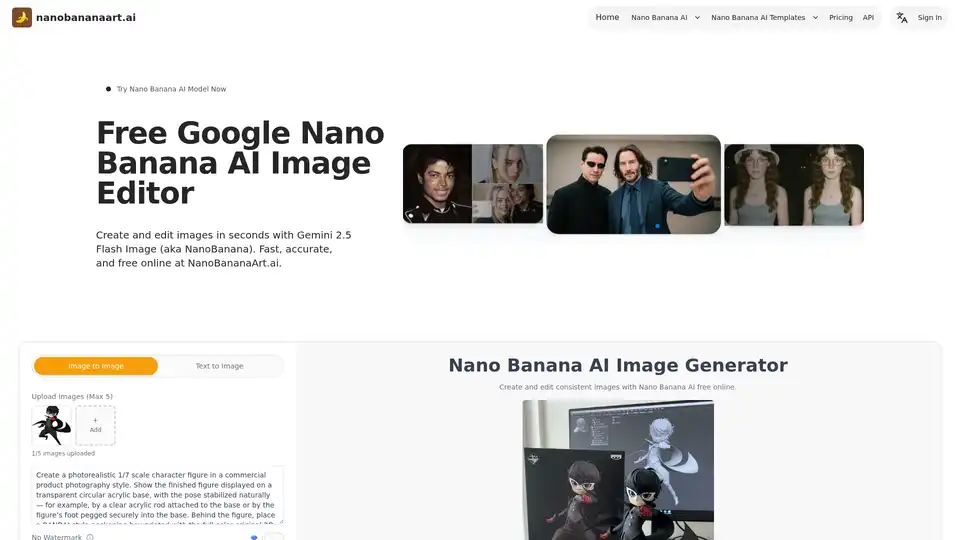
Discover Nano Banana AI, powered by Gemini 2.5 Flash Image, for free online image generation and editing. Create consistent characters, edit photos effortlessly, and explore styles like anime or 3D conversions at NanoBananaArt.ai.