
OrganizeChatGPT
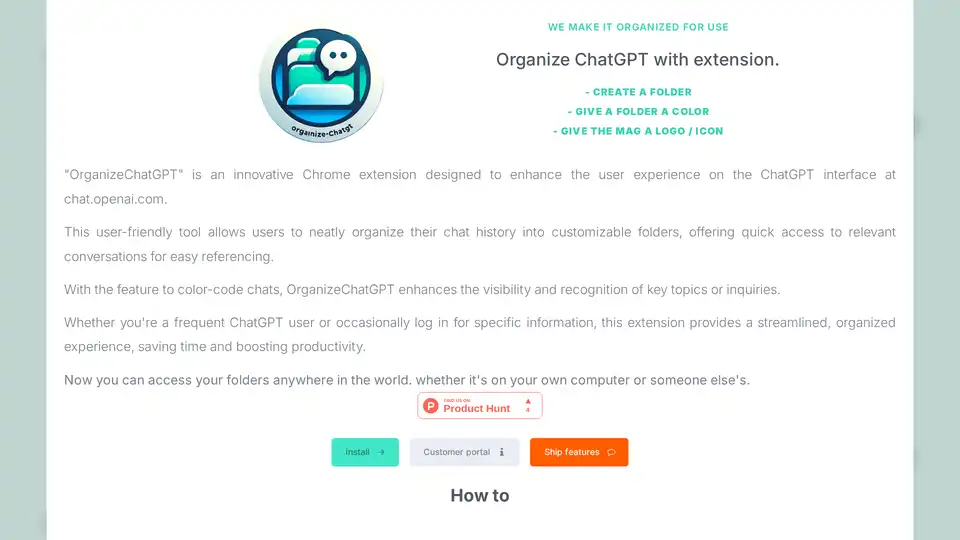
Overview of OrganizeChatGPT
OrganizeChatGPT: The Ultimate Chrome Extension for ChatGPT Chat Management
Tired of the unorganized chaos of your ChatGPT conversations? OrganizeChatGPT is a Chrome extension designed to bring order and efficiency to your ChatGPT experience. This user-friendly tool allows you to neatly organize your chat history into customizable folders, providing quick access to relevant conversations for easy referencing.
What is OrganizeChatGPT?
OrganizeChatGPT is a browser extension specifically designed for users of ChatGPT at chat.openai.com. It addresses the common problem of disorganized chat histories by allowing users to categorize and manage their conversations effectively. Its core function is to enhance productivity by streamlining access to past conversations, reducing the time spent searching for information.
How does OrganizeChatGPT work?
OrganizeChatGPT works seamlessly within the ChatGPT interface. Once installed, it provides users with the ability to:
- Create Folders: Categorize chats by topic, project, or any criteria you choose.
- Give a Folder a Color: Visually distinguish folders using color codes for easy recognition.
- Give the Folder a Logo/Icon: Customize folders with logos or icons for at-a-glance identification.
- Pin Conversations: Highlight important chats for quick access.
- Search & Filter: Quickly find any chat with advanced search and filtering options.
Key Features and Benefits
- Folder Organization: Effortlessly sort and categorize your ChatGPT conversations.
- Quick Access: Instantly find the chats you need, when you need them.
- Chat Management: Keep track of important conversations and never lose them again.
- Color-Coding: Enhance visibility and recognition of key topics or inquiries.
- Multi-Computer Access: Access your folders anywhere with the paid version.
How to Use OrganizeChatGPT
Managing your ChatGPT conversations with OrganizeChatGPT is straightforward:
- Create Folders: Click the "Create Folder" button and name your folder according to the topic or project.
- Add Chats to Folders: Right-click on a chat and select the folder to add it to. You can add multiple chats to a folder simultaneously.
- Pin Conversations: Highlight important chats for quick access by using the pin feature.
- Edit Folders: Right-click a folder to edit its name, color, or icon.
- Delete Folders: Remove folders you no longer need with a simple right-click.
Who is OrganizeChatGPT for?
OrganizeChatGPT is ideal for:
- Frequent ChatGPT Users: Anyone who uses ChatGPT regularly and needs a better way to manage their conversations.
- Researchers: Students and researchers who use ChatGPT for information gathering and need to keep track of their inquiries.
- Professionals: Individuals who use ChatGPT for work-related tasks and need to quickly access past conversations.
- Anyone Seeking Enhanced Productivity: Anyone looking to streamline their workflow and save time.
Pricing
The core functionality of OrganizeChatGPT is free to use. For users who want to access their folders on multiple computers, a one-time payment of 29.95 euros unlocks lifelong access.
Why Choose OrganizeChatGPT?
- Improved Organization: Eliminate the frustration of scrolling through endless chat histories.
- Increased Efficiency: Find the information you need in seconds.
- Enhanced Productivity: Streamline your workflow and get more done.
Best way to organize ChatGPT?
OrganizeChatGPT simplifies organizing your chats in ChatGPT with features such as creating folders, pinning conversations, using color codes, and enabling easy search and filtering.
Conclusion
OrganizeChatGPT is a must-have Chrome extension for anyone who wants to take control of their ChatGPT experience. By providing a simple and effective way to organize chats, this tool can significantly improve productivity and reduce frustration. Install OrganizeChatGPT today and experience the power of organized AI conversations!
Best Alternative Tools to "OrganizeChatGPT"
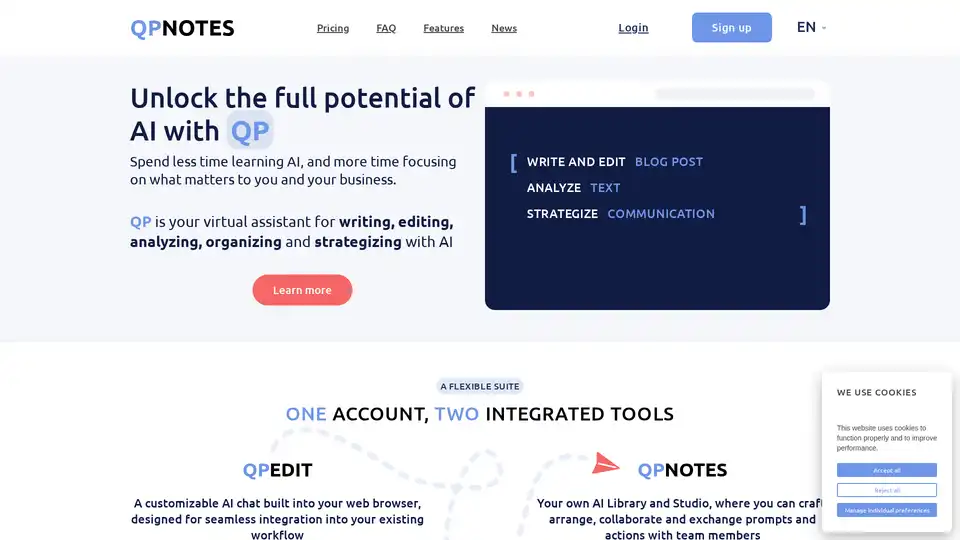
QPNOTES is an AI prompt management platform that helps users organize, save, and share AI prompts across multiple models like ChatGPT, Bard, and Claude for enhanced writing and productivity.

Helpjuice: Knowledge Base Software trusted by 130,000+ users from Amazon, Hertz, Shipt. Streamline support, boost productivity with AI-powered search and content creation. Start free 14-day trial.
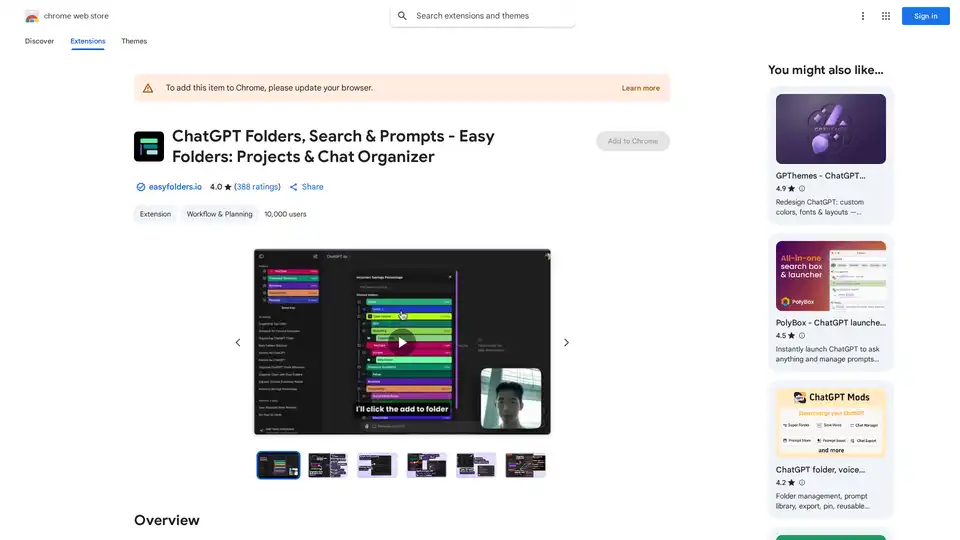
Organize your ChatGPT & Claude chats with folders, search, bookmarks, prompts. Easy Folders Chrome extension helps declutter and manage your AI conversations efficiently.
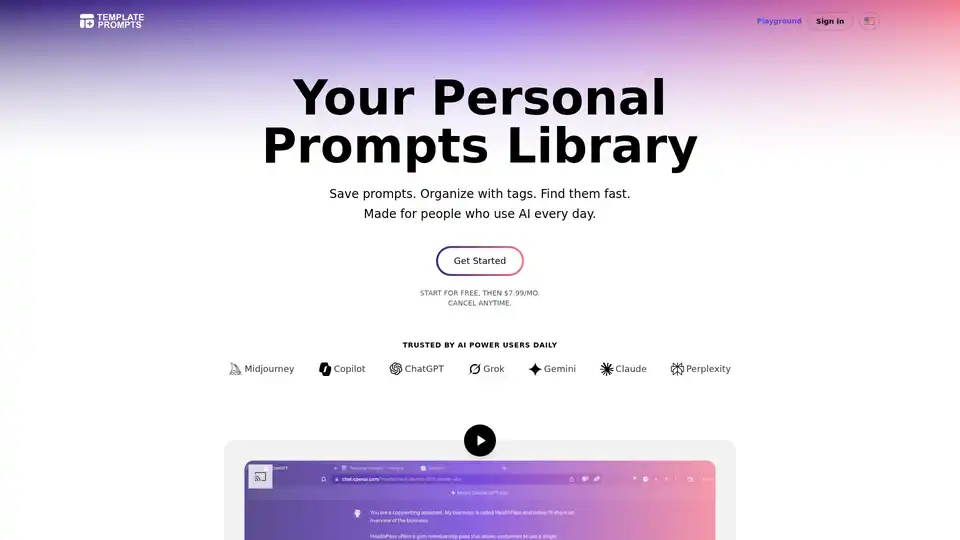
Template Prompts offers a dedicated library to save, organize, and reuse AI prompts across tools like ChatGPT and Midjourney. Tag, search, and create templates for efficient AI workflows.
Supercharge your ChatGPT experience with ChatGPT Toolbox! Organize chats, manage prompts, download audio, and much more. Install now for enhanced productivity!
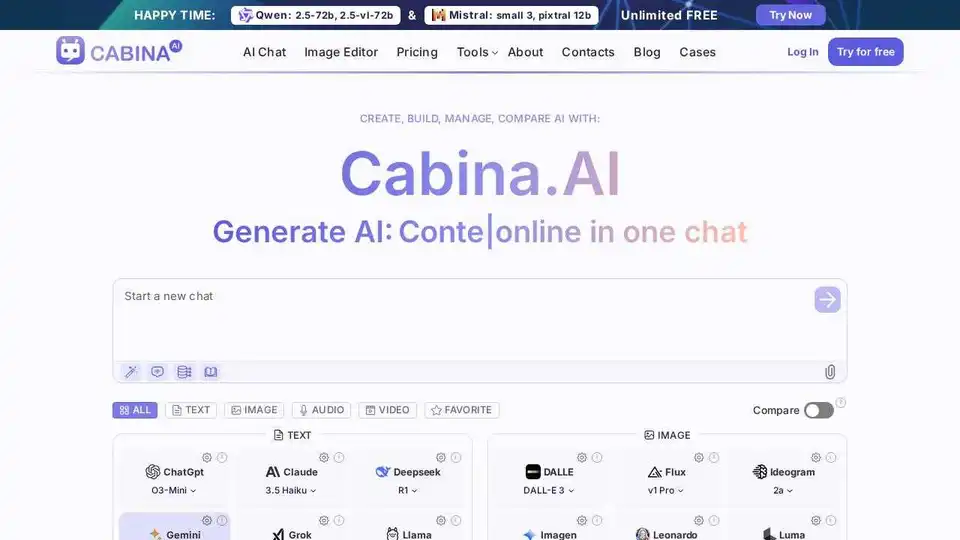
Cabina.AI offers access to GPT-4, Claude, LLama, and more, all in one place. Chat with PDF, analyze files, transcribe audio, generate video & images. Start free!

PalyPDF: An AI-powered PDF management tool that lets you chat with your PDFs, summarize long documents, and perform semantic searches. A ChatGPT and Dropbox alternative for your documents.

Chat with AI using your API keys. Pay only for what you use. GPT-4, Gemini, Claude, and other LLMs supported. The best chat LLM frontend UI for all AI models.

Promptitude.io empowers teams to integrate GPT into apps and workflows seamlessly. Test, manage, and optimize prompts with one API call for personalized AI results in document summarization, code review, and more.

Bourdain Onsite AI: Your private ChatGPT for regulated industries. Securely chat with PDFs and knowledge bases on-prem or in your VPC.

Ping is an AI-powered task manager for teams, enabling task capture via voice, email, and photos. It offers Kanban boards, smart notifications, and integrations with Slack and ChatGPT. Try Ping for free!

Mixflow.AI is the leading AI platform for productivity, allowing users to remix documents, images, videos, and audios on an infinite canvas. Integrate ChatGPT and other models for seamless content creation, analysis, and real-time collaboration across professions.

Formulas HQ is an AI-powered tool for generating formulas in Google Sheets and Microsoft Excel, including Regex and VBA. Boost your spreadsheet mastery with AI!

CharmIQ is an AI workspace for better human/AI collaboration. Access 100+ AI assistants, integrate files, and boost productivity. Try CharmIQ for free!