
Pixelmost
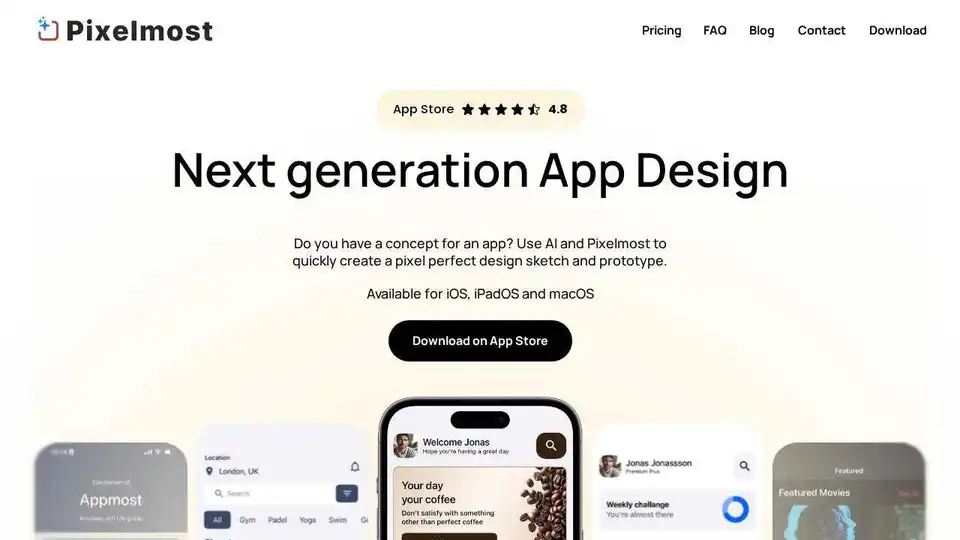
Overview of Pixelmost
Pixelmost: The AI-Powered App Design Solution
What is Pixelmost? Pixelmost is a next-generation app design tool that uses the power of AI to help you create stunning, pixel-perfect app designs and prototypes quickly and easily. Available for iOS, iPadOS, and macOS, Pixelmost empowers anyone with an app concept to bring their ideas to life.
Key Features of Pixelmost:
- AI-Powered Design Generation: Generate initial app design sketches from simple prompts in seconds.
- Multi-Platform Support: Use Pixelmost on your iPhone, iPad, or Mac, with seamless iCloud syncing.
- App Icon Generation: Create unique and modern app icons using four different AI models.
- Easy Image Import: Incorporate your own images or choose from a vast library of free images from Unsplash.
- Drag-and-Drop Components: Effortlessly design with pre-built components.
How does Pixelmost work?
Pixelmost simplifies the app design process with its intuitive interface and powerful AI features:
- Prompt-Based Generation: Start by entering your app concept as a simple prompt. Pixelmost's AI algorithms will generate an initial design sketch in just 30 seconds.
- Platform Selection: Choose your preferred platform (iOS, iPadOS, or macOS) to optimize the design for that specific device.
- Icon Creation: Generate suitable app icons by providing a description of your app idea. Select from four different AI models to achieve the desired styling.
- Image Integration: Import your own images or browse the extensive Unsplash library to add visual elements to your design.
- Component Customization: Utilize the drag-and-drop interface to add and customize pre-built components, fine-tuning the design to your exact specifications.
Why choose Pixelmost?
Pixelmost offers several advantages over traditional app design methods:
- Speed: Generate initial designs in seconds, saving you valuable time and effort.
- Accessibility: Empowers anyone, regardless of their design experience, to create professional-looking app designs.
- Flexibility: Design on your preferred Apple device with seamless syncing via iCloud.
- Creativity: Explore different design options and app icon styles with the help of AI.
Who is Pixelmost for?
Pixelmost is ideal for:
- Entrepreneurs: Quickly prototype and visualize their app ideas.
- Designers: Streamline their workflow and explore new design concepts.
- Developers: Create design mockups for their app projects.
- Anyone with an app idea: Bring their vision to life without needing extensive design skills.
How to use Pixelmost?
- Download the app: Get Pixelmost from the App Store.
- Start a new project: Enter a prompt describing your app concept.
- Customize the design: Use the drag-and-drop interface and AI-powered features to refine your design.
- Generate app icons: Create unique icons that match your app's style.
- Share your design: Export your design as a mockup, prototype, or pitch deck.
What are the benefits of using Pixelmost?
- Reduced design time: AI-powered features accelerate the design process.
- Improved design quality: Create pixel-perfect designs that are visually appealing and user-friendly.
- Increased creativity: Explore new design possibilities with AI assistance.
- Enhanced collaboration: Share designs easily with team members and stakeholders.
Pixelmost Pricing
Pixelmost offers a range of pricing plans to suit different needs and budgets. Details on pricing can be found on the Pixelmost website or within the app.
In conclusion, Pixelmost is a powerful and intuitive app design tool that empowers anyone to create stunning app designs with the help of AI. Whether you're an entrepreneur with a groundbreaking app idea or a seasoned designer looking to streamline your workflow, Pixelmost can help you bring your vision to life.
Best Alternative Tools to "Pixelmost"
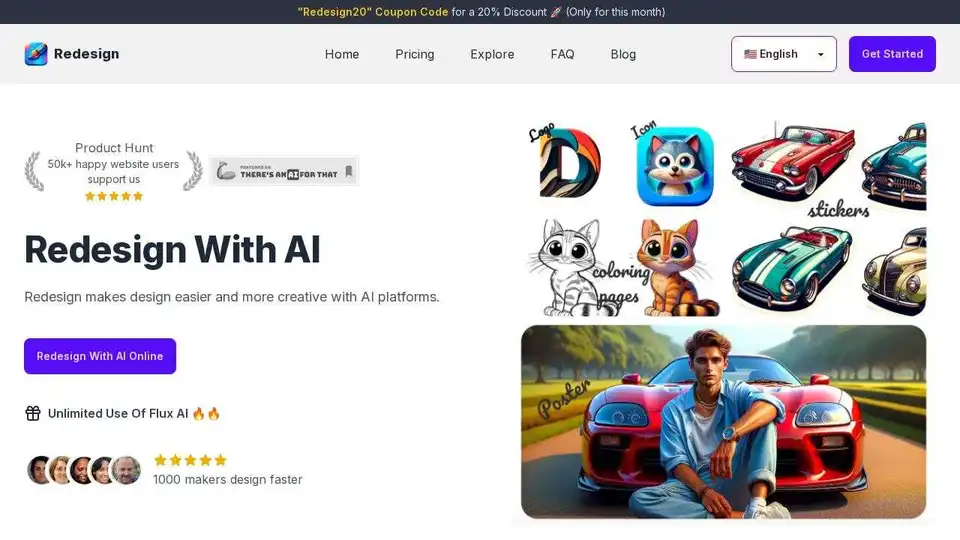
Redesign With AI makes design easier and more creative with AI. Generate logos, icons, stickers, posters, and illustrations in minutes. Save time and money!
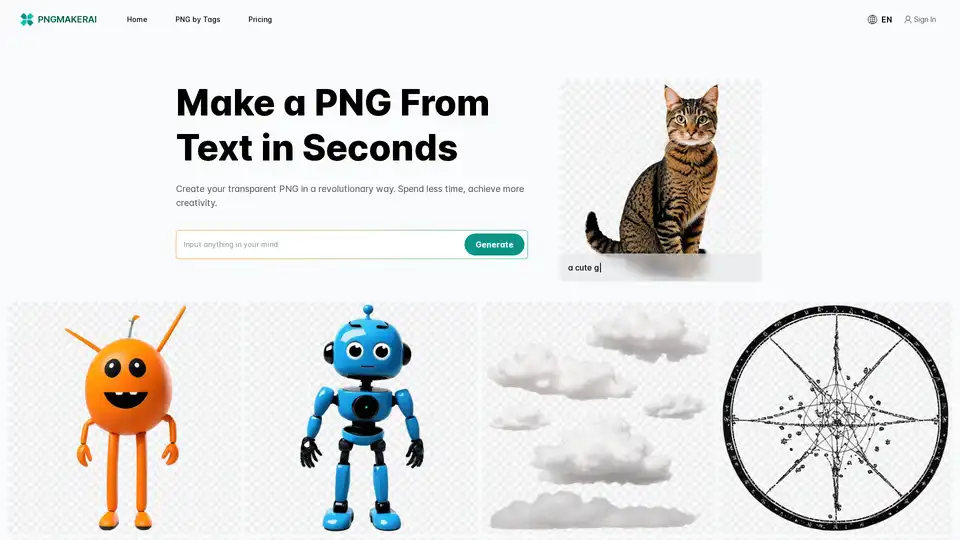
Unlock creativity with pngmaker.ai: Effortlessly transform your ideas into transparent PNGs in seconds. Ideal for designers, marketers, and content creators. Start now!
Premium image generation and editing tool. Store and share your own styles, create, fine-tune, upscale, and perfect your visuals.
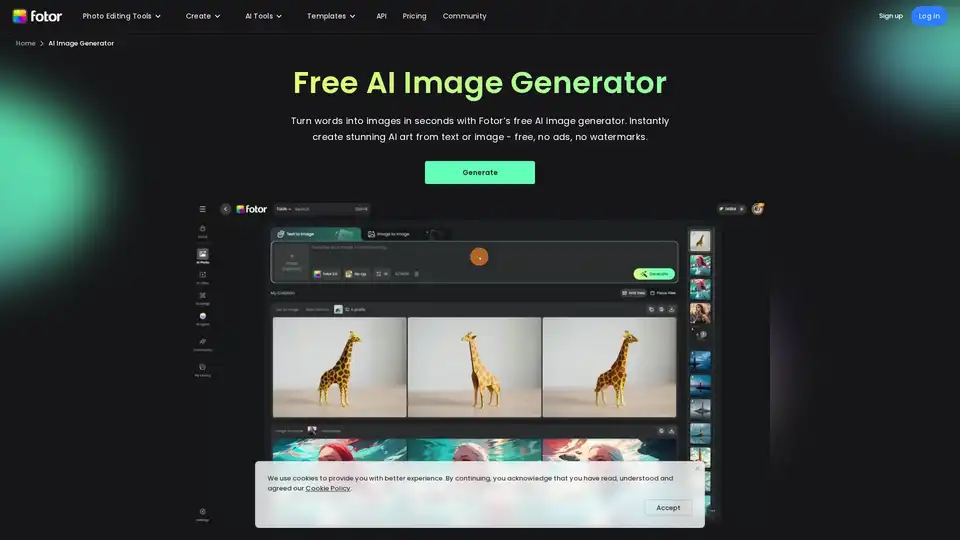
Generate unique AI images from a text prompt with Fotor free AI image generator. Input a prompt or upload an image, set the style, ratio and quantity, and get stunning images instantly.
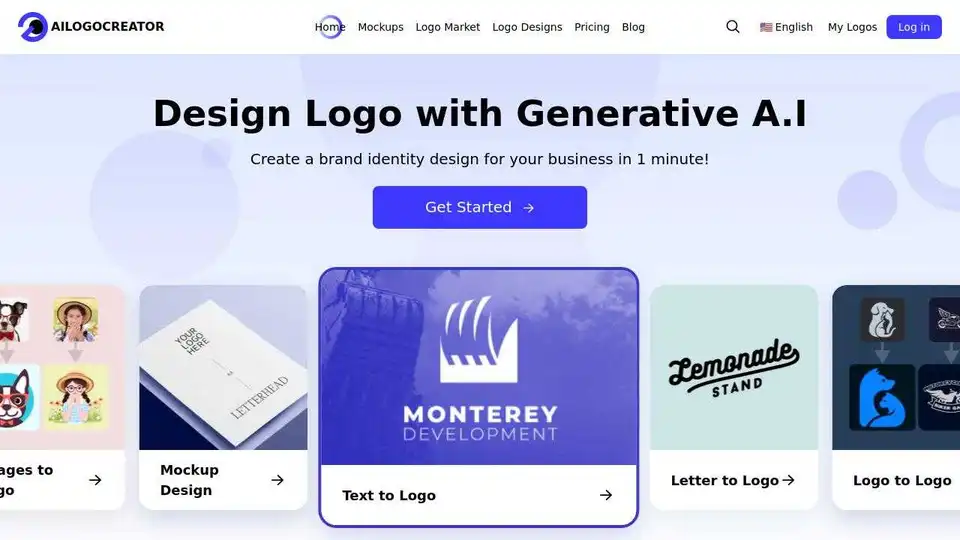
AILogoCreator is an AI-powered logo generator that creates professional logos in minutes. Customize designs, access vector files, and build brand kits for businesses, freelancers, and startups.
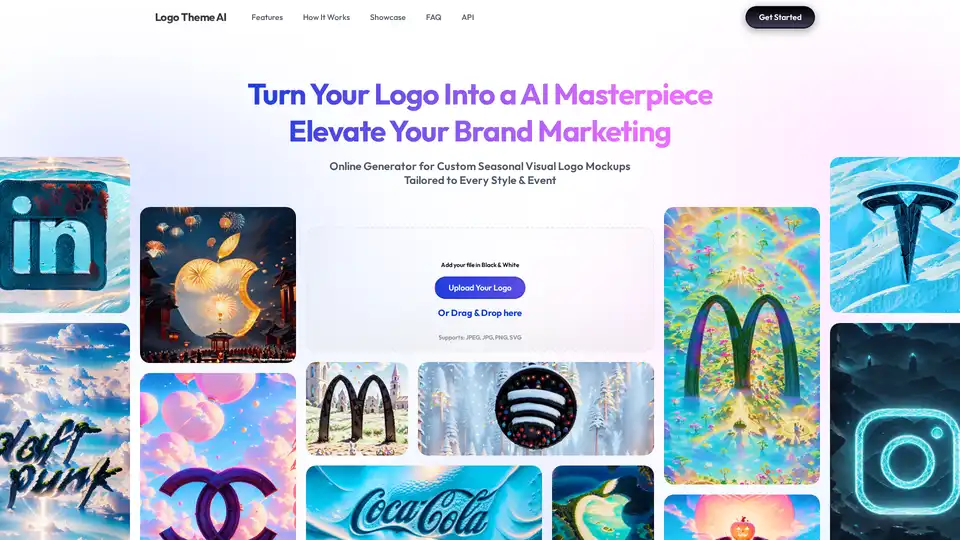
Logo Theme AI uses AI to adapt and customize logos for various themes and events. Upload your logo, choose a theme, and generate tailored logos for social media, app icons, and more.
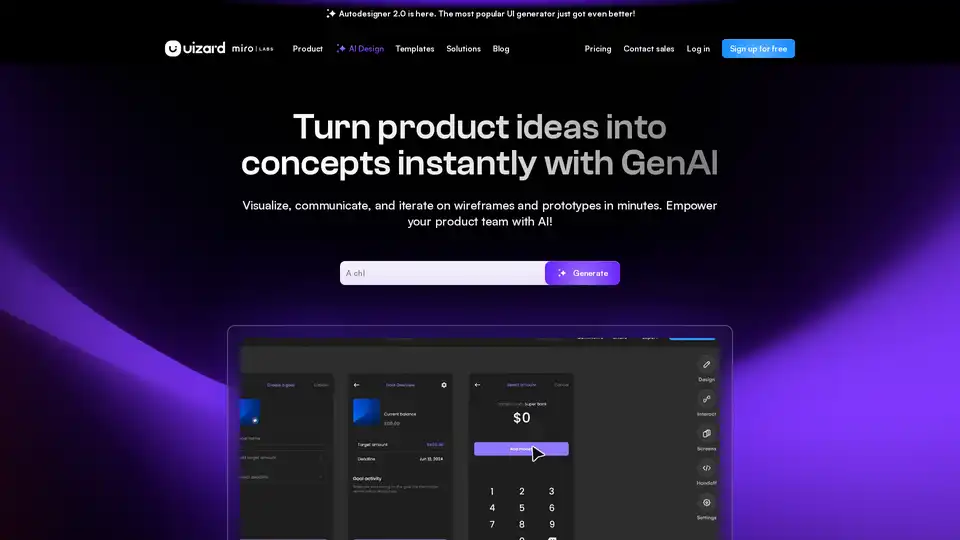
Uizard is an AI-powered UI design tool that simplifies app and website creation. Generate mockups, wireframes, and prototypes in minutes with its AI design assistant.
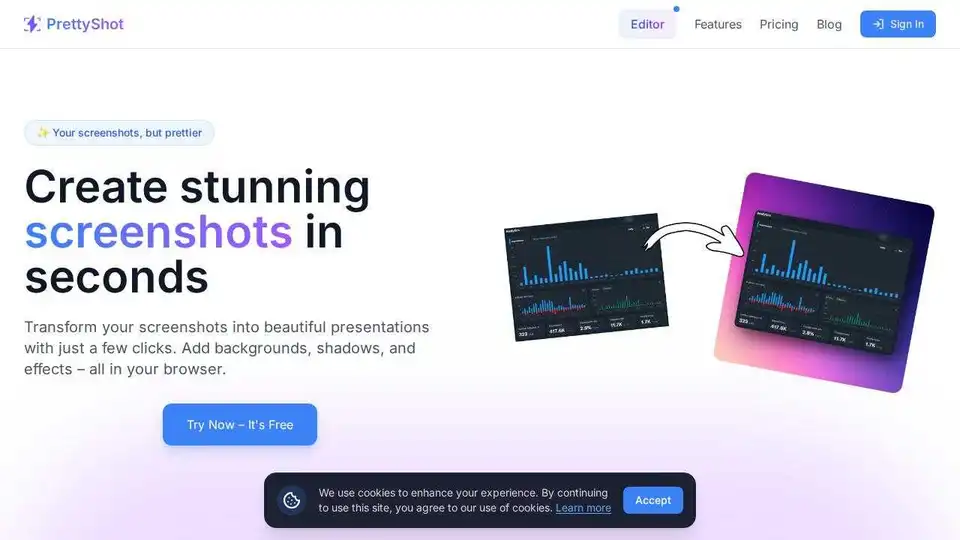
Transform screenshots into beautiful presentations with PrettyShot. Add backgrounds, shadows, effects, and mockups easily in your browser, for free.
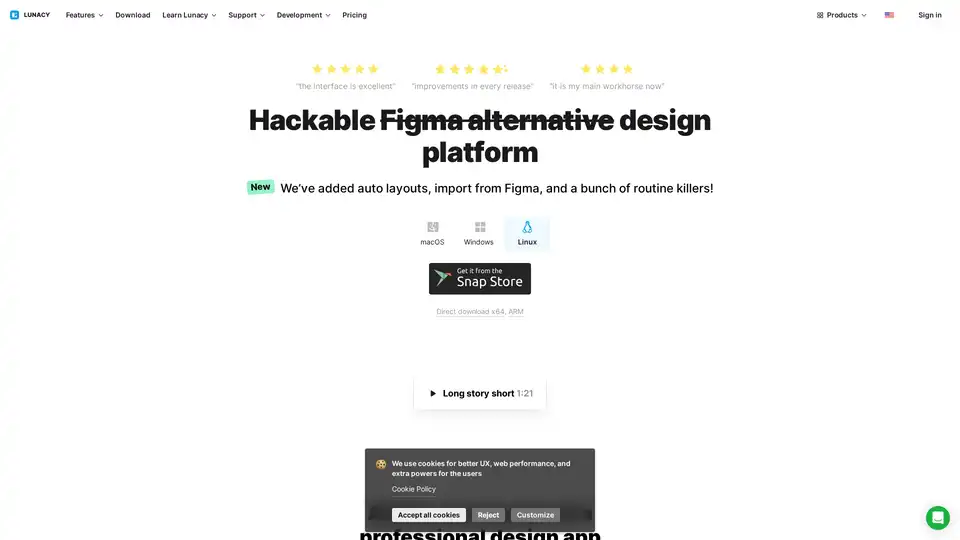
Lunacy by Icons8 is free graphic design software for Windows, macOS, Linux. Open, edit sketch files with ease. Built-in vector, photos, UI kits, and more.
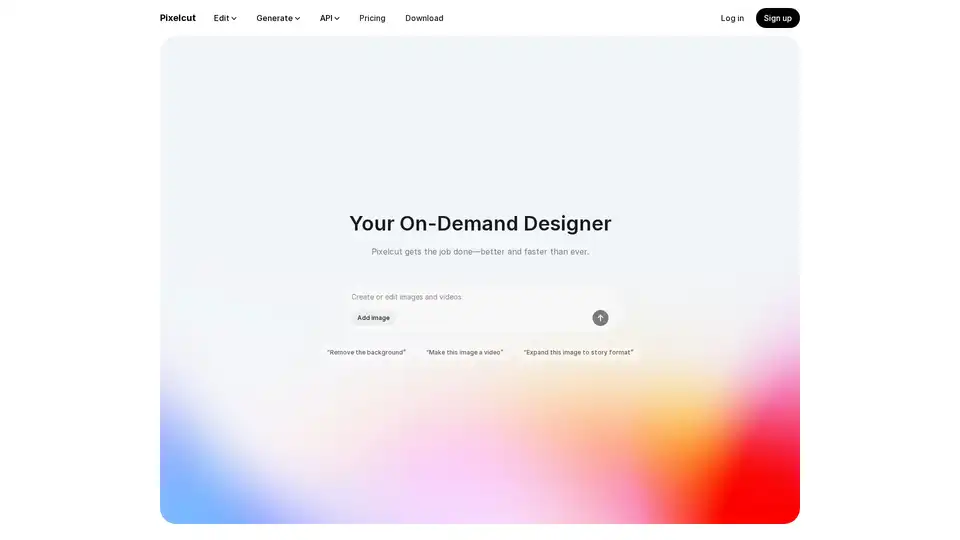
Pixelcut is a free AI photo editor that simplifies image editing, background removal, upscaling, and video generation. Trusted by over 50 million creators, it offers powerful tools for professional results in minutes.
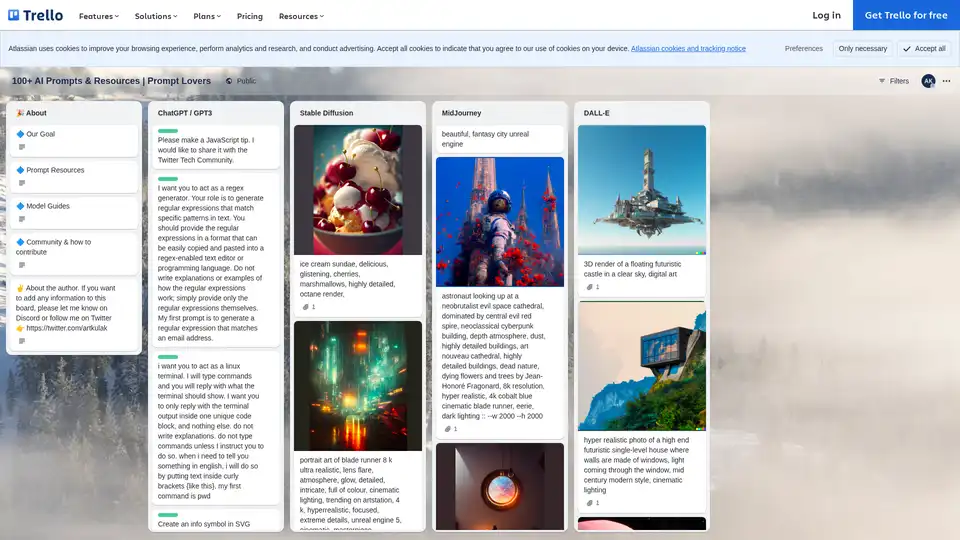
Explore the Prompt Lovers Trello board with 100+ AI prompts and resources for ChatGPT, Stable Diffusion, MidJourney, and DALL-E, ideal for writers, developers, and artists seeking creative inspiration.
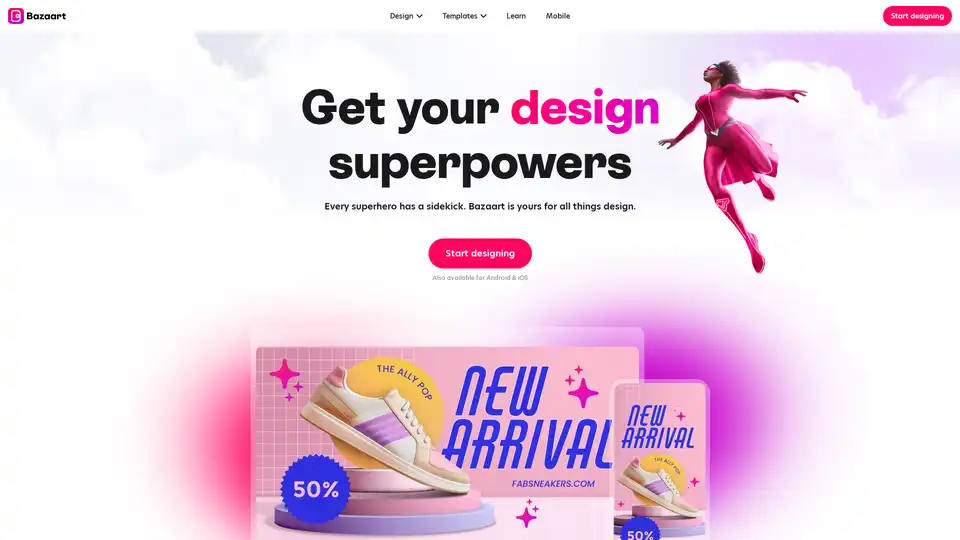
Bazaart is a free AI-powered design platform for creating professional-looking photos, social media posts, logos, and more. It features AI tools to edit, remove backgrounds, and enhance images easily.
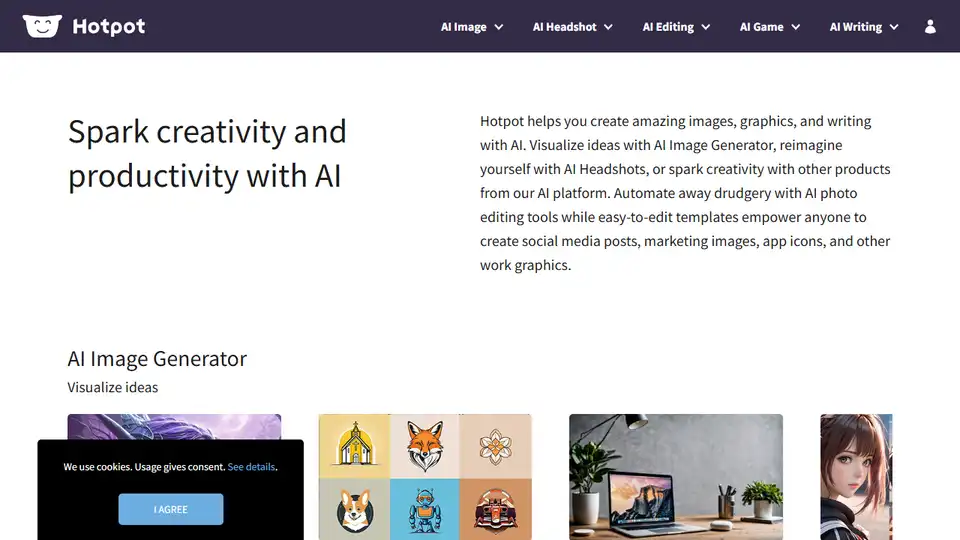
Hotpot.ai: AI image generator, AI headshots, and other AI tools to spark creativity and productivity.
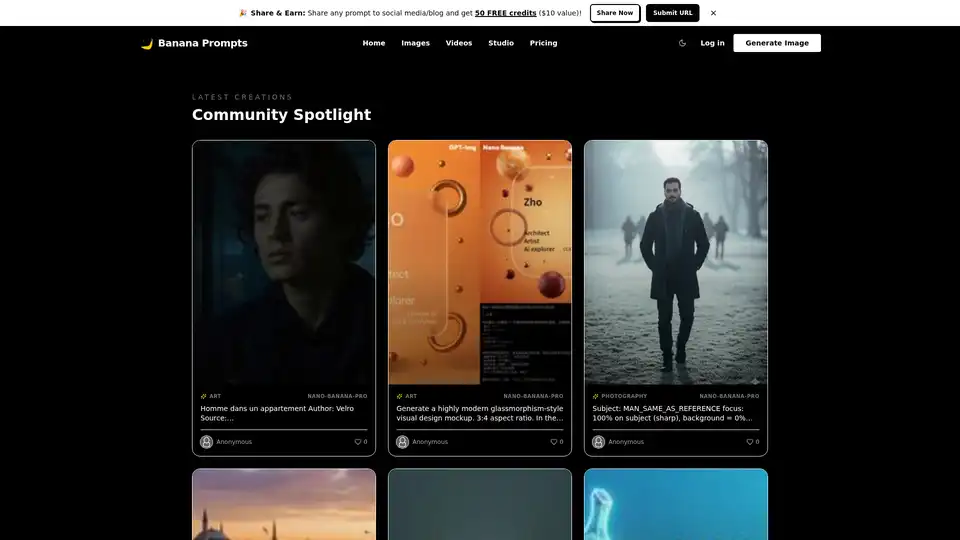
Banana Prompts is a community studio and gallery for AI prompt engineering. Browse, copy, remix cinematic art and video prompts with Nano Banana Pro models. Integrated studio for one-click generation, full transparency, and creator earnings.