
SheetQuery
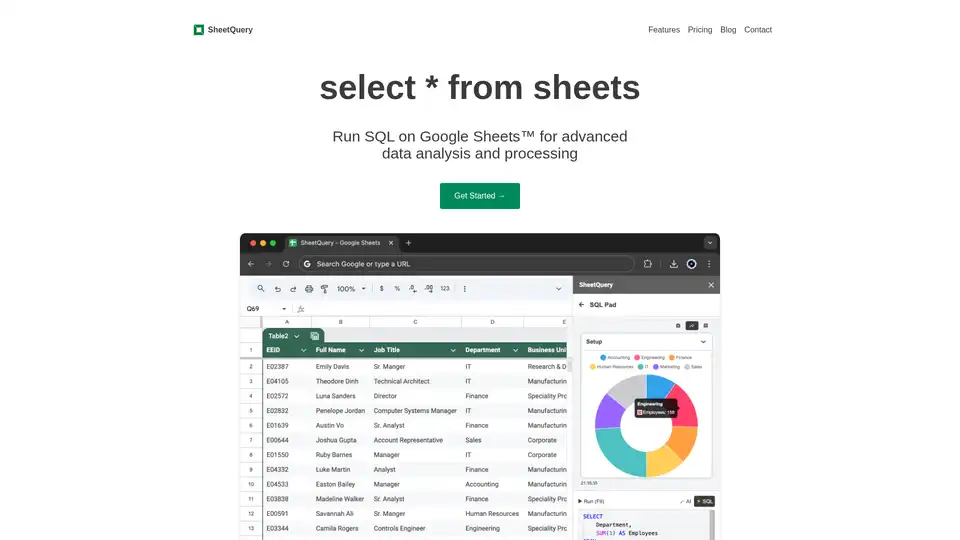
Overview of SheetQuery
SheetQuery: Unleash the Power of SQL in Google Sheets
What is SheetQuery?
SheetQuery brings the power of SQL directly to your Google Sheets, enabling advanced data analysis and manipulation that goes beyond the standard spreadsheet functionalities. It allows you to run SQL queries against your Google Sheets data, unlocking a new level of data processing capabilities.
How does SheetQuery work?
SheetQuery allows users to perform SQL queries directly within Google Sheets. This involves:
- Connecting to Google Sheets: SheetQuery connects to your Google Sheets, treating each sheet as a database table.
- Writing SQL Queries: Users write SQL queries to extract, transform, and manipulate data.
- Executing Queries: SheetQuery executes these SQL queries against the data in the Google Sheets.
- Viewing Results: The results of the queries are displayed directly within Google Sheets, allowing for seamless integration and analysis.
Key Features:
- Advanced Analysis: Leverage the full power of SQL to join or union data from multiple sheets, apply window functions, and use common table expressions (CTEs).
- Bulk Updates: The
UPDATEstatement enables advanced batch updates in Google Sheets, supporting complex filtering, dynamic calculations, and efficient large-scale modifications. - Bulk Deletes: The
DELETEstatement offers a precise way to remove rows based on complex conditions, enabling efficient and consistent data management compared to manual methods in Google Sheets. - Bulk Inserts: The
INSERTstatement enables you to merge data from multiple sheets into one and import JSON data from any API. - Pay-as-you-go Pricing: Buy query credits to use the product whenever you need to — no monthly subscription required.
Use Cases:
- Data Analysis: Analyze data from multiple sheets using SQL joins and aggregations.
- Data Cleaning: Clean and transform data using SQL functions.
- Reporting: Generate reports from your Google Sheets data using SQL queries.
- Data Integration: Import data from external APIs into your Google Sheets using SQL.
SQL Operations
SELECT statement The
SELECTstatement is used to retrieve data from one or more tables. Here's an example:SELECT deps.Name AS Department, emps."Full Name" AS Employee, emps."Annual Salary" AS Salary, SUM("Annual Salary") OVER ( PARTITION BY emps."Department Id" ) AS TotalSalaryPerDepartment FROM "Employees!A1:N1001?headers=1" AS emps JOIN "Departments!A1:B8?headers=1" AS deps WHERE emps."Department Id" = deps.IdUPDATE statement The
UPDATEstatement enables advanced batch updates in Google Sheets, supporting complex filtering, dynamic calculations, and efficient large-scale modifications. Here's an example:UPDATE "Tasks!A1:H500?headers=1" SET Status = 'Overdue', LastUpdated = DATETIME('now'), OverdueReason = 'Missed deadline' WHERE DueDate < DATETIME('now') AND Status NOT IN ('Completed', 'Cancelled') AND Priority IN ('High', 'Urgent')DELETE statement The
DELETEstatement offers a precise way to remove rows based on complex conditions, enabling efficient and consistent data management compared to manual methods in Google Sheets. Here's an example:DELETE FROM "Tasks!A1:H500?headers=1" WHERE Status IN ('Completed', 'Cancelled') AND ProjectID IN (101, 102) AND Tags NOT LIKE '%Critical%' AND LastUpdated < DATE('now', '-30 days')INSERT statement The
INSERTstatement enables you to merge data from multiple sheets into one and import JSON data from any API. Here's an example:INSERT INTO "A2:D2" SELECT json_extract(value, '$.flag') flag, json_extract(value, '$.cca3') cca3, json_extract(value, '$.name.common') name FROM json_each( fetch ( 'https://restcountries.com/v3.1/all' ) )
Pricing
SheetQuery uses a pay-as-you-go pricing model. Each query costs 1 credit, and each credit costs $0.02.
Who is SheetQuery for?
SheetQuery is ideal for:
- Data analysts who need to perform complex data analysis on Google Sheets data.
- Business users who need to generate reports from Google Sheets data.
- Developers who need to integrate Google Sheets data with other applications.
Why choose SheetQuery?
SheetQuery offers a powerful and flexible way to analyze and manipulate data in Google Sheets. With its SQL interface and pay-as-you-go pricing, SheetQuery is a great choice for anyone who needs to work with data in Google Sheets.
By using SheetQuery, users can unlock the full potential of their Google Sheets data and gain valuable insights that would otherwise be difficult or impossible to obtain.
Best Alternative Tools to "SheetQuery"
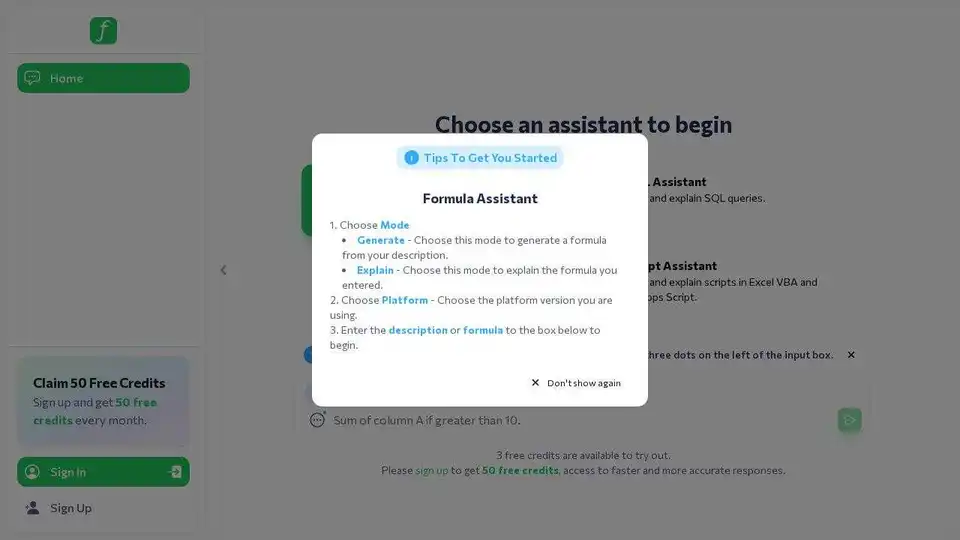
Formularizer is an AI-powered platform that assists with generating and explaining formulas, SQL queries, regular expressions, and scripts for Excel and Google Sheets. Get instant data insights and explanations.

Formula Bot: AI-powered platform for Excel & more. Analyze, visualize, transform, clean, and enrich your data effortlessly. Join 1M+ users!
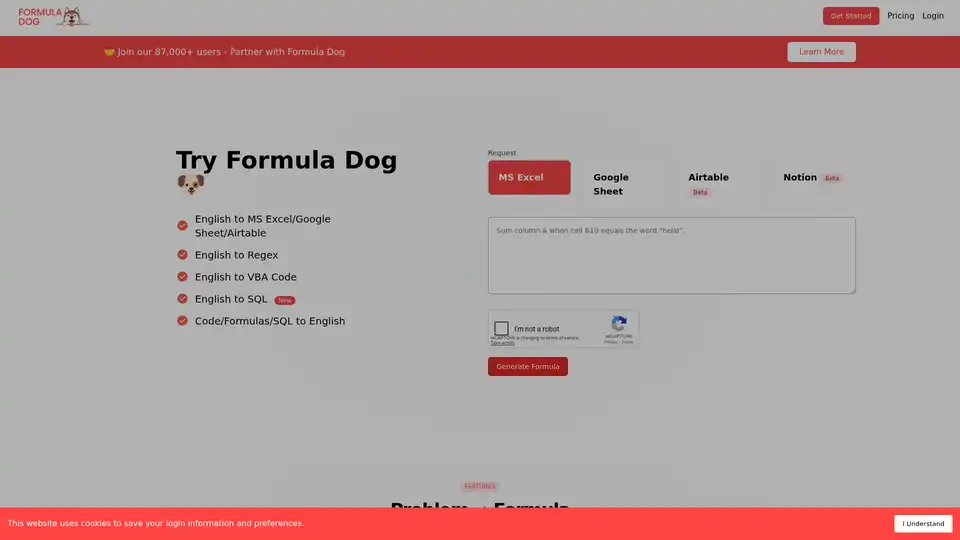
Formula Dog uses AI to convert text instructions into Excel formulas, VBA code, and Regex in seconds. It also explains formulas/code/SQL and offers Google Sheets add-on.
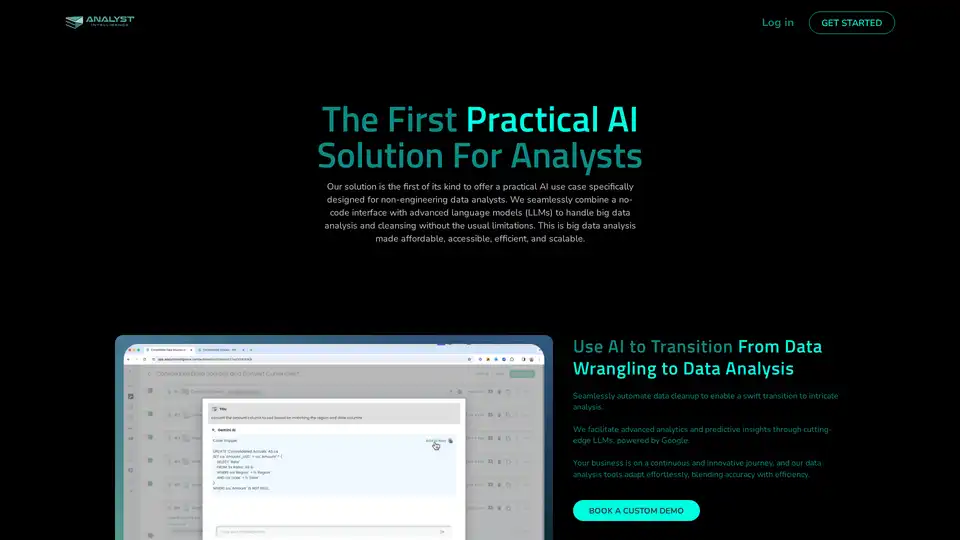
Discover Analyst Intelligence Platform: the first AI tool for non-engineers to write SQL in Google BigQuery, automating data cleaning and analysis for efficient big data insights.
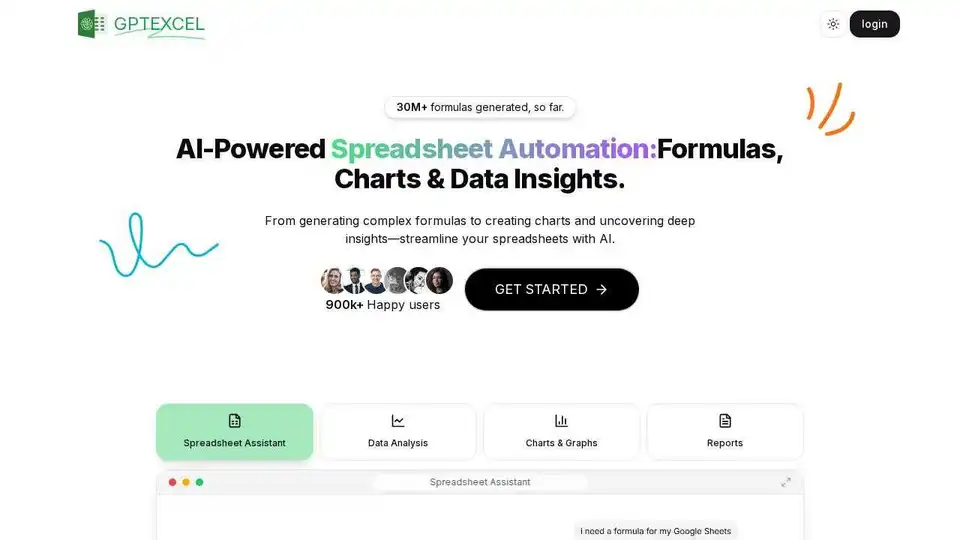
GPTExcel is an AI-powered tool for Excel & Google Sheets that generates formulas, SQL queries, VBA scripts, and more. Automate spreadsheet tasks and analyze data efficiently.
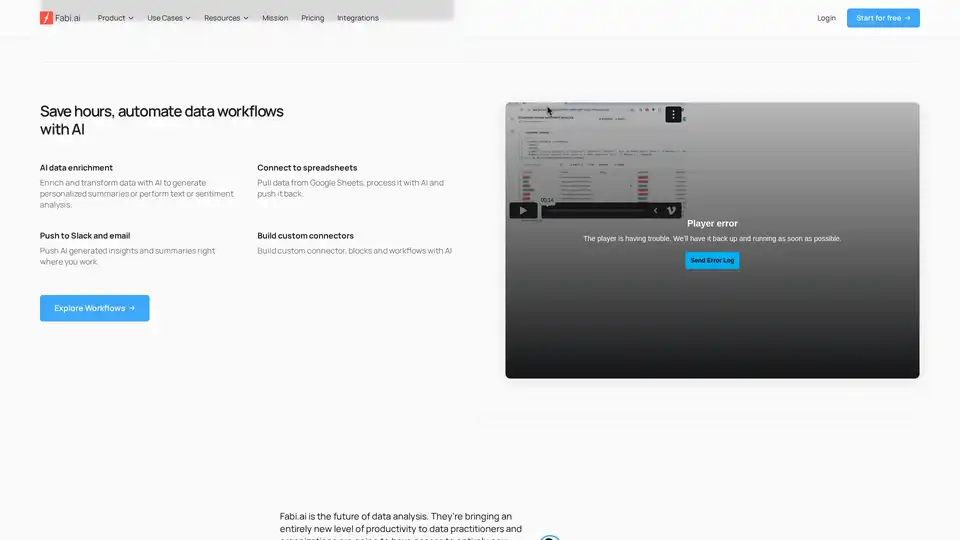
Transform complex data analysis with Fabi.ai's all-in-one AI platform. Combine SQL, Python, and AI automation for faster insights, dashboards, and workflows from your data sources like Google Sheets and warehouses.
Arcwise is an AI-powered data analyst that integrates directly into Google Sheets, enabling anyone to perform in-depth data analysis, explore trends, and visualize insights with ease.
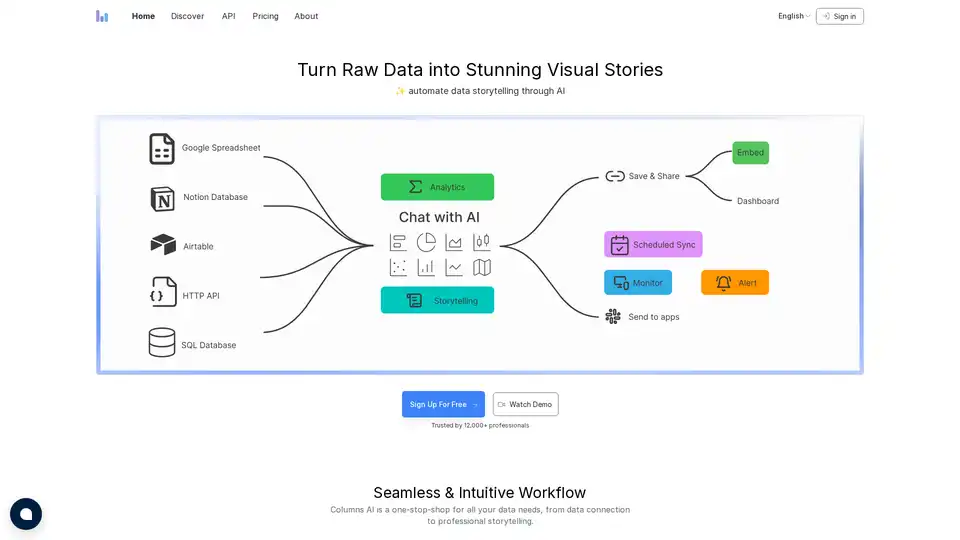
Columns AI is a data visualization platform that automates data storytelling using AI. It allows users to connect to various data sources, transform data into visual narratives, and share insights with teams and clients.

Athina is a collaborative AI platform that helps teams build, test, and monitor LLM-based features 10x faster. With tools for prompt management, evaluations, and observability, it ensures data privacy and supports custom models.
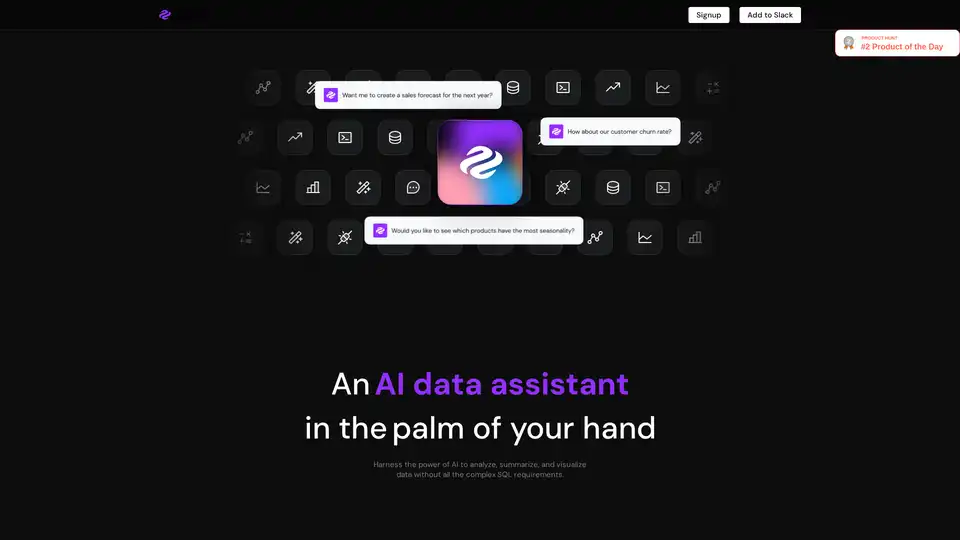
Genie is an AI data analyst that allows business users to query and visualize data without complex SQL. It connects to various data sources, providing insights in seconds within Slack, Teams, or other workspaces.
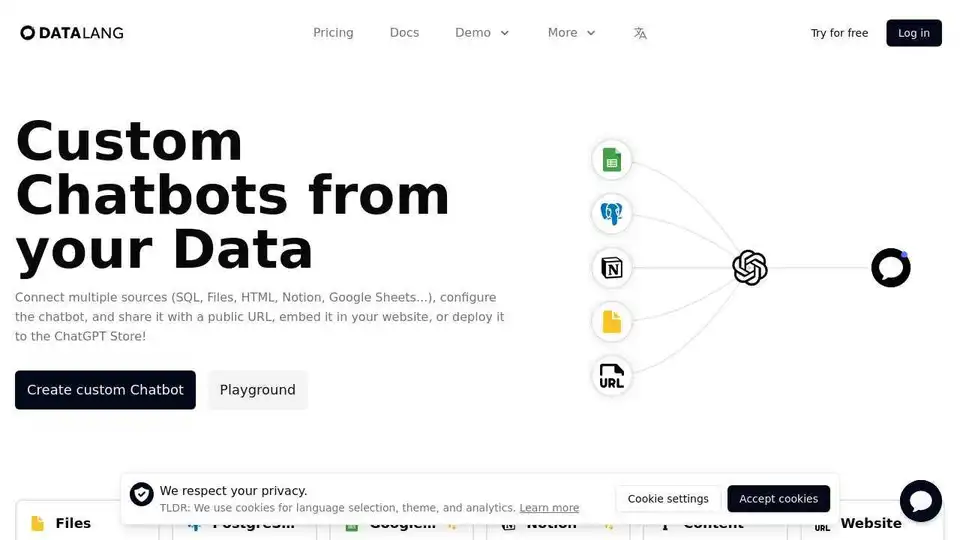
Create custom chatbots from Postgres, Websites, Google Sheets, Notion, Files, Text, HTML, and more with DataLang. Share via URL, widget, or GPT Store.
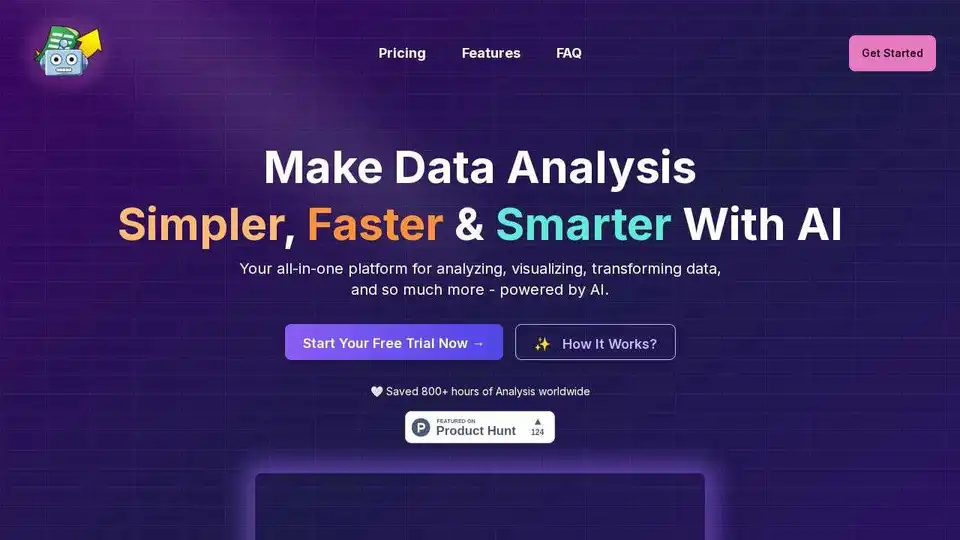
SheetBot AI is an AI data analyst tool designed to streamline data visualization and analysis. Automate data work and generate precise graphs in seconds without code.
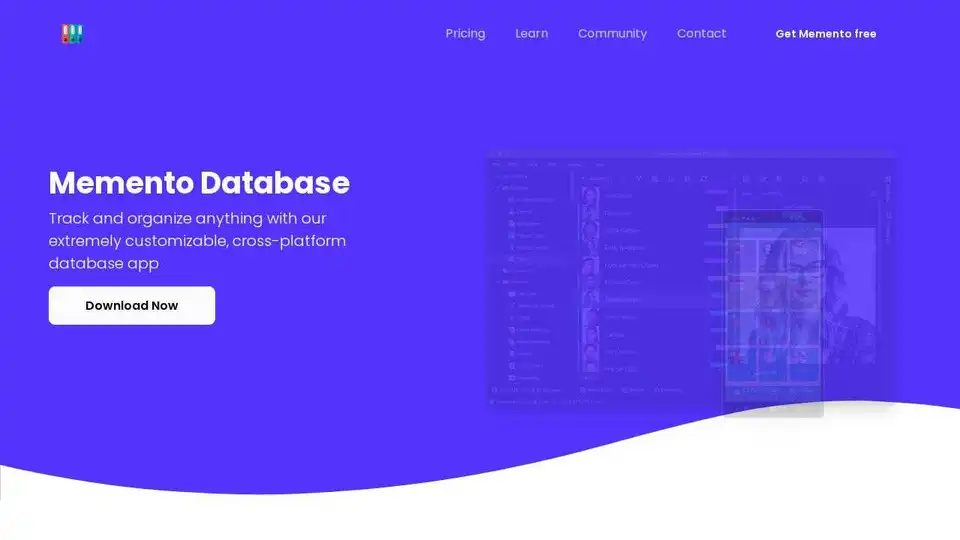
Memento Database is a powerful AI-enabled data management tool for businesses & personal use. Organize, analyze, & visualize data across platforms with ease.
Onvo AI: Build and embed AI-powered dashboards and reports. Connect data from multiple sources and create visualizations using AI prompts.