
SliceTube

Overview of SliceTube
SliceTube: The Fast and Modern YouTube Video Cutter and Downloader
What is SliceTube? SliceTube is a modern, no-frills YouTube video downloader that allows you to easily download and trim videos in any format. It stands out by offering a clean, high-quality experience without cluttered ads or irrelevant content. You can obtain videos in your preferred MP4 and MP3 formats, perfectly trimmed to your specifications, all while maintaining 100% privacy.
How does SliceTube work? SliceTube works by allowing users to input a YouTube video URL and then select the desired portion of the video to download. The platform then processes the video and provides a download link in the user's chosen format (MP4 or MP3).
Key Features of SliceTube:
- Ease of Use: Offers a super modern interface for effortless trimming and downloading of YouTube videos.
- High-Quality Downloads: Supports video downloads in up to 4K resolution.
- Format Flexibility: Allows users to choose from a variety of formats, including MP3, MP4, and WEBM.
- Privacy-Focused: Ensures 100% privacy during the trimming and downloading process.
- No Watermarks or Sign-ups: Provides clean, high-quality videos without watermarks and doesn't require user registration.
How to cut and download YouTube videos with SliceTube:
- Paste the YouTube URL: Paste the URL of the YouTube video you want to cut and download into the provided field.
- Select the Time Range: Use the intuitive slicer tool to select the desired start and end times for your video clip.
- Choose Your Format: Select your preferred output format (MP4 or MP3).
- Download: Click the download button to save the trimmed video to your device.
Why is SliceTube important? SliceTube is important because it offers a user-friendly and efficient way to cut and download YouTube videos without the common annoyances of ads, watermarks, and complicated interfaces. This is especially useful for content creators, marketers, and anyone who needs specific segments of YouTube videos for their projects.
Where can I use SliceTube? SliceTube can be used in a variety of scenarios, including:
- Creating short clips for social media (TikTok, Instagram Reels).
- Extracting audio from YouTube videos for podcasts or music projects.
- Downloading educational content for offline viewing.
- Gathering video segments for presentations or tutorials.
Pricing Plans:
- Monthly Pass: $5 for solo creators, supports 4K videos.
- 6 Months Pass: $15, includes an extra team member and dedicated CPUs, supports 4K videos.
- Yearly Pass: $25, includes an extra team member and dedicated CPUs, supports 4K videos.
- Lifetime Access (Anniversary Deal): $30 (Limited Time Offer).
FAQ:
- What is SliceTube? SliceTube is a powerful YouTube cutter that allows you to trim and download videos instantly.
- Can I use SliceTube to cut and download YouTube videos? Yes, SliceTube is specifically designed for cutting and downloading YouTube videos.
- What’s the easiest way to cut a YouTube video online? SliceTube provides an easy and modern interface to quickly trim and download your videos.
- Can I trim YouTube videos for TikTok or Instagram Reels? Yes, SliceTube lets you trim YouTube videos to create content for platforms like TikTok and Instagram Reels.
- Does it work on all browsers? SliceTube is designed to work on most modern browsers.
- Is SliceTube free to use? SliceTube offers both free and premium plans.
- What formats are supported? SliceTube supports MP3, MP4, and WEBM formats.
- Is there a limit on the total number of videos that can be downloaded using SliceTube? The limit depends on your subscription plan. Premium plans offer higher download limits.
SliceTube is a valuable tool for anyone who needs to quickly and efficiently cut and download YouTube videos. Its modern interface, support for high-quality downloads, and focus on privacy make it a standout choice in the crowded field of online video downloaders. If you're looking for a hassle-free way to trim and save YouTube videos, SliceTube is definitely worth considering.
Best Alternative Tools to "SliceTube"
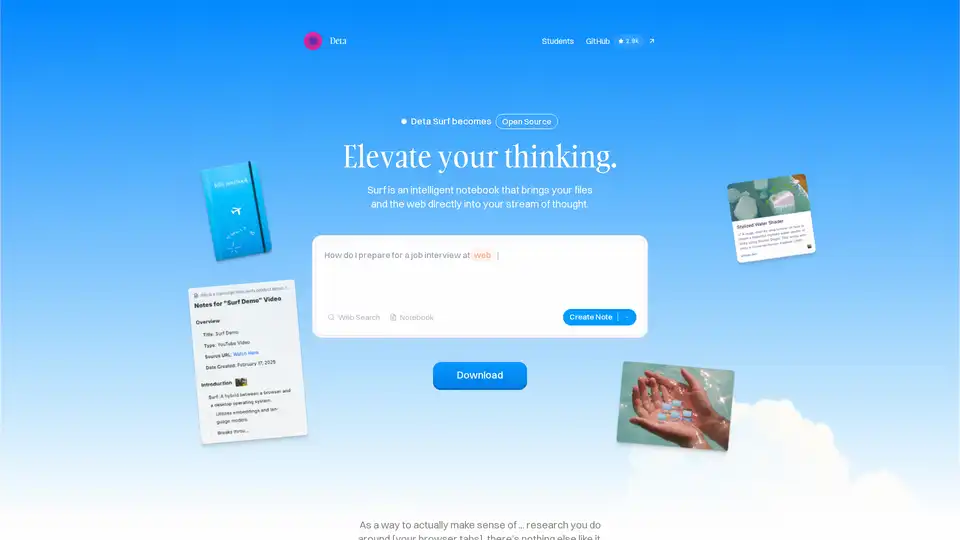
Surf is an open-source intelligent notebook that brings web content, files, YouTube videos, and PDFs into your workflow. Generate notes, summaries, interactive graphs with AI, all locally stored and customizable with your own LLMs.
DuckDuckGo is a privacy-focused browser and search engine that blocks trackers, targeted ads, and cookie pop-ups. It offers private search, ad blocking, and a secure password manager to protect your data.
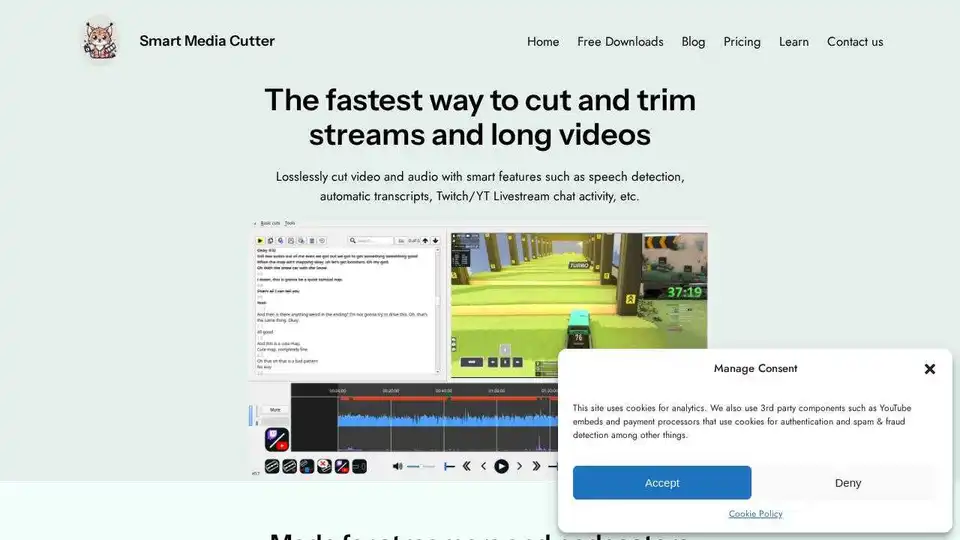
Smart Media Cutter offers fast, accurate, and lossless video & audio cutting. Trim without recoding, use transcription-aided editing, and automatically remove silent sections.
Magictool AI is a Chrome extension that enhances productivity with AI-powered features. It includes an AI writer, YouTube video summarizer, AI image generator, PDF chat, data scraping, and more, all in one place.
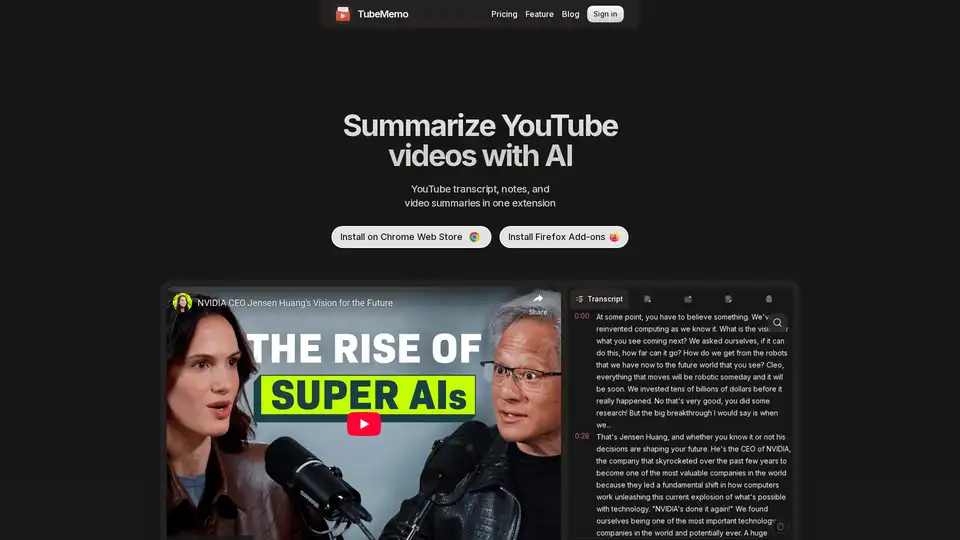
Use TubeMemo to extract, enhance, and summarize YouTube transcripts with AI. Turn videos into smart, searchable notes in seconds.

TryScribe is an AI-powered productivity suite for freelancers and professionals, featuring PDF Chat, Video Summarizer, Image Compressor, Color Palette Generator, PDF Merger, and Background Remover. Save time with simple, credit-based tools and transparent pricing starting at $5.

Notebooks.app is an AI whiteboard designed for content creators. It connects various content formats to AI models like ChatGPT, Claude, and DeepSeek, streamlining content creation and enhancing workflow efficiency.

Palet is an innovative AI-powered website builder that enables users to create fast, interactive, and animated websites without coding. Featuring seamless GSAP integration and responsive design tools, it boosts creativity for designers and developers alike.

Meet the AI-powered free logo maker. Try our logo generator to design your own logo in few minutes. Turbologo's online logo creator is easy to use. Try it for free!
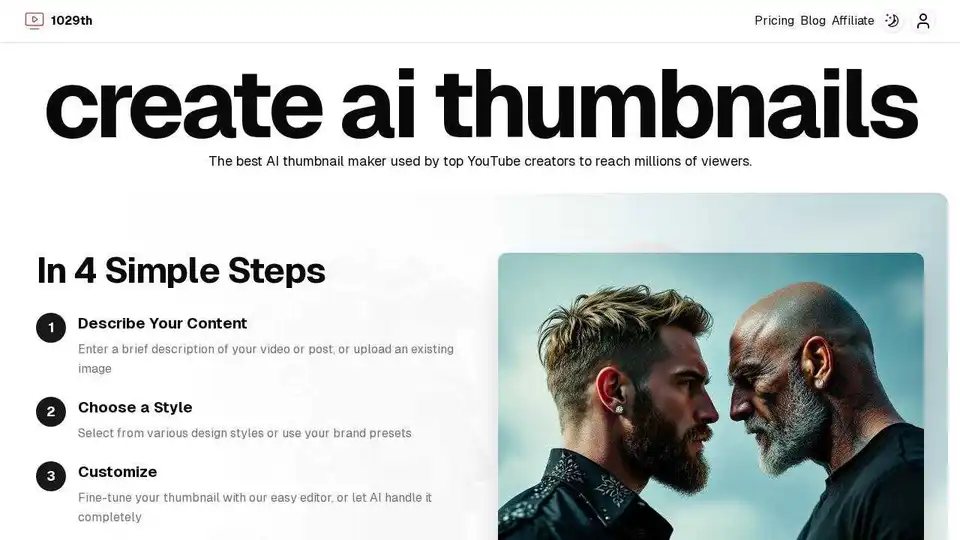
Create stunning YouTube thumbnails with 1029th's AI thumbnail maker. Generate eye-catching visuals in seconds to reach millions of viewers.

Create viral YouTube animations online with AutoAE, the best After Effects alternative for beginners. Boost video engagement with text animations, 3D effects, and more.
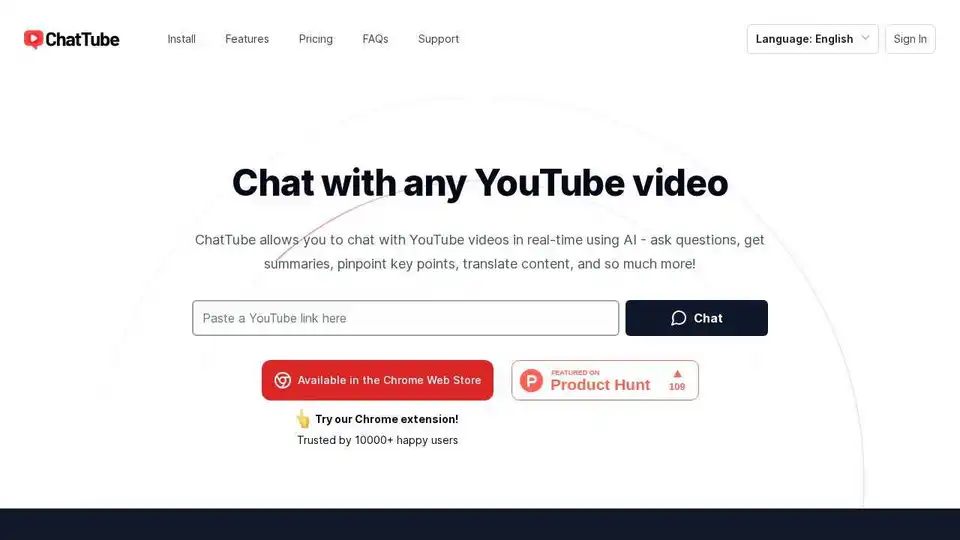
ChatTube is a Chrome extension that allows you to chat with YouTube videos in real-time using AI. Ask questions, get summaries, pinpoint key points, and translate content.
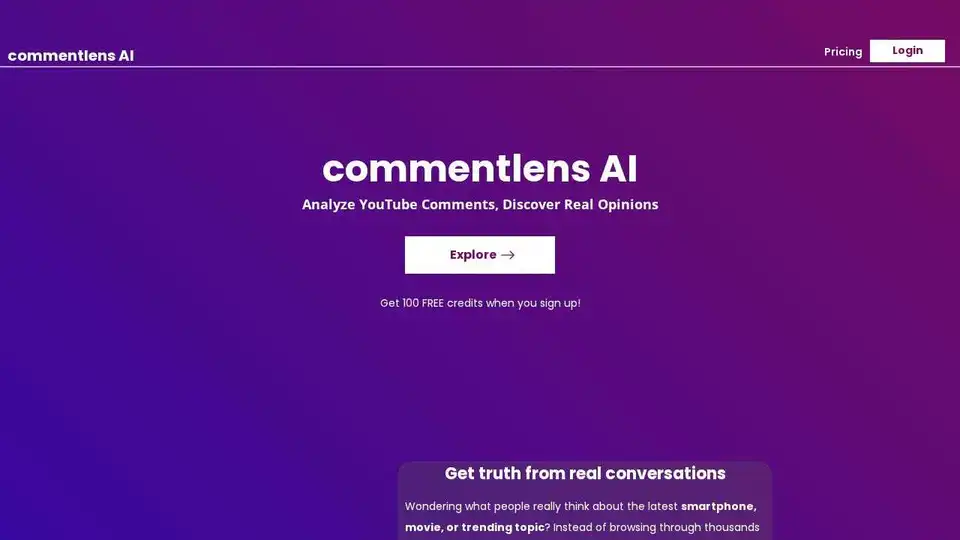
Analyze YouTube comments with Commentlens AI to discover real opinions and generate reports. Make informed decisions faster.
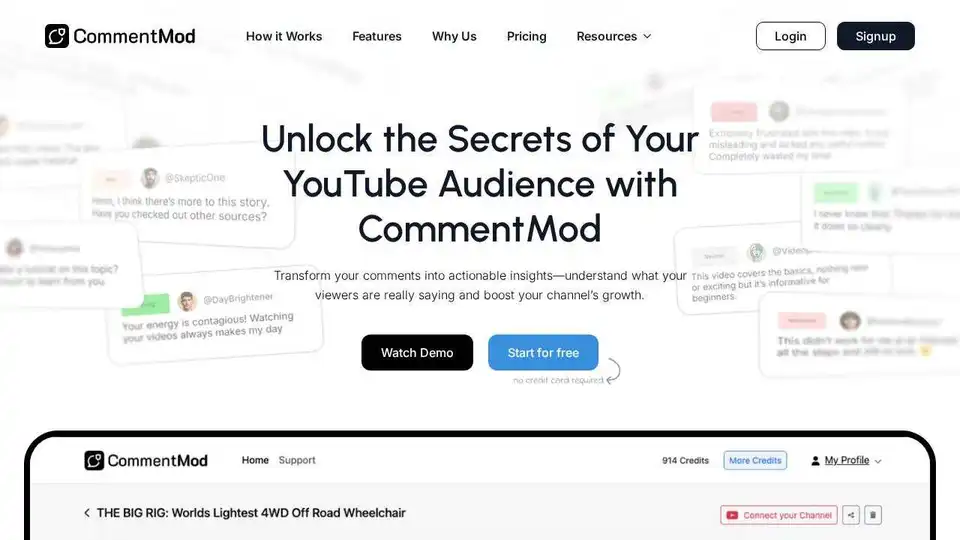
CommentMod transforms YouTube comments into actionable insights using AI. Understand viewer sentiment, discover content ideas, and boost channel growth.