
TRAE
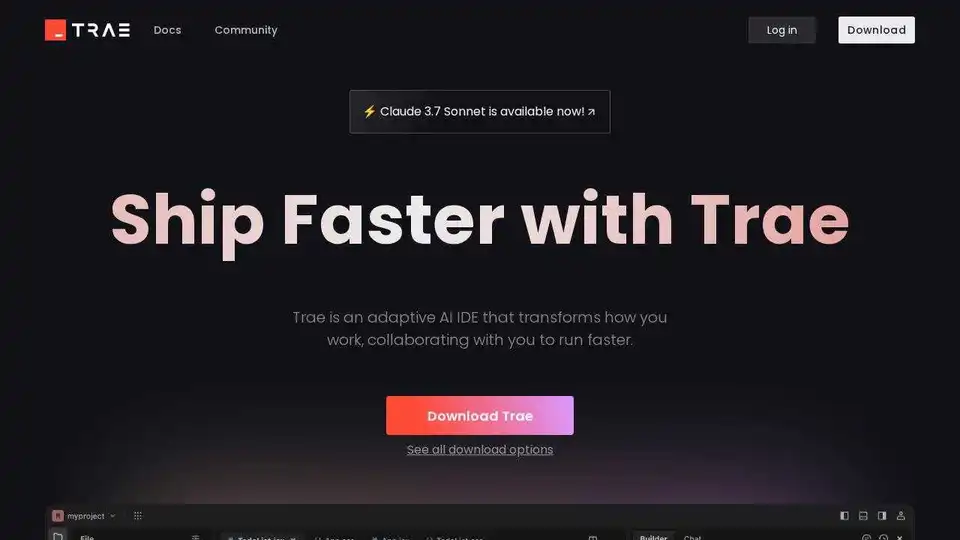
Overview of TRAE
TRAE: The AI-Powered IDE for 10x Engineers
What is TRAE?
TRAE is an AI-powered Integrated Development Environment (IDE) designed to significantly boost developer productivity. It empowers engineers to build software solutions more efficiently through intelligent coding assistance, autonomous workflows, and seamless integration into existing development processes.
TRAE offers two primary modes of operation:
- IDE Mode: This mode integrates agentic capabilities into the traditional coding workflow, providing AI assistance within the familiar IDE environment.
- SOLO Mode: This mode unleashes a fully autonomous coding agent that can drive the entire development process from start to finish, handling complex tasks while keeping the developer in visual control.
Key Features of TRAE
- Autonomous Coding: TRAE's SOLO mode allows for the autonomous development of software solutions, handling tasks from requirements definition to implementation, database integration, and deployment.
- Intelligent Code Completion: TRAE's CUE feature predicts the developer's next edit with a single tab, offering smart suggestions across multiple lines of code.
- Seamless Workflow Integration: TRAE integrates seamlessly into existing development workflows, enhancing performance and efficiency.
- Customizable AI Agents: TRAE allows developers to build their own AI agent teams, tailoring them to specific workflows and tasks.
- Smart Tool Integration: TRAE agents can adapt by pulling in exactly what they need, when they need it, through Model Context Protocol (MCP).
- Enhanced Context Understanding: TRAE deeply understands the development context through code repositories, online searches, and shared documents.
- Data Privacy Protection: TRAE prioritizes user privacy and data security, storing codebase files locally and deleting plaintext after processing.
How Does TRAE Work?
TRAE works by leveraging AI agents that can understand a developer's vision, plan the development workflow, utilize the right tools, execute with precision, and deploy production-ready code. These agents can access external resources on demand through Model Context Protocol (MCP) and can be customized to handle specific tasks.
Why Choose TRAE?
- Boost Productivity: TRAE significantly increases developer productivity through autonomous coding and intelligent code completion.
- Enhance Code Quality: TRAE helps developers write better code by providing smart suggestions and identifying potential errors.
- Streamline Development Workflow: TRAE seamlessly integrates into existing development workflows, making it easier to manage complex projects.
- Improve Collaboration: TRAE enables developers to collaborate more effectively by providing a shared understanding of the codebase.
Who is TRAE For?
TRAE is for any software developer who wants to boost their productivity, enhance code quality, and streamline their development workflow. It is particularly well-suited for developers working on complex projects that require a high degree of collaboration.
How to Use TRAE
- Download and install TRAE from the official website.
- Choose between IDE mode or SOLO mode, depending on your development preferences.
- Start coding and let TRAE assist you with intelligent code completion and autonomous workflows.
- Customize AI agents to handle specific tasks and integrate with your existing development tools.
TRAE Pricing
Please refer to the TRAE website for the most current and comprehensive pricing information.
User Reviews
TRAE has received positive reviews from developers worldwide. Users praise its gorgeous design, thoughtful features, and significant productivity gains. Many users have also noted that TRAE is more accurate and thorough than other AI-powered code editors.
Conclusion
TRAE is a powerful AI-powered IDE that can significantly boost developer productivity and enhance code quality. Its autonomous coding, intelligent code completion, and seamless workflow integration make it an essential tool for any software developer looking to stay ahead of the curve. Download TRAE today and experience the future of AI-assisted software development.
What is Model Context Protocol (MCP)?
Model Context Protocol (MCP) is a protocol that allows TRAE agents to access external resources on demand. This enables the agents to adapt to the changing context of the development workflow and pull in exactly what they need, when they need it.
Data Privacy and Security
TRAE prioritizes protecting users' privacy and data security, adhering to the principle of "local-first" and "minimal data collection". Codebase files are stored locally. For indexing, files may be temporarily uploaded for embedding. After processing, all plaintext is deleted.
Common Use Cases
- Automated Code Generation: TRAE can automatically generate code snippets based on user requirements, saving developers time and effort.
- Code Refactoring: TRAE can help developers refactor their code to improve its readability, maintainability, and performance.
- Bug Detection and Prevention: TRAE can identify potential bugs in code and suggest fixes, reducing the risk of errors.
- API Integration: TRAE can help developers integrate with various APIs, making it easier to build complex applications.
Best Alternative Tools to "TRAE"
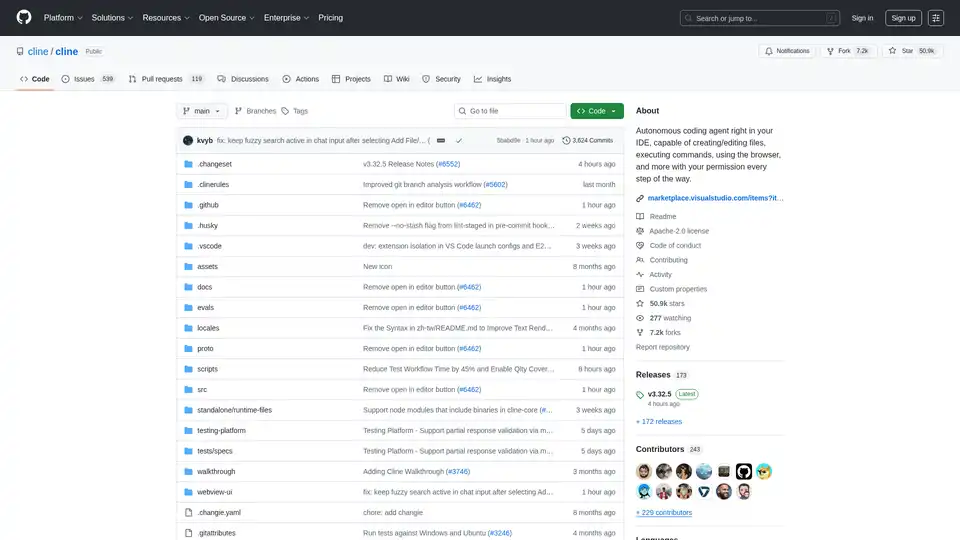
Cline is an autonomous AI coding agent for VS Code that creates/edits files, executes commands, uses the browser, and more with your permission.
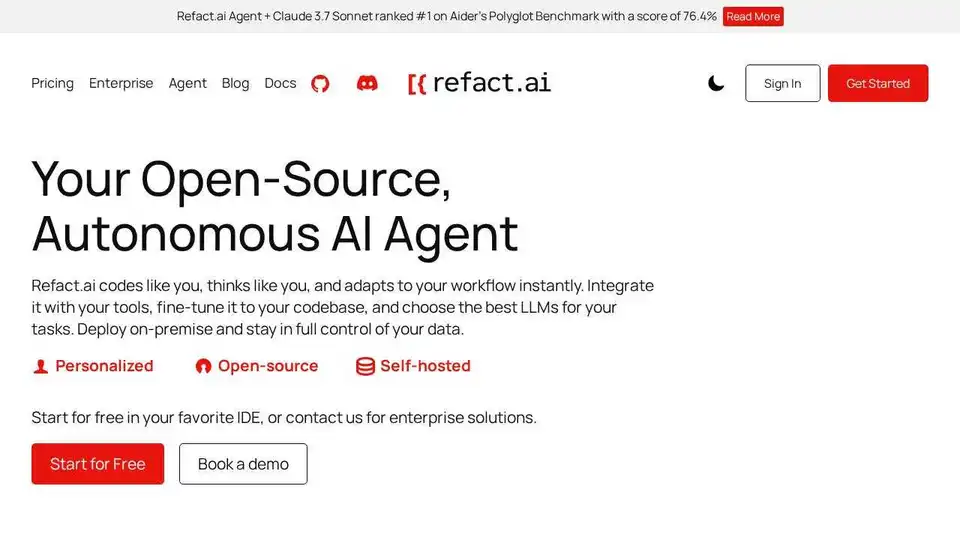
Refact.ai, the #1 open-source AI agent for software development, automates coding, debugging, and testing with full context awareness. An open-source alternative to Cursor and Copilot.
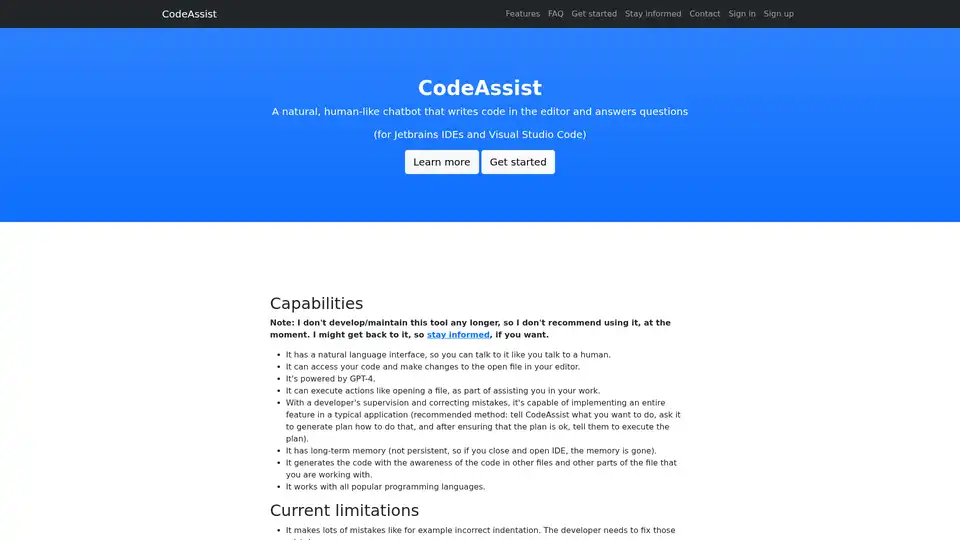
CodeAssist is an AI assistant that writes code in Jetbrains IDEs and Visual Studio Code. Powered by GPT-4, it understands natural language and can modify your code, but is not currently maintained.
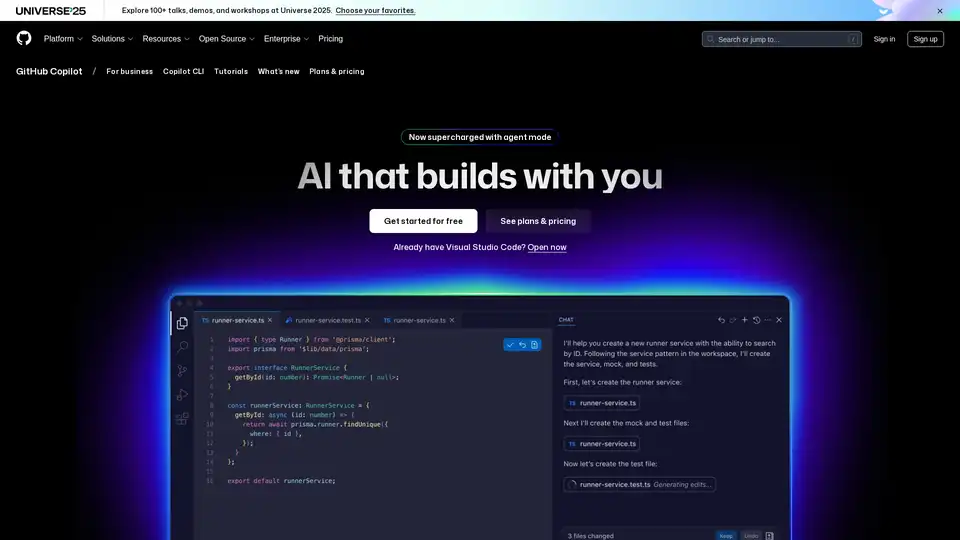
GitHub Copilot is an AI-powered coding assistant that integrates into your IDE, suggesting code lines, handling issues via agent mode, and providing reviews to boost developer productivity.
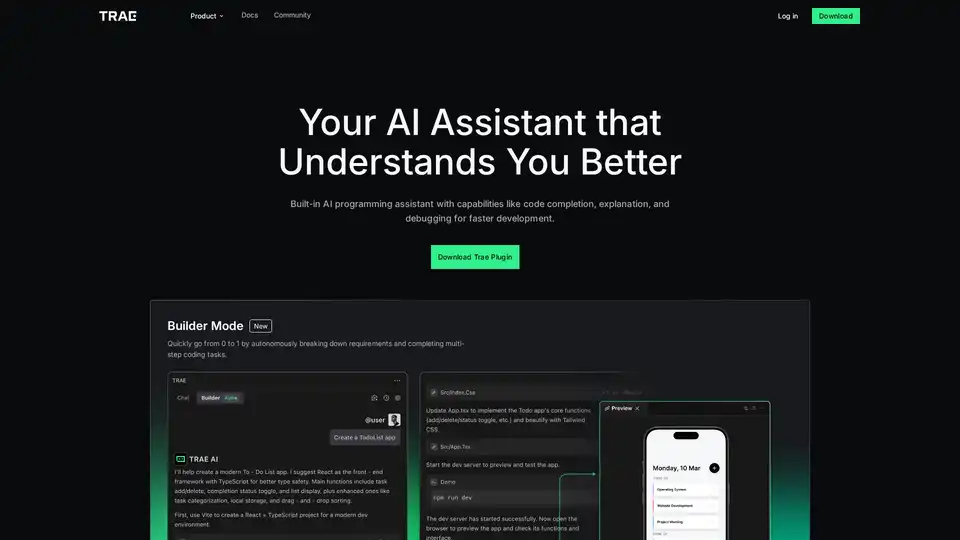
Trae Plugin is an AI programming assistant offering code completion, explanation, debugging, and unit test generation. It supports 100+ languages, VSCode, and JetBrains for faster development.
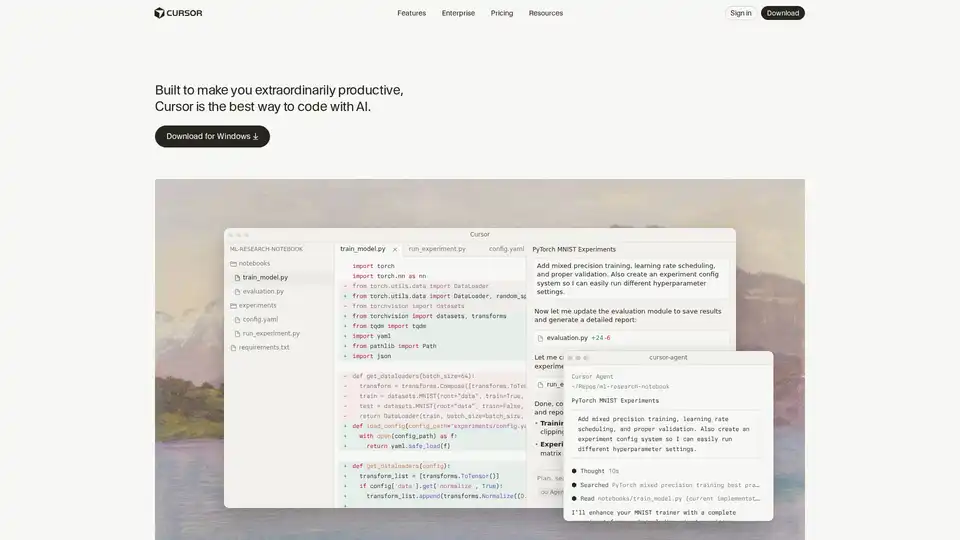
Cursor is the ultimate AI-powered code editor designed to boost developer productivity with features like intelligent autocomplete, agentic coding, and seamless integrations for efficient software building.
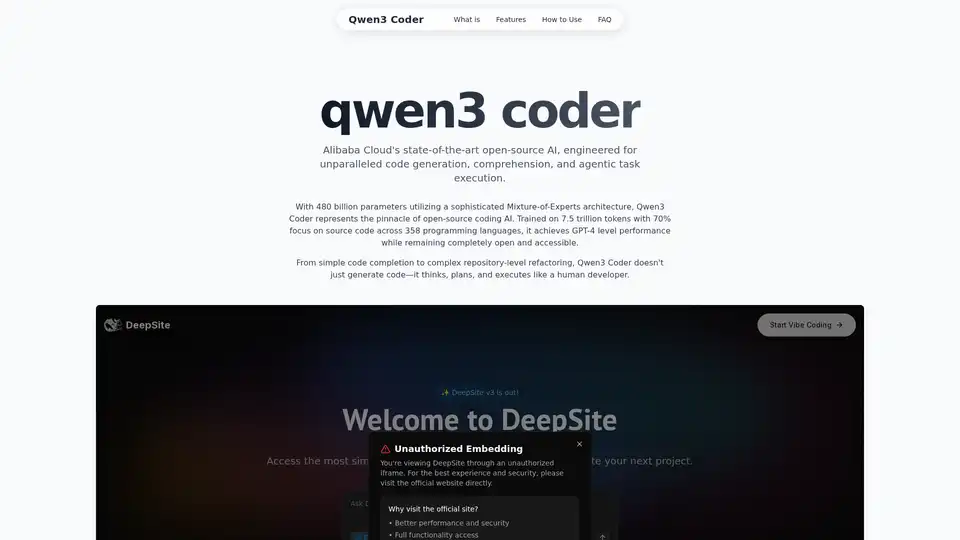
Explore Qwen3 Coder, Alibaba Cloud's advanced AI code generation model. Learn about its features, performance benchmarks, and how to use this powerful, open-source tool for development.
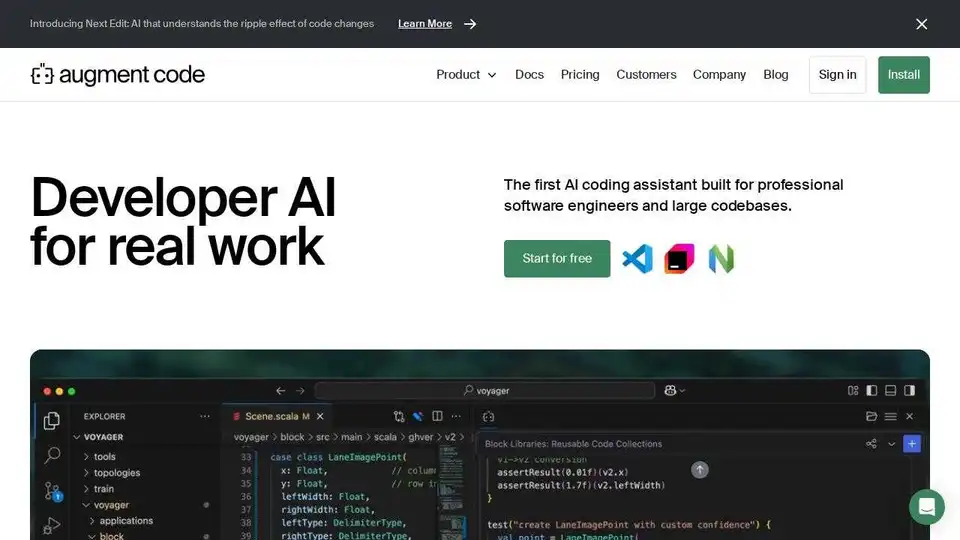
Augment Code is an AI software development platform with a powerful context engine, enabling autonomous agents in your IDE.
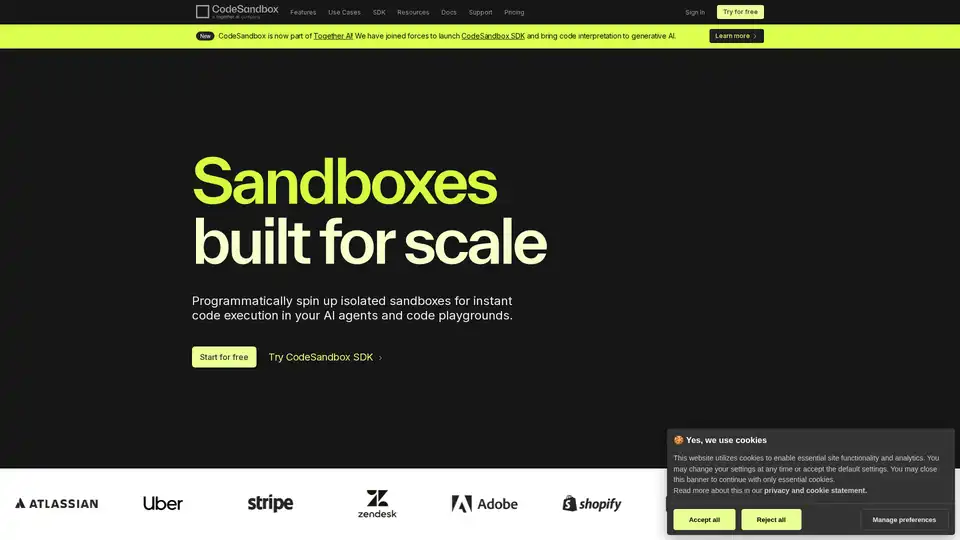
CodeSandbox is a cloud-based development platform for coding, collaboration, and shipping projects. It offers secure, scalable sandboxes for AI agents, development environments, and secure code interpretation.
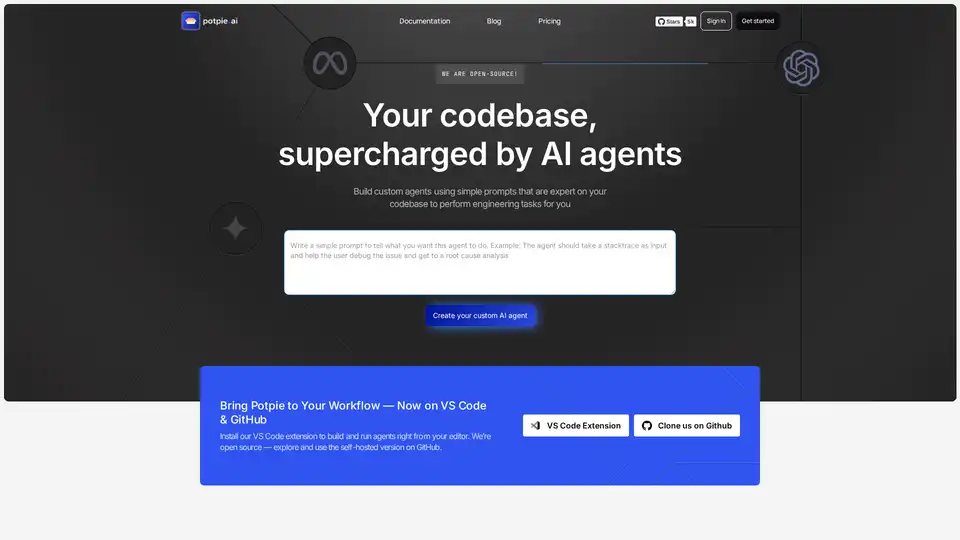
Build task-oriented custom agents for your codebase that perform engineering tasks with high precision powered by intelligence and context from your data. Build agents for use cases like system design, debugging, integration testing, onboarding etc.

TRAE-AI Programming is an AI code assistant developed by ByteDance, deeply integrated into the IDE environment. It offers a smooth, accurate, and high-quality coding experience with features for code completion and intelligent collaboration.
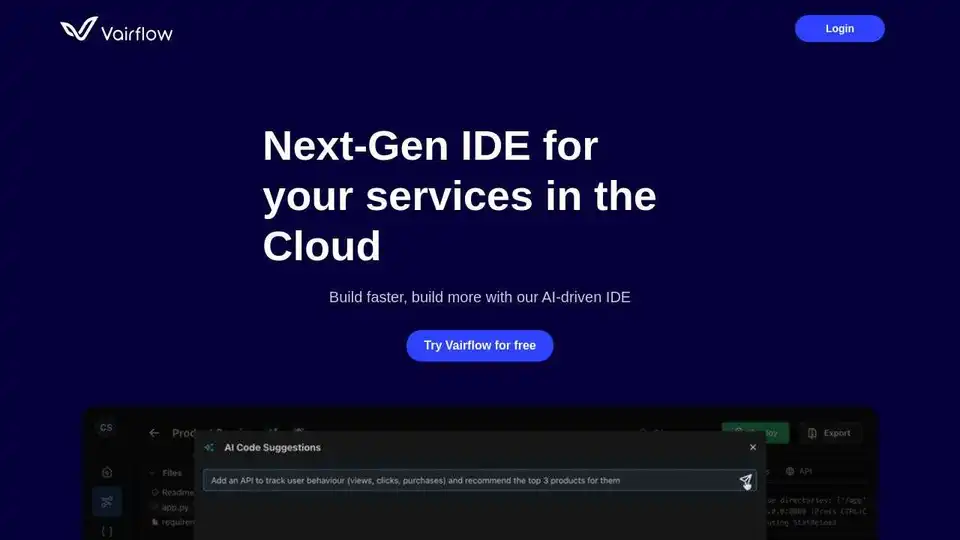
Vairflow is an AI-driven Next-Gen IDE for services in the Cloud. Build faster with AI-powered code generation and deployment.
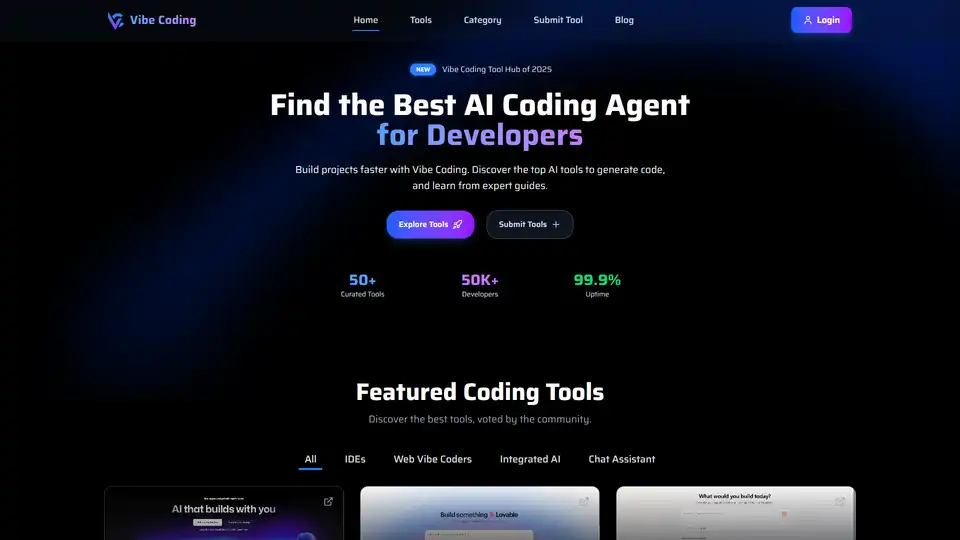
Discover Vibe Coding, a platform with AI coding tools to generate code using natural language. Explore top AI tools and expert guides to build projects faster.
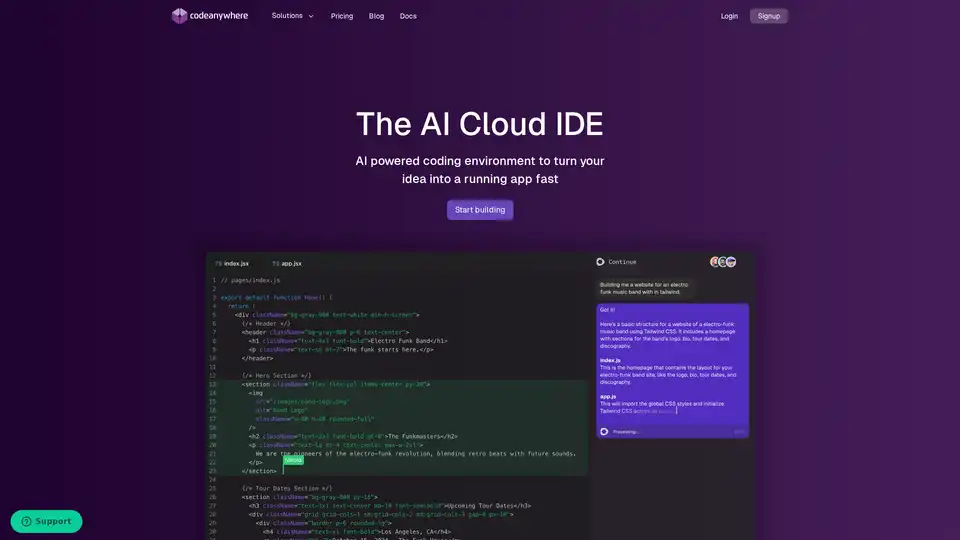
Codeanywhere is an AI-powered cloud IDE offering a VS Code-like experience in the browser. It supports multiple languages, AI coding assistance, and easy collaboration, designed for fast and efficient AI application development.