
VocalRemover
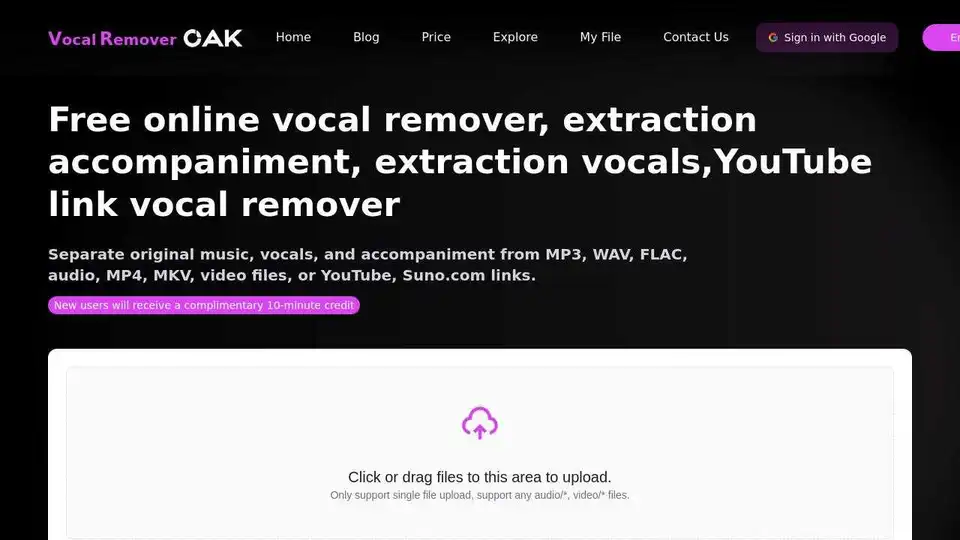
Overview of VocalRemover
VocalRemover: Free Online AI Vocal & Accompaniment Extraction Tool
VocalRemover is a free online tool that leverages artificial intelligence to separate vocals and accompaniment from audio and video files. It allows users to easily extract either the vocal track or the instrumental track from various sources, including local files and online links.
What is VocalRemover?
VocalRemover is a web-based application designed to isolate vocals from music, or vice versa, using AI algorithms. It's a convenient solution for karaoke enthusiasts, musicians, content creators, and anyone who needs to separate audio elements.
How does VocalRemover work?
VocalRemover uses deep learning technology, specifically convolutional neural networks, to analyze audio files and distinguish between vocal and instrumental components. Here's a breakdown of the process:
- File Upload or Link Input: Users can upload audio or video files from their device, or they can paste a YouTube or Suno.com link.
- AI Processing: The tool's AI engine processes the file, identifying and separating the vocal and instrumental parts.
- Output: The separated tracks (vocal and accompaniment) are then made available for download.
Key Features:
- Deep Learning-Based Separation: Employs advanced AI algorithms for accurate vocal and accompaniment isolation.
- Flexible File Input: Supports uploading local audio/video files and pasting YouTube/Suno.com links.
- Multi-Format Compatibility: Handles common audio and video formats like MP3, WAV, MP4, and more.
- Lossless Audio Output: Aims to maintain the original audio quality during the separation process.
- Free Basic Service: Offers basic vocal removal services for free.
How to Use VocalRemover:
- Visit the VocalRemover Website: Navigate to the VocalRemover website.
- Upload File or Paste Link: Upload your audio/video file or paste a YouTube/Suno.com link into the designated area.
- Wait for Processing: The AI will analyze the file and separate the tracks. This usually takes a few minutes.
- Download Separated Tracks: Once the processing is complete, you can download the isolated vocal and instrumental tracks.
Use Cases:
- Karaoke Creation: Easily create karaoke tracks by removing the original vocals from a song.
- Music Production: Isolate vocal or instrumental parts for remixing, sampling, or creating mashups.
- Content Creation: Extract background music for videos or podcasts.
- Educational Purposes: Study vocal techniques or instrumental arrangements.
Supported Formats:
VocalRemover supports a variety of audio and video formats, including:
- MP3
- WAV
- MP4
- FLAC
Frequently Asked Questions (FAQ):
Q: What types of files can I upload?
A: You can upload various audio and video formats, including MP3, WAV, and MP4. You can also provide YouTube and Suno.com links.
Q: Is there a cost to use VocalRemover?
A: The basic vocal remover service is free. Advanced features and batch processing may require a fee.
Q: How long does vocal removal take?
A: The processing time depends on the file size and server load, but it usually takes a few minutes.
Q: What is the quality of the separated tracks?
A: VocalRemover uses AI technology to ensure high-quality separation. In most cases, the separated vocals and accompaniment will remain clear and retain the original sound quality.
Q: Can I delete the files I uploaded?
A: Yes, you can choose to delete your files after the separation is complete. VocalRemover promises to permanently delete them from the server.
Examples of Use Cases:
The website showcases several successful cases of vocal removal, demonstrating how users are utilizing the tool for various purposes.
Conclusion:
VocalRemover is a user-friendly and efficient online tool for separating vocals and accompaniment from audio and video files. Its AI-powered technology, multi-format support, and free basic service make it a valuable resource for musicians, content creators, and anyone interested in manipulating audio. Whether you want to create karaoke tracks, remix songs, or extract background music, VocalRemover provides a convenient solution. It's important to remember that the best vocal remover experience often depends on the quality of the original audio file and the complexity of the music. For more complex audio, you may need to try different settings or consider professional audio editing software.
Best Alternative Tools to "VocalRemover"
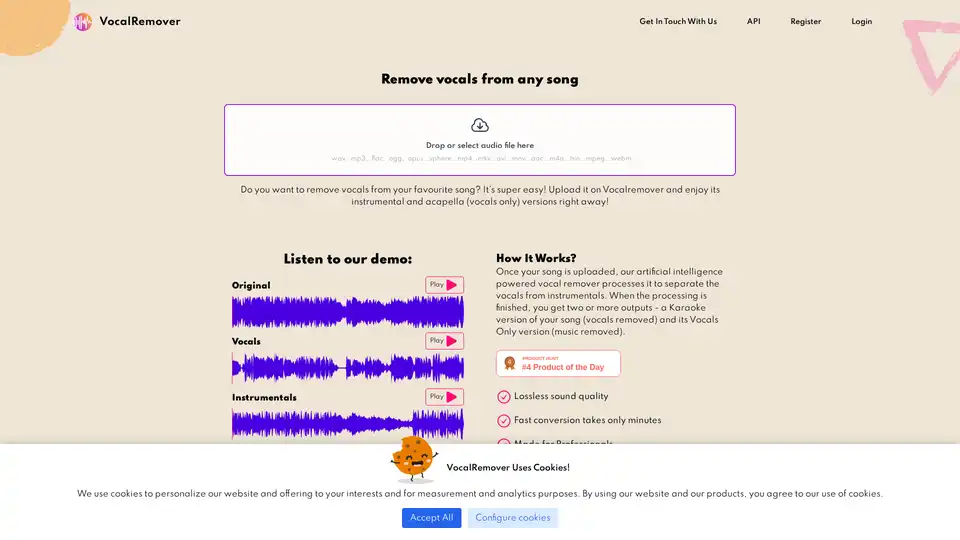
VocalRemover uses AI to remove vocals from songs, creating high-quality instrumentals and acapellas for karaoke, backing tracks, and music production. Fast, lossless processing with flexible pricing plans.
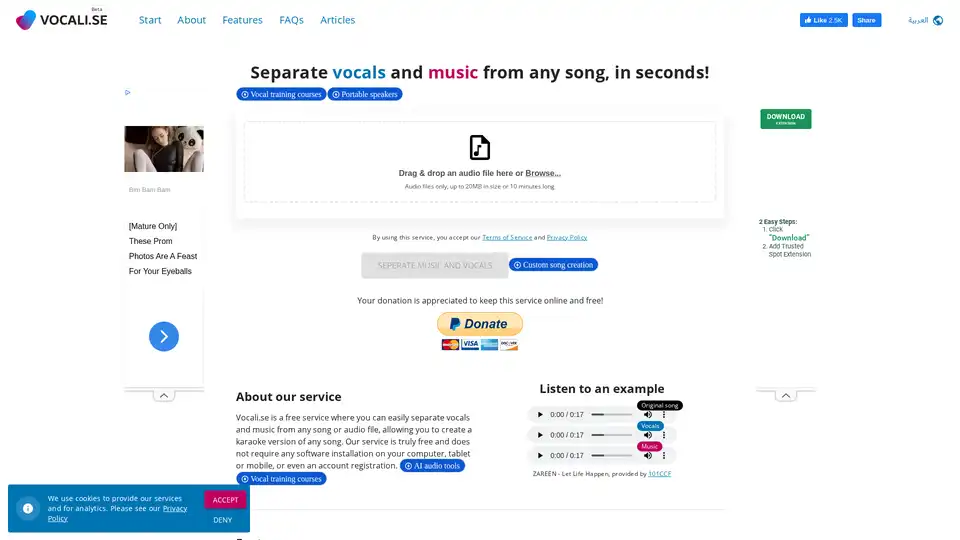
Vocali.se is a free online tool that uses AI to quickly separate vocals and music from any song. Create karaoke versions with ease, no software required!
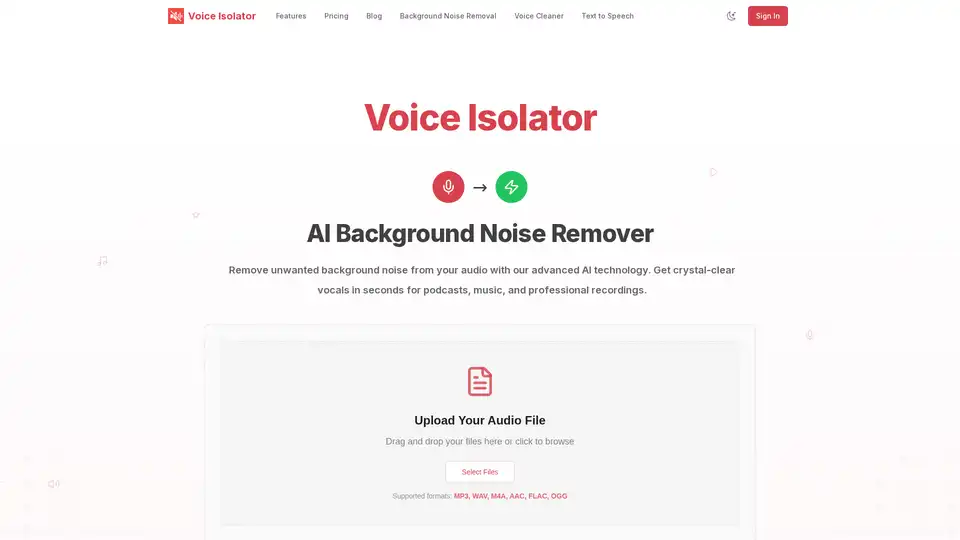
Voice Isolator is an AI-powered tool for removing background noise from audio. It supports multiple formats, offers precise vocal isolation, and delivers studio-quality results, perfect for podcasts, music, and professional recordings.
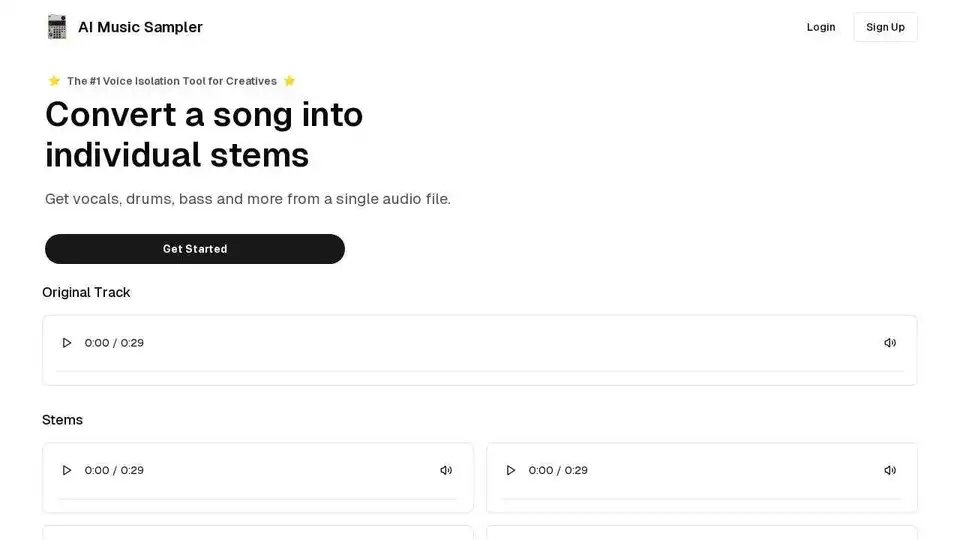
AI Music Sampler is an AI-powered vocal remover and voice isolator that removes vocals from audio files and provides individual stems.
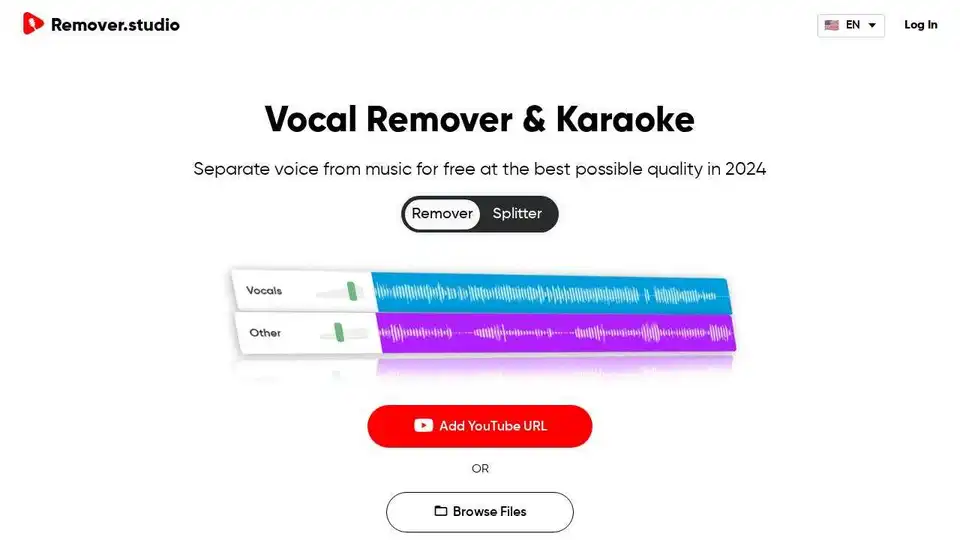
Separate voice from music for free at the best possible quality in 2024 with Remover.studio.
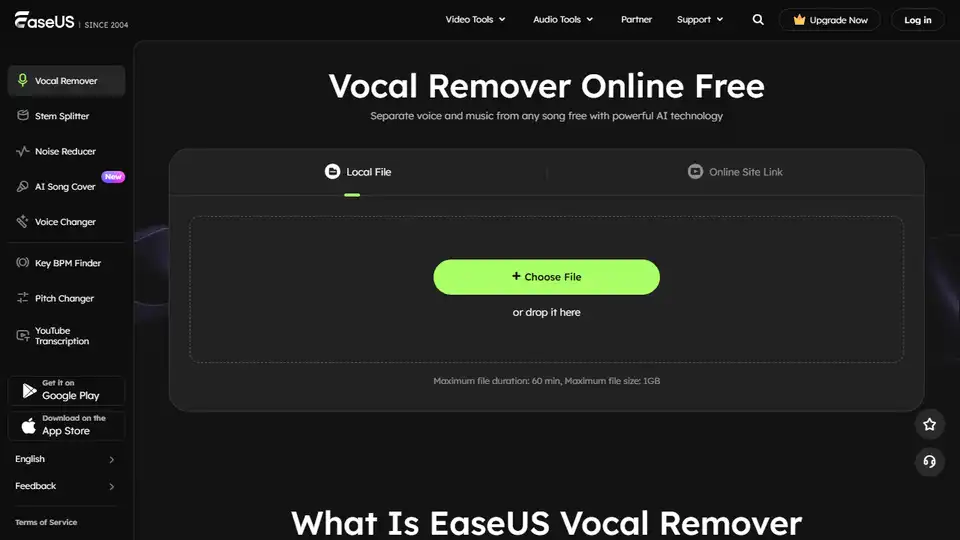
Effortlessly remove vocals from any song with EaseUS Vocal Remover - a free AI-powered online tool. Extract Karaoke, background music, or instrument tracks.
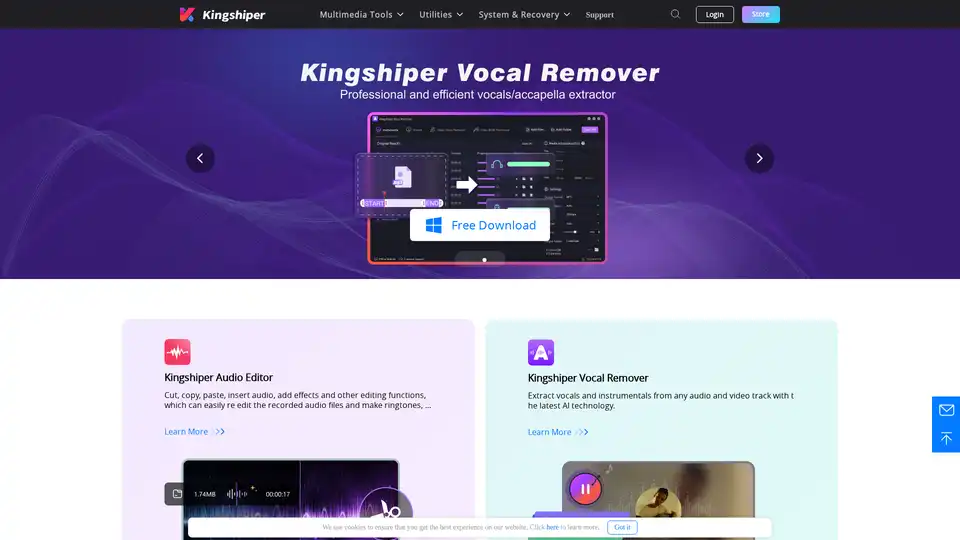
Kingshiper Audio Editor offers a professional audio editing solution with features like cutting, merging, mixing, and noise reduction. Kingshiper Vocal Remover extracts vocals from audio and video using AI.
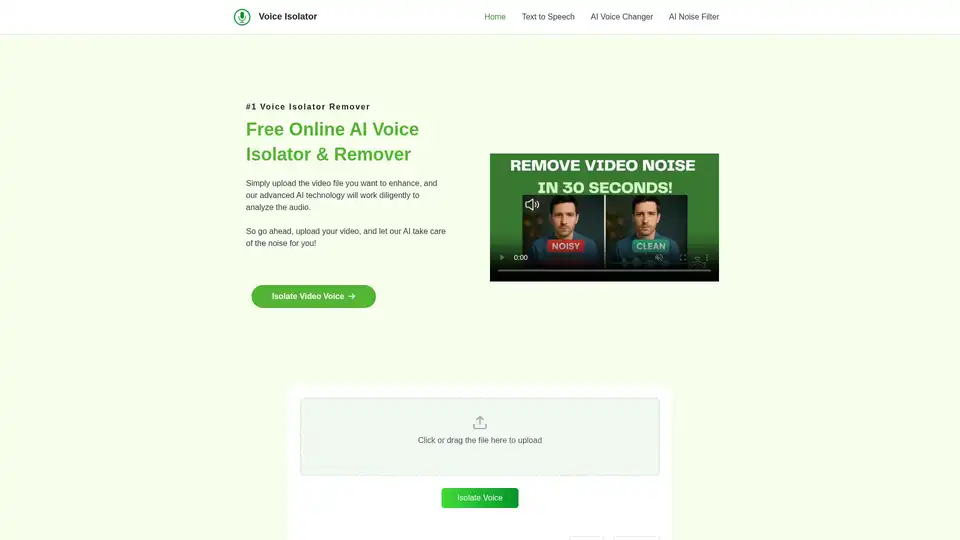
Isolate or remove vocals from any song with Voice Isolator - a free online AI-powered tool for fast, high-quality voice separation and music.
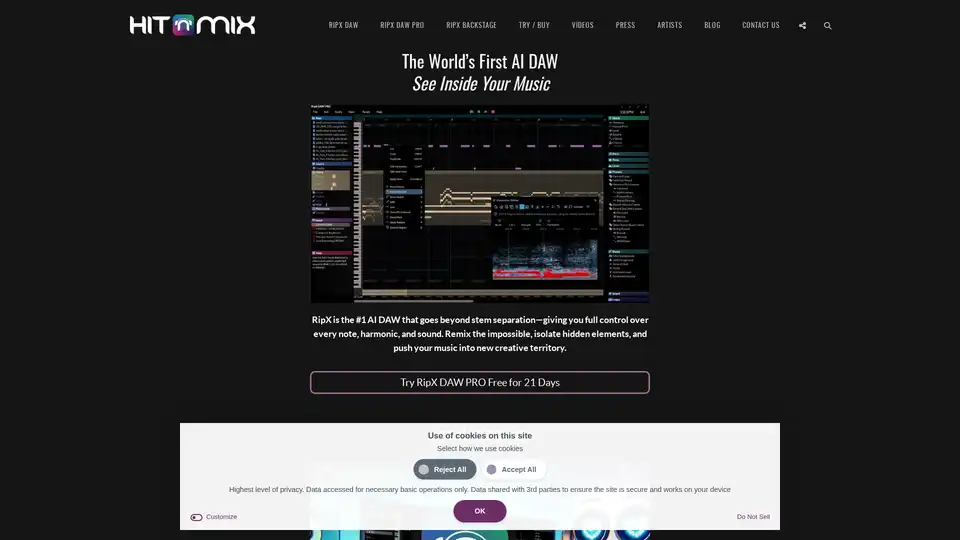
AI music production software for clean vocal extraction, stem separation, and remixing. RipX DAW gives you total audio control.
AudioShake is an AI-powered platform that splits audio recordings into stems, enhancing mixing, localization, and accessibility for music, film, and UGC. It supports mixing, mastering, lyric transcription and A/V editing.
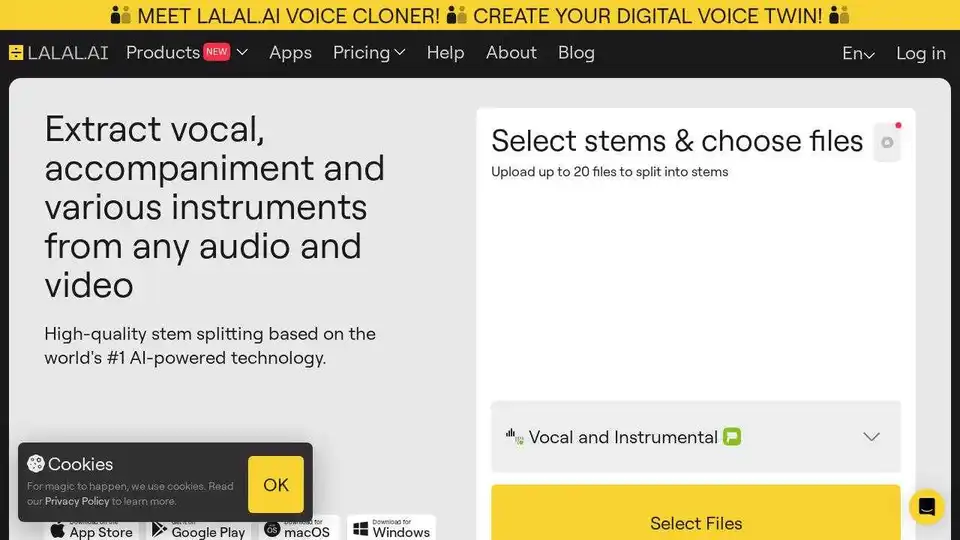
Split vocal and instrumental tracks quickly with LALAL.AI. High-quality stem extraction from any audio file in seconds using AI.

AudioStrip is a free online tool for near-perfect instrumental and vocal isolation. Split vocals from backing music in audio files effortlessly. Upgrade for faster isolation and batch uploads.
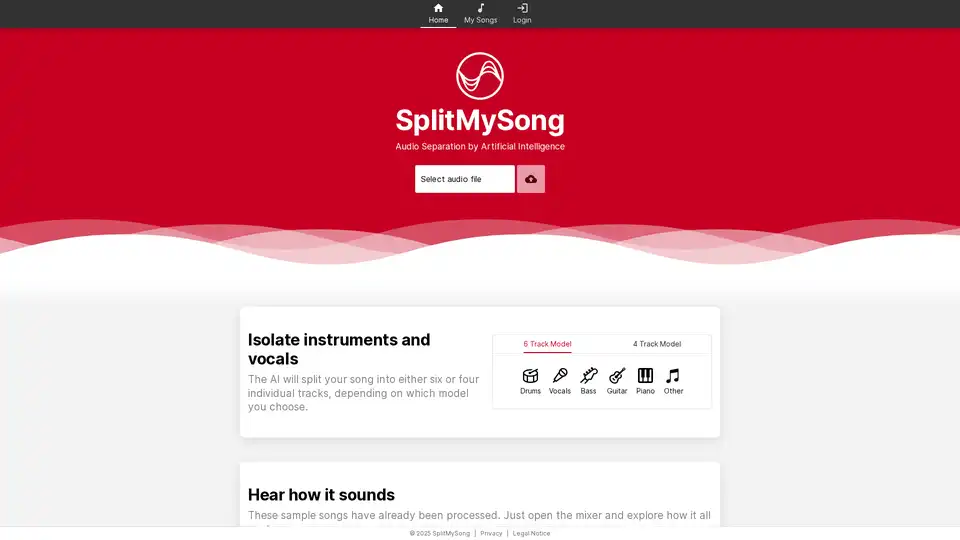
SplitMySong.com uses AI to separate audio tracks into vocals and instruments. Isolate, remix, and enhance your music with our easy-to-use online mixer. Perfect for musicians, remixers, and music enthusiasts.
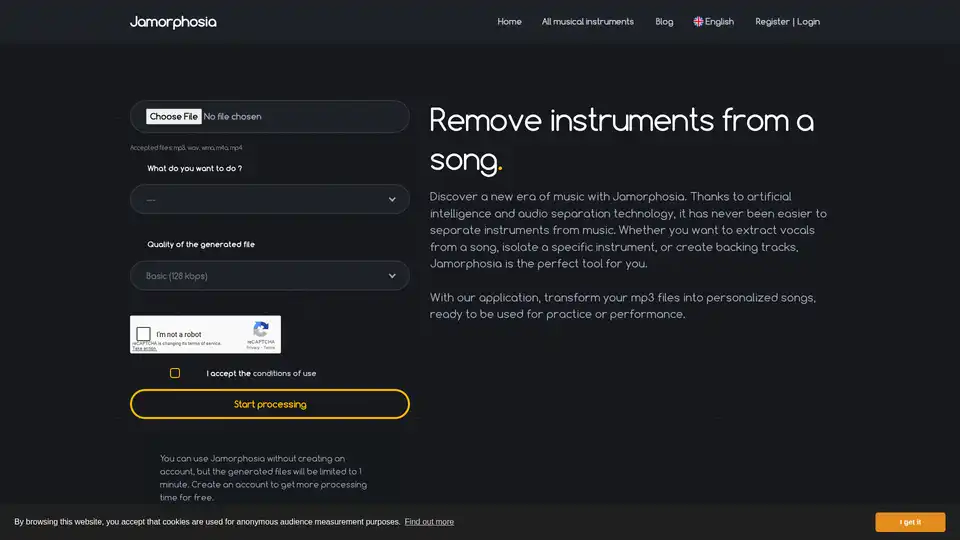
Jamorphosia uses AI to separate instruments from songs. Remove vocals, isolate instruments, or create backing tracks from MP3, WAV, WMA, M4A, and MP4 files. Free accounts get limited processing time.