
Wizardshot
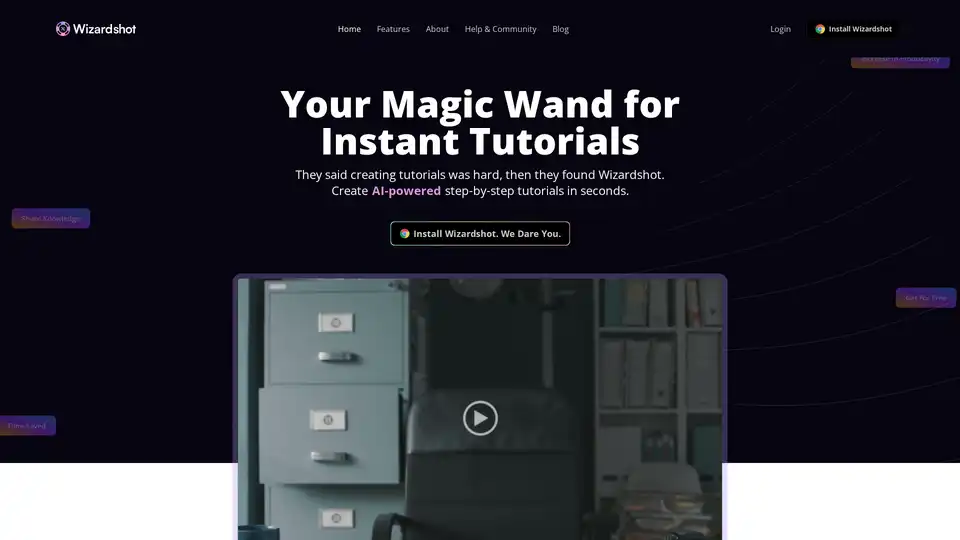
Overview of Wizardshot
Wizardshot: The AI-Powered Solution for Instant Tutorials
What is Wizardshot? Wizardshot is a cutting-edge web application and Chrome extension designed to revolutionize the way you create step-by-step tutorials. By simply capturing your screen, Wizardshot transforms your actions into clear, concise guides in seconds.
Key Features:
- AI-Powered Tutorial Creation: Automatically generate tutorials from recorded screen actions.
- Workflow Integration: Seamlessly integrates into your existing workflow.
- Knowledge Base Integration: Connect with your knowledge base for easy access and updates.
- Export Options: Export tutorials to PDF and DOC formats.
- Social Media Sharing: Easily share your tutorials on social media platforms.
- Privacy Controls: Restrict access and blur sensitive information to maintain privacy.
- Team Collaboration: Invite team members to collaborate on tutorial creation.
- Analytics: Track the impact of your tutorials on your team and identify areas for improvement.
- Easy-to-Use Editor: Enhance your tutorials with embedded videos and GIFs.
How does Wizardshot work?
Wizardshot simplifies the tutorial creation process into three easy steps:
- Install Wizardshot: Add the Chrome extension to your browser.
- Click Capture: Start recording your screen actions.
- Tutorial Made: Wizardshot automatically generates a step-by-step tutorial.
Why choose Wizardshot?
Wizardshot offers several advantages over traditional tutorial creation methods:
- Time Savings: Create tutorials in seconds, eliminating manual writing.
- Increased Productivity: Focus on other tasks while Wizardshot handles tutorial creation.
- Easy Knowledge Sharing: Empower anyone on your team to create technical documentation.
- Data Security: Utilizes industry-standard encryption, strict access controls, and regular security audits.
Who is Wizardshot for?
Wizardshot is ideal for:
- Technical Writers: Streamline the documentation process.
- Customer Support Teams: Create helpful guides for common issues.
- Educators: Develop engaging learning materials.
- Anyone who needs to share knowledge or processes with others.
Benefits of Using Wizardshot
- Simplified Tutorial Creation: Turn screen recordings into step-by-step tutorials effortlessly.
- Enhanced Knowledge Sharing: Easily disseminate information within your team and organization.
- Improved Training Materials: Create clear and effective training resources.
Wizardshot vs. Traditional Methods
The Ancient Way (Manual Writing): Bob used to spend hours manually writing tutorials, which was time-consuming and inefficient.
Wizardshot Way (Automated Creation): Now, with Wizardshot, creating tutorials is quick and easy, freeing up time for other important tasks.
Real-World Impact
Dany Rivard from Cartier Informatique shares, "Has Helped Us Write Help Docs 100x Faster". This highlights the significant time savings and productivity gains that Wizardshot provides.
FAQ
What is Wizardshot?
Wizardshot is a web app & Chrome extension that allows you to create step-by-step tutorials simply by capturing your screen.
Why is Wizardshot free?
Wizardshot is offered for free because it's cheap to run, and the company believes in proving their worth first. Most of the tech runs right in the Chrome extension, so the main expenses are just secure hosting and solid support. The hope is that users will love using Wizardshot so much that they might just check out what else the company’s got, like Helpjuice.
Is my data secure?
Yes, ensuring the security of your data is crucial. Wizardshot employs industry-standard encryption methods, strict access controls, and regular security audits are essential to maximize data security.
How to Get Started
- Install the Wizardshot Chrome extension.
- Click "Capture" to start recording your screen.
- Let Wizardshot automatically generate a step-by-step tutorial.
Conclusion
Wizardshot is a game-changing tool for anyone who needs to create tutorials. Its AI-powered automation, seamless integration, and user-friendly interface make it the best way to share knowledge and improve productivity. Whether you're a technical writer, customer support agent, or educator, Wizardshot can help you create engaging and effective tutorials in seconds.
Best Alternative Tools to "Wizardshot"
Dubble creates step-by-step guides, videos & screenshots from your actions, automating documentation. Free Chrome extension.

Komodo: Free screen recorder & SOP generator for teams. Record unlimited screen videos, create shareable SOPs, and use AI for meeting notes. 100% free!
TechSmith provides AI-powered screen capture and recording software, Snagit and Camtasia perfect for clear communication, training, and tutorials. Trusted by Fortune 500 companies.
Floik is an AI-powered platform for creating interactive demos, explainer videos, and step-by-step guides to improve user education and product adoption. It offers a Chrome extension for easy recording and customization.
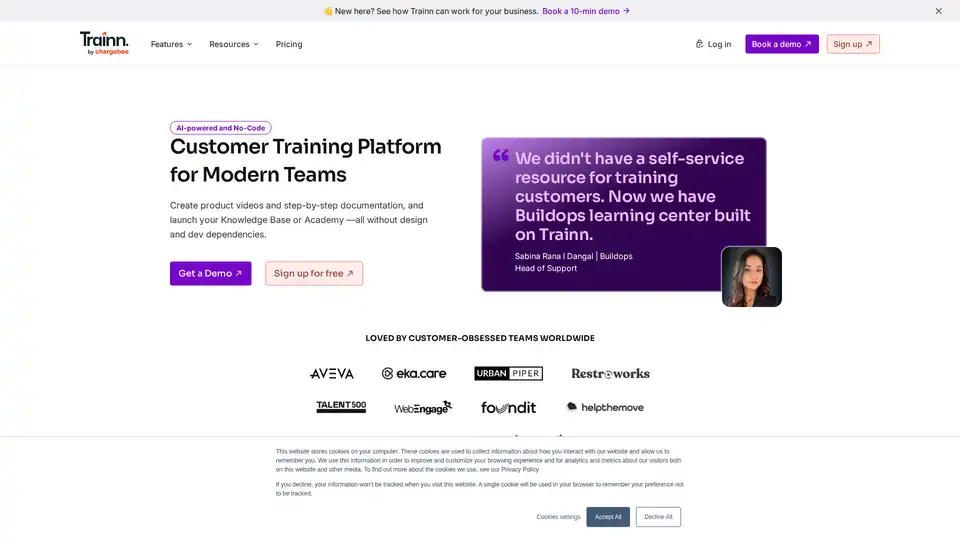
Trainn is an AI-powered, no-code customer training platform for SaaS businesses. It allows you to create product videos, documentation, and launch a knowledge base or academy without coding.
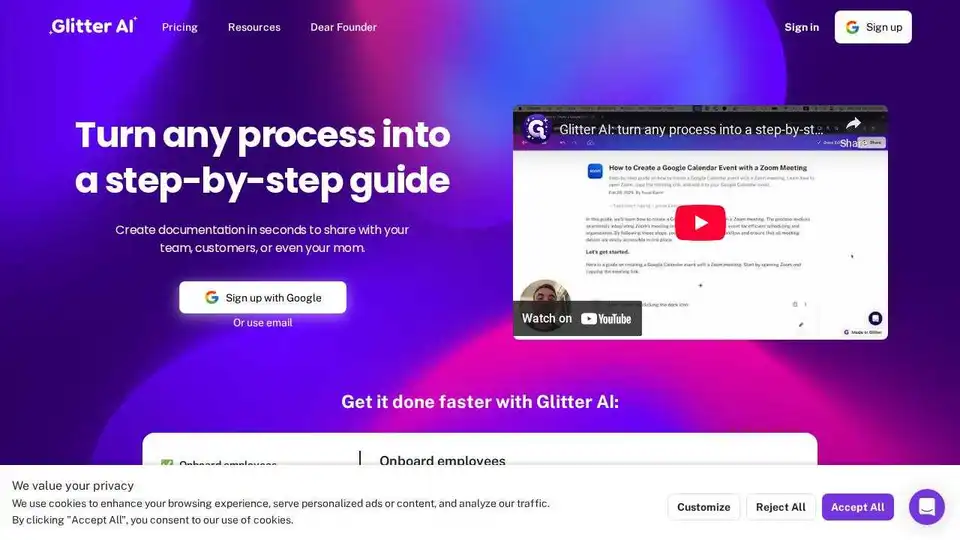
Glitter AI turns meeting recordings into step-by-step guides, simplifying documentation and training for employees and customers. Create SOPs and visual help guides effortlessly.
Guidde lets you capture instant step-by-step videos and documents for anyone to create.Use AI to generate video documentation 11x faster.
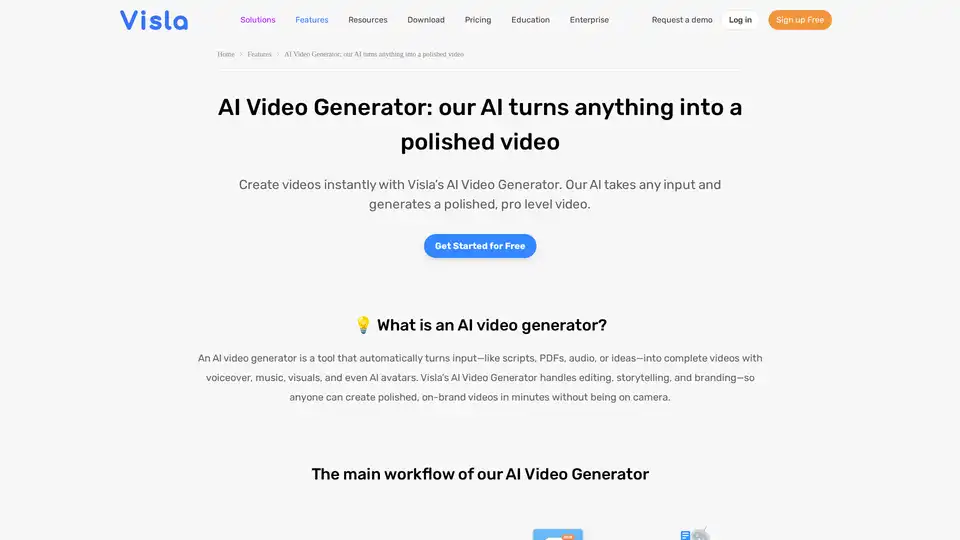
Turn PDFs, scripts, or audio into polished videos with Visla’s AI Video Generator—complete with voiceover, stock footage, and optional AI Avatar. Create professional videos instantly without editing skills.
InShot Video Editor empowers creators with advanced AI tools for effortless video and photo editing. Unlock features like auto captions, AI effects, and music integration to elevate your content for social media and more.

Potion is an AI video generator that lets you create unlimited personalized videos using your own face, voice, and gestures. Ideal for marketing, sales, and support.
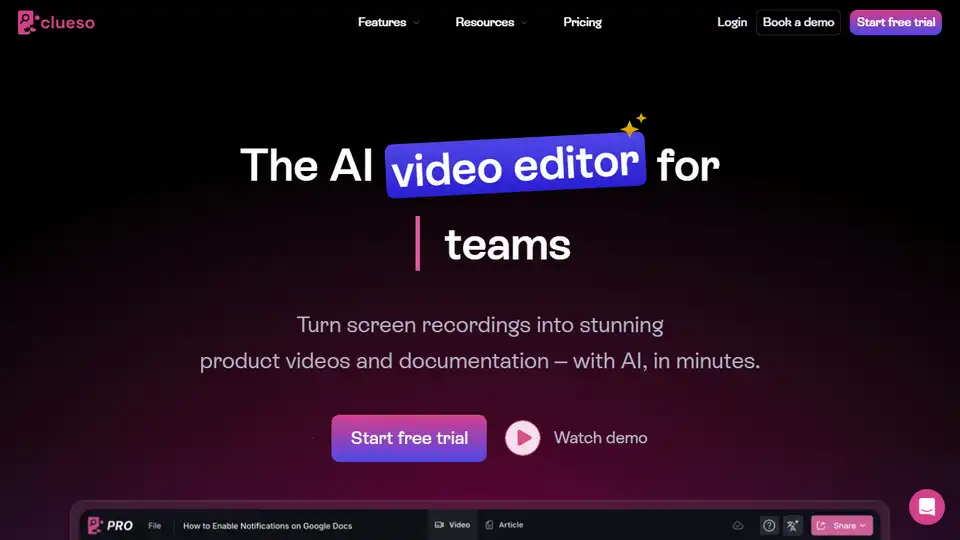
Create stunning product videos and documentation in minutes with Clueso. Transform raw screen recordings into engaging content with AI-powered features.
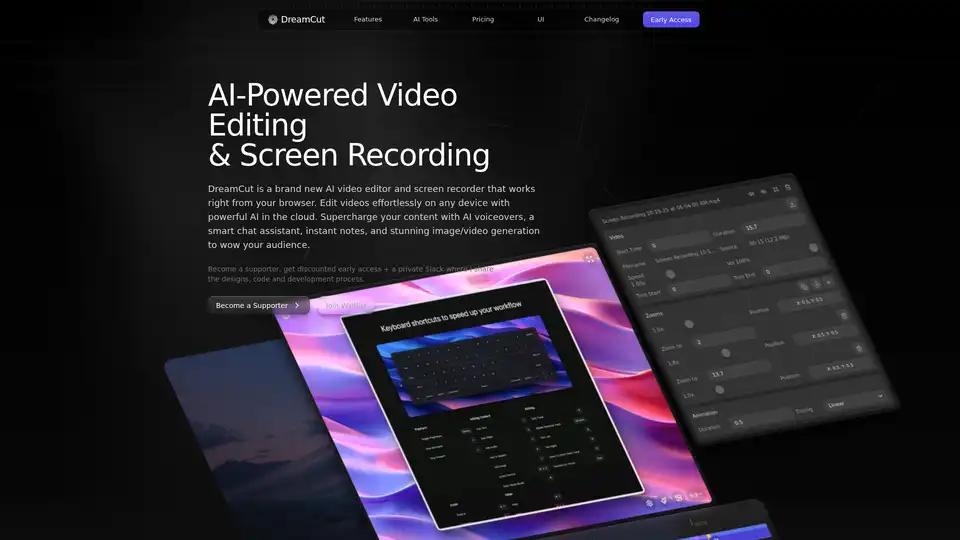
DreamCut is an AI-powered video editor and screen recorder that works in your browser. It offers AI voiceovers, image generation, a smart chat assistant, and more to supercharge your video content creation.
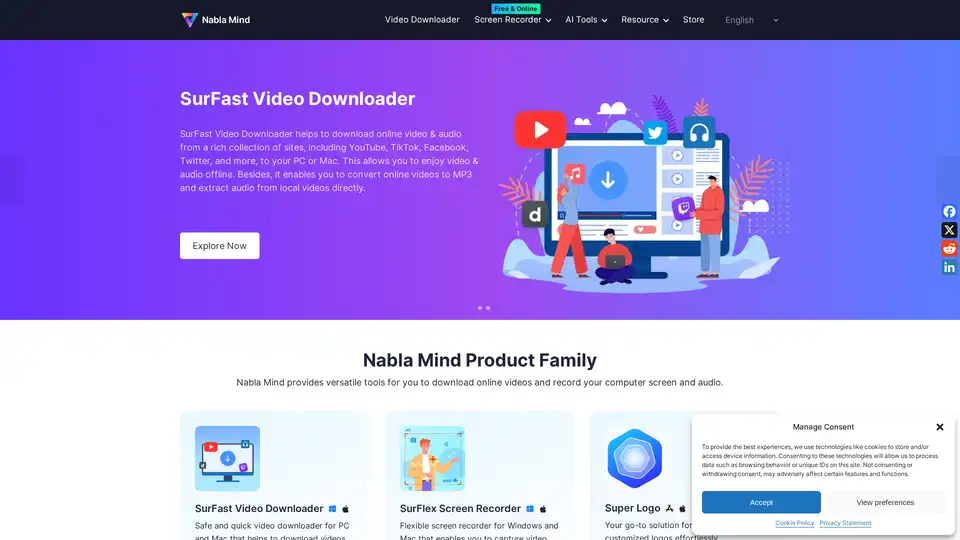
Nabla Mind provides SurFast Video Downloader and SurFlex Screen Recorder for downloading online videos and recording screens. AI tools enhance productivity. Download from YouTube, TikTok, and more.
EaseUS Multimedia offers a range of video and audio tools, including video downloader, editor, converter, AI voice changer, and online utilities for various multimedia tasks.