
WorkPPT
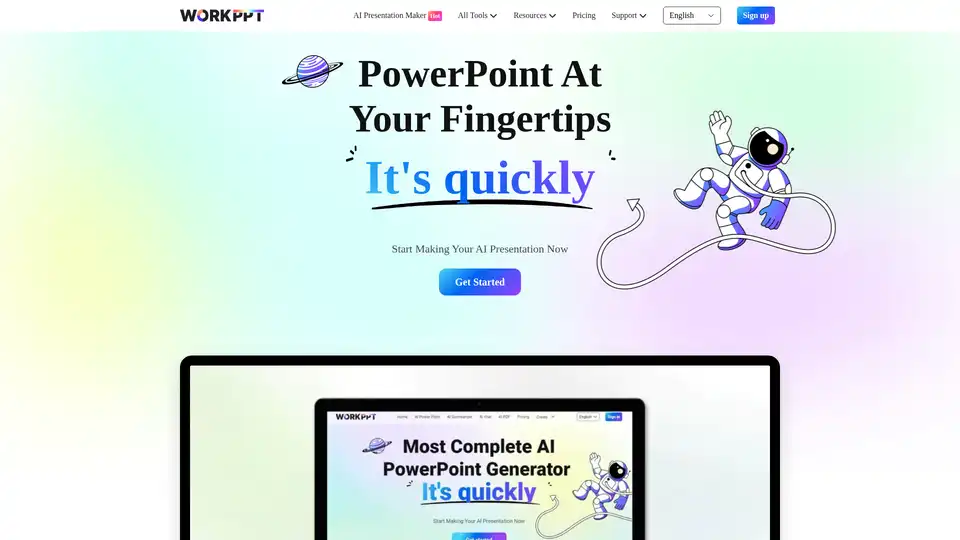
Overview of WorkPPT
WorkPPT: AI-Powered Presentation and Productivity Tool
What is WorkPPT?
WorkPPT is an AI-driven platform designed to streamline your workflow by providing a suite of tools for presentation creation, content summarization, PDF management, and more. It aims to boost productivity by automating tasks and simplifying complex processes, making it easier for users to create professional presentations and manage documents efficiently.
Key Features
WorkPPT offers a range of AI-powered tools, including:
- AI Slides Maker: Generate professional-looking presentation slides with just a few clicks.
- AI PDF Tools: Merge, split, convert to image, and add watermarks/stamps to PDF files.
- AI Summarizer: Summarize information from files, links, and text quickly.
- AI Chat Assistant: Get answers, find inspiration, and enhance productivity with an AI-powered chat assistant.
- AI Mind Map Generator: Create logical and clear mind maps based on a given topic.
How does WorkPPT work?
WorkPPT utilizes AI to automate and simplify various tasks. For example, the AI Slides Maker generates presentation slides based on user-provided text, while the AI Summarizer extracts key information from documents and links. The AI Chat Assistant provides instant answers and support, and the AI Mind Map Generator creates visual representations of complex ideas.
How to use WorkPPT?
- Sign Up: Create a free account on the WorkPPT website.
- Select a Tool: Choose the desired AI tool from the dashboard (e.g., AI Slides Maker, AI Summarizer).
- Input Information: Enter the required information (e.g., text for slides, document for summarization).
- Generate: Click the generate button to let AI process the information.
- Review and Edit: Review the generated output and make any necessary edits.
- Download/Share: Download the created presentation or share it online.
Why choose WorkPPT?
- Time-Saving: Automates the creation of presentations and summaries, saving valuable time.
- User-Friendly: Easy-to-use interface with intuitive tools.
- Versatile: Offers a range of AI-powered tools for various tasks.
- Cost-Effective: Provides different pricing plans to suit individual and team needs.
Who is WorkPPT for?
WorkPPT is suitable for:
- Professionals: Streamline workflow and enhance productivity.
- Students: Create presentations and summarize research papers efficiently.
- Educators: Generate engaging content and simplify complex topics.
- Businesses: Enhance communication and collaboration.
Pricing
WorkPPT offers three pricing plans:
- 1 Month Plan: $19.99/month
- Unlimited Year Plan: $99.99/year
- Lifetime Plan: One-time fee of $139.99
Each plan provides unlimited access to WorkPPT tools.
User Testimonials
- Anderson (Manager at Fforward Company): "WorkPPT allows me to easily transform my ideas into a presentation, which takes 10 times less time than making the slides myself. Excellent AI slides."
- Edward (Sifive’s product manager): "Company needs to use PowerPoint workppt provides us with a brand new option, Great ai slide generator."
- Taylor (Co-founder of Unherd): "WorkPPT helps me quickly generate ppt and provides a smooth flow to create complete slides."
Is WorkPPT secure?
According to the information available on the website, WorkPPT prioritizes user security and data protection. However, specific details about their security measures (such as encryption, compliance certifications, etc.) are not explicitly mentioned in the provided text. For comprehensive security information, it's recommended to refer to WorkPPT's official website or contact their support team.
Best way to create a presentation?
WorkPPT simplifies presentation creation through its AI-powered tools. By simply inputting text or ideas, the AI Slide Maker can automatically generate visually appealing and professional-looking slides in seconds, saving you significant time and effort.
Conclusion
WorkPPT is an AI-powered platform that offers a comprehensive suite of tools for presentation creation, content summarization, PDF management, and more. With its user-friendly interface and versatile features, WorkPPT is designed to boost productivity and streamline workflow for professionals, students, educators, and businesses alike. Whether you need to create stunning presentations, summarize lengthy documents, or manage PDF files efficiently, WorkPPT has you covered.
Best Alternative Tools to "WorkPPT"

InstantMind is an AI mind map generator and summarizer that transforms various content types into visual mind maps. It supports file uploads, YouTube video links, and web pages, streamlining idea organization and boosting productivity.

Powerusers AI is the best AI tools directory and resources to help you leverage AI to 10x your productivity in business and everyday life.
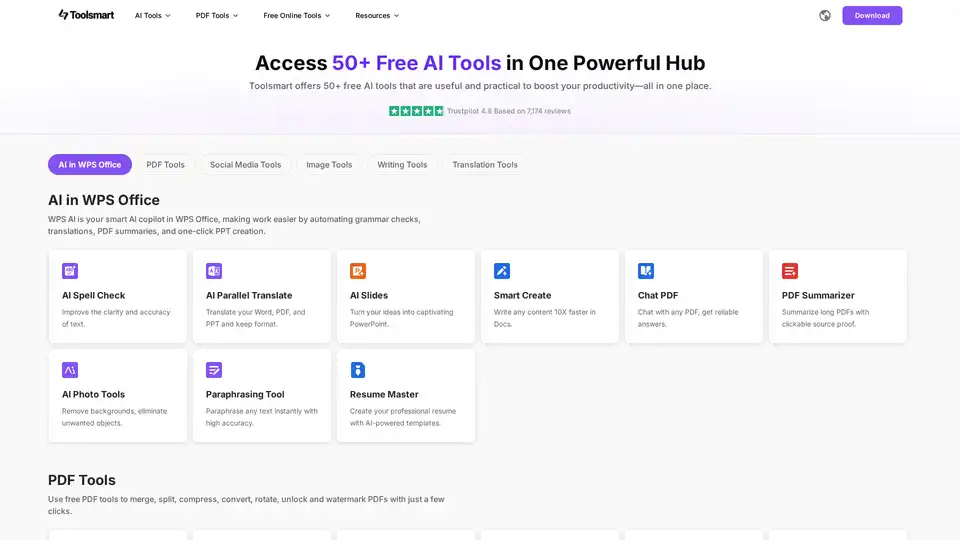
Toolsmart offers 50+ free AI tools in one place, boosting productivity. Access AI for WPS Office, PDF tools, social media tools, image tools, writing tools, and translation tools for seamless workflow.
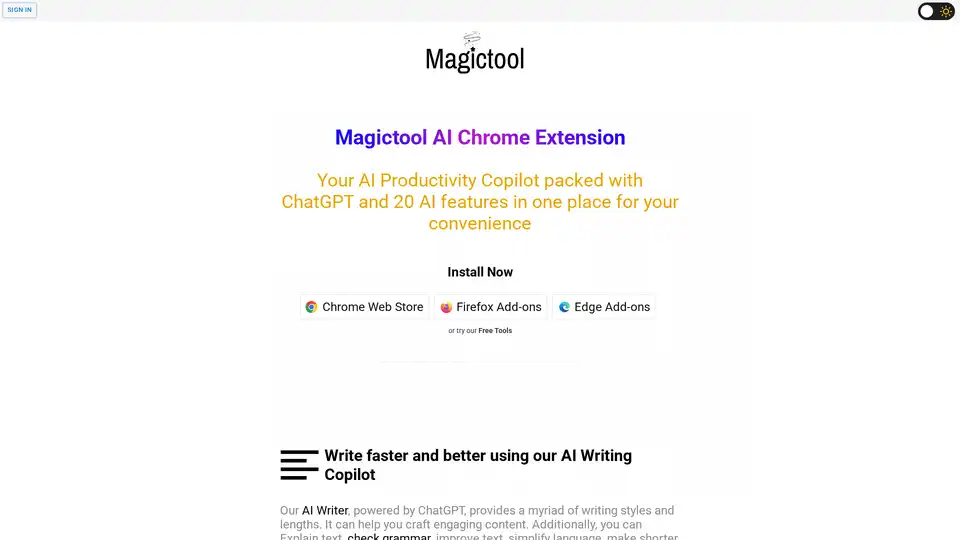
Magictool AI is a Chrome extension that enhances productivity with AI-powered features. It includes an AI writer, YouTube video summarizer, AI image generator, PDF chat, data scraping, and more, all in one place.
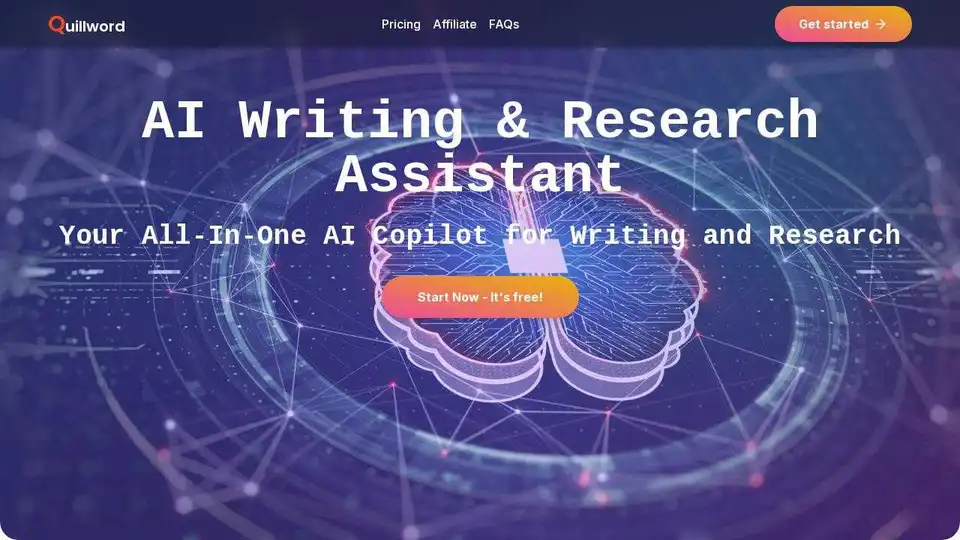
QuillWord is an AI tool for academic & research writing. Use AI Copilot for web, YouTube, PDF. Features AI writer and email assistant.
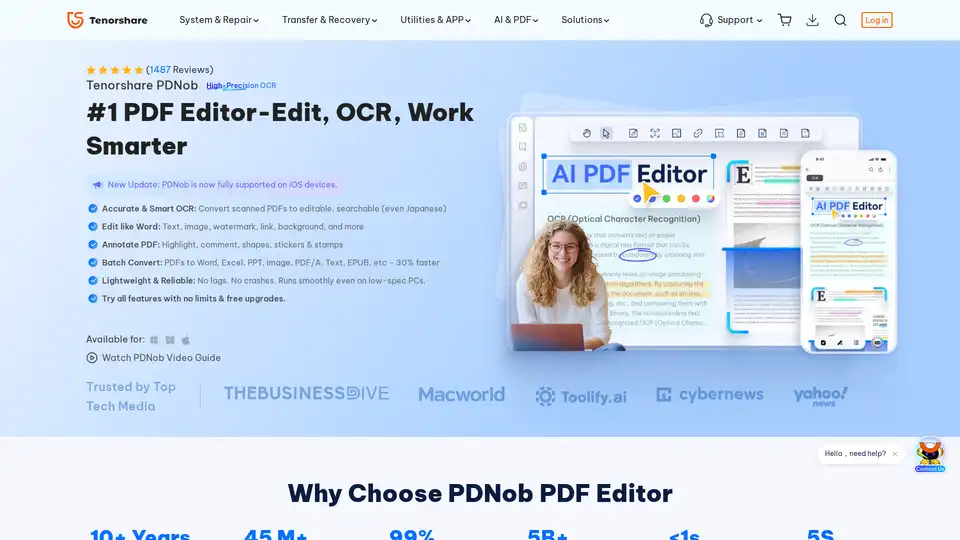
PDNob PDF Editor is a desktop application for Windows and Mac that allows you to edit, OCR, and manage PDF documents. It offers features such as AI summarization, PDF conversion, and annotation tools.
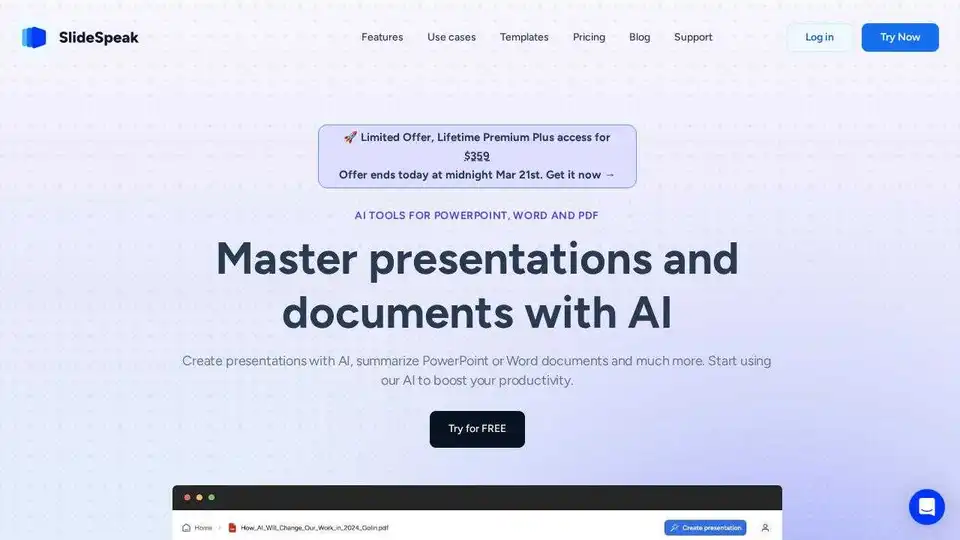
Create stunning AI presentations & summaries with SlideSpeak. Powered by ChatGPT, it simplifies PPTX, Word & PDF workflows. Try SlideSpeak for free!
Explore Tenorshare AI, a suite of AI-powered tools including AI Writer, AI PDF Editor, and AI Slides, designed to streamline your workflow and boost productivity for writing, PDF editing, and presentations.
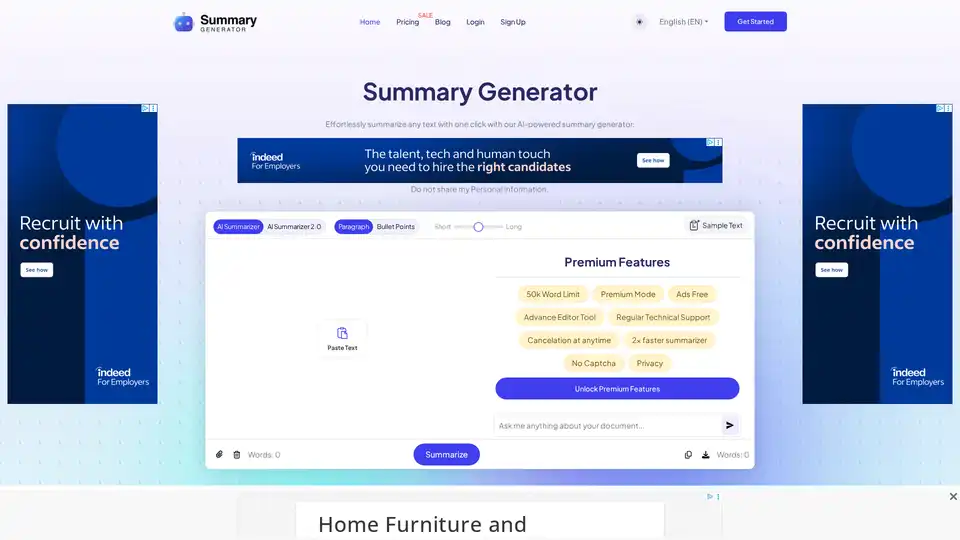
Discover the free AI Summary Generator that uses advanced algorithms to quickly summarize articles, papers, and reports. Extract key points in seconds for students, writers, and professionals.
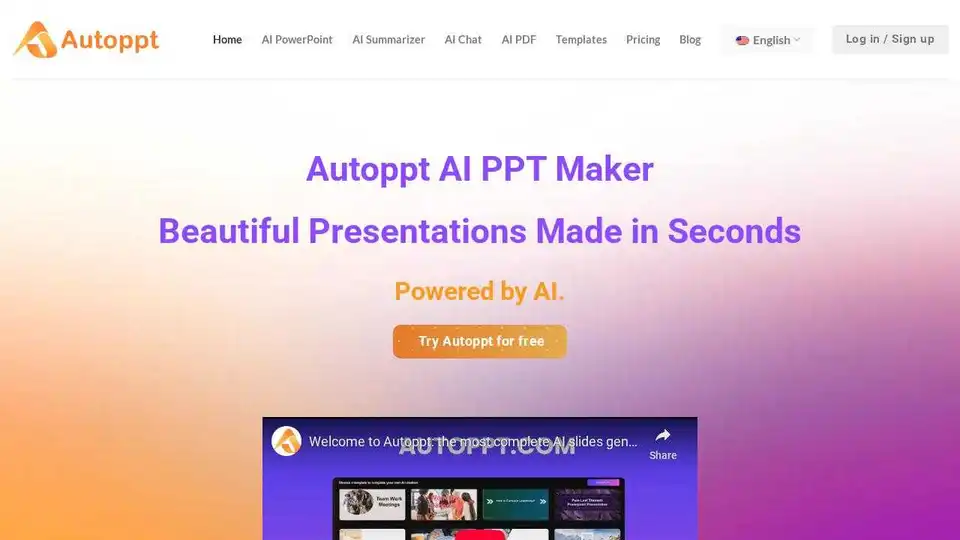
Autoppt is an AI PowerPoint generator that creates stunning AI presentations in seconds. Generate AI slides from text prompts or documents with ease.
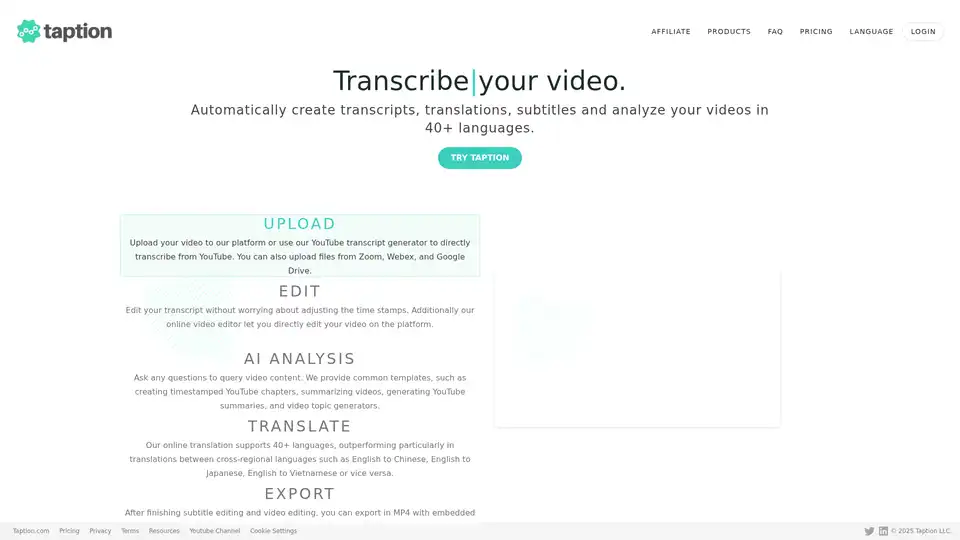
Taption is a feature-rich platform that automatically generates high-quality transcriptions, translations, and subtitles for videos in 40+ languages, leveraging AI for video analysis and editing.
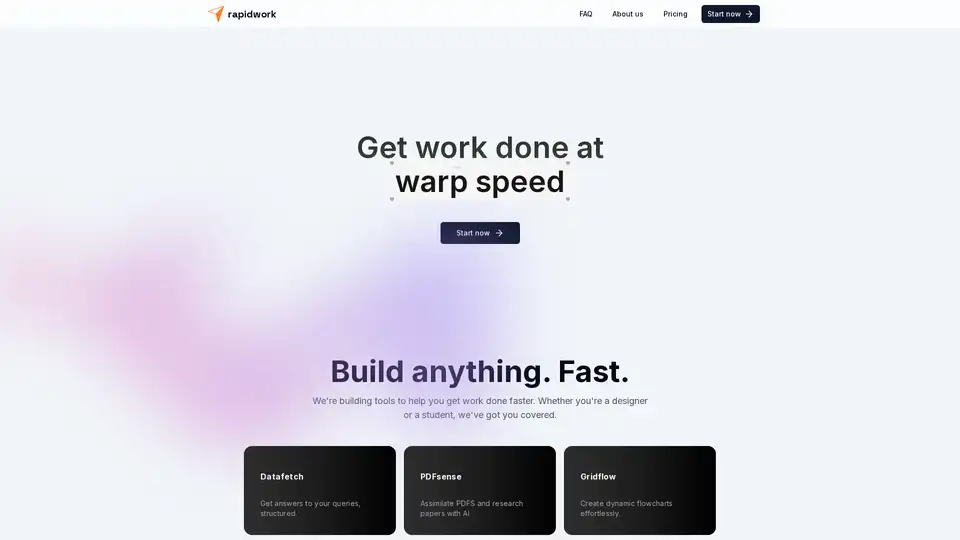
Rapidwork is an AI-powered platform with tools like Datafetch for queries, PDFsense for document analysis, and Designbox for graphics creation, helping users boost productivity in design and research tasks.
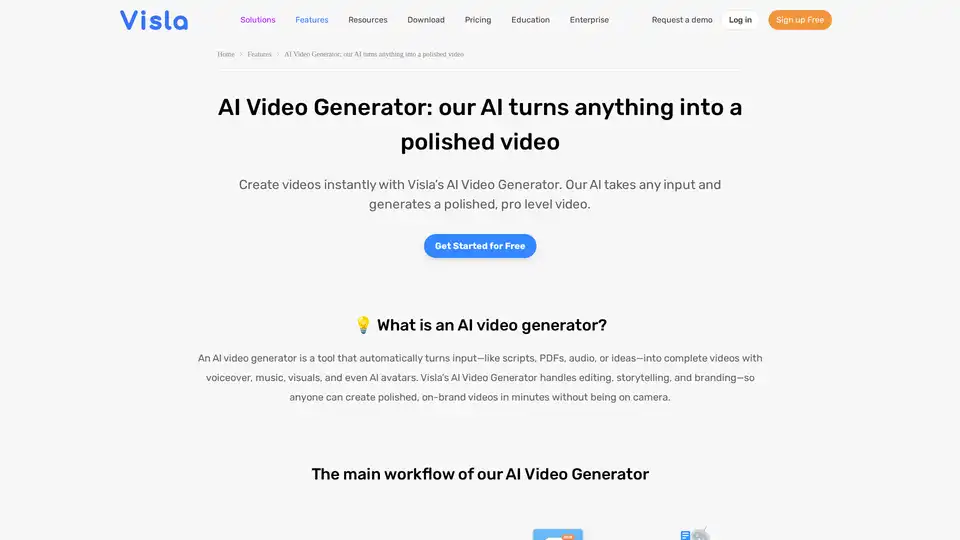
Turn PDFs, scripts, or audio into polished videos with Visla’s AI Video Generator—complete with voiceover, stock footage, and optional AI Avatar. Create professional videos instantly without editing skills.
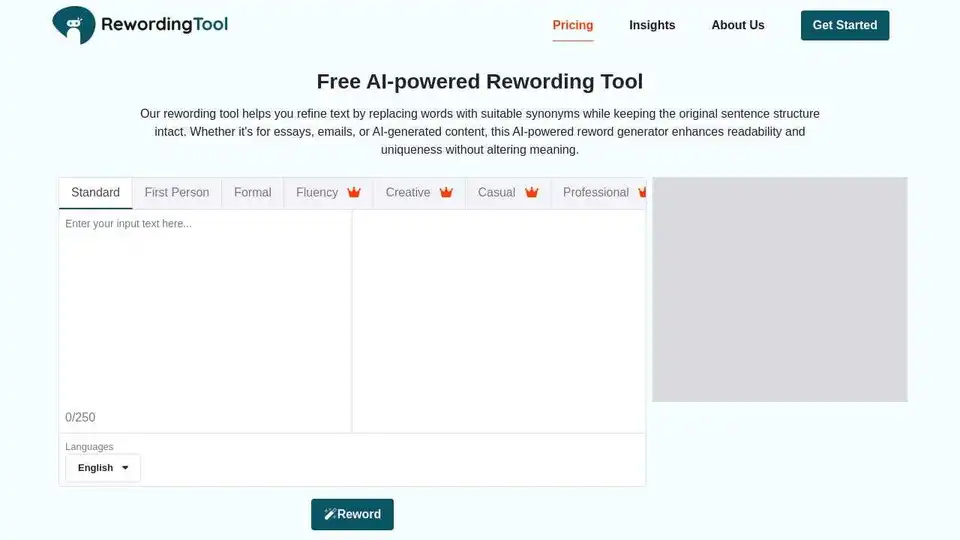
Enhance your writing with Rewording Tool, an AI-powered reword generator for clear, plagiarism-free content. Perfect for students, marketers, and professionals to rewrite essays, refine copy, and simplify complex sentences.