
ZenMulti

Overview of ZenMulti
ZenMulti: Multilingual in Minutes, Double Your Visits
ZenMulti is a VS Code extension designed to streamline the internationalization (i18n) and localization (l10n) process for your projects. By leveraging the power of GPT, ZenMulti enables you to quickly translate your products and target a global audience, potentially doubling your visits and revenue.
What is ZenMulti?
ZenMulti is a Visual Studio Code extension that allows developers to easily translate their resource files into multiple languages. It supports JSON and Properties file formats, making it compatible with a wide range of projects.
How does ZenMulti work?
ZenMulti simplifies the translation workflow with a no-code setup. Here's how it works:
- Install the ZenMulti extension: Search for "ZenMulti" in the VS Code marketplace and install the extension.
- Select your resource file: Open the resource file (JSON or Properties) that you want to translate.
- Open ZenMulti: Right-click on the file and select "Open ZenMulti".
ZenMulti then uses the OpenAI API (GPT) to translate the text in your resource file into multiple languages. You will need an OpenAI API key to use this feature. The translated files can then be saved and integrated into your project.
Key Features:
- GPT-powered translation: Uses the OpenAI API for accurate and efficient translation.
- No-code setup: Easy to install and use without any complex configuration.
- Supports JSON and Properties files: Compatible with common resource file formats.
- Unlimited resource files and languages: Translate as many files and into as many languages as you need.
- One-time payment: Use ZenMulti forever with a single purchase.
Who is ZenMulti for?
ZenMulti is ideal for:
- Developers: Who want to easily translate their applications and websites.
- Startups: Looking to quickly expand their reach to global markets.
- Businesses: That want to provide multilingual support for their products and services.
Pricing
ZenMulti offers a one-time payment option, providing lifetime access to the extension for $39 USD (discounted from $49). This includes:
- Unlimited resource files
- Unlimited languages
FAQ
Is this app free?
No, ZenMulti is a paid extension.
Is the License Key one-time purchase? Do I need to renew it?
Yes, it's a one-time purchase.
Do I need to pay for OpenAI for a ChatGPT API Key?
Yes, you need to pay for the OpenAI API usage.
Why Choose ZenMulti?
- Focus on Your Startup: ZenMulti allows you to focus on building your product, not managing translations.
- Global Reach: Target users worldwide and double your revenue by making your product multilingual.
- Easy to Use: The no-code setup and intuitive interface make ZenMulti accessible to everyone.
How to get started with ZenMulti?
- Install ZenMulti from the VS Code Marketplace.
- Obtain an OpenAI API key.
- Open your resource file in VS Code.
- Right-click and select "Open ZenMulti".
- Configure the extension with your OpenAI API key and desired languages.
- Translate your file and save the translated versions.
By using ZenMulti, you can effortlessly make your products multilingual, reach a broader audience, and ultimately boost your revenue.
Best Alternative Tools to "ZenMulti"
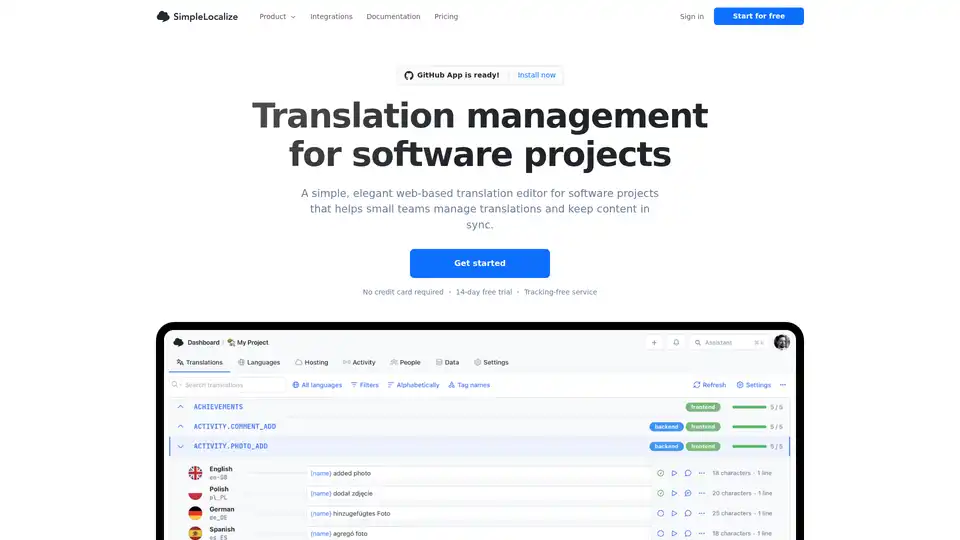
SimpleLocalize is a translation management platform designed for software teams. It offers a web-based editor, AI auto-translation, no-code automations, and integrations to streamline localization workflows.
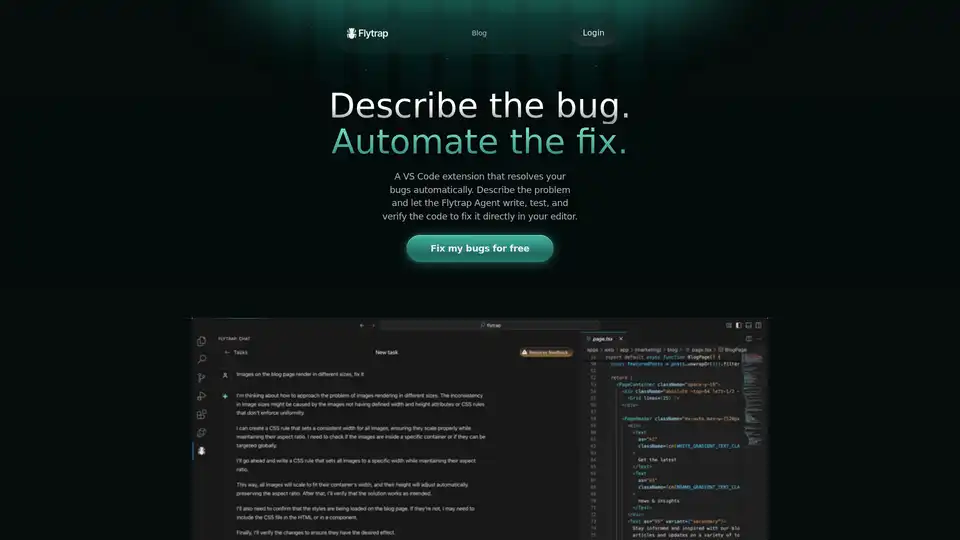
Flytrap is a VS Code extension that uses AI to automatically fix bugs in your JavaScript & TypeScript code. Describe the bug, and Flytrap Agent will write, test, and verify the code directly in your editor.
CodeAI is a VS Code extension that uses AI to assist developers with code generation, unit test creation, and documentation. Enhance your coding experience with advanced AI technology.
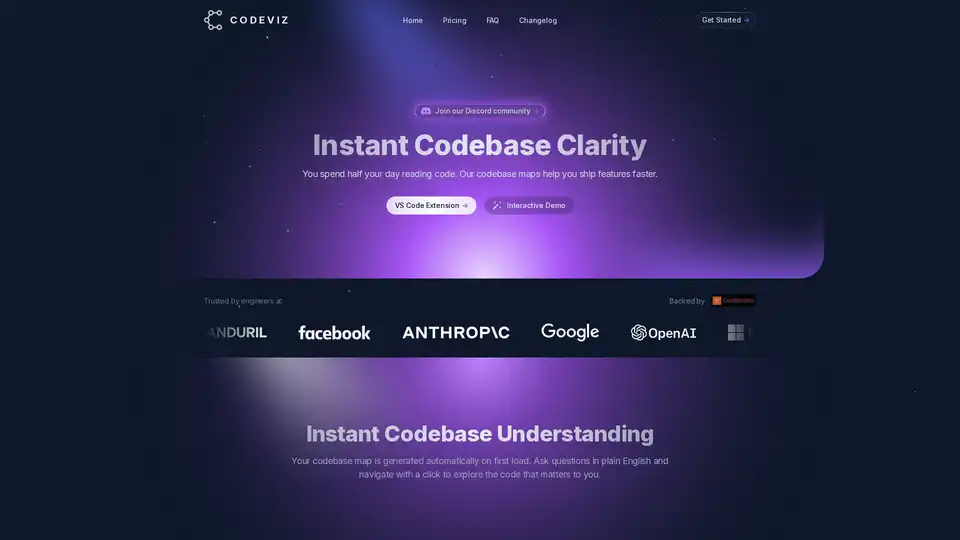
CodeViz is a VS Code extension that provides instant codebase clarity, helping developers ship features faster through automated codebase maps and multi-level code visualization. It supports query-based analysis and LLM prompt generation.

Supertest is an AI-powered VS Code extension that creates unit tests in seconds. Automate software testing with AI and save countless hours of manual test writing.
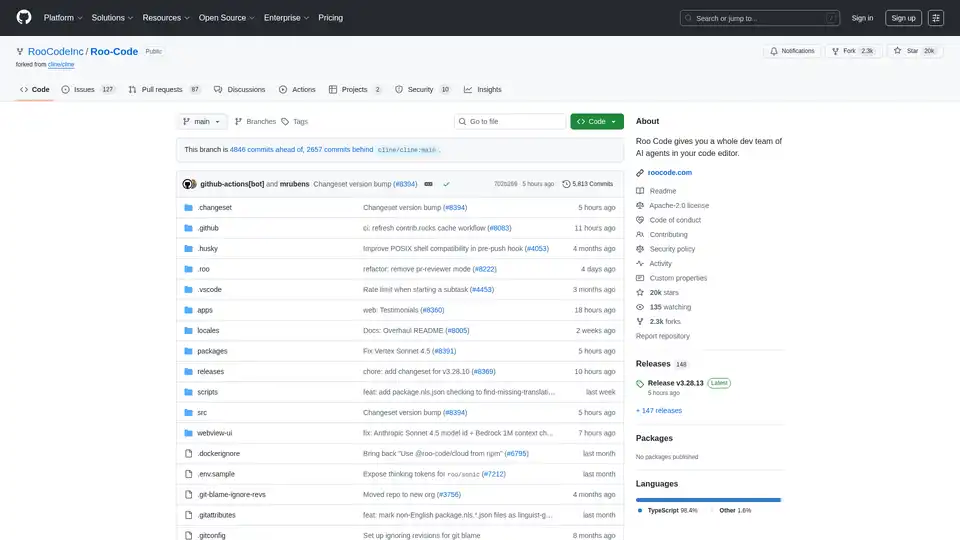
Roo Code is an AI-powered VSCode extension that provides a whole dev team of AI agents in your code editor. Generate code, debug, refactor and more.
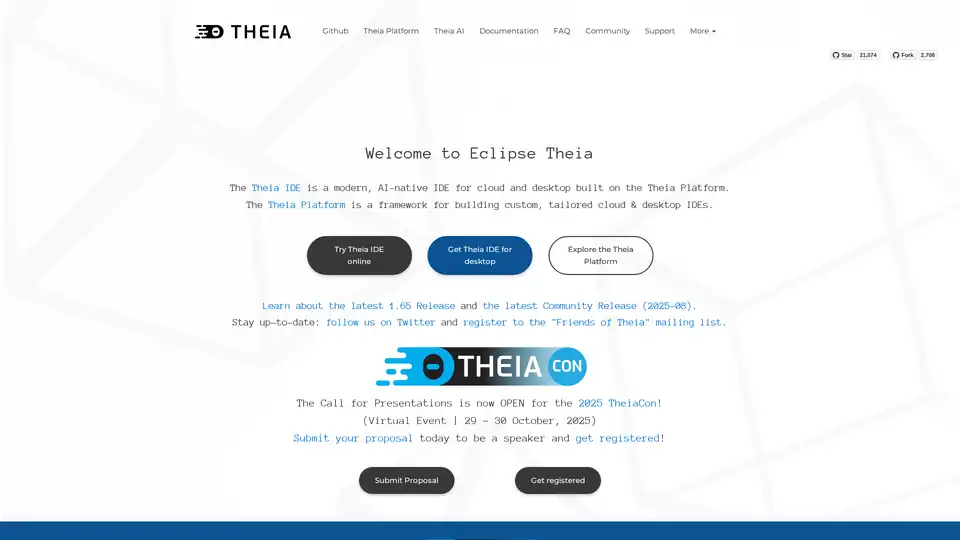
Theia IDE is an AI-native, open-source IDE for cloud and desktop development. Built on the Theia Platform, it offers transparency, control, and data ownership. Compatible with VS Code extensions.
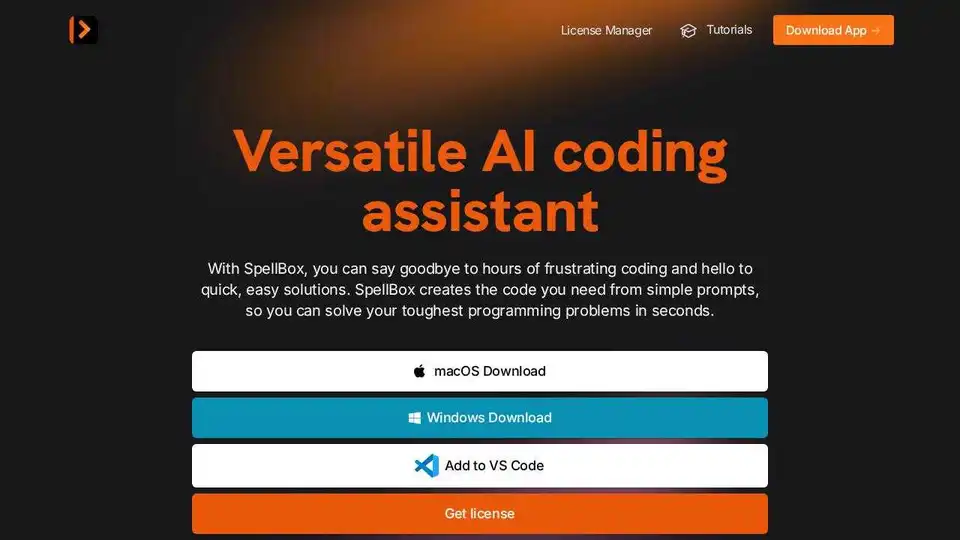
SpellBox is an AI programming assistant that uses artificial intelligence to generate code from simple prompts. Solve coding problems faster with code generation, explanation, and bookmarking.
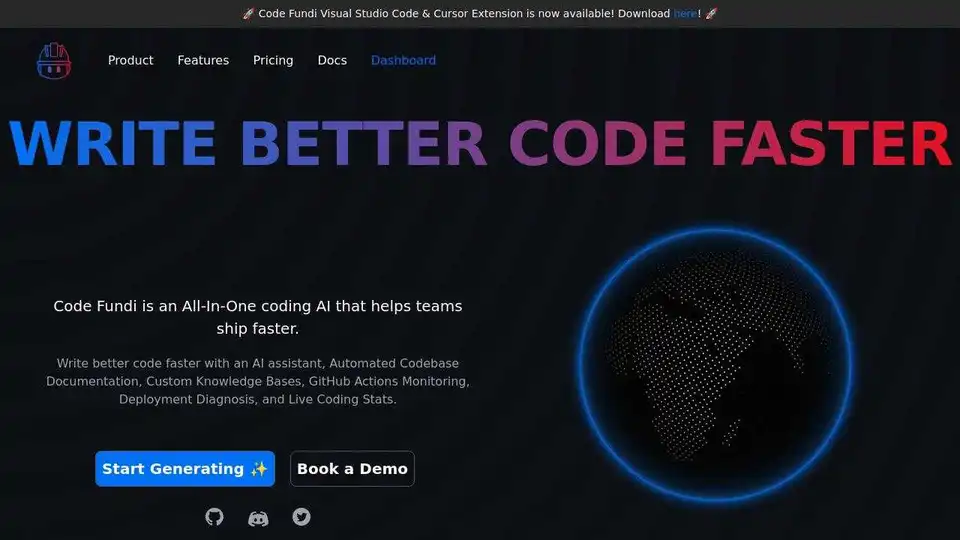
Code Fundi is an All-In-One coding AI that helps teams ship faster. Chat with any repo, build code, and create full-stack apps.
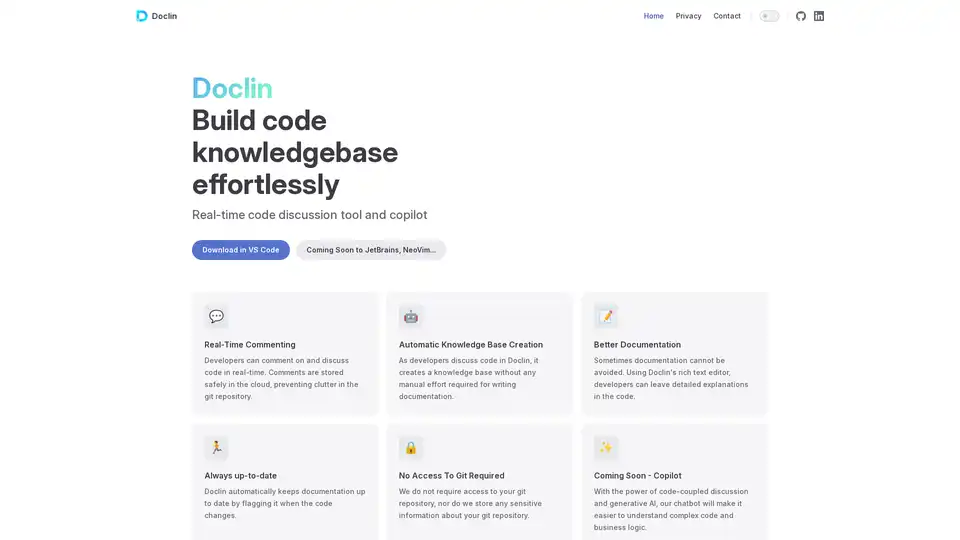
Doclin is a real-time code commenting and discussion tool that automatically creates documentation knowledge bases while keeping code repositories clean and secure.
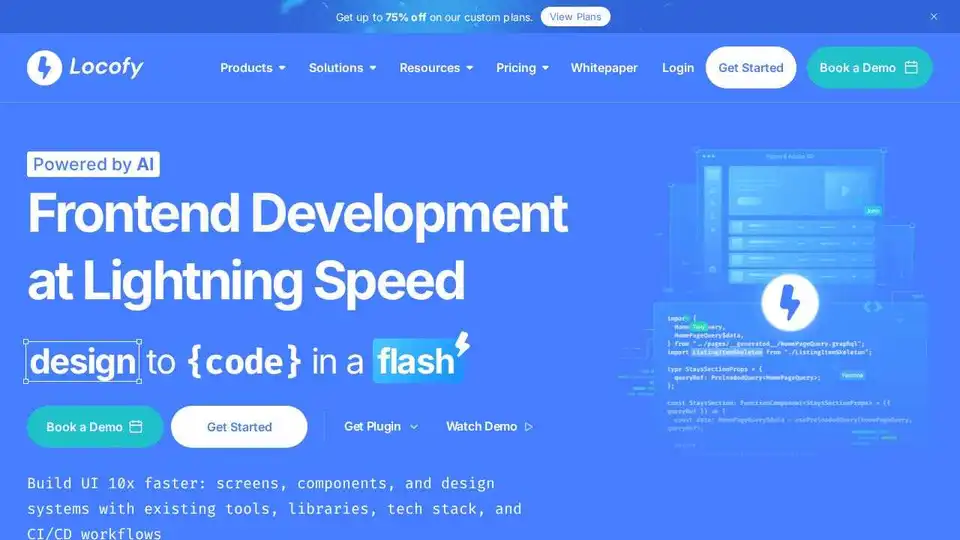
Locofy.ai converts Figma & Penpot designs into developer-friendly code for React, React Native, HTML-CSS, Flutter, and more. Build UIs 10x faster with AI. Trusted by 500,000+ developers.
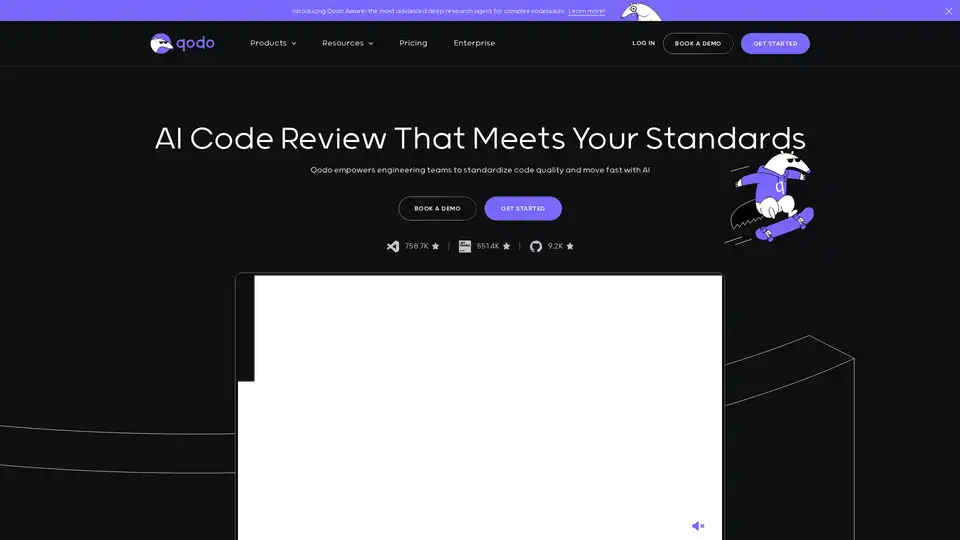
Qodo (formerly Codium) is an AI-powered code integrity platform designed to enhance code quality through AI-driven review, testing, and writing. It integrates seamlessly into your IDE, terminal, and Git platforms.
Bring your ideas to life faster by having AI contextually explain, generate and refactor code.

GitHub Next explores the future of software development by prototyping tools and technologies that will change our craft. They identify new approaches to building healthy, productive software engineering teams.