![[OFFICIAL] Edraw Software: Unlock Diagram Possibilities](/assets/logo/edrawsoft-com-688a9.png)
EdrawMax

Overview of EdrawMax
EdrawMax: Unlock Diagramming Possibilities with AI
What is EdrawMax? EdrawMax is a comprehensive diagramming software designed to empower users to create a wide variety of visual representations, from basic flowcharts and mind maps to complex network diagrams and floor plans. It is positioned as an ideal Visio alternative, offering a rich set of features and an extensive library of templates.
What are the key features of EdrawMax?
- Versatile Diagramming: EdrawMax supports over 210 diagram types, catering to diverse needs across various domains. Whether you need to visualize a business process, brainstorm ideas, or design a network infrastructure, EdrawMax provides the tools and templates to get the job done.
- AI-Powered Assistance: EdrawMax integrates AI capabilities to enhance the diagramming process. This includes AI-powered generation of flowcharts and mind maps from text, images, slides, documents, and even video and audio. The AI can also beautify designs with a single click, saving time and effort.
- Extensive Template Library: With over 10,000 free templates, EdrawMax offers a rich starting point for creating diagrams. These templates cover a wide range of categories and can be easily customized to fit specific requirements.
- Cross-Platform Collaboration: EdrawMax supports cross-platform use on all major operating systems and mobile devices, facilitating seamless collaboration between teams regardless of their preferred devices. The software is also designed to ensure data security, complying with GDPR standards and using 256-bit SSL encryption.
How does EdrawMax work?
EdrawMax provides a user-friendly interface with drag-and-drop functionality, making it easy to create and edit diagrams. Users can select from a variety of templates, customize the appearance of their diagrams, and add text, images, and other elements. The AI-powered features streamline the process by automating tasks such as flowchart generation and design beautification.
Why choose EdrawMax?
- All-in-One Solution: EdrawMax combines diagramming, mind mapping, and data visualization capabilities in a single platform, eliminating the need for multiple tools.
- AI-Powered Efficiency: The AI-powered features save time and effort by automating repetitive tasks and enhancing design quality.
- Extensive Template Library: The vast collection of templates provides a starting point for almost any diagramming need.
- Cross-Platform Compatibility: EdrawMax works on all major operating systems and mobile devices, enabling seamless collaboration.
- Trusted by Millions: EdrawMax is trusted by over 25 million users and leading brands, demonstrating its reliability and effectiveness.
Who is EdrawMax for?
EdrawMax is for:
- Business Professionals: For creating flowcharts, org charts, and other diagrams to visualize processes and structures.
- Project Managers: For planning, managing, and tracking projects with Gantt charts and other project management diagrams.
- Educators and Students: For creating mind maps, infographics, and other visual aids for learning and teaching.
- Engineers and Architects: For designing network diagrams, floor plans, and other technical drawings.
- Anyone who needs to visualize information: EdrawMax is a versatile tool that can be used by anyone who needs to communicate ideas and information visually.
Best way to create diagrams?
- Define the purpose: Determine the goal of the diagram and the message you want to convey.
- Choose the right diagram type: Select the diagram type that best suits your needs (e.g., flowchart, mind map, org chart).
- Select a template: Use a template to get started quickly.
- Customize the diagram: Add your own data, text, and images.
- Use AI features: Use AI features to automate tasks and improve design quality.
- Collaborate with others: Share your diagram with others for feedback and collaboration.
EdrawMax empowers users to unlock diagramming possibilities and turn complex ideas into visual realities, making it a valuable tool for individuals and teams across various industries. Whether you're creating flowcharts, mind maps, org charts, or any other type of diagram, EdrawMax can help you visualize your ideas and communicate them effectively.
Best Alternative Tools to "EdrawMax"

Edraw.AI is an AI-powered visual collaboration platform with 40+ AI tools and templates. Generate flowcharts, mind maps, and more in minutes. Streamline your workflow with AI diagramming.
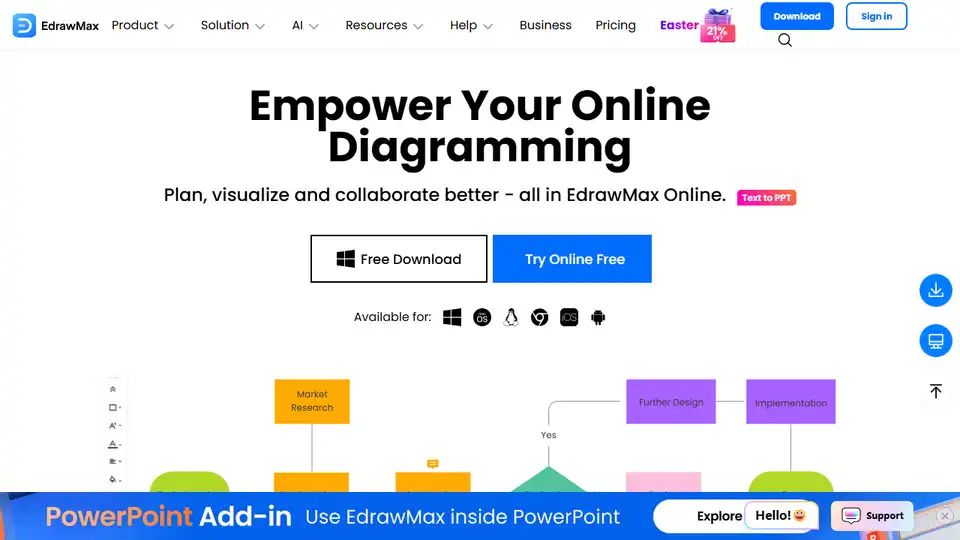
EdrawMax Online is an AI-powered, all-in-one diagramming tool for creating flowcharts, mind maps, floor plans, and 280+ diagram types. Visualize and collaborate effectively online.
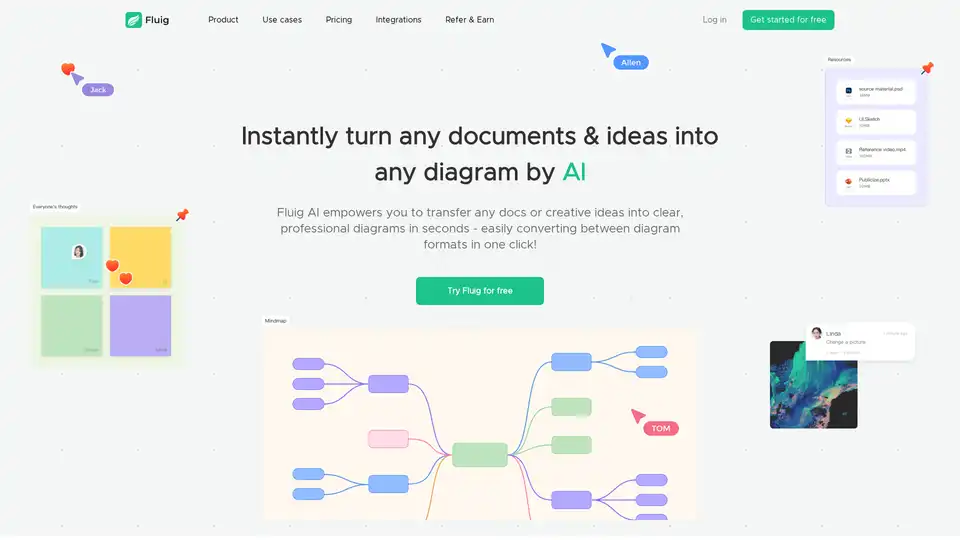
Fluig is a free native AI diagramming platform that turns docs or ideas into clear, professional mind maps, flowcharts, tables, cards and more diagrams with just chats. Ideal for teams and creatives seeking efficient visual communication.

Boardmix is an AI-powered online whiteboard integrating mind maps, flowcharts, and collaboration tools to boost teamwork and streamline brainstorming, planning, and project management.
EdrawMax Online is a powerful online diagramming tool with AI features. Create flowcharts, mind maps, and more using templates and AI-powered assistance.
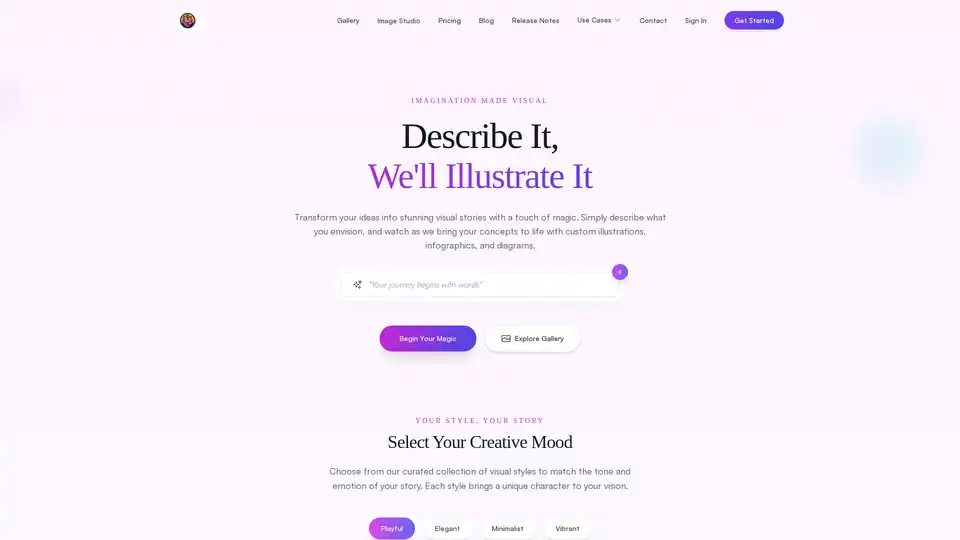
FlowCraft is an AI-powered diagramming tool that simplifies creating flowcharts, infographics, and custom visuals. Describe your ideas in plain language, choose a style, and generate stunning diagrams effortlessly for presentations, reports, and more.
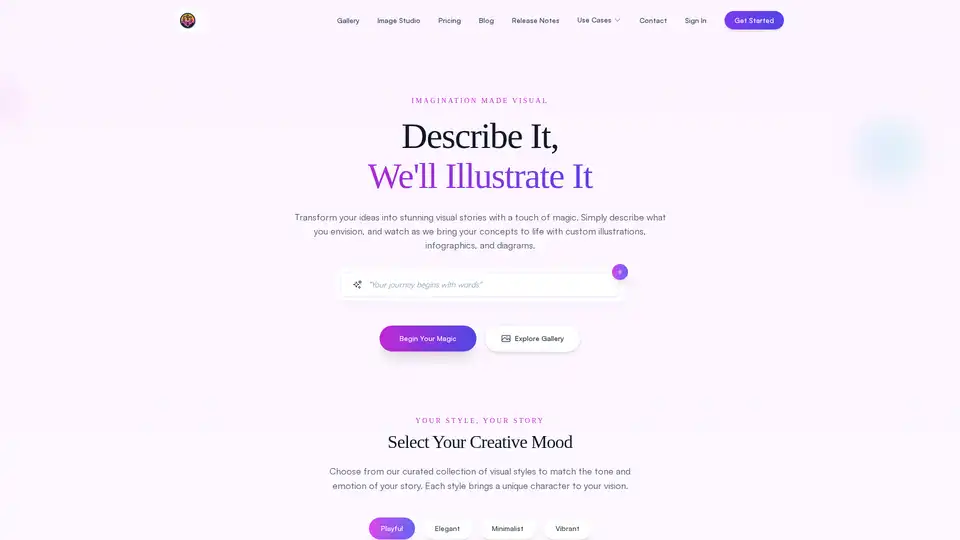
FlowCraft is an AI-powered diagramming tool that transforms text descriptions into stunning visuals including flowcharts, infographics, and concept diagrams. Perfect for content creators, business professionals, and educators.
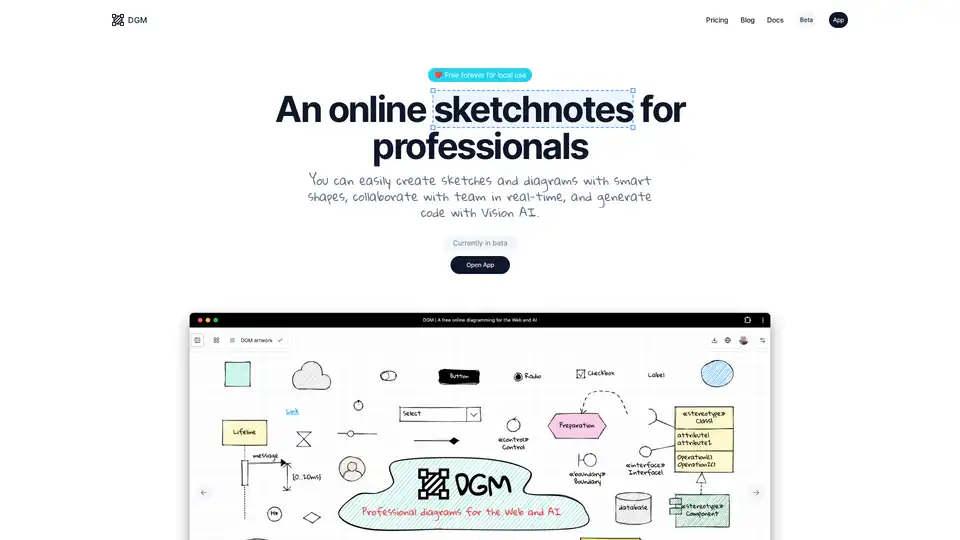
DGM is an online sketchnote tool for professionals, offering smart shapes, real-time collaboration, and AI-powered code generation from diagrams. Free for local use.
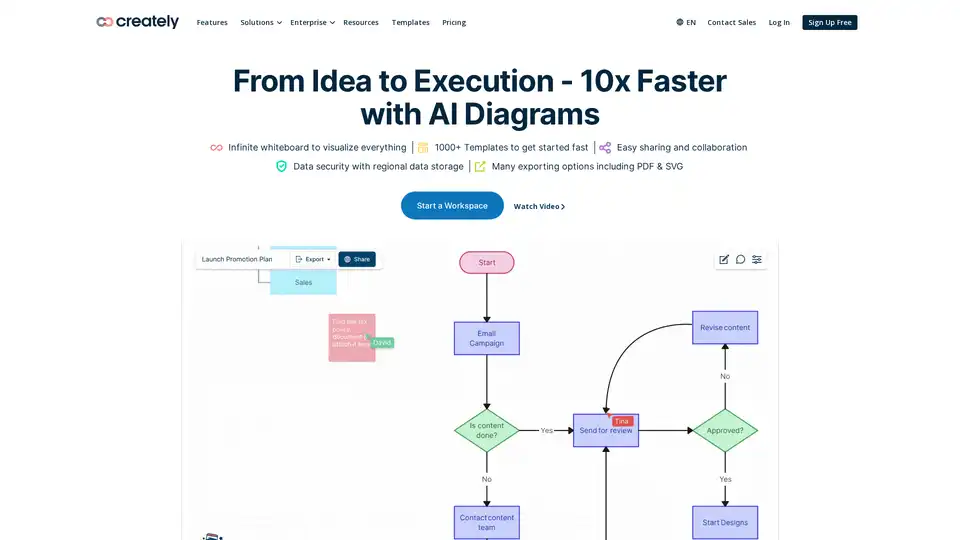
Creately is a visual collaboration and diagramming platform with AI-powered diagramming. It offers infinite whiteboards, data connectivity and integrations. Trusted by 10M+ users for product, software, IT, HR, marketing and sales.
Napkin AI transforms text into visuals, like infographics and diagrams, for engaging presentations, blogs, social media, and docs. Try Napkin AI free to share your ideas effectively.
Mermaid Chart is a diagramming tool that speeds up your visual communications with AI generated flowcharts, sequence diagrams and more!
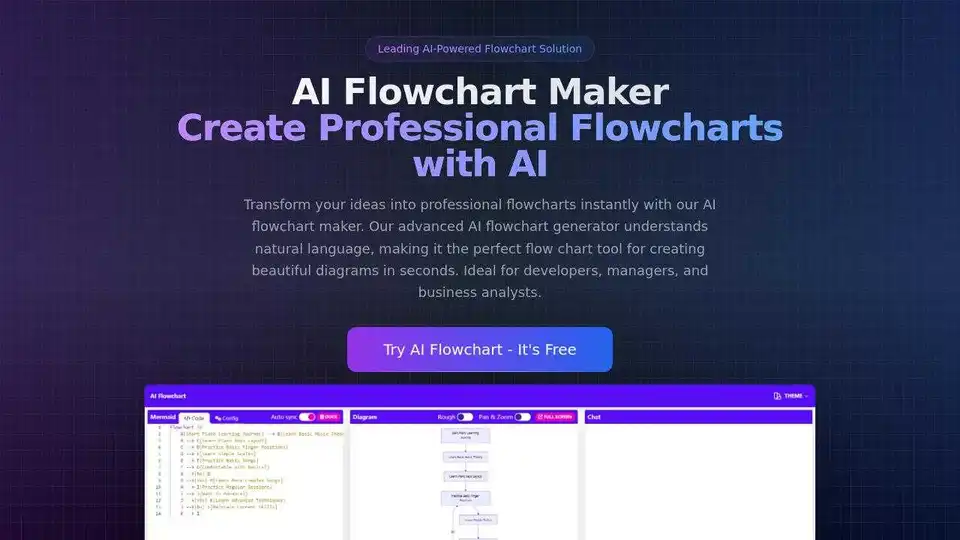
AI Flowchart Maker transforms your ideas into professional flowcharts instantly. Use natural language to create diagrams for software, business, and education.
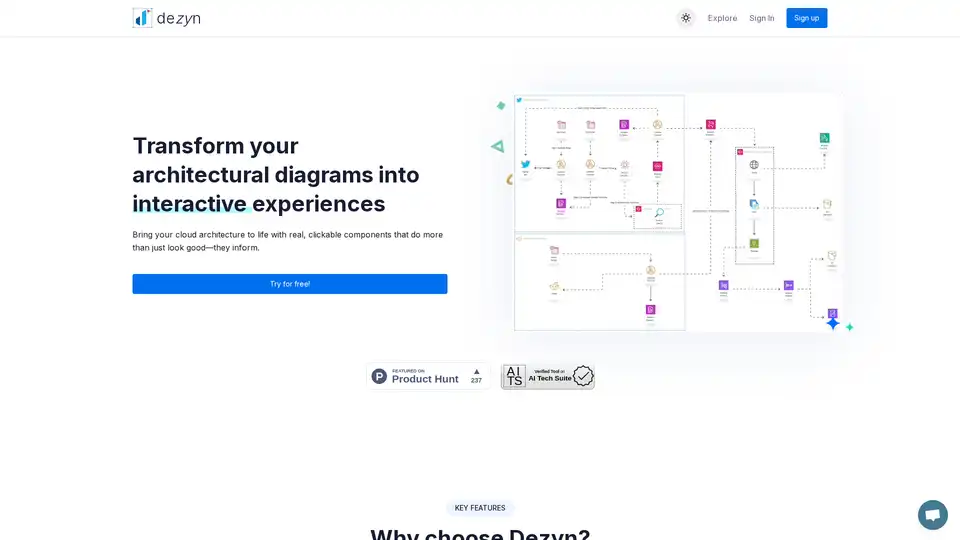
Dezyn revolutionizes architectural diagramming with AI-powered tools, turning static visuals into interactive cloud architectures. Ideal for engineers and designers to create, collaborate, and share dynamic flowcharts effortlessly.
Generate technical diagrams instantly with DiagramGPT, an AI diagram generator by Eraser. Create sequence, flow charts, ERDs, cloud architecture, and more from text or code.