
Auto Gmail
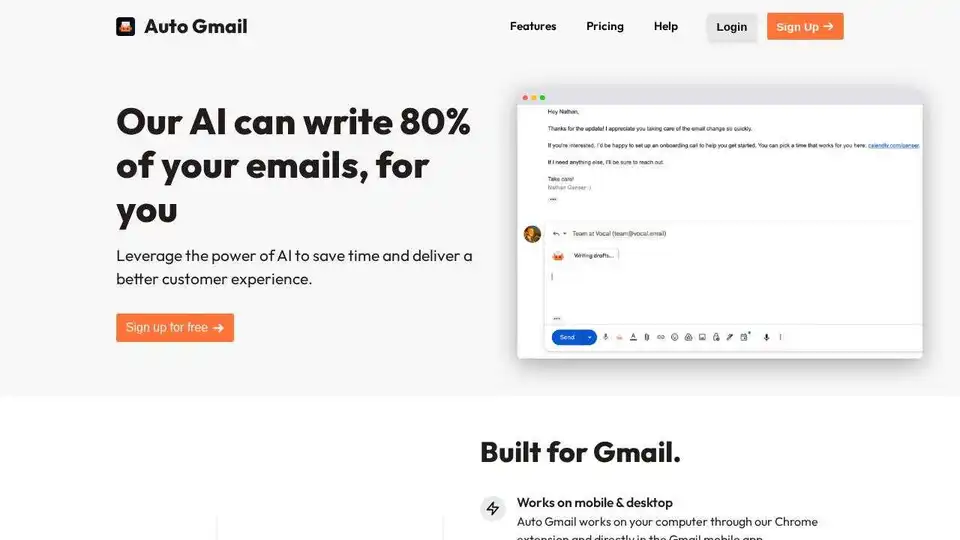
Overview of Auto Gmail
Auto Gmail: Your AI-Powered Email Assistant
What is Auto Gmail?
Auto Gmail is a Chrome extension that leverages the power of AI to help you write emails faster and more effectively. Powered by OpenAI's ChatGPT, it works directly within your Gmail inbox, learning from your email history to generate drafts tailored to your style and the recipient.
How does Auto Gmail work?
- Installation: Install the Auto Gmail Chrome extension from the Chrome Web Store.
- Gmail Integration: Once installed, Auto Gmail integrates seamlessly with your Gmail account.
- AI-Powered Drafts: As soon as you open an email thread, Auto Gmail automatically starts generating a draft based on your past emails and the context of the current conversation. You don't need to input anything manually.
- Background Generation (Optional): Enable background mode to have drafts generated even when you're away from your computer.
- Mobile Compatibility: Auto Gmail also works directly within the Gmail mobile app, so you can use it on the go.
Key Features:
- AI-Powered Email Drafts: Auto Gmail uses AI to understand the context of your emails and generate drafts that are tailored to your specific needs.
- Learning from Your Inbox: The AI learns your writing style by analyzing your past emails, ensuring the drafts reflect your voice.
- Automatic Draft Generation: Auto Gmail automatically generates drafts as soon as you open an email thread, saving you time and effort.
- Background Mode: Auto Gmail can generate drafts even while you're away from your computer.
- Mobile & Desktop Compatibility: Auto Gmail works on both desktop and mobile devices.
Why is Auto Gmail important?
- Saves Time: Auto Gmail can significantly reduce the amount of time you spend writing emails.
- Improves Customer Experience: By providing quick and helpful responses, Auto Gmail can help you deliver a better customer experience.
- Increases Productivity: Auto Gmail can help you stay on top of your emails and get more done.
- Easy to Use: Auto Gmail is easy to install and use, even for those who are not familiar with AI.
Where can I use Auto Gmail?
Auto Gmail is ideal for:
- Hotel receptionists: Quickly respond to guest inquiries and booking requests.
- Boosting your Boutique: Engage with customers and promote your products and services.
- Professionals: Streamline email communication and improve productivity.
Auto Gmail Alternatives
Based on the original article, here are some alternatives to Auto Gmail:
- Mailmeteor
- Gemini
- WriteMail
- ChatGPT by CloudHQ
- Klart AI Mail Assistant
- ChatGPT for Gmail
- GPT Workspace
- Mail Maestro
- GmailPT
- Merlin AI
- MailAgent
- Addy AI
Common Questions About Gmail AI
- How to use ChatGPT with Gmail? Auto Gmail provides an integration of ChatGPT within Gmail.
- Does Gmail Have an AI Tool? Auto Gmail enhances Gmail with AI capabilities.
- How to add ai tool in Gmail? Install the Auto Gmail Chrome extension.
Auto Gmail is a valuable tool for anyone who wants to save time and improve their email communication. By leveraging the power of AI, Auto Gmail can help you write emails faster, more effectively, and with less effort.
Best Alternative Tools to "Auto Gmail"

Maildep provides AI-powered email hosting, automating tasks with ChatGPT and other AI models to boost business productivity. Free trials and self-hosting options available.
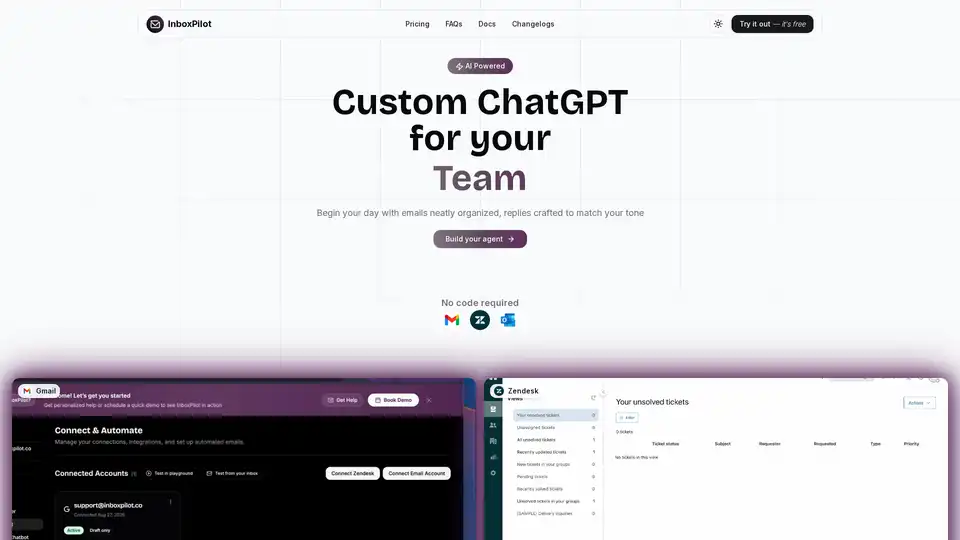
InboxPilot is an AI chatbot that automates email and website support. It integrates with Gmail, Outlook, and Zendesk to draft replies and streamline customer support using your data.
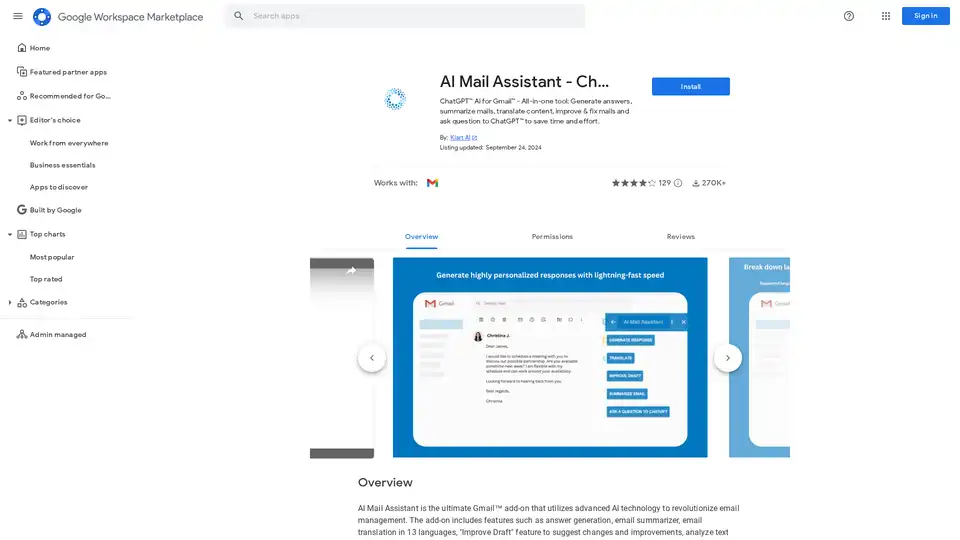
AI Mail Assistant integrates ChatGPT into Gmail for generating responses, summarizing emails, translating in 13 languages, improving drafts, and analyzing content. Save time with AI-powered email management.
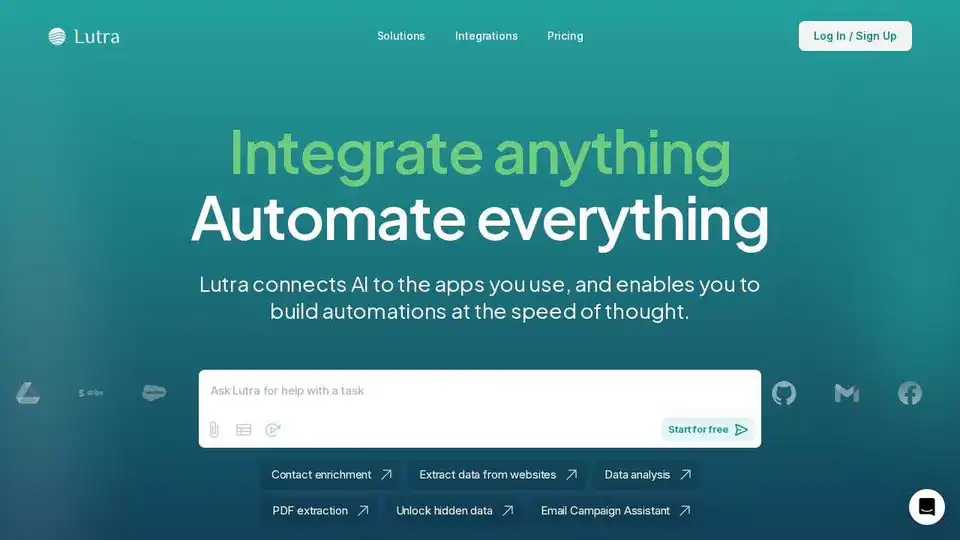
Lutra AI is a productivity agent connecting to your work apps, automating data enrichment, email management, and workflow automation. Secure, reliable, and SOC2 compliant.
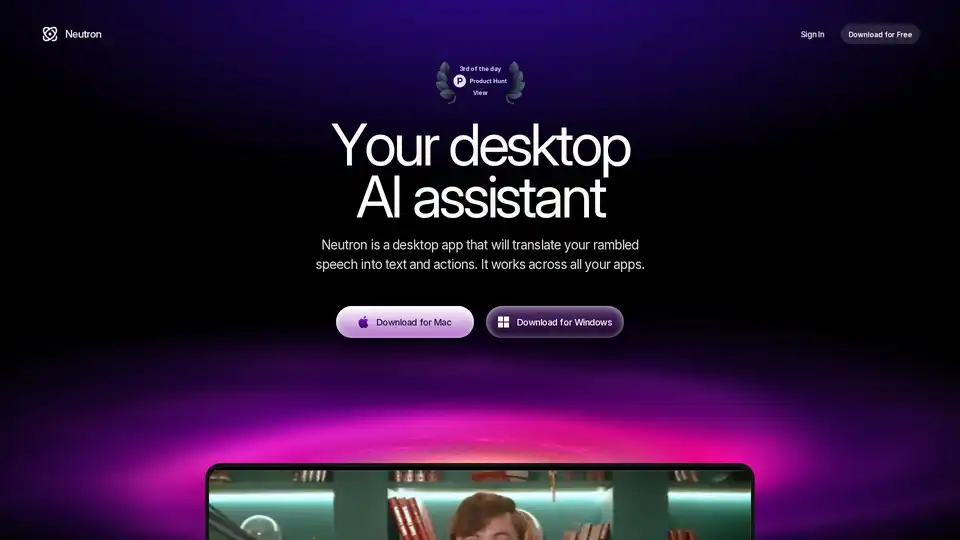
Neutron is a privacy-focused desktop AI app for Mac and Windows that turns voice rambles into emails, docs, summaries, chart insights, and calendar events. Press Tab for seamless cross-app productivity with end-to-end encryption.
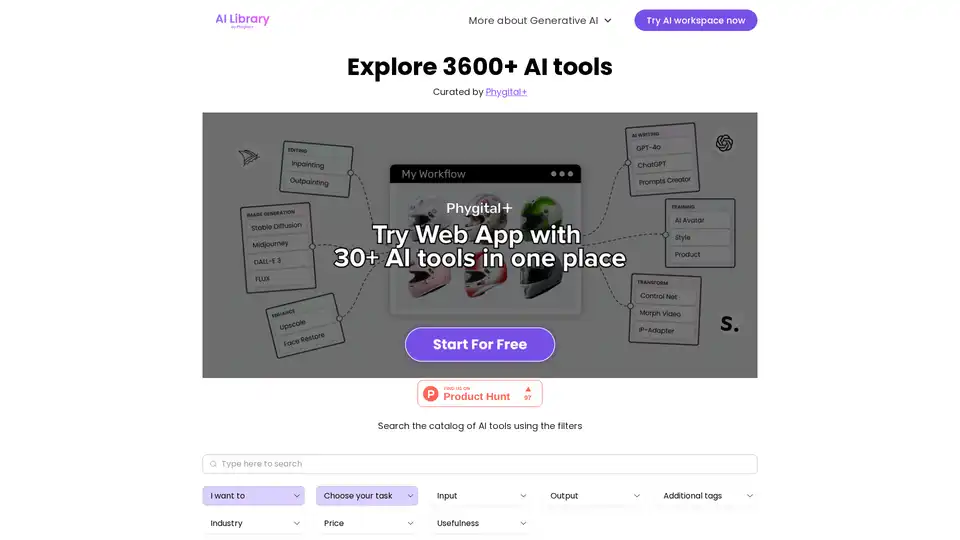
Explore AI Library, the comprehensive catalog of over 2150 neural networks and AI tools for generative content creation. Discover top AI art models, tools for text-to-image, video generation, and more to boost your creative projects.
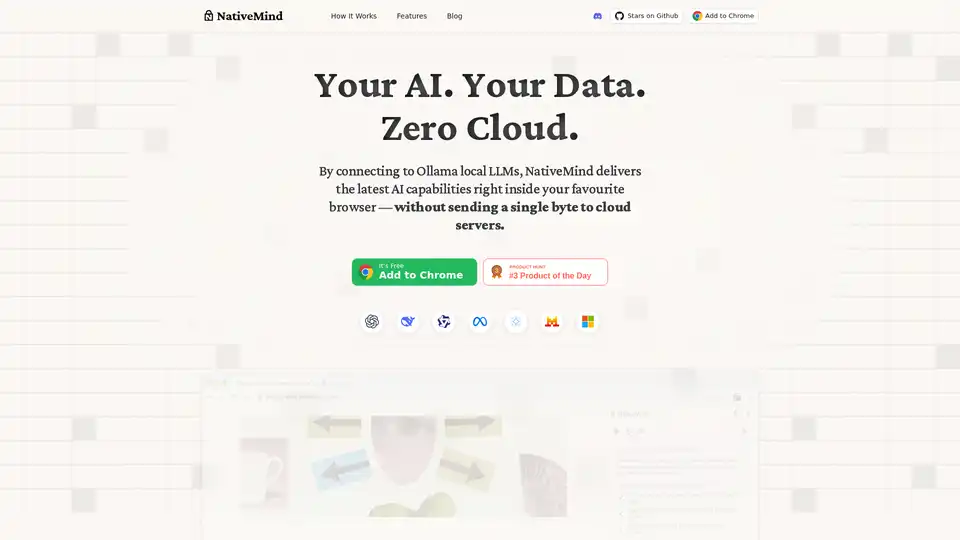
NativeMind is an open-source Chrome extension that runs local LLMs like Ollama for a fully offline, private ChatGPT alternative. Features include context-aware chat, agent mode, PDF analysis, writing tools, and translation—all 100% on-device with no cloud dependency.
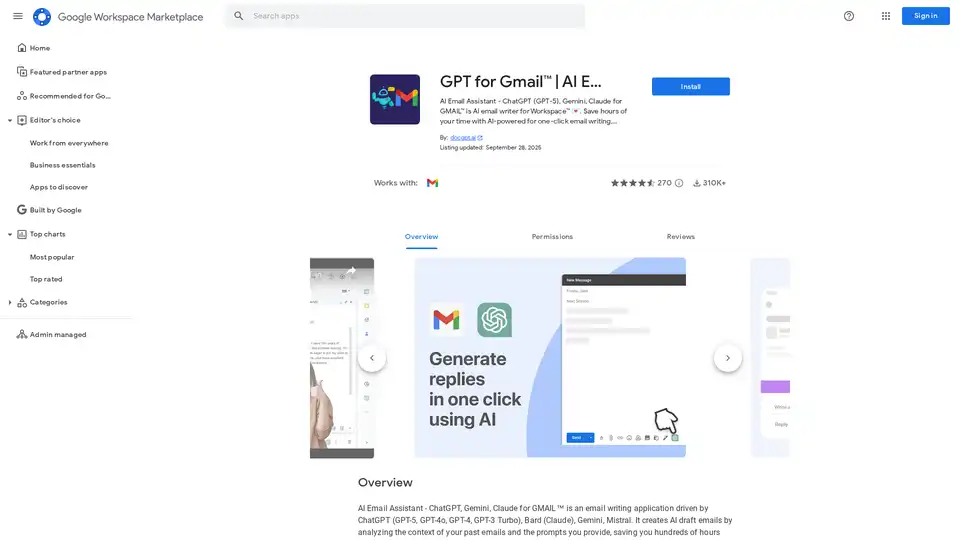
Discover GPT for Gmail, an AI email assistant powered by ChatGPT, Gemini, and Claude. Effortlessly write, translate, and rephrase emails to save hours on Workspace tasks.
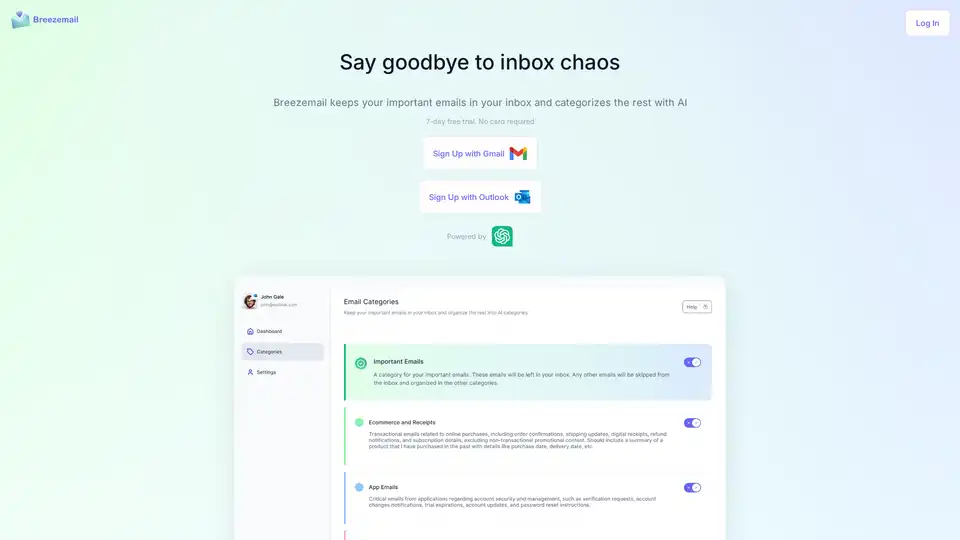
Breezemail uses AI to categorize your emails, keeping important ones in your inbox and organizing the rest into smart categories. Start your free trial today!
Clean Inbox for Gmail™ is a browser extension addon powered by GPT (ChatGPT) that filters spam, labels email categories, creates custom filters, and manages unwanted senders without reading email contents. Privacy-first, rated 4.8/5 by 150+ reviews and 20k+ users.
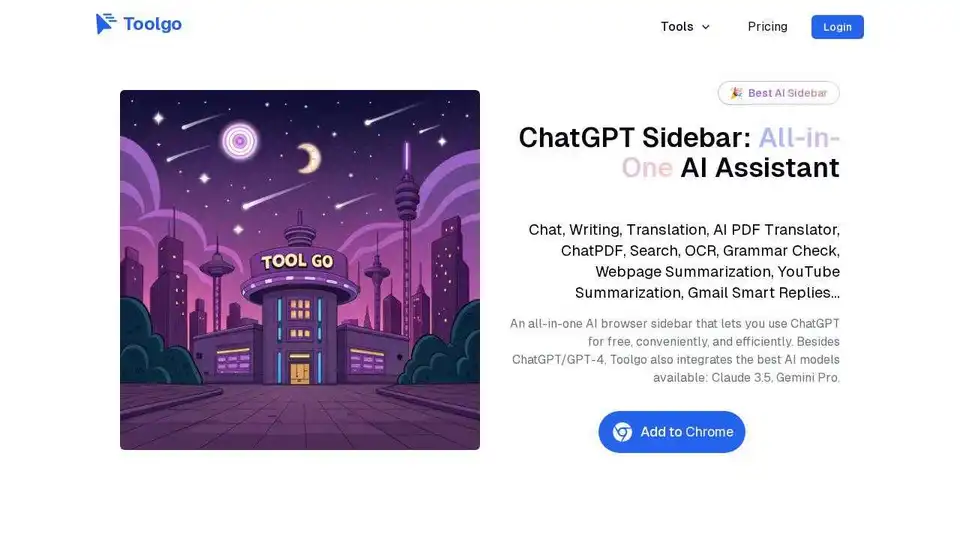
Toolgo is a free AI toolbox offering AI tools for chat, writing, translation, PDF processing with ChatPDF, summarization, and more, accessible as a browser sidebar.
GPT Workspace is a ChatGPT-powered browser extension for Google Docs, Sheets, Slides, and Gmail. Boost productivity with AI writing, data analysis, and presentation creation.
Arvin AI is a free ChatGPT Chrome extension powered by GPT-4o, offering an AI assistant for AI art, summaries, and content creation. Try it now!
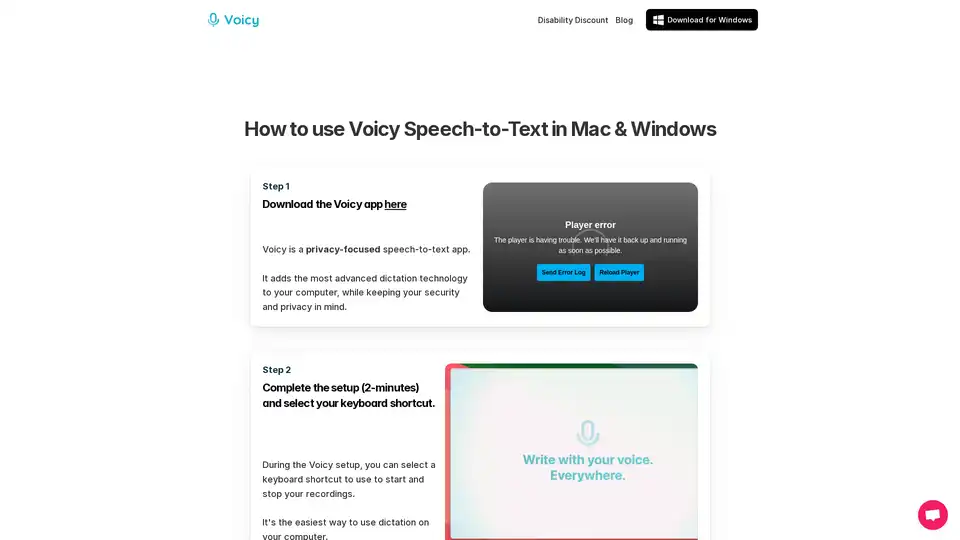
Voicy is an AI-powered speech-to-text app for Mac, Windows, and Chrome. It enables voice dictation on 20,000+ websites and apps, offering 99% accuracy in 50+ languages, automatic punctuation, and privacy-focused operation.