
Cursor
Overview of Cursor
What is Cursor?
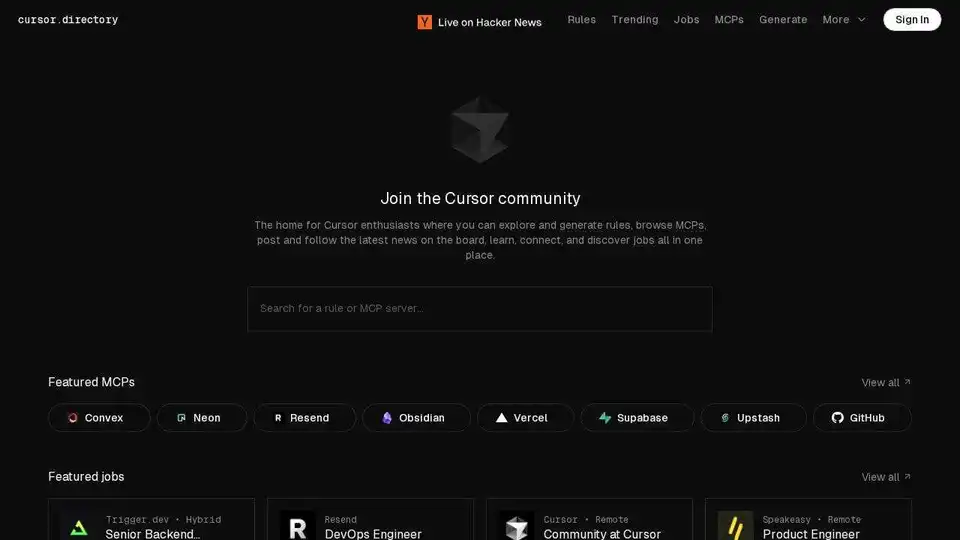
Cursor is an AI-powered code editor designed to help developers code faster and more efficiently. The Cursor directory serves as a central hub for Cursor enthusiasts, providing resources and tools to enhance the coding experience.
Key Features:
- Custom Rules: Explore and generate custom rules to tailor Cursor to your specific coding needs.
- MCP Servers: Browse MCP (Multiplayer Coding Platform) servers to collaborate with other developers in real-time.
- Community Resources: Connect with a community of over 51,000 Cursor users to share knowledge, ask questions, and find solutions.
- Job Board: Discover job opportunities related to Cursor and AI-powered development.
How to Use Cursor:
- Download and Install: Download the Cursor code editor from the official website.
- Explore Rules: Use the Cursor directory to find and generate custom rules to automate repetitive tasks and enforce coding standards.
- Join an MCP Server: Connect to an MCP server to collaborate with other developers on coding projects.
- Engage with the Community: Participate in the Cursor community to learn from other users and contribute your own knowledge.
Why is Cursor Important?
Cursor streamlines the coding process by leveraging AI to automate tasks, provide intelligent code suggestions, and facilitate collaboration. It helps developers write better code faster, reducing development time and improving overall productivity.
Where Can I Use Cursor?
Cursor can be used for a wide range of coding tasks, including:
- Web development
- Mobile app development
- Backend development
- Data science
- Machine learning
It supports various programming languages, including Python, JavaScript, TypeScript, and more.
Best Way to Get Started with Cursor:
- Visit Cursor Directory: cursor.directory
- Install Cursor: Download and install the code editor.
- Explore Rules: Find or create rules to automate coding tasks.
- Join the Community: Connect with other Cursor users for support and collaboration.
Best Alternative Tools to "Cursor"
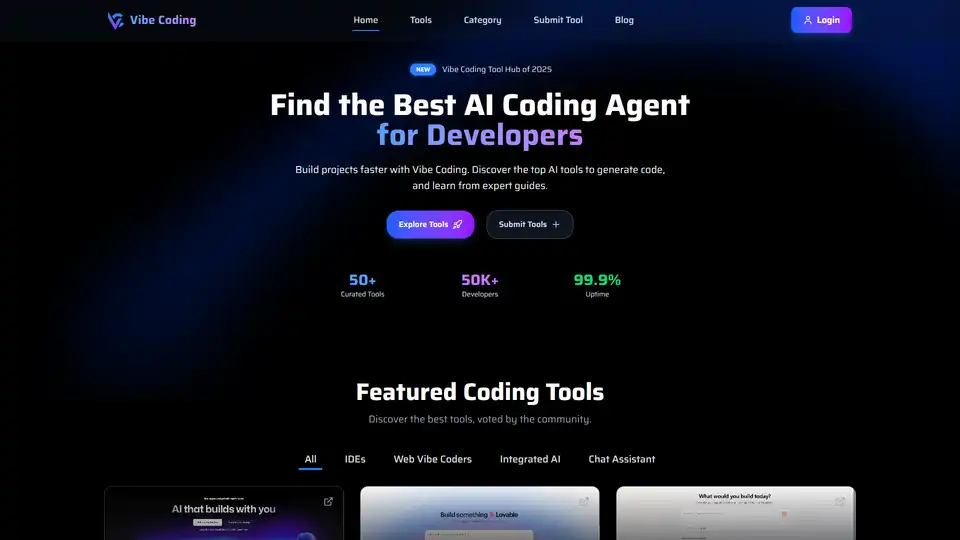
Discover Vibe Coding, a platform with AI coding tools to generate code using natural language. Explore top AI tools and expert guides to build projects faster.
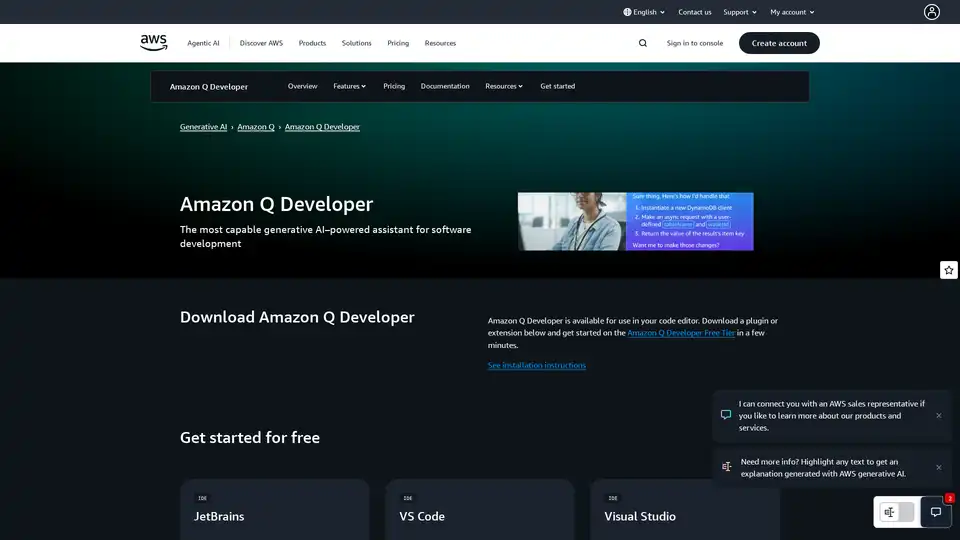
Amazon Q Developer is a generative AI-powered assistant on AWS for software development, offering features like code implementation, testing, and refactoring to accelerate development lifecycle.
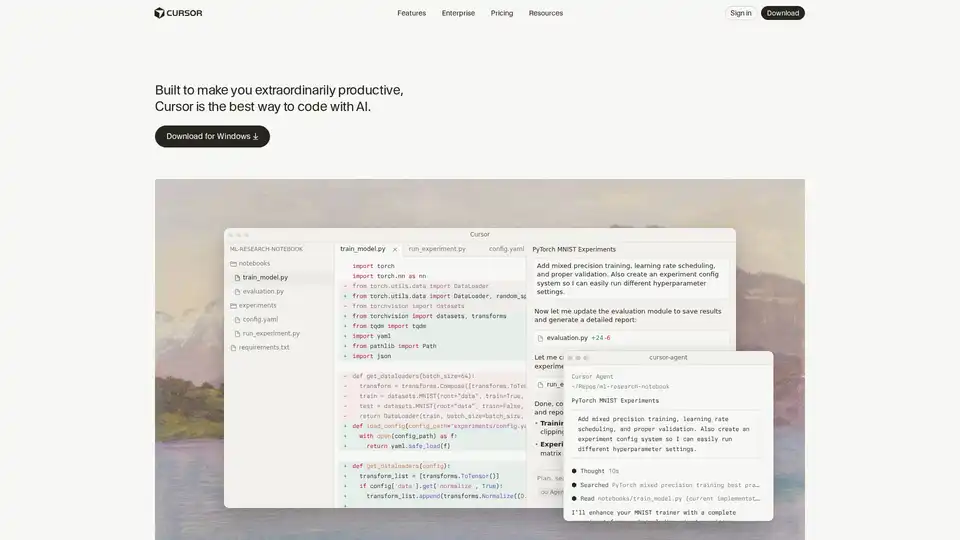
Cursor is the ultimate AI-powered code editor designed to boost developer productivity with features like intelligent autocomplete, agentic coding, and seamless integrations for efficient software building.
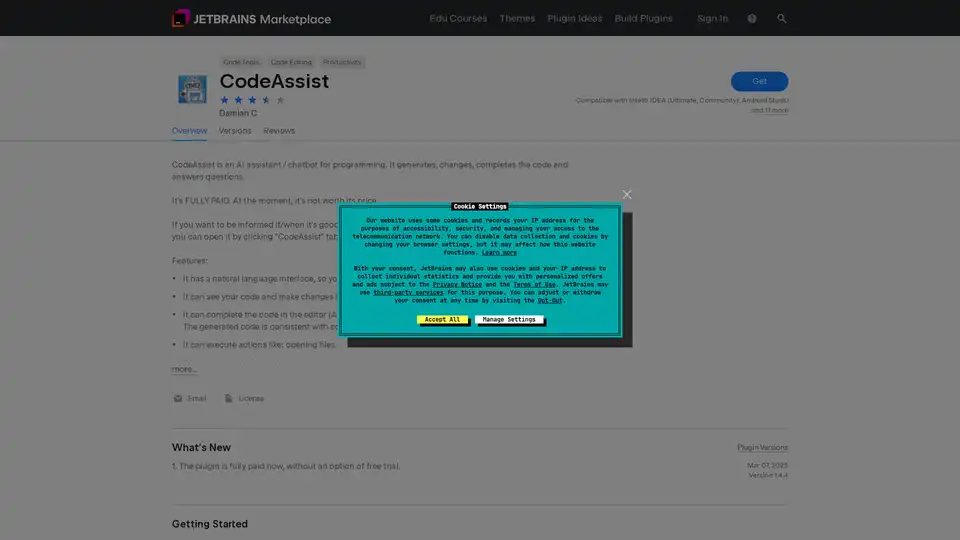
CodeAssist is an AI programming assistant plugin for JetBrains IDEs that generates, modifies, and completes code while answering programming questions through natural language interface.
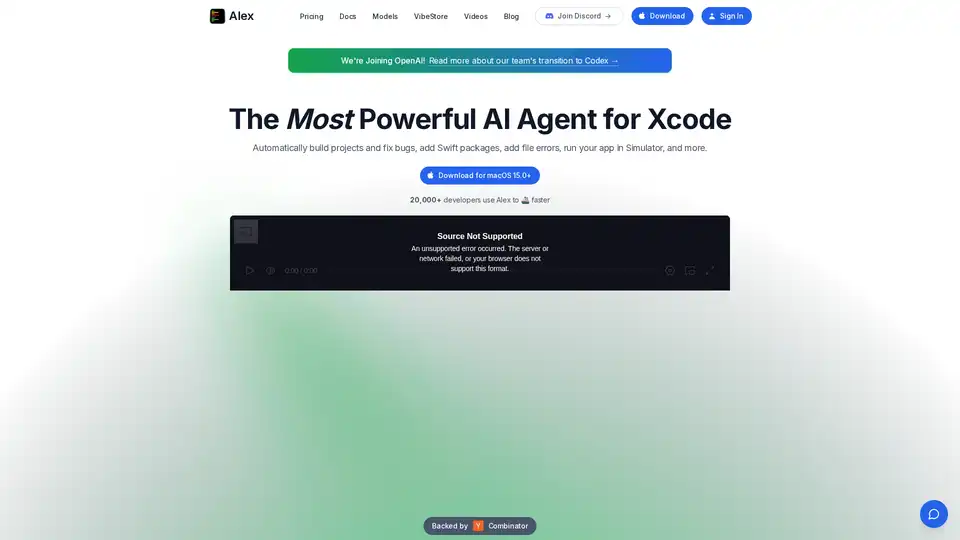
Alex is the ultimate tool for iOS and Swift app development, empowering developers with AI for Xcode to streamline workflows, tackle complex coding challenges, and boost productivity. Discover what makes it an essential asset for modern app creation.
Toolmark AI is a no-code platform to build custom AI tools using GPT-4o and other models. Create text, image, and voice AI apps without coding. Ideal for automating workflows and enhancing websites with AI.
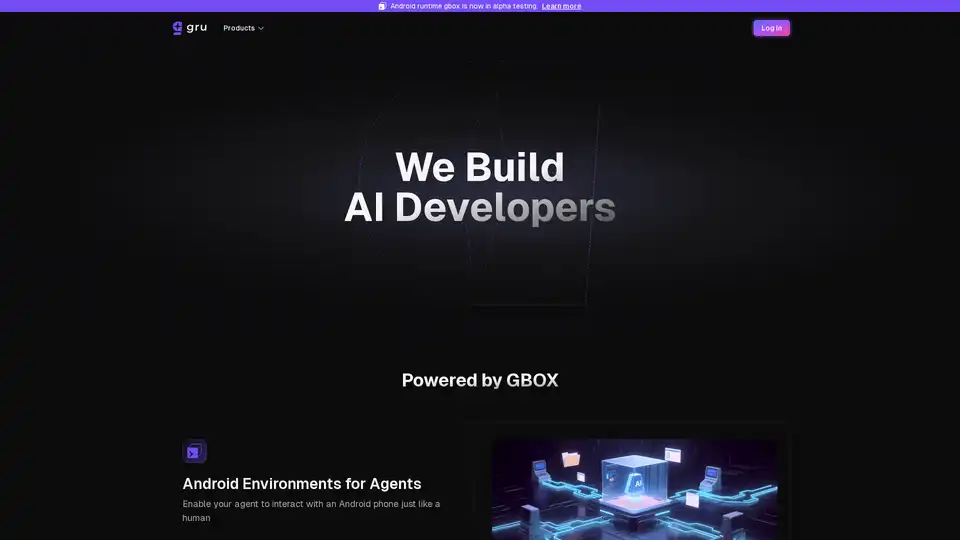
Gru.ai is an advanced AI developer tool for coding, testing, and debugging. It offers features like unit test generation, Android environments for agents, and an open-source sandbox called gbox to boost software development efficiency.
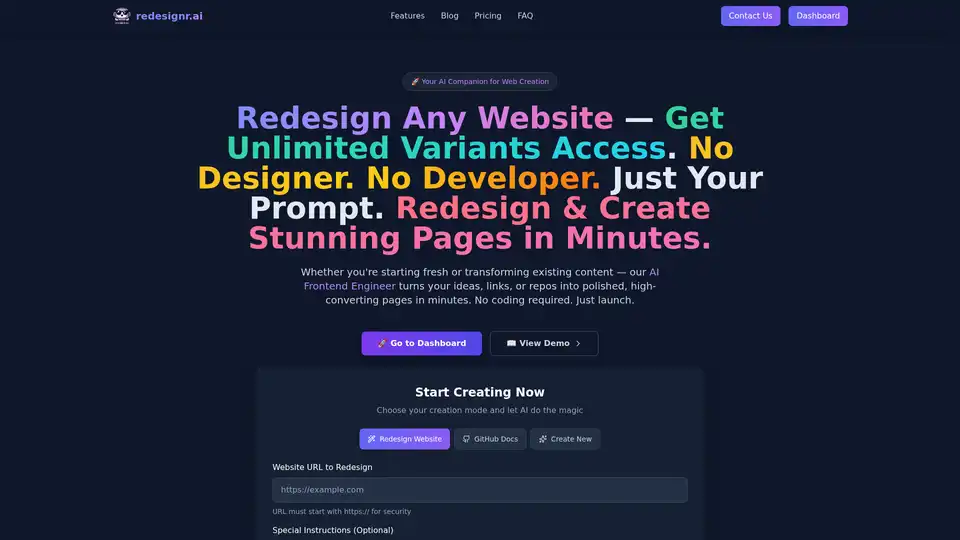
redesignr.ai is an AI-powered platform that instantly redesigns websites with modern, conversion-optimized designs without coding. Ideal for businesses seeking fast results.
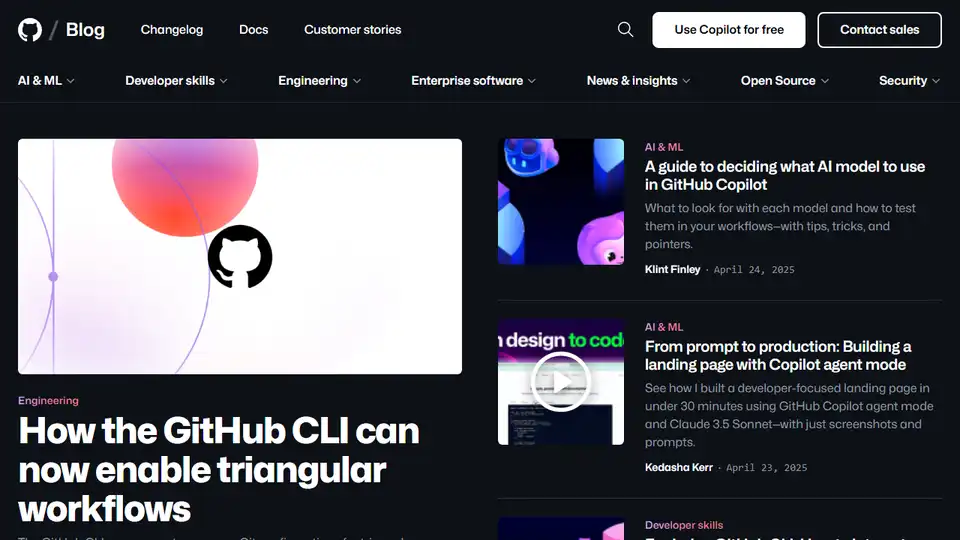
GitHub Blog: Updates, ideas, and inspiration for developers. Discover how GitHub Copilot streamlines code reviews.
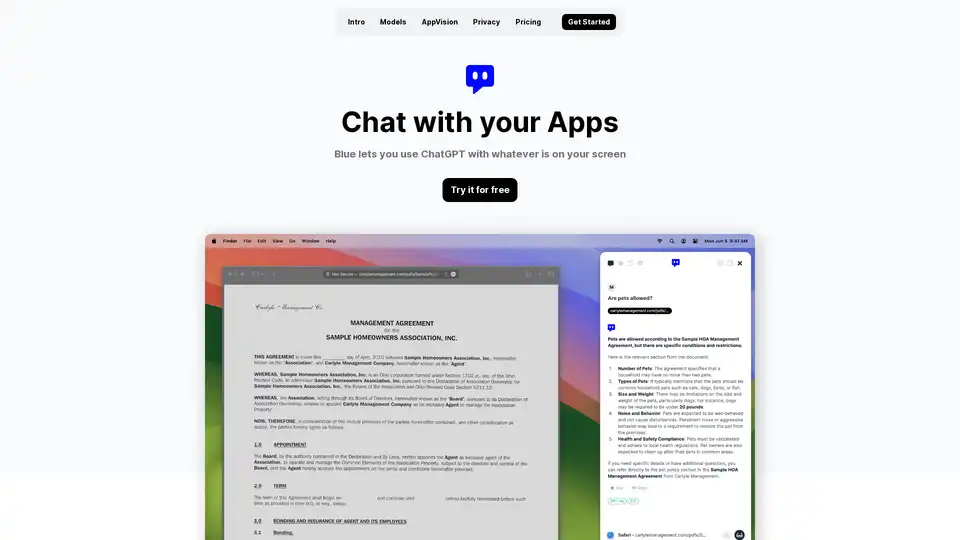
Discover Blue, the ChatGPT for Mac app that integrates AI into your workflow with AppVision for screen analysis, superior privacy, and GPT-4o models—all without leaving your apps.
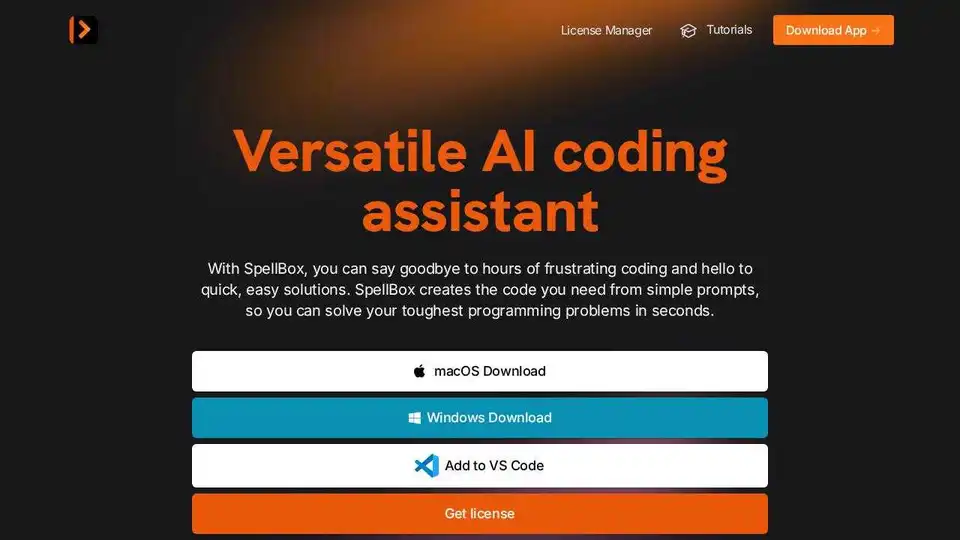
SpellBox is an AI programming assistant that uses artificial intelligence to generate code from simple prompts. Solve coding problems faster with code generation, explanation, and bookmarking.
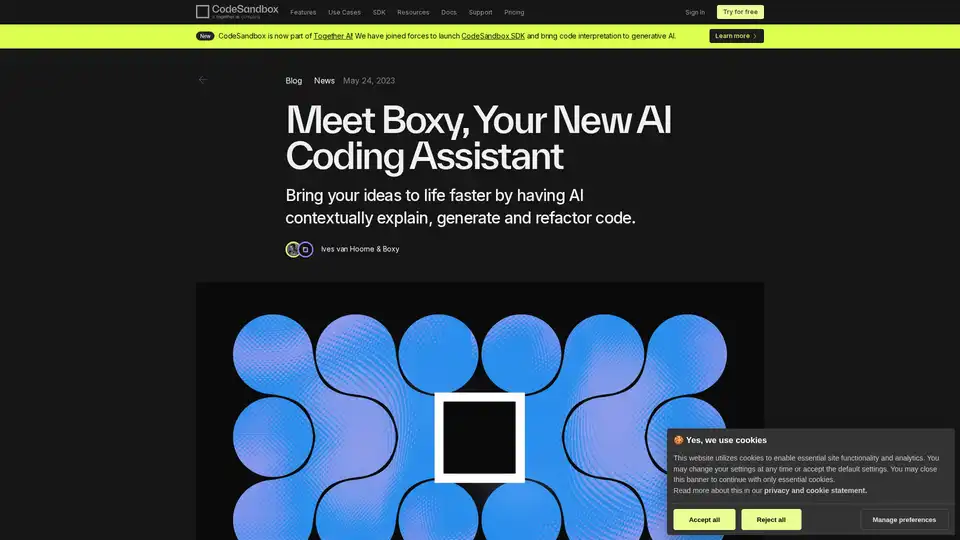
Bring your ideas to life faster by having AI contextually explain, generate and refactor code.
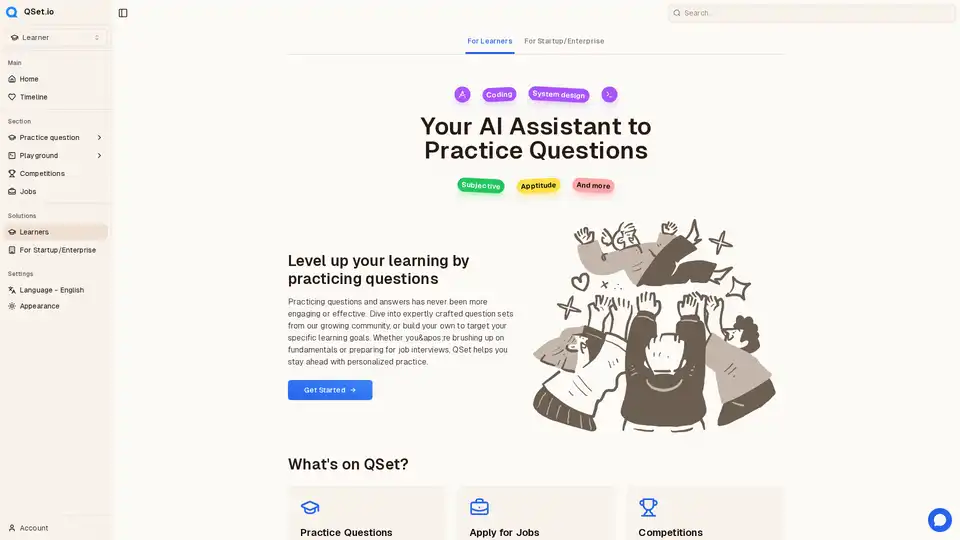
QSet.io is your ultimate platform for practicing questions and answers, receiving detailed answer evaluations, and preparing effectively for interviews. Enhance your skills, build confidence, and achieve success in your job interviews with our comprehensive practice tools and resources.
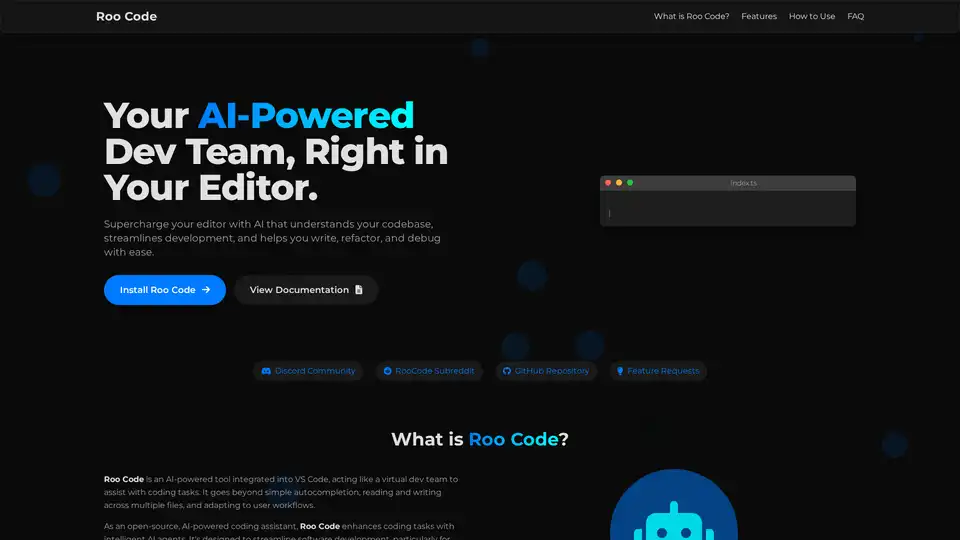
Roo Code is an open-source AI-powered coding assistant for VS Code, featuring AI agents for multi-file editing, debugging, and architecture. It supports various models, ensures privacy, and customizes to your workflow for efficient development.