
Goodnotes
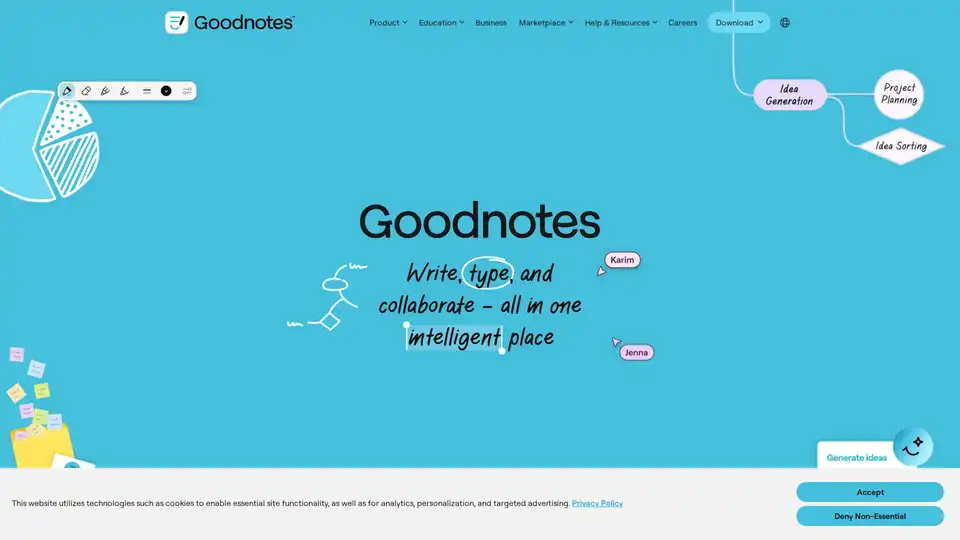
Overview of Goodnotes
Goodnotes: The AI-Powered Note-Taking App for Enhanced Productivity
What is Goodnotes?
Goodnotes is a leading digital note-taking application that combines the flexibility of handwritten notes with the power of AI to help users capture ideas, organize information, and collaborate effectively. Loved by millions worldwide, Goodnotes is available on iOS, iPadOS, Mac, Windows, Android, and Web, offering a seamless experience across devices.
How does Goodnotes work?
Goodnotes leverages a variety of input methods including typing, handwriting (digital using a stylus), voice recording and inserting images. This allows users to create rich, multi-modal notes tailored to their individual preferences and needs. The platform's renowned digital handwriting feature ensures a natural and responsive experience, mimicking the feel of writing on paper.
Key Features and Benefits of Goodnotes:
- AI-Powered Productivity:
- Goodnotes AI assists in understanding, organizing, and enhancing notes. This feature is particularly useful for summarizing meeting notes or creating faster first drafts.
- Collaboration without Constraints:
- Designed for real-time collaboration, Goodnotes enables teams to brainstorm, conduct remote workshops, and stay connected as ink, text, and comments appear instantly.
- Versatile Note-Taking:
- Users can create digital notebooks, whiteboards, and text documents, making Goodnotes suitable for various tasks and scenarios.
- Multimedia Integration:
- Capture every detail with the flexibility of voice recordings, typed text, or Goodnotes' digital handwriting.
- Study Tools:
- Take searchable, handwritten notes directly on lecture slides, record audio synced to notes, and convert notes into smart flashcards for effective revision.
Use Cases:
- Studying: Ideal for students who need to take notes during lectures, create flashcards, and organize study materials.
- Teaching: Teachers can use Goodnotes to create interactive lessons, share notes with students, and provide feedback in real-time.
- Journaling: A perfect tool for personal reflection, idea logging, and creative writing.
- Meetings: Efficiently capture and organize meeting notes, ensuring all team members stay informed and aligned.
- Teams: Facilitates seamless collaboration on projects, brainstorms, and workshops.
Why Choose Goodnotes?
Goodnotes stands out as a versatile and user-friendly note-taking app, thanks to its AI-driven features, seamless collaboration capabilities, and cross-platform compatibility. Whether you're a student, teacher, professional, or creative thinker, Goodnotes offers the tools you need to stay organized, productive, and connected.
Who is Goodnotes for?
- Students: For taking lecture notes, creating flashcards, and organizing study materials.
- Teachers: To create interactive lessons, share notes, and provide feedback.
- Professionals: For capturing meeting notes, brainstorming ideas, and collaborating with teams.
- Creative Thinkers: For journaling, idea logging, and creative writing.
Best way to get started with Goodnotes?
Simply download the app from the Goodnotes website or your preferred app store (iOS, iPadOS, Mac, Windows, or Android). Create an account, and start creating your first notebook. Explore the various features and tools to customize your note-taking experience. Consider upgrading to a premium plan for access to advanced AI features and unlimited notebooks.
With its intuitive interface and powerful features, Goodnotes transforms the way you take and manage notes, making it an indispensable tool for anyone seeking to enhance their productivity and creativity.
Best Alternative Tools to "Goodnotes"
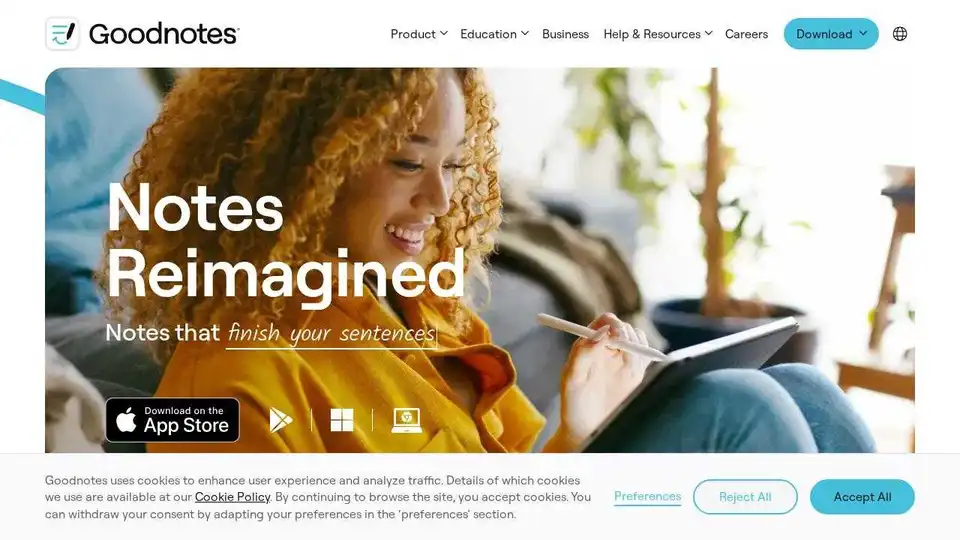
Discover Goodnotes 6, the AI note-taking app loved by millions worldwide. Features handwriting recognition, spellcheck, and cross-device compatibility. Try it today!
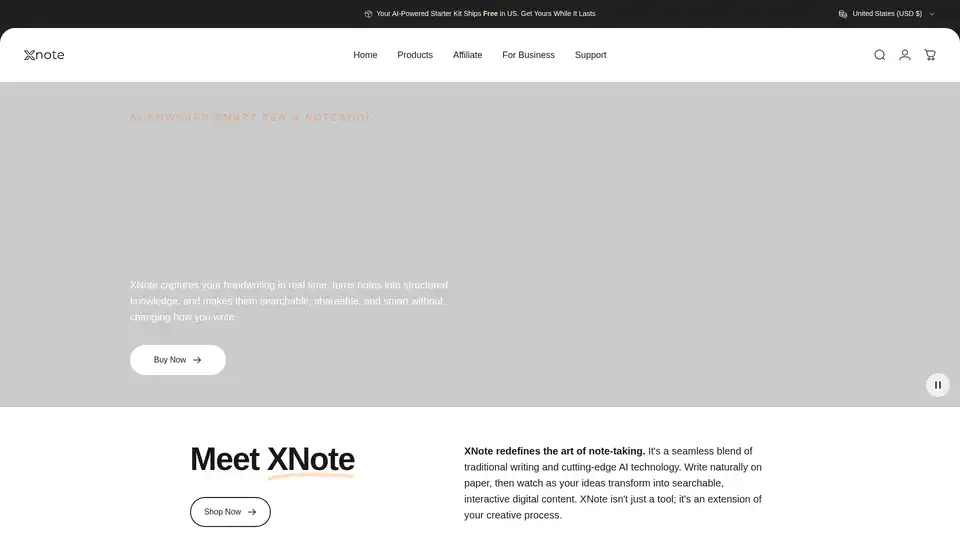
XNote is an AI-powered smart pen and notebook that captures handwriting in real time, turning notes into searchable, shareable, and smart digital content. It bridges traditional writing with AI technology.
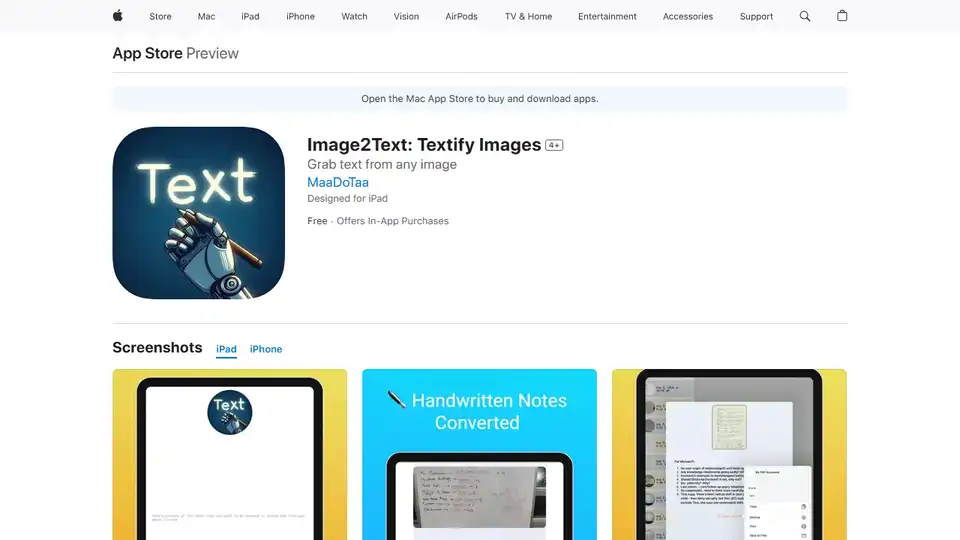
Transform handwritten notes, whiteboards, and more into digital text with Image2Text. AI-powered OCR accurately converts images to clear, organized PDFs. Download now for effortless note-taking!
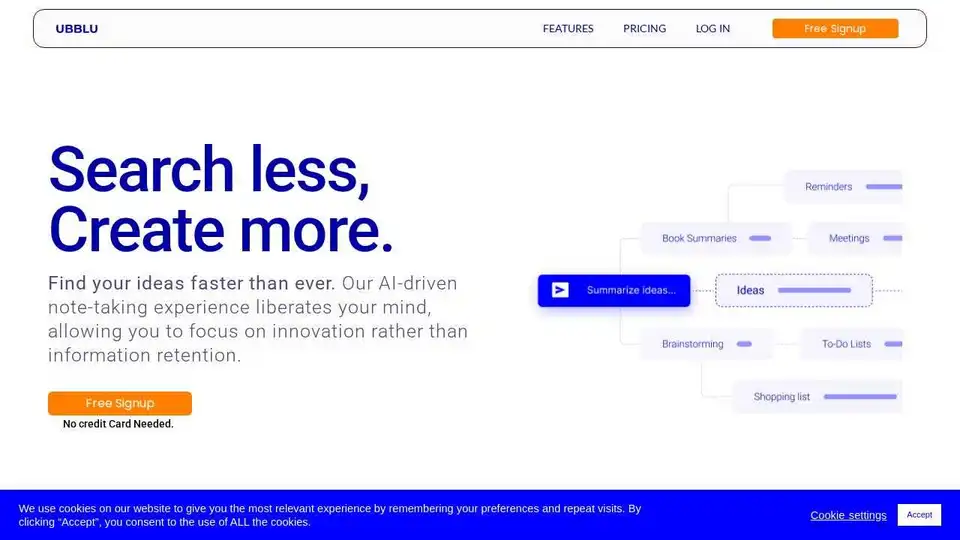
Ubblu is an AI-driven note-taking app that helps you capture, organize, and retrieve your ideas and information effortlessly. Features include intuitive notes, detailed cards, and smart tags for instant knowledge retrieval.
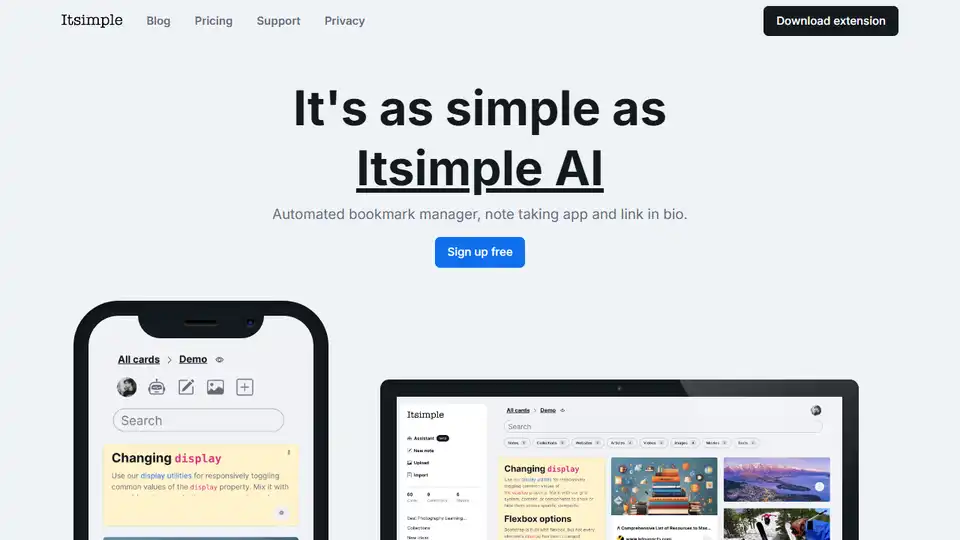
Itsimple AI is an AI-powered bookmark manager, note-taking app, and link in bio tool. It automatically organizes your thoughts, notes, and links. Includes a browser extension and a free version with 350 cards.
ProtoText is a free multifunctional app for creating notes, knowledge networks, presentations, portfolios, and more. It offers secure encryption, AI integration, and various export formats.
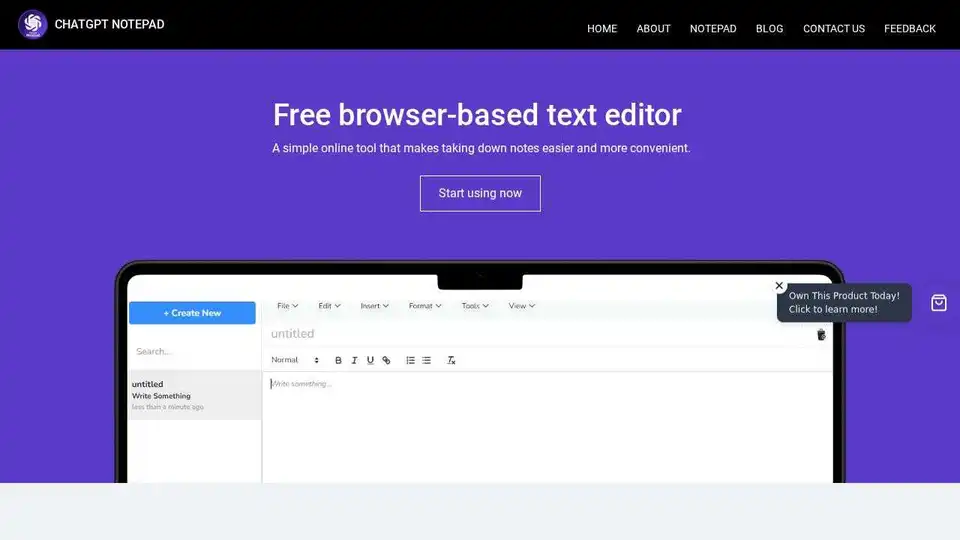
ChatGPT Notepad is a free online text editor and digital note-taking tool. Effortlessly jot down, organize, and manage your notes anytime, anywhere. Clean interface and auto-cleanup feature.
Kaya lets you create a personal AI trained on your notes, data, and content. Ask questions, get inspiration, and learn like never before with an AI that knows you and shares your knowledge.
Sort My Thoughts is an AI-powered personal assistant that organizes thoughts, tasks, and schedules to boost productivity. Enjoy smart reminders, daily summaries, seamless syncing, and intuitive search for effortless organization.
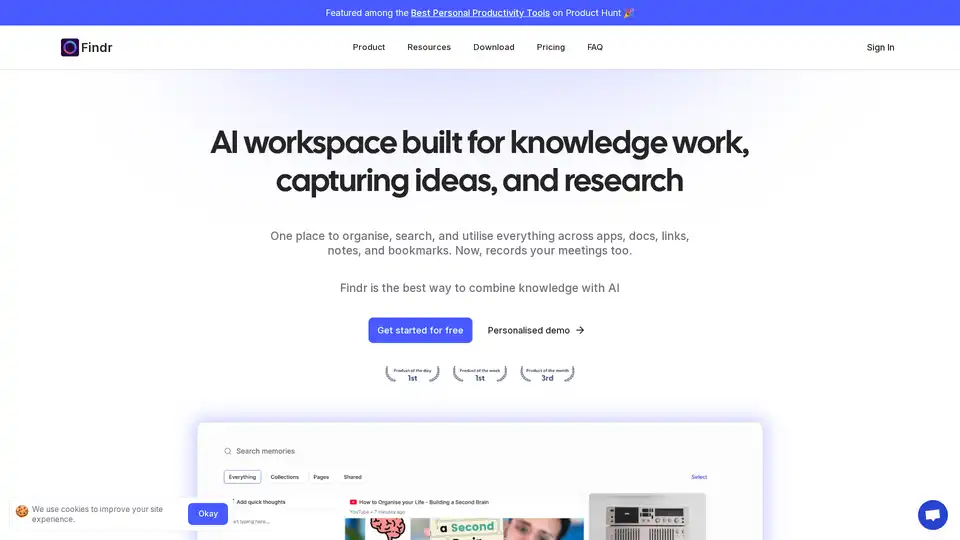
Findr is an AI-powered workspace that helps you organize, search, and utilize your knowledge across apps, docs, links, and notes. It serves as a second brain, capturing ideas and enabling instant recall through AI search and personalized organization.
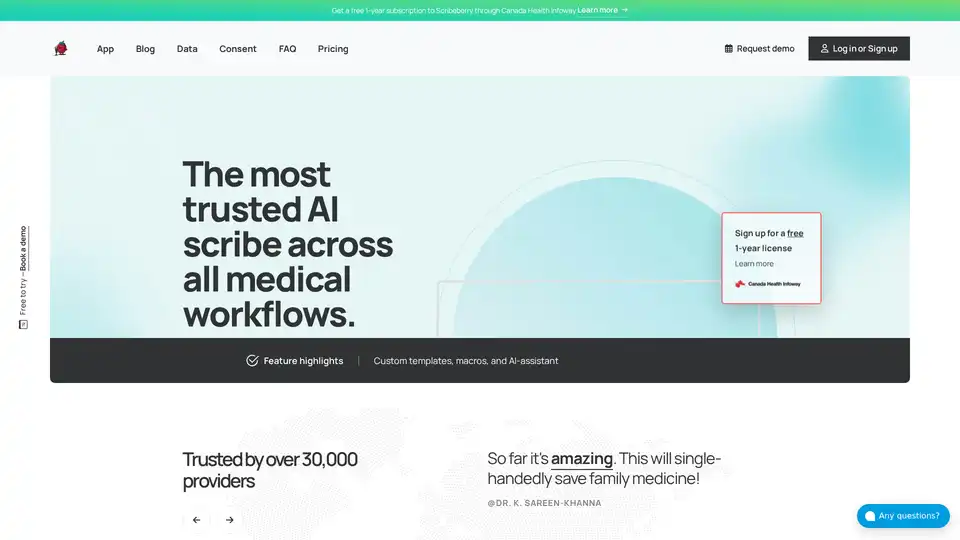
Scribeberry is an AI-powered medical scribe tool that automates charting, documentation, and patient intakes for healthcare professionals, saving over 2 hours daily with EMR integrations and HIPAA compliance.
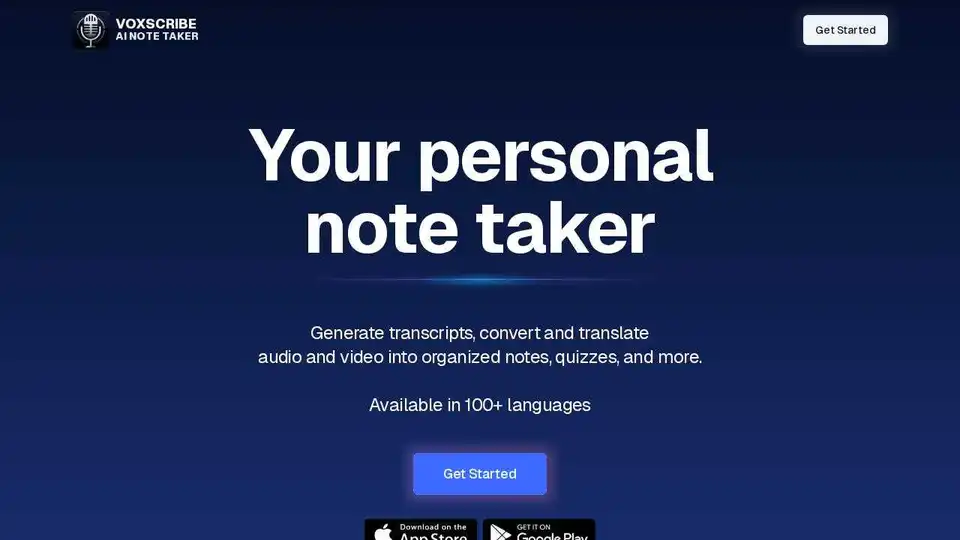
Unlock the full potential of your spoken words and YouTube videos with Voxscribe, the ultimate AI-powered note-taking and transcription tool. Convert audio to text and create engaging content.
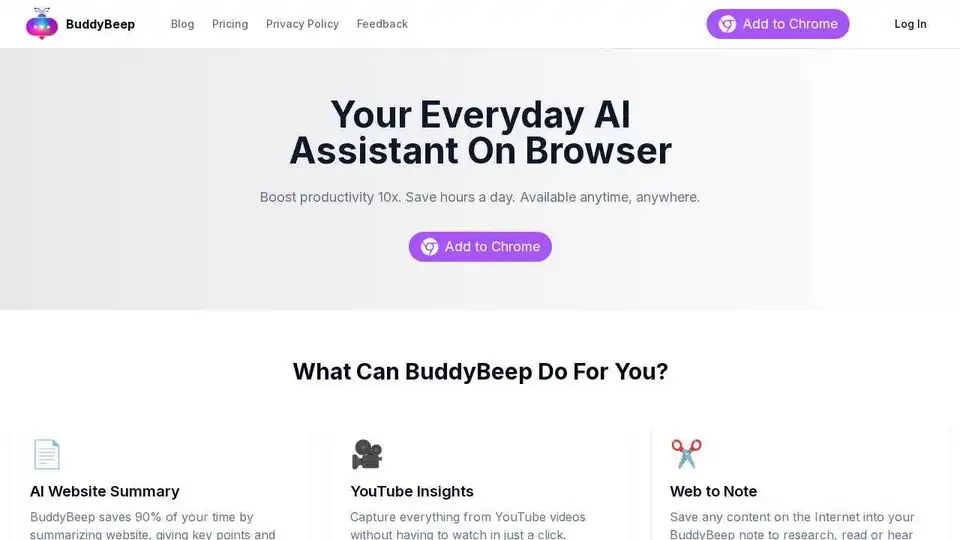
BuddyBeep: AI-powered Chrome extension for smart browsing. Summarize websites, get YouTube insights, and access an AI Prompt Library for enhanced productivity.
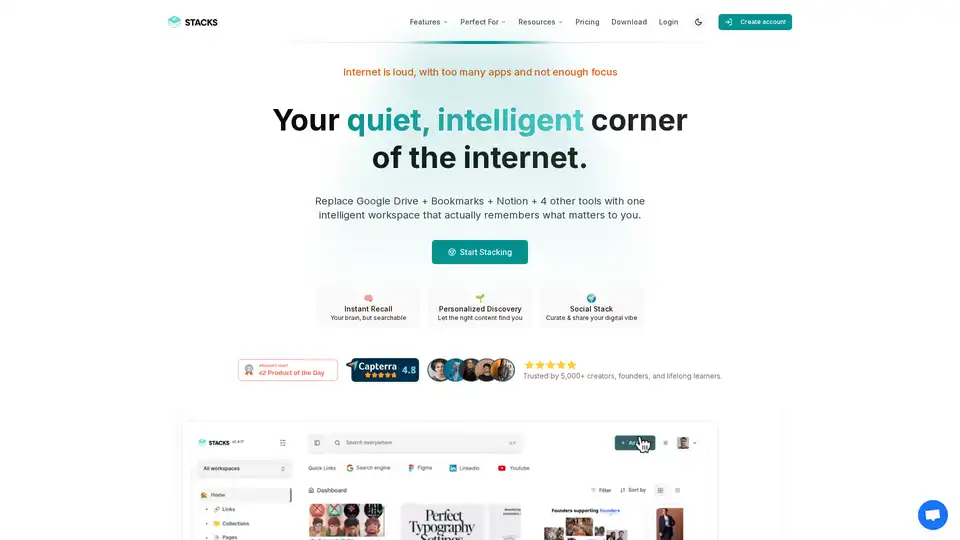
Stacks is an AI-powered workspace that combines bookmarking, note-taking, and file management. It helps users organize their digital information, discover connections, and share their insights with others.