
Groupthink
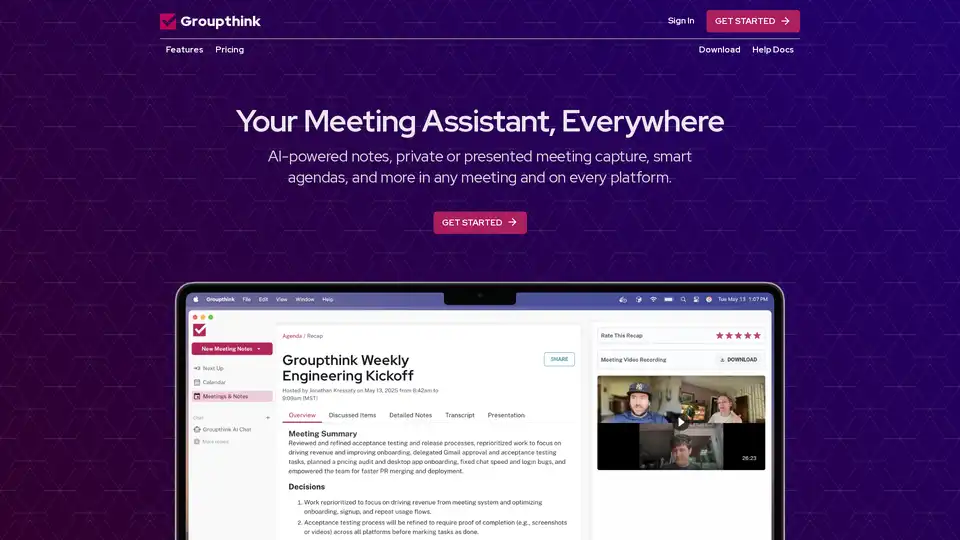
Overview of Groupthink
Groupthink: The AI Meeting Assistant That Works Your Way
What is Groupthink? Groupthink is an AI-powered meeting assistant designed to enhance productivity and streamline your meetings. Whether you prefer private note-taking or presenting meeting captures, Groupthink adapts to your style across various platforms. This tool aims to eliminate the hassle of manual note-taking, allowing you to focus on leading and participating in the conversation.
Key Features and Benefits
- AI-Powered Notes & Transcription: Groupthink automatically transcribes your meetings and identifies action items, assigning them to the relevant participants. This ensures accurate records and clear accountability.
- Smart Agenda Management: The tool auto-generates agendas from calendar events, helping you keep discussions on track with clearly defined objectives. This feature promotes better organization and efficiency during meetings.
- Instant Meeting Summaries: Immediately after your meeting ends, Groupthink provides summaries that include key decisions and action items, making it easy to follow up and stay informed.
- Private Notes: Perfect for sensitive client meetings, Groupthink allows you to take private notes on your desktop without anyone else knowing.
- Powerful AI Chat: Ask Groupthink’s AI assistant questions about past meetings or any general knowledge topic, similar to using ChatGPT or Claude.
- Meeting Dossiers: Receive personalized meeting briefings 24 hours before your meetings. These dossiers offer enriched information about attendees, helping you have more meaningful conversations.
How Does Groupthink Work?
Groupthink leverages AI to automate various aspects of meeting management. Here’s a breakdown of its core functionalities:
- Transcription and Note-Taking: Utilizing advanced AI, Groupthink transcribes conversations in real-time with speaker identification. This feature ensures that all important details are captured without the need for manual typing.
- Agenda Creation: By integrating with your calendar, Groupthink automatically pulls event details to create structured agendas with clear items, owners, and priorities.
- Action Item Identification: The AI identifies action items discussed during the meeting and automatically assigns them to the appropriate participants.
- Summarization: After the meeting, Groupthink generates comprehensive summaries, highlighting key decisions, action items, and assigned owners. This makes it easy to share with absent team members and maintain a searchable archive of all meetings.
- AI Chat: Users can ask Groupthink's AI assistant specific questions about past meetings, leveraging cutting-edge large language models to get instant answers.
Integration with Favorite Tools
Groupthink seamlessly integrates with popular platforms, including:
- Google Calendar: Automatic agenda creation.
- Slack: Meeting notifications.
- Outlook: Calendar integration.
- Zoom: Meeting notes.
- Google Meet: Meeting transcription.
- Microsoft Teams: Meeting integration.
Who is Groupthink For?
Groupthink is designed for professionals who want to:
- Enhance meeting productivity.
- Eliminate manual note-taking.
- Keep discussions on track.
- Ensure clear accountability.
- Access meeting information from any platform.
Why Choose Groupthink?
- Dual Note-Taking Options: Take notes privately or with a bot as a conference participant.
- Real-Time Transcription: Focus on the conversation while the AI captures everything important.
- Comprehensive Summaries: Clear summaries with decisions and action items assigned to participants.
- Smart, Automated Agendas: Create organized agendas with clear items, owners, and priorities.
- Powerful AI Chat: Get instant answers to meeting-related questions.
- Meeting Briefings: Get personalized meeting briefings delivered 24 hours before meetings to foster more meaningful conversations.
- Cross-Platform Accessibility: Access Groupthink from MacOS, Windows, iOS, and Android devices.
Pricing
Groupthink offers a free trial for the first 5 meetings. After that, it's just $15/month for unlimited use. This includes bot assistant, transcription, presented notes, and unlimited AI chat.
How to Use Groupthink?
- Sign Up: Visit the Groupthink website and sign up for a free account.
- Integrate: Connect Groupthink with your calendar and meeting platforms (e.g., Google Calendar, Zoom).
- Start Meeting: Start your meeting as usual; Groupthink's AI will automatically begin transcribing and capturing notes.
- Review: After the meeting, review the generated summary, action items, and transcript.
- Share: Share the meeting summary with your team members for follow-up.
Conclusion
Groupthink simplifies meeting management by automating note-taking, agenda creation, and summarization. Its AI-powered features ensure that no detail is missed, discussions stay on track, and participants are held accountable. For professionals seeking to enhance their meeting productivity, Groupthink provides a comprehensive solution that integrates seamlessly with existing workflows.
Best Alternative Tools to "Groupthink"

Colibri.ai is an AI co-pilot that automates meeting note-taking, provides AI-generated summaries, and offers conversation intelligence to enhance team collaboration and sales performance.
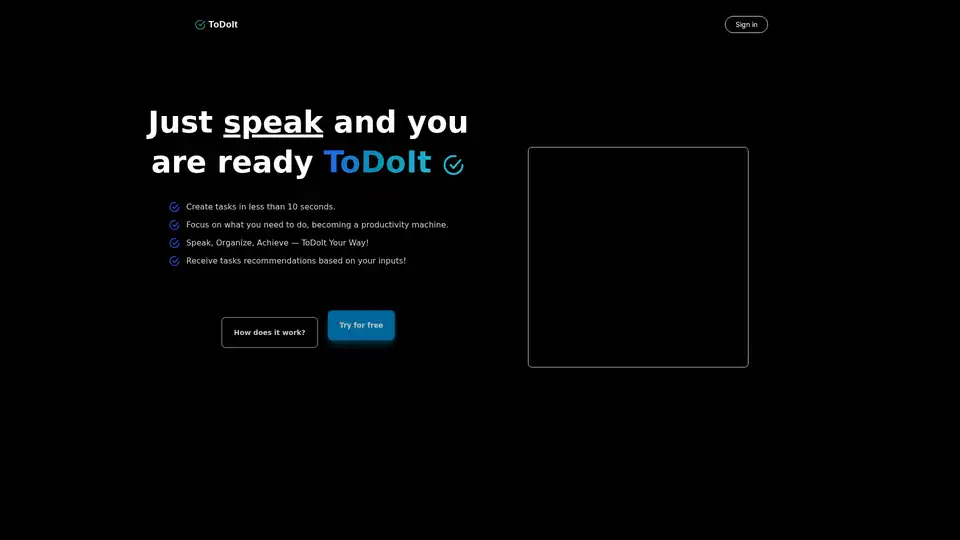
ToDoIt revolutionizes task management with AI voice transcription. Speak your goals, get instant organized lists and smart recommendations to boost productivity in under 10 seconds. Free trial available.
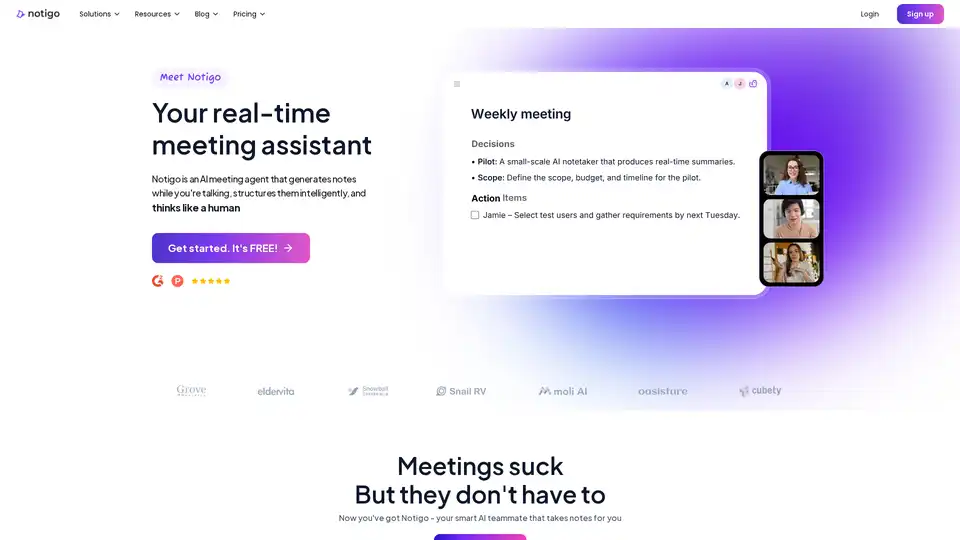
Notigo is an AI-powered real-time meeting assistant that listens, transcribes, and generates structured summaries instantly. Powered by GPT-4, it supports 52 languages with 97%+ accuracy, saving 90% time for professionals like PMs, consultants, and students.
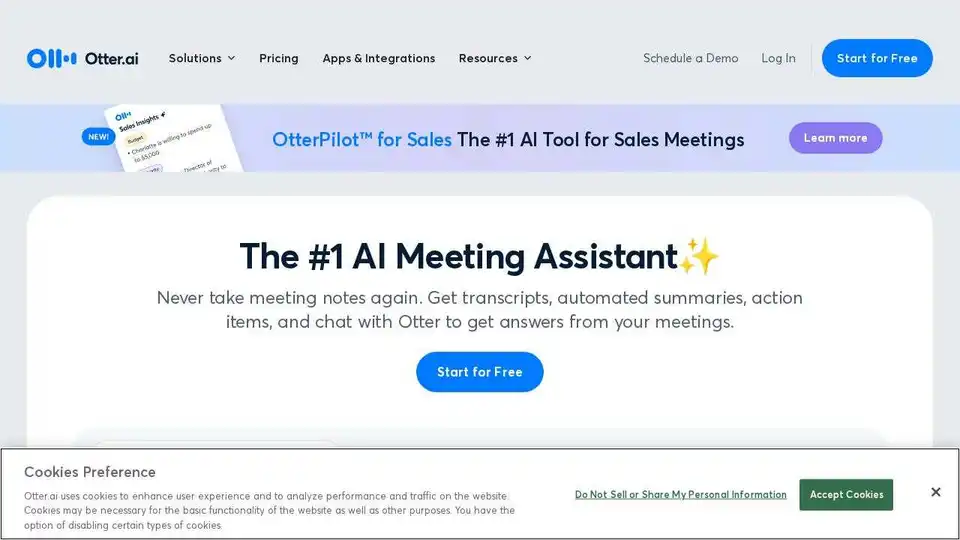
Otter AI Meeting Agent supports real-time transcription, live chat, automated summaries, insights, and action items.
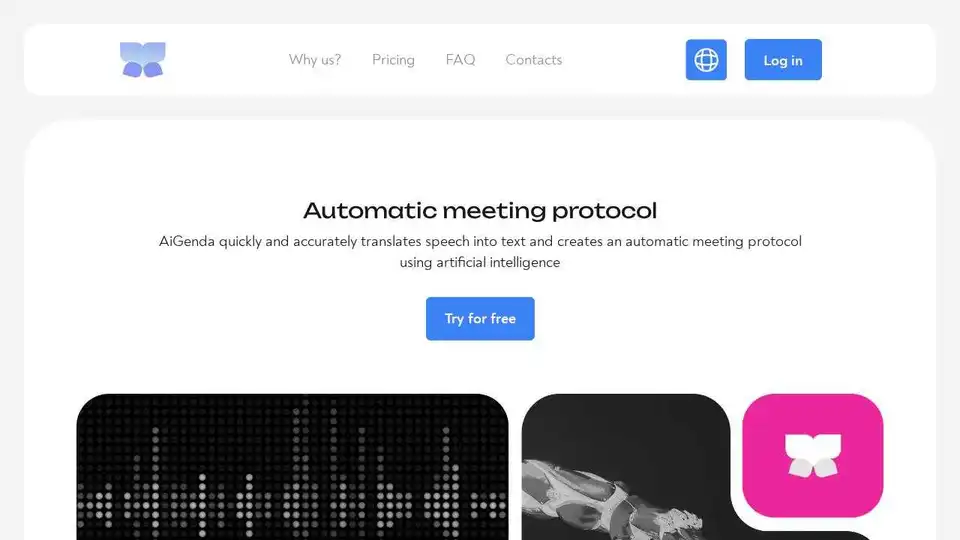
AiGenda AI meeting agent automatically captures key meeting moments, creates structured notes and insights, and saves hours on transcription.
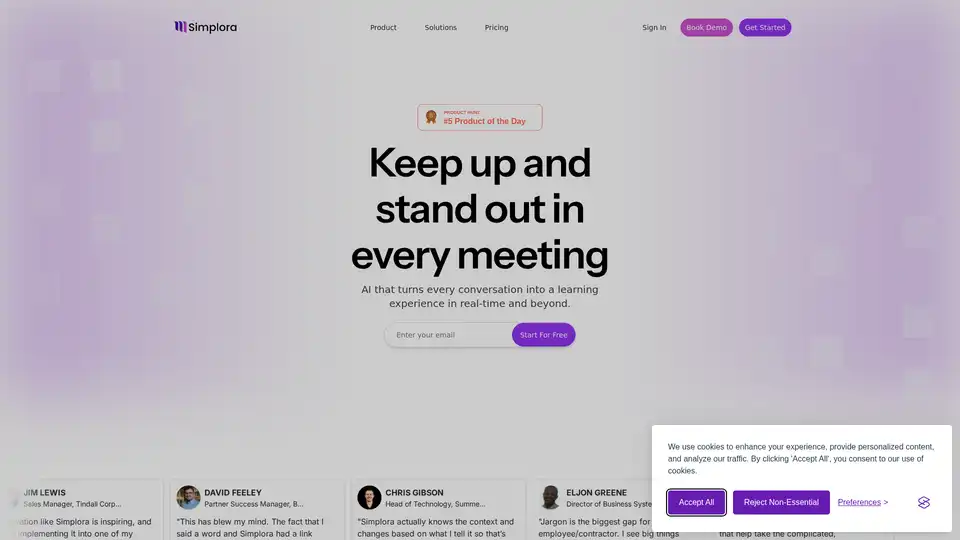
Simplora is a real-time AI meeting assistant that provides live transcription, explanations, and insights, turning every conversation into a learning experience. It adapts to your domain, role, and communication style.
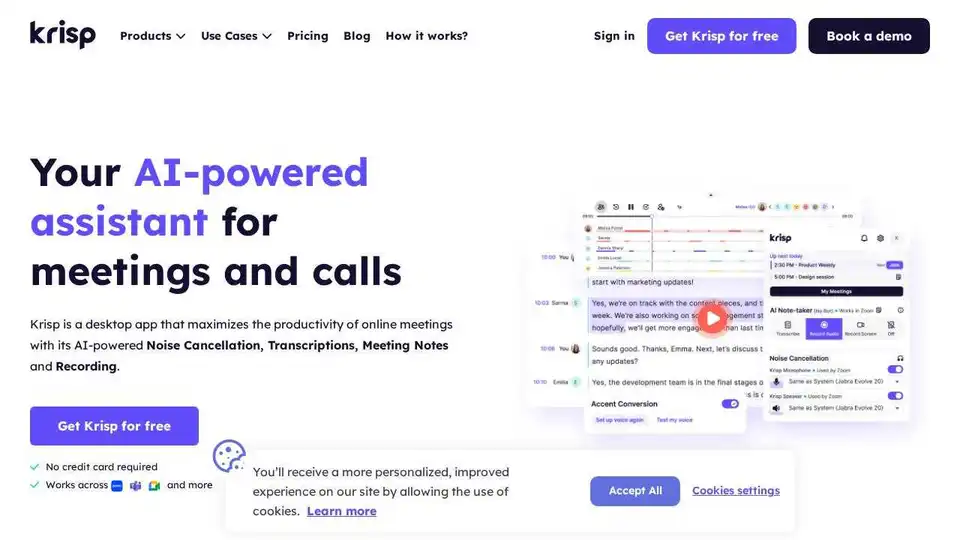
Krisp AI Meeting Assistant combines noise cancellation, transcription, meeting notes, summaries, and accent conversion. Enhance meeting productivity with AI.
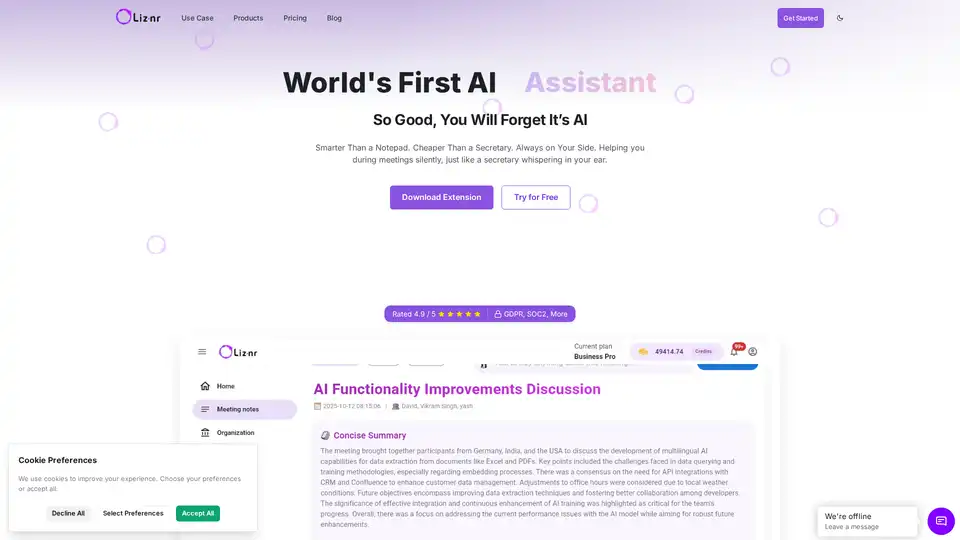
Liznr AI is a powerful meeting assistant that provides real-time transcription, personalized summaries, action items, and search across conversations. Integrates with CRM, Slack, and more for teams in sales, education, and recruiting.
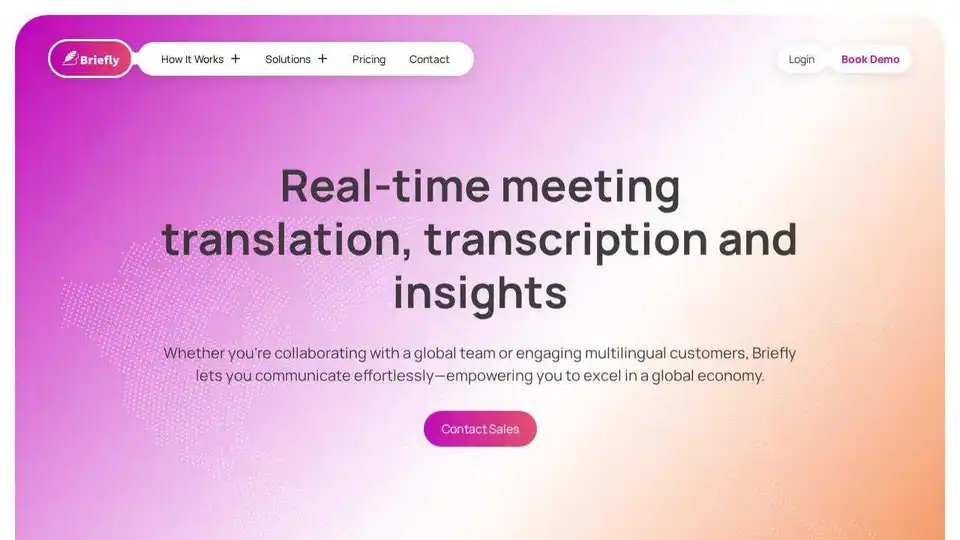
BrieflyAI is an AI-powered browser extension that provides real-time meeting translation, transcription, and insights. It generates summaries, action items, and follow-up emails to enhance meeting productivity.
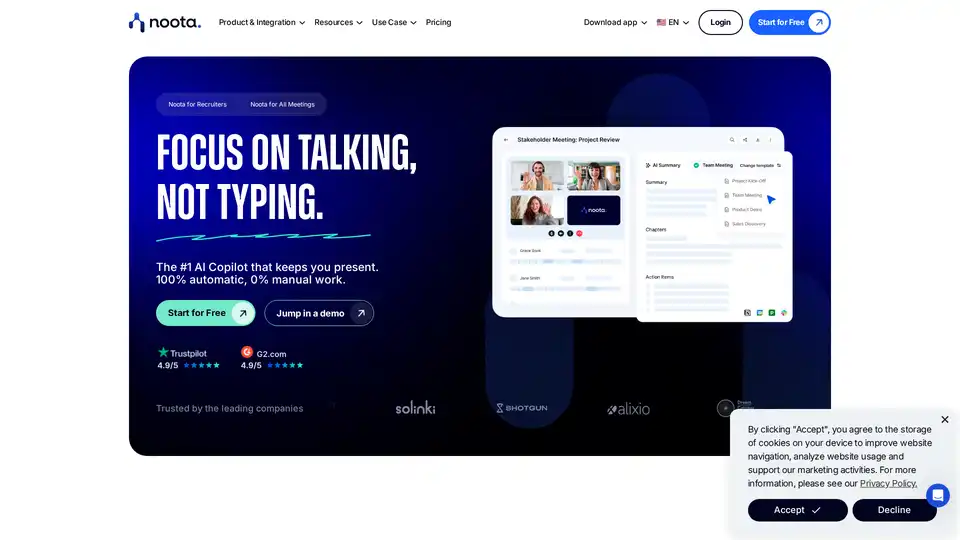
Noota is an AI-powered meeting assistant that automates notes, transcriptions, and summaries, integrates with popular tools, and enhances team productivity. Record, transcribe, and analyze meetings effortlessly.
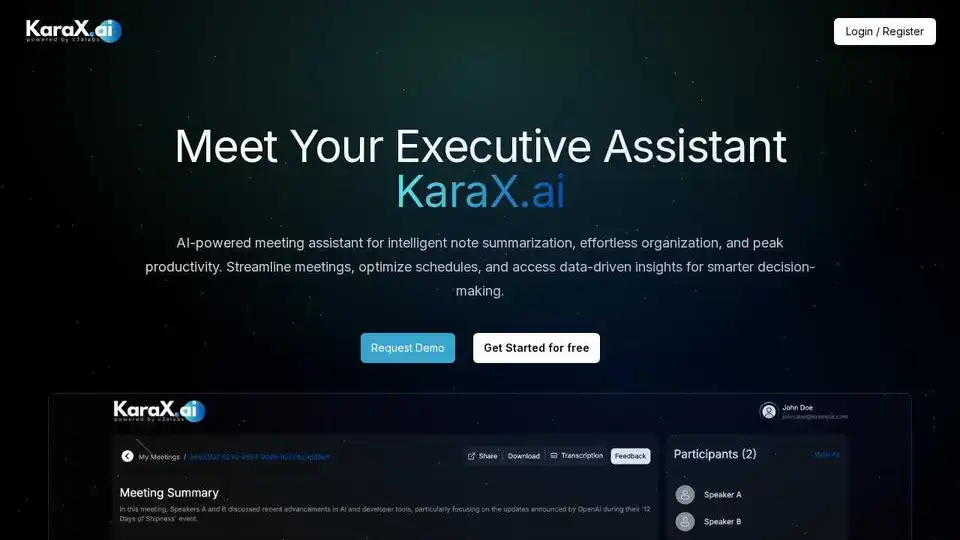
KaraX.ai is the best AI meeting assistant for teams, providing instant summaries, action items, and searchable transcripts for Zoom, Google Meet, and in-person meetings.
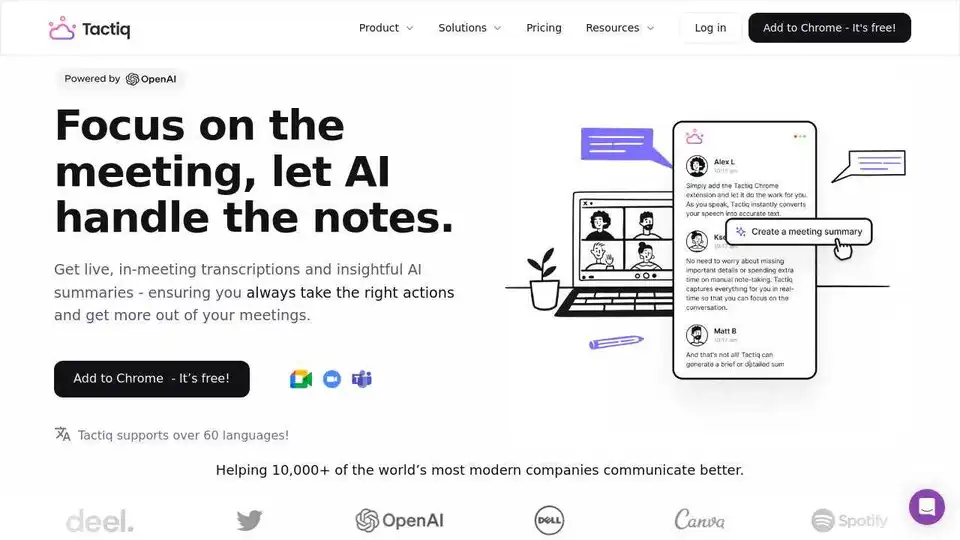
Tactiq.io is an AI meeting assistant for Google Meet, Zoom, and Teams. Get live transcripts, AI summaries, and action items to enhance meeting productivity. Free Chrome extension available.
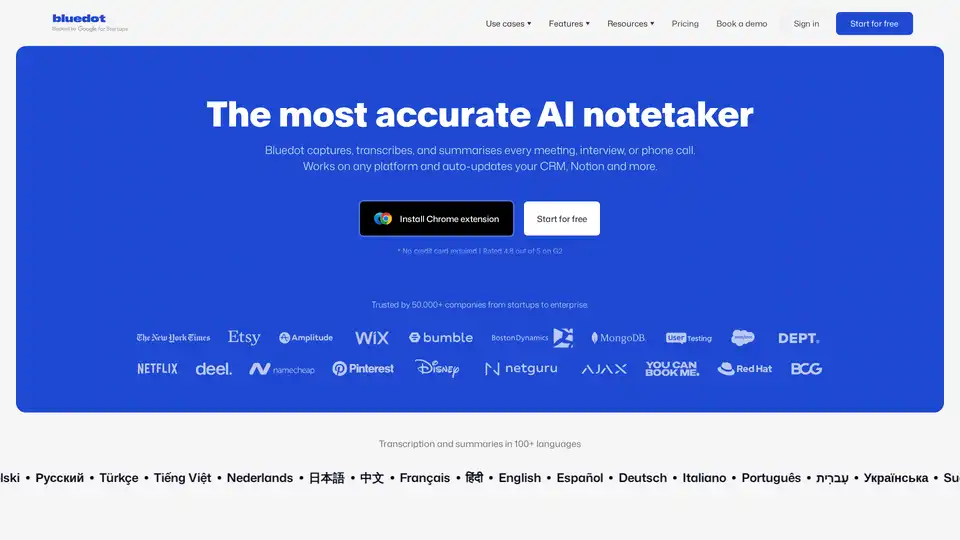
Bluedot AI Note Taker is a bot-free AI meeting assistant that automatically records, transcribes, and summarizes meetings with 99% accuracy. It works across all platforms and integrates with CRM systems.
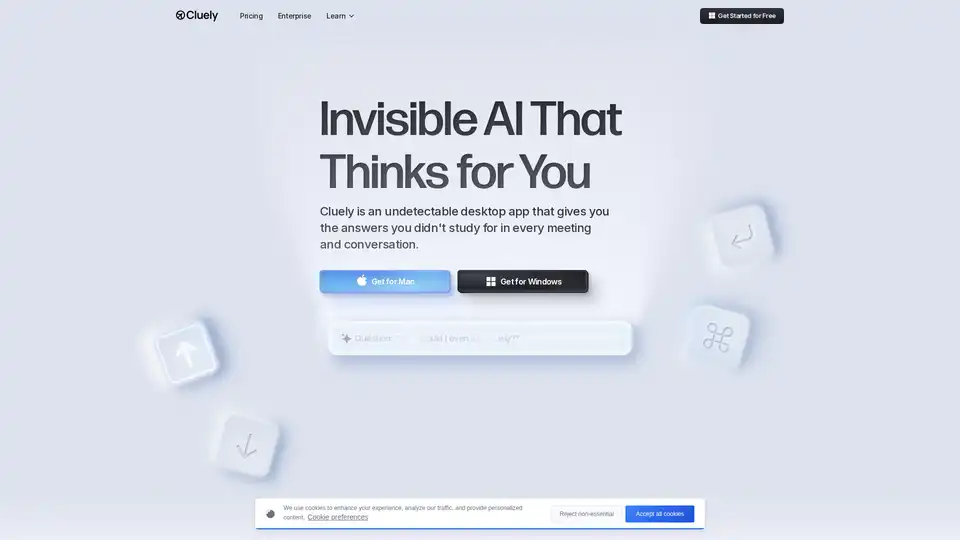
Cluely is an invisible desktop AI meeting assistant that provides real-time meeting notes, instant answers, and live insights during calls, helping professionals perform better in interviews, sales calls, and meetings.