
ImageTool
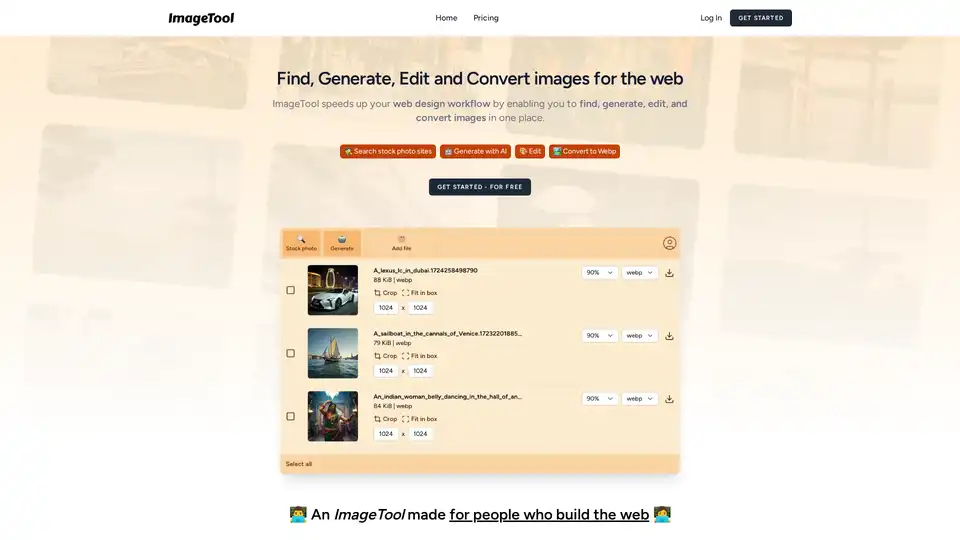
Overview of ImageTool
ImageTool: The All-in-One Solution for Web Image Management
What is ImageTool? ImageTool is designed to streamline the web design workflow by providing a comprehensive suite of tools for finding, generating, editing, and converting images, all in one place. Whether you're searching for free stock photos, generating AI-powered visuals, or optimizing images for the web, ImageTool aims to be your go-to platform.
Core Features
- Stock Photo Integration: Access Unsplash, Pexels, and Pixabay directly through ImageTool, searching across all platforms with a single query.
- AI Image Generation: Generate up to 500 AI images per year with included AI models, allowing for quick creation of unique visuals.
- Image Editing: Crop, compress, and resize images to fit your website perfectly.
- Image Conversion: Automatically convert images to web-friendly formats like WebP and AVIF without needing third-party software.
How does ImageTool work?
ImageTool integrates with multiple stock photo platforms and AI image generation models to provide a seamless experience. It simplifies image editing and conversion processes, making them accessible within a single interface.
- Finding Stock Photos: ImageTool allows users to search across multiple stock photo platforms like Unsplash, Pexels, and Pixabay using a single search query. This feature saves time by aggregating results from various sources in one place.
- Generating AI Images: With the integrated AI image generation feature, users can create unique images using AI models. This is particularly useful for generating custom visuals that match specific design requirements.
- Editing Images: ImageTool provides basic image editing capabilities, such as cropping, compressing, and resizing images. These tools help users optimize images for web use, ensuring they fit perfectly on their websites.
- Converting Images: The platform automatically converts images into web-friendly formats like WebP and AVIF. These formats are designed to reduce file size while maintaining image quality, which improves website loading times.
Why choose ImageTool?
ImageTool offers several advantages for web designers and developers:
- Efficiency: Consolidates multiple image-related tasks into one platform.
- Cost-Effective: Provides access to free stock photos and AI image generation.
- Optimization: Simplifies image editing and conversion for web use.
Who is ImageTool for?
ImageTool is designed for web designers, developers, and anyone who needs to quickly find, generate, edit, and convert images for the web. It is particularly useful for:
- Web Designers: Streamlining the image sourcing and optimization process.
- Developers: Ensuring images are in the correct format and size for websites.
- Content Creators: Quickly generating visuals for blog posts and social media.
How to use ImageTool?
- Sign Up: Create an account to access all features.
- Search Stock Photos: Use the integrated search to find free stock photos.
- Generate AI Images: Utilize the AI image generation tool for unique visuals.
- Edit Images: Crop, compress, and resize images as needed.
- Convert Images: Automatically convert images to WebP or AVIF format.
- Export: Export the optimized images for use on your website.
Pricing
ImageTool offers both free and paid plans. The free plan includes basic features, while the paid plan provides additional benefits, such as more AI image generations and unlimited conversions.
Best way to optimize images for web?
To optimize images for the web, consider the following:
- Choose the Right Format: Use WebP or AVIF for the best compression and quality.
- Compress Images: Reduce file size without sacrificing quality.
- Resize Images: Ensure images are the correct dimensions for your website.
- Use Descriptive File Names: Improve SEO by using relevant keywords in file names.
ImageTool simplifies these tasks, making it easier than ever to optimize images for the web and enhance your web design workflow. By integrating essential image tools into a single platform, ImageTool helps users save time, reduce costs, and create visually appealing websites.
FAQ
- Can I import my images? This information is not provided in the current context. Please refer to the ImageTool documentation or support for detailed instructions.
- Are Unsplash, Pexels, and Pixabay images free? Yes, the integration allows access to free stock photos from these platforms, provided they are used in accordance with the respective licenses.
- Can I upload large images? The maximum upload size may vary. Check the ImageTool specifications for details.
- Which file types are supported? WebP, AVIF and other web-friendly image formats are supported. For a comprehensive list, please consult the application’s official documentation.
- How can I contact you? Contact information is available on the ImageTool website. Please use this channel for support and inquiries.
Best Alternative Tools to "ImageTool"
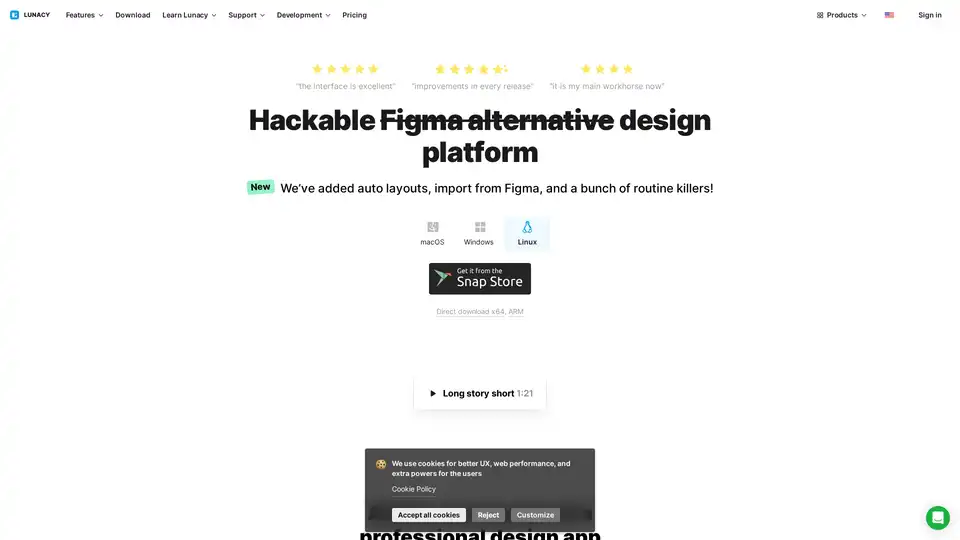
Lunacy by Icons8 is free graphic design software for Windows, macOS, Linux. Open, edit sketch files with ease. Built-in vector, photos, UI kits, and more.

PICOAI.app offers cutting-edge AI tools to generate stunning images and videos. Create professional content effortlessly using the latest generative AI models.
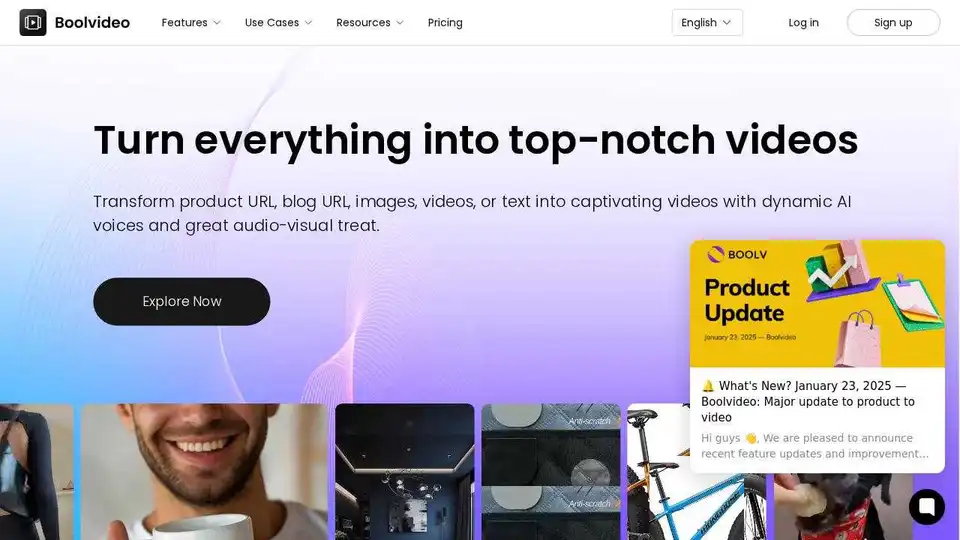
Boolvideo is an AI video generator that helps you easily turn resources into engaging videos for marketing, e-commerce, and social media. Create videos in clicks!
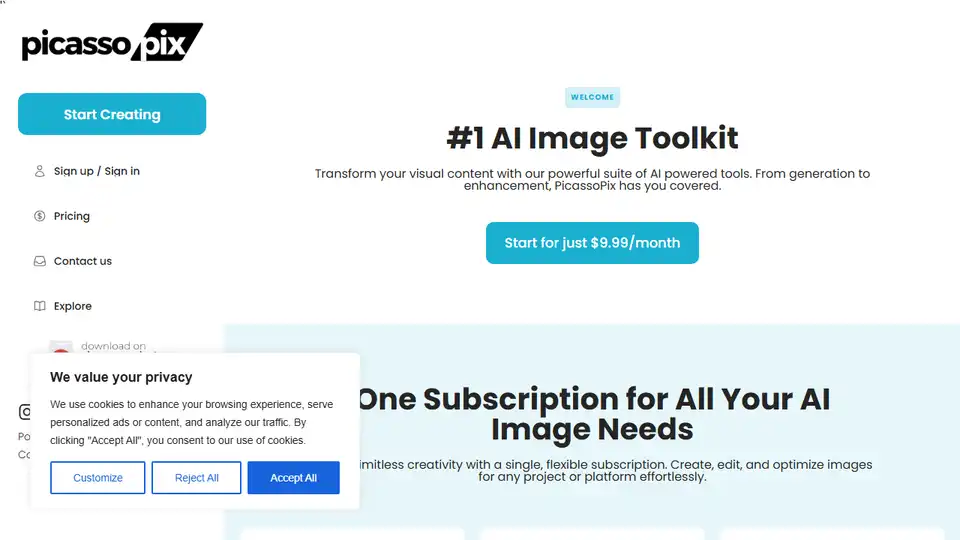
PicassoPix: All-in-one AI image editing toolkit. Enhance, upscale, and transform photos with AI-driven models for any project or platform.
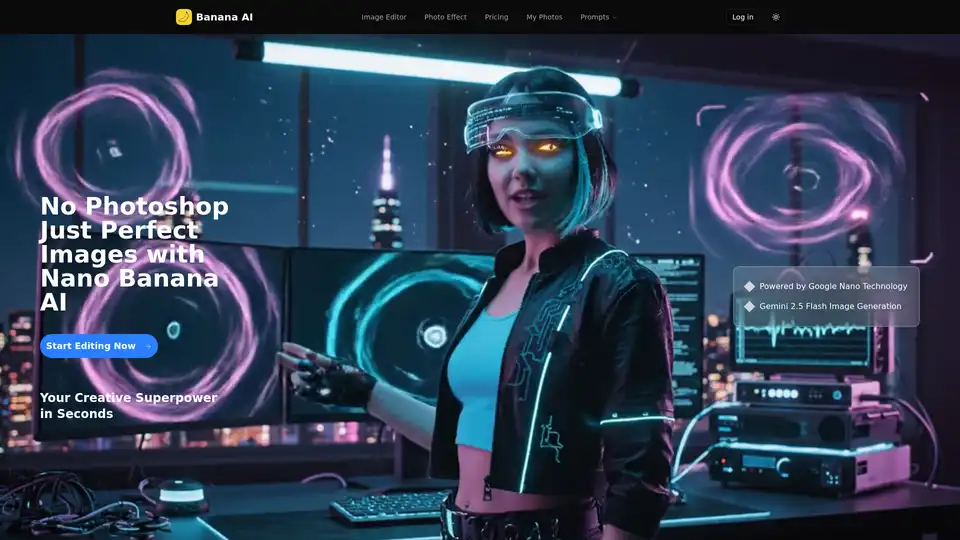
Banana AI is an AI-powered image editor using Gemini 2.5 flash image generation for instant background changes, object addition, and style transformations. Perfect for social media, e-commerce, and creative content.
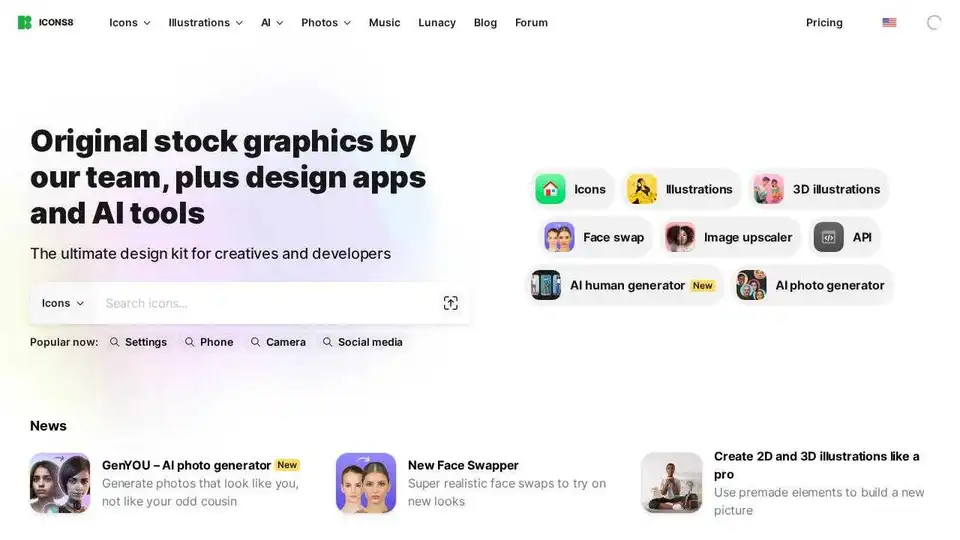
Download free design elements: icons, photos, illustrations, and AI-powered tools. High-quality assets for creatives and developers.
FlexClip is a free online video editor and AI video maker. Create videos with text, music, animations, and AI tools easily. No skills required. Try it now!
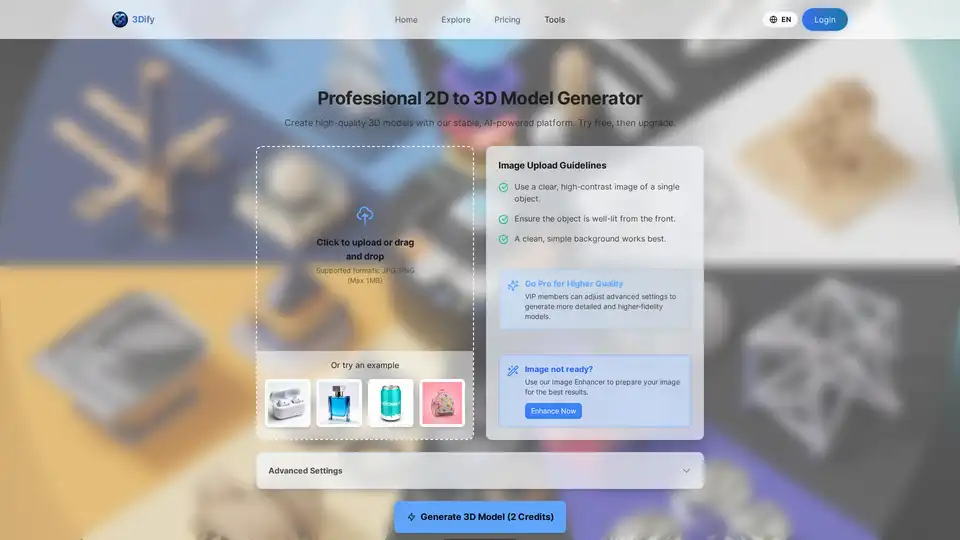
Create high-quality 3D models with our stable, AI-powered platform. Try free, then upgrade.

Nano Banana Pro AI Image Generator by Sovibe creates stunning 4K photorealistic visuals with perfect text rendering and consistent characters, ideal for logos, comics, and stock photos.
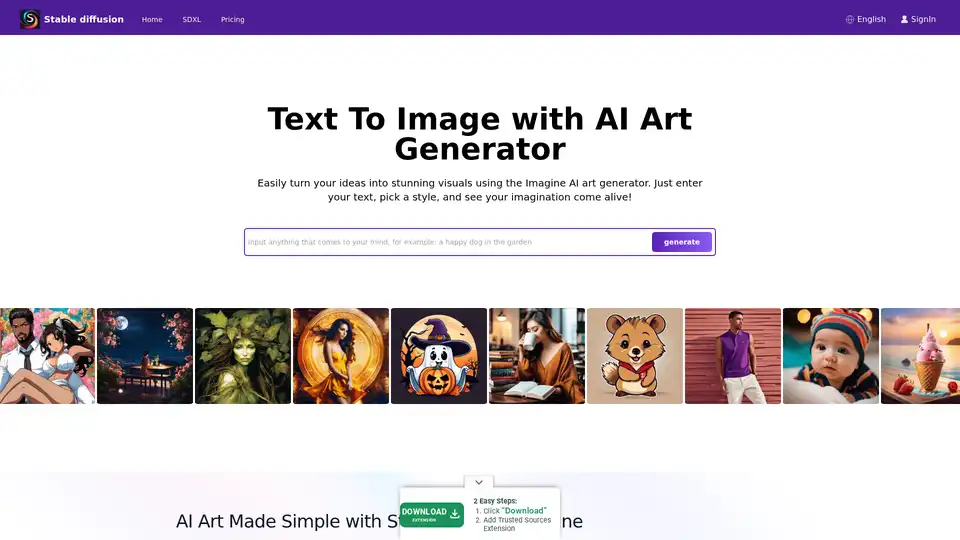
Explore Stable Diffusion, an open-source AI image generator for creating realistic images from text prompts. Access via Stablediffusionai.ai or local install for art, design, and creative projects with high customization.
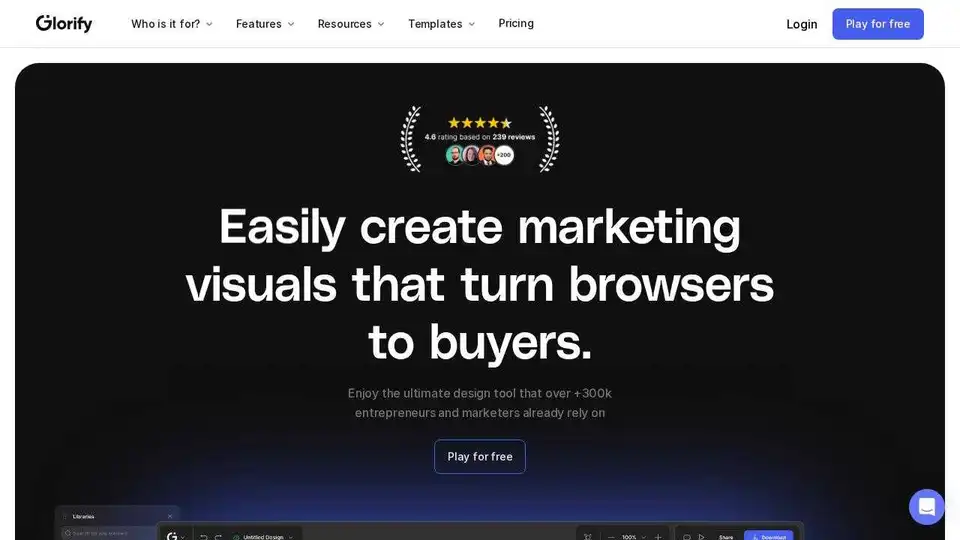
Glorify is an online graphic design tool for e-commerce businesses. Easily create high-converting social media posts, ads, and product mockups with AI-powered features.
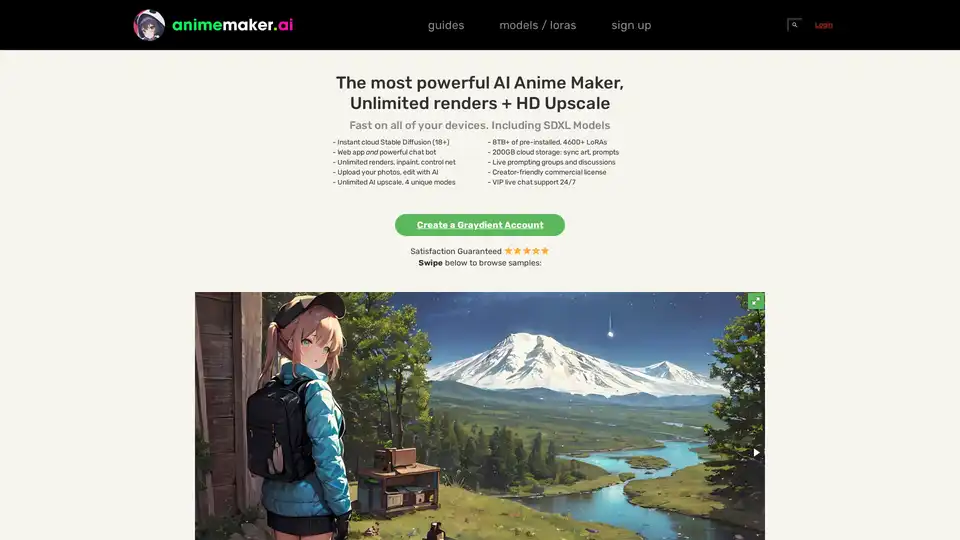
AnimeMaker AI is a powerful AI anime maker offering unlimited renders, HD upscale, and a vast library of pre-installed LoRAs. Create stunning anime art on any device with a creator-friendly license.
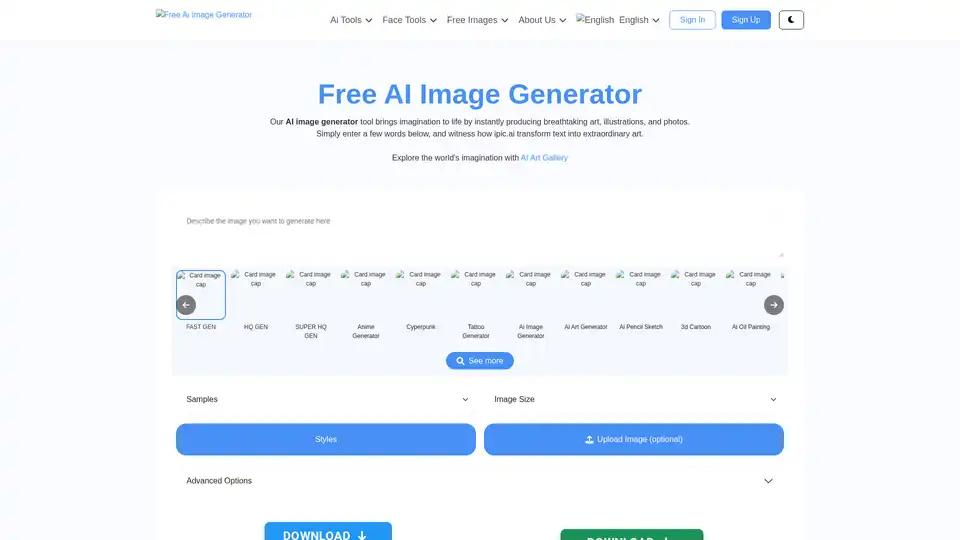
Discover iPic.ai, the free AI image generator that turns text prompts into stunning custom images, art, and illustrations effortlessly. Perfect for creators seeking unique visuals without design skills.

All-in-One AI Creator Tools: Your One-Stop AI Platform for Text, Image, Video, and Digital Human Creation. Transform ideas into stunning visuals quickly with advanced AI features.