
ImgToImg.ai
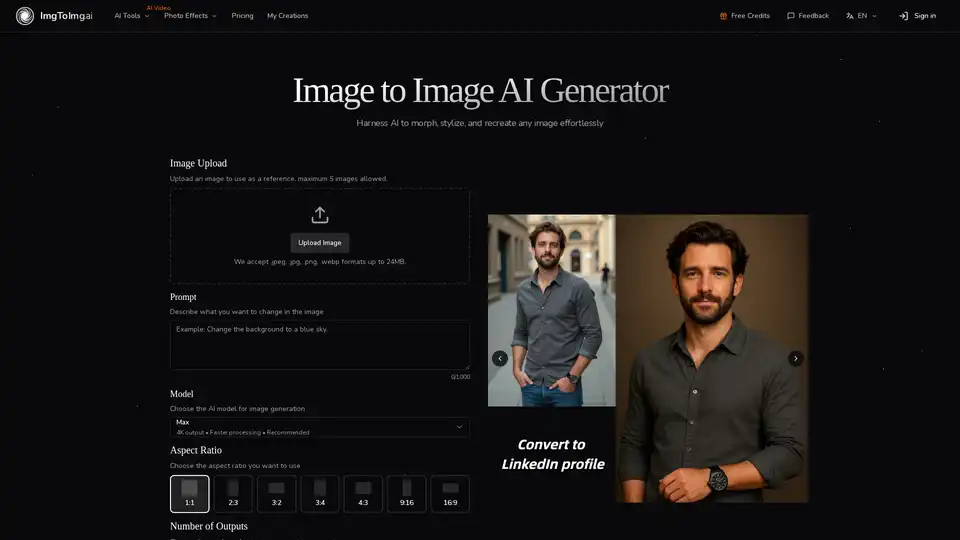
Overview of ImgToImg.ai
ImgToImg.ai: Free AI Image Generator From Image
ImgToImg.ai is a free online AI image generator designed to transform your images using the power of artificial intelligence. Unlike traditional text-to-image generators that start from scratch, ImgToImg.ai leverages your existing images, allowing you to edit, reshape, and restyle them using simple text prompts. This offers a unique blend of control and creativity, making it an ideal tool for designers, marketers, and anyone looking to explore artistic styles with ease.
What is ImgToImg.ai?
ImgToImg.ai is a tool that lets you convert existing images into new variations using advanced artificial intelligence. The platform preserves the structure and composition of your original image while applying the changes you describe through text prompts. This ensures a balance between transformation and preservation, providing exceptional control over the final result.
How Does It Work?
ImgToImg.ai utilizes state-of-the-art neural networks to understand both your source image and your instructions. It intelligently applies transformations while maintaining the integrity of key elements. The process is simple and intuitive:
- Upload Your Photo: Select an image from your device to use as the starting point. Clear images with good lighting and resolution work best.
- Describe Your Changes: Write a prompt describing how you want to transform the image. Be specific about the style, colors, modifications, or artistic effects.
- Adjust Settings: Fine-tune transformation parameters like aspect ratio, output count, and transformation strength to control how closely the result resembles your original image.
- Generate and Download: Click generate and watch as AI transforms your image. Browse the results, select your favorites, and download high-quality versions for use.
Key Features and Benefits
- Maintain Original Structure: Preserves the basic composition and key elements of your source image, ensuring recognizable results.
- Fast and Efficient Processing: Generates multiple variations in seconds, allowing you to explore different creative directions quickly.
- Versatile Style Applications: Transforms images into any artistic style, from oil paintings to cyberpunk aesthetics.
- Professional-Quality Results: Creates high-resolution transformed images ready for commercial use.
Why Choose ImgToImg.ai?
ImgToImg.ai offers unique advantages that make image transformation accessible and powerful:
- Efficiency: Generate multiple image variations in seconds, saving time and resources.
- Accessibility: No design skills required; just your images and ideas.
- Versatility: Suitable for various applications, from marketing materials to product visualizations.
Who is ImgToImg.ai For?
- Designers: Visualize concepts and create multiple variations of designs quickly.
- Marketers: Generate campaign assets and social media content efficiently.
- Creative Enthusiasts: Experiment with artistic styles and explore new creative directions.
Best Way to Transform Your Images
To get the best results with ImgToImg.ai, consider these tips:
- Use clear, high-resolution images as your starting point.
- Be specific in your text prompts to guide the AI effectively.
- Experiment with different settings to achieve the desired level of transformation.
How to Use ImgToImg.ai
Using ImgToImg.ai is straightforward:
- Go to the ImgToImg.ai website.
- Upload your image.
- Enter a text prompt describing the desired transformation.
- Adjust the settings as needed.
- Click "Generate Images" and download your transformed image.
What Types of Images Work Best?
Clear images with good lighting and resolution work best. Images that match your desired output aspect ratio also yield better results.
How Much Control Do You Have?
ImgToImg.ai allows you to fine-tune transformation parameters like aspect ratio, output count, and transformation strength, giving you significant control over the final result.
Practical Applications
- Marketing Materials: Create multiple variations of ad creatives.
- Product Visualizations: Visualize product designs in different styles and settings.
- Social Media Campaigns: Generate engaging visuals quickly and easily.
ImgToImg.ai is more than just an AI image generator; it's a tool that unlocks new possibilities for creative expression. With its intuitive interface, fast processing, and professional-quality results, ImgToImg.ai is set to revolutionize the way we approach image editing and design. Harness AI to morph, stylize, and recreate any image effortlessly. Transform your images today and experience the power of AI transformation.
AI Generated Art Image Enhancement and Repair Image Style Transfer AI Background Removal and Replacement AI Avatar and Cartoonization 3D Modeling and Rendering Logo and UI Design
Best Alternative Tools to "ImgToImg.ai"
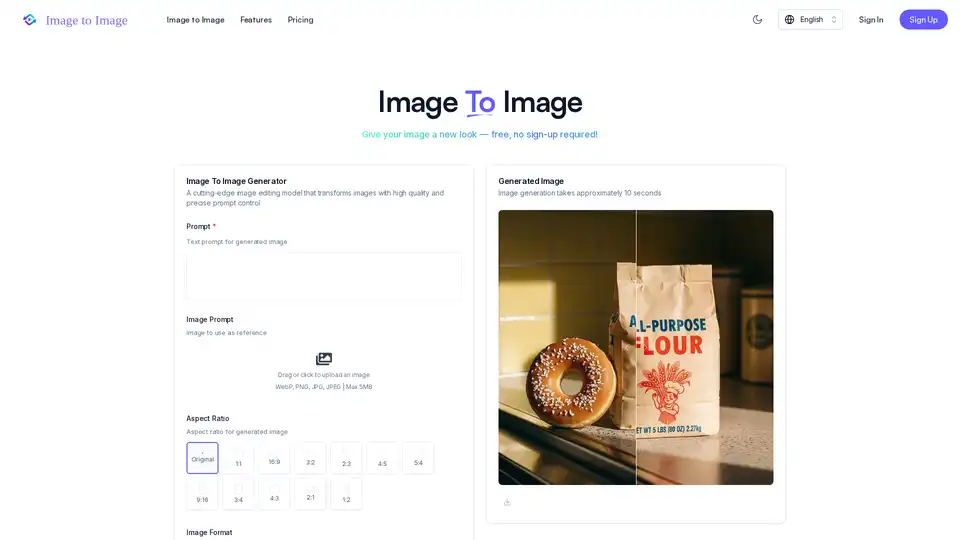
Discover Image to Image AI, a free tool that transforms your photos and sketches into stunning visuals using simple text prompts. Ideal for quick edits, art creation, and professional outputs with high-fidelity results.
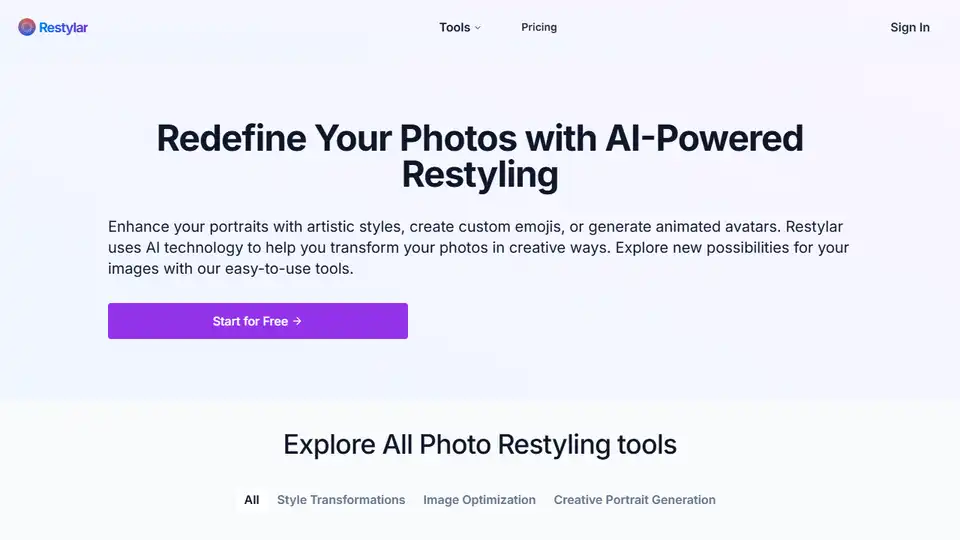
Restyle Image to Image AI is a free online AI image generator that transforms photos using text prompts. Recreate, restyle, and convert your images instantly with AI.
FramEdits is an AI image editor that allows users to generate stunning images from text or transform existing photos with AI-powered edits. It offers fast results and simple, transparent pricing.
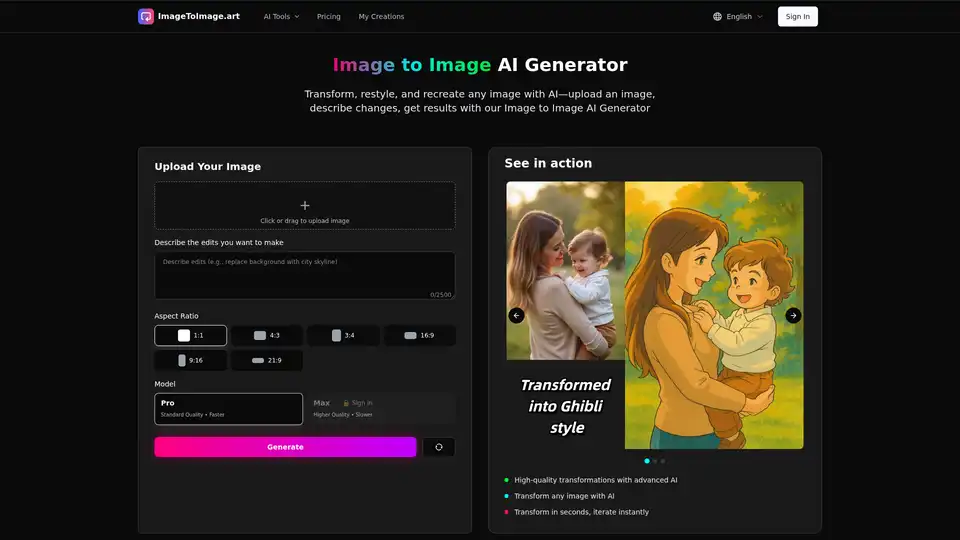
ImageToImage.art offers an AI-powered Image to Image Generator that lets you transform, restyle, and recreate images using prompts. Simply upload an image, describe the desired changes, and generate high-quality results in seconds.