
InstaLM
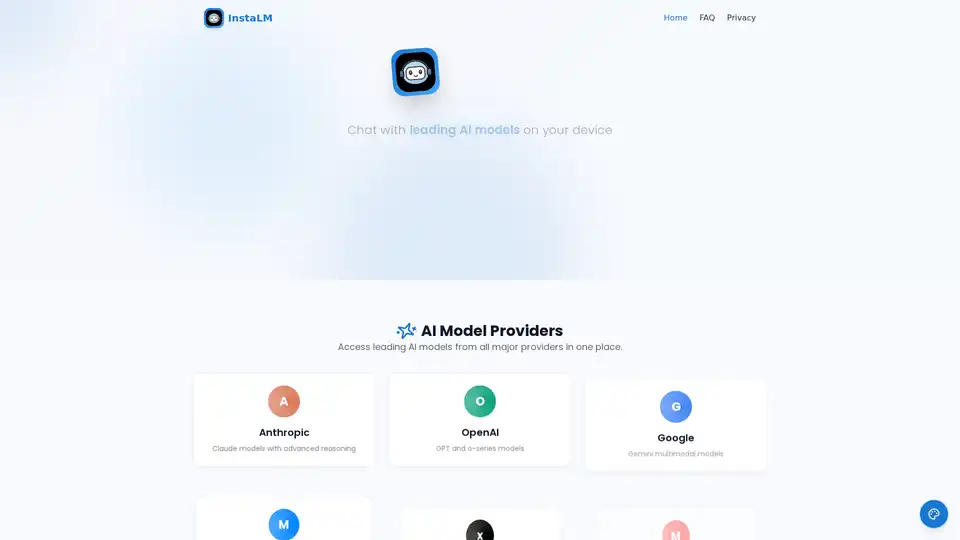
Overview of InstaLM
InstaLM: Chat with Leading AI Models Privately on Your Device
InstaLM is a native macOS & iOS application that allows you to chat with leading AI models from various providers directly on your device. It emphasizes privacy, native performance, and continuous updates. With InstaLM, you can access AI models from Anthropic (Claude), OpenAI (GPT), Google (Gemini), Meta (Llama), xAI (Grok), Mistral, Cohere, Alibaba (Qwen), and DeepSeek.
What is InstaLM?
InstaLM is designed to provide a seamless and private AI interaction experience, offering a range of built-in tools and apps to enhance productivity and creativity.
How does InstaLM work?
InstaLM works by integrating with various AI model providers, allowing users to access and interact with these models through a unified interface. It also offers built-in tools and apps that leverage AI to perform specific tasks.
Core Features
- Smart Chat: Engage in advanced conversations with file support, markdown export, and voice input.
- Privacy First: Your data remains on your device, ensuring complete privacy without cloud storage.
- Universal File Support: Seamlessly work with PDFs, images, Office documents, and code files.
AI Model Providers
InstaLM supports a wide range of AI model providers, including:
- Anthropic (Claude models with advanced reasoning)
- OpenAI (GPT and o-series models)
- Google (Gemini multimodal models)
- Meta (Open-source Llama models)
- xAI (Grok models with real-time data)
- Mistral (European AI models)
- Cohere (Enterprise-focused models)
- Alibaba (Qwen multilingual models)
- DeepSeek (Advanced reasoning models)
Built-in Tools
InstaLM includes specialized tools to generate images, transcribe audio, search the web, and more:
- Image Generation: DALL-E, Stable Diffusion, FLUX
- Text-to-Speech: Natural voices in multiple languages
- Speech-to-Text: Accurate transcription with Whisper
- Web Search: Real-time data from the internet
- Text Processing: Translation, editing, and more
AI Assistants
Pre-built AI assistants are available for various needs, and you can create your own custom assistants:
- General
- Creative Writing
- Translation
- Image Generation
- Audio Generation
- Research
- Learning
- Professional
- Hobbies
- Programming
Built-in Apps
InstaLM offers powerful productivity apps:
- Voice Chat: Talk naturally with AI models
- Novel Writer: Write stories with AI assistance
- Image Generator: Create stunning AI artwork
- Mind Mapper: Visual brainstorming tool
- Code Studio: AI-powered IDE with pair programming
How to use InstaLM?
- Download the InstaLM app for macOS or iOS.
- Install and launch the app.
- Select the desired AI model from the available providers.
- Utilize the built-in tools and apps for various tasks.
Why choose InstaLM?
InstaLM stands out due to its privacy-first design, native performance, and access to a wide range of leading AI models. It offers a comprehensive suite of tools and apps, making it a versatile solution for professionals and creatives alike.
Who is InstaLM for?
InstaLM is designed for:
- Professionals seeking to enhance productivity.
- Creatives looking for AI-powered tools.
- Anyone interested in exploring and utilizing leading AI models in a private and efficient manner.
Best way to use InstaLM?
The best way to use InstaLM is to explore its various features and integrate them into your daily workflow. Experiment with different AI models, tools, and assistants to find the combination that best suits your needs.
InstaLM empowers users to harness the power of AI while maintaining complete privacy and control over their data. Its integration with multiple AI providers and a suite of built-in tools make it a valuable asset for anyone looking to leverage AI for productivity, creativity, or research.
Best Alternative Tools to "InstaLM"
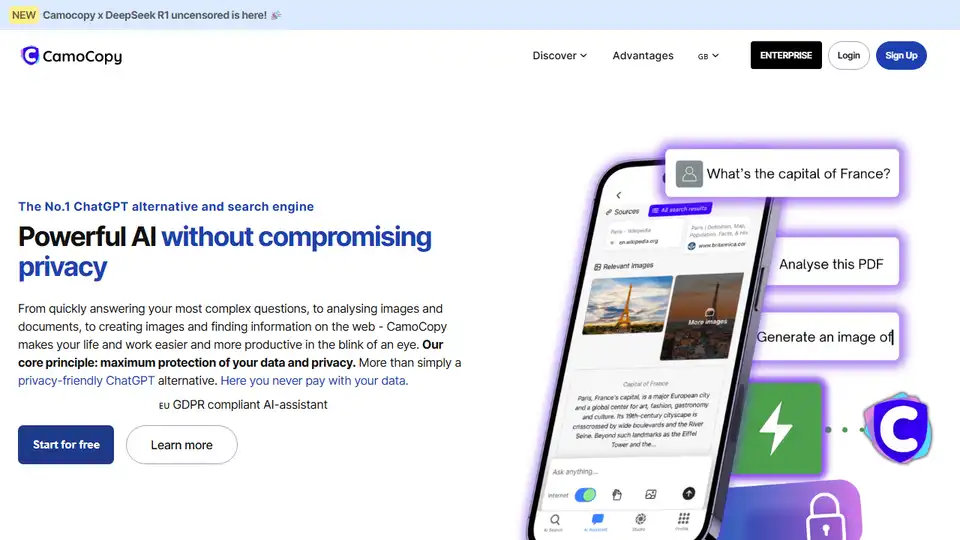
CamoCopy is a privacy-focused ChatGPT alternative with an integrated AI search engine. It offers powerful AI capabilities while prioritizing data protection and anonymity. Enjoy AI-powered productivity without compromising your privacy.
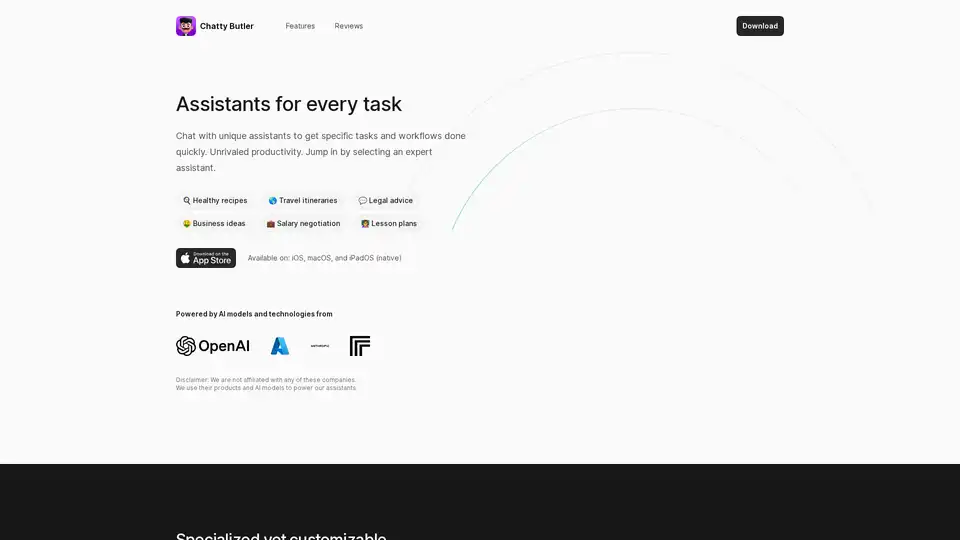
Chatty Butler provides AI-powered chat assistants for various tasks, available on iOS, iPadOS, and macOS. It helps users with expert advice, productivity, and learning through specialized, customizable assistants.
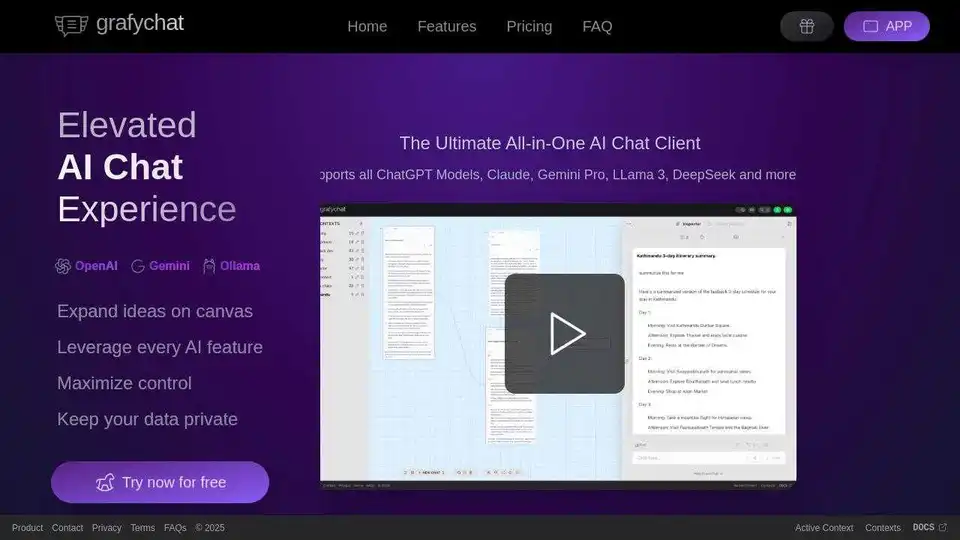
grafychat is an all-in-one, privacy-friendly AI chat client supporting ChatGPT, Gemini, Claude, Llama 3, and more. Organize chats visually on a canvas, leverage every AI feature, and control your data.
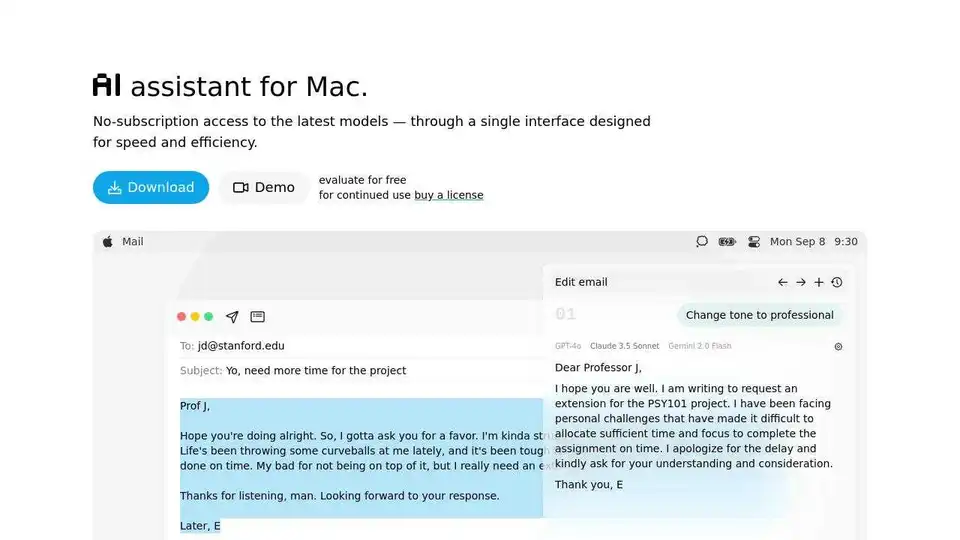
IntelliBar is an AI assistant for Mac offering fast, efficient access to various AI models, including local options, designed to boost productivity and streamline workflows.
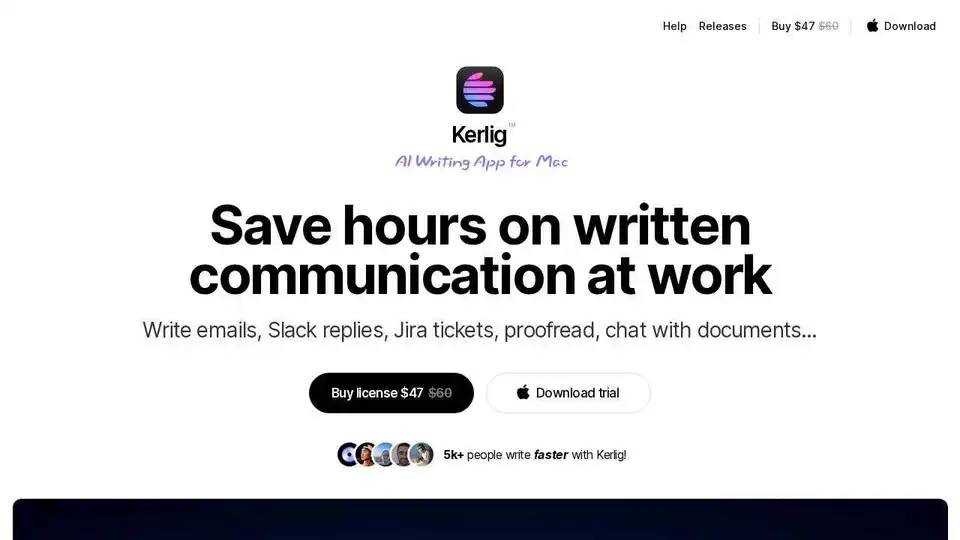
Kerlig AI Writing App helps you write emails, Slack replies, and Jira tickets using AI. Proofread, correct grammar, and chat with documents.

TextWisely is an AI writing companion for Mac that helps you write better and faster. It fixes grammar, replies to emails, summarizes text, and more, all within your favorite macOS apps. Stay private, stay fast, and write like never before.
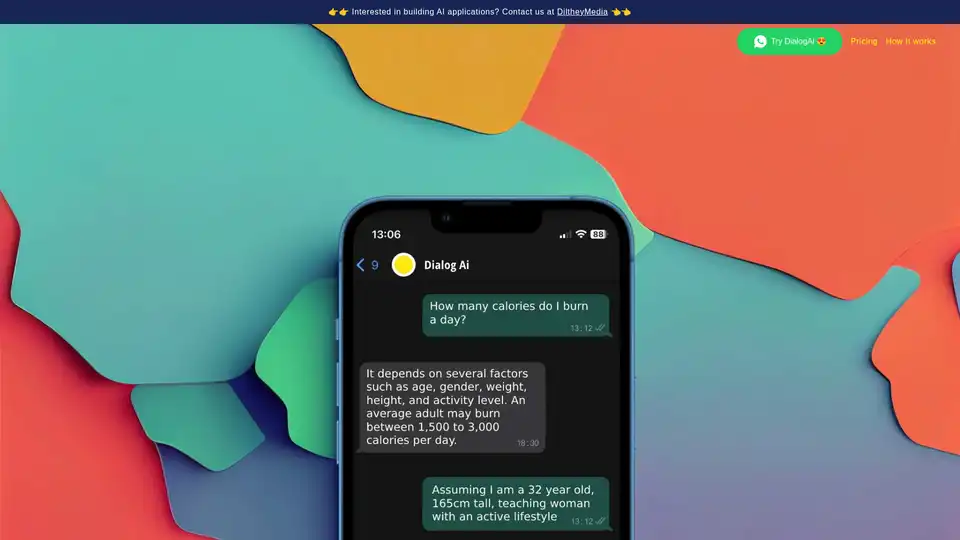
DialogAi is an innovative AI WhatsApp chatbot that converts voice notes to text using OpenAI technology and provides intelligent answers via ChatGPT. Start chatting instantly by messaging +44 7893 943425 for seamless AI assistance on the go.
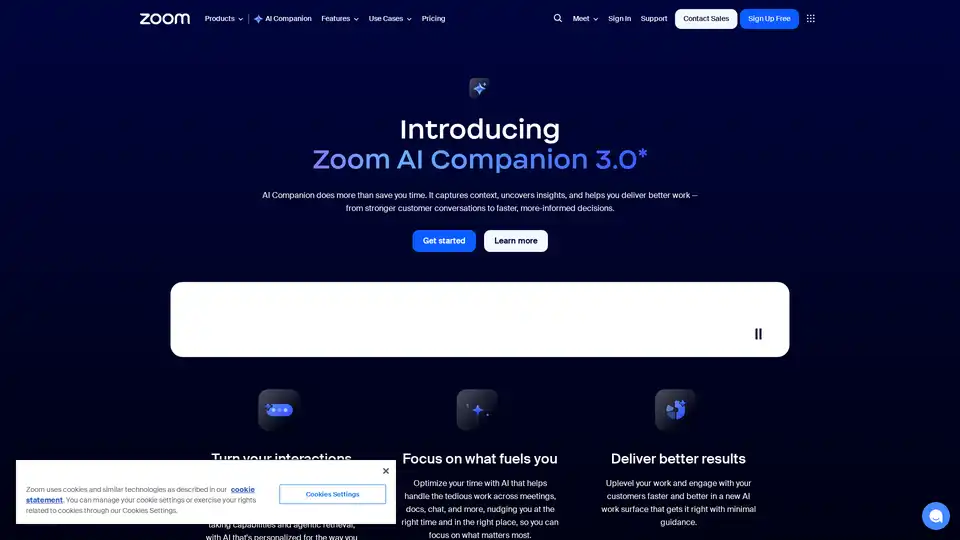
Zoom AI Companion 3.0 revolutionizes productivity by summarizing meetings, drafting emails, generating content, and providing insights—all integrated into the familiar Zoom app for seamless collaboration.
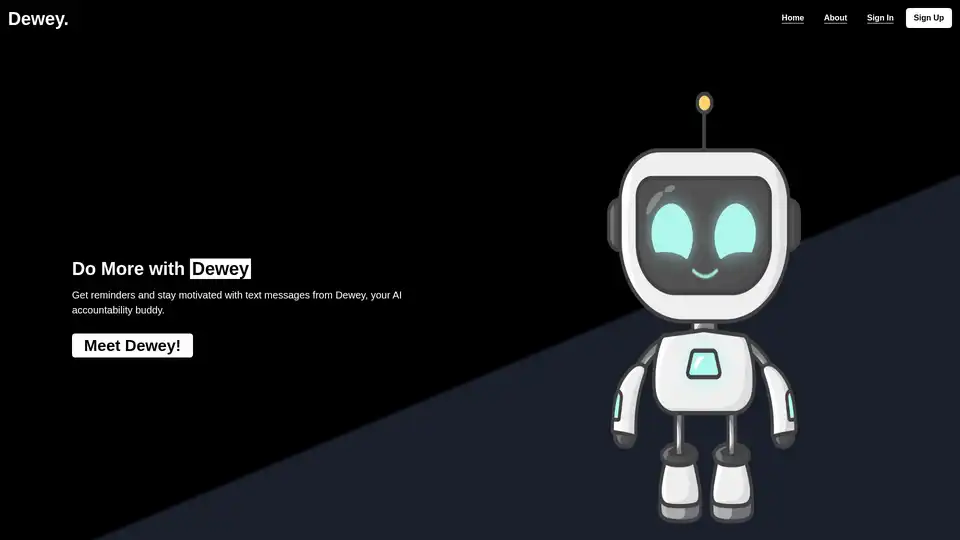
Discover Dewey, your AI accountability buddy that delivers personalized SMS reminders to manage tasks, build habits, and enhance productivity without the hassle of overwhelming to-do lists.
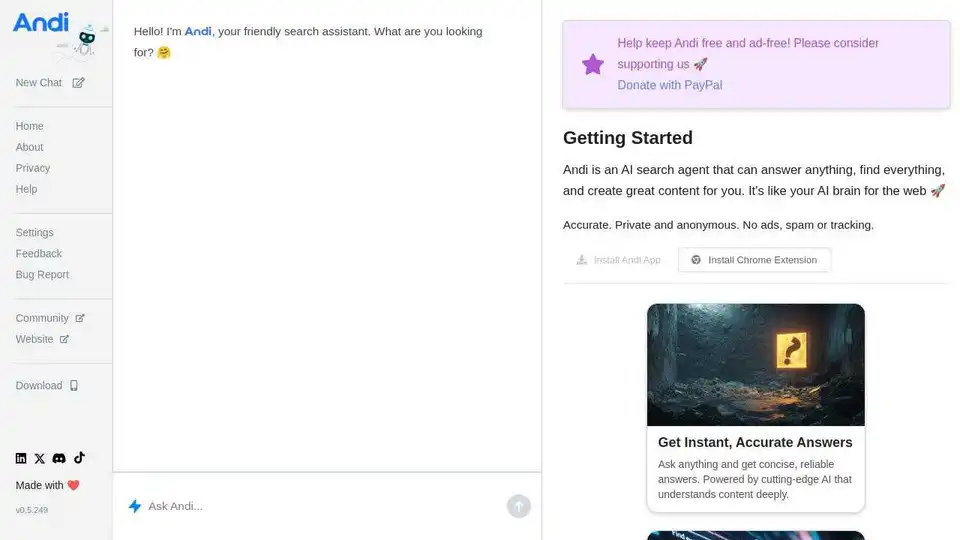
Andi is the next-generation AI search engine that delivers direct answers, not just links, like chatting with a smart friend. Enjoy accurate, private searches without ads or tracking, plus AI-assisted writing and visual discoveries.
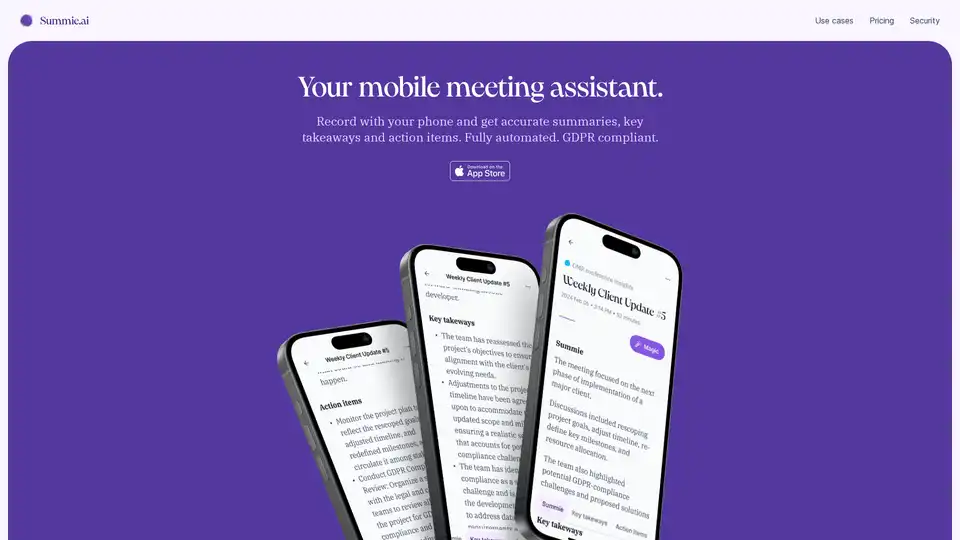
Summie is your iOS app for recording meetings on your phone, delivering accurate AI-powered summaries, key takeaways, and action items. Fully automated, GDPR compliant, and easy to use anywhere.
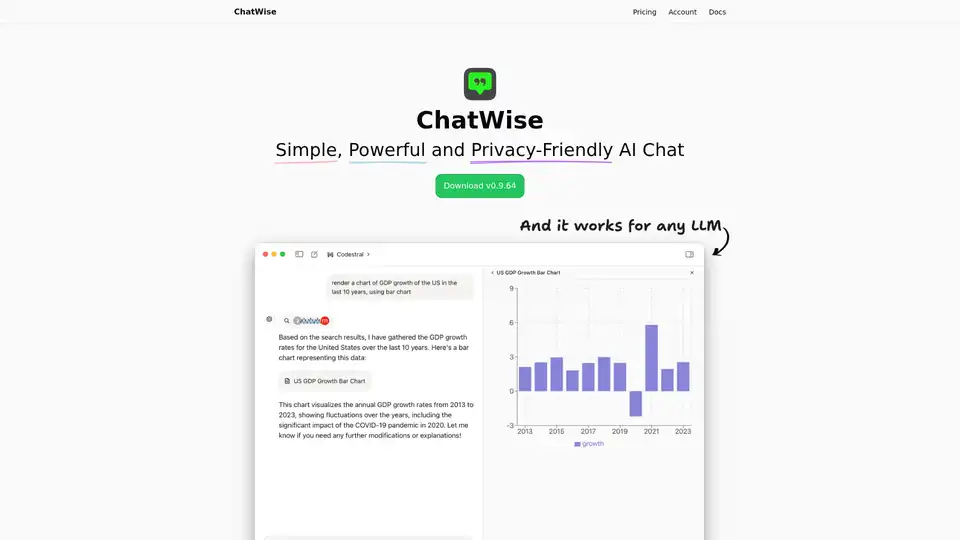
ChatWise is a high-performance, privacy-focused desktop AI chatbot supporting GPT-4, Claude, Gemini, Llama and more. Features local data storage, multi-modal chats (audio, PDF, images), web search, API key integration, and artifacts rendering for seamless productivity.
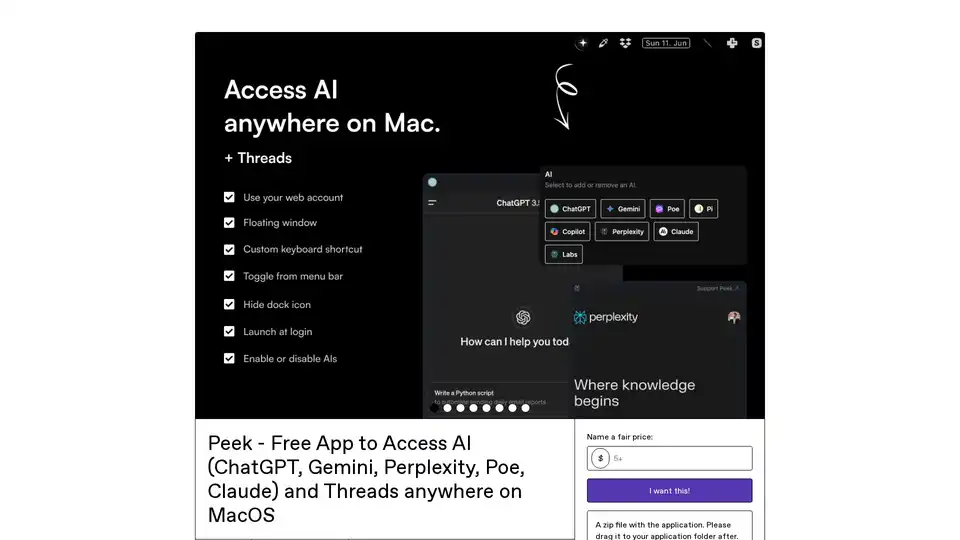
Peek is a free MacOS menu bar app providing seamless access to AI chatbots like ChatGPT, Gemini, Perplexity, Claude, and more. Enjoy no API keys, privacy-focused webviews, floating windows, and easy screenshots for developers, writers, and students.
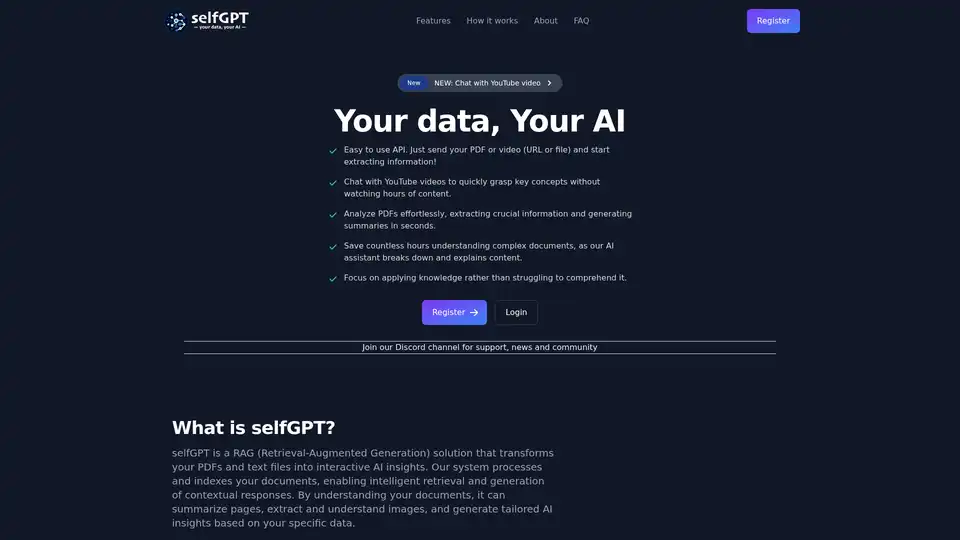
Transform your files into AI insights with selfGPT. Analyze PDFs, extract key info from text and images, and chat with YouTube videos for quick summaries and tailored responses.