
Kilo Code
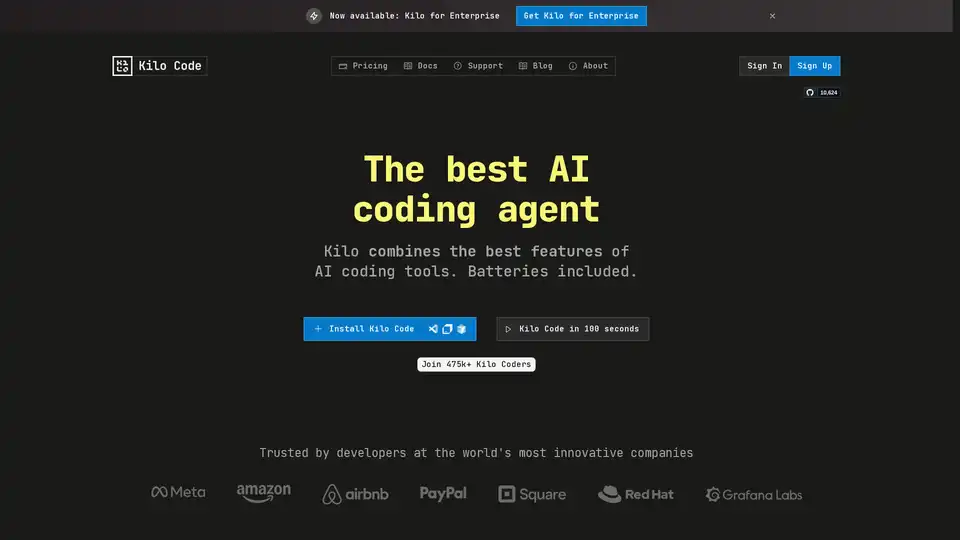
Overview of Kilo Code
What is Kilo Code?
Kilo Code is an open-source AI coding agent designed to enhance developer productivity within VS Code and JetBrains IDEs. As an alternative to tools like Cursor, Kilo Code offers unthrottled access to over 400 Large Language Models (LLMs), providing developers with unparalleled flexibility and control over their coding environment. It is positioned as an all-in-one solution built on a solid foundation, actively contributing to its upstream packages.
How does Kilo Code work?
Kilo Code operates through a multi-agent system, automating tedious programming tasks and enabling developers to focus on the more engaging aspects of their work. The core of Kilo Code lies in its ability to:
- Automate Mundane Tasks: Kilo Code handles dependency management, bug fixing, documentation updates, test updates, typing issues, and translation file updates.
- Orchestrate Complex Projects: The Orchestrator mode divides complex projects into manageable subtasks, coordinating between specialized agent modes such as “architect,” “code,” and “debug.”
- Provide Intelligent Debugging: Kilo automatically detects errors, runs test suites, and recovers on failure. It also utilizes Context7 for library documentation lookups, preventing hallucinations and ensuring adherence to best practices.
- Maintain Context: Kilo automatically searches for the right context, eliminating the need for developers to repeatedly explain their application to the AI. The AI keeps records of past work and user preferences.
Key Features and Benefits
- Model Freedom: Choose from 400+ hosted models, run locally, or use your own API key (BYOK).
- Open Source: Complete control without vendor lock-in. The code is fully open, with no training on your data.
- Automatic Failure Recovery: Kilo detects errors, runs test suites, and recovers on failure.
- Hallucination Prevention: Utilizes tools like Context7 to look up library documentation and avoid AI fabrications.
- Context Management: Automatically searches for the right context, reducing the need for repetitive explanations.
- Debugging Assistance: The 'debug' mode helps find bugs, making debugging less tedious.
- Memory Bank: The AI retains records of past work and user preferences.
- Cost Transparency: Clear usage-based pricing with cost insights for optimization.
- Customizable Agent Personas: Tailor multi-agent teams with customizable prompts.
Why choose Kilo Code?
Kilo Code stands out due to its open-source nature, flexibility, and comprehensive feature set. Unlike closed-source alternatives that restrict model choices and impose opaque pricing, Kilo Code provides developers with full control and transparency. The platform's ability to handle mundane tasks, automate complex projects, and prevent hallucinations makes it a powerful tool for enhancing coding efficiency.
Who is Kilo Code for?
Kilo Code is designed for developers who want to:
- Increase their coding productivity.
- Automate repetitive tasks.
- Maintain control over their coding environment.
- Avoid vendor lock-in.
- Use a variety of LLMs.
- Have transparent pricing.
How to use Kilo Code?
- Install the Extension: Install Kilo Code from VS Code Marketplace or JetBrains Marketplace.
- Configure Settings: Configure your preferred LLMs and API keys.
- Start Coding: Use Kilo Code to generate code, automate tasks, and debug your code.
Pricing
Kilo Code offers a free open-source version with no restrictions. Paid plans are available for teams and enterprises, offering additional features such as centralized billing, team management, usage analytics, and dedicated support.
- Open Source: Free forever
- Teams: $29/user/month
- Enterprise: $299/user/month
What users are saying about Kilo Code?
The website highlights that Kilo Code is trusted by developers at the world's most innovative companies. Although specific user reviews are not provided, the emphasis on open-source flexibility and feature-rich functionality suggests positive reception within the developer community. The availability of community support on Discord and GitHub further fosters a collaborative environment.
Best way to enhance your coding workflow?
Kilo Code offers a robust solution for enhancing your coding workflow by providing an open-source, flexible, and feature-rich environment. By automating mundane tasks, intelligently debugging code, and offering transparency in pricing, Kilo Code empowers developers to focus on what they do best: building great software.
Best Alternative Tools to "Kilo Code"
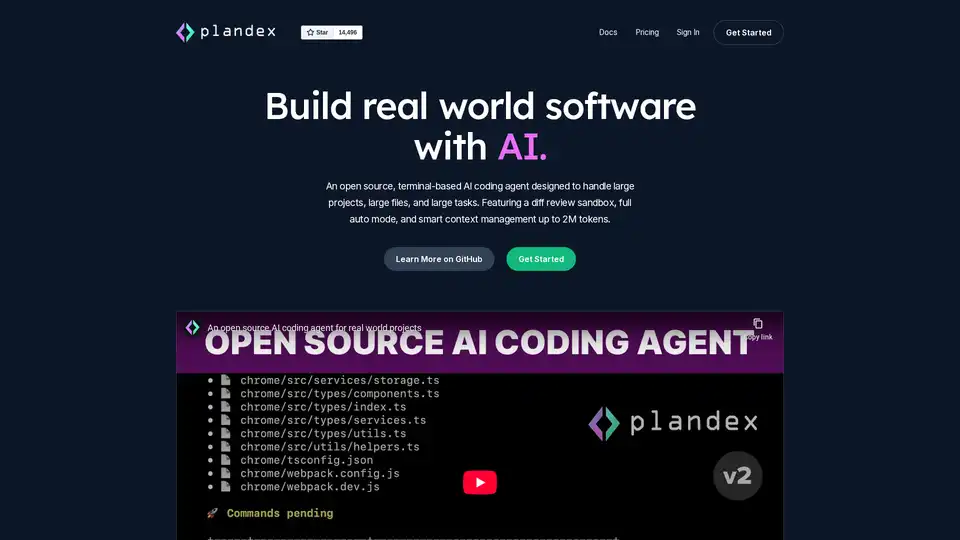
Plandex is an open-source, terminal-based AI coding agent designed for large projects and real-world tasks. It features diff review, full auto mode, and up to 2M token context management for efficient software development with LLMs.
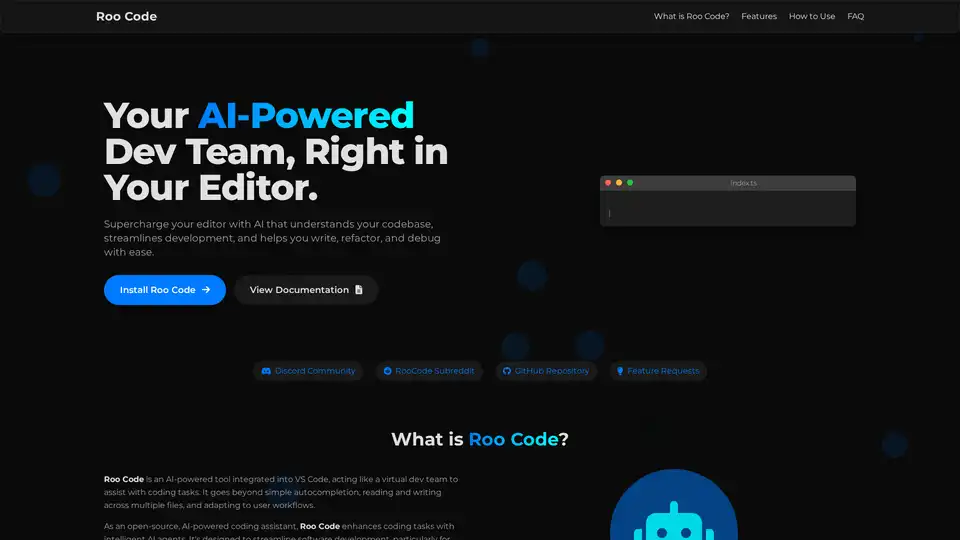
Roo Code is an open-source AI-powered coding assistant for VS Code, featuring AI agents for multi-file editing, debugging, and architecture. It supports various models, ensures privacy, and customizes to your workflow for efficient development.
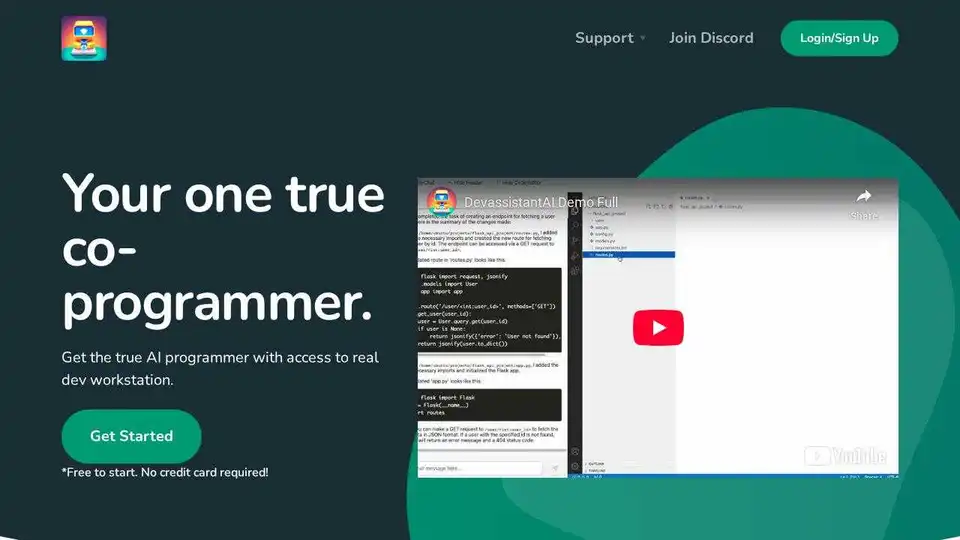
Devassistant.ai empowers developers with an AI co-programmer using GPT-4 for code editing, DevOps automation, and codebase analysis via cloud VS Code IDE. Free to start, no credit card needed.
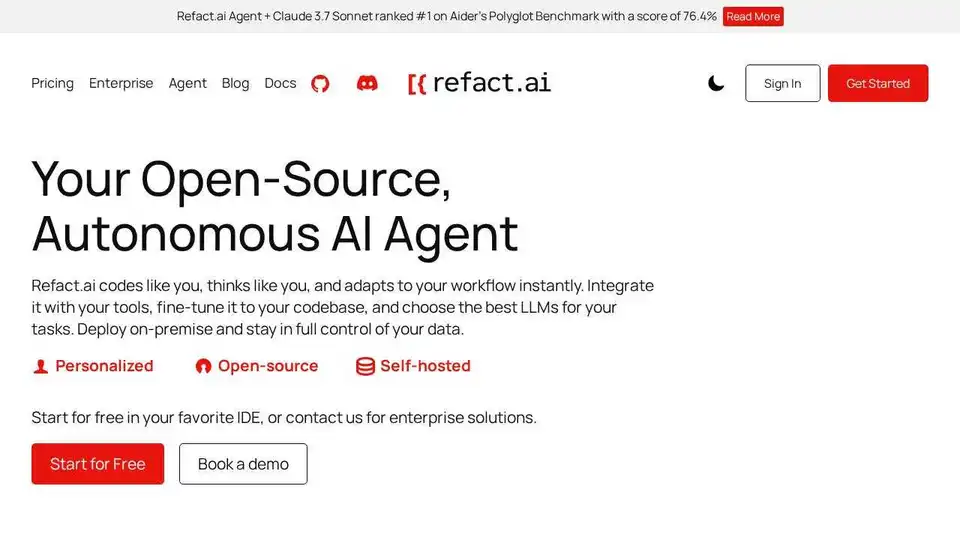
Refact.ai, the #1 open-source AI agent for software development, automates coding, debugging, and testing with full context awareness. An open-source alternative to Cursor and Copilot.
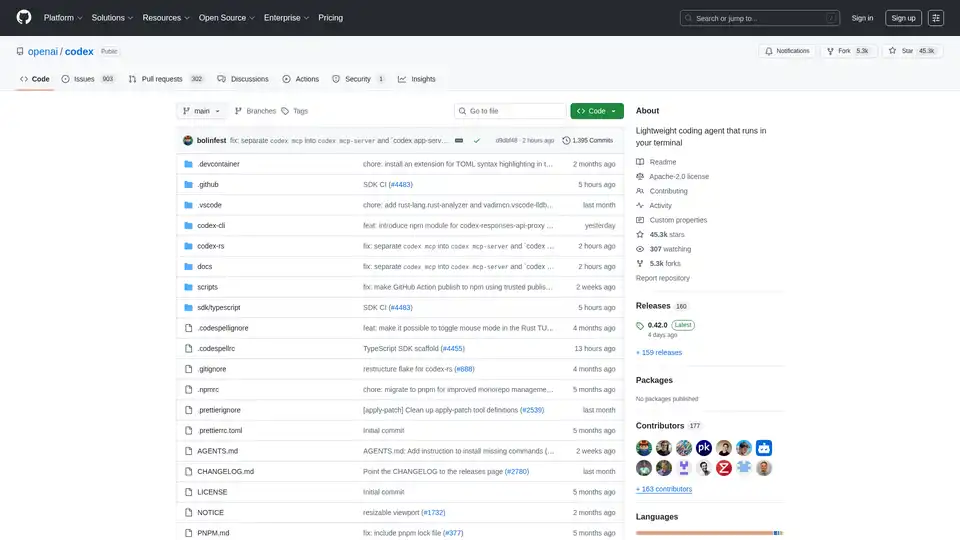
Codex CLI is OpenAI's open-source coding agent that runs in your terminal, offering AI-powered assistance for programming tasks. Install via npm or Homebrew for seamless integration into your workflow.
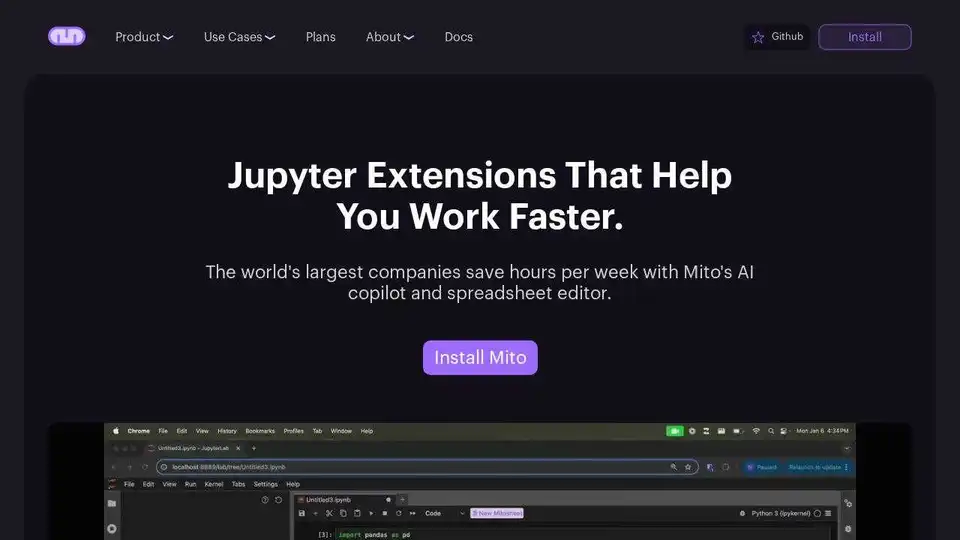
Automate Python spreadsheet tasks with Mito, an open-source tool that converts spreadsheet edits to Python code. Integrates AI for chat, debugging and data analysis in Jupyter.
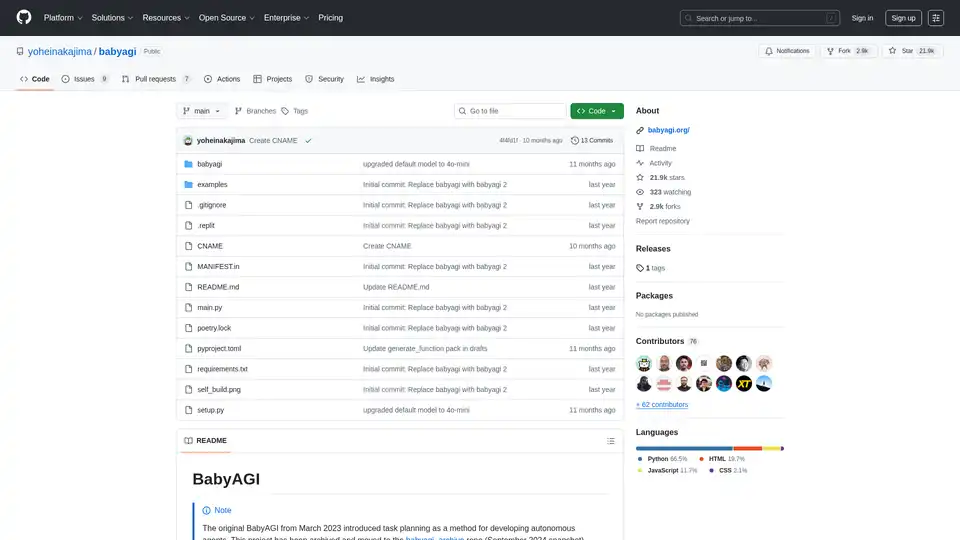
BabyAGI is an experimental open-source framework for creating self-building autonomous AI agents. It simplifies agent development with a graph-based function system, dashboard for management, and pre-loaded tools for AI tasks like code generation and automation.
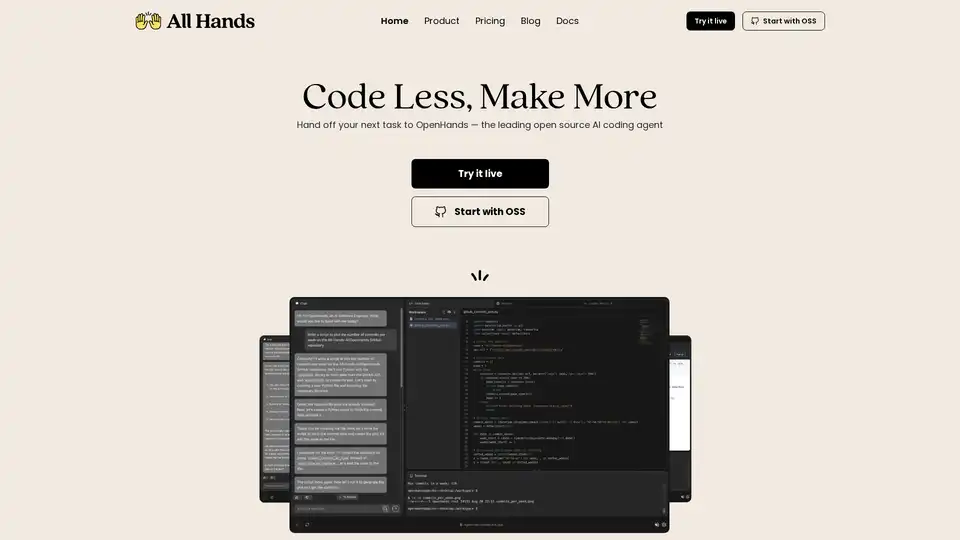
Discover OpenHands, the leading open source AI coding agent that automates code reviews, refactoring, testing, and more to boost developer productivity and reduce toil.

Gemini CLI is an open-source AI agent that brings the power of Gemini directly into your terminal. Access Gemini models, automate tasks, and integrate with GitHub.

Gru.ai is an advanced AI developer tool for coding, testing, and debugging. It offers features like unit test generation, Android environments for agents, and an open-source sandbox called gbox to boost software development efficiency.
Agent TARS is an open-source multimodal AI agent that seamlessly integrates browser operations, command lines, and file systems for enhanced workflow automation. Experience advanced visual interpretation and sophisticated reasoning for efficient task handling.
A-SWE is an AI platform designed to empower agentic software engineers, enabling AI agents to autonomously code, test, debug, and document, enhancing software development.
n8nChat is an AI-powered extension for n8n that helps you create, edit, debug, and optimize your n8n workflows in seconds. Available for Chrome and Firefox.
Try DeepSeek V3 online for free with no registration. This powerful open-source AI model features 671B parameters, supports commercial use, and offers unlimited access via browser demo or local installation on GitHub.