
Mumble Note
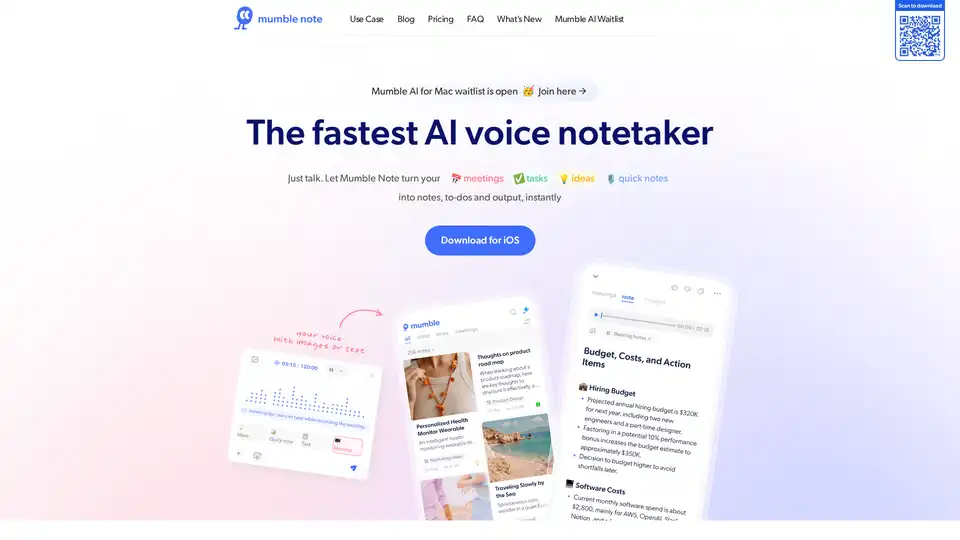
Overview of Mumble Note
Mumble Note: The Fastest AI Voice Notetaker
Mumble Note is an AI-powered voice notetaker designed to instantly transform your spoken words into organized notes, to-do lists, and actionable outputs. Perfect for professionals, creators, thinkers, and makers, Mumble Note helps you capture your mind in motion, turning scattered speech into beautiful, clean notes in seconds.
What is Mumble Note?
Mumble Note is an iOS application that leverages advanced AI models to transcribe and organize your voice notes. It allows you to capture meetings, tasks, ideas, and quick notes with ease, turning them into detailed summaries, to-do lists, and more.
How does Mumble Note work?
Mumble Note uses top-tier AI models to process your voice recordings. Here’s how it works:
- Voice Recording: Start a voice note with a single tap.
- AI Transcription: The AI transcribes your speech into text.
- Organization: Mumble Note automatically organizes the transcribed text into notes, to-do lists, and summaries.
- Customization: Edit, reformat, and rewrite your notes as needed.
Key Features
- Meeting Notes: Capture full-length conversations and let AI create detailed summaries, decisions, and follow-ups with comprehensive transcripts.
- Task Planning: Speak your ideas, and Mumble Note automatically adds to-dos to your inbox.
- Idea Capture: Dump your ideas anytime; Mumble Note brainstorms with you and organizes them into collections.
- Quick Notes: Instantly reformat or rewrite your notes into meaningful output.
- AI Chat: Interact with your notes using AI. Ask questions, summarize content, and browse the web for more information directly within the app.
- Agent Mode: Automatically add your notes into the right collections.
- Integrations: Sync with apps you like for seamless workflow.
- Translation: Transcribe or translate your notes into 40+ languages.
- Apple Watch: Take notes on the go, right from your wrist.
- Widgets: One tap to start taking notes.
- Extract Image Text: Share images to Mumble and extract text.
- Personal Vocab: Teach Mumble your terms, and it’ll remember them.
- Long Recordings: Capture up to 2 hours in a single note.
- Dark Mode: For eye comfort during late-night use.
How to use Mumble Note?
- Download and Install: Get Mumble Note from the iOS App Store.
- Start Recording: Tap the record button to start a new voice note.
- Speak Clearly: Speak clearly to ensure accurate transcription.
- Edit and Organize: Review and edit the transcribed text, adding any necessary details or formatting.
- Utilize AI Chat: Ask Mumble questions about your notes or request summaries.
Why choose Mumble Note?
- Time-Saving: Instantly convert voice to text, saving time on manual note-taking.
- Organization: Automatically organizes notes into actionable formats.
- Accessibility: Available on iOS devices and Apple Watch for on-the-go note-taking.
- Privacy: Ensures your information remains private and protected with secure processing and automatic encryption of sensitive information.
- Versatility: Suitable for meetings, task planning, idea capture, and quick notes.
Who is Mumble Note for?
Mumble Note is designed for:
- Professionals: Capture meeting notes and action items efficiently.
- Creators: Organize content ideas and brainstorm sessions.
- Thinkers: Dump thoughts and ideas for later organization.
- Makers: Keep track of tasks and projects on the go.
- Students: Record lectures, create personal journals, and share summaries
User Testimonials
- Alex K., UIUX Designer: "With Mumble Note, I can capture random sparks of inspiration whenever they came. The quick voice recording is my favorite – I just tap and talk. The AI transcriptions are spot on, and I love adding sketches and photos to my notes. It’s like my personal idea vault."
- Yuki S., University Student: "I've been using Mumble Note to record journals, lecture takeaways and and all of my big and small todos. Reviewing summaries and share them with my friends saves so much time."
- Doris L., Podcaster and Influencer: "Perfect for capturing my content ideas on the go. I can record, transcribe, rewrite, and organize everything easily. The AI-generated idea lists make my post planning so much easier."
- Jeremy Y., Product Manager: "It's my go-to for dumping ideas. Whether I’m brainstorming new features or gathering feedback, I can quickly record thoughts and get instant write-ups. The keyword generation help me organize and refer to my notes efficiently. It’s like having an extra brain to keep track of everything."
Mumble Note Pricing
While the extracted text does not explicitly provide pricing information, it does mention a "Starter Plan" in one of the blog post titles. To get the most accurate and up-to-date details on Mumble Note's pricing, it's best to visit their official website.
Conclusion
Mumble Note is a powerful AI voice notetaker that streamlines the process of capturing and organizing information. Whether you're a professional, creator, or student, Mumble Note can help you achieve more with your voice. By turning scattered speech into clear, actionable notes, Mumble Note ensures you never lose a spark of inspiration. Download Mumble Note today and revolutionize your note-taking experience.
Best Alternative Tools to "Mumble Note"
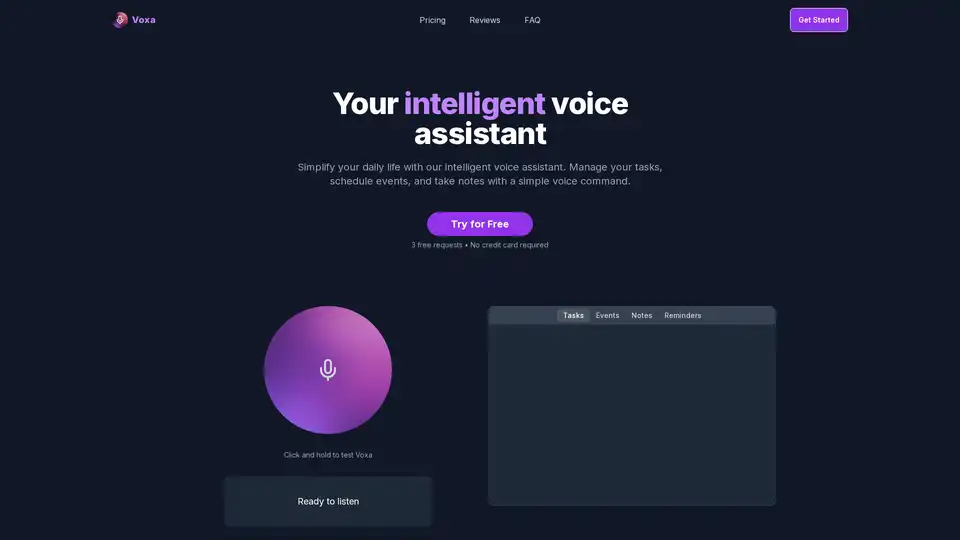
Voxa is an AI-powered voice assistant that integrates with Google Tasks, Calendar, and Notion to streamline task management, event planning, and note-taking, boosting daily productivity with simple voice commands.
ToDoIt revolutionizes task management with AI voice transcription. Speak your goals, get instant organized lists and smart recommendations to boost productivity in under 10 seconds. Free trial available.
Notis: Turn your voice into notes, tasks, and more with this AI assistant that integrates seamlessly with Notion, WhatsApp, and Telegram. Boost productivity on the go!
Zoom AI Companion 3.0 revolutionizes productivity by summarizing meetings, drafting emails, generating content, and providing insights—all integrated into the familiar Zoom app for seamless collaboration.
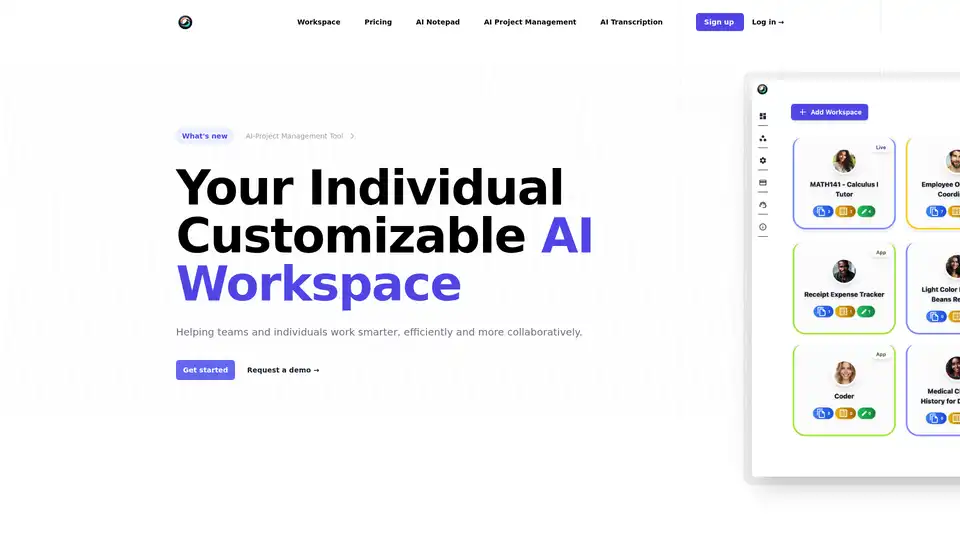
ToleAI offers a customizable AI workspace with tools for project management, transcription summaries, AI notepad, image generation, and OCR. Boost team productivity and collaboration with intelligent agents and seamless integrations.
MaxNotes is an AI-powered voice notes organizer that transcribes, summarizes, and categorizes your audio notes effortlessly. Transform your voice into valuable insights with AI-driven transcription and smart organization.
Wavve AI effortlessly records, transcribes, summarizes, and generates content from audio. Convert voice notes into text for meeting notes, emails, articles, and more. Start for free!
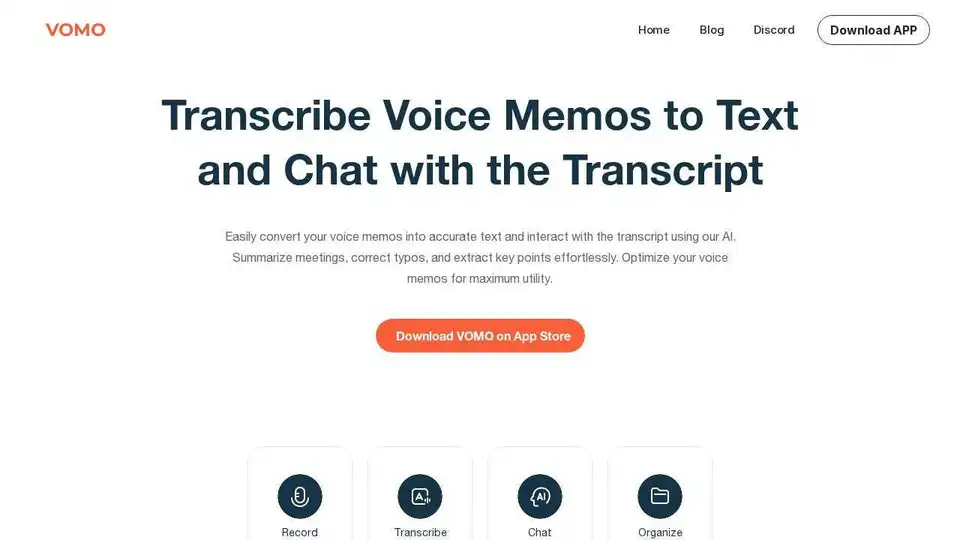
VOMO AI records, transcribes, and summarizes your meetings, delivering clear, customized notes that highlight key points. Transcribe audio and video with 99.9% accuracy.
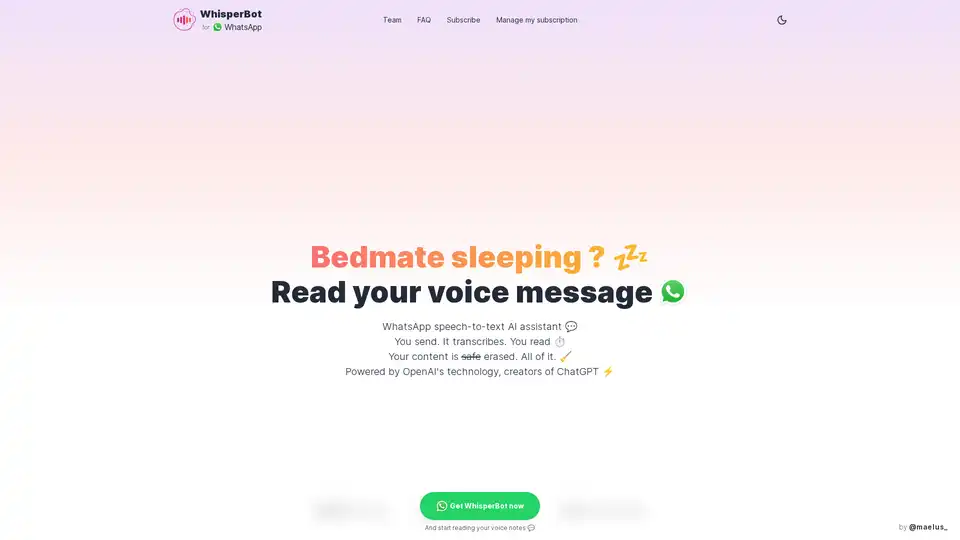
WhisperBot is an AI-powered WhatsApp assistant that instantly transcribes voice messages to text using OpenAI technology. Secure, multilingual, and accurate—perfect for quick reading on the go.
Automatically transcribe and summarize your meetings, interviews, or recordings into searchable text with Notta. Start for Free.
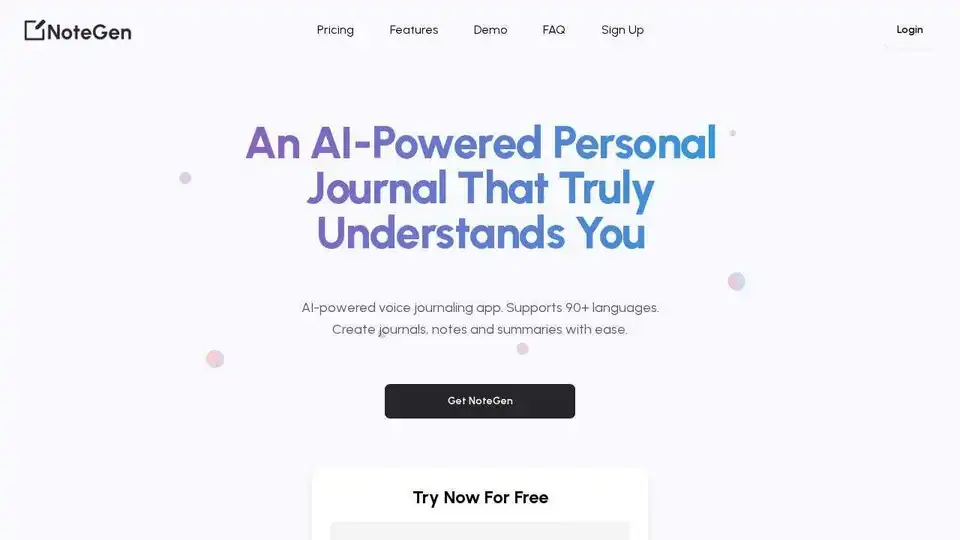
NoteGen is an AI-powered voice notes app that effortlessly transcribes audio into text, perfect for journaling, note-taking, and content creation in 90+ languages.
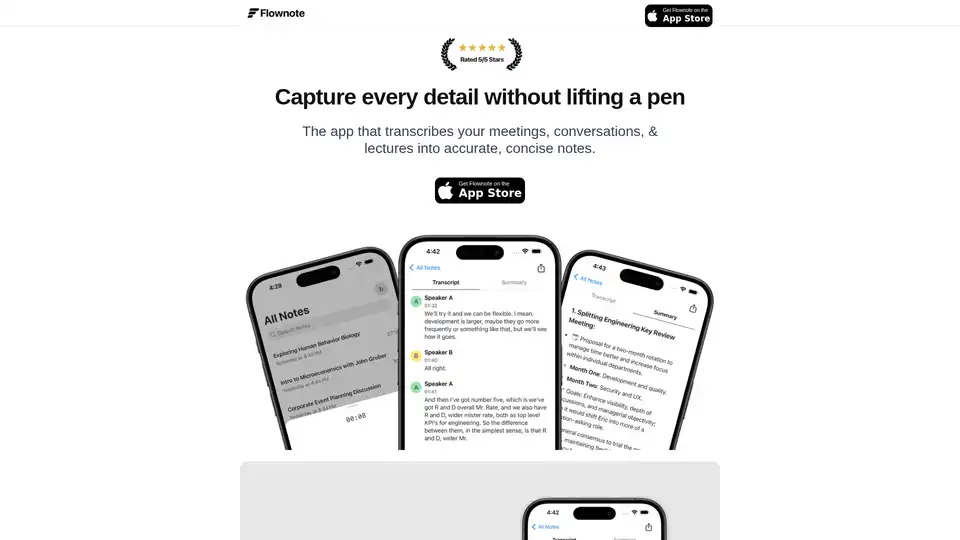
Flownote is an AI-powered note-taking app that automatically transcribes and summarizes your meetings, saving you time and enhancing productivity, so you can focus on the meeting, not the notes.
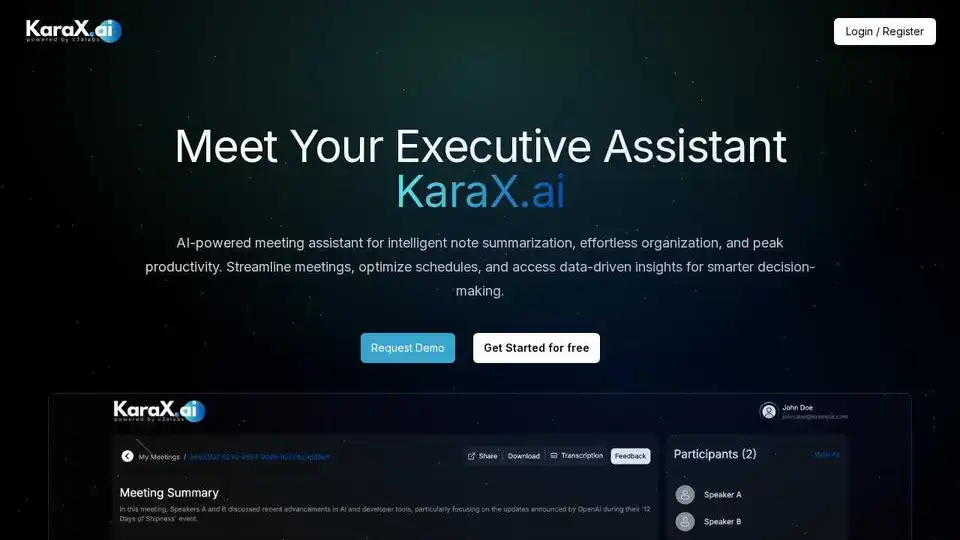
KaraX.ai is the best AI meeting assistant for teams, providing instant summaries, action items, and searchable transcripts for Zoom, Google Meet, and in-person meetings.
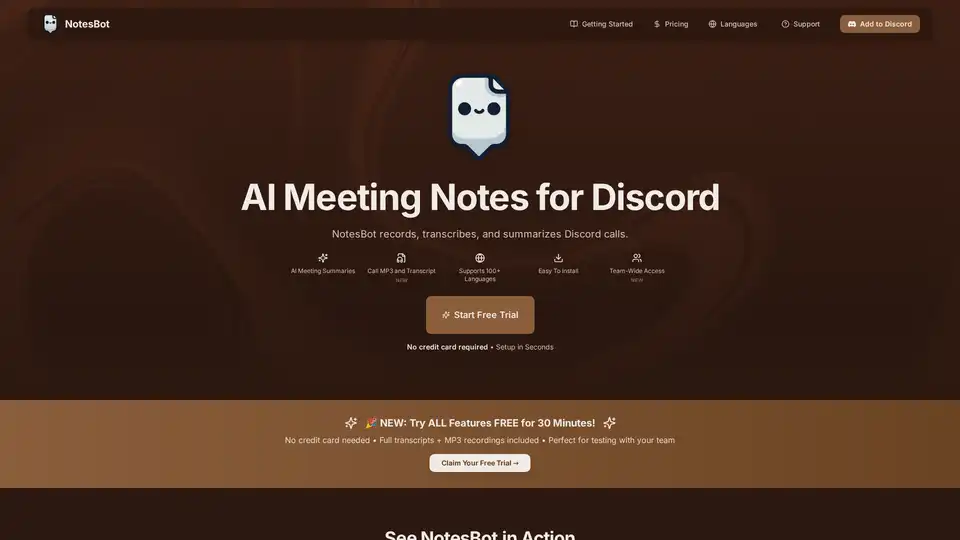
NotesBot is an AI-powered Discord bot that automatically records, transcribes, and summarizes Discord voice conversations. It provides AI-generated meeting notes, action items, and speaker attribution.