
NoteGen
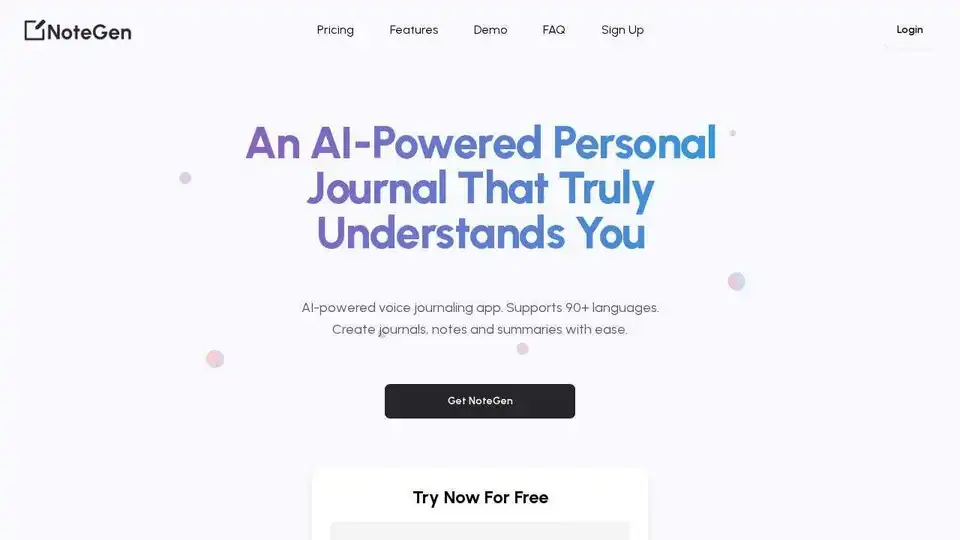
Overview of NoteGen
NoteGen: Transform Your Voice into Valuable Content with AI
What is NoteGen? NoteGen is an AI-powered voice journaling and note-taking app that helps you effortlessly convert your spoken words into written content. Supporting over 90 languages, it's designed to streamline your workflow for journaling, note-taking, call summarizing, and even creating content scripts and social media posts.
Key Features:
- AI-Powered Transcription: Instantly transcribe audio recordings into text with high accuracy.
- Sentiment Analysis: Automatically analyze the sentiment of your voice notes to provide valuable insights into your thoughts and feelings.
- Versatile Content Creation: Generate journals, notes, summaries, to-do lists, content scripts, and social media posts from your transcriptions.
- Easy-to-Use Interface: Record audio, upload files, and edit transcriptions with a simple and intuitive app design.
- Dashboard Access: View and manage all your generated content in one convenient dashboard.
How does NoteGen work?
- Record or Upload Audio: Start by recording live audio directly within the app or uploading existing audio/video files (MP3, MP4, WAV). The AI can pick up your voice even when speaking naturally.
- Instant Transcription: Within seconds, NoteGen transcribes your audio into text. You can then edit the transcription to make any necessary corrections.
- Content Generation: Choose from various content options, such as creating a blog post, to-do list, content script, social media post, or summary analysis. Click "next" to see your content ready.
- Dashboard Management: All your generated content is saved to your personal dashboard for easy access, editing, and deletion.
Why is NoteGen important?
NoteGen saves you time and effort by automating the process of transcribing audio and generating content. It's a valuable tool for:
- Journaling: Capture your thoughts and feelings in a detailed, sentiment-annotated journal.
- Note-Taking: Organize your ideas and meeting notes into clear, structured formats.
- Content Creation: Quickly create blog posts, social media updates, and marketing materials.
- Call Summaries: Generate concise summaries of important calls and meetings.
Where can I use NoteGen?
NoteGen is perfect for:
- Professionals: Save time on meeting notes, create content quickly, and improve productivity.
- Students: Efficiently take notes during lectures and create summaries for studying.
- Writers and Bloggers: Generate content ideas and draft articles faster.
- Anyone who wants to capture their thoughts and ideas on the go.
Pricing Plans
NoteGen offers several pricing plans to suit different needs:
- Neuron (Free): Includes up to 10 minutes of transcription.
- Paid Plans: Offers from 20 minutes to 400 minutes with additional benefits.
FAQ
What types of files can I upload?
You can upload various audio and video files, including meeting recordings, interviews, lectures, and more. Supported formats include MP3, MP4 and WAV.
How long does it take to transcribe my audio or video?
Transcriptions are usually completed within seconds to a few minutes, depending on the length of the file. Larger files may take a bit longer.
Can I edit the transcriptions after they are generated?
Yes, you can easily edit your transcriptions within the app. Simply click on the text to make changes or corrections as needed.
What actions can I take with my transcriptions?
You can create blog posts, to-do lists, content scripts, social media posts, journal entries, and summaries of calls. Choose the action that best fits your needs.
Is my data secure and private?
Yes, we prioritize your privacy. All files and transcriptions are restricted to authorized users only.
How do I manage or delete my saved content?
To manage or delete your saved content, go to your dashboard. From there, you can view, edit, or delete any generated content as needed
Are there any limits on the length of audio or video files I can upload?
There are no strict limits on the length of files you can upload. However, very large files may take longer to process.
Can I get a refund if I’m not satisfied with the app?
Yes, we offer a refund within 5 days of purchase and if you have used less than 10% of your account credits. Please contact our support team with your order details, and they will assist you with the refund process
NoteGen is more than just a transcription tool; it's an AI-powered personal assistant that helps you unlock the value of your voice. Try NoteGen today and experience the future of content creation!
Best Alternative Tools to "NoteGen"
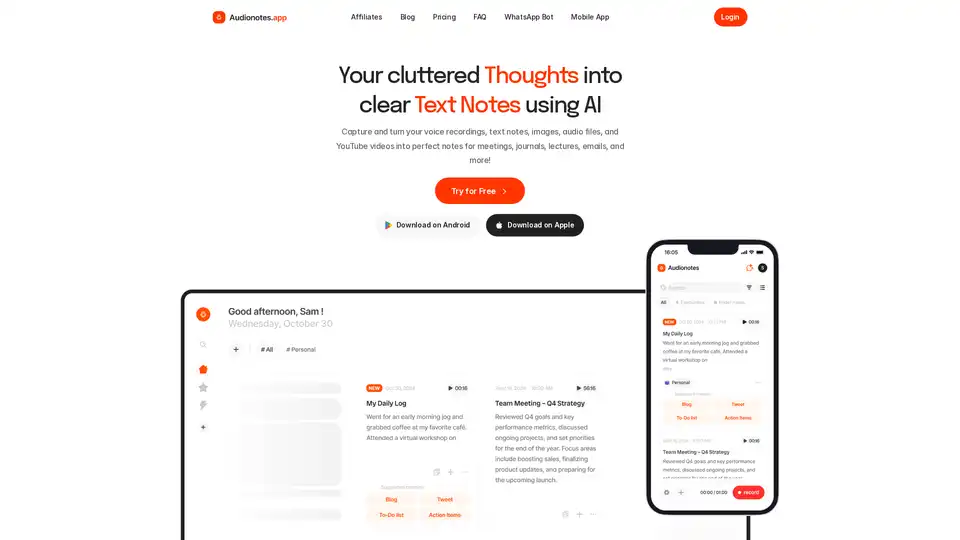
AI note taking app that transforms voice recordings, text, images, audio files and videos into clear, summarized notes for meetings, lectures, journals, and more.
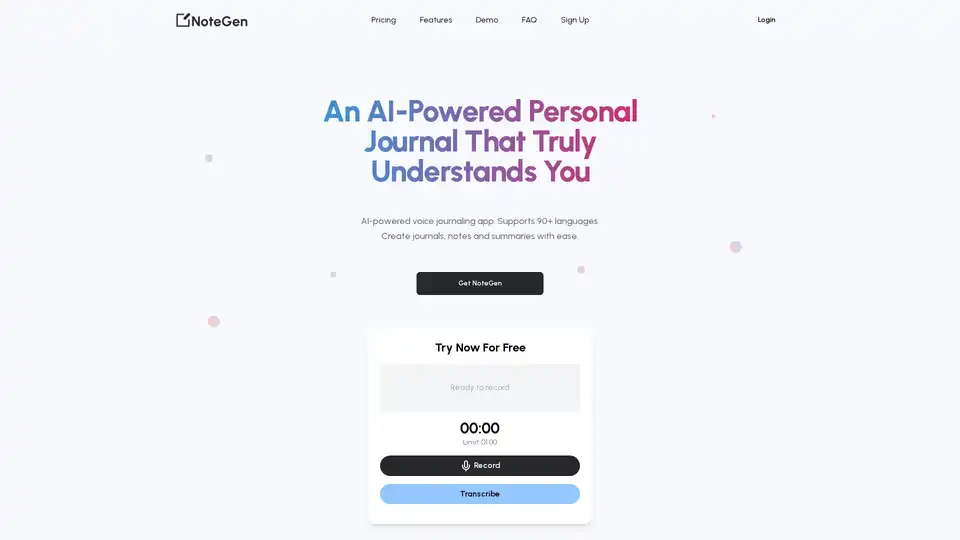
NoteGen is an AI-powered voice journaling app that supports 90+ languages. Record audio or upload files to effortlessly create notes, summaries, journal entries, content scripts and more. Save time and boost productivity!
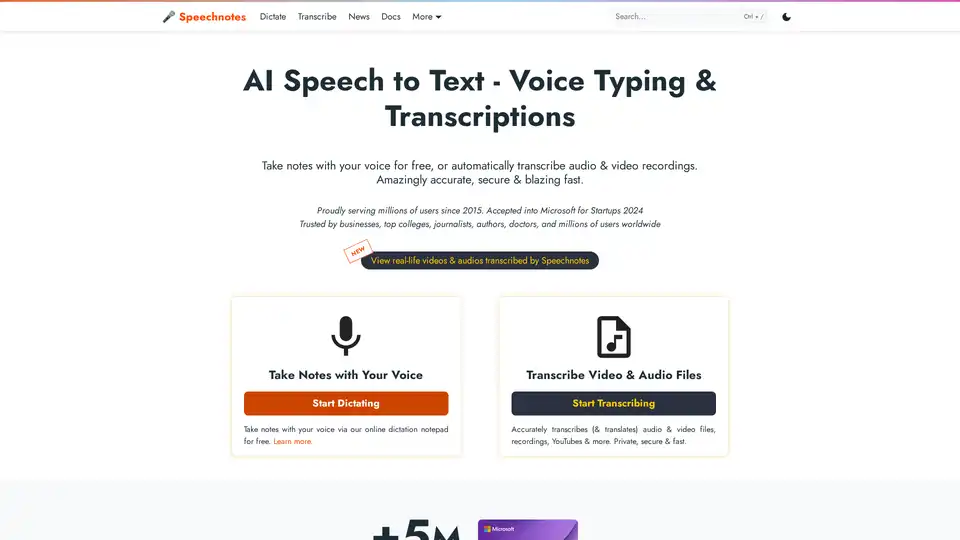
Speechnotes is a free AI-powered speech-to-text tool for real-time voice typing and fast audio/video transcription. Accurate, private, and easy to use for notes, interviews, and more.
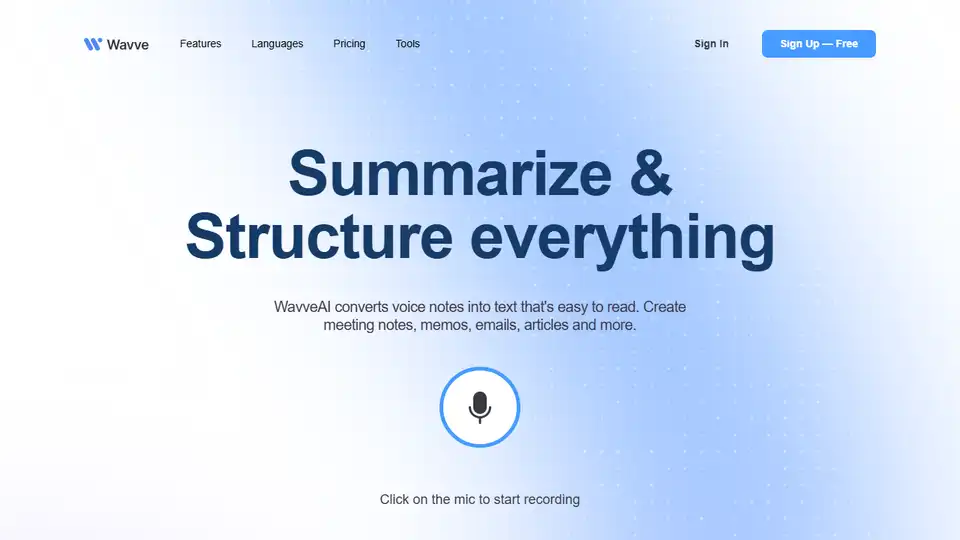
Wavve AI effortlessly records, transcribes, summarizes, and generates content from audio. Convert voice notes into text for meeting notes, emails, articles, and more. Start for free!
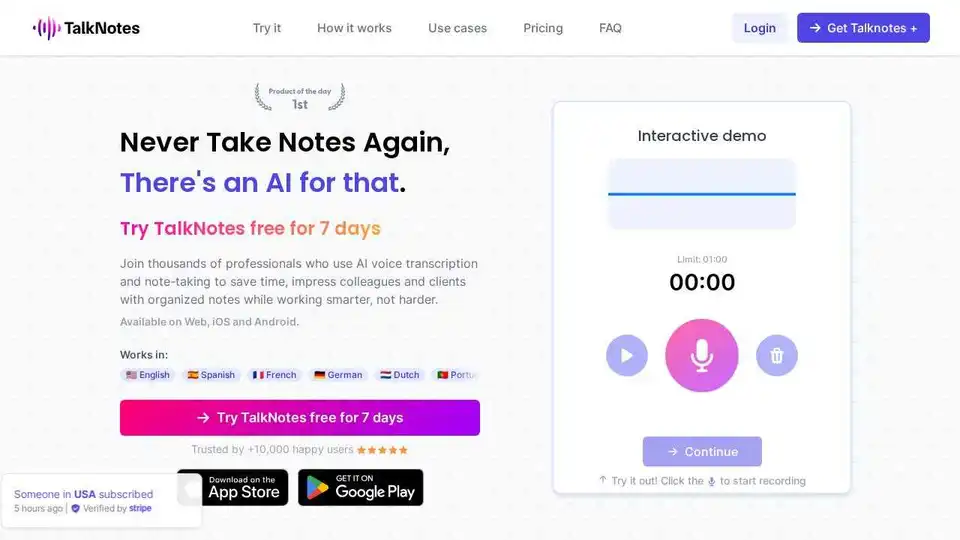
Talknotes is an AI voice note app that transcribes and structures voice notes into actionable text. Create task lists, transcripts, blog posts in seconds. Available on Web, iOS, and Android.
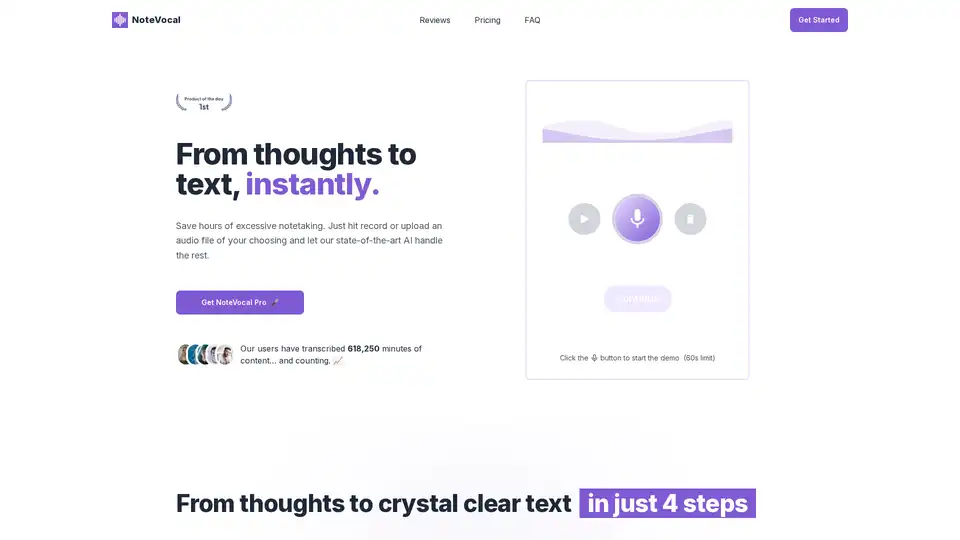
NoteVocal is an AI-powered tool that instantly transcribes audio to text. Ideal for meetings, content creation, and journaling, it supports multiple languages and file uploads. Start capturing your ideas effortlessly!
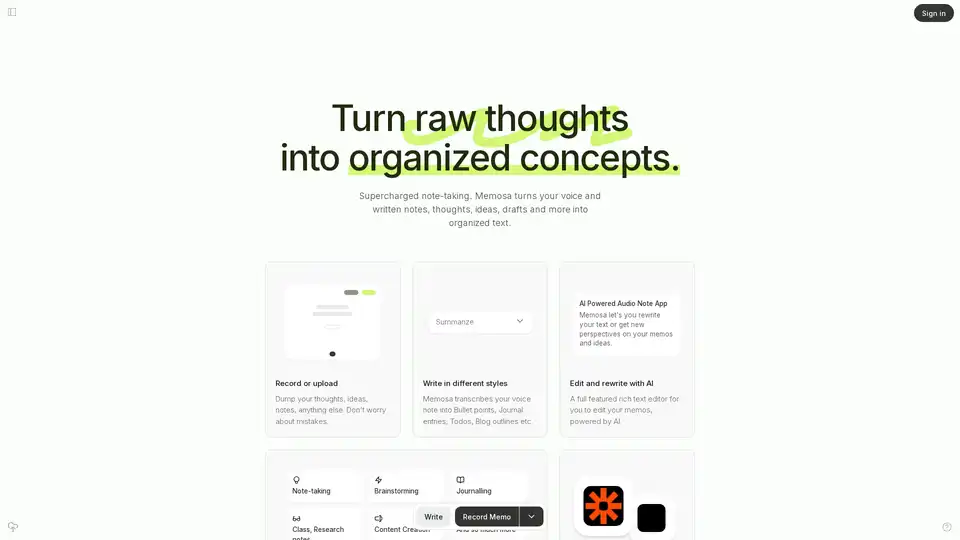
Memosa is an AI-powered audio note app that transforms voice notes into organized text. Record thoughts, summarize into various formats, rewrite with AI, and link to other tools for enhanced productivity.
Convert audio and video to text effortlessly with ScribeBuddy, free AI transcription and subtitle software. Get accurate, fast transcriptions and subtitles for any project.
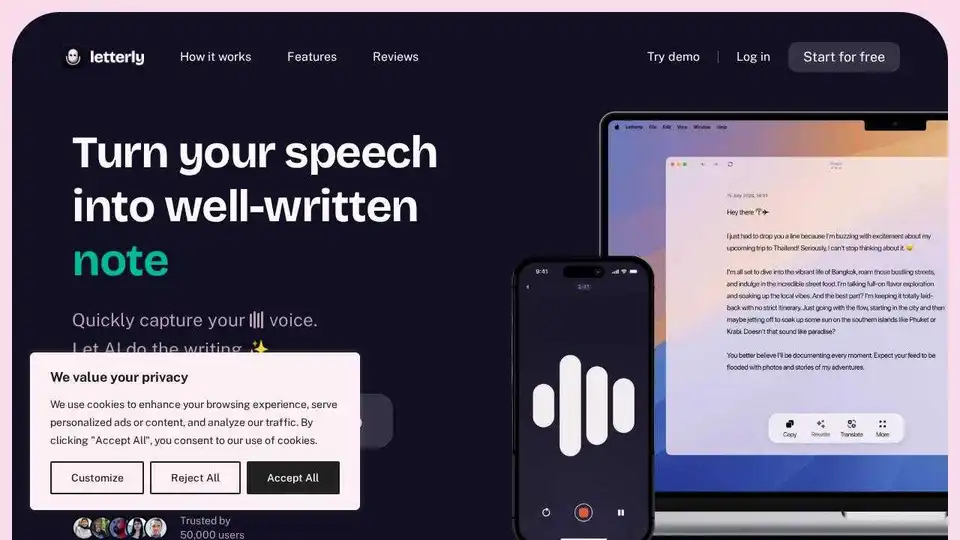
Letterly is an AI-powered speech-to-text app that quickly transforms your voice into structured text for notes, messages, emails, and content creation. Trusted by 100,000 users.
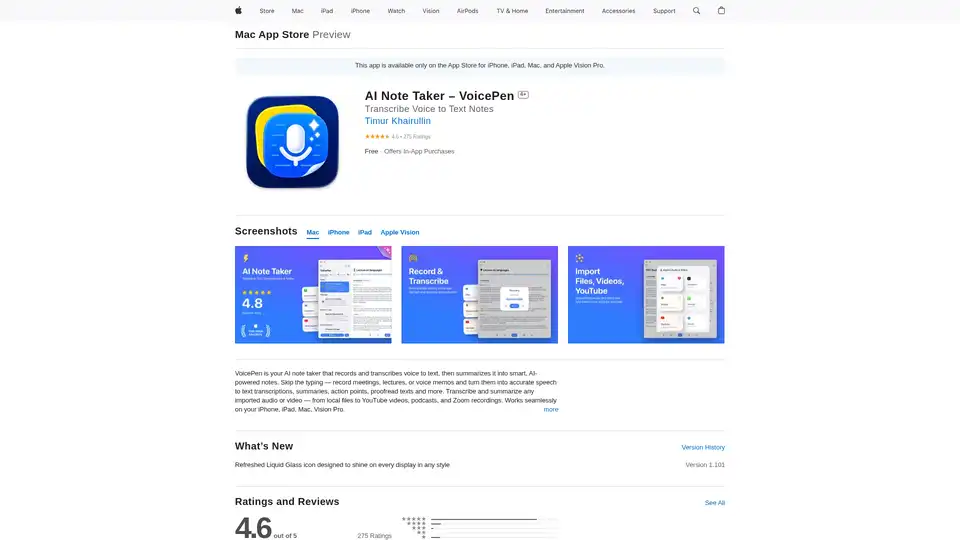
VoicePen is an AI-powered note taker that transcribes voice to text, summarizes meetings, lectures, and memos into smart notes. Record offline, export to PDF/DOC, and integrate with Notion for efficient productivity.
Minutes AI automates meeting and lecture notes using AI to create formatted notes and transcriptions from live audio, uploaded audio files, or YouTube links. Chat with your audio to extract key insights.
Rev is the #1 speech-to-text platform offering precise AI & human transcription services, secure recording, and tailored AI prompts. Trusted by lawyers, researchers, and enterprises.
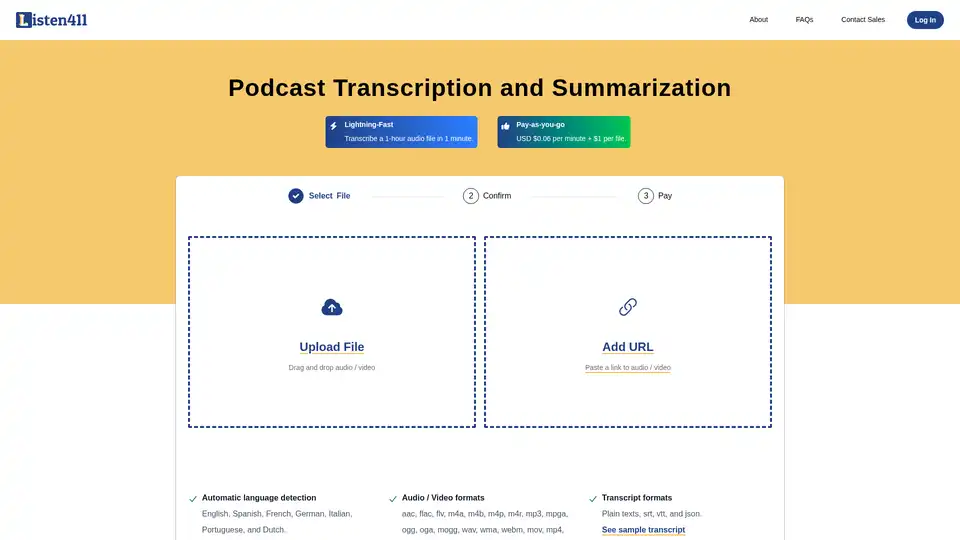
Fast and affordable podcast transcription and summarization. Get 1-hour audio transcribed in 1 minute. Pay-as-you-go. No subscription required.
Superwhisper is an AI-powered voice-to-text app for macOS and iPhone, enabling faster typing and seamless integration with any application. Transcribe audio and video, translate languages, and boost productivity.