
Presenti
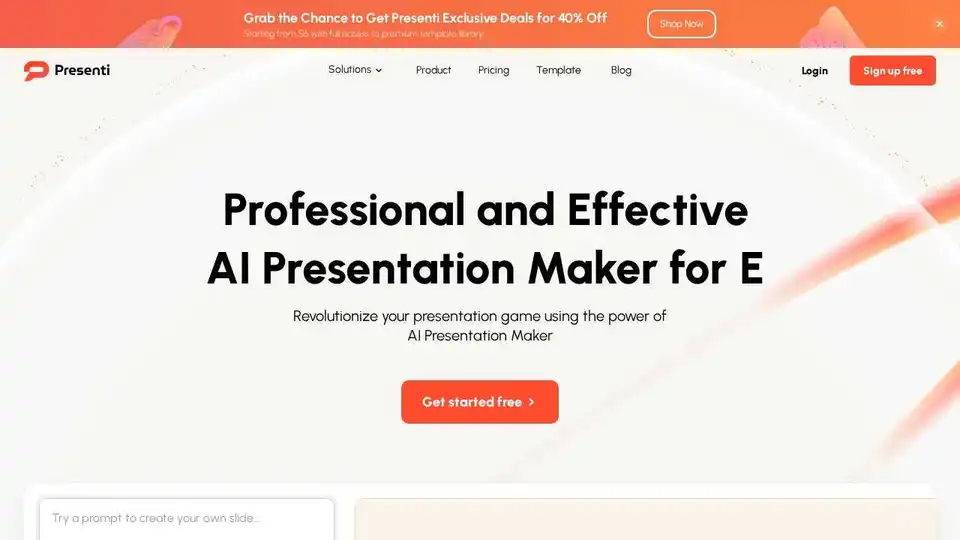
Overview of Presenti
Presenti: The AI Presentation Maker for Stunning Slides
What is Presenti?
Presenti is an AI-powered presentation maker designed to help users create professional and visually appealing slides quickly and efficiently. It leverages artificial intelligence to transform various inputs, such as text, Word documents, PDFs, Markdown syntax, and mind maps, into engaging presentations. Whether you're a business professional, educator, or student, Presenti aims to streamline the presentation creation process, saving you time and effort.
Key Features of Presenti
- AI-Powered Creation: Presenti uses AI to generate content, choose optimal layouts, and select perfect color schemes, ensuring your presentation takes shape effortlessly.
- Versatile Input Options: Transform text, Word documents, PDFs, Markdown syntax, and mind maps into visually appealing slides.
- Automated Design Optimization: The automated design optimization ensures that every slide is perfectly aligned and visually balanced, refining layout, color scheme, and typography.
- Structured Outline Analysis: Automatically generate PPT outline content with AI, dynamically analyze, customize, edit, and modify.
- Extensive Template Library: Access a vast array of customizable templates covering diverse industries and styles.
How Does Presenti Work?
Presenti simplifies the presentation creation process into three main steps:
- Spark Your Idea: Input a topic, keywords, or upload a file (Word, PDF, Markdown, etc.).
- AI-Powered Creation: Presenti's AI generates content, chooses optimal layouts, and selects perfect color schemes.
- Polish and Present: Review, make final touches, and present your polished slides.
Who is Presenti for?
Presenti is designed for a wide range of users, including:
- Business Professionals: Create compelling business pitches, marketing presentations, and corporate updates.
- Educators: Develop engaging educational content for students.
- Students: Prepare professional-looking presentations for academic assignments.
- Developers and Technical Presenters: Transform Markdown syntax into visually appealing slides.
Use Cases and Examples
- Business Pitches: Create a venture capital proposal or a new market development plan with visually stunning slides.
- Educational Content: Develop presentations for smart devices and home automation topics.
- Corporate Culture Promotion: Design presentations to promote corporate culture and values.
Pricing and Plans
Presenti offers a Pro Plan at a discounted rate. Check the website for the most up-to-date pricing information.
How to Use Presenti
- Sign Up: Create a free account on the Presenti website.
- Choose Input Method: Select whether to start from text, Word document, PDF, Markdown, or a template.
- Input Content: Provide the necessary content or upload your file.
- Generate Slides: Let Presenti's AI generate the slides for you.
- Customize and Polish: Review the slides, make any necessary adjustments, and add your personal touch.
- Present: Download or present your stunning slides directly from Presenti.
Why Choose Presenti?
- Efficiency: Create professional presentations in minutes instead of hours.
- Ease of Use: The AI-powered creation process simplifies presentation design.
- Versatility: Supports multiple input formats and offers a wide range of templates.
- Professional Results: Automated design optimization ensures visually balanced and impactful slides.
Best way to create presentation with AI?
Presenti is a powerful AI presentation maker that can help you create professional and engaging presentations quickly and easily. Its AI-powered features, versatile input options, and automated design optimization make it an excellent choice for anyone looking to streamline their presentation creation process.
In conclusion, Presenti is a valuable tool for anyone looking to create professional presentations quickly and efficiently. Its AI-powered features and versatile input options make it a standout choice in the crowded market of presentation software.
Best Alternative Tools to "Presenti"
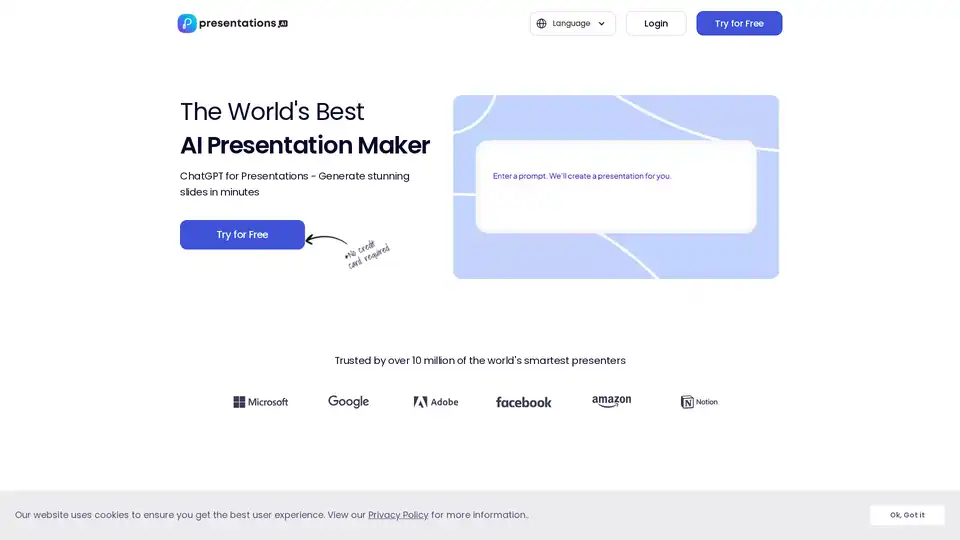
Create captivating presentations in seconds with Presentations.AI, the leading AI presentation maker. Transform ideas into stunning slides effortlessly. Free to try!
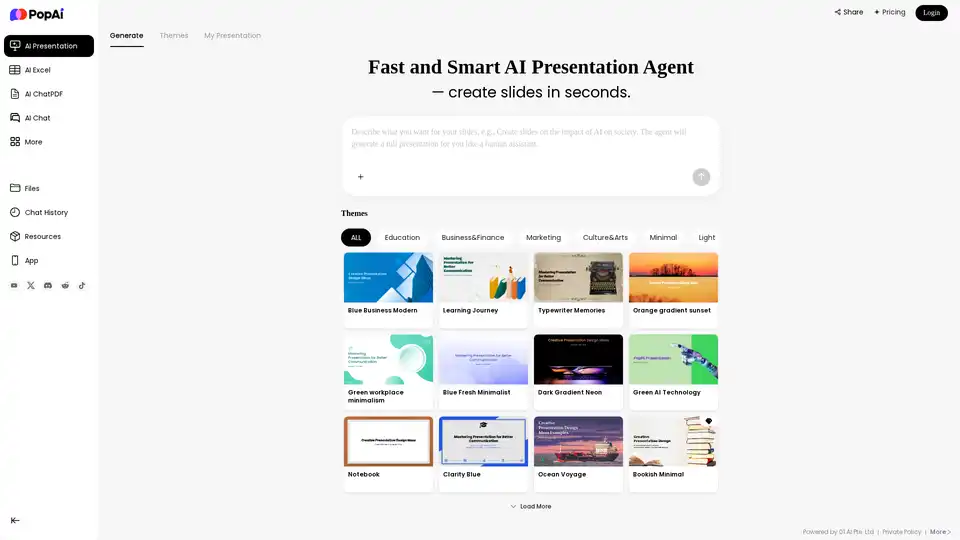
PopAi is a fast and smart AI presentation agent that creates stunning slides in seconds. Turn text, documents (PDF, DOCX, PPTX), or webpages into professional PowerPoint presentations easily.
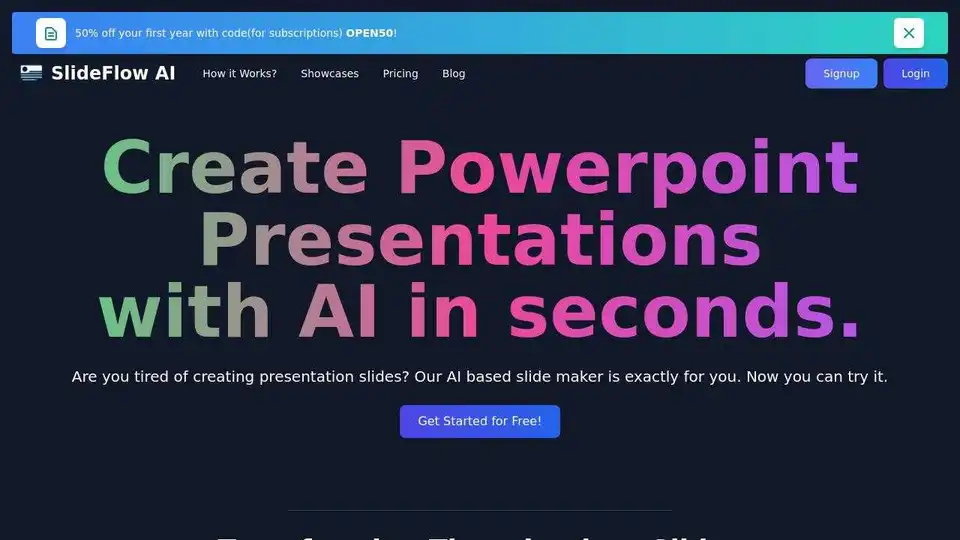
SlideFlow AI transforms your ideas into stunning PowerPoint presentations in seconds with AI. Try the AI-driven platform for presentation design.
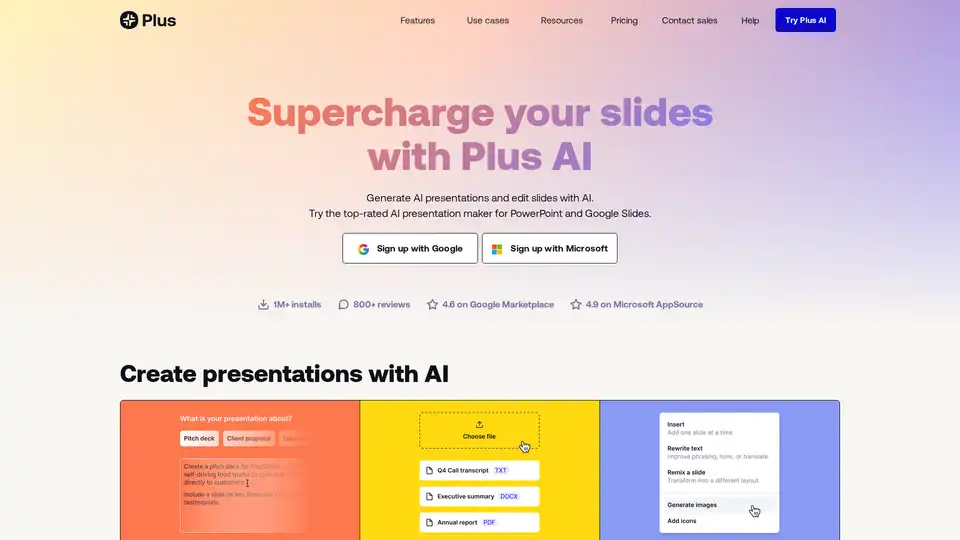
Plus AI is an AI-powered presentation maker that works directly within Google Slides and PowerPoint. It helps users create, edit, and refine slides quickly using AI, offering features like prompt-based generation, file uploads, and slide remixing.

Generate stunning PowerPoint presentations effortlessly with Presentia AI. Simply input your topic, and let AI create professional slides in seconds. Try the best AI presentation maker now!
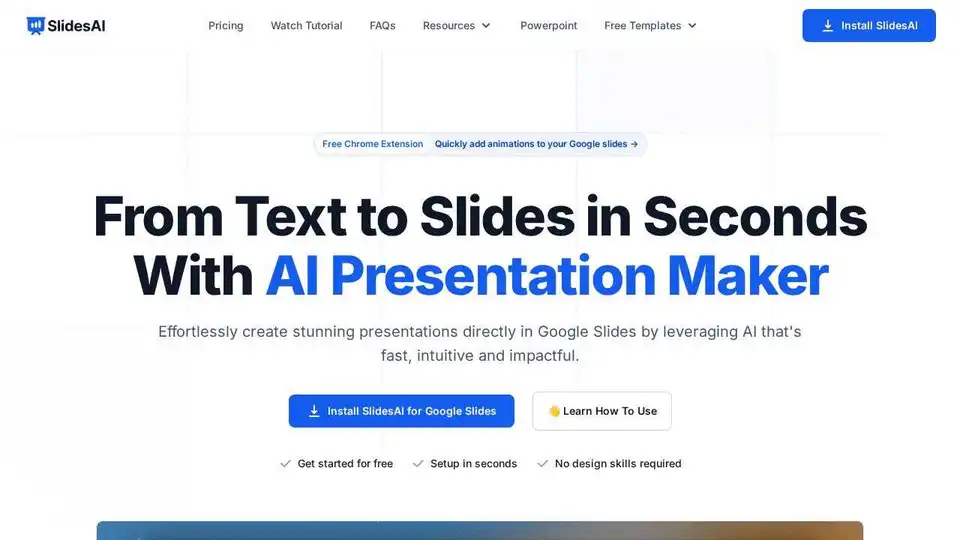
Create stunning presentations in seconds with SlidesAI, the AI presentation maker for Google Slides and PowerPoint. Turn text into engaging slides effortlessly.
Create stunning AI presentations effortlessly with Beautiful.ai DesignerBot. Transform text, generate images, and design professional slides in seconds. Perfect for marketing, sales, and startup teams.
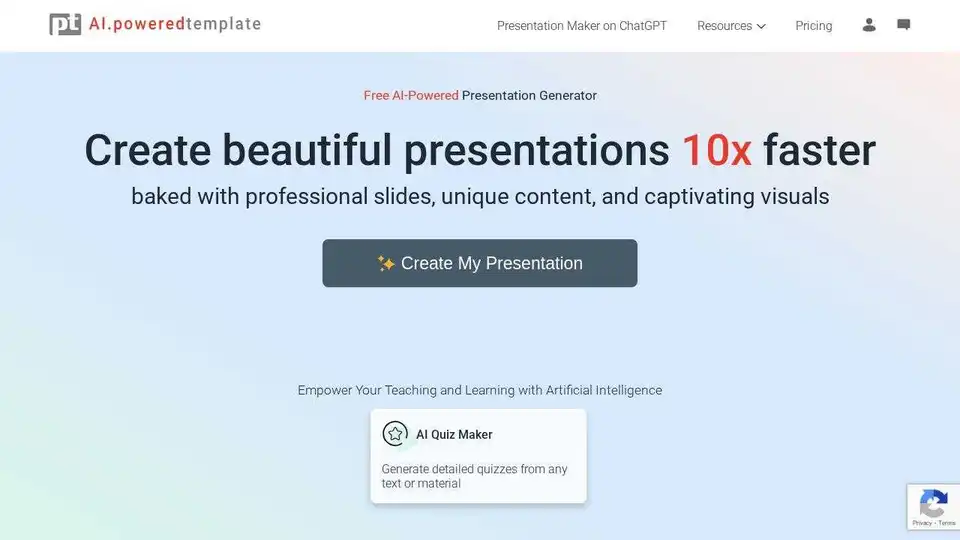
PoweredTemplate's AI Presentation Maker creates professional presentations instantly from text input. Supports PowerPoint, Google Slides, and PDF formats with customizable templates and design themes.
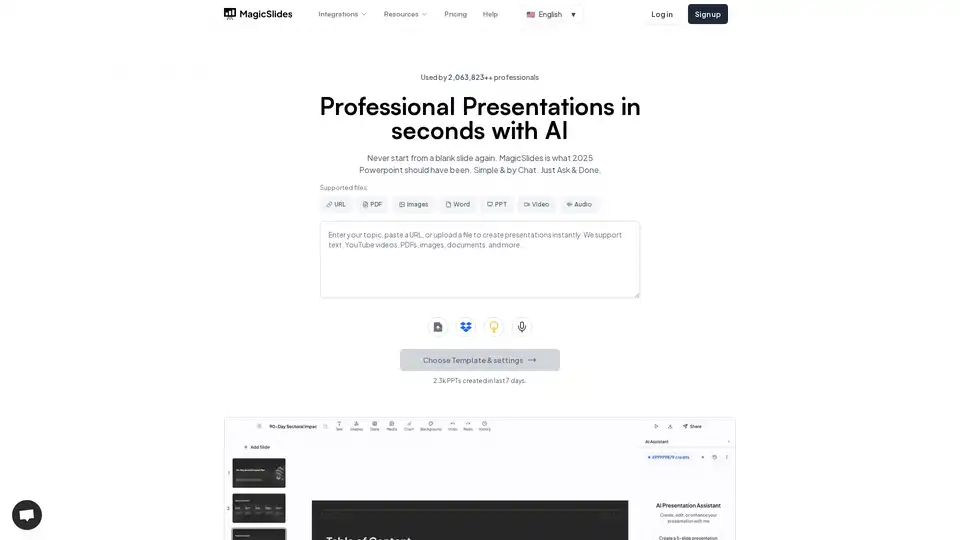
MagicSlides.app is an AI presentation maker that generates professional slides from text, URLs, YouTube videos, and PDFs in seconds. Create engaging presentations effortlessly.
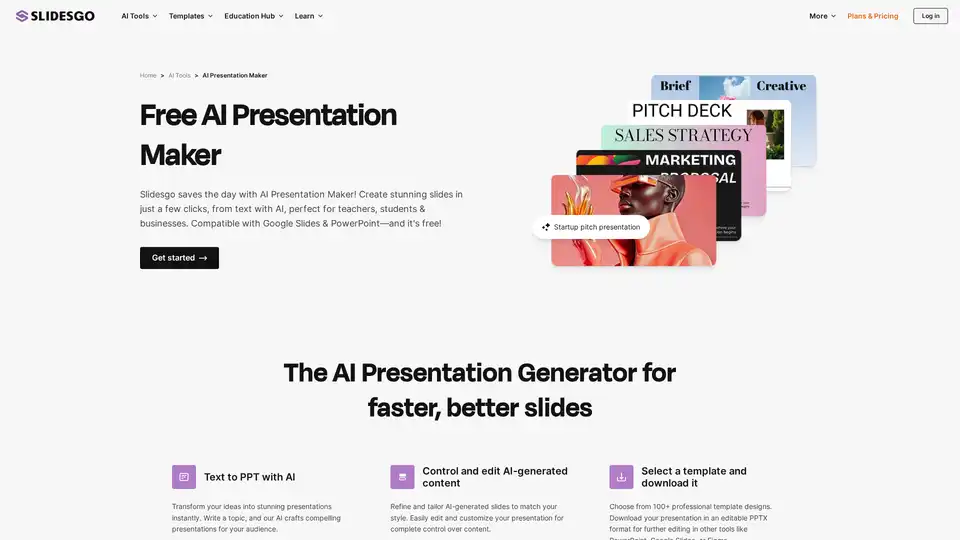
Try for free our new AI Presentation Generator and create a customizable template in seconds. Explore beyond PowerPoint.
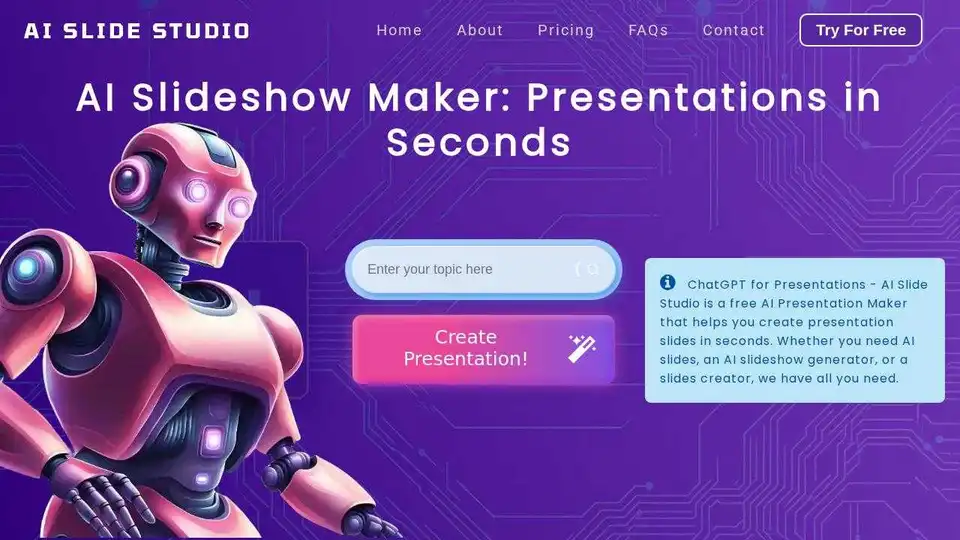
AI Slide Studio is an AI PowerPoint maker that creates professional presentations in seconds. Customize slides with AI-generated images, fonts, and colors. Ideal for business, education, and personal use.
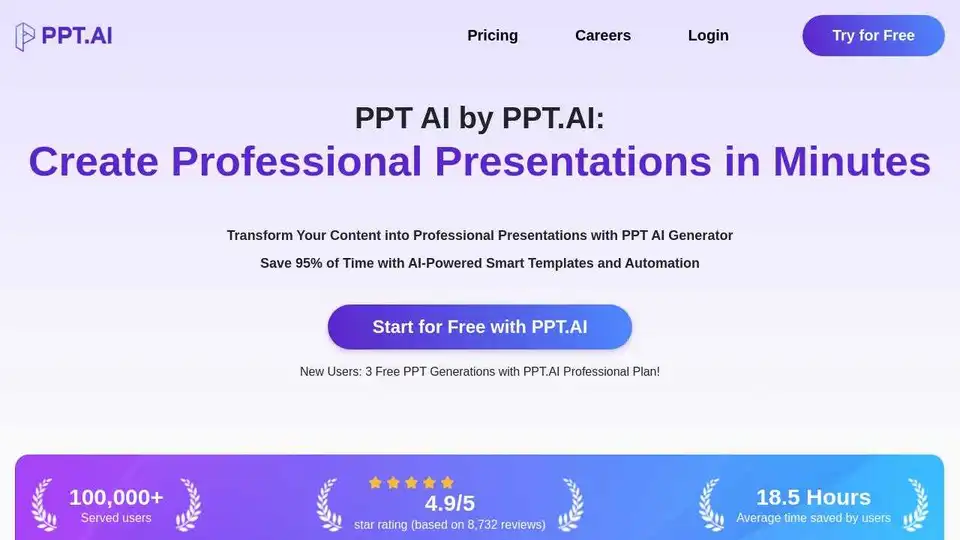
PPT AI is an AI presentation maker that transforms ideas into stunning presentations in minutes. Save 95% of creation time with smart automation and premium templates. Try PPT.AI for free today!
AiPPT is an AI-powered presentation maker that transforms ideas into stunning slides instantly. It supports document uploads, webpage conversions, and Google Drive imports to create professional PowerPoint & Google Slides decks.
AI PowerPoint Maker is a free AI tool that generates professional PowerPoint slides from ideas, documents, or articles. Create stunning presentations instantly without signup, export to PPTX for easy editing in PowerPoint or Google Slides.