
Radiant
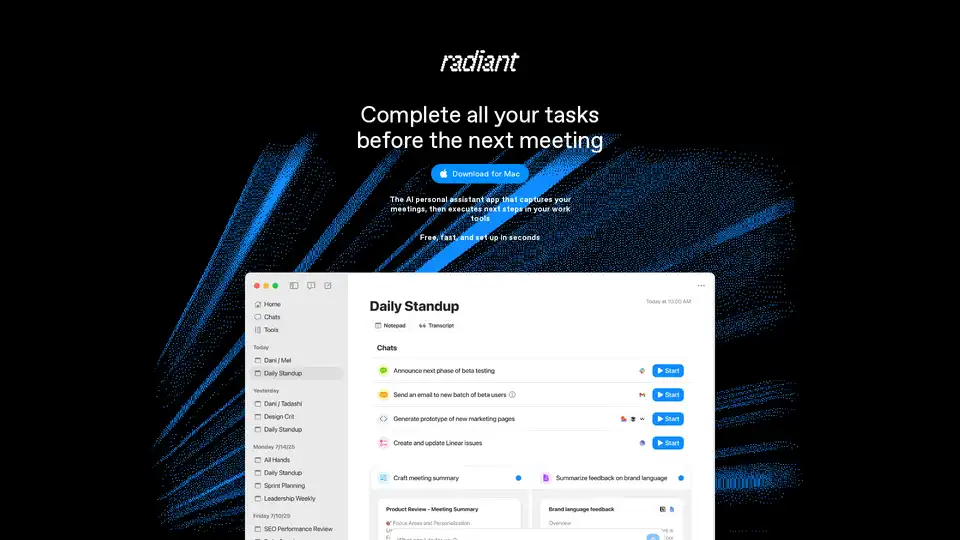
Overview of Radiant
Radiant: The AI Personal Assistant App for Mac
Radiant is an AI personal assistant application designed for Mac users, developed by Supernormal, the creators of the first AI meeting notetaker. Radiant aims to transform meetings into completed to-do lists by capturing meeting content and automating the next steps in your workflow.
What is Radiant?
Radiant is more than just a notetaker; it's a doer. It acts as an AI agent that captures your meetings and executes next steps in your work tools automatically. It suggests next steps and provides everything needed to action them quickly, without the need for manual prompting or programming.
How does Radiant work?
Radiant works silently in the background, capturing meeting details without requiring a bot. It integrates with your favorite tools to automatically draft documents, prompts, emails, tickets, and more.
Key Features and Benefits:
- Automatic Execution: Radiant isn't just about taking notes; it suggests and executes the next steps in your work tools.
- Unobtrusive Operation: Works smoothly in the background without disrupting your workflow.
- Integration with Tools: Connects with various tools to automatically draft documents, prompts, emails, and tickets.
- Time-Saving: Helps complete tasks before the next meeting.
- AI-Powered: Powered by a team that has facilitated over 200 million action items.
Who is Radiant for?
Radiant is designed for product managers, engineers, sales professionals, project managers, and account managers who want to streamline their workflow and complete tasks efficiently.
How to use Radiant?
- Download and Install: Download Radiant for Mac (currently available for M1 Macs or later).
- Setup: Set up Radiant in seconds to start capturing meetings and automating tasks.
- Connect Tools: Connect Radiant to your favorite tools to enable automatic drafting of documents and other tasks.
Why choose Radiant?
- Efficiency: Radiant helps you work at the speed of light by automating tasks and providing necessary tools.
- Seamless Integration: Connects with popular tools to streamline your workflow.
- Hands-Free Operation: Works silently in the background, allowing you to focus on your tasks.
FAQs
- How can I download Radiant? Download directly from the Radiant website.
- Can I use Radiant on any Mac? Currently available for M1 Macs or later.
- What exactly is Radiant? An AI personal assistant app that captures meetings and automates tasks.
- Which meeting platforms does Radiant work with? (Details not provided in the text, but likely integrates with common platforms like Zoom, Google Meet, etc.)
- Which languages does Radiant support? Currently supports English language processing in beta.
- How is Radiant different from other AI notetakers? Radiant is a doer, not just a notetaker; it executes next steps automatically.
- Does Radiant work on PCs or with Windows? Not currently, but a waitlist is available for Intel Mac and PC versions.
- Who is Radiant for? Product managers, engineers, sales people, and project/account managers.
- How much does Radiant cost? Radiant is free to use.
Conclusion
Radiant is an AI personal assistant designed to enhance productivity by automating meeting tasks and integrating with various work tools. Its unobtrusive operation and AI-powered execution make it a valuable asset for professionals seeking to optimize their workflow. By capturing meetings and automating follow-up tasks, Radiant helps users work more efficiently and focus on strategic objectives. Radiant, by Supernormal, aims to transform how professionals manage their tasks and meetings, setting a new standard for AI-driven productivity. How can Radiant improve your daily workflow?
AI Task and Project Management AI Document Summarization and Reading AI Smart Search AI Data Analysis Automated Workflow
Best Alternative Tools to "Radiant"
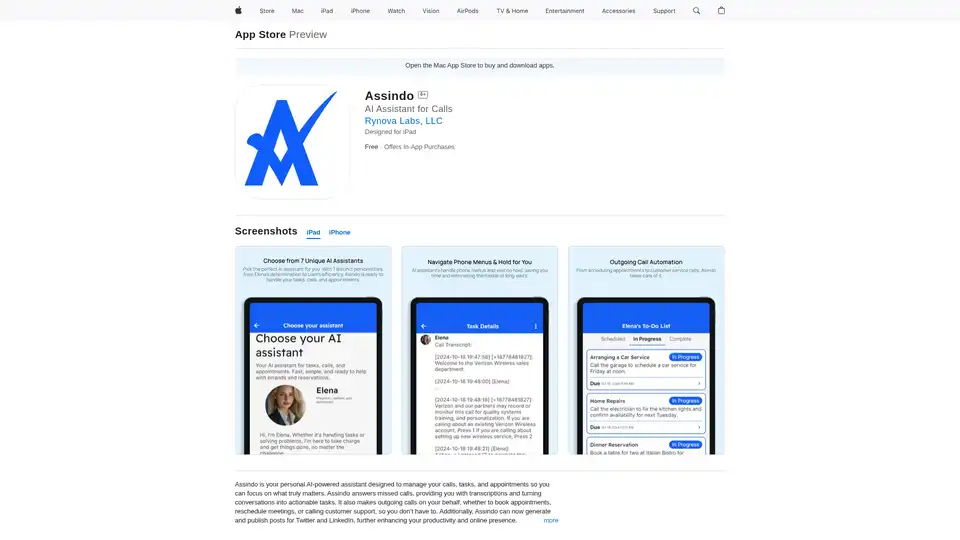
Assindo is an AI-powered personal assistant that manages calls, tasks, and appointments. It answers missed calls, provides transcriptions, makes outgoing calls, and automates social media posts for enhanced productivity.
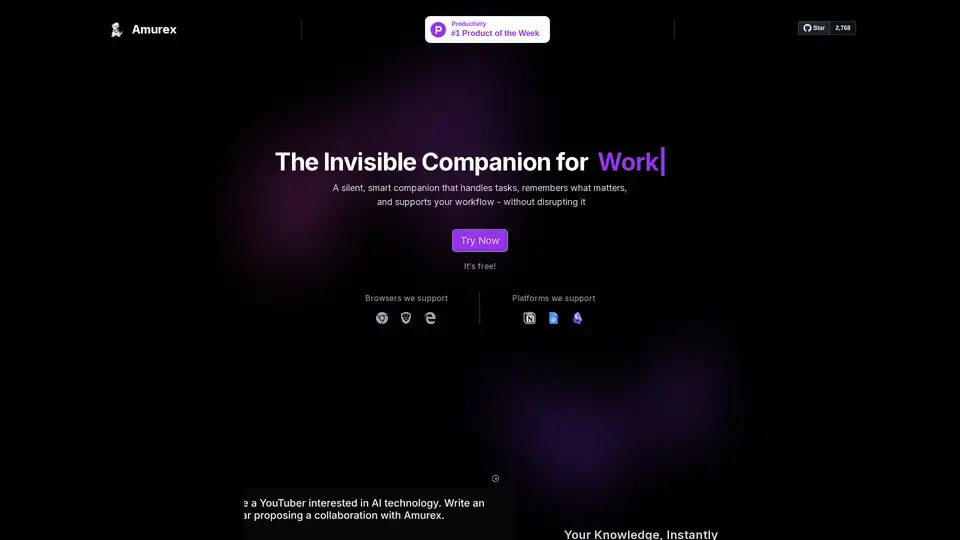
Amurex is a free, open-source AI invisible companion that silently boosts productivity by enabling instant knowledge search across Notion, Google Drive, Obsidian; automating meeting recordings, transcriptions, summaries, and action items; and categorizing emails. Works as a browser layer without extra apps.
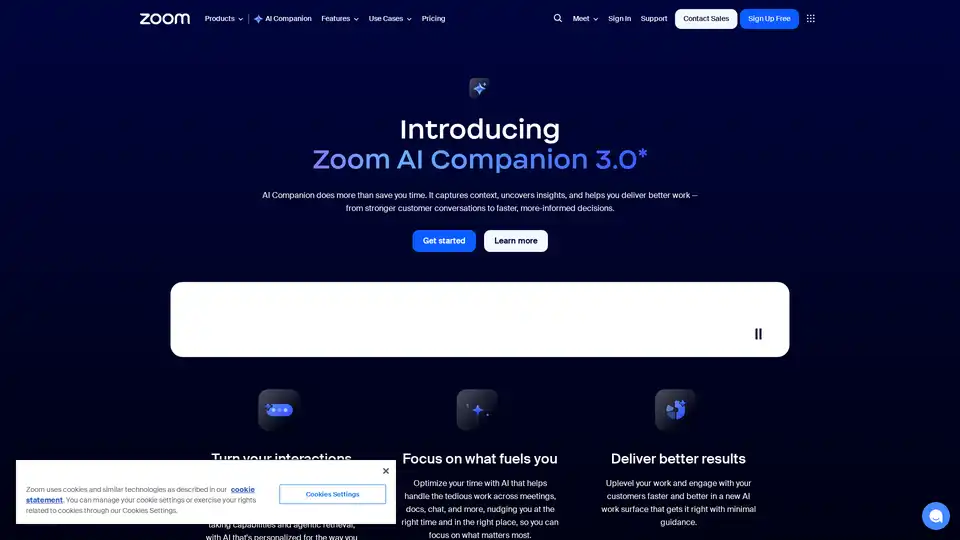
Zoom AI Companion 3.0 revolutionizes productivity by summarizing meetings, drafting emails, generating content, and providing insights—all integrated into the familiar Zoom app for seamless collaboration.
Leexi AI Notetaker automates meeting notes and summaries, saving up to 10 hours monthly with secure, GDPR-compliant AI transcription for Zoom, Teams, and in-person meetings.