
SheetBot AI
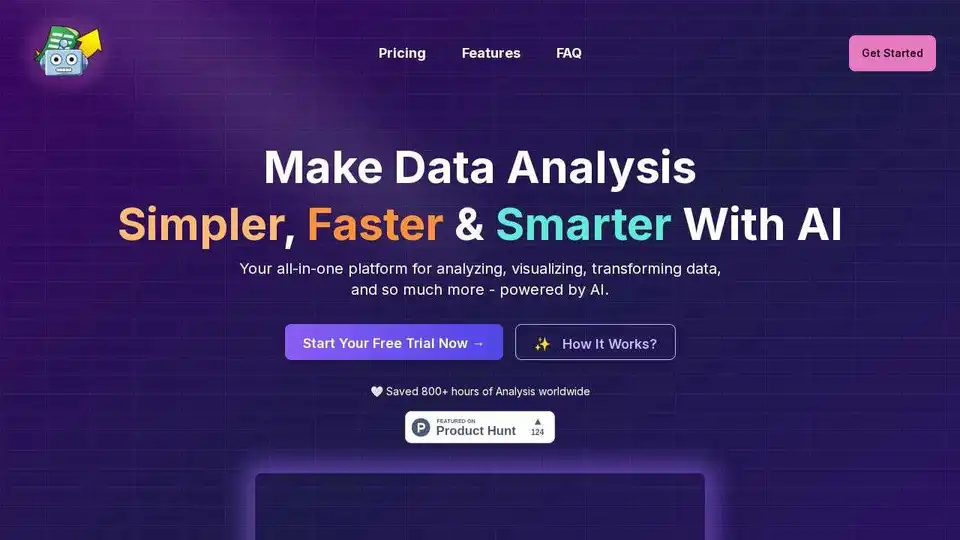
Overview of SheetBot AI
SheetBot AI: Your AI-Powered Data Analysis Assistant
Tired of spending countless hours wrestling with data? SheetBot AI is an innovative AI data analyst tool designed to streamline your data visualization and analysis tasks. It automates repetitive and time-consuming data work, allowing you to generate precise and sleek graphs in seconds, all without writing a single line of code.
What is SheetBot AI?
SheetBot AI is an all-in-one platform that empowers you to analyze, visualize, and transform data using the power of artificial intelligence. It's designed to be user-friendly, even for those without extensive data analysis experience. SheetBot AI helps you save time and make data-driven decisions with confidence.
How Does SheetBot AI Work?
SheetBot AI simplifies data analysis through a four-step process:
- Upload Your Data: Begin by uploading your data in various formats, including spreadsheets (.csv, .json) or by connecting to data sources like MongoDB, SQL, or Google Sheets.
- Ask Questions in Plain English: Instead of writing complex queries, simply ask questions about your data in plain English. For example, "What are the top 10 suppliers by total assessed value in USD?"
- Get AI-Powered Insights: SheetBot AI utilizes advanced AI models to analyze your data and provide actionable insights. It identifies trends, patterns, and correlations that might be difficult to spot manually.
- Visualize Results Instantly: SheetBot AI instantly generates insightful charts and visualizations based on your questions, making it easy to understand and communicate your findings.
Key Features and Benefits
- AI-Powered Summary: Get an instant overview of your dataset with AI-generated summaries.
- Dynamic Visualizations: Create informative and visually appealing charts to represent your data.
- Root Cause Analysis: Identify the underlying causes of trends and patterns in your data.
- Statistical Analysis: Perform various statistical analyses to gain deeper insights.
- Machine Learning: Leverage machine learning techniques for advanced data exploration.
- Scenario Analysis: Explore different scenarios and their potential impact on your data.
- Goal Selection: Choose from a range of analysis goals to guide your exploration.
- No-Code Interface: Analyze data without writing any code, making it accessible to everyone.
- Time Savings: Automate repetitive data tasks and save hours of manual work. Users report saving 800+ hours of analysis worldwide.
How to Use SheetBot AI
- Upload Your Data: Upload your data file or connect to an external data source.
- Explore the Data Preview: Take a quick look at your dataset to ensure it's properly formatted.
- Ask Questions: Type your questions about the data in plain English.
- Review the AI-Powered Summary: Examine the instant summary generated by the AI.
- Analyze and Visualize: Explore the dynamic visualizations and insights provided by SheetBot AI.
Pricing
SheetBot AI offers two pricing plans:
- Monthly Pass: $15 USD per month. Includes 1000 generations, unlimited modifications, access to the smartest AI models (GPT-4o, Claude 3.5 Sonnet), and a high RAM environment for larger datasets. You can upload unlimited files.
- Yearly Deal: $9 USD per month (billed annually at $108 total). Includes the same features as the Monthly Pass.
Both plans offer a free trial, and you can cancel at any time.
FAQ
- What do I get exactly? You get access to SheetBot AI's powerful analysis tools, allowing you to upload your data, ask questions in plain English, get AI-powered insights, and visualize results instantly.
- Can I get a refund? Yes, SheetBot AI offers refunds in the form of credit reimbursements for any issues you encounter. Contact support via email to request a reimbursement.
- How do I link a data source? Connect to your MongoDB/SQL/Google Sheets source in the dashboard page, or upload data files in various formats (.csv, .json).
- Can I modify my visualizations if I don't like it? Yes! Simply type what you want to be updated under the visualization, and it will be updated in real-time.
- What is your data privacy policy? SheetBot AI processes your uploaded data on secure backend servers hosted on Google Cloud Platform. All data is encrypted in transit over HTTPS/TLS. When using OpenAI, only column names and the first row of your dataset are sent, and this data is deleted within 30 days. MongoDB or MySQL credentials are never stored after being securely processed.
Is SheetBot AI Right for You?
If you're looking for a way to simplify your data analysis process, save time, and gain deeper insights without writing code, SheetBot AI is an excellent choice. It's perfect for:
- Business analysts
- Data scientists
- Researchers
- Anyone who needs to analyze data quickly and efficiently
Conclusion
SheetBot AI is a game-changing tool for anyone who works with data. Its AI-powered capabilities, user-friendly interface, and affordable pricing make it an invaluable asset for data analysis. Try SheetBot AI today and experience the future of data analysis!
Best Alternative Tools to "SheetBot AI"
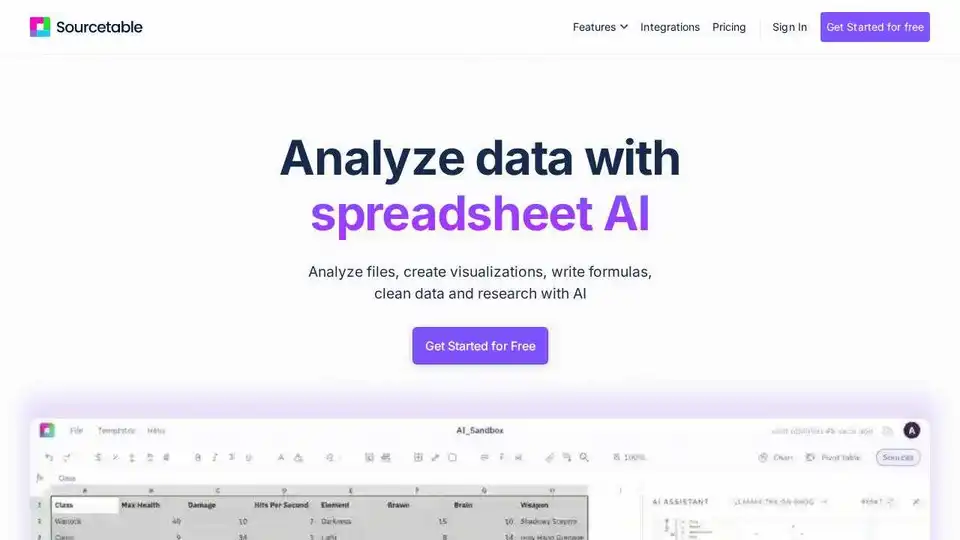
Sourcetable is the AI spreadsheet for analysts, operators, and finance teams. Automate workflows, build models, and create dashboards without code.
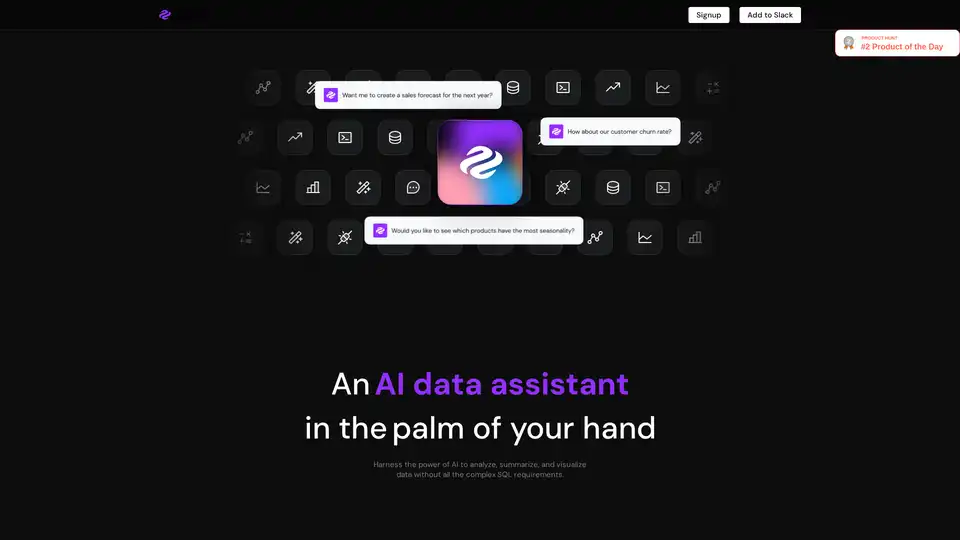
Genie is an AI data analyst that allows business users to query and visualize data without complex SQL. It connects to various data sources, providing insights in seconds within Slack, Teams, or other workspaces.
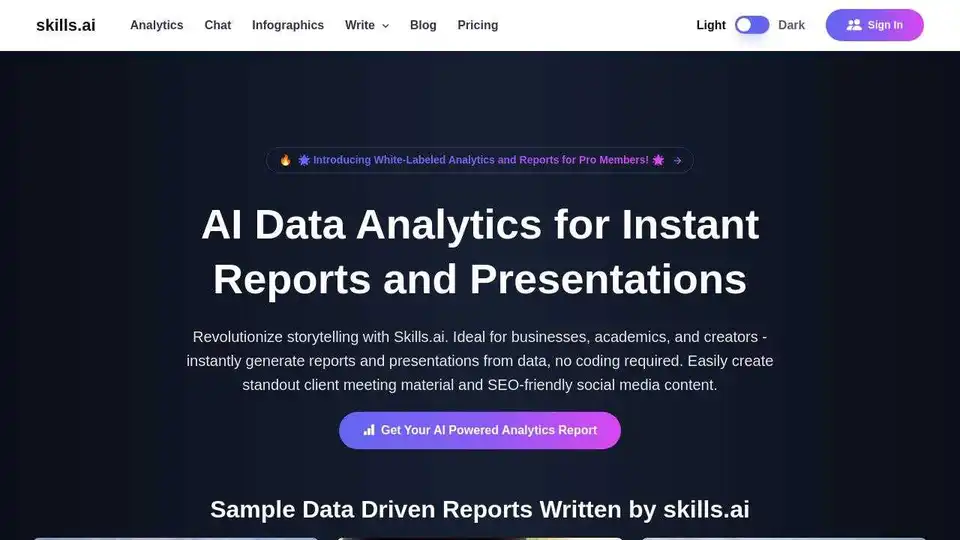
Skills.ai: No-code AI data analytics engine for business leaders & content creators. Generate instant data-driven articles and presentations for client meetings and social media.
ChartFast is an AI data analyst tool that automates data visualization and analysis. It generates precise graphs in seconds, saving time and resources for data professionals.
ChartFast is an AI data analyst tool designed to streamline data visualization and analysis tasks. Generate precise graphs in seconds and automate repetitive data work.
Dot is an AI-powered data analyst that allows teams to ask data questions in natural language and get instant, actionable insights. It integrates with Slack, Teams, and various databases.
Dot is an AI data analyst that empowers teams to get instant, actionable insights from their data. Connect to Slack or Teams for fast, trustworthy answers.
QueryX revolutionizes data search by translating natural language into SQL queries. Experience AI-driven insights for seamless data exploration. Ideal for business decision-makers.
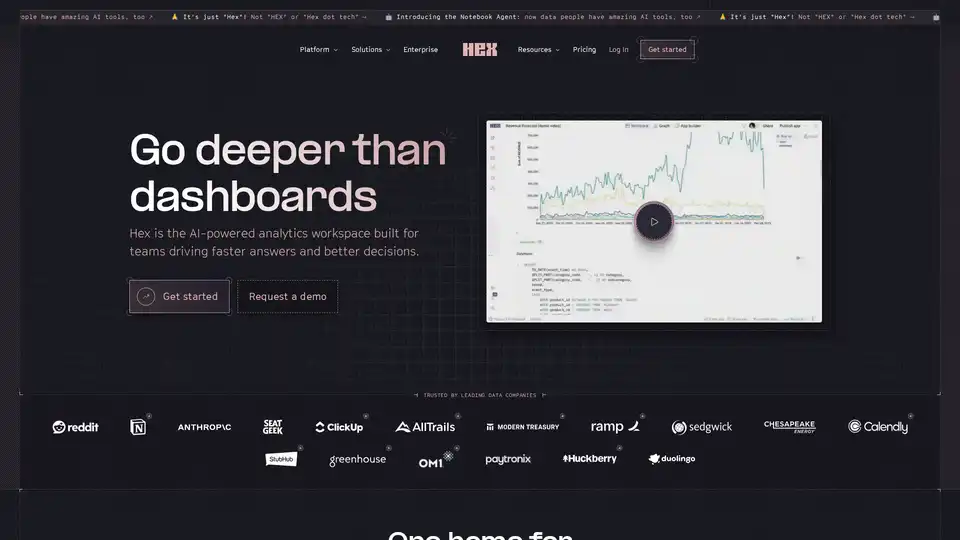
Hex is the AI-powered analytics workspace designed for teams to drive faster answers, better decisions, and collaborative data exploration with notebooks, apps, and self-serve tools.

ScrapeTheMap is a powerful Google Maps Scraper for fast, scalable, AI-enhanced lead generation, market analysis, and business intelligence. Turn local data into global profits.
ChartPixel instantly turns messy data into interactive charts and deep insights with AI-assisted analysis, forecasts, and chat. Make data-driven decisions effortlessly.
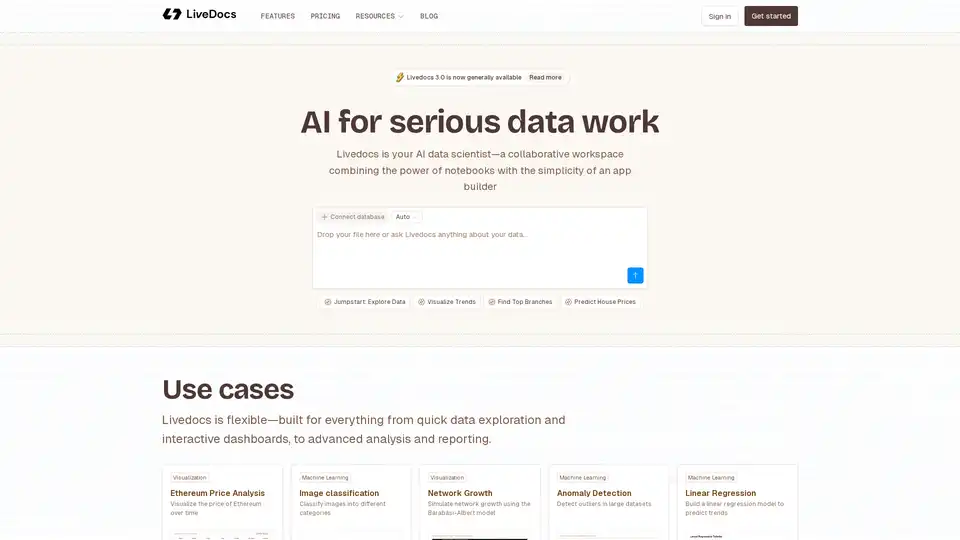
Livedocs is your AI data scientist, a collaborative workspace that combines the power of notebooks with the simplicity of an app builder. Use it for data exploration, visualization, and machine learning.

Dezbor is a no-code platform that allows you to create dashboards and admin panels using AI. Connect to various data sources, customize logic, and collaborate with ease. Transform data into actionable insights.
PredictEasy: No-code AI analytics platform for auditing, describing, predicting, and forecasting with AutoML capabilities, data preprocessing, and model building.