
Transcript Generator
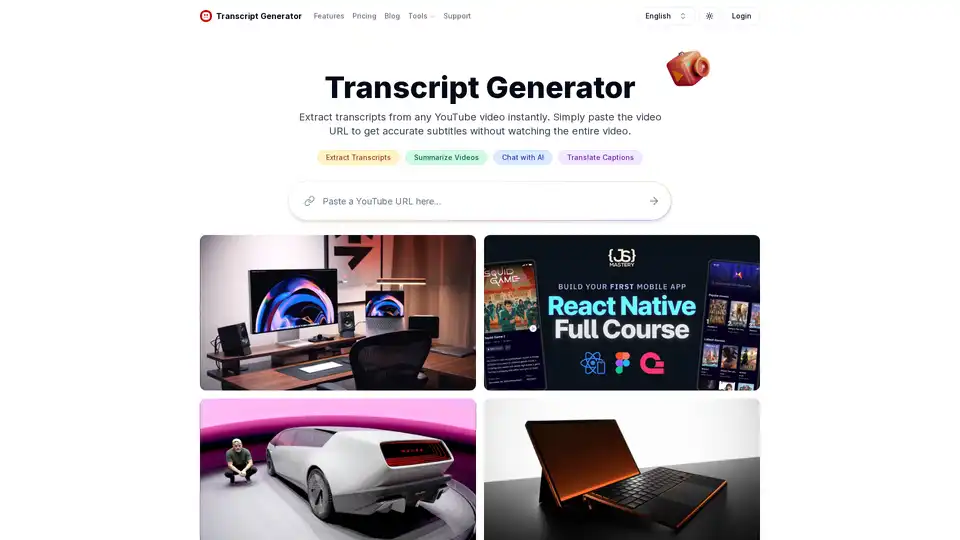
Overview of Transcript Generator
What is Transcript Generator?
Transcript Generator is a powerful tool designed to extract and display complete transcripts from any YouTube video. It is an essential resource for content creators, researchers, educators, and anyone who needs to access video content in text format quickly and efficiently.
Key Features of Transcript Generator
Instant Transcripts
Extract and download complete transcripts from any YouTube video within seconds. This feature is particularly useful for users who need to quickly access the text content of videos without watching them in their entirety.
Video Summaries
Get concise summaries that capture key points from lengthy video content. This feature helps users save time by providing a quick overview of the video's main points.
AI Conversations
Ask questions and receive insights directly from video content through AI. This feature allows users to interact with the video content in a more dynamic and engaging way.
Translate Captions
Transform video captions into multiple languages for global accessibility. This feature is ideal for users who need to access video content in different languages.
Download Formats
Save transcripts in various formats including TXT, DOC, SRT, and PDF with one click. This flexibility ensures that users can use the transcripts in their preferred format.
Transcribe Videos
Generate accurate transcripts for videos without existing captions automatically. This feature is particularly useful for videos that do not have captions enabled.
How Does Transcript Generator Work?
Step 1: Copy Video URL
Browse YouTube for your desired video and grab the URL from your browser's address bar.
Step 2: Generate Transcript
Enter the video link in the input box and hit the transcript button to start the extraction process.
Step 3: Access Content
Review your ready-to-use transcript text, search for specific sections, or save it in your preferred format.
What is YouTube Transcript Generator Used for?
Content Creation
Content creators extract quotes and ideas from videos to inspire blogs, social posts, and scripts - all through a simple transcript tool.
Study Aid
Instead of constantly pausing lectures, students use YouTube Transcript Generator to create comprehensive notes they can highlight and review.
Research Tool
Academic researchers save valuable time by quickly accessing spoken information from video interviews without manual transcription.
Teaching Resource
Teachers transform video lessons into accessible text materials using our YouTube Transcript Generator, making content available to all students.
Market Analysis
Marketing teams monitor industry trends by turning competitor videos into searchable text documents they can analyze and reference.
Everyday Use
When you need to find specific information in a video, our YouTube Transcript Generator helps locate exact moments without watching the entire content.
Why Choose Transcript Generator?
Save Time
Transcript Generator saves you hours of manual work by providing accurate text from videos with just one click.
Multiple Formats
Download transcripts in various formats to suit different needs, ensuring maximum compatibility.
AI-Powered Insights
Interact with video content through AI conversations to gain deeper insights and understanding.
Global Accessibility
Translate captions into multiple languages to make video content accessible to a global audience.
User-Friendly
The tool is designed to be user-friendly, with a simple and intuitive interface that makes it easy to use for anyone.
Who is Transcript Generator For?
Content Creators
Content creators who need to extract quotes and ideas from videos to inspire their work.
Students
Students who need to create comprehensive notes from lectures and educational videos.
Researchers
Academic researchers who need to quickly access spoken information from video interviews.
Educators
Teachers who need to transform video lessons into accessible text materials for their students.
Marketing Teams
Marketing teams who need to monitor industry trends by analyzing competitor videos.
General Users
Anyone who needs to find specific information in a video without watching the entire content.
Best Way to Use Transcript Generator
For Content Creation
Use Transcript Generator to extract quotes and ideas from videos to inspire your blogs, social posts, and scripts. This tool makes it easy to repurpose video content into written format.
For Study Aid
Create comprehensive notes from lectures and educational videos. Highlight and review key points without constantly pausing the video.
For Research
Save valuable time by quickly accessing spoken information from video interviews. Use the AI conversation feature to gain deeper insights.
For Teaching
Transform video lessons into accessible text materials. Make content available to all students, including those with hearing impairments.
For Market Analysis
Turn competitor videos into searchable text documents. Analyze and reference industry trends to stay ahead of the competition.
For Everyday Use
Find specific information in a video without watching the entire content. Use the search feature to locate exact moments quickly.
User Testimonials
Carey Straayer, Content Creator for YouTube
"I've tried several transcript tools, but this YouTube Transcript Generator is remarkably fast and accurate. The auto-scroll feature helps me follow along with the video, which is perfect when I'm creating content summaries for my audience."
Jana Boriková, Associate Professor
"The timestamps feature in this YouTube Transcript Generator has been invaluable for my research work. Being able to quickly locate and reference specific points in lengthy lectures saves me hours of note-taking. No registration required is a huge plus."
Min-jun Park, Language Learner, Seoul
"The caption translation feature is incredible! With English not being my native language, translating YouTube captions to Korean has dramatically improved my learning productivity. I can now understand technical content that was previously inaccessible to me."
Ramiro Avalo, Educator
"I needed a reliable way to make video content accessible to all my students. This YouTube Transcript Generator delivers transcripts in multiple formats without any fuss. The speed is impressive, and I can process an entire playlist of educational videos in minutes."
Pricing Plans
Free Plan
- Price: $0/month
- Features: 10 credits per week, download transcripts, translate transcripts, video summaries, AI chat with videos, transcribe videos without transcripts
- Best For: Casual YouTube viewers
Lite Plan
- Price: $6.99/month
- Features: 700 credits per month, download transcripts, translate transcripts, video summaries, AI chat with videos, transcribe videos without captions, transcribe up to 30 minutes per video, priority support
- Best For: Casual YouTube viewers
Standard Plan
- Price: $9.99/month
- Features: 1500 credits per month, download transcripts, translate transcripts, video summaries, AI chat with videos, transcribe videos without captions, transcribe up to 1.5 hours per video, priority support
- Best For: Content creators and researchers
Professional Plan
- Price: $24.99/month
- Features: Unlimited credits per month, download transcripts, translate transcripts, video summaries, AI chat with videos, transcribe videos without captions, transcribe up to 3 hours per video, priority support
- Best For: Power users and teams
Frequently Asked Questions
Is the YouTube transcript generator free to use?
Yes, the transcript generator is free to use for any video that has captions enabled by the creator. Advanced features like video summaries, chat interactions, and bulk downloads require a subscription plan.
Are there any limits on how many transcripts I can generate?
No, we don't impose any usage limits. You can extract as many YouTube video transcripts as you need without restrictions.
Can I use the transcript tool on mobile devices?
Absolutely! Our YouTube Transcript Generator is fully responsive and works on any device with a web browser.
How can I share transcripts with others?
Sharing is simple. Just copy the URL from your browser after generating a transcript and send it to anyone.
What download formats are available for the transcripts?
We offer multiple download formats to suit different needs. You can save your YouTube transcripts as plain text (TXT), Microsoft Word (DOCX), SubRip Subtitle files (SRT), or Web Video Text Tracks (VTT).
How do I search within a transcript?
Once your transcript is generated, look for the search button located next to the download options. Simply type any word or phrase you're looking for, and our YouTube Transcript Generator will instantly highlight all matching instances in the transcript.
Do I need to create an account to use the transcript generator?
For casual use of a few videos, no account is needed. However, creating an account is recommended for regular users to help us provide better service and prevent abuse of the system.
How can I get support if I have issues or questions?
If you encounter any problems while using our YouTube Transcript Generator or have suggestions for improvements, please email us at support@transcriptgenerator.org. We aim to respond to all inquiries within 24 hours.
Conclusion
Transcript Generator is a versatile and powerful tool that offers a wide range of features to help users extract, summarize, and interact with YouTube video content. Whether you are a content creator, student, researcher, educator, or marketing professional, Transcript Generator provides the tools you need to make the most of video content. With its user-friendly interface, multiple download formats, and AI-powered insights, Transcript Generator is the ultimate solution for anyone looking to access video content in text format quickly and efficiently.
AI Task and Project Management AI Document Summarization and Reading AI Smart Search AI Data Analysis Automated Workflow
Best Alternative Tools to "Transcript Generator"
Notta is an AI-powered tool that transcribes and summarizes meetings, interviews, and recordings in real-time, supporting 58 languages. It saves time by generating actionable insights and summaries, integrating with tools like Slack and Notion.
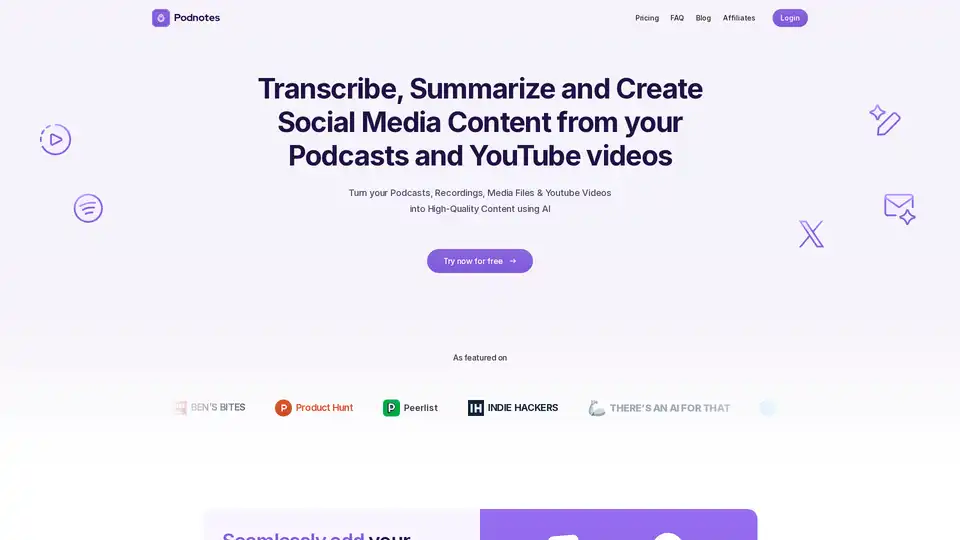
Podnotes is an AI-powered tool that repurposes podcasts and videos into engaging content like transcripts, summaries, blogs, and social media posts. Supports 19+ languages. Ideal for podcasters and content creators.
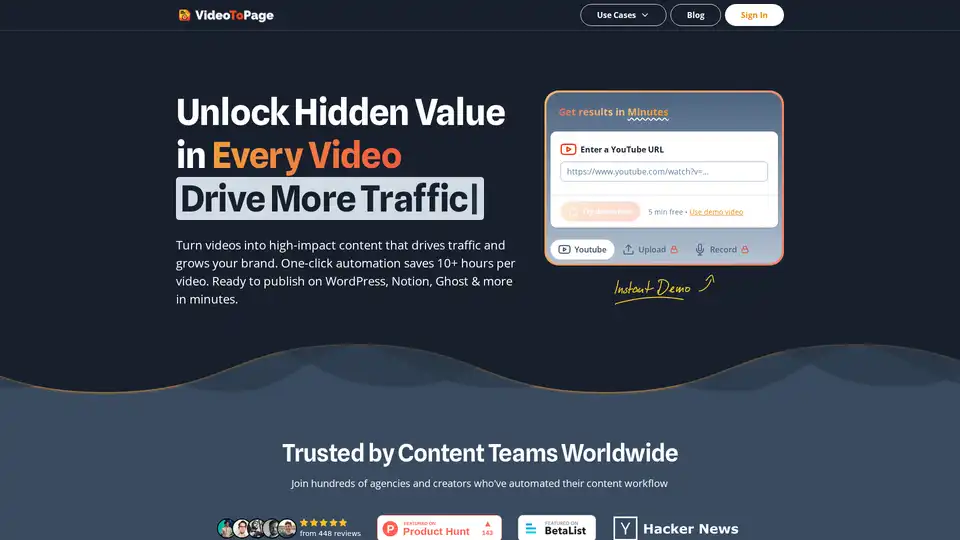
VideoToPage uses AI to transform videos and audio into blog posts, articles, and social media content. Automate your content workflow and unlock hidden value in every video. Supports 1000+ video sources.
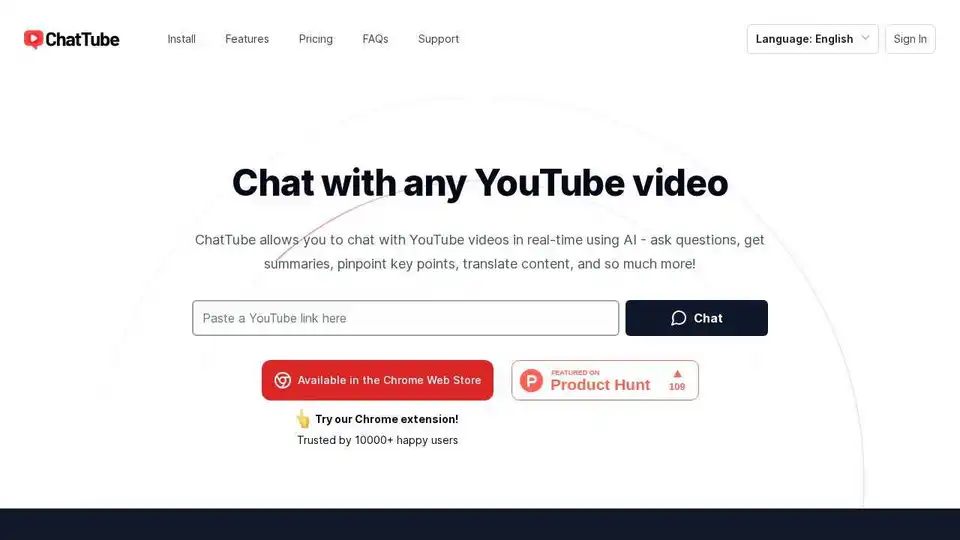
ChatTube is a Chrome extension that allows you to chat with YouTube videos in real-time using AI. Ask questions, get summaries, pinpoint key points, and translate content.