
Veo
Overview of Veo
Veo: Google DeepMind's Cutting-Edge Video Generation Model
Veo is Google DeepMind's latest state-of-the-art video generation model, designed to empower filmmakers and storytellers with new creative capabilities. With Veo 3, creators can now generate videos with greater realism and fidelity, including 4K output, real-world physics, and audio.
What is Veo?
Veo is an AI model that generates high-quality videos from text prompts. It's designed to provide creators with more control, consistency, and creativity in their video production process. Veo excels in physics, realism, and prompt adherence, ensuring that the generated videos closely match the user's vision.
Key Features of Veo
- Greater Realism and Fidelity: Veo 3 offers enhanced realism, including 4K output and accurate simulation of real-world physics.
- Improved Prompt Adherence: The model follows prompts more accurately, ensuring that the generated videos closely align with the user's instructions.
- Enhanced Creative Control: Veo provides new capabilities to achieve greater control, consistency, and creativity in video generation.
- Audio Generation: Veo 3 allows users to add sound effects, ambient noise, and dialogue to their creations, generating all audio natively.
How does Veo Work?
Veo utilizes advanced AI techniques to understand and interpret text prompts, translating them into realistic and engaging video content. The model has been trained on a vast dataset of videos, allowing it to generate high-quality output that adheres to the user's specifications.
Veo 2 introduces new features, including:
- Reference-Powered Video: Ensure videos align with your creative intent by giving Veo images of a scene, a character, or an object to guide the generation.
- Style Matching: Capture your desired aesthetic by providing a style reference image, and Veo will generate videos with the same visual style, from paintings to cinematic looks.
- Character Consistency: Ensure characters maintain their appearance across different scenes in your videos by giving Veo reference images of your character.
- Camera Controls: Precisely control the framing and exact movement of shots in your video using camera controls.
- First & Last Frame Transitions: Create natural transitions between images provided for the first and last frame.
- Outpainting: Expand your video with new, matching parts that look real, helping it fit any screen size or shape.
- Object Addition & Removal: Reimagine videos by introducing new objects or seamlessly eliminating unwanted objects, preserving the scene's natural composition, interactions, and shadows.
- Character Controls: Bring characters to life, using your body, face and voice to animate them.
- Motion Controls: Define the exact movement of objects in your video by selecting an object and defining their path.
How to use Veo?
Veo can be accessed through various platforms, including:
- Gemini: Veo is integrated into the Gemini app, allowing users to generate videos directly from the application.
- Flow: Flow is a platform built for creatives that enables users to create seamless cinematic clips, scenes, and stories using Veo.
- Google AI Studio: Developers can use Google AI Studio to experiment with Veo and other generative media technologies.
- Gemini API: Veo is accessible through the Gemini API, allowing developers to integrate it into their own applications.
- Google Vids: Veo can be used in Google Vids to enhance video creation workflows.
- Vertex AI Studio: Veo is also available on Vertex AI Studio for enterprise users.
Who is Veo for?
Veo is designed for a wide range of users, including:
- Filmmakers: Veo empowers filmmakers to bring their creative visions to life with high-quality video generation capabilities.
- Storytellers: Veo provides storytellers with the tools to create engaging video content that captivates audiences.
- Content Creators: Veo enables content creators to produce professional-grade videos quickly and easily.
- Developers: Veo's API allows developers to integrate video generation capabilities into their own applications.
Why Choose Veo?
Veo stands out from other video generation models due to its:
- High-Quality Output: Veo generates realistic and engaging videos with 4K resolution and accurate audio.
- Creative Control: Veo provides users with a high degree of control over the video generation process, allowing them to customize the output to their specific needs.
- Ease of Use: Veo is easy to use, with a simple and intuitive interface that makes it accessible to users of all skill levels.
- Integration with Other Platforms: Veo is integrated with various Google platforms, making it easy to incorporate into existing workflows.
Veo and the Future of Video Generation
Veo represents a significant step forward in the field of AI video generation. By providing creators with the tools to generate high-quality videos quickly and easily, Veo has the potential to transform the way videos are created and consumed.
Ethical Considerations
Google DeepMind has built Veo with responsibility and safety in mind, blocking harmful requests and results, testing new features for safety implications, and conducting evaluations for potential issues related to privacy, copyright infringement, and bias. Videos made with Veo will be marked with SynthID, Google's advanced technology for watermarking and detecting AI-generated content.
Conclusion
Veo is a powerful AI video generation model that offers creators a new way to bring their visions to life. With its high-quality output, creative control, and ease of use, Veo is poised to become an essential tool for filmmakers, storytellers, and content creators alike.
Best Alternative Tools to "Veo"
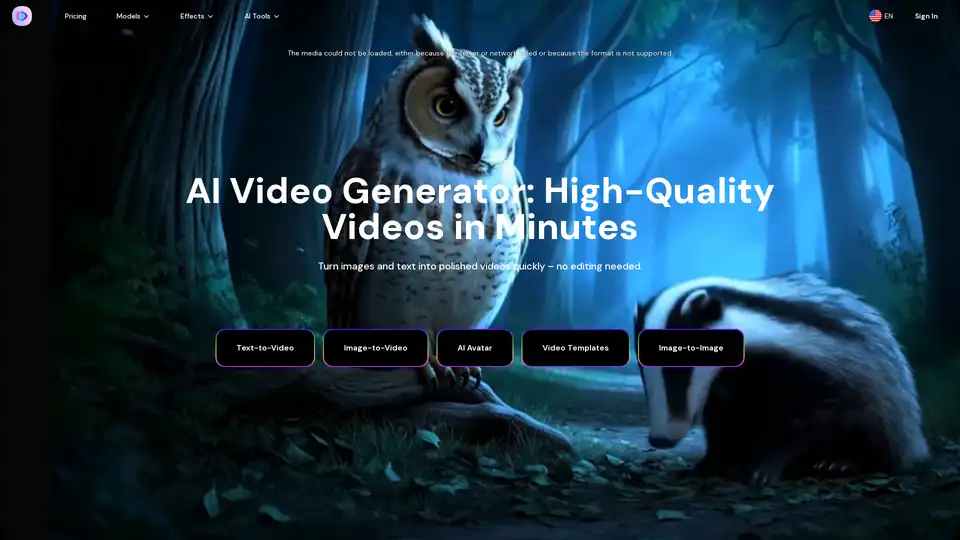
Image-to-Video Maker is an AI video generator that turns text, images, or video clips into high-quality videos. It offers features like text-to-video, image-to-video, AI avatars, and video upscaling, all within a single platform.
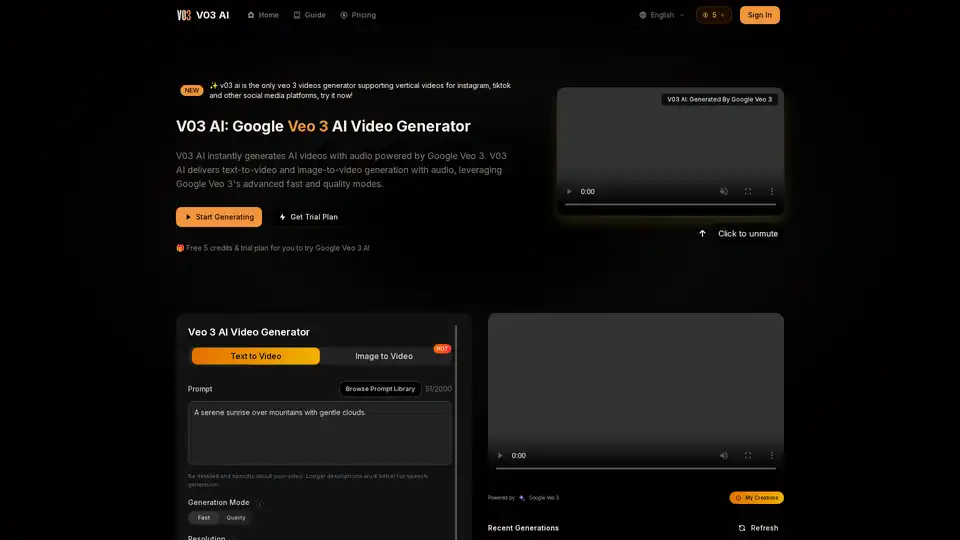
V03 AI is a cutting-edge video generator powered by Google Veo 3 that creates realistic videos with synchronized audio from text or image prompts. It offers fast and quality modes, supports vertical videos for social media, and delivers professional 4K output.
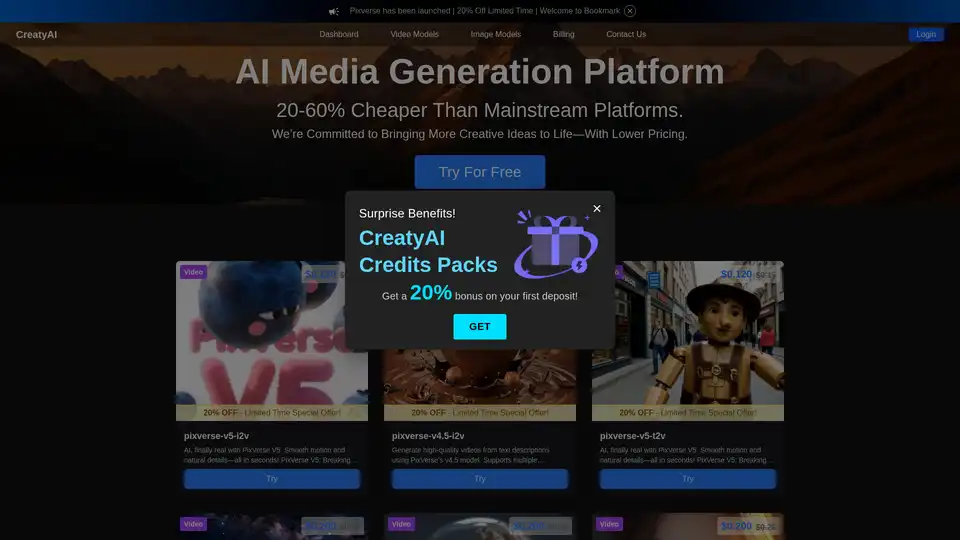
CreatyAI is an AI media generation platform offering a variety of AI video and image models. Users can generate high-quality videos and images from text or images, leveraging models like Pixverse, Kling, and Seedream.
Create stunning AI art & videos for free with vivago.ai! Text-to-Image, Image-to-Video, and 4K editing tools. Join the community and unleash your creativity.
SotaVideo is an AI video generator platform providing access to cutting-edge models like Sora 2 and Veo 3. Generate stunning, realistic videos with audio from text or images instantly. Try it for free!
Create personalized AI avatars and videos in seconds with X-Me AI. Transform text into lifelike avatar videos for social media, presentations, and marketing. Try the best AI video generator today!
Yolly AI is an all-in-one AI video & photo generator that turns text prompts into cinema-grade 4K videos with realistic sound or high-resolution images in seconds, offering access to top AI models like Veo 3 and DALL-E.
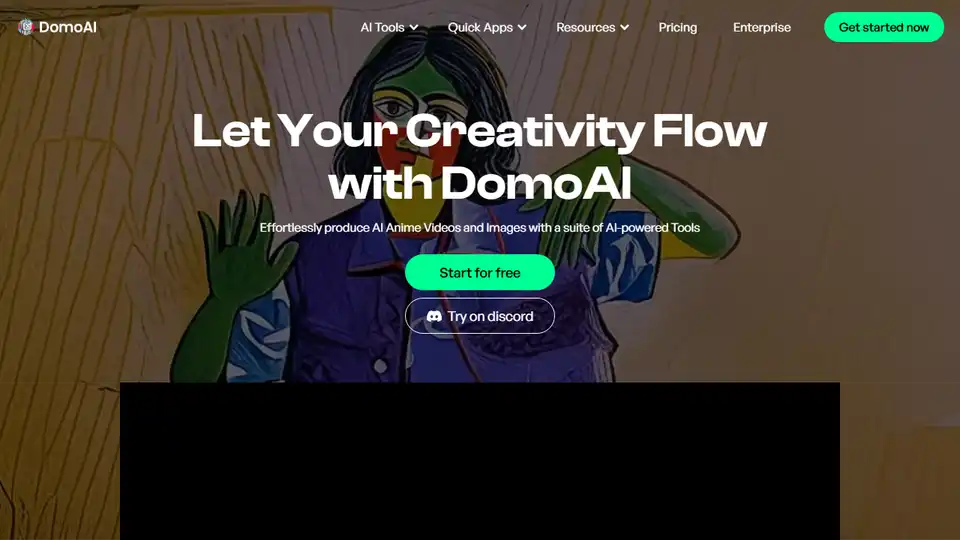
DomoAI is a free AI creative studio that converts videos, text, and images into high-quality animation. Make any character move with DomoAI. Generate AI videos from text, animate images, and transform footage into creative content.
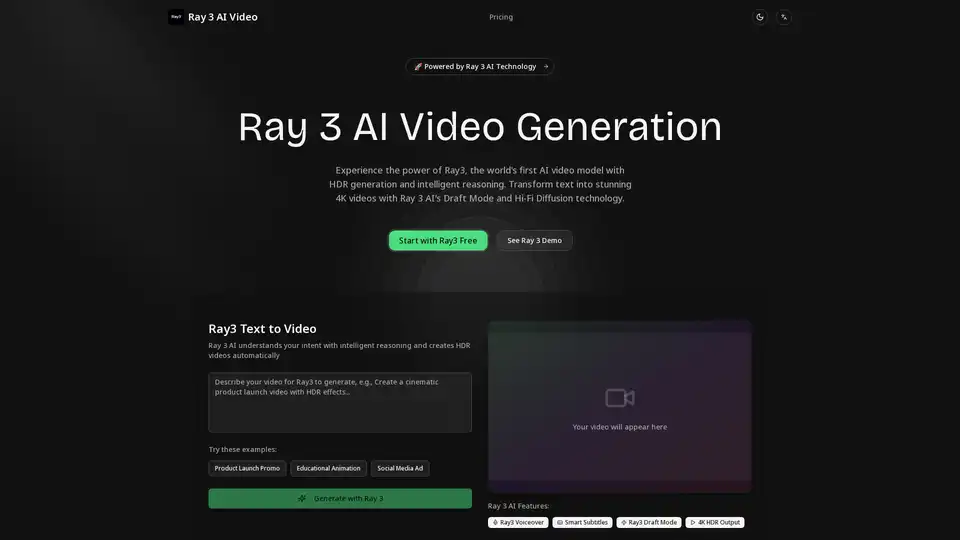
Ray3 is the world's first AI video model with HDR generation and intelligent reasoning. Transform text into stunning 4K HDR videos using Draft Mode, Hi-Fi Diffusion, voiceover, and subtitles. Ideal for creators, businesses, and professionals.
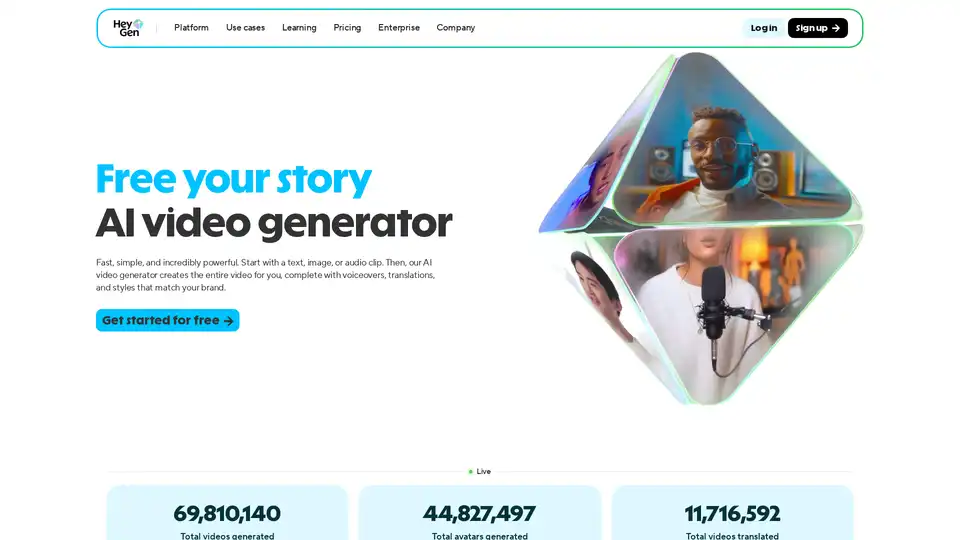
HeyGen is an AI video generator that creates videos from text, images, or audio. It offers realistic AI avatars, AI voices, and video translation, making video creation fast and easy for various purposes.
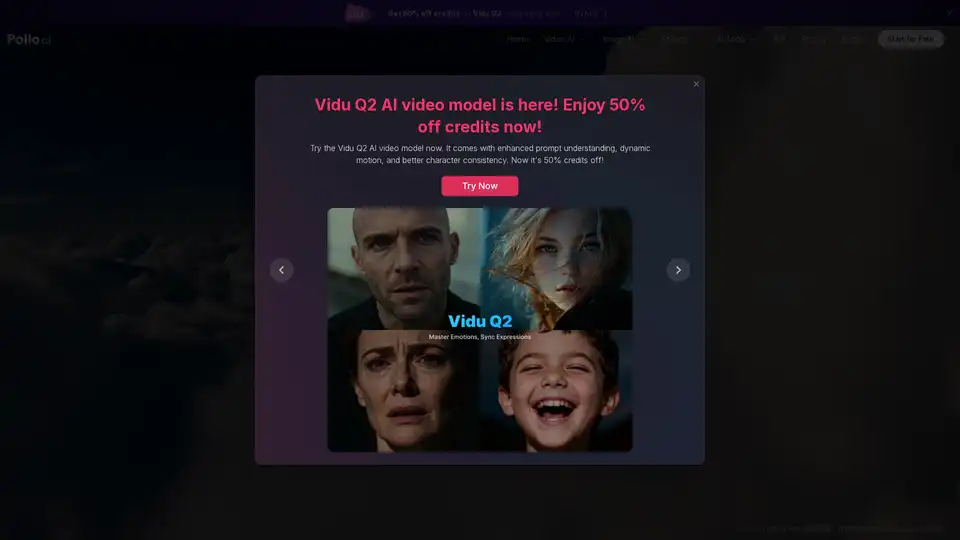
Use Pollo AI, the free, ultimate, all-in-one AI image & video generator, to create images/videos with text prompts, images or videos. Turn your ideas to images and videos with high resolution and quality.
Transform images into professional videos in seconds with Grok Video. AI-powered tool for easy video creation. Try it free today!
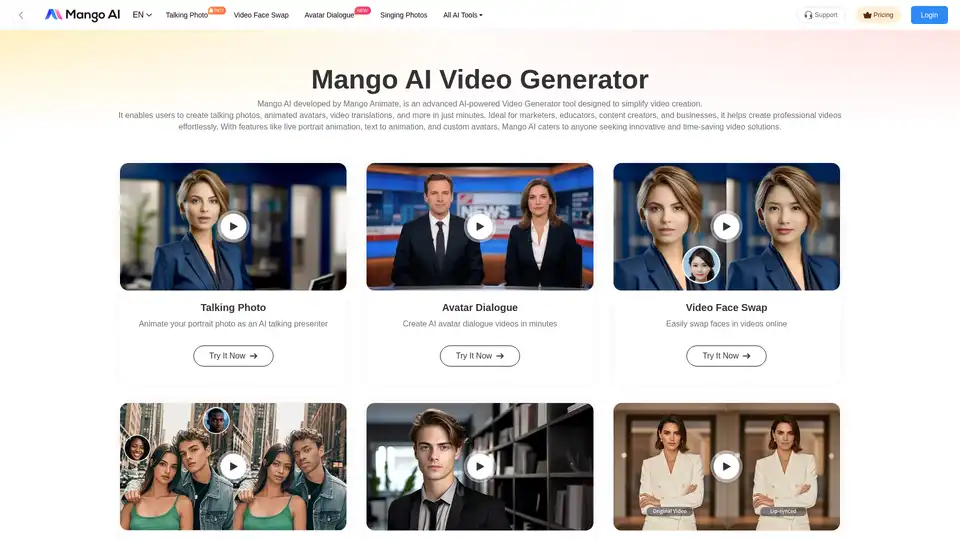
Mango AI is an AI-powered video generator that creates talking photos, avatars, & face swaps effortlessly. Ideal for marketers, educators & content creators.
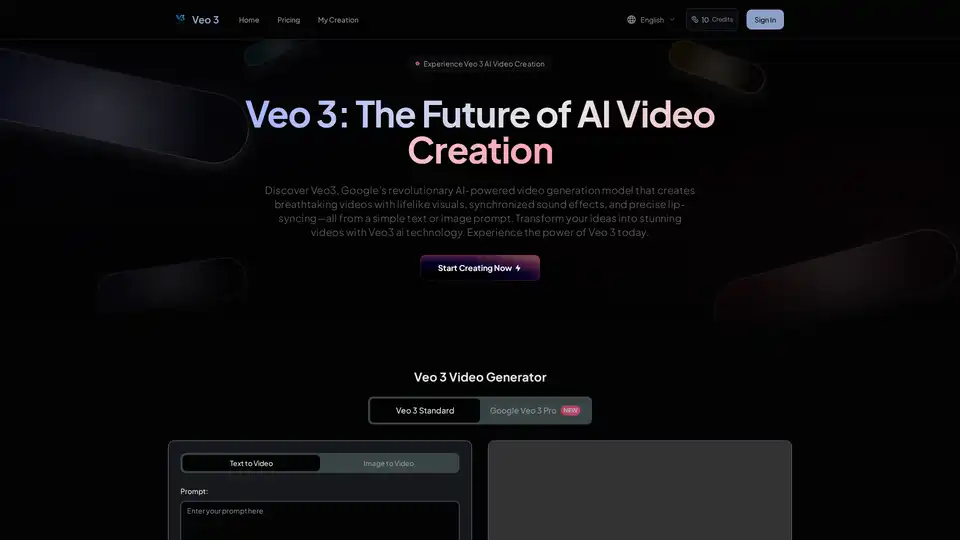
Veo 3 AI is Google's revolutionary video generation model that creates 4K videos with lifelike visuals, synchronized sound effects, and precise lip-syncing from simple text or image prompts.