
AI Prompt Studio
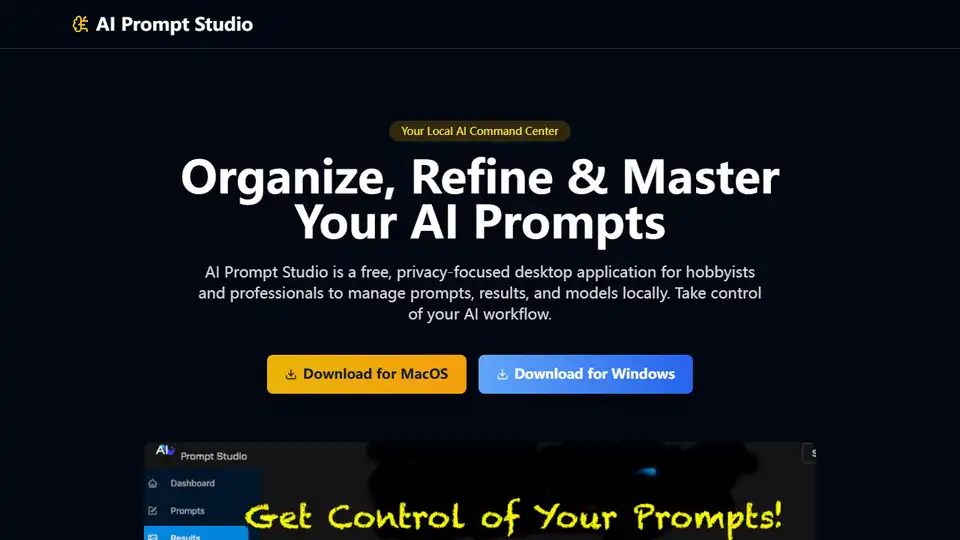
Overview of AI Prompt Studio
AI Prompt Studio: Your Local AI Command Center
What is AI Prompt Studio?
AI Prompt Studio is a free, privacy-focused desktop application designed to help both hobbyists and professionals organize, refine, and master their AI prompts locally. It provides a centralized environment to manage prompts, results, and AI models, giving you complete control over your AI workflow.
Key Features:
- Centralized AI Asset Management: Effortlessly organize and access all your AI-related data in one secure, local environment. Track prompts (text, audio, video), results, and AI models.
- Diverse Prompt Type Support: Store and categorize various prompt types, allowing for a comprehensive management of your AI interactions.
- Result Comparison: Save and compare results from different prompts and models, helping you optimize your prompts for better outputs.
- AI Model Catalog: Catalogue AI models with notes and references, creating a personal knowledge base of AI tools.
- Privacy First & Powerful Linking: Your data stays local, ensuring complete privacy with zero telemetry. Dynamic Multi Selection feature enables bidirectional links between prompts, results, and models for deeper insights.
- 100% Local Operation: No cloud dependency, guaranteeing data security and control.
- Zero Telemetry: Your privacy is guaranteed; no data is collected or sent.
- Deep Linking: Understand the relationships between your AI assets with powerful bidirectional links.
- Free & Agnostic: Use AI Prompt Studio with any AI tool, avoiding vendor lock-in.
How does AI Prompt Studio work?
AI Prompt Studio works by providing a local environment on your computer where you can store and manage all your AI-related assets. It allows you to:
- Input and Organize Prompts: Input text, audio, or video prompts and categorize them for easy access.
- Save Results: Save the outputs generated by your prompts, associating them with the original prompt and the AI model used.
- Catalogue Models: Create a catalogue of AI models, adding notes and references for each model.
- Link Assets: Use the Dynamic Multi Selection feature to link prompts, results, and models, creating a network of related information.
Who is AI Prompt Studio for?
AI Prompt Studio is designed for:
- Prompt Engineers: Professionals who need to manage and optimize AI prompts for various applications.
- AI Hobbyists: Individuals who enjoy experimenting with AI and want a tool to organize their creations.
- AI Professionals: Whether you're just starting your AI journey or are a seasoned professional, AI Prompt Studio provides the tools you need to enhance your prompting skills and workflow without complexity or cost.
Why is AI Prompt Studio important?
AI Prompt Studio addresses the growing need for a centralized and privacy-focused solution for managing AI prompts and related assets. As AI becomes more integrated into various workflows, the ability to effectively organize and refine prompts becomes crucial. AI Prompt Studio empowers users to:
- Enhance Prompting Skills: Provides tools needed to improve prompting skills and workflow.
- Maintain Privacy: Keeps data local, ensuring privacy and control.
- Increase Efficiency: Organizes AI assets, making it easier to access and manage them.
- Improve Insights: Facilitates deep linking between prompts, results, and models, enabling better understanding of AI interactions.
How to use AI Prompt Studio?
To use AI Prompt Studio:
- Download and Install: Download the application for MacOS or Windows.
- Input Prompts: Add your AI prompts (text, audio, video) to the application.
- Save Results: Save the results generated by your prompts.
- Catalogue Models: Add AI models with notes and references.
- Link Assets: Use the Dynamic Multi Selection feature to create bidirectional links between prompts, results, and models.
Ready to Elevate Your Prompting?
Download AI Prompt Studio today and experience a smarter way to manage your AI creations. It's free, private, and powerful.
What are the benefits of using AI Prompt Studio?
- Improved Organization: Keeps all AI-related data in one place.
- Enhanced Privacy: Runs entirely locally with zero telemetry.
- Increased Efficiency: Simplifies the management of prompts, results, and models.
- Deeper Insights: Facilitates the understanding of relationships between AI assets through deep linking.
- Cost-Effective: Free to use, providing a powerful solution without any financial investment.
AI Task and Project Management AI Document Summarization and Reading AI Smart Search AI Data Analysis Automated Workflow
Best Alternative Tools to "AI Prompt Studio"
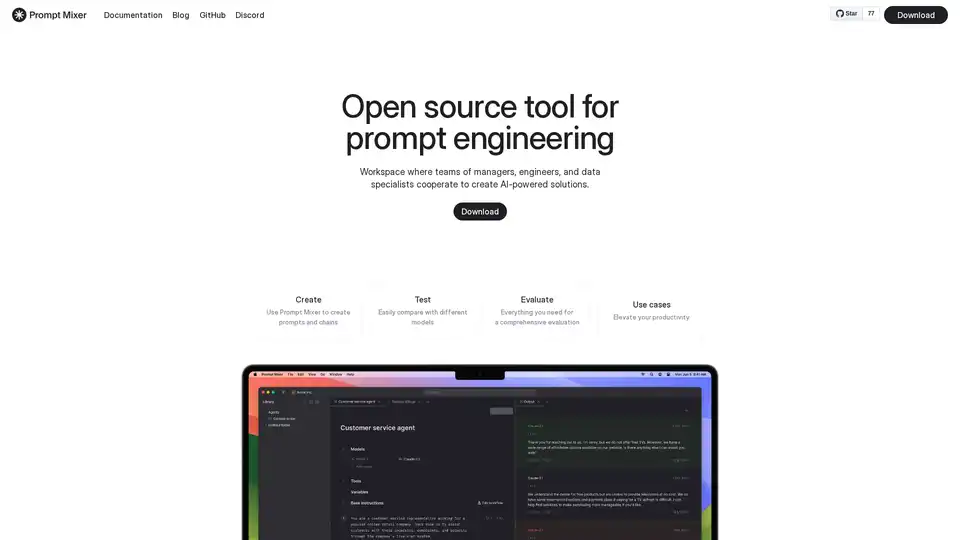
A collaborative workspace for managers, engineers and data experts to develop AI features.
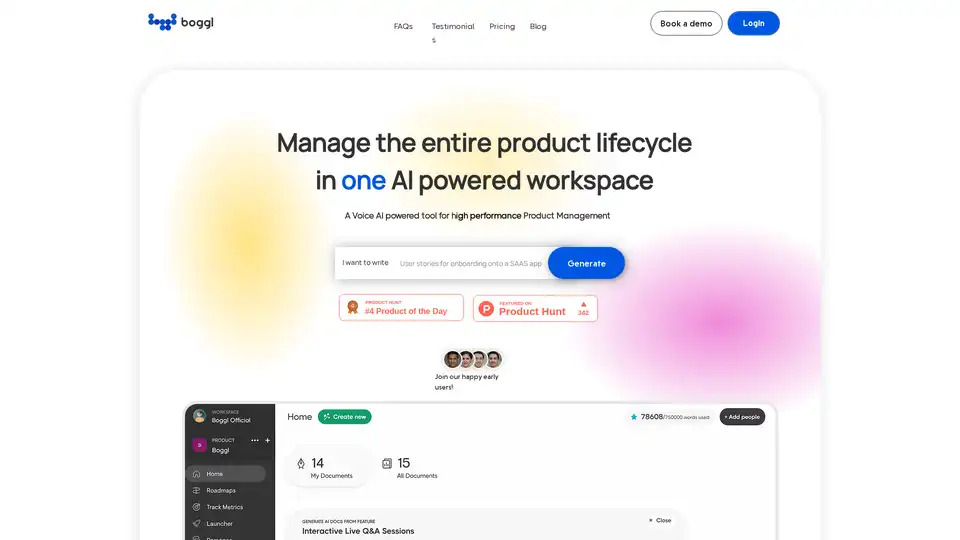
Boggl.ai is a Voice AI-powered tool for high-performance product management. It generates product requirements, roadmaps, customer documents, release notes, and test cases, streamlining the product lifecycle.
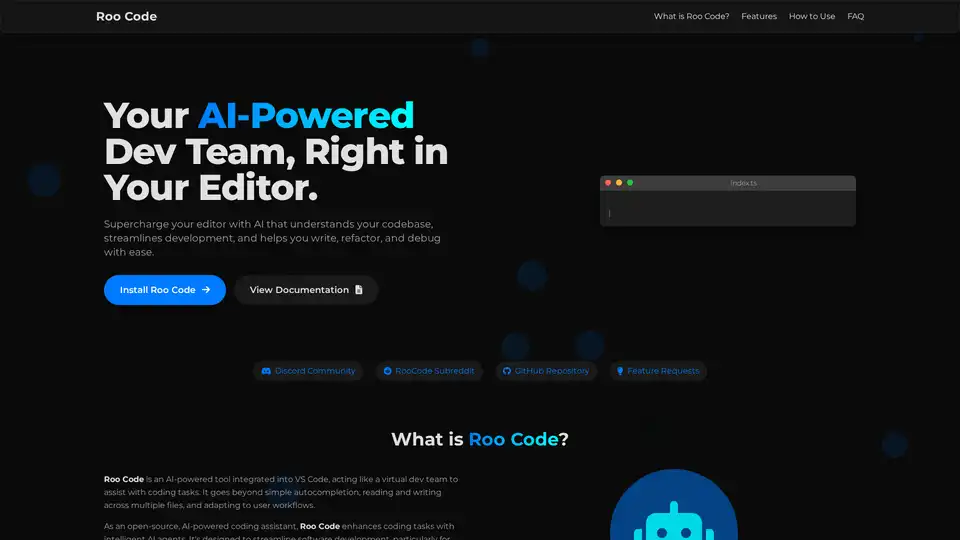
Roo Code is an open-source AI-powered coding assistant for VS Code, featuring AI agents for multi-file editing, debugging, and architecture. It supports various models, ensures privacy, and customizes to your workflow for efficient development.
Bring your ideas to life faster by having AI contextually explain, generate and refactor code.