
Arc
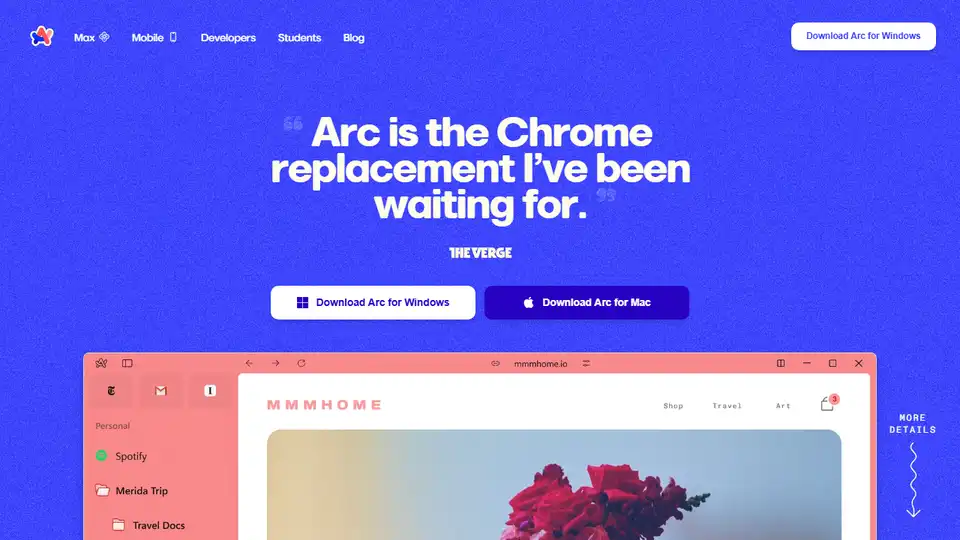
Overview of Arc
Arc Browser: Reinventing the Browsing Experience
Arc is a modern web browser developed by The Browser Company, aiming to provide a cleaner, more organized, and personalized internet experience. It's designed to replace traditional browsers like Chrome, offering a range of innovative features focused on user productivity and privacy.
What is Arc?
Arc is not just another browser; it's a complete rethinking of how we interact with the web. It focuses on reducing clutter, minimizing distractions, and making your online experience more intuitive and enjoyable. Arc is available for both macOS and Windows.
Key Features of Arc Browser:
- Spaces and Profiles: Arc allows you to organize your online activities into different Spaces and Profiles, making it easy to separate work, study, and personal hobbies.
- Split View: This feature lets you view multiple webpages side-by-side in a single window, enhancing multitasking and productivity.
- Clean and Calm Interface: Arc's interface is designed to be minimal and distraction-free, helping you focus on the content you're viewing.
- Privacy-Focused: Arc is built with privacy in mind, ensuring that your browsing data remains private and secure. The company states that they do not track the websites you visit or your search queries.
- Themes and Customization: Personalize your browsing experience with custom themes and settings.
- Arc Max: A new AI browser with various AI features.
How Does Arc Work?
Arc works by providing a structured and organized browsing environment. Spaces and Profiles allow you to compartmentalize different aspects of your online life. The clean interface and Split View feature make it easier to manage multiple tasks and stay focused. Built-in privacy features ensure that your data is protected while you browse.
Who is Arc For?
Arc is ideal for:
- Professionals: Those who need to manage multiple projects and tasks online.
- Students: Who need to organize research and study materials.
- Anyone seeking a cleaner, more private, and more organized browsing experience.
Why Choose Arc?
- Enhanced Productivity: Arc helps you stay organized and focused, increasing your productivity.
- Improved Privacy: Arc's privacy-focused design ensures that your data remains secure.
- Personalized Experience: Customize Arc to fit your unique needs and preferences.
- Innovative Features: Arc offers features that you won't find in traditional browsers.
Arc is more than just a browser; it's a tool designed to make your online life easier, more organized, and more enjoyable. By focusing on simplicity, privacy, and innovation, Arc is setting a new standard for how we interact with the web.
Arc is positioning itself as a modern alternative to established browsers like Chrome. By emphasizing privacy, organization, and a distraction-free browsing experience, Arc aims to cater to users who value productivity and control over their online activities. The positive user reviews and features like Spaces, Profiles, and Split View suggest that Arc offers a unique and compelling browsing experience.
What is Arc browser? Arc is a web browser developed by The Browser Company. It is designed to provide a cleaner, more organized, and more personalized internet experience.
What are the key features of Arc Browser? Key features include Spaces and Profiles for organization, Split View for multitasking, a clean interface, privacy-focused design, themes and customization, and Arc Max AI features.
How does Arc work? Arc provides a structured and organized browsing environment. Spaces and Profiles allow users to compartmentalize different aspects of their online life. The clean interface and Split View feature make it easier to manage multiple tasks and stay focused. Built-in privacy features ensure data protection while browsing.
How to use Arc? Download and install Arc. Organize your online activities into Spaces and Profiles. Use Split View for multitasking. Customize themes and settings to personalize your browsing experience.
Why choose Arc? Arc enhances productivity, improves privacy, offers a personalized experience, and provides innovative features not found in traditional browsers.
Who is Arc for? Arc is for professionals, students, and anyone seeking a cleaner, more private, and more organized browsing experience.
Best Alternative Tools to "Arc"
Clean Inbox for Gmail™ is a browser extension addon powered by GPT (ChatGPT) that filters spam, labels email categories, creates custom filters, and manages unwanted senders without reading email contents. Privacy-first, rated 4.8/5 by 150+ reviews and 20k+ users.

YouTube Summary with ChatGPT & Claude is a free browser extension that provides quick AI-powered summaries and transcripts for YouTube videos, PDFs, and web articles using models like ChatGPT and Gemini. Save time and boost productivity effortlessly.

Automate AI tasks with Prompt Blaze, a browser extension for chaining prompts across ChatGPT, Claude, Gemini & more. Simplify workflows with no coding required.
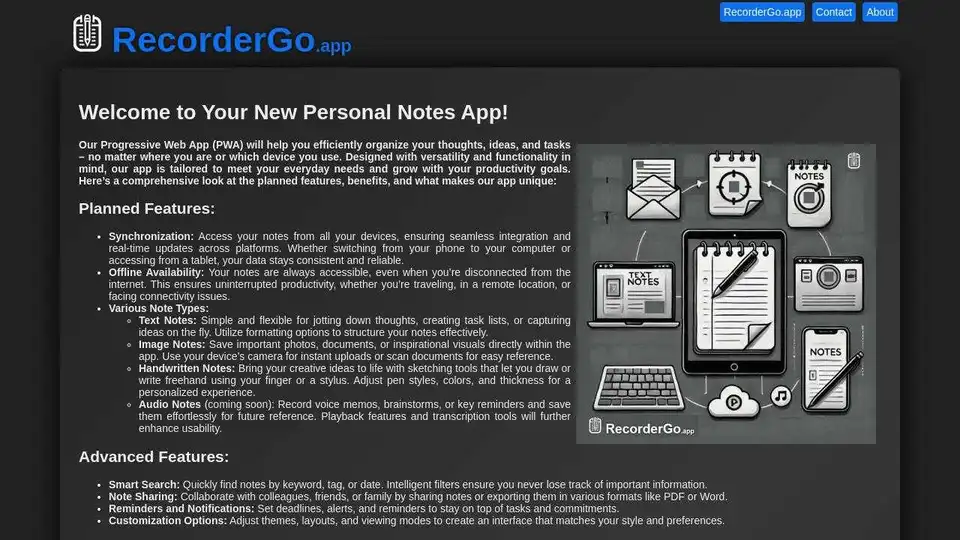
RecorderGo.app: PWA for note-taking. Synchronize notes across devices, offline access, create text, image, handwritten, or audio notes.
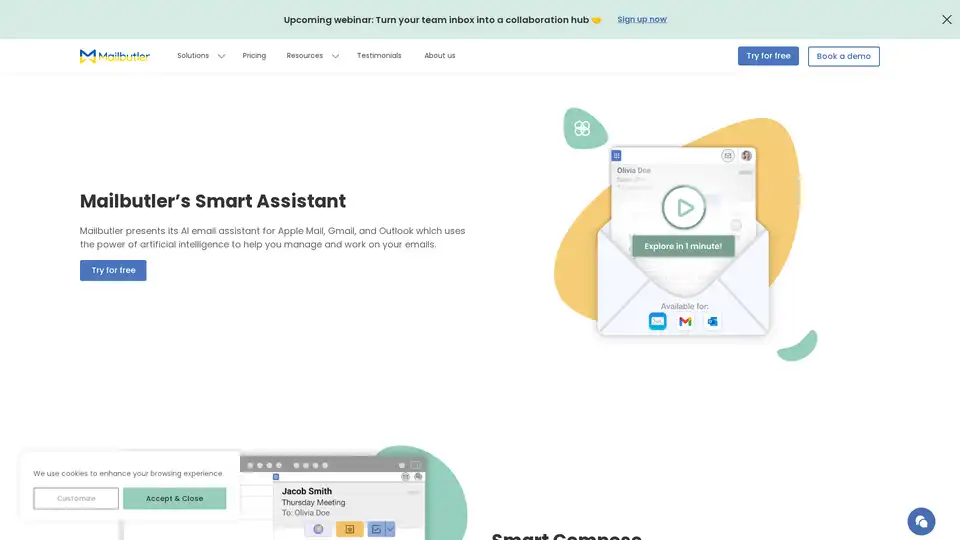
Mailbutler Smart Assistant is an AI-powered email extension that helps users manage emails efficiently with features like smart compose, auto-responses, email summarization, and task extraction for Apple Mail, Gmail, and Outlook.
Bloks is an AI-driven 360° relationship intelligence platform that captures calls, emails, docs, and web data to build a searchable knowledge base, enhancing client relationships and workflows for professionals in finance, consulting, and more.
Zoho is a comprehensive cloud software suite with 55+ applications, trusted by 130M+ users. It offers solutions like CRM, Mail, Books, and Desk to help businesses of all sizes transform the way they work and increase organizational efficiency.
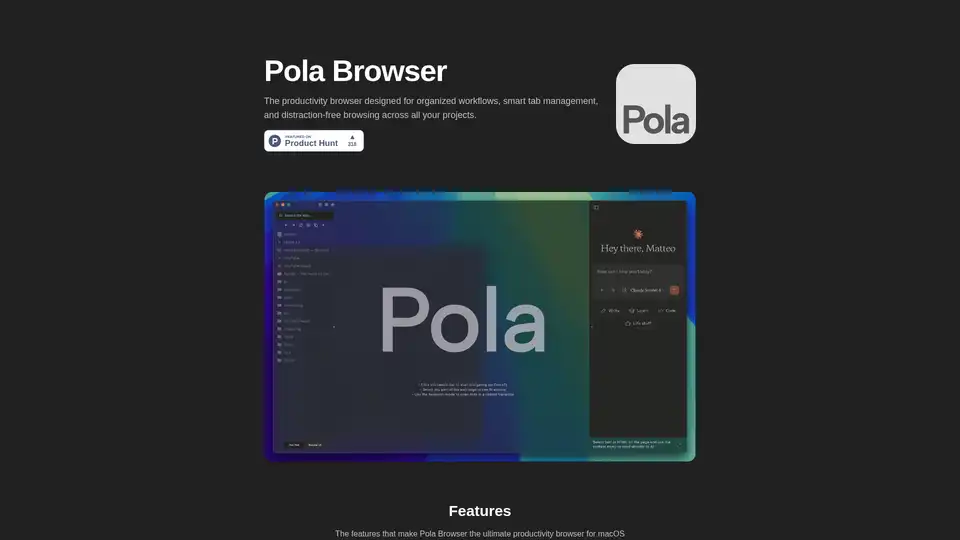
Pola Browser is a Mac-exclusive productivity browser featuring smart tab folders, research mode, floating tabs, project profiles, and AI tools for summarizing content. It offers privacy-focused browsing with lifetime access for €19.99 after a 3-day trial.
AITabGroup is an AI-powered browser extension that automatically categorizes your browser tabs using OpenAI, improving productivity and organization.
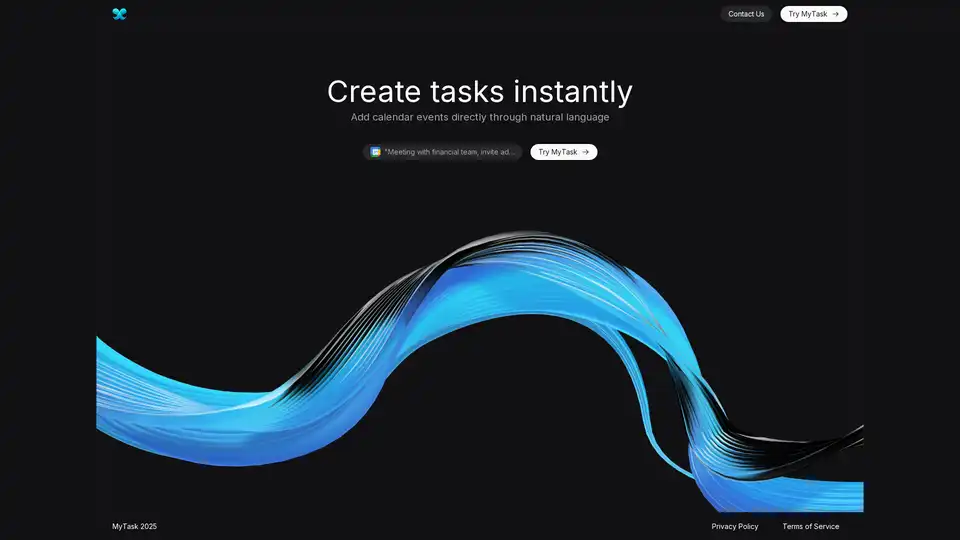
MyTask AI is a browser extension that uses artificial intelligence to automatically create Google Calendar events through natural language commands, saving users time and enhancing productivity.
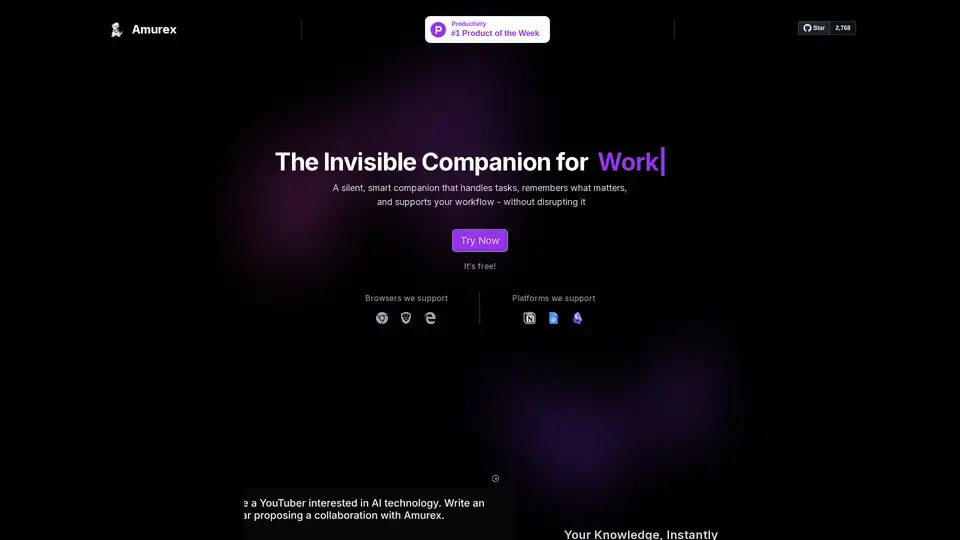
Amurex is a free, open-source AI invisible companion that silently boosts productivity by enabling instant knowledge search across Notion, Google Drive, Obsidian; automating meeting recordings, transcriptions, summaries, and action items; and categorizing emails. Works as a browser layer without extra apps.
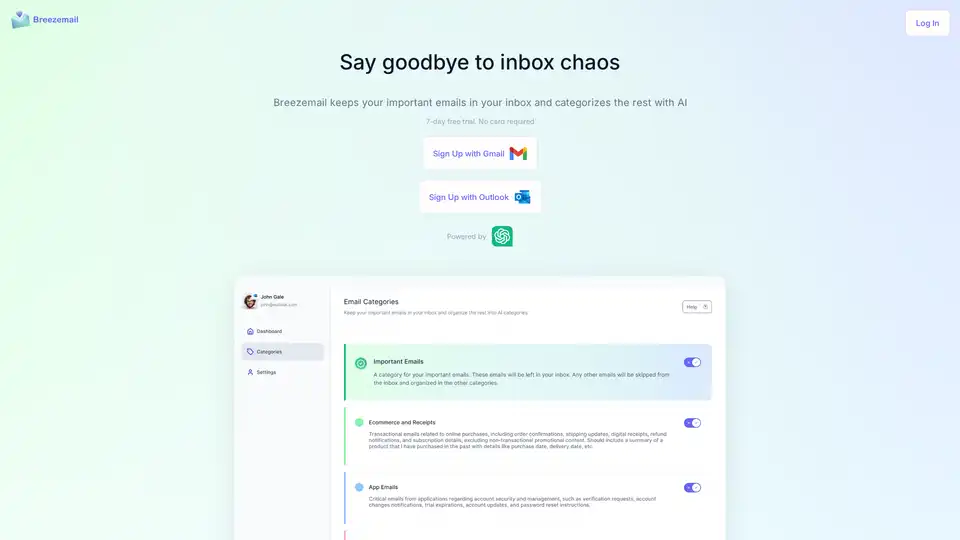
Breezemail is an AI-powered browser extension that organizes your inbox by keeping important emails and categorizing the rest using custom or pre-defined AI categories powered by ChatGPT.
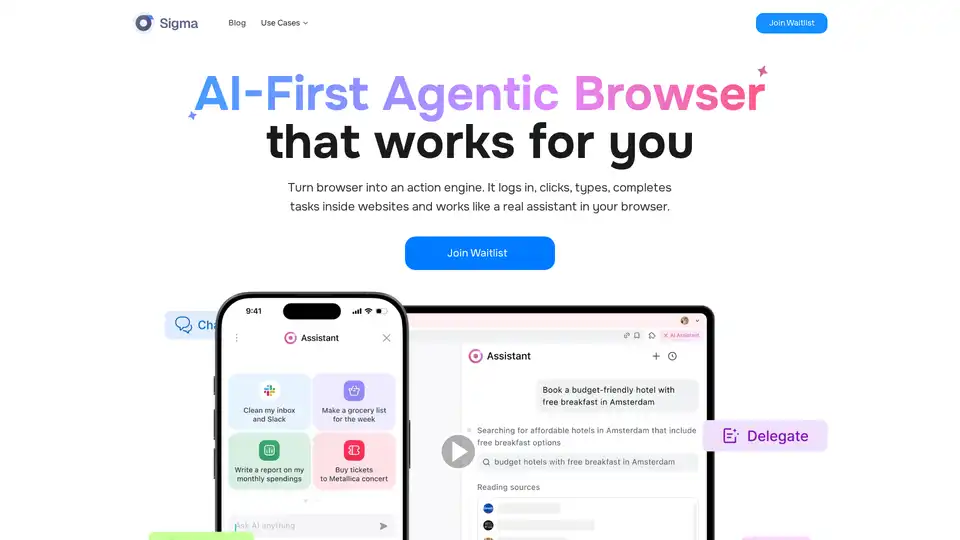
Sigma AI Browser is an AI-first agentic browser that automates online activities, turning your browser into an action engine for bookings, data extraction, and more. Join the waitlist now!
AI Images & Prompts Directory is a browser extension for managing AI-generated visuals and prompts from platforms like Midjourney and ChatGPT. Organize, search, and access your AI creations easily.