
AI photo organizer
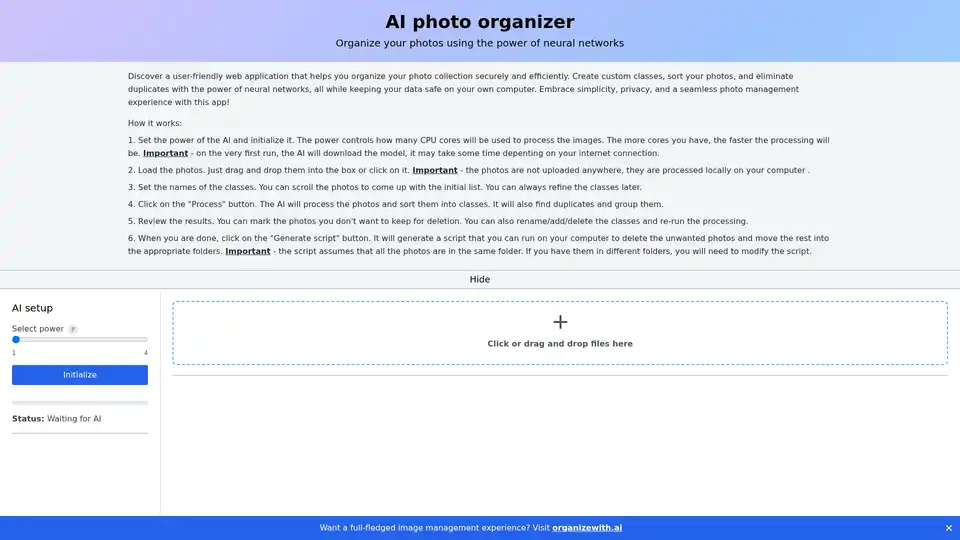
Overview of AI photo organizer
AI Photo Organizer: Revolutionize Your Photo Management with AI
Tired of endlessly scrolling through a disorganized photo library? AI Photo Organizer offers a smart solution to streamline your photo management using the power of artificial intelligence. This user-friendly web application helps you securely and efficiently sort, classify, and remove duplicate photos directly on your computer, ensuring your data stays private.
What is AI Photo Organizer?
AI Photo Organizer is a web-based tool designed to simplify the process of organizing digital photos. By leveraging neural networks, it automates tasks such as identifying photo categories, sorting images into custom classes, and detecting duplicates. This eliminates the time-consuming manual effort typically associated with photo management.
Key Features and Benefits:
- AI-Powered Sorting: Automatically sorts photos into custom classes based on their content.
- Duplicate Detection: Identifies and groups duplicate photos, allowing you to easily remove redundant copies.
- Local Processing: All processing occurs on your computer, ensuring your photos are never uploaded to external servers and maintaining your privacy.
- User-Friendly Interface: Simple and intuitive drag-and-drop interface for easy photo loading and class management.
- Customizable Classes: Create and refine photo classes to match your specific needs.
- Script Generation: Generates a script to automate the deletion of unwanted photos and the movement of the rest into appropriate folders.
How Does It Work?
The AI Photo Organizer uses a multi-step process to help you get your photos in order:
- AI Initialization: The first step involves initializing the AI, setting the 'power' level to control the number of CPU cores used for processing. More cores translate to faster processing. Note that the initial run may take some time as the AI downloads the necessary model.
- Photo Loading: Simply drag and drop photos into the designated area or click to select them. All photos are processed locally, ensuring privacy.
- Class Definition: Define the names of the classes you want to sort your photos into. You can refine these classes later as needed.
- Processing: Click the 'Process' button to let the AI analyze the photos and sort them into their respective classes. It will also identify and group duplicates.
- Review and Refinement: Review the results, mark photos for deletion, and rename, add, or delete classes as necessary. Re-run the processing to refine the sorting.
- Script Generation: Once satisfied, generate a script to automatically delete unwanted photos and move the remaining ones into their correct folders.
Who is AI Photo Organizer for?
AI Photo Organizer is perfect for:
- Photographers: Streamline photo management workflows and quickly sort through large volumes of images.
- Families: Easily organize family photos and eliminate duplicates to save storage space.
- Social Media Enthusiasts: Quickly sort and categorize photos for different social media platforms.
- Anyone with a large, disorganized photo collection: Save time and effort by automating the photo organization process.
Why Choose AI Photo Organizer?
In today's digital age, managing a large photo collection can be overwhelming. AI Photo Organizer offers a practical solution by automating the most tedious aspects of photo management. Its focus on local processing ensures privacy, while its user-friendly interface makes it accessible to users of all technical skill levels.
Key benefits include:
- Time-saving automation
- Enhanced privacy
- Improved organization
- Efficient duplicate removal
Getting Started with AI Photo Organizer
To begin, simply visit the AI Photo Organizer website and follow the instructions to load your photos and initialize the AI. The intuitive interface and step-by-step process make it easy to get started right away.
AI Photo Organizer is powered by WebAI, reflecting its commitment to leveraging cutting-edge AI technology for practical applications.
By choosing AI Photo Organizer, you're not just organizing photos – you're reclaiming your time and taking control of your digital memories. This tool empowers you to efficiently manage your growing photo library, ensuring that your precious moments are easily accessible and beautifully organized.
Best Alternative Tools to "AI photo organizer"

It's Forever is an AI-powered mobile app for weddings that lets you create digital albums, share via QR codes, and use facial recognition to organize guest photos effortlessly.
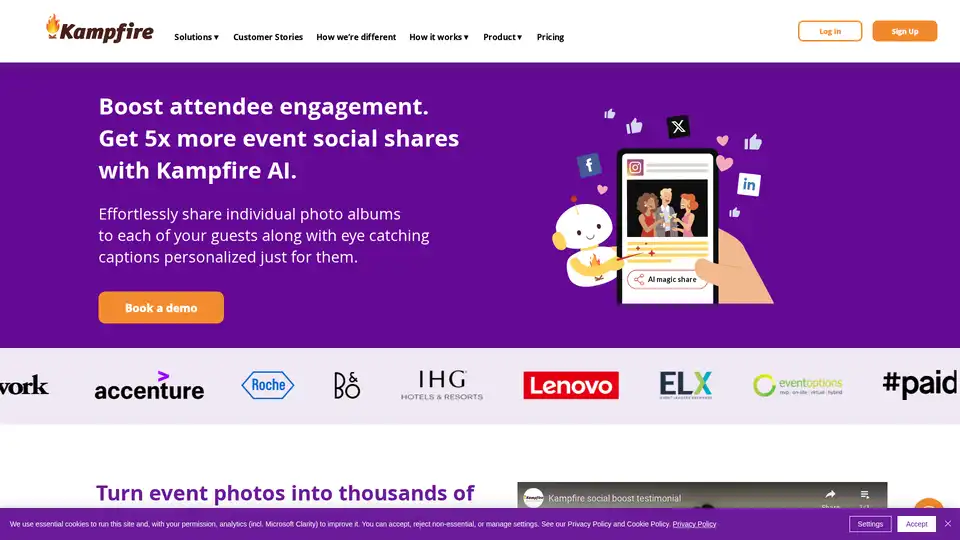
Kampfire - Share event photos using facial recognition. Create personalized photo albums for attendees within seconds. Maximize the value of your photos.
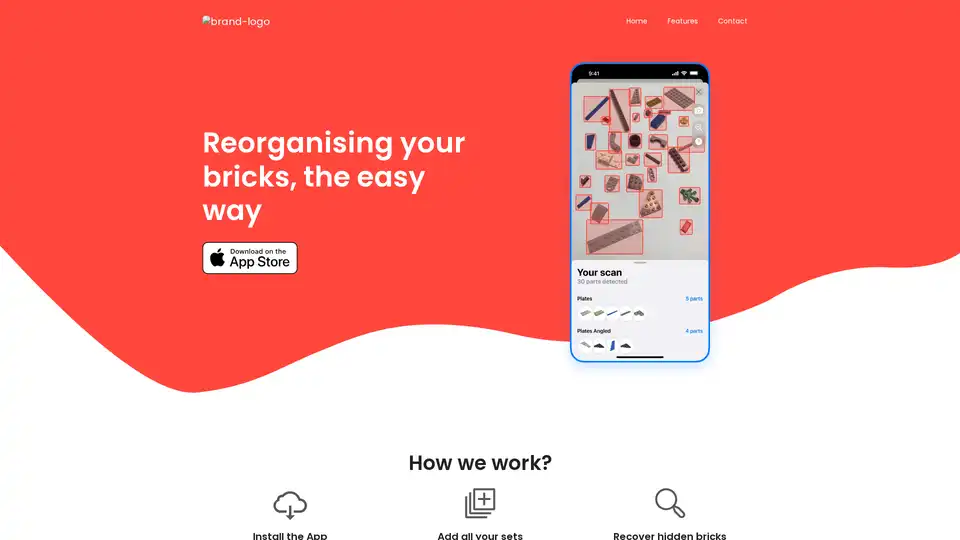
Bricksee is an app that uses AI to help you find specific bricks, view instructions, and track progress for your old brick sets, making reorganization easy.
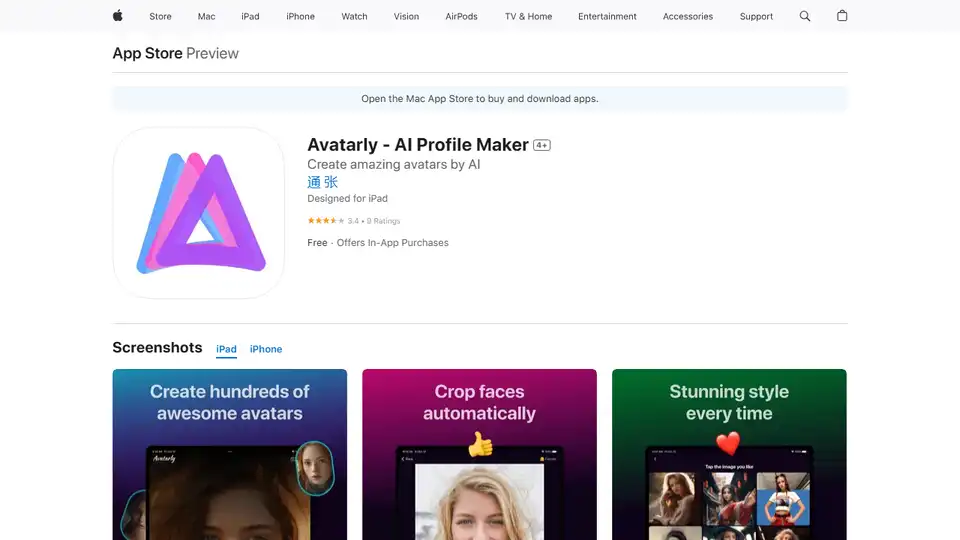
Avatarly is an AI-powered app to create outstanding avatar profile pictures from your photos. Generate professional and funny avatars quickly with various templates.
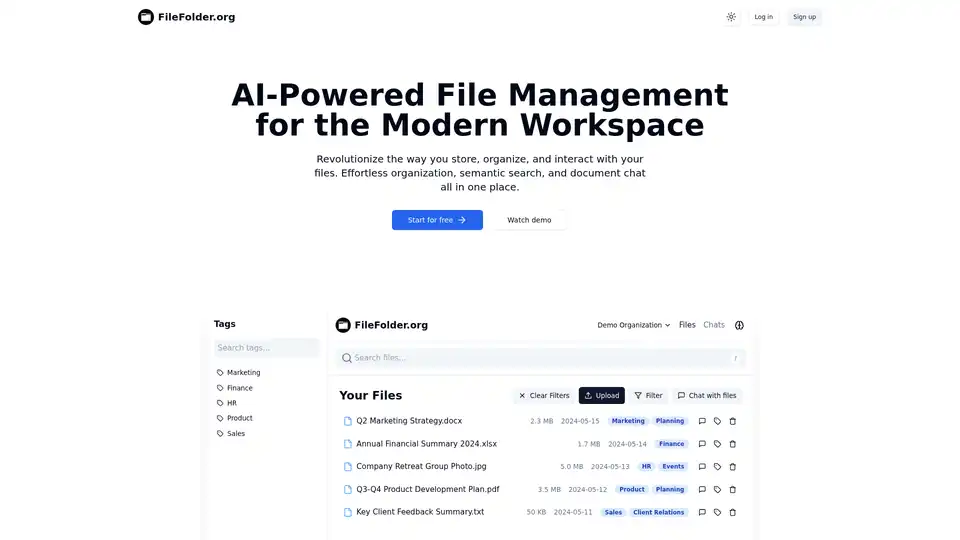
FileFolder.org is an AI-powered file management platform that automates organization, enables semantic search, and allows chatting with documents. Ideal for modern workspaces in marketing, finance, HR, product, and sales teams.

Jjam is an AI platform for managing content and social media, delivering quality content at speed and scale.

Automate bookkeeping, reconciliation, and reporting with ccMonet AI. Save time, reduce errors, and scale your SME with one-click finance automation.
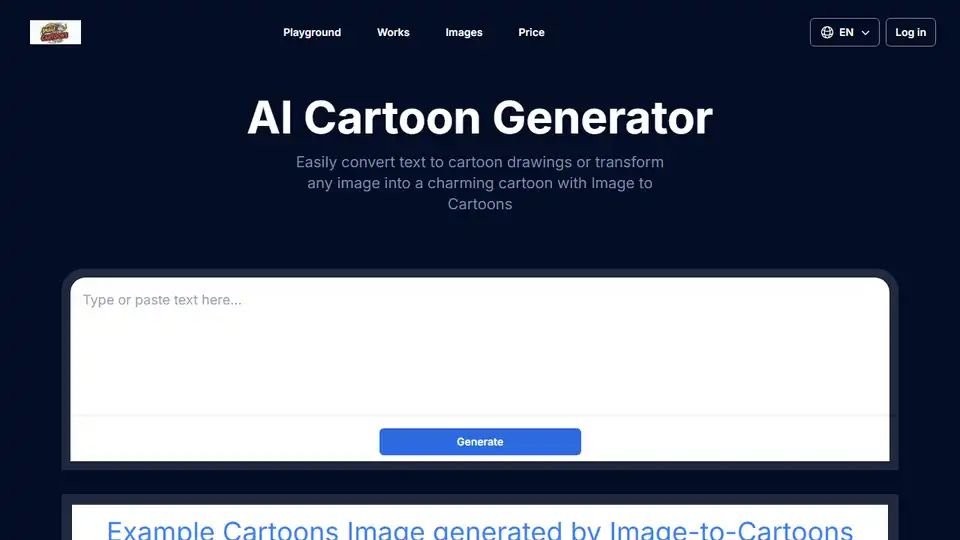
Transform photos into cartoons with AI Cartoon Generator. Create cartoon avatars and characters in 2D/3D styles. Convert image to cartoon online for free!
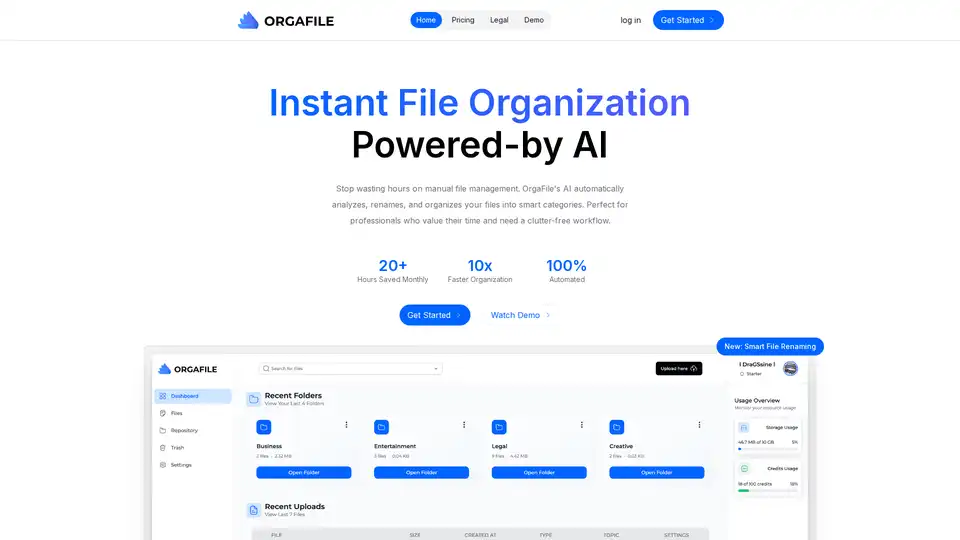
OrgaFile is the ultimate AI-powered file organizer. Simplify file management with smart categorization, renaming, and secure cloud storage. Save 20+ hours monthly on organization.

Zolak is an AI-powered 3D product visualization platform that helps e-commerce businesses increase conversions, reduce returns, and wow customers with immersive and customizable product experiences.
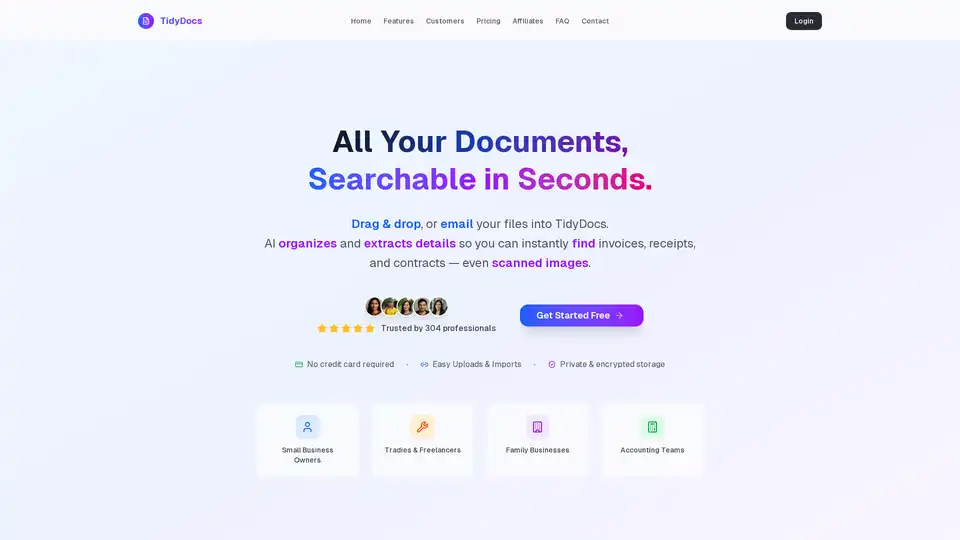
TidyDocs simplifies document management with AI-powered organization and search. Instantly find invoices, receipts, and contracts by uploading or emailing your files. Free to start!

CEBRA is a self-supervised AI algorithm that jointly analyzes behavioral and neural data to create consistent, interpretable latent embeddings for neuroscience research, enabling accurate decoding of positions, videos, and movements across species.

Transform selfies into professional AI photos in minutes. Save time and money without photoshoots. Create unique profile pictures.
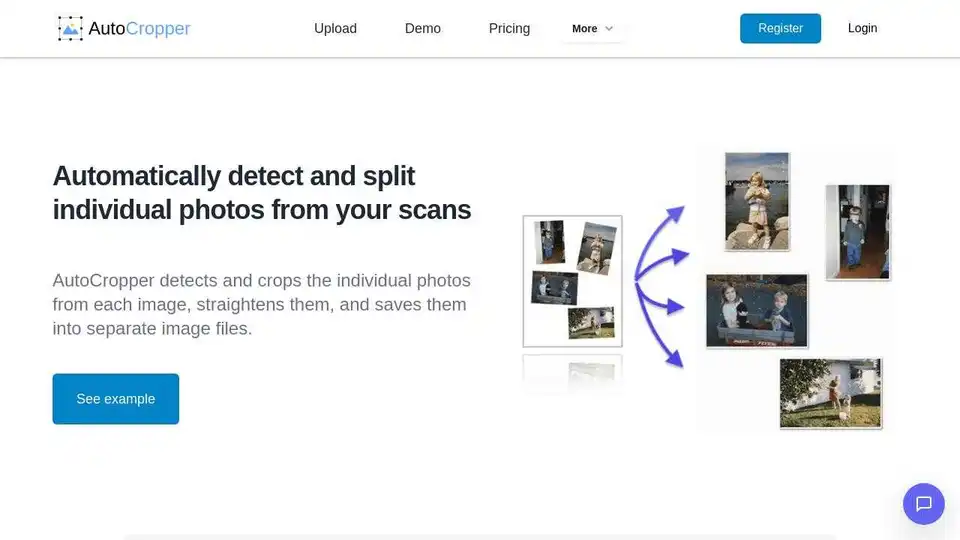
AutoCropper is an AI-powered online tool for batch cropping scanned photos into individual images. Effortlessly split and digitize your photo collection with fast, secure, and high-quality processing. Free and cross-platform.