
FormToExcel
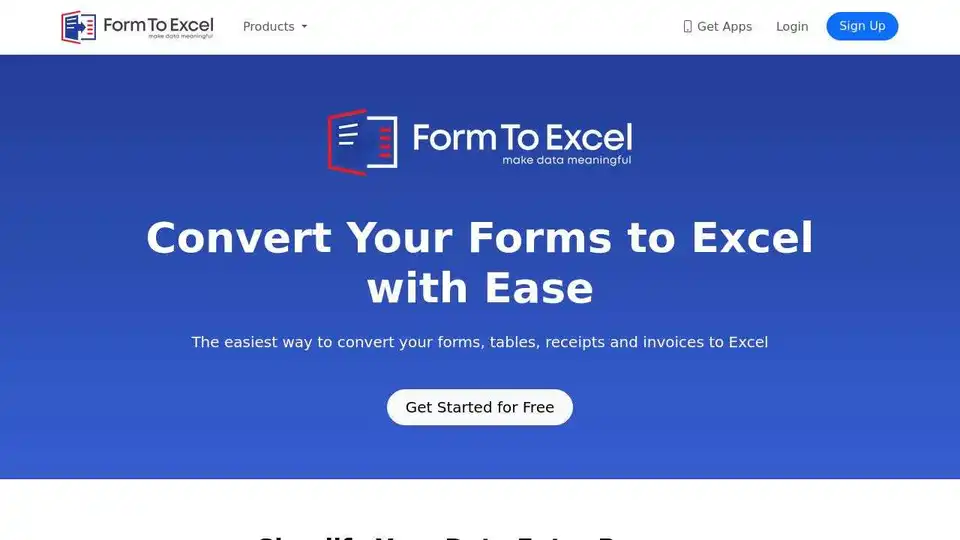
Overview of FormToExcel
FormToExcel: Convert Forms to Excel with Ease
What is FormToExcel? FormToExcel is an AI-powered tool that simplifies data entry by converting forms, tables, receipts, and invoices into Excel spreadsheets. It automates data extraction from PDFs and scanned images, saving you time and effort.
Key Features:
- Intelligent Data Extraction: Uses AI to accurately extract data from various field types.
- PDF and Image Conversion: Extracts data from PDFs and scanned images of forms, tables, receipts, and invoices.
- Seamless Excel Integration: Exports extracted data directly into Excel spreadsheets.
- Mobile Apps: Extract data on the go with FormToExcel's mobile apps (coming soon).
How to Use FormToExcel:
- Upload your form in PDF or image format.
- FormToExcel's AI engine will automatically extract the data.
- Export the extracted data to an Excel spreadsheet.
Why is FormToExcel Important?
- Saves Time: Automates manual data entry.
- Increases Accuracy: Reduces errors in data extraction.
- Streamlines Workflow: Simplifies the data entry process.
Where can I use FormToExcel?
FormToExcel can be used in various industries and scenarios:
- Accounting
- Finance
- Healthcare
- Data Entry
- And more...
Best Alternative Tools to "FormToExcel"
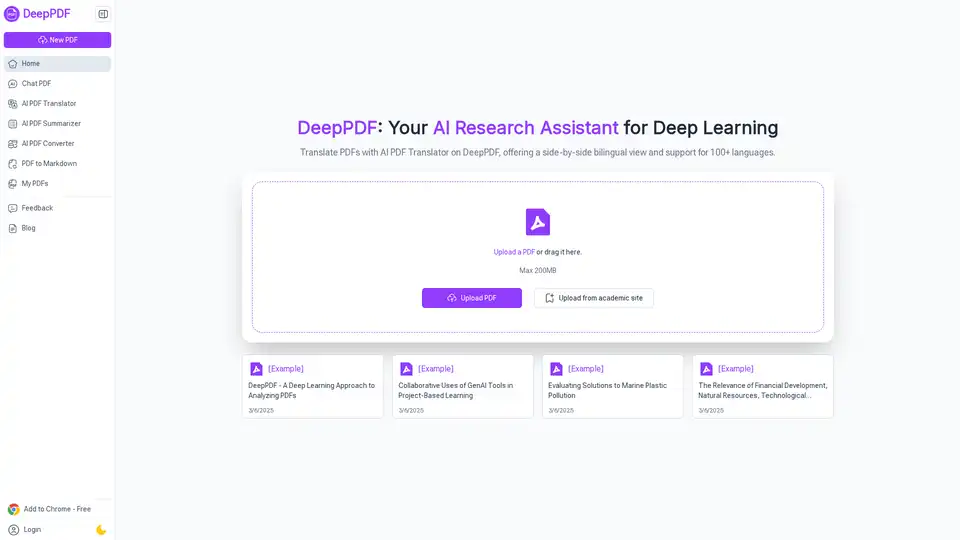
DeepPDF is an AI-powered research assistant for PDFs, featuring chat interactions, summaries, translations, and analysis of key terms, images, and formulas to streamline deep learning and document handling.
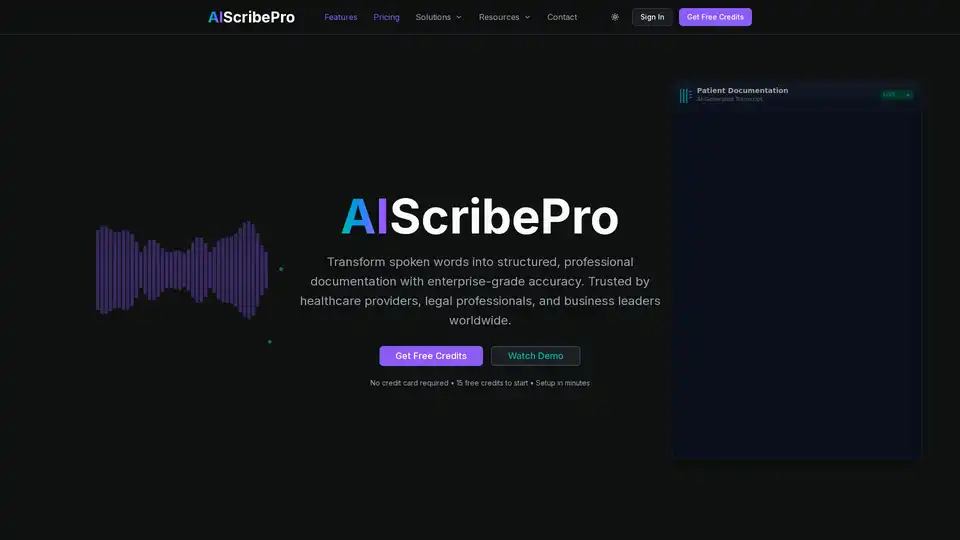
AI Scribe Pro transforms audio conversations into structured forms and professional documents using advanced AI transcription. Achieve 99.9% accuracy with HIPAA compliance, speaker ID, and multi-language support. Ideal for healthcare, legal, and business pros.
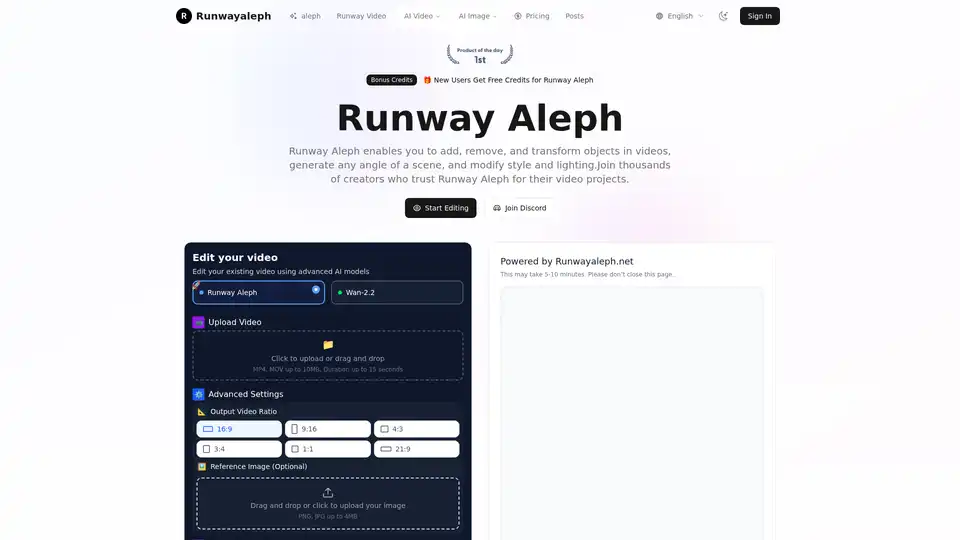
Transform videos with Runway Aleph AI technology. Add, remove objects, change backgrounds, generate camera angles with text prompts. Free credits available.
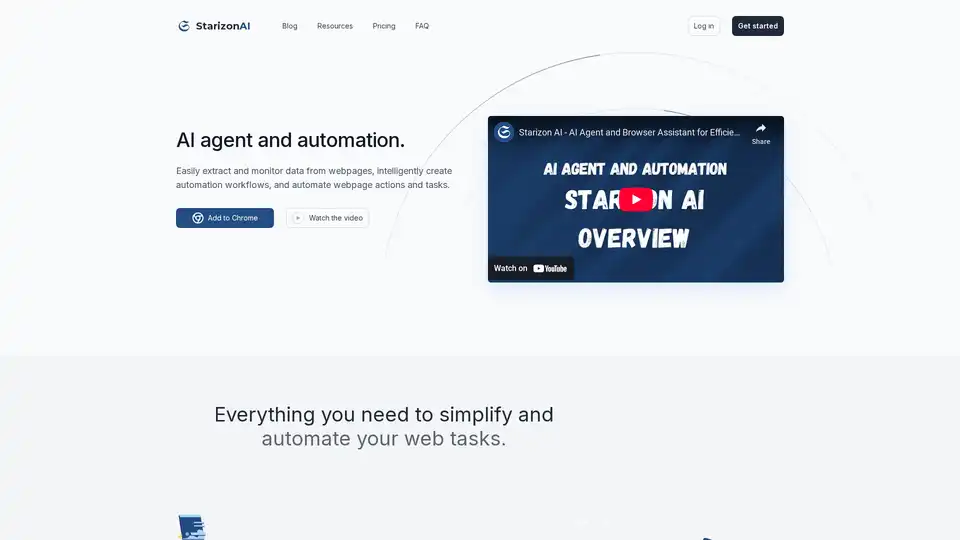
Starizon AI is a Chrome browser extension that leverages AI for efficient web browsing, data extraction, automation workflows, and real-time monitoring to boost productivity without coding.
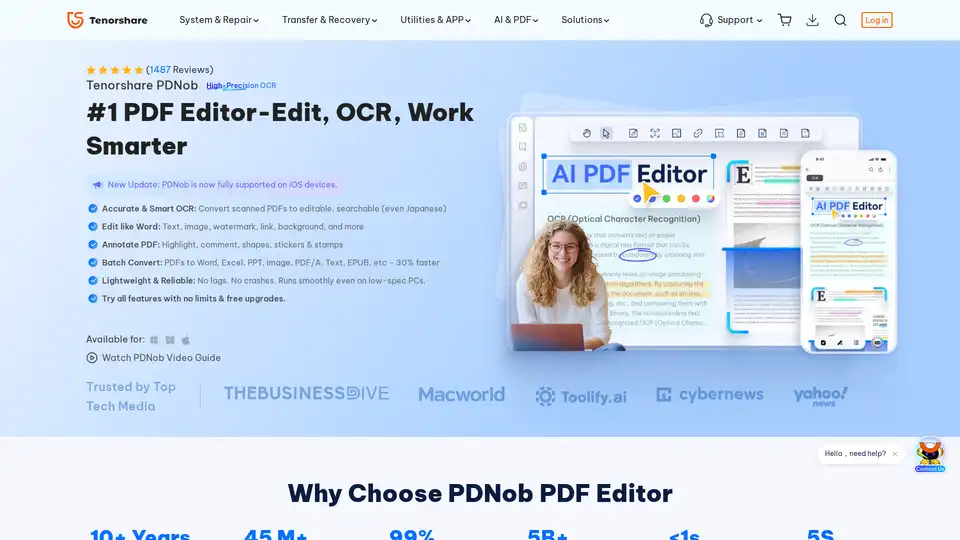
PDNob PDF Editor is a desktop application for Windows and Mac that allows you to edit, OCR, and manage PDF documents. It offers features such as AI summarization, PDF conversion, and annotation tools.

Experience seamless AI chat with DeepSeek Nederlands, powered by the advanced DeepSeek-V3 model. Use it for any task, completely free and without registration!

Pressmaster.ai creates a digital twin of your expertise, automates content planning, ideation, and publishing across platforms like LinkedIn and X. It interviews you to capture authentic voice, spots trends, and drives inbound opportunities for founders and thought leaders.
ngSurvey is an AI-powered on-premise survey software that simplifies data collection and provides powerful data analysis for data-driven decisions. Ideal for market research and customer satisfaction measurement.
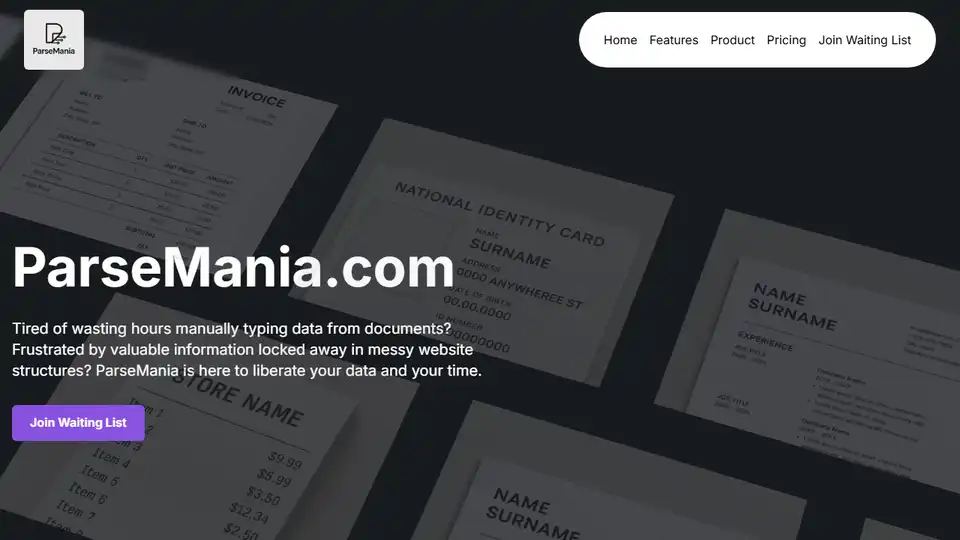
ParseMania.com automates document processing and data extraction using AI, saving time and unlocking valuable information from various document formats.
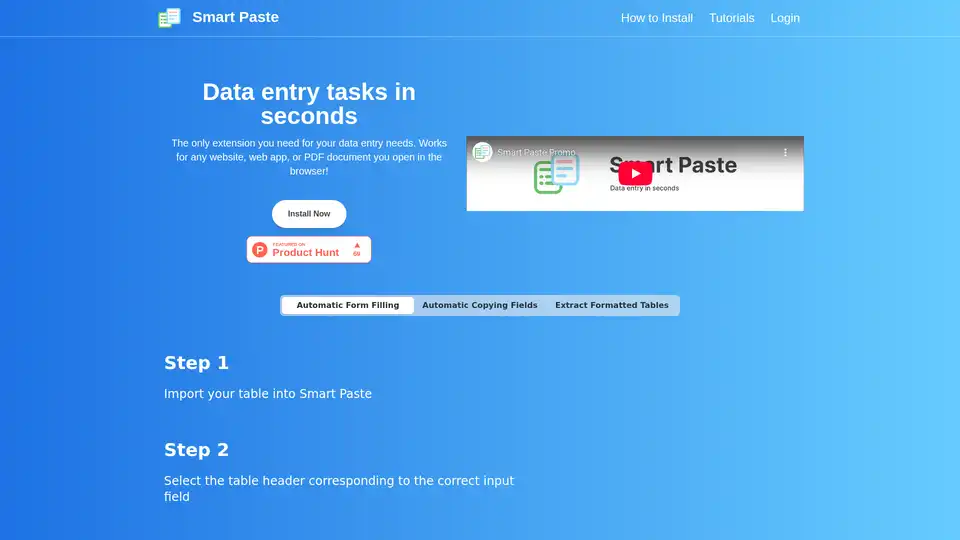
Smart Paste is a browser extension that automates data entry tasks by extracting tables from websites/PDFs and transferring data between web forms and spreadsheets, saving hours of manual work.
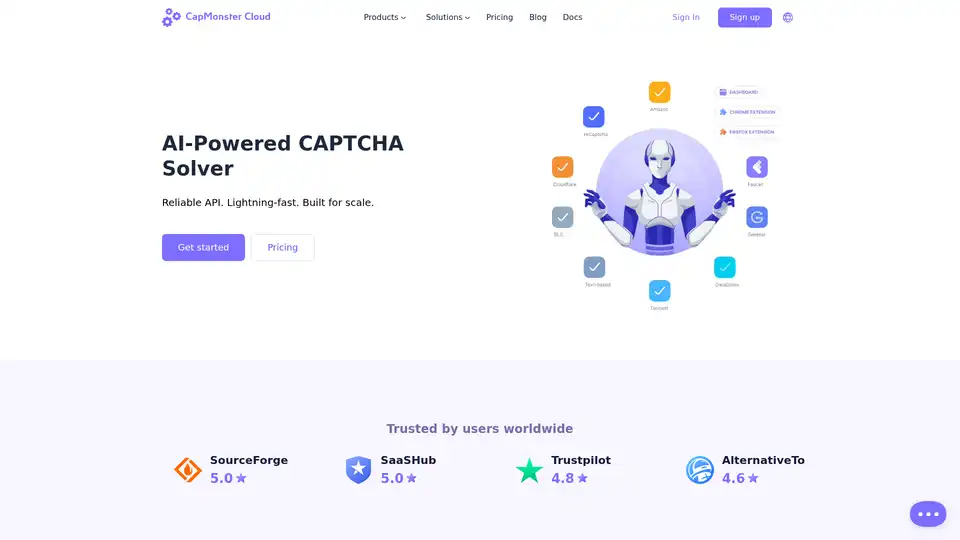
CapMonster Cloud offers AI-powered CAPTCHA solving for reCAPTCHA v2/v3, GeeTest, and more. Bypass obstacles 2x cheaper and 30x faster with API integration, browser extensions, and 99% accuracy for seamless web automation.
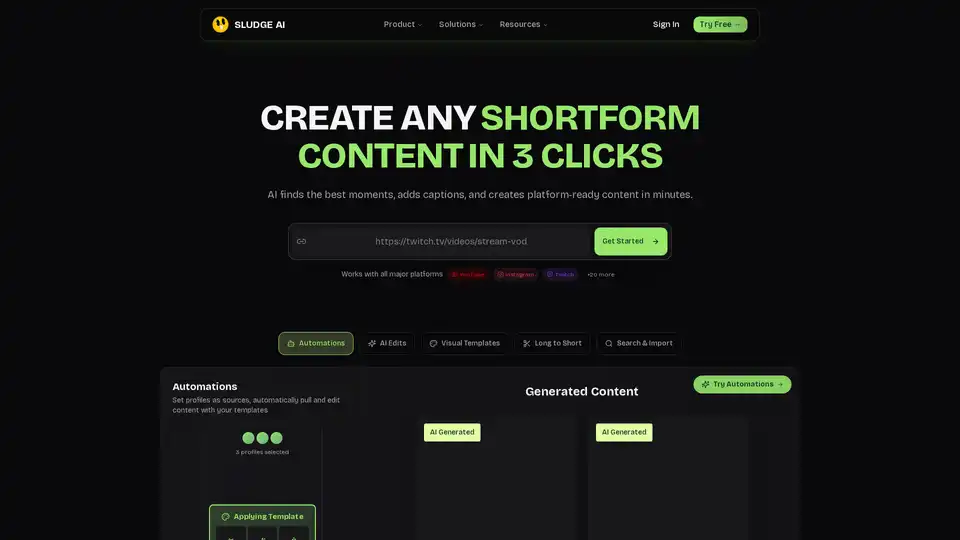
Sludge AI revolutionizes shortform content creation by turning raw videos into engaging, platform-ready clips in just 3 clicks. With AI edits, captions, and automations, it boosts views and growth for YouTube, Instagram, TikTok users.
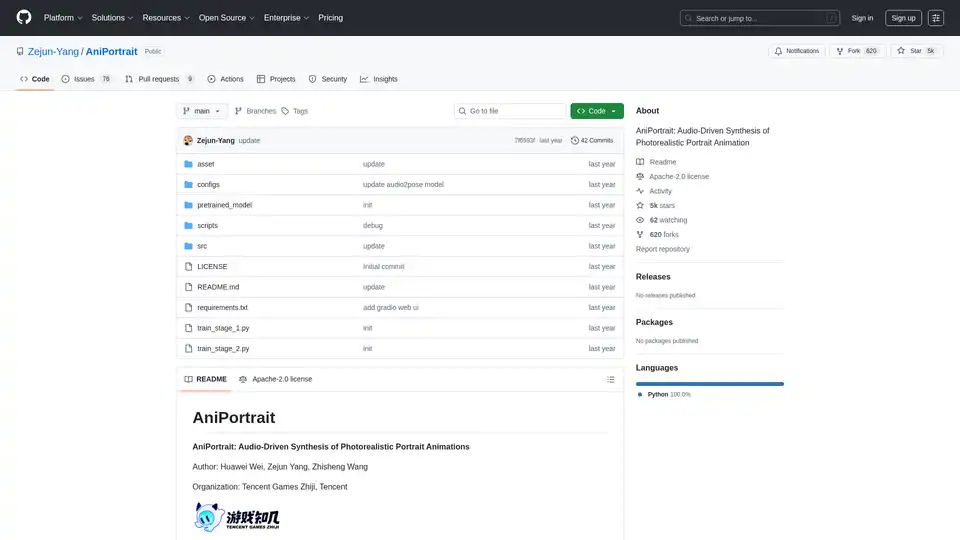
AniPortrait is an open-source AI framework for generating photorealistic portrait animations driven by audio or video inputs. It supports self-driven, face reenactment, and audio-driven modes for high-quality video synthesis.
Create your custom AI agent in minutes. Equip your agents with live business data and have them do work across 8,000+ apps — on command and while you sleep.