
Hatch
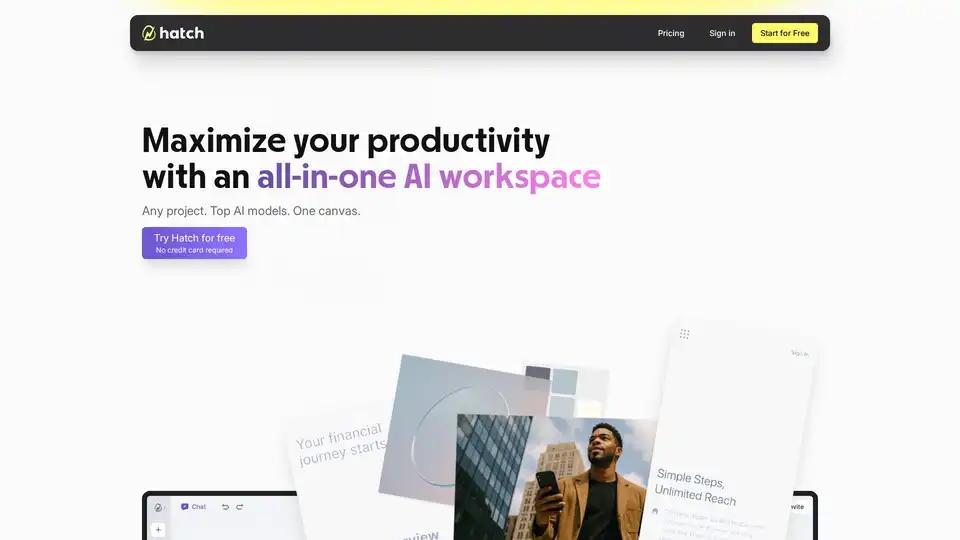
Overview of Hatch
What is Hatch?
Hatch is an innovative, all-in-one AI workspace designed to streamline ambitious projects by unifying top AI models into a single, visual canvas. This workspace eliminates the constant context-switching and productivity drag associated with juggling multiple tools like ChatGPT, Google Suite, and VS Code.
How does Hatch work?
Hatch operates by consolidating all the necessary elements for a project—documents, images, code, and data—into one accessible workspace. This integration allows the AI to understand the project holistically, enabling smarter, more efficient assistance. As users add more content, the AI learns and provides better support, enhancing the overall quality of work.
Key Features and Benefits
- Unified Workspace: Consolidates all project assets into one living workspace, ensuring everything is interconnected and easily accessible.
- AI-Powered Assistance: Leverages top AI models to provide context-aware support, adapting to the project's specific needs as it evolves.
- Increased Productivity: Reduces the need for constant tool switching, minimizing distractions and maintaining momentum.
- Seamless Collaboration: Facilitates real-time collaboration, making it easier for teams to build on ideas and ship projects faster.
Why choose Hatch?
- For Product Managers: Streamlines feature development by enabling rapid iteration from customer feedback to live mockups, accelerating stakeholder buy-in.
- For Consultants: Enhances proposal creation with real-time insights, compelling visuals, and tailored strategies, helping to close deals faster.
- For Developers: Speeds up prototyping with full-stack support, eliminating context switching and accelerating development cycles.
- For Strategists: Transforms data into persuasive plans with integrated visuals and storytelling, ensuring stakeholders are convinced and aligned.
- For Small Teams: Enhances collaboration, enabling teams to build on ideas and ship projects faster without losing momentum.
Hatch in Action: A Meditation App Example
Imagine building a meditation app based on modern psychology practices proven to reduce anxiety and increase contentment. With Hatch, you can seamlessly integrate research findings from AI tools, wireframes, design specs, and code, allowing the AI to understand and assist with every aspect of the project.
Who is Hatch for?
Hatch is designed for creators and builders who are not willing to accept limitations. It is the perfect tool for professionals who aim to maximize their potential and deliver impossible projects with efficiency and creativity. Whether you're a product manager, consultant, developer, strategist, or part of a small team, Hatch provides the workspace needed to bring your ideas to life quickly and effectively.
How to use Hatch?
- Start a Project: Begin by defining your project and gathering all relevant assets, such as documents, images, and code.
- Integrate AI: Utilize the integrated AI models to gain insights, generate content, and refine your project.
- Collaborate: Invite team members to collaborate in real-time, building on each other's ideas and driving the project forward.
- Iterate: Continuously refine your project based on feedback and AI-driven insights, ensuring it aligns with your goals and objectives.
Best way to leverage Hatch?
To make the most of Hatch, integrate as much project-related information as possible. The more the AI understands about your project, the better it can assist in generating ideas, solving problems, and streamlining workflows. Regularly update the workspace with new findings and iterations to keep the AI contextually aware and helpful.
Hatch aims to be your go-to AI workspace, where impossible projects become not only possible but achievable within a fraction of the time. By unifying AI assistance and project assets, Hatch empowers users to surge beyond the limits of traditional tools and workflows.
Best Alternative Tools to "Hatch"
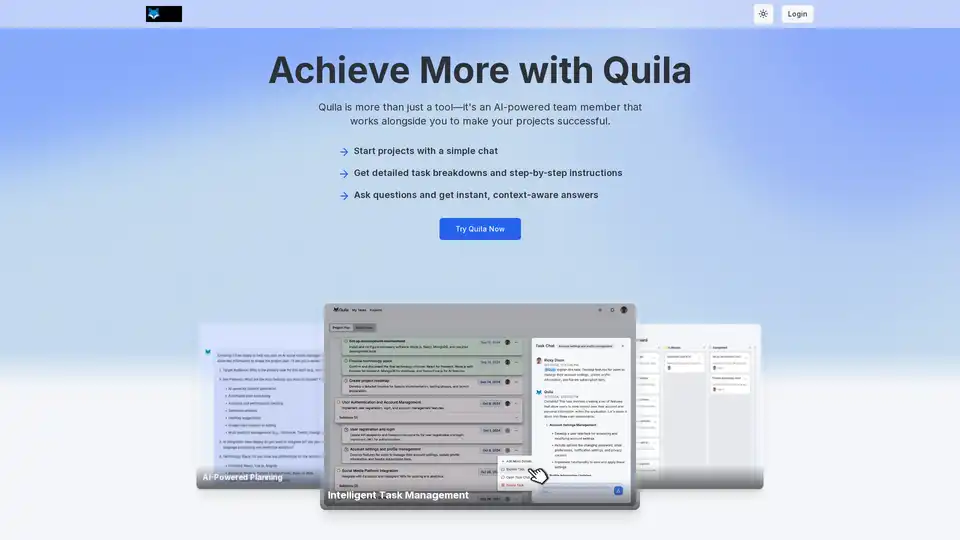
Quila is an AI-powered project manager that helps teams plan projects, manage tasks, and collaborate effectively. Get AI assistance in team chats and streamline workflows with templates.
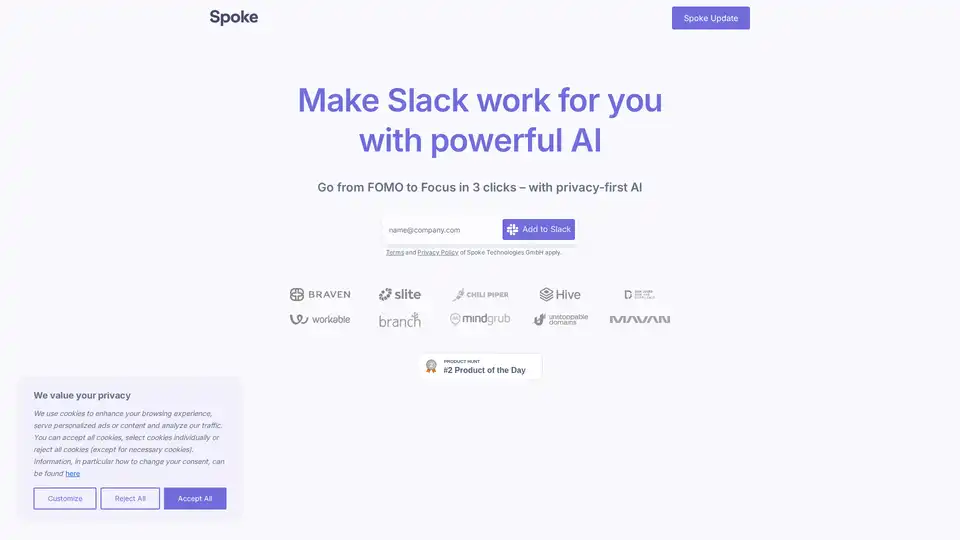
Let’s face it, Slack is noisy. Spoke.ai helps you summarize long Slack discussions automatically, so you can save time and keep everyone in the loop. Start summarizing Slack today.
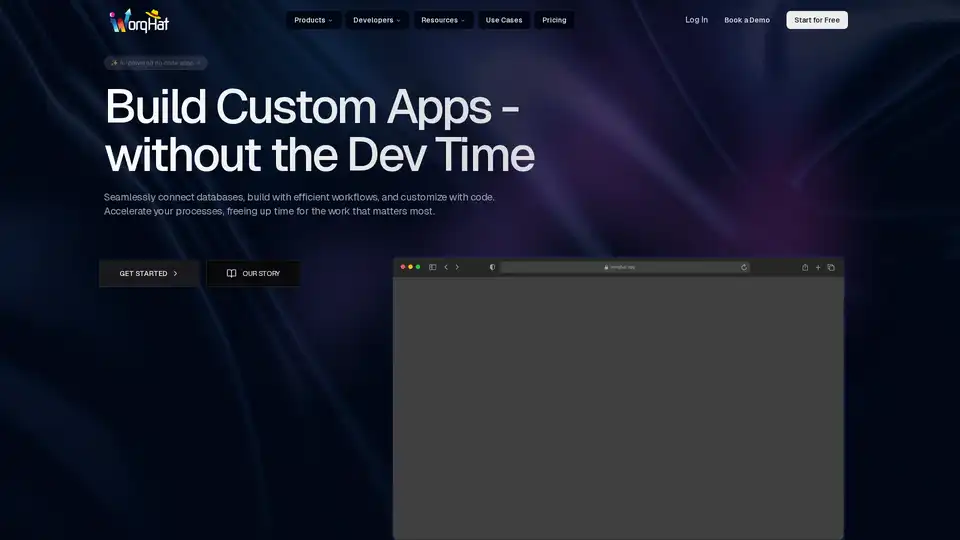
WorqHat is a no-code platform that allows users to build and deploy custom AI-powered applications. It features a drag-and-drop interface, workflow automation, scalable data management, and AI-driven insights.
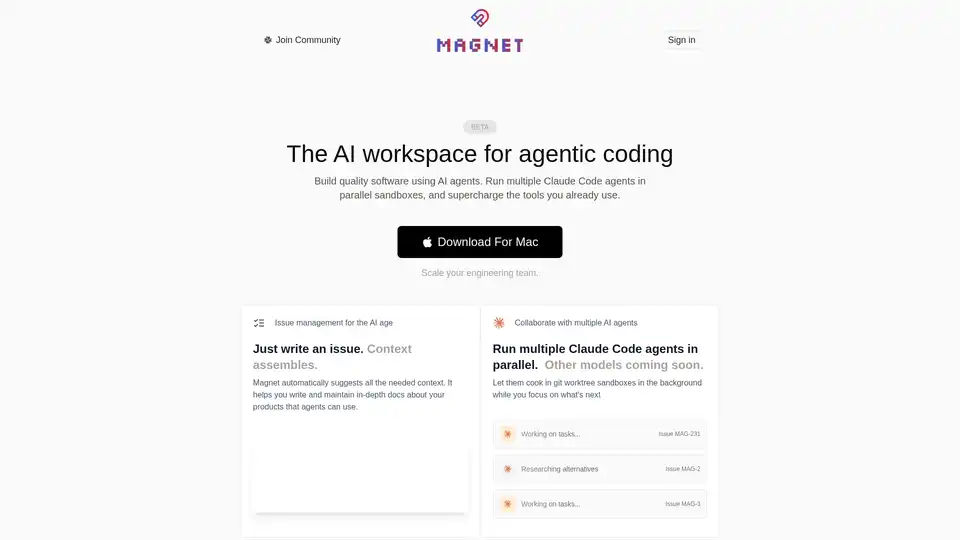
Magnet is an AI-native workspace that revolutionizes software building with Claude Code agents. Run multiple agents in parallel sandboxes, automate issue management, and scale engineering teams efficiently.
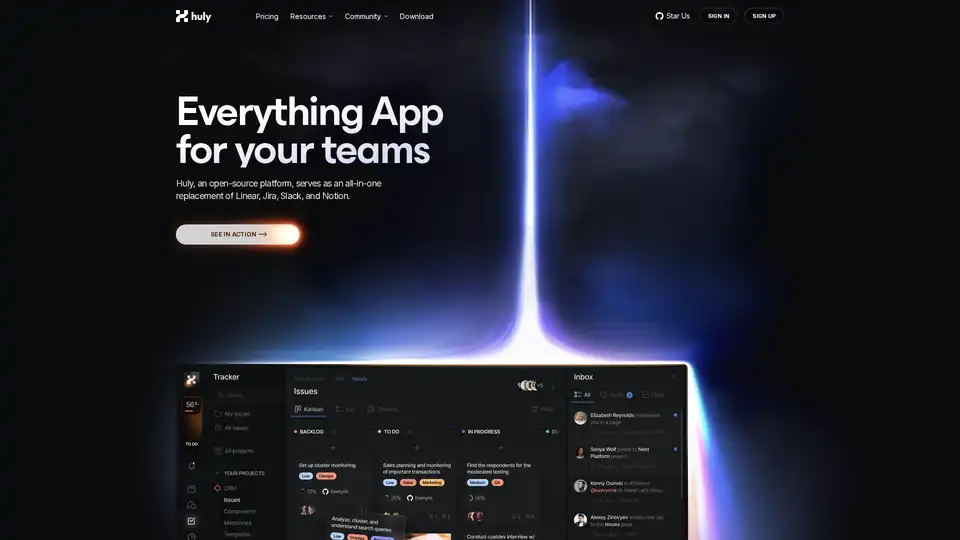
Huly is an open-source platform that replaces Linear, Jira, Slack, and Notion with all-in-one tools for project management, team chat, virtual offices, and AI-powered knowledge bases to boost team productivity.
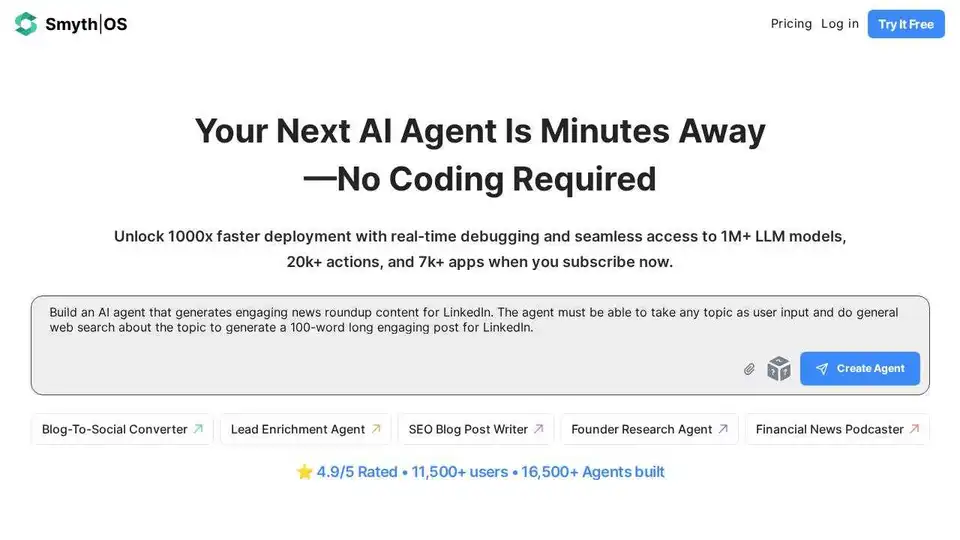
SmythOS is an open-source OS for the AI era, enabling fast, reliable, and auditable deployment of complex AI agent workflows. Build, debug, and deploy AI agents with ease.
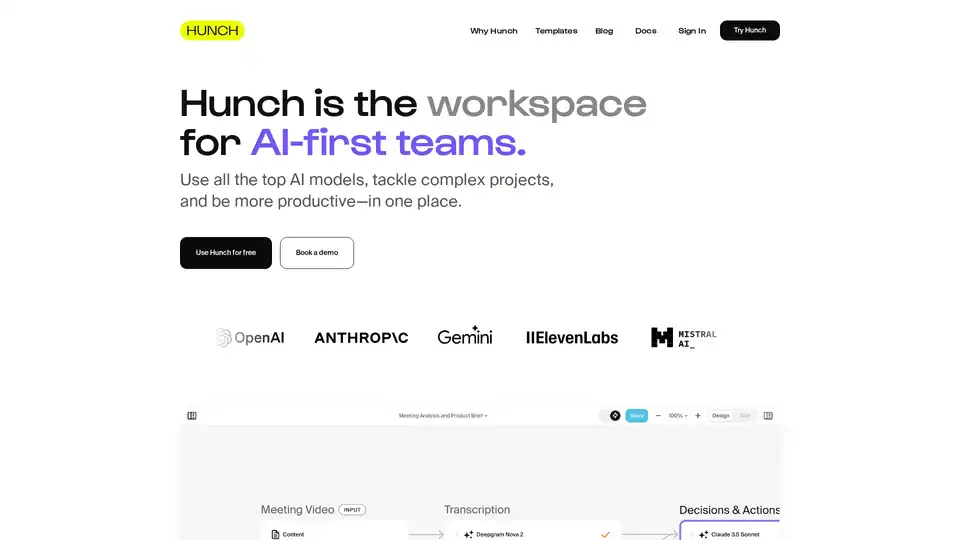
Hunch is an AI-first workspace that empowers teams to use top AI models, manage complex projects, and boost productivity. Features include templates, batch processing, web scraping, and code execution.
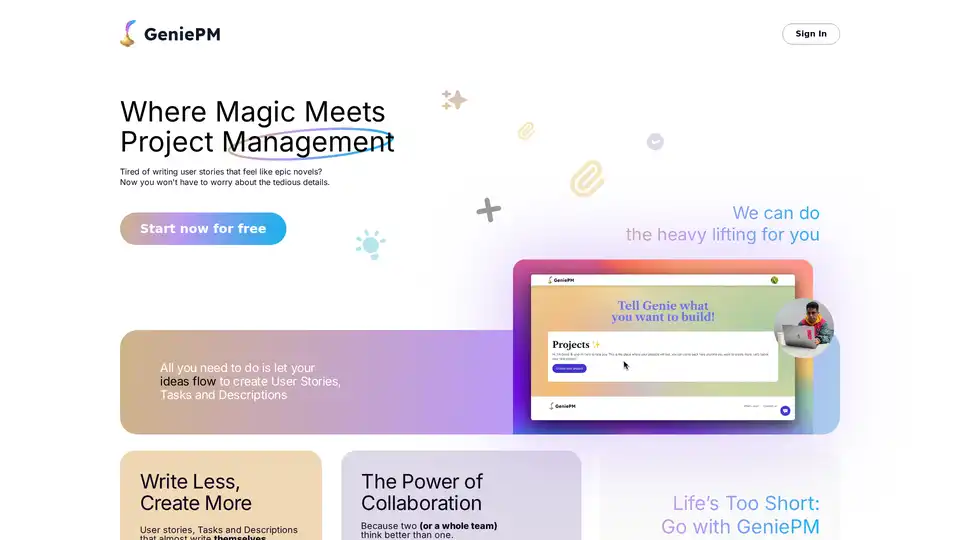
GeniePM is an AI-powered project management platform that automates user story creation, task management, and bug tracking. Designed for agile teams and startups, it streamlines workflows and enhances collaboration.
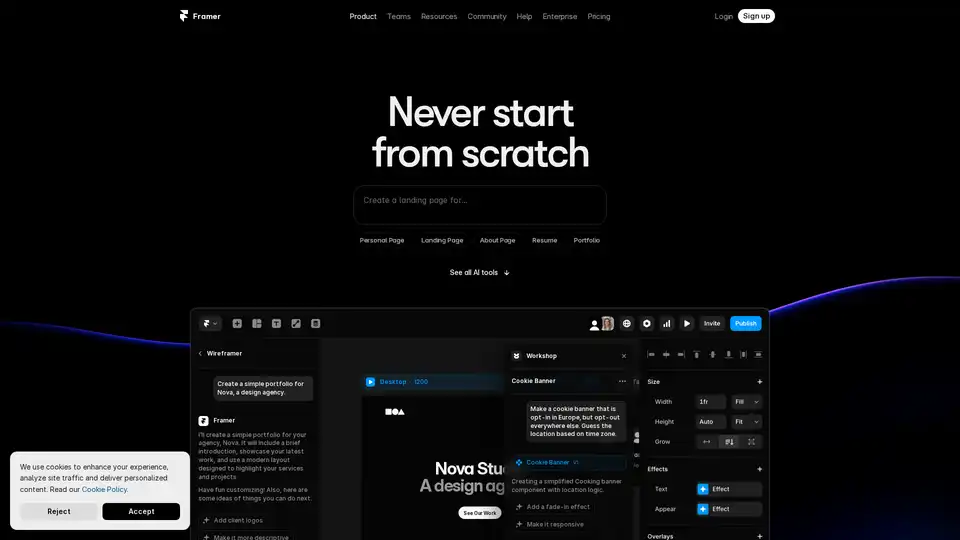
Framer revolutionizes web design with AI tools like Wireframer for instant page generation, Workshop for no-code components, and AI Translate for seamless localization. Build responsive sites effortlessly without starting from scratch.
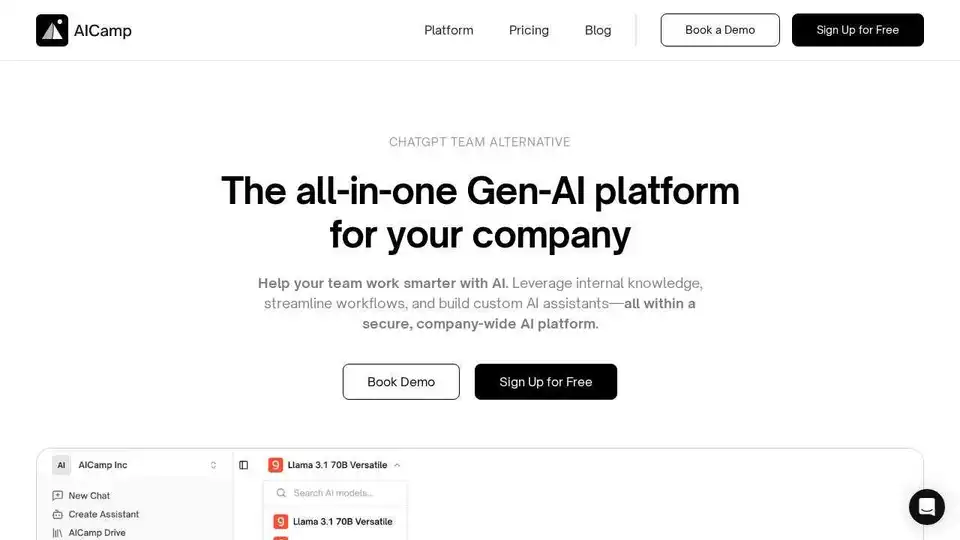
AICamp is a collaborative AI platform that enables teams to work with multiple AI models, build custom assistants, and access company knowledge in one secure workspace.
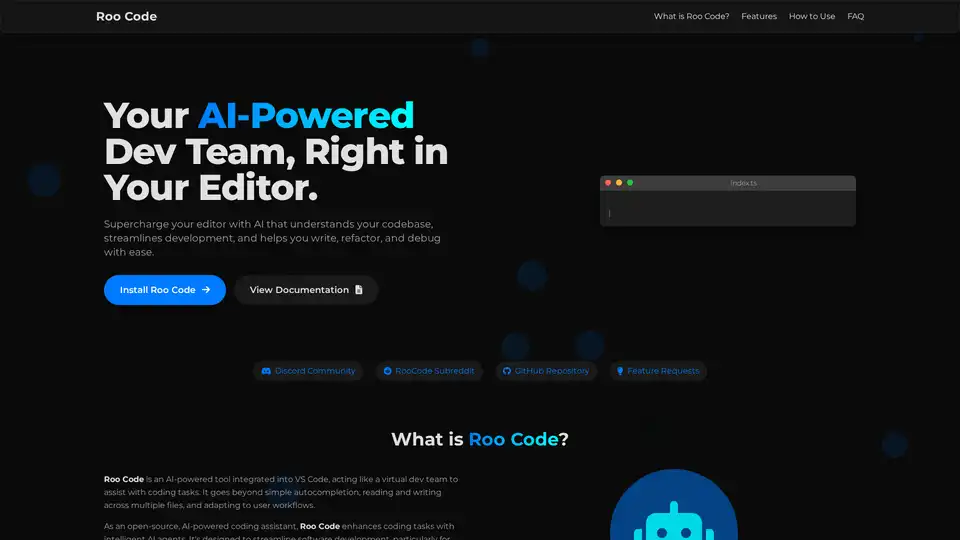
Roo Code is an open-source AI-powered coding assistant for VS Code, featuring AI agents for multi-file editing, debugging, and architecture. It supports various models, ensures privacy, and customizes to your workflow for efficient development.
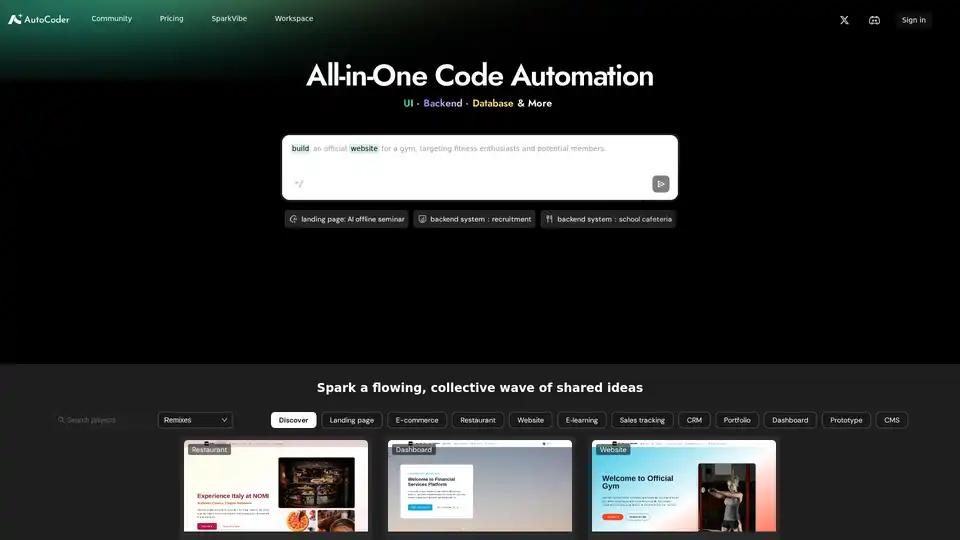
The easiest AI coding tool. Just chat to build professional web apps—complete with design, functionality, and data storage. No tech skills needed!
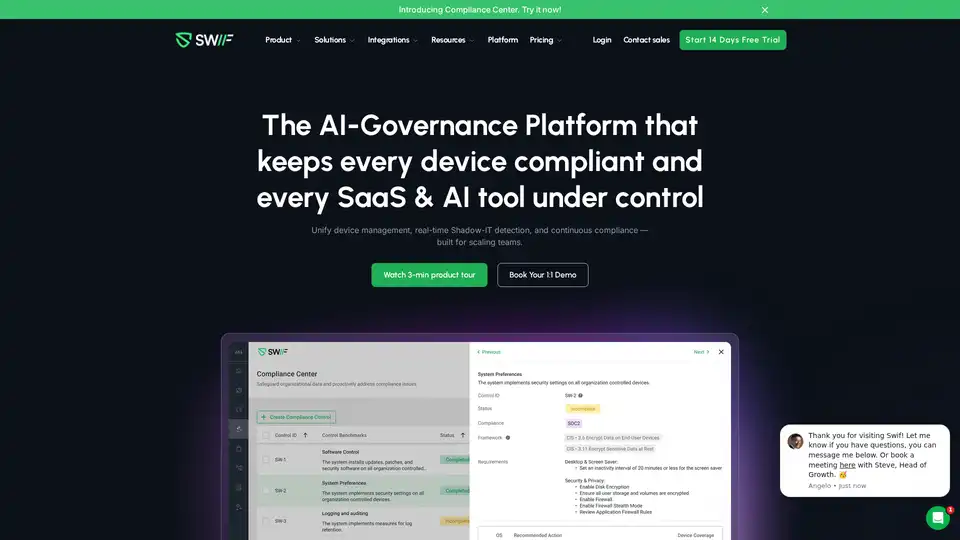
Swif.ai is an AI-powered device security platform offering comprehensive Shadow IT coverage, compliance automation, and multi-OS management for complete IT control and governance.
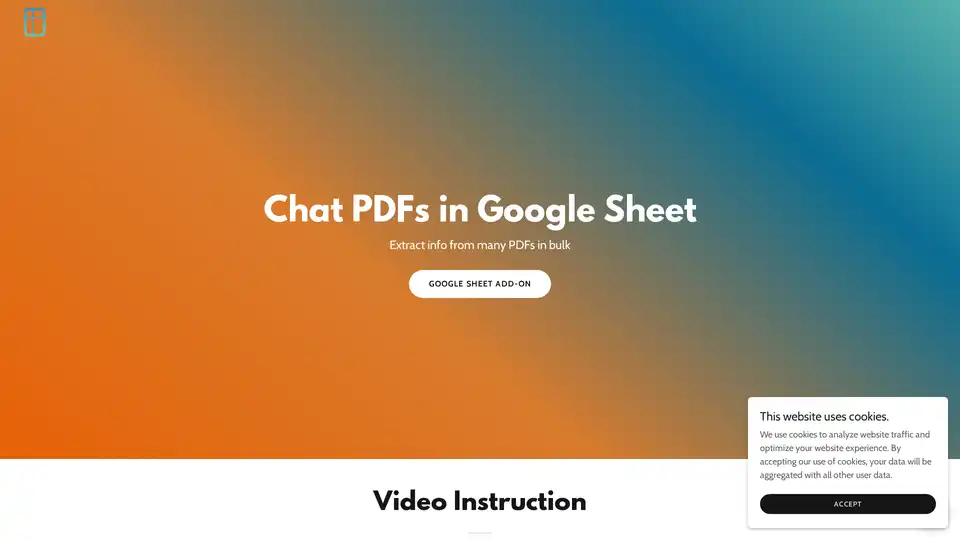
PDF AI Sheet is a powerful Google Sheets add-on for chatting with PDFs and extracting bulk information. Upload files, generate IDs, and use simple formulas to query multiple documents efficiently with AI.