
Liner.ai
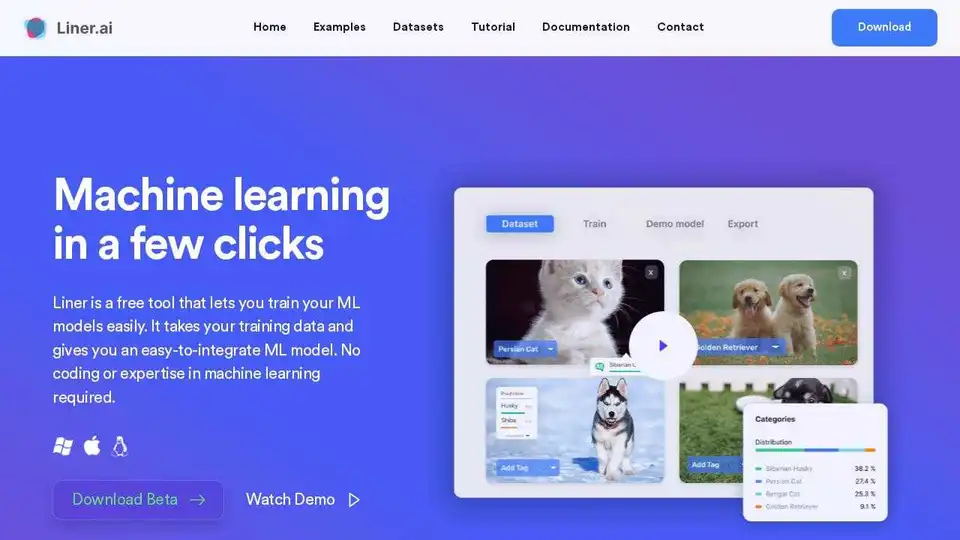
Overview of Liner.ai
What is Liner.ai?
Liner.ai is a revolutionary tool designed to democratize machine learning by eliminating the need for coding or specialized expertise. It allows users to build, train, and deploy machine learning models with just a few clicks, making advanced AI technology accessible to everyone.
Key Features of Liner.ai
- No Coding Required: Liner.ai simplifies the machine learning process, enabling users to create models without writing a single line of code.
- Easy Integration: The tool provides models that can be easily integrated into various applications.
- Multiple Data Types: Supports image classification, text classification, audio classification, video classification, object detection, image segmentation, and pose classification.
- Local Training: All training happens locally on your computer, ensuring data privacy and security.
- Cross-Platform Support: Models can be exported to various platforms and are optimized for use on mobile and edge devices.
How Does Liner.ai Work?
Liner.ai streamlines the machine learning workflow into three simple steps:
- Import Your Data: Users can import their own data or use pre-labeled datasets available within the tool.
- Start Training: With a single button press, Liner.ai automatically selects an appropriate model and begins training.
- Deploy Your Model: Once trained, models can be exported to different platforms and integrated into applications seamlessly.
Why Choose Liner.ai?
- Speed and Accuracy: Liner.ai uses state-of-the-art models that are both accurate and fast to train, often completing the process in minutes.
- No GPU Required: The models are optimized to train efficiently on CPUs, making it accessible to users without high-end hardware.
- Data Privacy: All training occurs locally on the user's computer, ensuring that sensitive data never leaves the device.
- Community Support: Users can request new features and receive support from the Liner.ai community.
Who is Liner.ai For?
Liner.ai is ideal for:
- Developers who want to quickly prototype and deploy machine learning models without extensive coding.
- Businesses looking to integrate AI capabilities into their applications without hiring specialized data scientists.
- Researchers and Students who need a straightforward tool for experimenting with machine learning models.
- Entrepreneurs who want to leverage AI technology to enhance their products or services.
Best Way to Get Started with Machine Learning
Liner.ai provides an intuitive interface and comprehensive documentation to help users get started with machine learning. Whether you are a beginner or an experienced professional, Liner.ai offers the tools and resources needed to bring your AI projects to life.
Examples and Use Cases
Liner.ai can be used to build a wide range of applications, including:
- Image Recognition Apps: Classify images into various categories.
- Text Analysis Tools: Categorize text data for sentiment analysis or topic classification.
- Audio Processing Applications: Identify and classify different sounds.
- Video Analysis Systems: Classify video clips based on content.
- Object Detection Solutions: Detect and locate objects within images.
- Pose Estimation Tools: Classify human poses for fitness or healthcare applications.
Download and Availability
Liner.ai is available for both Windows and Mac operating systems. It is completely free to use, making it an accessible option for anyone interested in exploring the potential of machine learning.
Conclusion
Liner.ai is a powerful and user-friendly tool that bridges the gap between complex machine learning technologies and everyday users. By providing a no-code solution, it empowers individuals and businesses to harness the power of AI without the need for specialized knowledge or resources.
Best Alternative Tools to "Liner.ai"
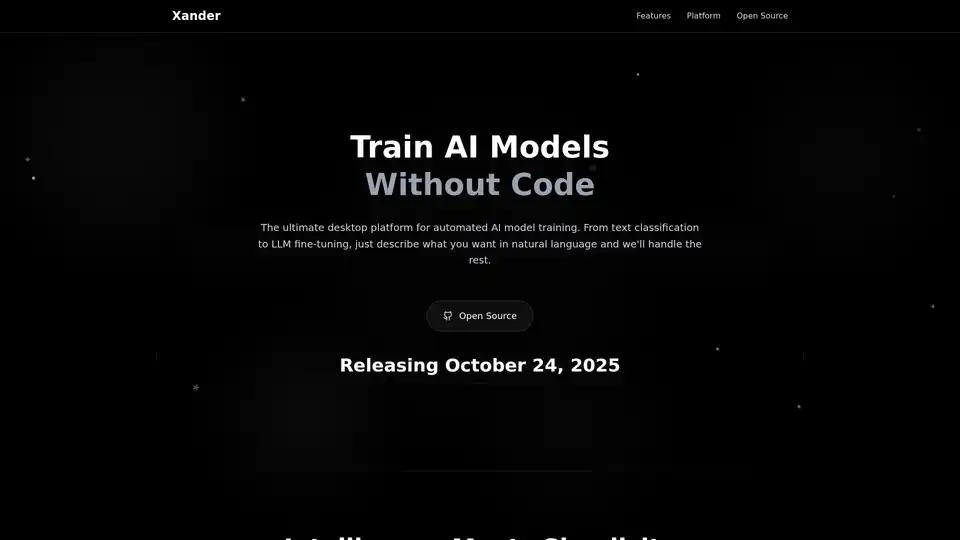
Xander is an open-source desktop platform that enables no-code AI model training. Describe tasks in natural language for automated pipelines in text classification, image analysis, and LLM fine-tuning, ensuring privacy and performance on your local machine.

Ultralytics HUB empowers users to create, train, and deploy AI models with a no-code platform. Train vision AI models using Ultralytics YOLO for object detection and image segmentation.
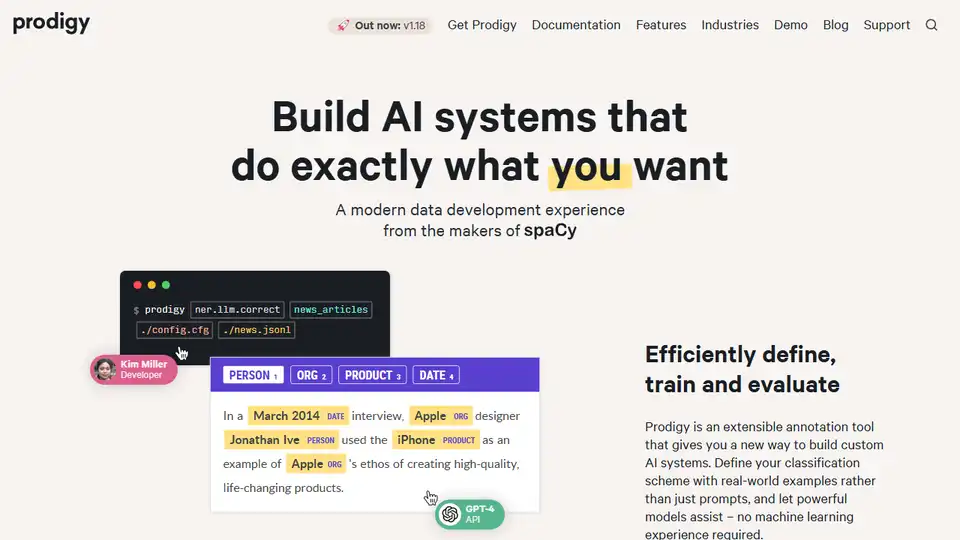
Prodigy is an extensible annotation tool for AI, Machine Learning, and NLP tasks. It allows users to build custom AI systems by defining classification schemes with real-world examples and leveraging powerful models without requiring machine learning experience.
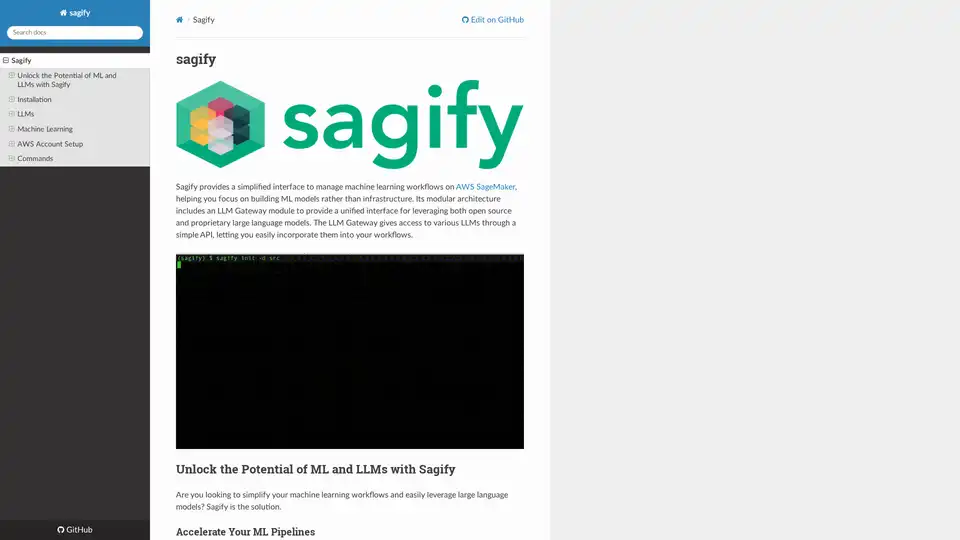
Sagify is an open-source Python tool that streamlines machine learning pipelines on AWS SageMaker, offering a unified LLM Gateway for seamless integration of proprietary and open-source large language models to boost productivity.