
UPDF
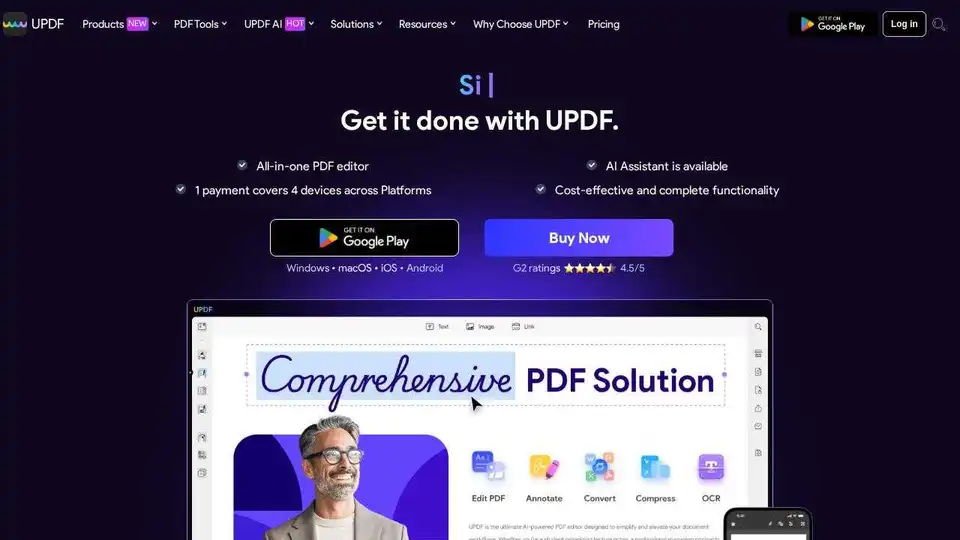
Overview of UPDF
UPDF: The Next-Level AI-Powered PDF Editor
What is UPDF? UPDF is an all-in-one PDF solution designed for desktop and mobile, integrating AI to enhance PDF editing, annotation, conversion, and more. It is an AI-integrated PDF Editor, Converter, Annotator, and Reader.
How does UPDF work? UPDF leverages AI, including GPT-5 and DeepSeek(RI), to provide features such as AI chat with PDFs, summarization, translation, and PDF to mind map conversion. It allows users to edit text, images, and links directly in PDFs, similar to a Word document. It also provides tools to reorder, delete, insert, extract, split, and rotate pages.
Key Features and Benefits:
- AI Assistant: Interact with PDFs and images using AI chat for instant answers, summaries, and translations.
- PDF to Mind Map: Transform PDFs into mind maps for better organization and comprehension.
- DeepThink: Utilizes the DeepSeek(RI) model for deep, meaningful results tailored to user requirements.
- Cross-Platform Support: Available on Windows, Mac, iOS, Android, and the web.
- Comprehensive Editing: Edit text, images, and links directly in PDFs.
- Page Organization: Reorder, delete, insert, extract, split, and rotate pages easily.
- Annotation Tools: Add highlights, shapes, stickers, and eSignatures.
- Conversion: Convert PDFs to various formats.
Why Choose UPDF?
- Cost-Effective: Priced significantly lower than Adobe Acrobat.
- Fast Performance: Quick launch, open, zoom, and scroll.
- Security: Secure cloud storage and data transmission with SSL/TLS encryption.
- Offline Access: All PDF tools are available for offline use.
- Frequent Updates: Regular updates improve performance and introduce new features.
- Multi-Language Support: Supports 12 languages including English, French, German, Italian, Spanish, Portuguese, Russian, Chinese, Japanese, Dutch, and Korean.
How to use UPDF?
- Download and Install: Download UPDF for your preferred platform (Windows, Mac, iOS, or Android).
- Open a PDF: Open the PDF file you want to work with.
- Use AI Features: Use the AI Assistant to chat with the PDF, summarize, or translate.
- Edit and Annotate: Use the editing tools to modify text, images, and links. Use the annotation tools to add highlights, shapes, and eSignatures.
- Organize Pages: Reorder, delete, insert, extract, split, and rotate pages as needed.
- Convert: Convert the PDF to other formats if required.
- Save and Share: Save your changes and share the PDF.
User Reviews:
- ricbozz: "UPDF is a game-changer for PDF usage."
- appleinsider: "UPDF is an Adobe alternative with an AI twist for reading, annotating, searching, and editing PDFs on Mac."
- Candycrowner: "An Essential Tool for Anyone Working with PDFs!"
- CK K.: "Budget-wise, it is cheaper than Adobe Acrobat or PDF Expert."
- Pavan Patel: "UPDF sets the benchmark for PDF editors."
Pricing and Plans:
UPDF offers different pricing plans for individuals, enterprises, and education.
- Individual: UPDF Pro, AI Assistant, UPDF Sign
- Enterprise: Customized solutions for businesses
- Education: Discounted rates for students and educators
Where can I use UPDF?
UPDF is versatile and can be used in various industries and contexts:
- Banking: Securely manage and process financial documents.
- Healthcare: Handle sensitive patient information with secure PDF tools.
- Education: Facilitate learning and document management for students and educators.
- Insurance: Streamline insurance processes with efficient PDF editing and signing.
- Legal: Manage legal documents securely and efficiently.
- Manufacturing: Organize and access technical documents and manuals.
Security and Privacy:
UPDF prioritizes user security with features like:
- Secure cloud storage in US and European data centers.
- SSL/TLS-based HTTPS encryption for secure file transfer.
- Compliance with user agreements for AI usage.
- Offline PDF tools to protect sensitive information from online threats.
UPDF provides a comprehensive suite of tools to manage, edit, and enhance PDF documents with the power of AI, making it an essential tool for anyone working with PDFs.
Best Alternative Tools to "UPDF"
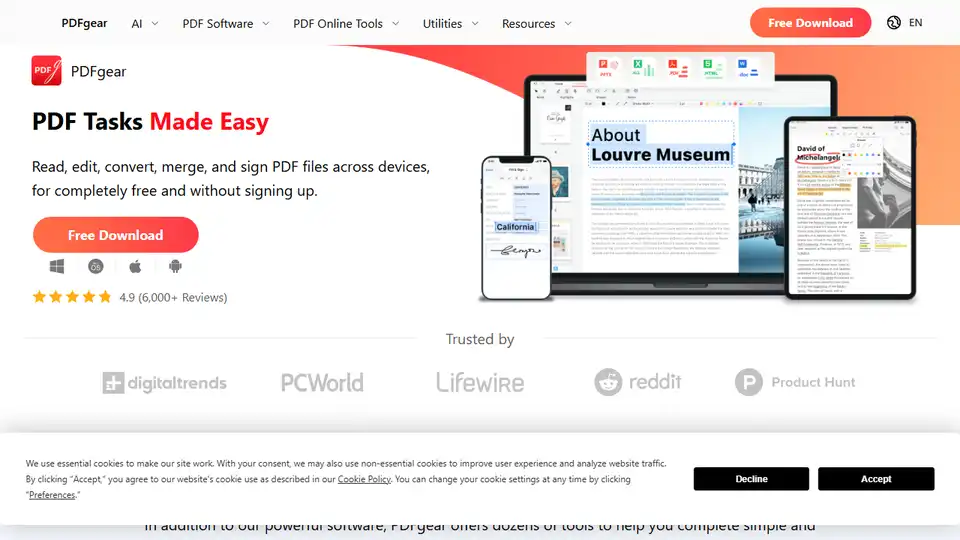
PDFgear is a free AI-powered PDF editor offering a range of online and offline tools. Edit, convert, merge, split, sign PDFs and more across devices without signing up. Features include AI chat, OCR, and versatile conversion options.
LightPDF is an AI-powered free online PDF editor, converter & reader. Edit, convert, OCR, sign, annotate, chat with PDFs easily.
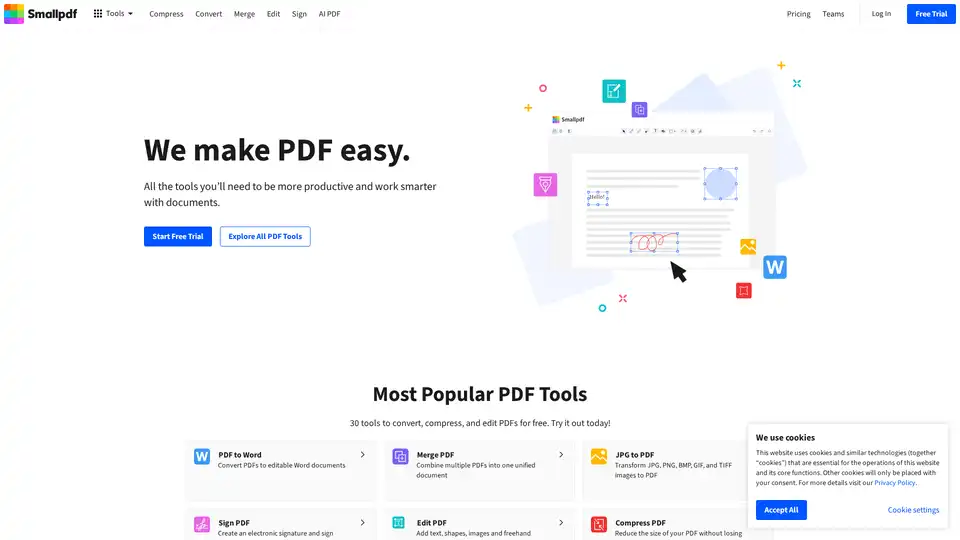
Smallpdf offers a comprehensive suite of tools to convert, compress, edit, and sign PDF files for free. Simplify your document workflows with Smallpdf’s user-friendly platform.
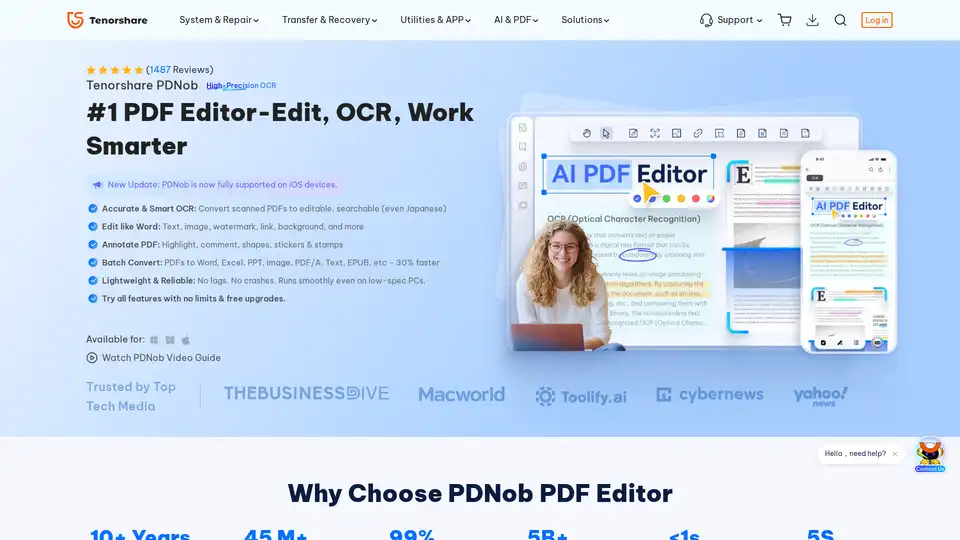
PDNob PDF Editor is a desktop application for Windows and Mac that allows you to edit, OCR, and manage PDF documents. It offers features such as AI summarization, PDF conversion, and annotation tools.
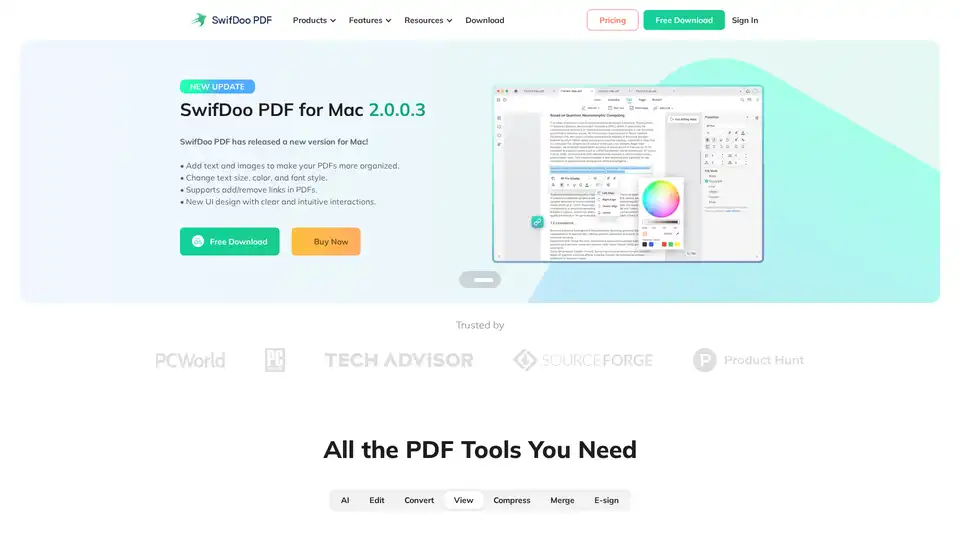
SwifDoo PDF is an AI-powered, all-in-one PDF solution for editing, converting, viewing, compressing, merging, and e-signing PDF documents across multiple platforms. It offers efficient AI features for summarizing, translating, and proofreading PDFs.
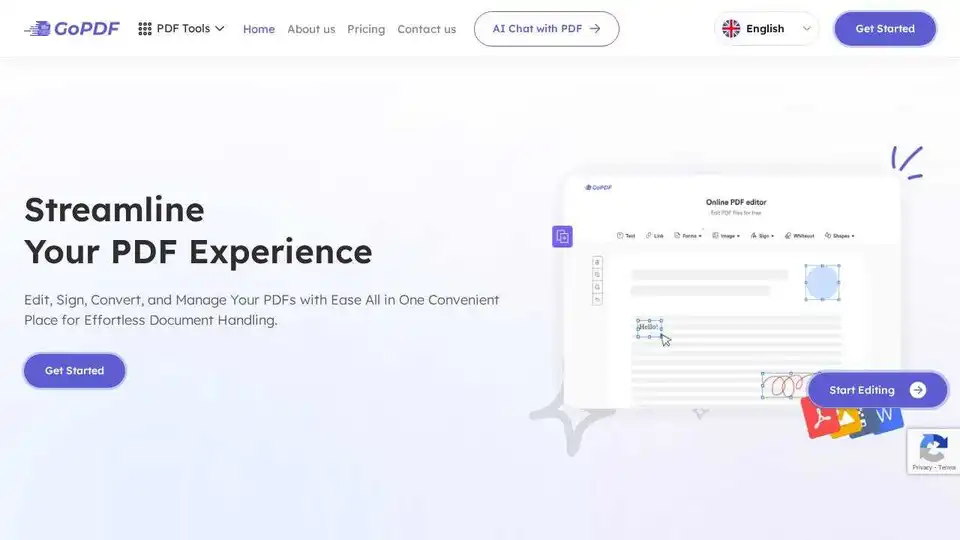
GoPDF is a free online PDF editor with AI-powered tools to edit, convert, sign, merge, and manage PDFs effortlessly. Convert PDF to JPG or Word and streamline your document handling.
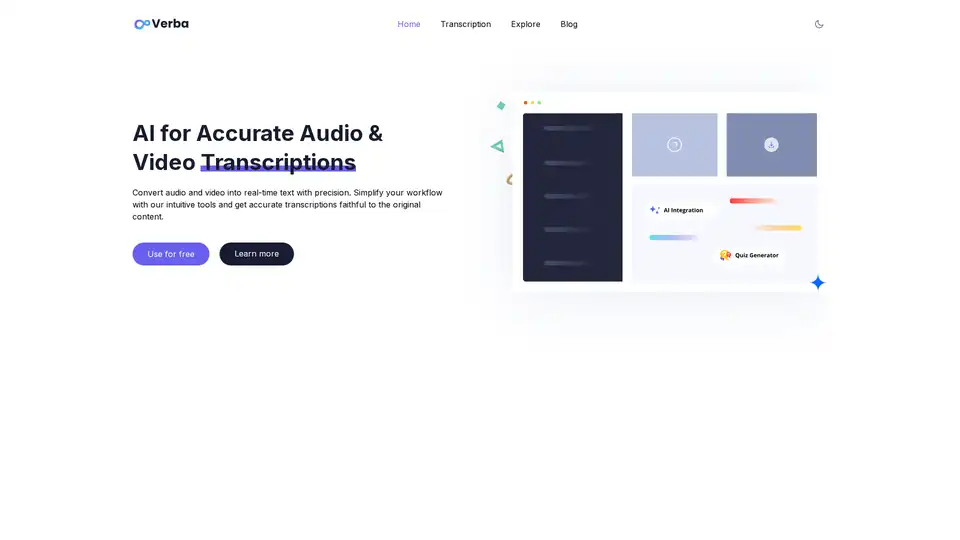
Convert audio to text instantly with Verba AI. Free AI transcription, automatic summaries, and user-friendly AI tools. Generate interactive quizzes from transcriptions.

HiPDF is a free online PDF tool that lets you edit, convert, merge, compress, and sign PDF files. It also provides AI-powered features to chat, summarize, translate, and read PDFs smarter and faster.
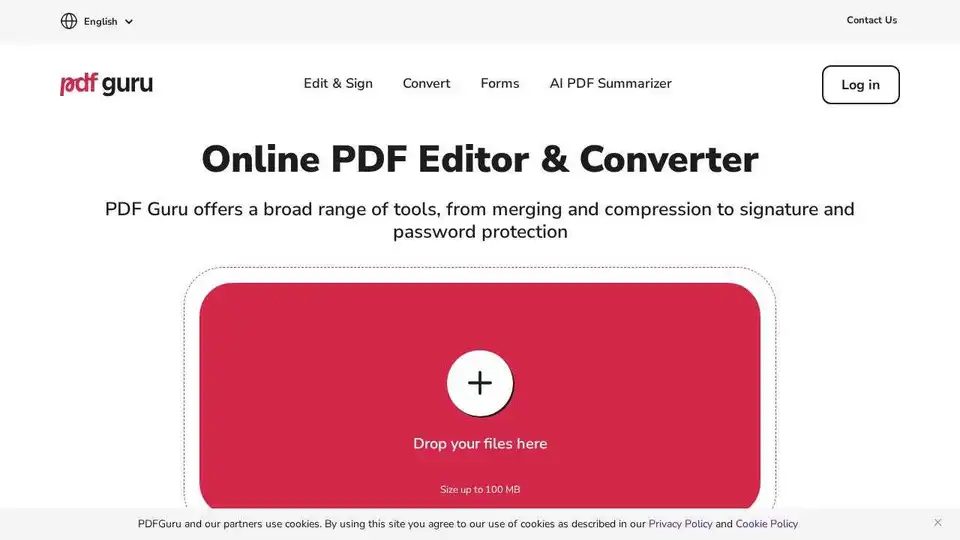
PDF Guru: Powerful online PDF editor with tools for editing, converting, signing, and summarizing PDFs. Easy to use, no installs needed.
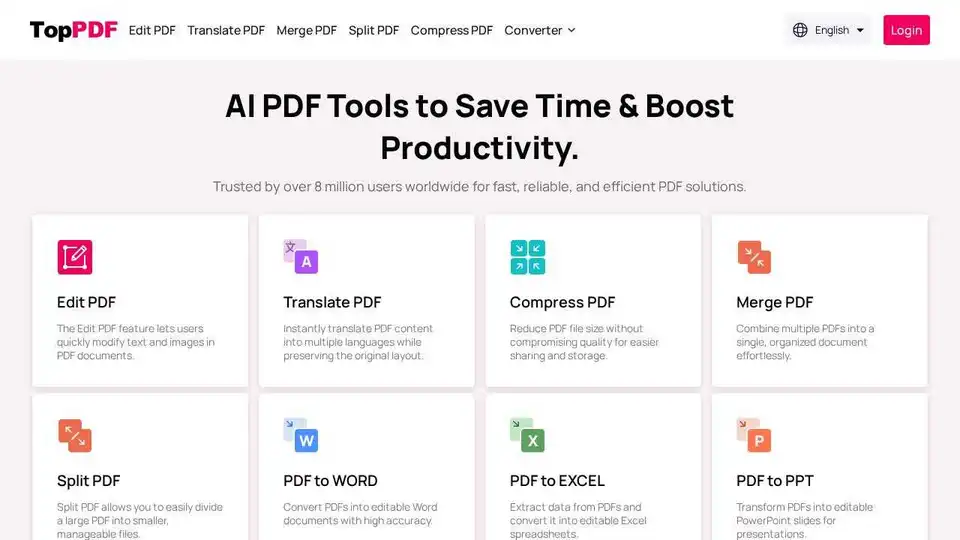
TopPDF offers AI-powered PDF editing, conversion, translation, and compression tools. Trusted by millions, it simplifies PDF workflows and boosts productivity. Convert, edit, translate PDFs online now!
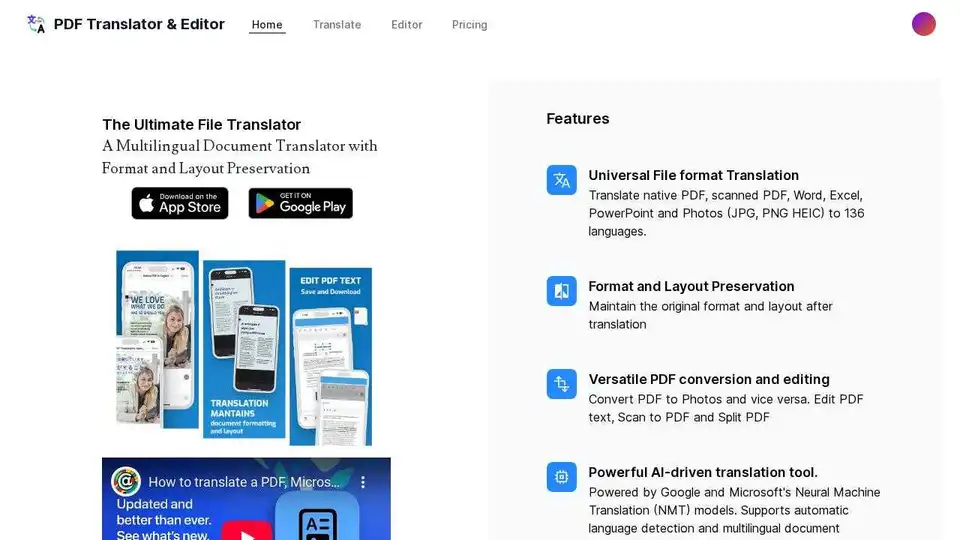
Translate PDFs, PPTX, photos, Excel and Word documents with AI using PDF Translator & Editor. Universal file format translation with layout preservation to 136 languages.
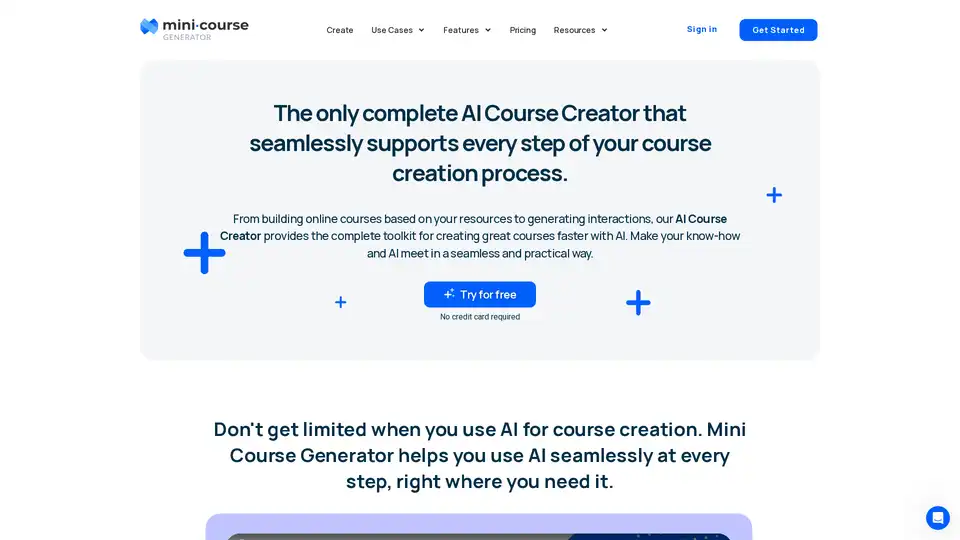
The complete AI Course Creator that converts PDFs into structured courses while supporting you at every step of your course creation process.
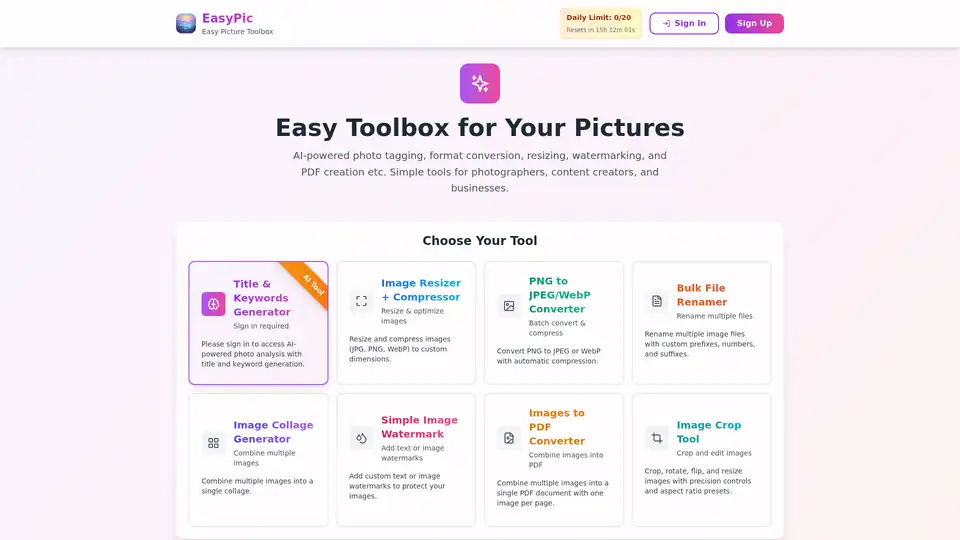
EasyPic is an AI-powered photo toolbox for generating titles and keywords, resizing, converting formats, adding watermarks, creating PDFs, and more. Ideal for photographers, content creators, and businesses.
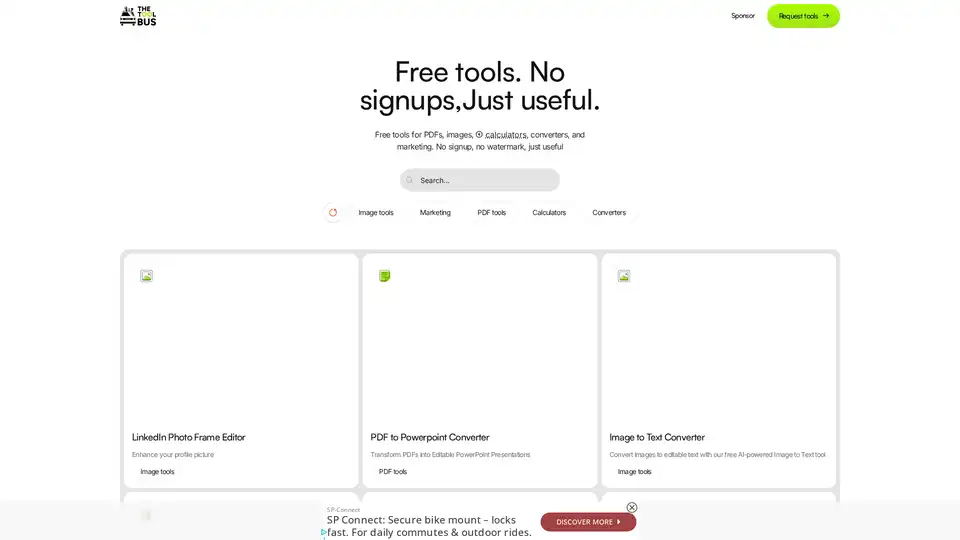
Discover TheToolBus.ai: Free online tools for PDFs, images, calculators, converters, and marketing. AI-powered features like image to text and background removal. No signup, fast, and efficient for everyday tasks.